Browser Screening Page for Free Tunnels
When you open a free Pinggy tunnel URL (a *.run.pinggy-free.link address) in a web browser, Pinggy shows a one-time screening page before the site loads.
Note that for Pro tunnels, no screening page is shown.
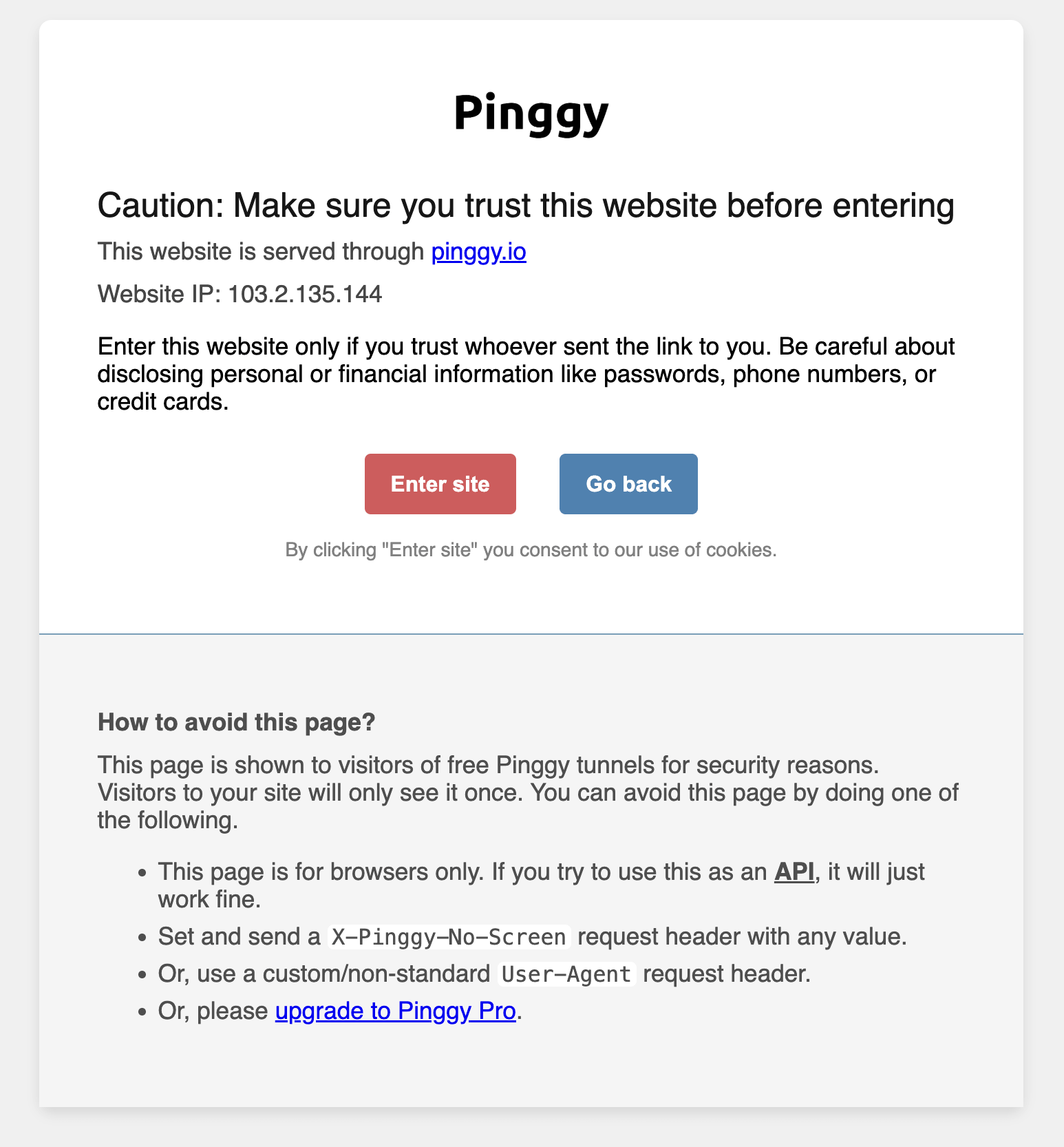
The page tells the visitor the site is served through a Pinggy tunnel and asks them to confirm before continuing. It is shown for security reasons, so anyone who follows a shared link knows the traffic is proxied and can decide whether to trust it. A visitor sees it only once per browser.
It only affects browsers
The screening page is served only to browsers. Requests from curl, wget, HTTP client libraries, webhook senders, and other non-browser tools are never screened - they reach your local service directly. If you are using a free tunnel for an API, a webhook receiver, or any programmatic client, there is nothing to do:
# Reaches your service directly, no screening page
curl https://abcd-12-34-56-78.run.pinggy-free.link/api/health
Bypassing it for browser-like clients
If your client does send a browser User-Agent but you still want to skip the page, use either of these.
Set the X-Pinggy-No-Screen request header to any value:
curl -H "X-Pinggy-No-Screen: 1" https://abcd-12-34-56-78.run.pinggy-free.link/
Use a custom User-Agent
Any custom or non-standard User-Agent skips the screening page:
curl -A "my-app/1.0" https://abcd-12-34-56-78.run.pinggy-free.link/
Removing it entirely
The screening page applies to free tunnels only. Pinggy Pro tunnels serve your site without it.