Pinggy

Blog posts tagged “Pinggy”


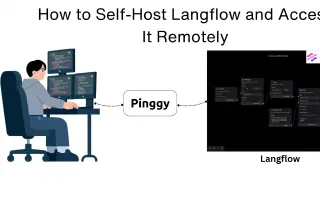
How to Self-Host Langflow and Access It Remotely

Langflow AI Agents Self-Hosted

Learn how to install and self-host Langflow locally using pip, uv, or Docker, and make it remotely accessible from anywhere using Pinggy. Build and deploy custom AI agents without cloud lock-in.

Completely Automate Penetration Testing with AI

Penetration Testing AI Security Cybersecurity

Learn how to fully automate penetration testing with Shannon, an AI-powered autonomous pentester that discovers real exploits in web applications. Step-by-step setup guide with Pinggy integration for testing local apps.

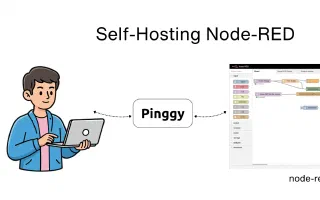
Self-Hosting Node-RED

Node-Red Self-Hosted Automation

Complete guide to self-hosting Node-RED, the powerful flow-based programming tool for IoT and automation. Install locally and access from anywhere using Pinggy tunnels.

Build Your Own Face Swap App Using Google Colab and Pinggy

Face Swap Google Colab Pinggy

Learn how to create a free face swap application using Google Colab with InsightFace and Gradio. Complete step-by-step guide to build and share your AI-powered face swapping tool publicly.

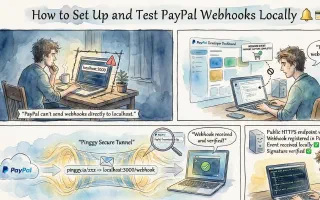
How to Set Up and Test PayPal Webhook Locally

Paypal Webhook API

Learn how to set up and test PayPal webhooks locally using Pinggy. Step-by-step guide for creating a webhook listener, configuring PayPal sandbox, and testing webhook events.

Self-Hosting Text-to-Speech AI for Free on Google Colab

Google Colab Text to Speech Kokoro TTS

Learn how to build and host a complete text-to-speech AI application on Google Colab with free GPU access. Use Kokoro TTS for high-quality voice synthesis and Pinggy for public access - no server costs required.

How to Host Your AI App on Google Colab for Free

Google Colab Ollama Pinggy

Learn how to build and host a complete AI-powered Flask application on Google Colab with free GPU access. Use Ollama for LLM inference and Pinggy for public access - no server costs required.