Pinggy

Blog posts tagged “Pinggy”


How to Turn ChatGPT Into a Free Local Coding Agent With DevSpace

Chatgpt MCP AI Coding Tools

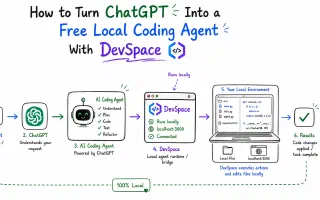
DevSpace is an open-source MCP server that gives ChatGPT direct access to your local files, terminal, and git repos - turning ordinary ChatGPT chats into a Codex-style coding agent without paying for a separate agent product. Full setup guide with Pinggy.
Self hosting a 744B param LLM with only 25 GB RAM

GLM-5.2 Local LLM Mixture of Experts

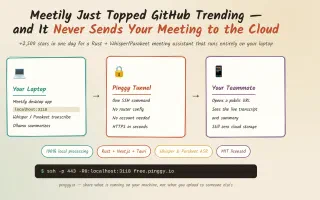
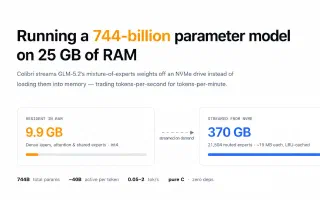
A single-file C engine called Colibrì streams GLM-5.2's 744B mixture-of-experts weights off an NVMe drive to run the full model on 25 GB of RAM at 0.05-2 tokens/second. Here's how it works, what Hacker News made of it, and how to check on a queued run from your phone with Pinggy.

Catch Signup Fraud in Local Dev, Before It Ships

OTP Authentication Webhook Testing

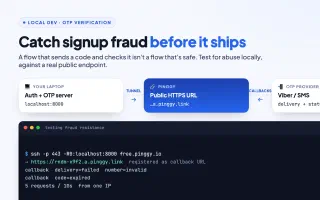
A working OTP flow proves your app sends and checks a code. It doesn't prove your signup holds up against bots. Here's how to test auth for fraud resistance locally with a Pinggy tunnel.

Self-Host Free Voice AI with VoxCPM2 and Pinggy

VoxCPM2 TTS Voice Cloning

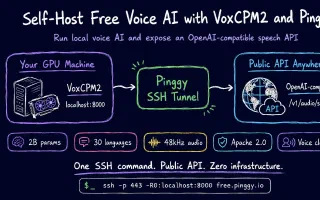
VoxCPM2 is a 2B-parameter open-source TTS model with voice cloning, voice design from a text description, and a drop-in OpenAI-compatible API. Here's how to run it on your local GPU and expose it publicly with Pinggy.

Self-Host Chatwoot and Expose It with Pinggy

Self-Hosted Docker Pinggy

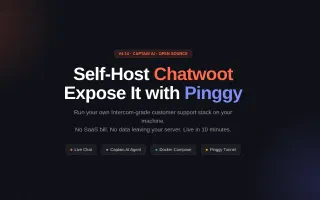
Chatwoot v4.14 ships Captain AI for automated customer support. Run the full stack locally with Docker Compose, then expose it to the internet with one Pinggy command - no port forwarding, no SaaS bill.

Run OpenClaw Locally and Access It from Anywhere with Pinggy

Openclaw Ai-Agent Pinggy

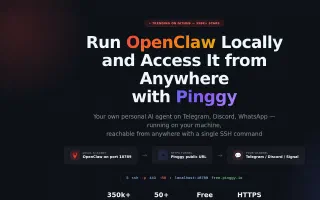
OpenClaw is the fastest-growing open-source AI agent in GitHub history. Learn how to install it locally, expose port 18789 with a Pinggy HTTPS tunnel, and connect Telegram webhook mode - all with one SSH command.