Virgin Media Hub Port Forwarding
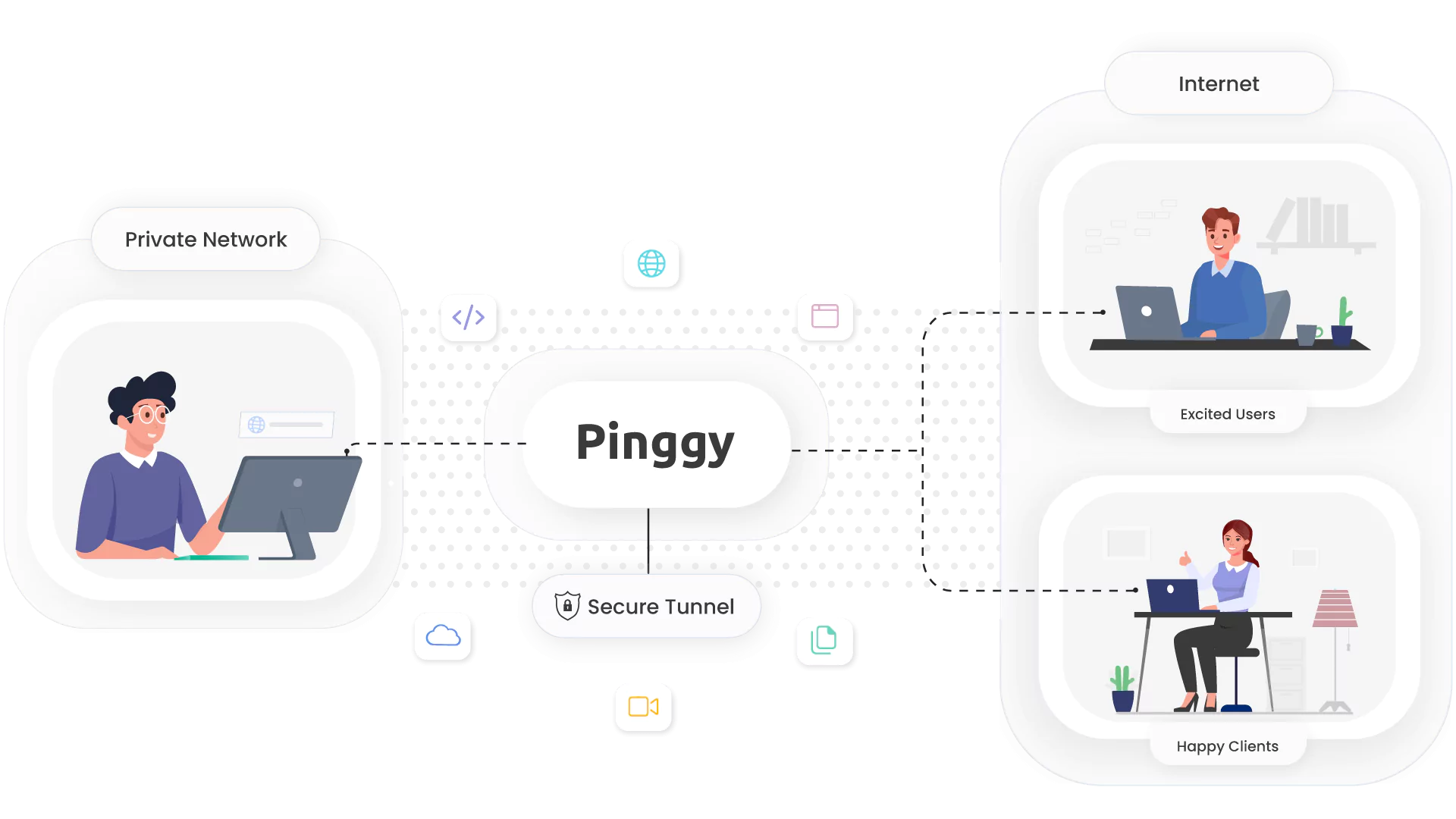
Learn how to set up port forwarding on Virgin Media Hub routers and overcome limitations using Pinggy tunnels for developers and gamers.
Hands-on guides, protocol deep dives, and field notes on tunnels, SSH, reverse proxies, self-hosting, self-hosted LLMs, and AI - from the people building Pinggy.
Learn how to set up port forwarding on Virgin Media Hub routers and overcome limitations using Pinggy tunnels for developers and gamers.
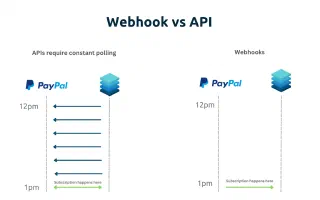
Understand the key differences between webhooks and APIs, their use cases, and when to choose each for your application. Complete guide with examples and best practices.

Discover how AI agents leverage Model Context Protocol (MCP) servers to automate complex workflows, integrate with enterprise systems, and transform traditional job roles across industries.
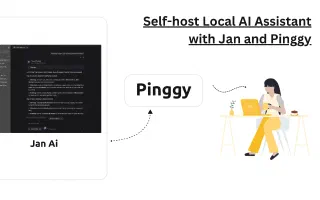
Learn how to run Jan, a ChatGPT alternative, locally and share it online using Pinggy. Complete guide to setting up your private AI assistant.
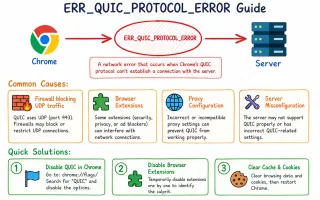
Learn about the ERR_QUIC_PROTOCOL_ERROR in Google Chrome, its causes, and effective solutions. Detailed troubleshooting steps to restore normal browsing.
Learn how to set up and test Discord bot webhooks to receive real-time updates. Step-by-step guide for creating webhook server and exposing with Pinggy.
Learn how to self-host n8n's AI Starter Kit and access your AI workflows remotely with Pinggy. Step-by-step guide to privacy-focused AI solutions with local LLMs.
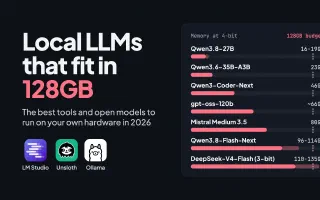
The best local LLM tools in 2026 (LM Studio, Unsloth, Ollama, LocalAI and more) and the open-weight models that fit in 128GB of memory, with measured 4-bit sizes for Qwen3.8, Gemma 4 and gpt-oss.
Learn how to set up and test Telegram bot webhooks to receive real-time updates from users. Step-by-step guide for webhook server and Pinggy integration.
Learn how to set up Minecraft port forwarding to share your server with friends. Covers different routers, troubleshooting, and Pinggy alternatives.