Best AI LLM Routers and OpenRouter Alternatives in 2026
Compare the best AI LLM routers and OpenRouter alternatives in 2026, including OpenRouter, Portkey, TrueFoundry, LiteLLM, ngrok AI Gateway, Cloudflare AI Gateway, and Vercel AI Gateway.
Hands-on guides, protocol deep dives, and field notes on tunnels, SSH, reverse proxies, self-hosting, self-hosted LLMs, and AI - from the people building Pinggy.
Compare the best AI LLM routers and OpenRouter alternatives in 2026, including OpenRouter, Portkey, TrueFoundry, LiteLLM, ngrok AI Gateway, Cloudflare AI Gateway, and Vercel AI Gateway.
Claude Mythos Preview signals a real shift in software security. Learn what Anthropic actually claimed, the risks for developers, and how to harden AI-assisted workflows.
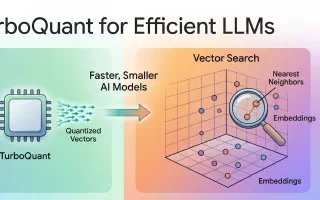
Learn what TurboQuant is, the math behind Google's new compression method, and how Gemma 4 combines efficient architectures and edge runtimes to run on phones and other edge devices.
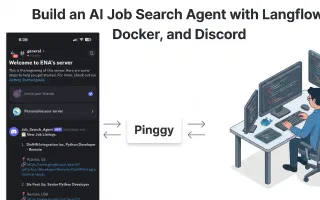
Learn how to build a self-hosted AI job search agent in Langflow that parses your resume, matches jobs from multiple sources, and sends real-time Discord alerts.
Looking for prompt library tools that actually give you prompts, patterns, or prompt starters to copy and paste? These are the best prompt-library websites for developers in 2026, including 21st.dev, PromptDen, AIPRM, PromptHub, PromptHero, Snack Prompt, and PromptBase.
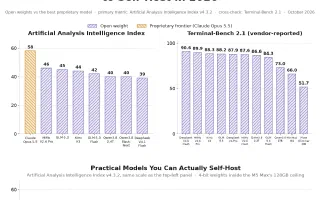
The best open-weight coding LLMs you can self-host as of October 2026, from MiMo-V2.6-Pro and GLM-5.3 down to Qwen3.8-27B on one GPU, with current benchmark scores, licenses and the hardware each one needs.
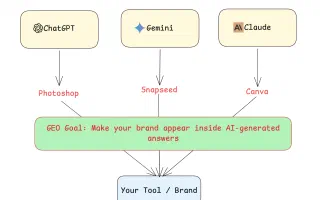
Generative Engine Optimization (GEO) is the practice of structuring content to maximize visibility in AI-generated search responses. Learn what GEO is, how it differs from SEO, and actionable strategies to get your content cited by ChatGPT, Perplexity, Google AI Overviews, and more.
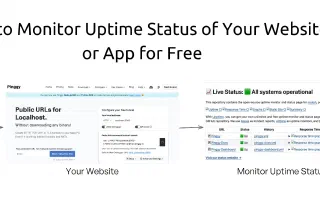
Learn how to monitor your website or app uptime for free using Upptime an open-source, GitHub-powered uptime monitoring tool with a built-in status page, incident tracking, and notifications.
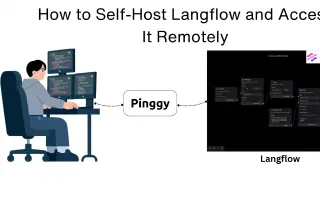
Learn how to install and self-host Langflow locally using pip, uv, or Docker, and make it remotely accessible from anywhere using Pinggy. Build and deploy custom AI agents without cloud lock-in.
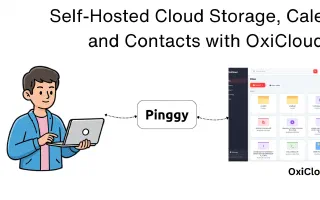
OxiCloud is a lightweight, Rust-powered open-source cloud platform that gives you self-hosted file storage, CalDAV calendars, and CardDAV contacts on minimal hardware a faster, privacy-first alternative to Nextcloud.