Build Your Own Face Swap App Using Google Colab and Pinggy
Learn how to create a free face swap application using Google Colab with InsightFace and Gradio. Complete step-by-step guide to build and share your AI-powered face swapping tool publicly.
Hands-on guides, protocol deep dives, and field notes on tunnels, SSH, reverse proxies, self-hosting, self-hosted LLMs, and AI - from the people building Pinggy.
Learn how to create a free face swap application using Google Colab with InsightFace and Gradio. Complete step-by-step guide to build and share your AI-powered face swapping tool publicly.
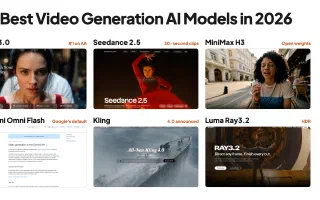
The best AI video generation models in October 2026: Wan 3.0, Seedance 2.5, Gemini Omni Flash and Veo 3.1, Kling, HappyHorse, Runway, Luma Ray3.2, and open weights from MiniMax H3, LTX-2.5, HunyuanVideo and Wan 2.2.
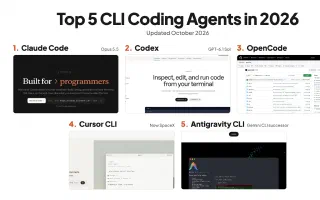
The CLI coding agents worth using in October 2026: Claude Code on Opus 5.5, OpenAI Codex on GPT-6.1 Sol, OpenCode at 212k+ stars, Cursor CLI now part of SpaceX, Antigravity CLI after the Gemini CLI shutdown, and where Aider, Pi, DeepSeek Harness and the rest of the open-source field fit.
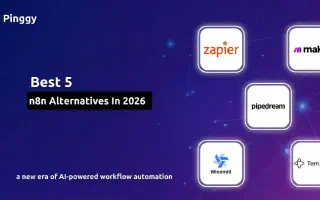
Discover the best n8n alternatives in 2026. Compare Zapier, Make, Pipedream, Windmill, and Temporal for workflow automation. Plus honorable mentions: Activepieces and Kestra.
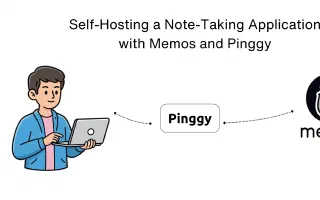
Complete guide to self-hosting Memos, an open-source note-taking app, using Docker and Pinggy tunnel. Keep your notes private, accessible from anywhere, with zero subscription fees.
Learn how to set up and test PayPal webhooks locally using Pinggy. Step-by-step guide for creating a webhook listener, configuring PayPal sandbox, and testing webhook events.
Discover the best AI models with deep research capabilities for scientific research and writing. Compare ChatGPT, Gemini, Perplexity, Claude, Elicit, and more to accelerate your academic workflow.
Learn how to build and host a complete text-to-speech AI application on Google Colab with free GPU access. Use Kokoro TTS for high-quality voice synthesis and Pinggy for public access - no server costs required.
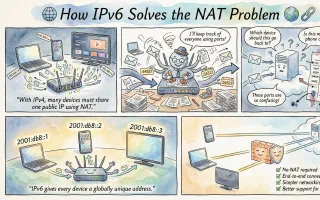
Discover how IPv6's massive address space eliminates the need for NAT, restoring true end-to-end connectivity. Learn the technical differences between IPv4 and IPv6, why NAT was necessary, and how IPv6 enables direct peer-to-peer communication for gaming, VoIP, IoT, and more.
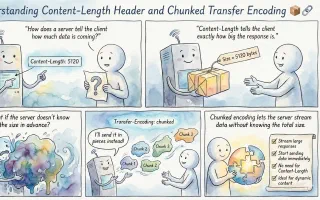
A complete guide to HTTP Content-Length header and chunked transfer encoding. Learn how servers communicate response size, when to use each approach, and practical implementation examples for developers.