In this article
Tailscale solves a real problem: getting your laptop, a VPS, a home server, and a friend’s machine onto the same flat network without hand-rolling WireGuard configs or punching holes in firewalls. The control plane handles key distribution, NAT traversal, and identity, and the clients Just Work. The catch is that the coordination server is closed source, the per-user pricing climbs past the free tier of 3 users, and your device metadata sits on someone else’s infrastructure.
If any of that bothers you - vendor lock-in, compliance, cost at scale, or just wanting to run your own thing - there are now a dozen-plus open source projects that cover the same ground. Some are drop-in replacements for the coordination server. Some are full mesh VPNs built from scratch. A few take the zero-trust route and skip the network-layer VPN model entirely.
Here are the ten worth considering in 2026, ordered by how broadly they fit common use cases. All version numbers, install commands, and prices reflect releases as of May 2026.
Summary
NetBird - Fully open source mesh VPN with a polished web UI, SSO, and built-in DNS. The most “Tailscale-like” project that does not depend on Tailscale.
Headscale - Drop-in coordination server that works with the official Tailscale clients. Use it when you want Tailscale’s UX without Tailscale’s servers.
Nebula - Slack’s overlay network. Certificate-based, fast, scales to tens of thousands of hosts. Steeper config curve.
Defguard - Rust-based WireGuard manager with built-in MFA at the protocol level and full self-hosting support.
Netmaker - WireGuard-based mesh with site-to-site routing, relays, and a web UI. Open source core, paid features for larger fleets.
OpenZiti - Application-layer zero-trust. No open ports, identity-based auth, SDK for embedding into apps. Different paradigm from a VPN.
ZeroTier - Mature L2 network virtualization. Self-hostable controller, broad platform support, recent free-tier cuts.
WireGuard - The protocol everything else builds on. Roll-your-own mesh if you want full control.
Firezone - WireGuard-based zero-trust access with SSO and policy. Open source, but the control plane is hosted-only for production.
Octelium - Kubernetes-native zero-trust platform with policy-as-code, support for clientless and client-based access, and an explicit focus on AI agent workloads.
Innernet - Rust-based, CIDR-first mesh. Comfortable if you think in subnets. Slower release cadence than the rest.
What Tailscale gives you, and where it pinches
Tailscale layers a coordination server on top of WireGuard. The server hands out keys, tracks devices, and runs DERP relays for when peers cannot reach each other directly. Magic DNS, ACLs, exit nodes, and subnet routers are all built on that base.
What people end up wanting an alternative for:
- Hosted coordination. Your device list and ACLs live on Tailscale’s servers. For some compliance regimes that is a non-starter.
- Pricing past the free tier. The free Personal plan tops out at 3 users and 100 devices. Beyond that you are on per-user pricing.
- The control plane is closed source. The clients are open. The server you cannot self-host without a third-party reimplementation.
- Feature gating. SSO, ACL groups, and some routing features sit behind paid plans.
None of this means Tailscale is bad - it is the smoothest experience by a comfortable margin. But if you only need a subset of what it does, or you want to own the whole stack, the alternatives below will get you there.
1. NetBird
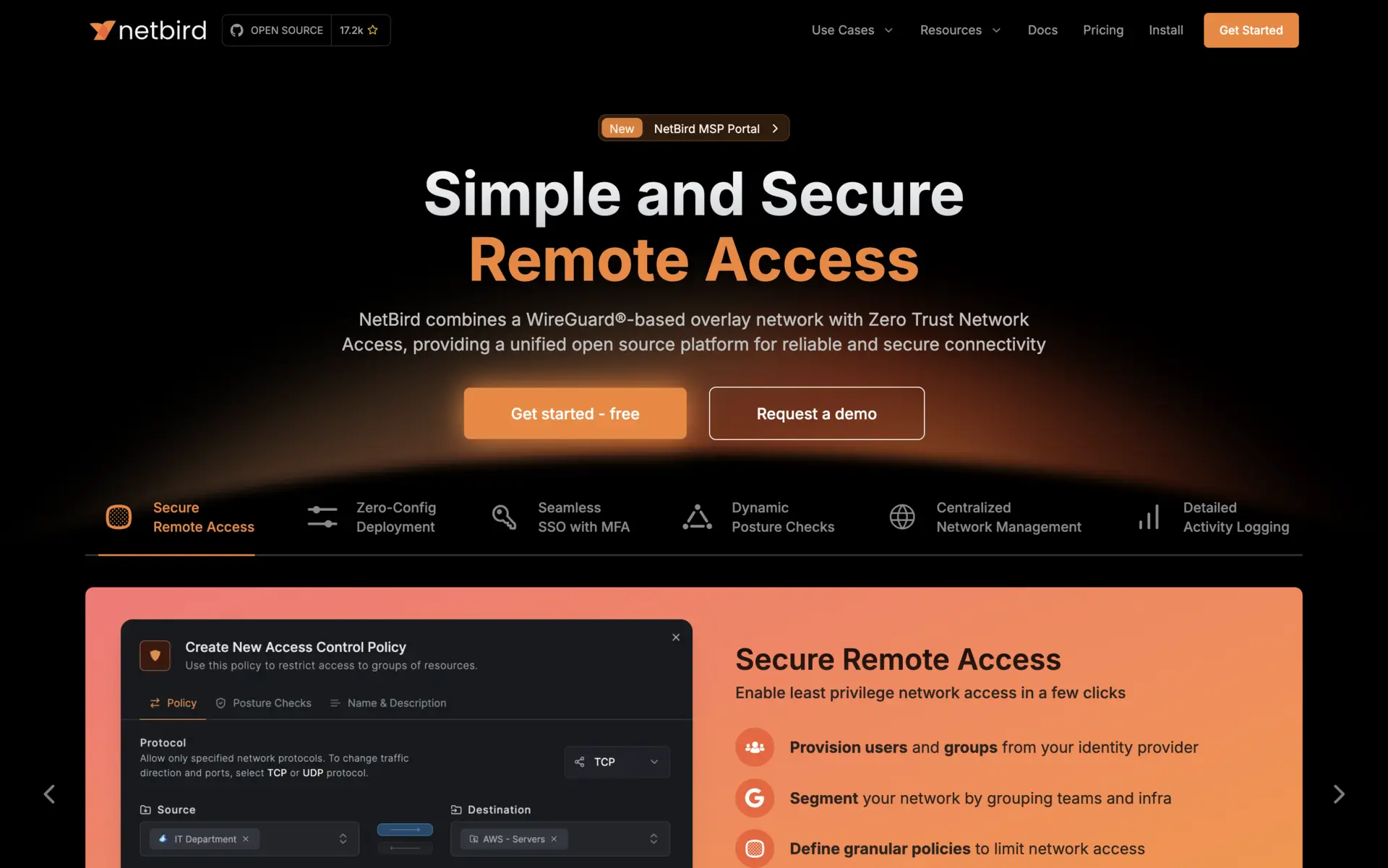
NetBird is the closest thing to a full open source replacement for Tailscale. Both the clients and the management server are open source (BSD-3), there is a web UI for ACLs and groups, SSO with the usual providers, and the project has had a steady release cadence since 2022. Current release is v0.71.4 (May 2026).
Uses
Teams that want one open source project that covers clients, control plane, web UI, SSO, and policy - without paying for a SaaS or stitching together two projects.
Pros
NetBird ships everything: native clients for Windows, macOS, Linux, iOS, and Android; a self-hostable management server; a web dashboard; SSO via Keycloak, Auth0, Okta, Google, Entra ID; built-in DNS; STUN/TURN with a public relay or your own coturn. Docker Compose and Helm charts work out of the box. The peer-to-peer connections use WireGuard, with QUIC-based relay fallback. Activity logs and posture checks are in the open source build.
Cons
Setup is more involved than running a single binary - the default self-hosted deploy spins up several containers (signal, management, dashboard, coturn). Some posture-check refinements and audit features only matter in the cloud Business plan. Community is smaller than Tailscale’s but growing fast.
Installation
# Self-hosted with Docker Compose
curl -fsSL https://github.com/netbirdio/netbird/releases/latest/download/getting-started-with-zitadel.sh -o install.sh
chmod +x install.sh
sudo ./install.sh
The script wires up the management server, dashboard, and a Zitadel IdP. For Linux clients:
curl -fsSL https://pkgs.netbird.io/install.sh | sh
netbird up --management-url https://your-server.example.com:33073
Pricing
Self-hosted is free. Cloud plans are Free (up to 5 users, 100 machines), Team at $5/user/month, Business at $10/user/month, and custom Enterprise.
2. Headscale
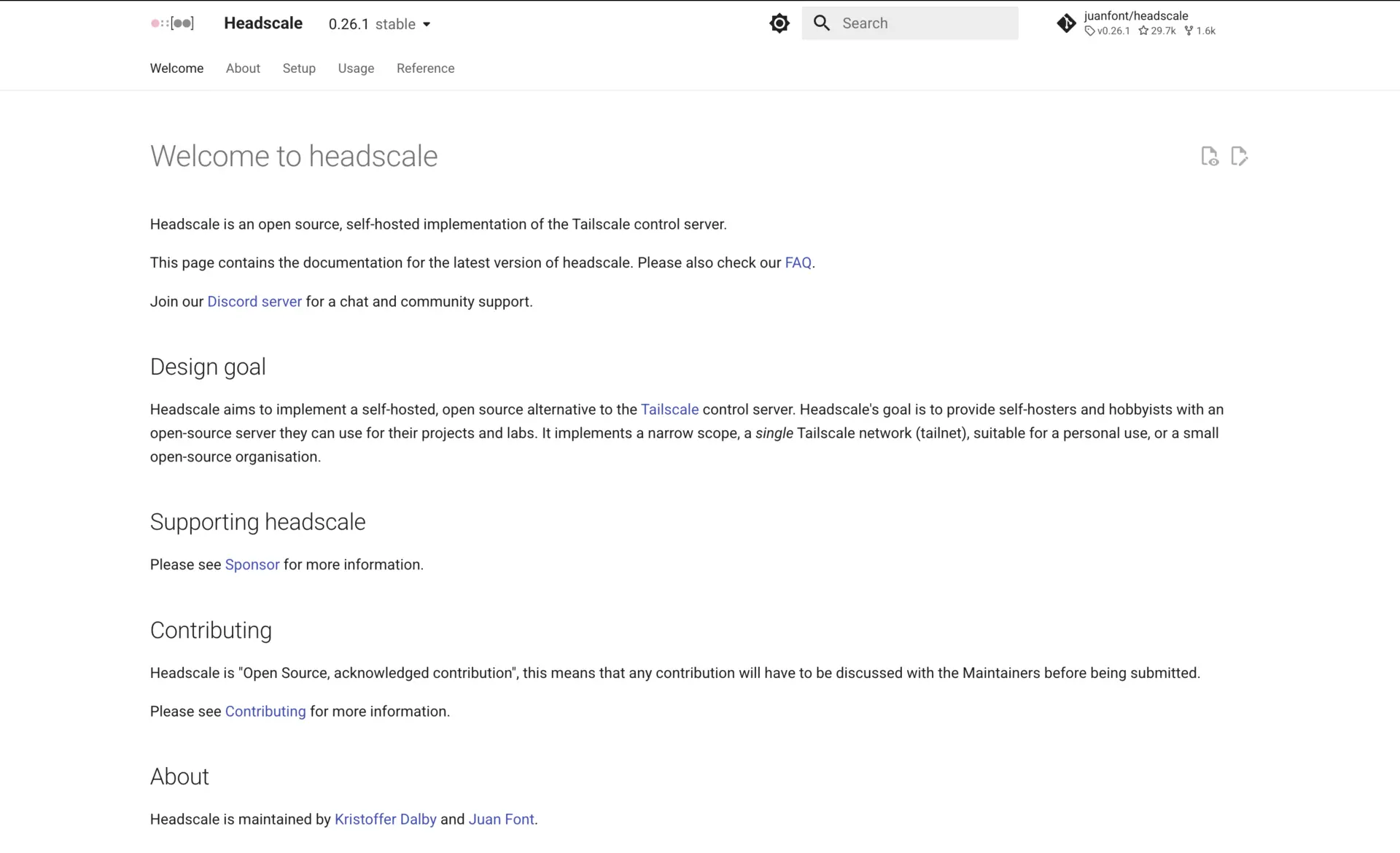
Headscale is an open source reimplementation of Tailscale’s coordination server. The official Tailscale clients connect to it without modification. If you already use Tailscale and want to keep the client experience but own the server, this is the path. Current release is v0.28.0 (Feb 2026).
Uses
Privacy-conscious teams, regulated environments, or anyone with an existing Tailscale workflow that wants to drop the dependency on Tailscale’s coordination servers.
Pros
The biggest selling point is that you keep using the official Tailscale apps - same UI, same tailscale up, same Magic DNS, same exit nodes. Migration is mostly a matter of pointing clients at a different login server. Headscale handles ACLs (Tailscale’s HuJSON policy format), pre-auth keys, and DERP. The 0.28.0 release tightened up the gRPC API, added a headscale auth command group, and made policy testing first-class.
Cons
You are running someone else’s server reimplementation, so the feature set trails Tailscale’s by a quarter or two. Some Tailscale features (Funnel, Taildrop in some configs, SSH session recording) are not available. There is no first-party web UI - most users run a community UI like Headplane or headscale-admin. You handle TLS, backups, and upgrades yourself, and 0.28.0 specifically dropped direct-upgrade support from pre-0.25 databases.
Installation
# Download the v0.28.0 Linux amd64 binary
wget https://github.com/juanfont/headscale/releases/download/v0.28.0/headscale_0.28.0_linux_amd64
chmod +x headscale_0.28.0_linux_amd64
sudo mv headscale_0.28.0_linux_amd64 /usr/local/bin/headscale

# Generate a starter config
sudo mkdir -p /etc/headscale
sudo headscale generate config > /etc/headscale/config.yaml
On Debian/Ubuntu the .deb package is usually less painful than the raw binary.
Pricing
Free and open source (BSD-3).
3. Nebula
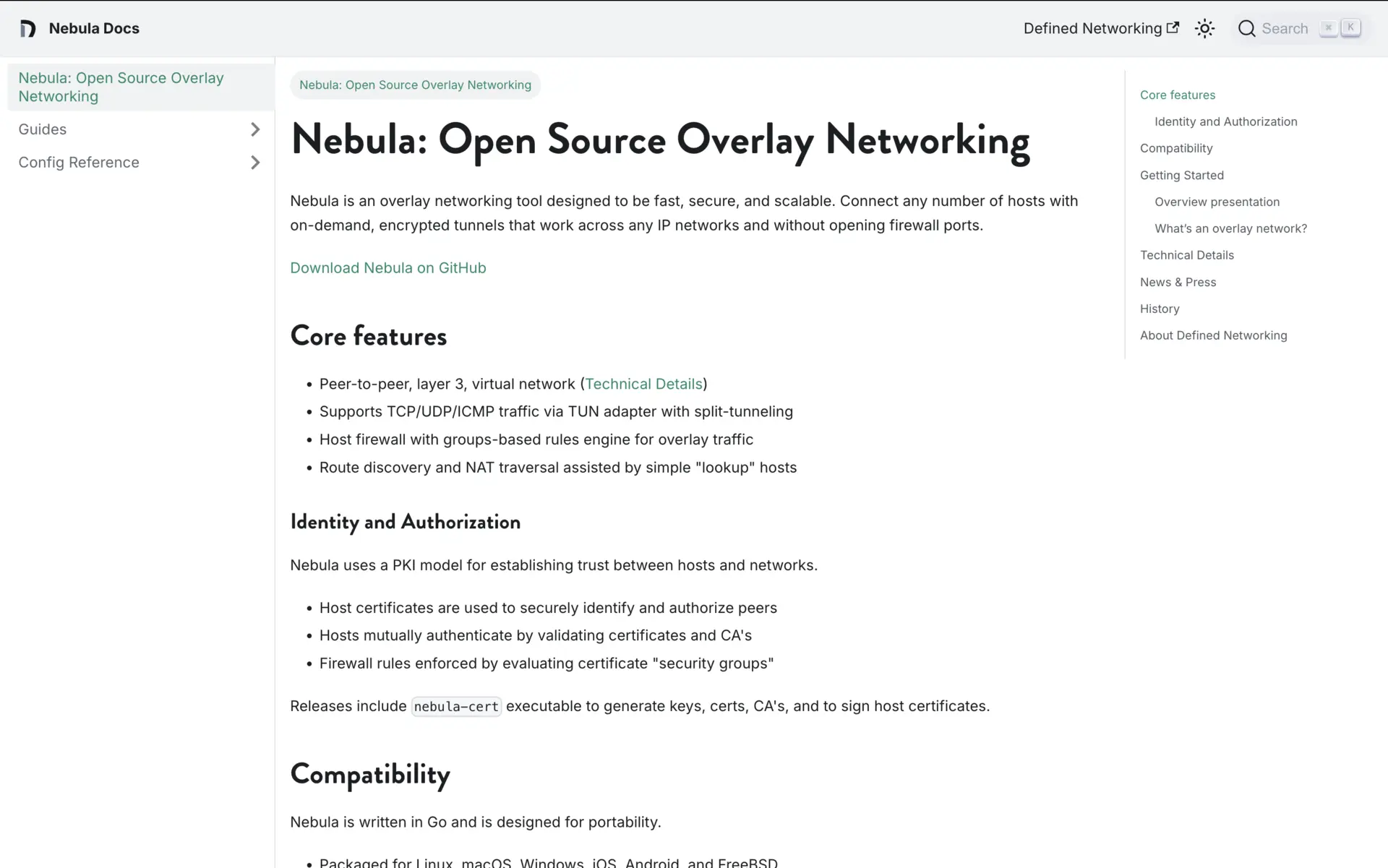
Nebula is the overlay network Slack built to connect its own infrastructure. It is not WireGuard - it uses its own Noise-based protocol - and it leans hard on PKI: every node has a certificate signed by a CA you control. Current release is v1.10.3 (Feb 2026).
Uses
Large fleets, multi-region infra, anywhere you want fine-grained host-to-host firewalls baked into the overlay itself. Slack runs it across tens of thousands of hosts, which is the bar most other projects on this list have not had to clear.
Pros
Fast and lean: a single Go binary, no kernel module, runs in containers. The certificate model gives you cryptographically verified host identity and group-based firewall rules (“only nodes in role:db accept connections from role:app on 5432”). Lighthouses (Nebula’s term for coordination nodes) handle NAT traversal but do not see any traffic. Battle-tested at Slack scale.
Cons
No web UI. You write YAML configs and shell out for nebula-cert to issue certificates. Adding a host is “generate a cert, ship the config, restart the service” - fine for IaC, painful if you want users self-onboarding from a dashboard. No SSO integration. If you want a friendlier wrapper, look at Defined Networking, the commercial managed-Nebula service from the original authors.
Installation
# Download the latest release
wget https://github.com/slackhq/nebula/releases/latest/download/nebula-linux-amd64.tar.gz
tar -xzf nebula-linux-amd64.tar.gz

# Bootstrap a CA and one host certificate
./nebula-cert ca -name "MyOrg"
./nebula-cert sign -name "node1" -ip "192.168.100.1/24"
Pricing
Free and open source (MIT).
4. Defguard
Defguard is a Rust-based WireGuard management platform that has been gaining traction since its 2.0 release. The thing that sets it apart: it is the only WireGuard implementation that supports MFA at the protocol level, not just at a portal in front of the VPN. Current release is v2.0.1 (May 2026).
Uses
Organizations that already standardize on WireGuard and want SSO, MFA, and an admin UI without giving up self-hosting in production. Replaces a typical OpenVPN-plus-IdP setup.
Pros
True MFA on the WireGuard tunnel itself, not just at a login portal. Built-in SSO (the Defguard server is an OpenID provider) and integrations with Google, Microsoft, Okta, LDAP, JumpCloud. Multi-location, multi-gateway, built-in firewall rules. Apache 2.0 across server, gateway, and clients. The 2.0 line redesigned the UI and added HA-friendly architecture. Self-hosting is fully supported - the docs treat it as a first-class deployment path.
Cons
It is a WireGuard manager, not a full mesh - traffic goes through gateways you deploy, not directly peer-to-peer in the Tailscale sense. Some Enterprise tier features (advanced behavior analysis, premium support) sit behind a paid license. Mobile clients are newer and less polished than the desktop ones.
Installation
# One-line install with the official script
curl -fsSL https://raw.githubusercontent.com/DefGuard/deployment/main/docker-compose/setup.sh \
  | bash -s -- --domain vpn.example.com
The script generates secrets, writes a docker-compose.yaml, and brings up the core, gateway, and proxy services.
Pricing
Open source tier is free with no user cap. Business adds enterprise features (free up to 10 users, paid above), and Enterprise is custom.
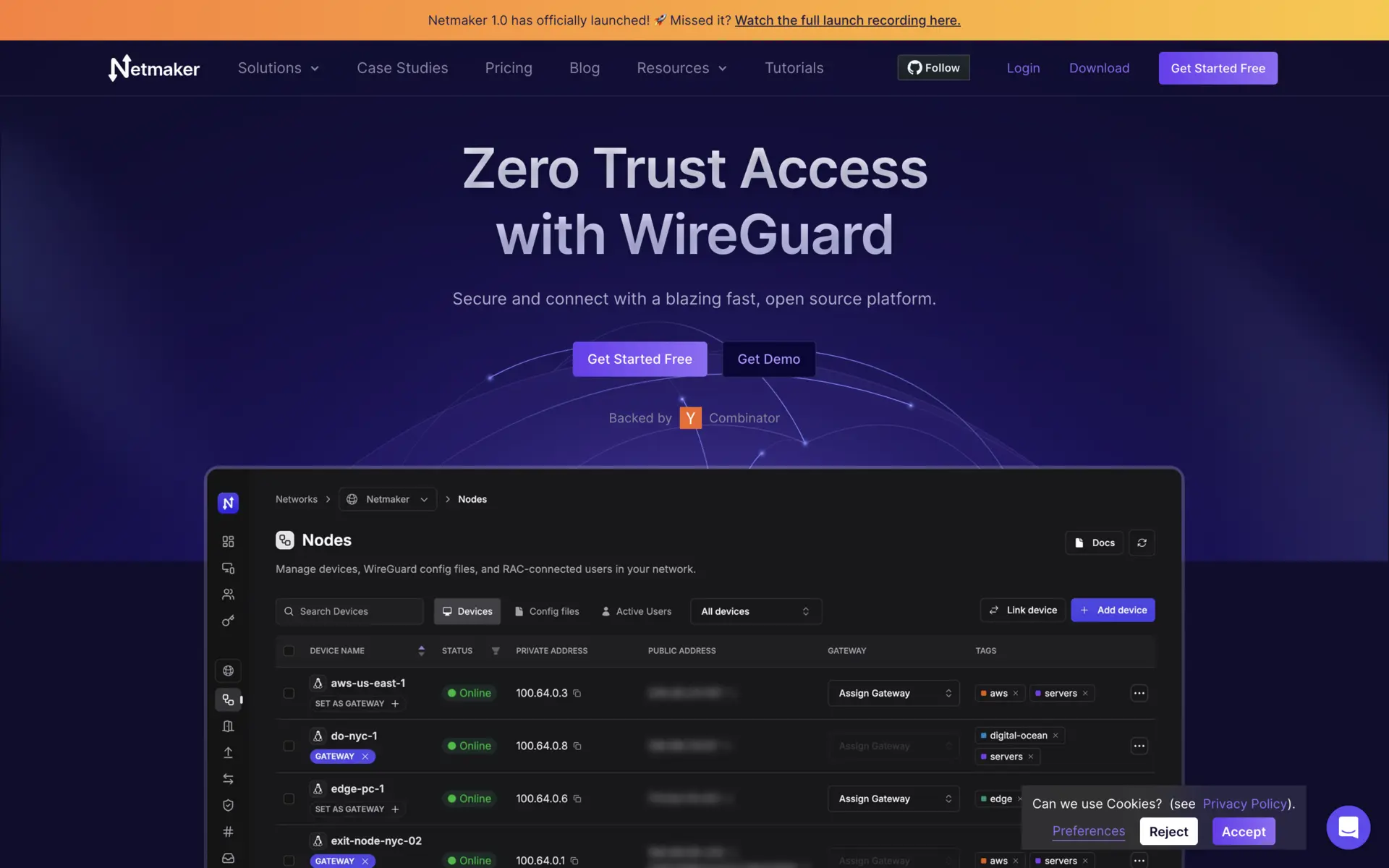
5. Netmaker
Netmaker is a WireGuard-based mesh that focuses on site-to-site networking, multi-cloud, and Kubernetes connectivity rather than just user devices. Current release is v1.5.1 (Mar 2026).
Uses
Connecting cloud VPCs, edge locations, and on-prem networks into one routable mesh. Less “give my developers SSH access to a jumphost”, more “stitch three Kubernetes clusters and a datacenter together”.
Pros
Web UI for networks, hosts, ACLs, and relays. Site-to-site and egress routing are first-class - you can designate a host as a gateway for an entire subnet. OAuth integration. Helm chart for Kubernetes. The community edition is Apache 2.0; the SaaS and self-hosted Pro/Business tiers add traffic relays, audit logs, posture checks, and SCIM.
Cons
The split between Community, Pro, Business, and Enterprise is more aggressive than NetBird’s - several features many people would consider table stakes (advanced user management, HA routing) require Pro or above. The quick-install script does a lot of magic; for production you will want to deploy manually or via Helm.
Installation
# Quick-install (community edition)
sudo wget -qO /root/nm-quick.sh https://raw.githubusercontent.com/gravitl/netmaker/master/scripts/nm-quick.sh \
  && sudo chmod +x /root/nm-quick.sh \
  && sudo /root/nm-quick.sh
Pricing
Community is free. Professional starts at $2 per active connection per month, Business at $4. Enterprise is custom.
6. OpenZiti
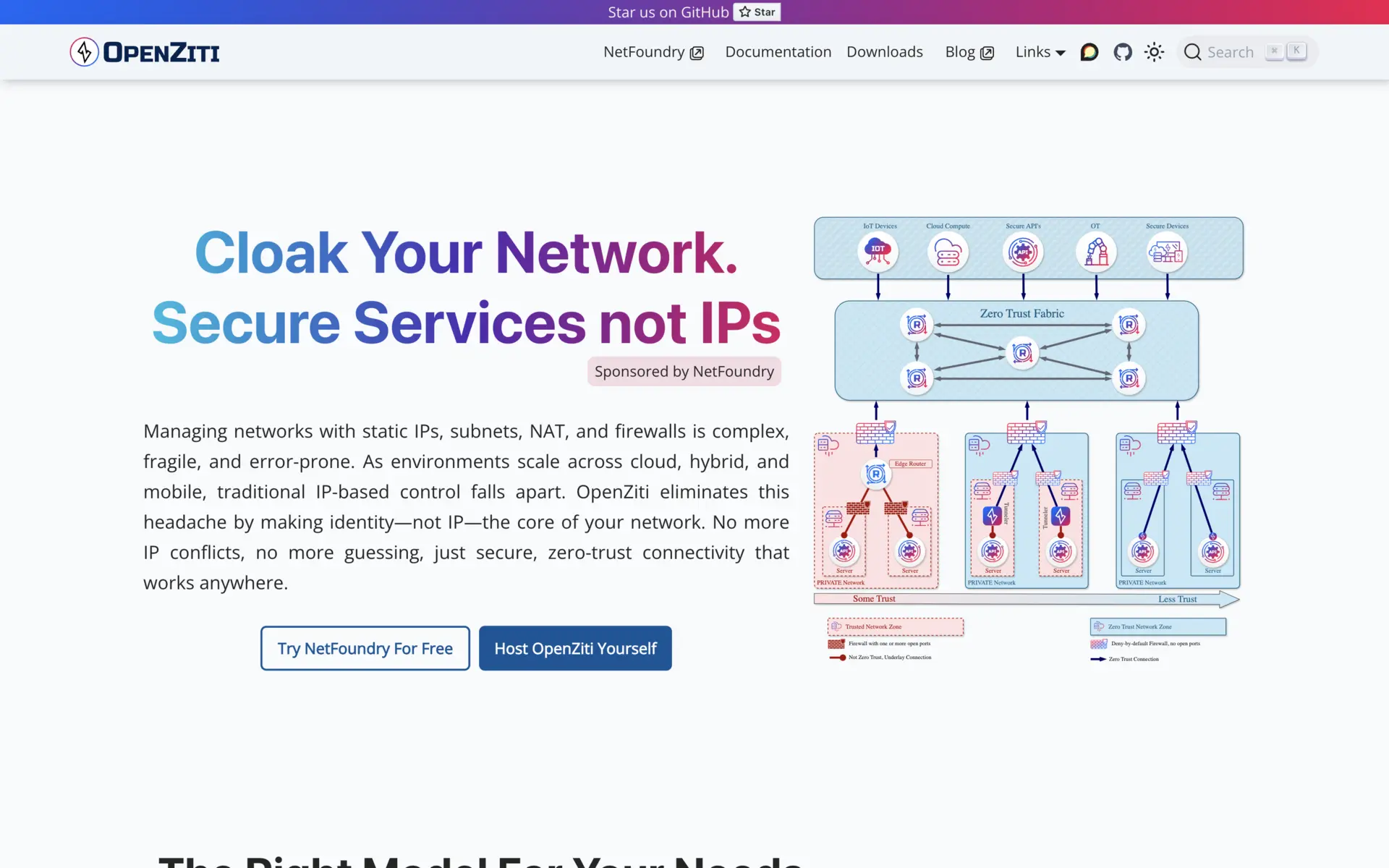
OpenZiti is not a VPN. It is an application-layer zero-trust overlay where services advertise themselves into a fabric and identities authorize connections by policy. There are no listening ports on protected hosts - the SDK or tunneler dials out to a router. Current release is v2.0.0 (May 2026), a significant break from the 1.x line.
Uses
Teams ready to commit to zero-trust as a model, not just a buzzword. Particularly strong when you can embed the OpenZiti SDK into your application and skip the tunneler entirely - the service literally has no public IP or port.
Pros
Identity-based auth at the application level, with fine-grained policies. Services are unreachable unless an identity is enrolled and authorized - this eliminates a large class of internet-facing attack surface. 2.0 made HA controllers production-ready, swapped session storage for JWTs (removing a controller bottleneck), added OIDC enrollment, and laid the groundwork for deprecating legacy APIs in 3.0. SDKs for Go, Java, C, Python, Swift, and others.
Cons
The mental model is different. If your team thinks in “I want my laptop to ping that EC2 instance”, OpenZiti will feel over-engineered. Real benefits come from embedding the SDK or running the tunneler everywhere - half-deployment is awkward. The 2.0 upgrade requires going through latest 1.x first; legacy sessions are deprecated.
Installation
# Quickstart (single-node, for evaluation)
curl -sS https://get.openziti.io/install.bash | sudo bash -s openziti
ziti edge quickstart
For production, use the official Helm charts.
Pricing
Free and open source (Apache 2.0). NetFoundry sells managed deployments on top.
7. ZeroTier
ZeroTier virtualizes an Ethernet layer across the internet. Devices on the same ZeroTier network behave as if they are on the same LAN, including broadcast and multicast. The clients are open source (BSL since 2.0); the controller is open source too but the SaaS dashboard is not. Current client release is 1.16.0 (Sep 2025).
Uses
Anywhere you need actual Layer 2 semantics - game servers that rely on LAN discovery, legacy applications that broadcast for peers, simple home labs. Also useful when you want a managed service but reserve the option to self-host the controller.
Pros
Mature - ZeroTier predates Tailscale by years. Cross-platform support is excellent (Windows, macOS, Linux, BSD, iOS, Android, embedded). The self-hostable ztncui and ZeroTierOne controller binary let you run the whole stack. Bridging, routing, and rules engine are powerful.
Cons
ZeroTier moved to a usage-based “ZeroTier Essential” pricing model in 2024 and tightened the free tier - new free accounts now cap at 10 devices and 3 networks, where it used to be 25/free network. Performance is generally below WireGuard-based options because of the L2 emulation overhead. The official UI is not open source even though the daemon and controller are.
Installation
# Self-hosted controller (open source path)
curl -s https://install.zerotier.com | sudo bash
sudo zerotier-cli set-local-controller-enabled true

# UI (community project)
git clone https://github.com/key-networks/ztncui.git
cd ztncui && npm install && npm start
Pricing
Free tier: 10 devices, 3 networks (new accounts). Paid plans are usage-based above the free allowance.
8. WireGuard
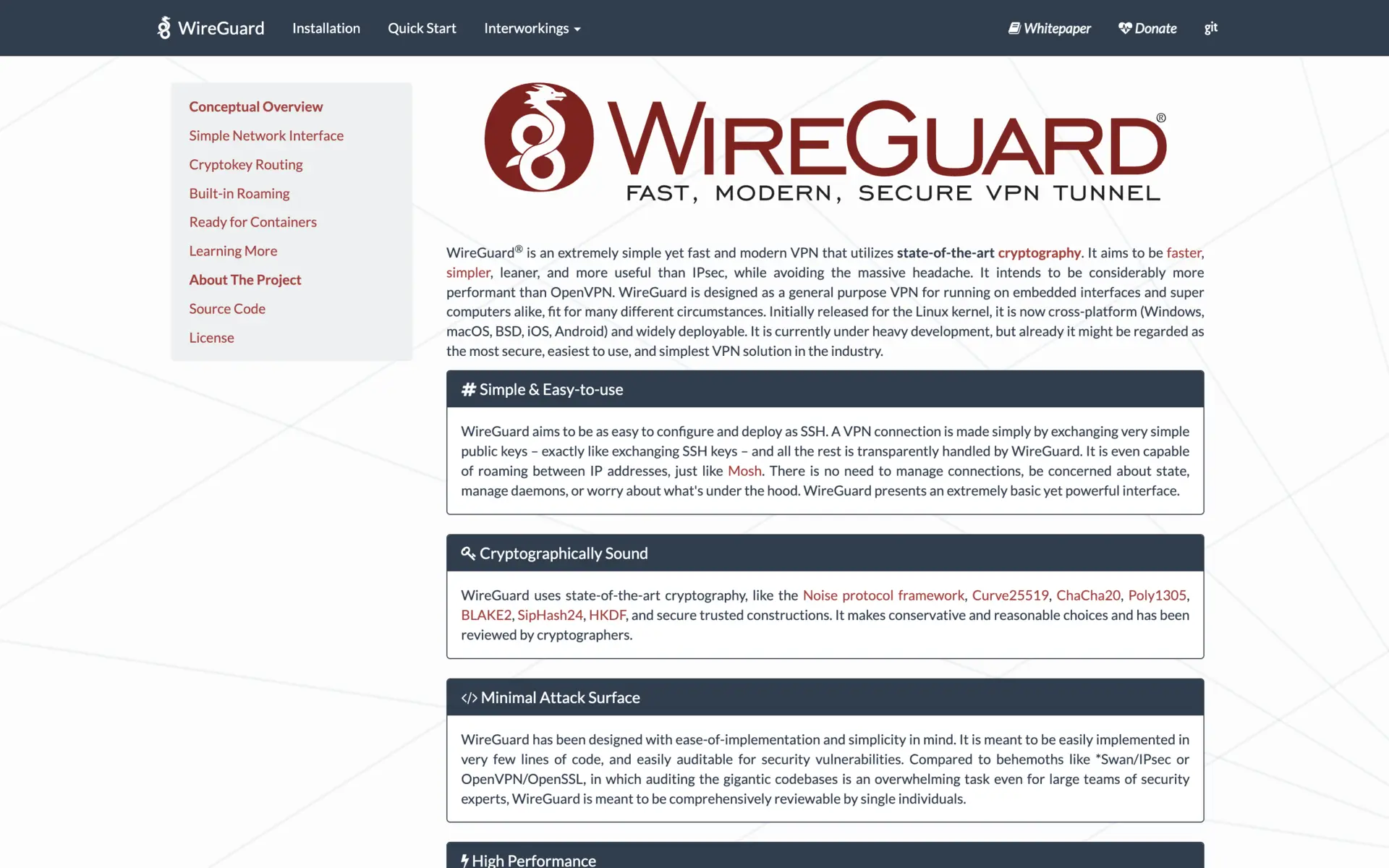
WireGuard is the protocol most of the above are built on. It is not a mesh in itself - it is a point-to-point tunnel - but if you want maximum control with no extra moving parts, you can roll your own mesh on top with a config-management tool or a small script.
Uses
Site-to-site VPNs, single-tunnel server access, anywhere a small number of well-known peers do not need a discovery service. Also a sensible building block if you want to write your own controller.
Pros
In the Linux kernel since 5.6 (Mar 2020), so no userspace daemon needed on Linux servers. ~4000 lines of kernel code, easy to audit. Fast, stable, and ubiquitous - wg-quick is in every distro’s repos. Cross-platform clients are well-maintained.
Cons
No peer discovery, no key rotation, no UI. Every peer relationship is a manual config edit on both sides. Anything past three or four nodes becomes a config-management problem. NAT traversal needs an external helper (a public relay or PersistentKeepalive plus a reachable endpoint). If you find yourself writing scripts to manage peers, you probably want one of the projects above.
Installation
sudo apt install wireguard

# Generate keys
wg genkey | sudo tee /etc/wireguard/privatekey | wg pubkey | sudo tee /etc/wireguard/publickey

# After writing /etc/wireguard/wg0.conf
sudo wg-quick up wg0
sudo systemctl enable wg-quick@wg0
Pricing
Free, GPL-2.0.
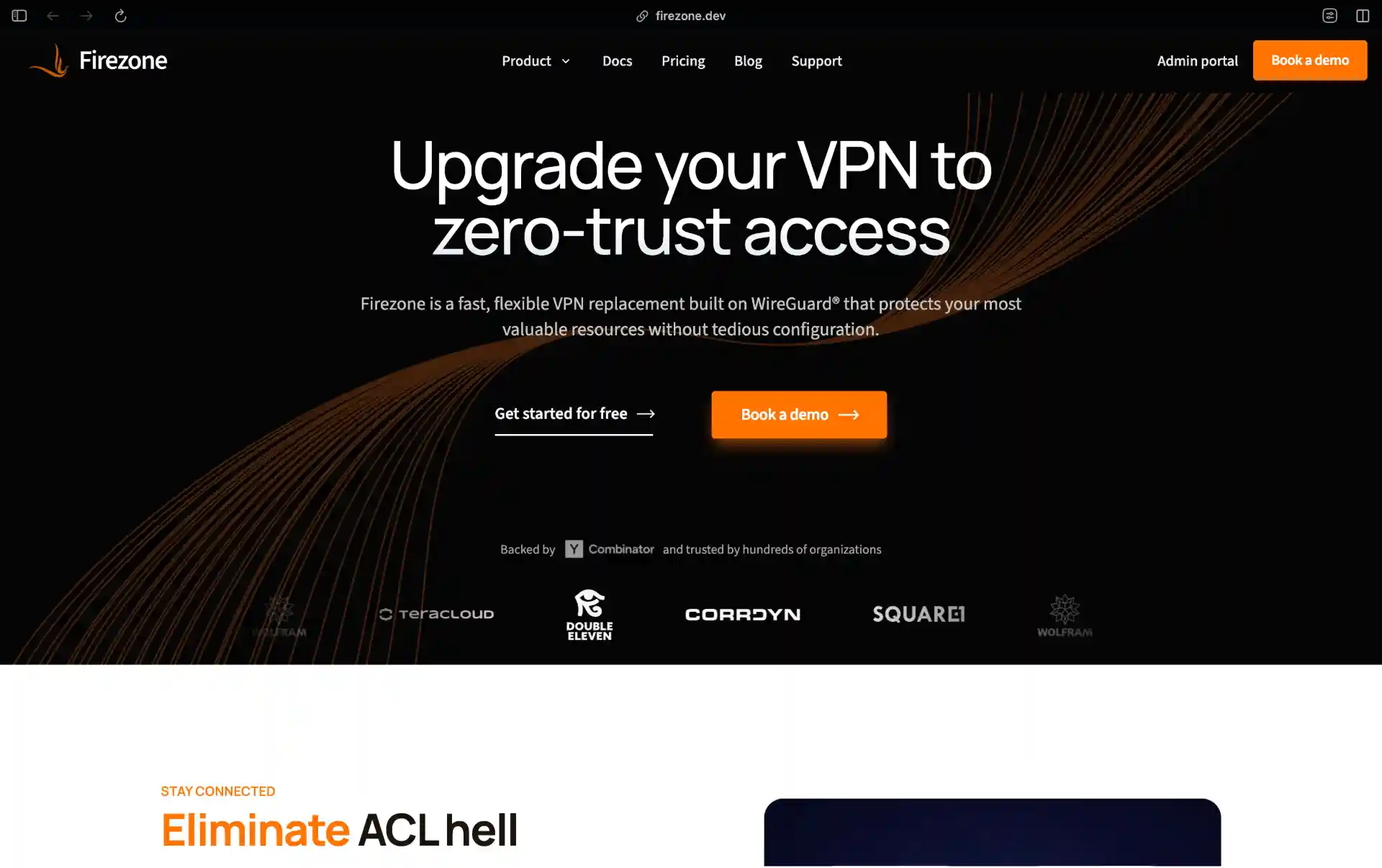
9. Firezone
Firezone is a zero-trust access platform built on WireGuard, focused on replacing traditional remote-access VPNs with policy-driven per-resource access. After the 1.0 rewrite the architecture splits into a hosted control plane and self-hostable gateways. Current gateway release is 1.5.2 (Apr 2026), with matching 1.5.x clients.
Uses
Teams replacing a corporate VPN (OpenVPN, AnyConnect, or similar) and wanting SSO, per-resource policies, and audit logs - while accepting that the policy server lives in Firezone’s cloud.
Pros
Performance is genuinely good: peer-to-peer WireGuard connections through self-hosted gateways, with automatic failover. SSO with Google Workspace, Okta, Entra ID. Policies are per-resource, not per-network. Apache 2.0 across all components. Clients for every major OS, including a headless-client for servers.
Cons
This is the important caveat for an open source roundup: Firezone’s docs explicitly say the control plane is not supported for production self-hosting. Quoting their FAQ - “Firezone provides no support or documentation for self-hosted deployments, and in general only recommends it for hobby or educational purposes.” You can read the source, but if you want Firezone in production you are paying for the SaaS. Internal APIs are still changing release-to-release.
Installation
# Deploy a gateway with the token issued by your Firezone account
docker run -d --restart=always \
  --cap-add=NET_ADMIN \
  -e FIREZONE_TOKEN=<your-token> \
  -e FIREZONE_NAME=$(hostname) \
  ghcr.io/firezone/gateway:1
Pricing
Starter is free for up to 6 users. Team and Enterprise tiers exist with per-seat pricing; current rates are on the pricing page (the public Team rate has shifted a few times since the 1.0 rewrite).
10. Octelium
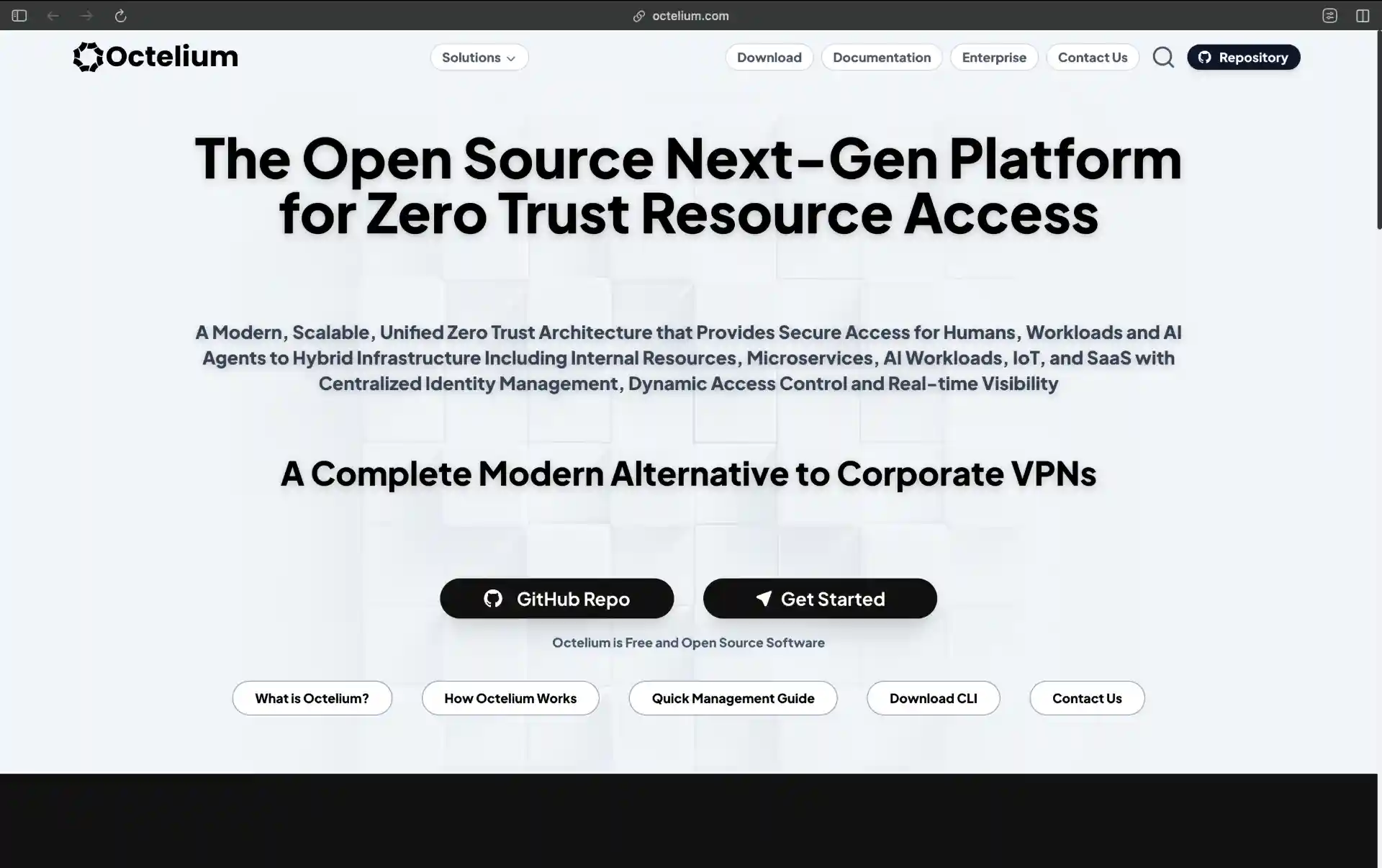
Octelium is a Kubernetes-native zero-trust platform that handles both client-based (WireGuard/QUIC) and clientless (BeyondCorp-style reverse proxy) access in one control plane. It is one of the newer entries on this list - notably active, with v0.33.0 released the same day this post was last updated. Current release is v0.33.0 (May 2026).
Uses
Teams that already run Kubernetes and want a single zero-trust layer for human users, machine workloads, and increasingly, autonomous agents that need scoped access to internal APIs.
Pros
Unified architecture: WireGuard/QUIC tunnels for full-VPN-style access alongside clientless HTTPS/SSH/Kubernetes proxying via the same policies. ABAC and policy-as-code (CEL expressions) evaluated per-request. Secretless auth means apps do not hold API keys - Octelium injects credentials at proxy time. OIDC and SAML SSO. Built on Kubernetes from day one, so HA and horizontal scale come for free. OpenTelemetry-native logs and traces.
Cons
Requires Kubernetes. If you do not already run k8s, that is a heavy prerequisite for a VPN replacement. The project is young, the API still moves, and the community is small compared to NetBird or ZeroTier. Documentation is improving but expect to read source occasionally.
Installation
# Install the CLI
curl -fsSL https://octelium.com/install.sh | bash

# Deploy into a cluster you already have kubectl access to
octeliumctl init --domain octelium.example.com
Pricing
Free and open source (Apache 2.0).
11. Innernet
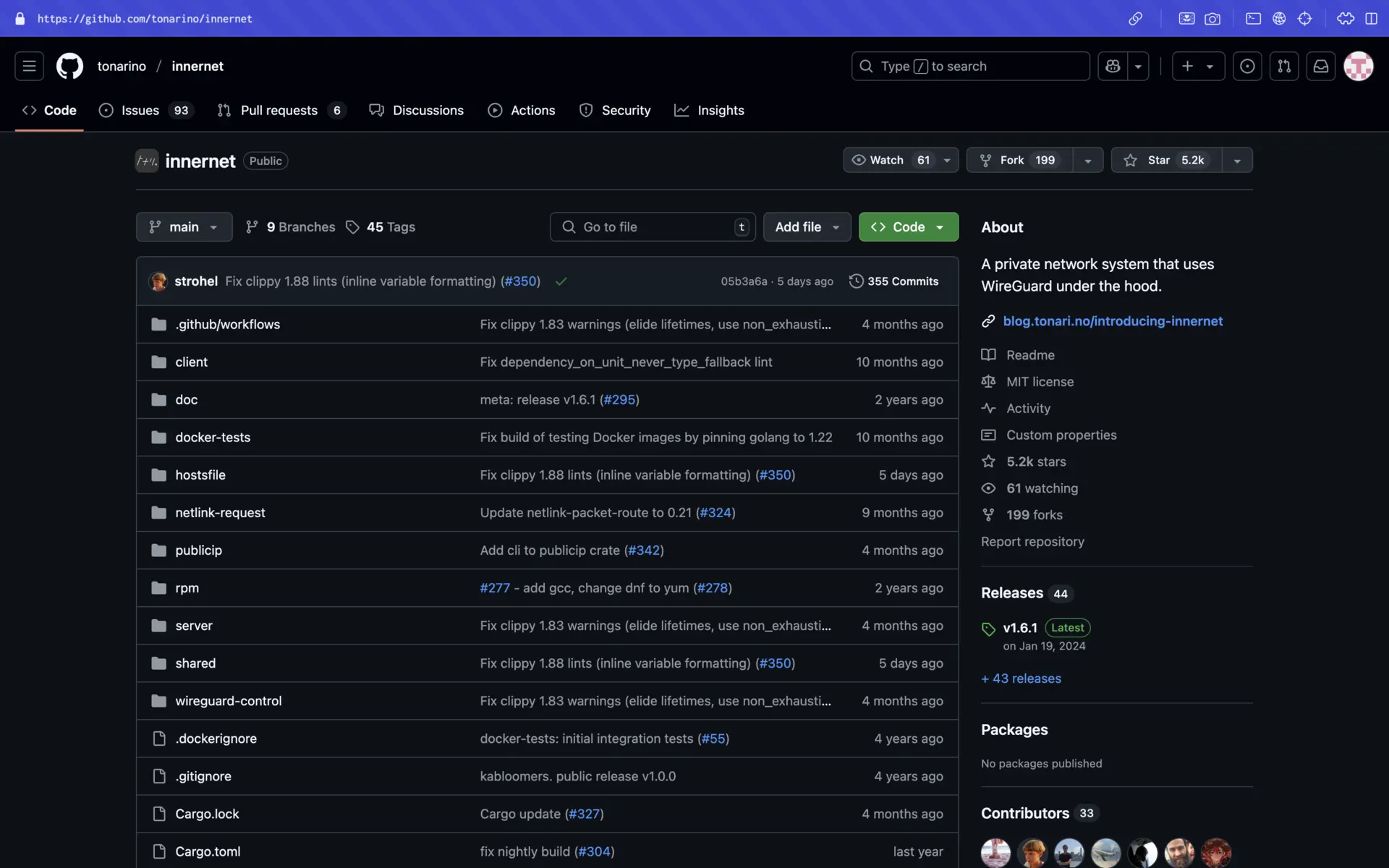
Innernet is a Rust-based mesh VPN from the team at Tonari that thinks in CIDRs rather than in flat device lists. Networks have hierarchical subnets, and joining the mesh is done via signed invitations rather than a login flow. Current release is v1.7.1 (Nov 2025).
Uses
Small-to-medium teams whose admins are comfortable with traditional networking, who like the idea of explicit subnetting, and who want a single static binary with no external dependencies.
Pros
Small, focused, fast. Written in Rust on top of WireGuard. The invitation model (innernet-server add-peer produces a one-time-use file) is a clean security primitive. No external database - server state is in a SQLite file. CIDR-aware ACLs map well to traditional firewall thinking.
Cons
The lowest release velocity on this list - v1.7.1 in November 2025 was the most recent tagged release as of May 2026. No web UI. No SSO. Configuration is CLI-only. If you want any of those, look at NetBird or Defguard instead.
Installation
# Build from source (cargo install pulls server and client)
cargo install --git https://github.com/tonarino/innernet innernet-server
cargo install --git https://github.com/tonarino/innernet innernet

# Initialize a network
sudo innernet-server new
Pre-built .deb and .rpm packages are on the GitHub releases page.
Pricing
Free and open source (MIT).
Picking one
A short decision tree, by what you actually need to do:
- “I want Tailscale, but on my servers.” Headscale. Keeps the clients, drops the dependency. Add Headplane for a UI.
- “I want a fully open source Tailscale-equivalent, end to end.” NetBird. One project, clients and server, SSO included, active development.
- “I’m replacing OpenVPN for employees and need MFA + SSO.” Defguard if you want self-hosting in production. Firezone if you are fine with their SaaS control plane.
- “I run a large fleet and want PKI-based host-to-host auth.” Nebula.
- “I need to stitch cloud VPCs and on-prem networks together.” Netmaker.
- “I want zero-trust at the application layer, not the network layer.” OpenZiti (mature) or Octelium (newer, Kubernetes-first).
- “I need actual Layer 2 (broadcast, multicast).” ZeroTier.
- “It’s two or three servers and I just want WireGuard.” WireGuard. Skip the rest.
- “I want a tiny Rust binary and I think in subnets.” Innernet.
The genuinely hard tradeoff in this space is operational. Tailscale’s offer is “we run the boring parts”. Every project here trades some of that convenience for control, cost, or both. Pick the one whose ops burden matches your team, not the one with the longest feature list.