In this article
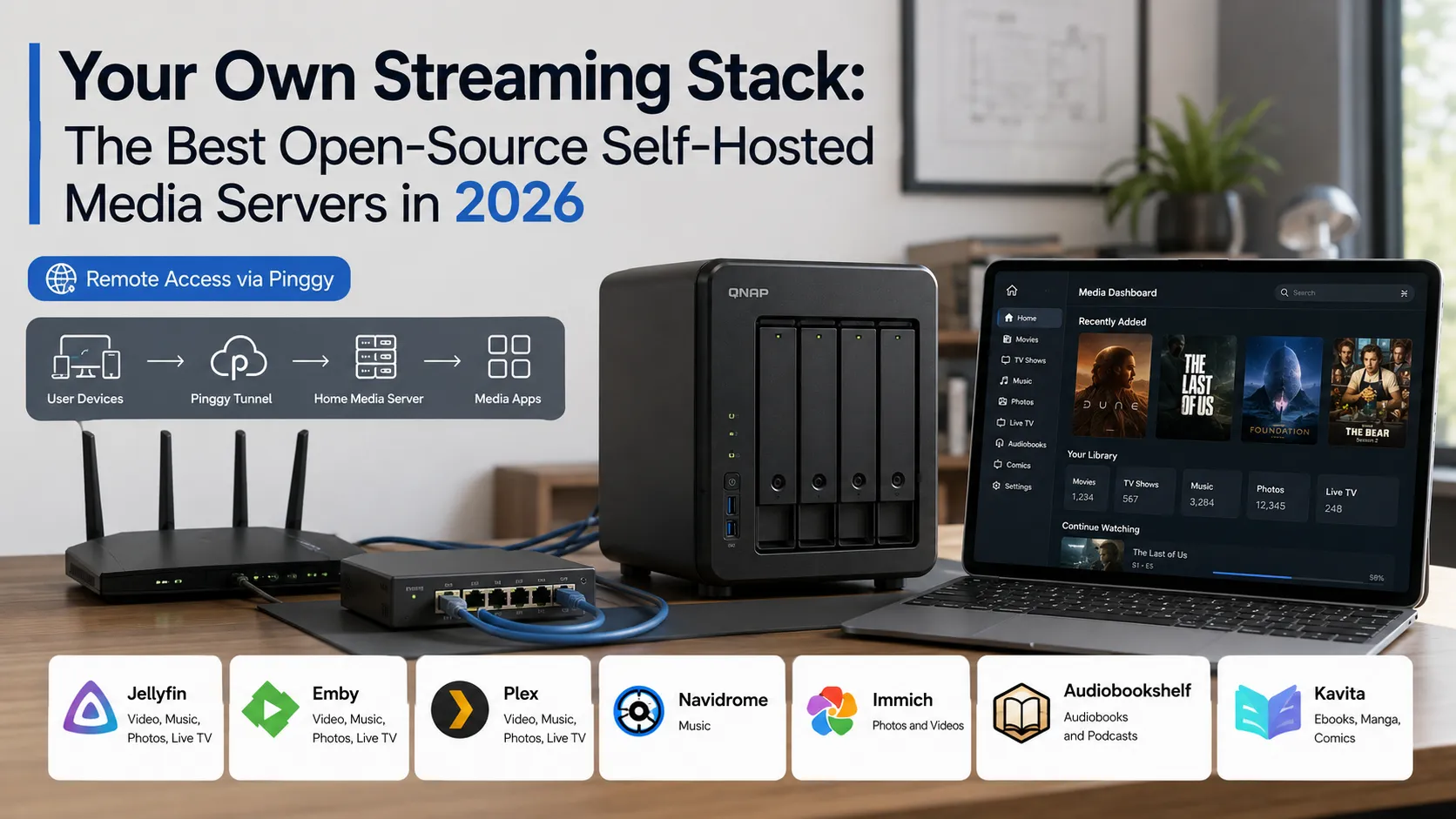
Streaming subscriptions have quietly become one of the bigger recurring expenses in a household budget. Netflix, Spotify, Audible, Apple TV+, a news site here, a music platform there - it adds up fast, and none of it is yours to keep. A self-hosted media server flips that model: your files, your library, your server, accessible from any device anywhere. The open-source ecosystem for this has matured to the point where the setup is straightforward, the client apps are polished, and the experience rivals the commercial alternatives for anyone willing to spend an afternoon getting it running.
This guide covers the best open-source options across every media type - video, music, photos, audiobooks, and ebooks - so you can assemble a stack that replaces the subscriptions that actually matter to you.
Comparison at a Glance
| Server | Media Type | License | Replaces | RAM (idle) |
|---|---|---|---|---|
| Jellyfin | Video, Music, Photos, Live TV | GPL-2.0 | Netflix, Plex | ~200-300 MB |
| Emby | Video, Music, Photos, Live TV | Proprietary (freemium) | Netflix, Plex | ~250-350 MB |
| Plex | Video, Music, Photos, Live TV | Proprietary (free tier) | Netflix | ~300-500 MB |
| Navidrome | Music only | GPL-3.0 | Spotify | <50 MB |
| Immich | Photos and Videos | AGPL-3.0 | Google Photos, iCloud | ~500-800 MB |
| Audiobookshelf | Audiobooks, Podcasts | GPL-3.0 | Audible, Pocket Casts | ~150-200 MB |
| Kavita | Ebooks, Manga, Comics | GPL-3.0 | Kindle, Comixology | ~150-200 MB |
Summary
By media type:
- Movies and TV: Jellyfin - 100% free, open source, no account required, hardware transcoding out of the box
- Music: Navidrome - single Go binary, under 50 MB RAM, full Subsonic API compatibility
- Photos and videos: Immich - 92K+ GitHub stars, Google Photos-like mobile backup, AI face recognition
- Audiobooks and podcasts: Audiobookshelf - dedicated mobile apps, Audible metadata, chapter navigation
- Ebooks, manga, comics: Kavita - EPUB, CBZ, CBR, PDF with an OPDS feed for e-readers
Key rule: These servers are complements, not competitors. Navidrome won’t play your movies, and Jellyfin’s music support is basic compared to a dedicated music server. Running Jellyfin plus Navidrome plus Immich is a common combination that covers almost every media use case with under 800 MB of combined RAM.
On Plex: Plex is not open source and now charges $7.99/month or $749.99 for a lifetime pass (tripled from $249.99 in July 2026). For new self-hosters, Jellyfin is the default choice - it’s free, open source, and has no account requirement.
To share your server remotely: Run ssh -p 443 -R0:localhost:8096 free.pinggy.io to get a public HTTPS URL for your Jellyfin server via Pinggy, no port forwarding needed.
Why Self-Host Your Media?
The practical reasons stack up quickly. Subscription costs keep climbing - Netflix alone has raised prices three times in four years, and most households subscribe to three or more streaming services. When you self-host, you buy or rip media once and pay nothing monthly. Your library also doesn’t disappear when a licensing deal expires or a service shuts down.
Privacy is another genuine reason. Commercial platforms track what you watch, when you pause, what you rewatch, and use that data to drive recommendations and, in some cases, targeted advertising. A self-hosted server sends nothing anywhere.
The control argument is less abstract than it sounds. Want to watch at 4K without paying for a premium tier? Want subtitles from OpenSubtitles automatically fetched? Want to share access with family members across different countries? These things are table-stakes features in self-hosted media servers, often locked behind paywalls or simply unavailable in commercial products.
The tradeoff is real too: you need hardware, an internet connection for remote access, and occasional maintenance when a server upgrades. If that sounds like too much overhead, commercial services are genuinely more convenient. But if you already run a home server or NAS, adding a media server is usually a one-afternoon project.
Video Servers
Jellyfin - The Open-Source Default
Jellyfin is the clear recommendation for anyone building a self-hosted video library in 2026. It started as a fork of Emby in 2018 when Emby closed its source code, and has since grown into the most popular fully open-source media server with 40,000+ GitHub stars and 1,100+ contributors.
The key thing Jellyfin gets right is that it doesn’t lock features behind a paywall. Hardware transcoding using Intel QuickSync, NVIDIA NVENC, and AMD VCE works out of the box on any install - no license key, no paid tier. The same goes for live TV support, multi-user management, and mobile clients on Android and iOS. Everything is free because it has to be - Jellyfin is governed by a non-profit organization and runs entirely on donations and volunteers.
The web interface covers movies, TV shows, music, photos, and live TV in a single unified library. Metadata is pulled automatically from TMDB and TheTVDB using the file and folder names you provide. Subtitle support includes embedded subs, SRT files, and automatic downloading from OpenSubtitles. The SyncPlay feature lets multiple users watch the same content in sync across different devices, including seeking and pausing.
Where Jellyfin still lags behind Plex is client breadth - smart TV apps exist but vary in quality depending on the platform, and the Apple TV client has historically been less stable than Android TV or Fire TV. The Android and iOS apps are solid. Browser-based playback is the most reliable fallback.
Key Features:
- 100% free and open source with no premium tier, no account requirement, and no telemetry
- Hardware transcoding via Intel QSV, NVIDIA NVENC, AMD VCE, and VA-API - no license required
- Multi-user support with per-user libraries, parental controls, and playback history
- Live TV and DVR support with scheduling and recordings
- SyncPlay for synchronized watching across devices
- Plugin ecosystem for additional metadata sources, subtitle providers, and integrations
- Native clients for Android, iOS, Android TV, Fire TV, Roku, and web browsers
System Requirements: Any Linux, Windows, or macOS machine. Raspberry Pi 4 or better for hardware transcoding; older Pi models work for direct play only. Docker is the recommended installation method.
License: GPL-2.0 | GitHub Stars: 53K+ | GitHub
Emby - The Polished Freemium Alternative

Emby is Jellyfin’s upstream predecessor - or more accurately, the project that Jellyfin forked from when Emby went partially proprietary in 2018. Today, Emby operates as a freemium product with a free tier and a paid Emby Premiere subscription ($4.99/month or $119 lifetime) that unlocks hardware transcoding, DVR, mobile sync, and Chromecast support.
The case for Emby over Jellyfin comes down to client quality and polish. Emby’s smart TV apps are generally more refined, and its interface has a slightly more commercial feel that some users prefer. The mobile apps are well-maintained. If you’re coming from a Plex background, Emby’s UX will feel more familiar.
The case against is straightforward: the main reason to self-host is to avoid paying subscriptions and to use open-source software, and Emby’s proprietary licence with a monthly fee undercuts both of those reasons. For new users, Jellyfin delivers the same core experience - and free hardware transcoding - without any paywall.
License: Proprietary (freemium) | emby.media
Plex - The Commercial Option Worth Knowing About

Plex is not open source, but it comes up in every self-hosting conversation so it’s worth addressing directly. Plex’s free tier is more limited than it used to be - offline sync, hardware transcoding, and certain client apps require Plex Pass. In May 2026, Plex announced that the lifetime Plex Pass price will jump from $249.99 to $749.99 starting July 1, 2026. Monthly pricing ($7.99/month) remains unchanged.
Plex’s genuine advantages over Jellyfin are its smart TV client quality, its discovery features (Discover, Watchlist), and a broader set of first-party clients with consistent updates. Plex also requires an account to run the server, which means your server authenticates through Plex’s infrastructure even for local-only playback - a meaningful privacy consideration.
For most self-hosters prioritizing open source and privacy, Jellyfin is the better choice. Plex makes sense if you need the best smart TV app experience and don’t mind the account dependency.
License: Proprietary | plex.tv
Music Server
Navidrome - Lightweight, Subsonic-Compatible Music Streaming
Navidrome is the right tool if music is your primary use case and you want something purpose-built rather than bolting a music library onto a general-purpose video server. It’s written in Go, ships as a single binary with no runtime dependencies, and uses under 50 MB of RAM at idle - you can run it comfortably on a Raspberry Pi Zero 2 W.
The core functionality is exactly what you’d want from a Spotify replacement: point it at your music folder, and it indexes the library by scanning ID3 tags, fetches artist artwork from external sources, handles multi-user access, scrobbles to Last.fm and ListenBrainz, supports smart playlists, and applies ReplayGain for consistent volume levels. The built-in web UI is clean and responsive.
The real value is Subsonic API compatibility. Navidrome implements the full Subsonic API, which means you can use any of dozens of mature Subsonic clients on every platform - DSub and Symfonium on Android, Amperfy and Ultrasonic on iOS, Feishin on desktop. The ecosystem is considerably larger than Navidrome’s own client base because Subsonic clients predate Navidrome by years. You’re not locked into any single app.
A 50,000-track library indexes in minutes on any modern hardware. The Docker image is around 80 MB. The project is actively maintained - recent releases added support for OpenSubsonic API extensions and improved playlist handling.
Key Features:
- Single binary, no external dependencies, under 50 MB RAM at idle
- Full Subsonic API compatibility with support for dozens of third-party clients
- Last.fm and ListenBrainz scrobbling
- Multi-user with per-user libraries and playback history
- ReplayGain support for consistent volume across tracks
- Smart playlists and regular playlist management
- Runs on Linux, macOS, Windows, and ARM (including Raspberry Pi)
System Requirements: Any machine with 512 MB RAM or more. Docker recommended but the binary runs standalone. NAS-friendly (official QNAP, Synology, and Unraid packages exist).
License: GPL-3.0 | GitHub Stars: 21.6K+ | GitHub
Photo Library
Immich - The Self-Hosted Google Photos
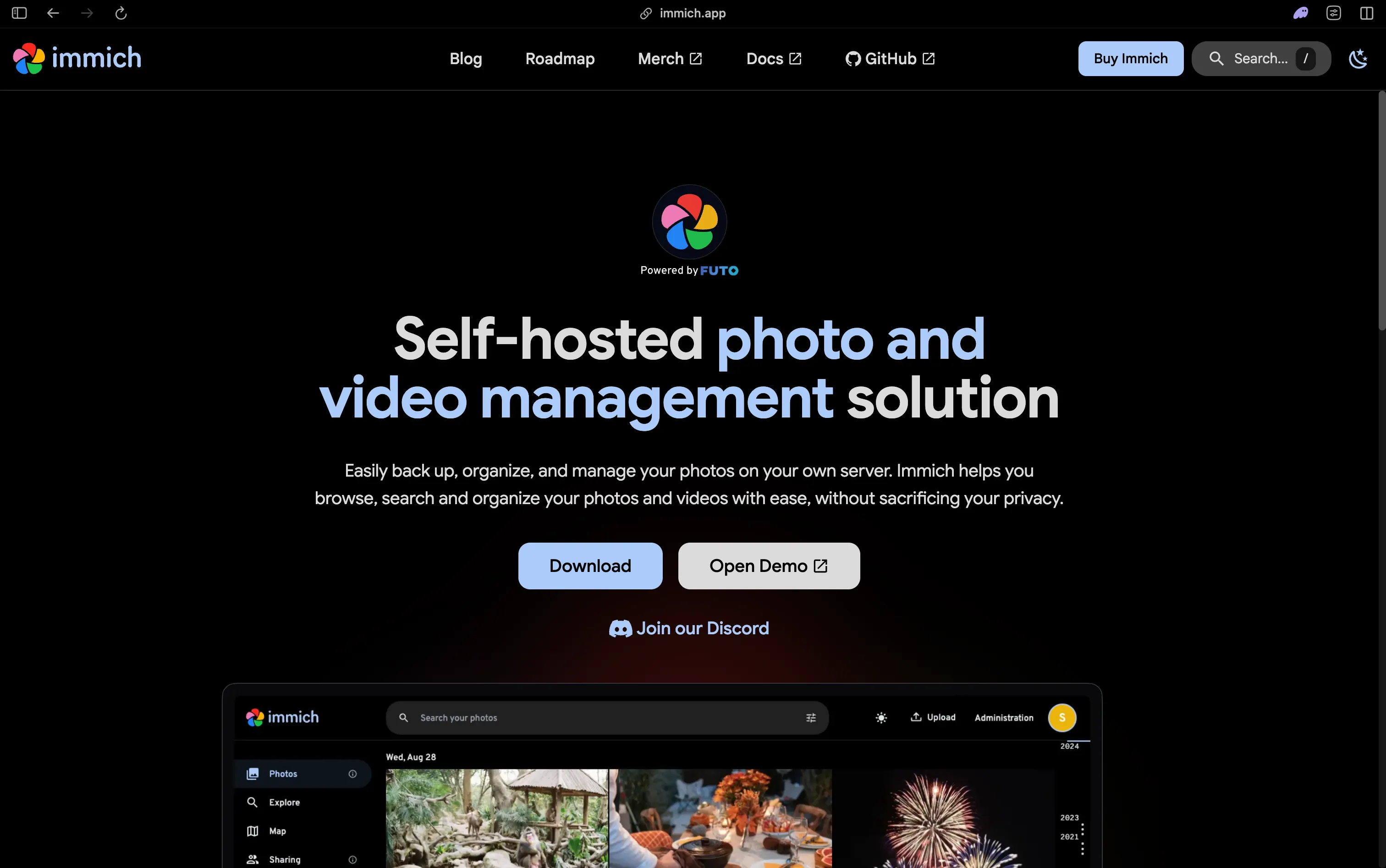
Immich has become the dominant self-hosted photo and video management solution, growing to 92,000+ GitHub stars - one of the fastest-growing self-hosted projects of any kind. It reached its v2.0.0 stable release in October 2025, removing previous warnings about the project being under heavy development, and v2.5.x (current as of early 2026) has continued the pace of improvements.
The product is genuinely close to Google Photos in the features that matter for daily use. The mobile app (Android and iOS) handles automatic background backup, organized by date and location. AI-powered face recognition clusters photos by person without any cloud processing. Smart search understands descriptions like “dog at beach” or “red car” using on-device CLIP-based search. The timeline gallery organizes everything chronologically with map view and album creation.
From a practical standpoint, v2.5.0 added the “Free Up Space” feature that removes local photos from your phone after they’ve been successfully backed up - which eliminates the last friction point in replacing Google Photos for most users. The backup and restore pipeline is built into the web UI. Storage can be local disk, network shares (NFS, SMB), or S3-compatible object storage.
Immich is a multi-container deployment: the main server, a microservices container for ML tasks, Redis, and PostgreSQL. Docker Compose handles all of this in one command. The machine learning features (face recognition, smart search) require more CPU than a simple photo backup tool - plan for a machine with at least 4 GB of RAM and, ideally, a modern CPU for indexing large libraries quickly.
Key Features:
- Automatic mobile photo and video backup (Android and iOS)
- AI face recognition and grouping without any cloud processing
- CLIP-based smart search (“sunset over water”, “birthday cake”)
- Timeline gallery with map view, albums, and shared albums
- “Free Up Space” to remove locally backed photos from your phone
- S3-compatible storage support alongside local paths
- Partner sharing, album sharing, and guest access
- Full backup/restore built into the web UI
System Requirements: 4 GB RAM minimum; 8 GB+ recommended for large libraries or active ML indexing. Docker Compose required. ARM64 supported (Apple Silicon, Raspberry Pi 4+). Ports: 2283 (HTTP).
License: AGPL-3.0 | GitHub Stars: 103K+ | GitHub
Audiobook and Podcast Server
Audiobookshelf - The Definitive Audiobook Server

Audiobookshelf fills a gap that general-purpose media servers handle poorly: audiobooks have chapters, bookmarks, sleep timers, playback speed, and series organization that differ meaningfully from music. Audiobookshelf was built specifically for this, and it shows.
The server indexes your library, scrapes metadata from Audible and other sources (cover art, narrator, series, publication date), and tracks listening progress per user across devices. The web player handles all the expected features: chapter navigation, variable playback speed (0.5x to 3x), bookmarks, and a sleep timer. The Android and iOS apps mirror this and sync progress back to the server automatically.
Podcast support is included - subscribe to a podcast via RSS, and Audiobookshelf downloads new episodes automatically and treats them like audiobooks (with chapter marks when episodes include them). This makes it a reasonable single app for both audiobooks and podcast management.
The setup is straightforward. Point the server at your audiobook directory organized as /Library/Author/Book Title/ and it handles the rest. OPDS support lets you browse and download books from compatible e-readers, and an API is available for custom integrations.
Key Features:
- Per-user listening progress tracked across devices with automatic sync
- Chapter navigation, bookmarks, sleep timer, and variable playback speed
- Audible and Goodreads metadata scraping (cover, narrator, series, description)
- Built-in podcast manager with automatic episode downloading
- Android and iOS native apps
- OPDS support for e-reader browsing and downloads
- Multi-user with per-user progress and library access control
System Requirements: Any Linux/macOS/Windows machine with 512 MB RAM. Docker is the recommended deployment. Ports: 13378 (HTTP).
License: GPL-3.0 | GitHub Stars: 13.1K+ | GitHub
Ebook and Comics Server
Kavita - Reading Server for Manga, Comics, and Ebooks
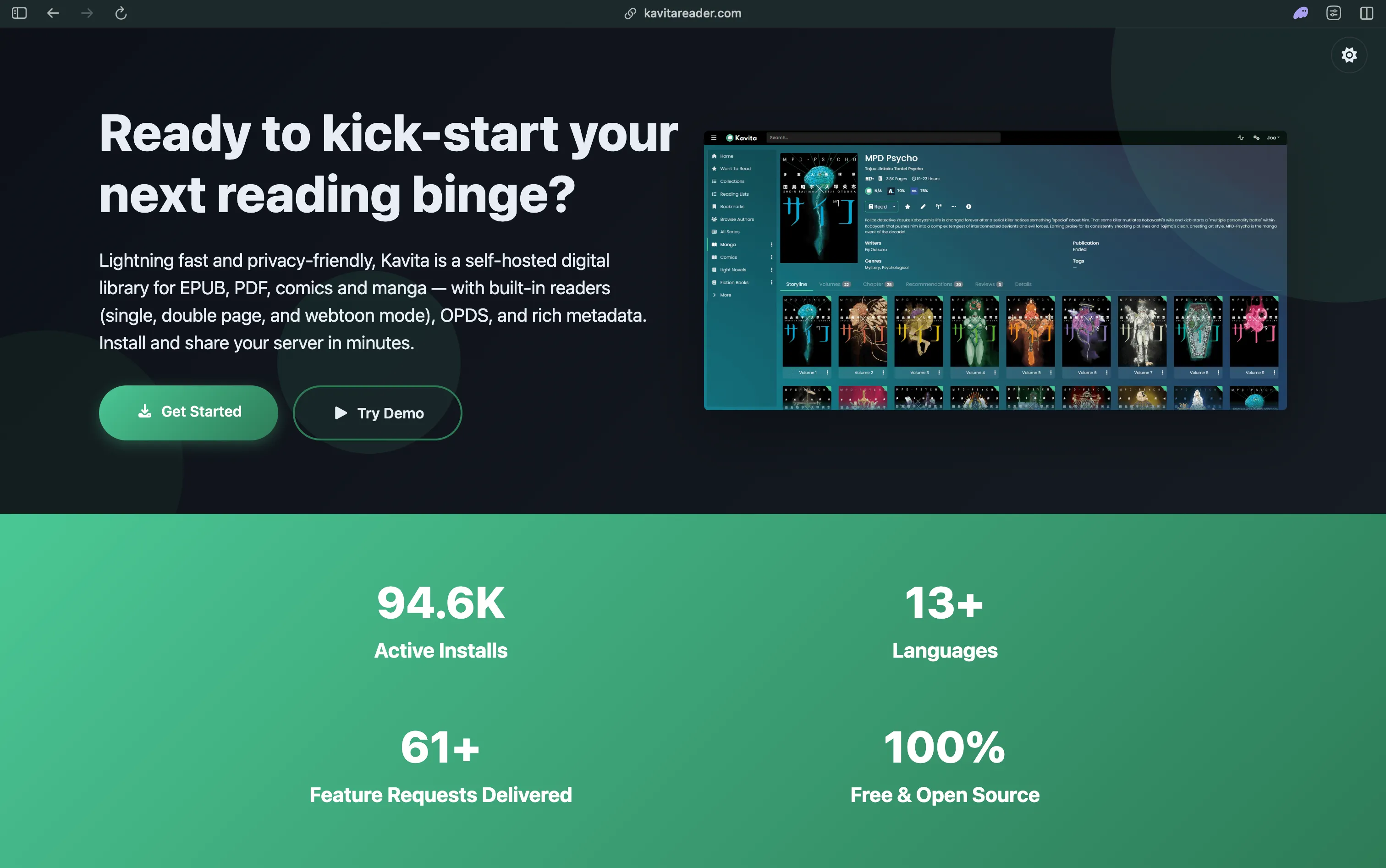
Kavita handles the formats that general-purpose media servers ignore: CBZ, CBR (comics), EPUB, PDF, and even ZIP archives of images for manga and light novels. The built-in web reader adapts to the content type - a manga reader with right-to-left paging and a long-strip mode for webtoons, or a traditional e-reader layout for EPUB files.
Library scanning is fast, and Kavita pulls metadata from online databases (MangaDex, ComicVine, AniList, Goodreads) based on file names and embedded metadata. Reading progress syncs across devices, and OPDS and OPDS-PS feeds let you connect Kavita to any compatible e-reader app (KOReader, Kybook, Chunky) for downloading and offline reading.
If you have audiobooks and ebooks, Audiobookshelf and Kavita complement each other cleanly - both are lightweight single-container deployments and together use less than 400 MB of RAM idle.
Key Features:
- Supports CBZ, CBR, ZIP, EPUB, and PDF formats
- Adaptive web reader with manga, webtoon, comic, and book modes
- OPDS and OPDS-PS feeds for external e-reader apps
- Metadata scraping from MangaDex, ComicVine, AniList, and Goodreads
- Reading progress sync across devices
- Multi-user with per-user libraries and reading history
System Requirements: 512 MB RAM minimum. Docker recommended. Runs on Linux, macOS, and Windows. Ports: 5000 (HTTP).
License: GPL-3.0 | GitHub Stars: 11K+ | GitHub
Getting Jellyfin Running
Jellyfin is the best starting point because it covers the most ground (video, music, photos, live TV) and the Docker setup is representative of how most self-hosted media servers work. Once you have Jellyfin running, adding Navidrome or Immich alongside it follows the same pattern.
First, install Docker if you haven’t:
curl -fsSL https://get.docker.com | shCreate a docker-compose.yml file:
services:
  jellyfin:
    image: jellyfin/jellyfin:latest
    container_name: jellyfin
    ports:
      - "8096:8096"
    volumes:
      - ./config:/config
      - ./cache:/cache
      - /path/to/media:/media:ro
    restart: unless-stopped
Start the server:
docker compose up -dOpen http://localhost:8096 in a browser and follow the setup wizard. You’ll create an admin account, add library paths, and trigger a first scan. Jellyfin will fetch metadata for anything it can match.
For hardware transcoding with an Intel CPU (6th gen or newer, integrated graphics), add the device passthrough to your compose file:
services:
  jellyfin:
    image: jellyfin/jellyfin:latest
    container_name: jellyfin
    ports:
      - "8096:8096"
    volumes:
      - ./config:/config
      - ./cache:/cache
      - /path/to/media:/media:ro
    devices:
      - /dev/dri:/dev/dri  # Intel QSV / VA-API
    restart: unless-stopped
Then in Jellyfin’s admin panel, go to Dashboard > Playback > Transcoding and enable the Intel QuickSync or VA-API option. Hardware transcoding makes a material difference if multiple users stream simultaneously or if clients need a format conversion - it shifts the load from CPU to the GPU encoder, which handles it with a fraction of the power consumption.
File naming matters. Jellyfin’s metadata scraping depends entirely on recognizing movie and TV show names from your file structure. The expected patterns are:
/media/movies/The Dark Knight (2008)/The Dark Knight (2008).mkv
/media/tv/Breaking Bad/Season 01/Breaking Bad S01E01.mkv
Getting the naming right before your first scan saves significant manual cleanup later. The Jellyfin documentation covers every edge case including multi-edition movies, specials, and extras.
Navidrome alongside Jellyfin
Running Navidrome for music alongside Jellyfin for video takes one additional docker-compose.yml:
services:
  navidrome:
    image: deluan/navidrome:latest
    container_name: navidrome
    ports:
      - "4533:4533"
    volumes:
      - ./navidrome-data:/data
      - /path/to/music:/music:ro
    environment:
      ND_SCANSCHEDULE: "1h"
      ND_LOGLEVEL: "info"
    restart: unless-stopped
Point your Subsonic client (Symfonium, Amperfy, Feishin) at http://your-server:4533 and you have a full Spotify replacement. Navidrome is fast enough to run on the same machine as Jellyfin without any resource contention on typical hardware.
Access Your Media Server Remotely with Pinggy
A self-hosted media server is most useful when you can reach it from anywhere - your phone on mobile data, a tablet at a friend’s place, a laptop while traveling. The standard approach involves opening a port on your router, setting up a dynamic DNS service, and configuring SSL certificates. That works but takes time to get right.
Pinggy gives you a public HTTPS URL for any locally running server in one SSH command, with no router configuration or static IP needed. For Jellyfin running on port 8096:
This gives you a public HTTPS URL that you can open in the Jellyfin mobile app, a browser, or share with family members who you want to add as users on your server. The same command works for any port - substitute 4533 for Navidrome, 2283 for Immich, or 13378 for Audiobookshelf.
For persistent remote access with a fixed subdomain rather than a random URL each session, a Pinggy paid plan gives you a stable custom subdomain that survives server restarts - useful if you want to configure the Jellyfin iOS app once and have it always connect to the same address.
Choosing What to Run
The honest answer is that most people end up running more than one of these, because they cover different content types with no overlap. A common starting stack for someone who wants to replace their streaming subscriptions:
Jellyfin for movies and TV - it’s the video library that everything else plugs into. Add it first, get it stable, and everything downstream gets easier.
Navidrome for music if you care about music quality and want a dedicated Spotify replacement. If you only listen to the occasional album, Jellyfin’s built-in music support is probably enough.
Immich if you’re paying for Google Photos or iCloud storage. The mobile backup feature alone is worth the setup time if you have a few thousand photos across multiple devices.
Audiobookshelf if you buy audiobooks or listen to podcasts. Audible’s DRM makes this more complicated (you need DRM-free files or use tools like Libation to strip DRM from purchases you already own), but the app itself is excellent.
Kavita if you read manga, comics, or ebooks and want a central library instead of scattered files across devices.
Hardware requirements scale with what you run. A Raspberry Pi 4 with 4 GB RAM can handle Jellyfin (direct play, not transcoding), Navidrome, and Audiobookshelf simultaneously. Immich’s ML indexing benefits from a faster CPU. If you plan to transcode video for remote streaming, any machine with an Intel 6th gen or newer CPU (for QSV) will handle several simultaneous streams without breaking a sweat.
Conclusion
Jellyfin, Navidrome, and Immich are all Docker-deployable, actively maintained, and free. If you already have a NAS or home server, the marginal cost to add a full streaming stack is zero - and your library doesn’t disappear when a licensing deal falls through. The main friction is the initial setup and migration, not the ongoing experience.
For remote access without port forwarding or a reverse proxy, Pinggy makes any of these reachable from anywhere in one command.