In this article
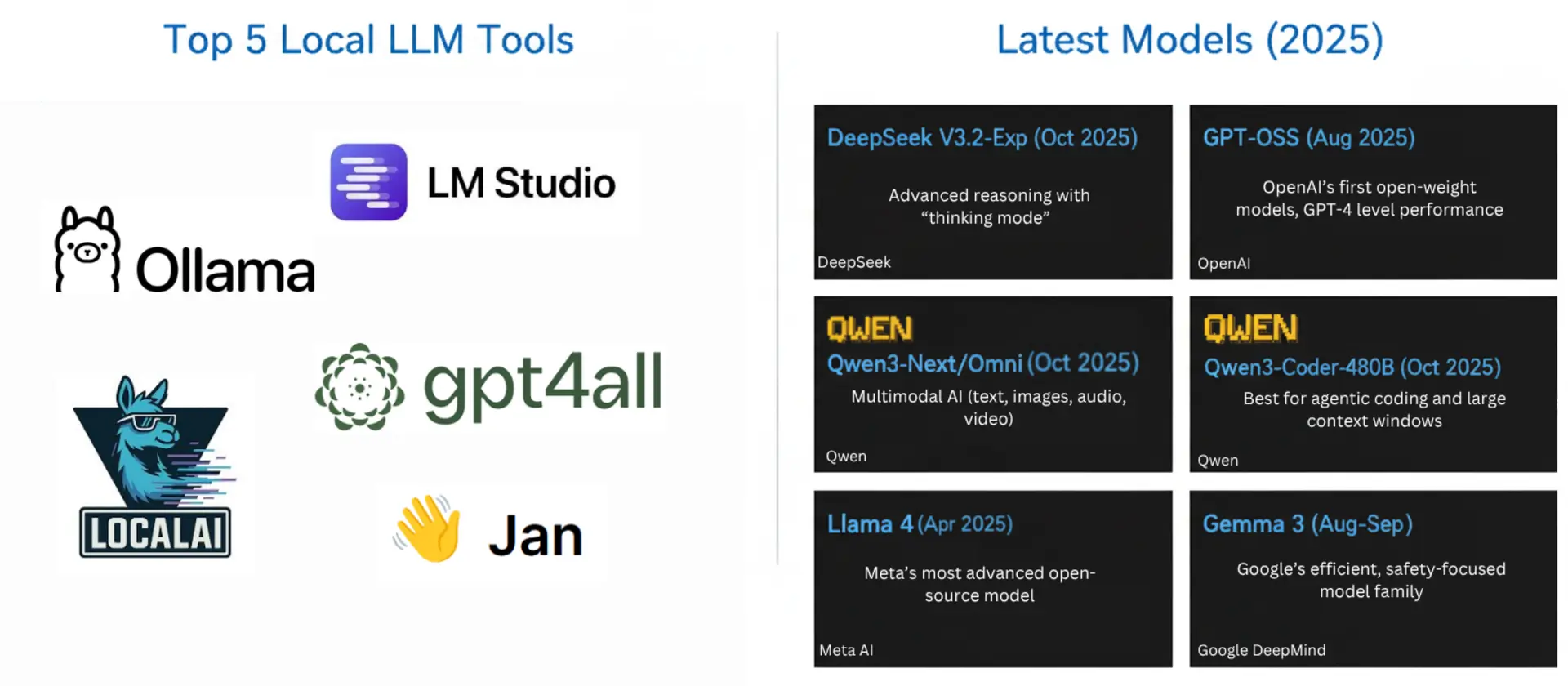
Running a large language model on your own hardware used to mean accepting a noticeably worse model in exchange for privacy. Most of that gap has closed, and the hard part now is matching a model to the memory you actually have.
Two numbers decide almost everything: the size of the quantized model file and the RAM plus VRAM you can give it. Qwen3.8-27B needs 16-19GB at 4-bit, gpt-oss-120b about 66GB, and Qwen3.8-Flash-Next, a 125B mixture-of-experts model (plus 51B of n-gram embeddings) that Alibaba released in August, fits a 128GB machine at 4-bit. The runner matters less than it did a year ago, because nearly all of them wrap llama.cpp or Apple’s MLX and expose the same OpenAI-compatible API.
This guide covers the runners worth installing and the open-weight models that fit a 128GB budget (a 128GB Mac, a Ryzen AI MAX+ 395 mini PC, an NVIDIA DGX Spark, or a multi-GPU workstation). Memory figures come from Unsloth’s model guides and Hugging Face file listings; versions and star counts were checked on October 6, 2026.
Summary
Top local LLM tools:
- LM Studio - Best GUI, llama.cpp and MLX engines | Download
- Unsloth - Dynamic GGUF quants plus an app to run and fine-tune | Unsloth
- Ollama - One-line commands, best for scripting | Download
- Atomic Chat - Offline desktop chat app, no terminal | Download
- TextGen (formerly text-generation-webui) - Most configurable | GitHub
- LocalAI - OpenAI-compatible API server for apps | LocalAI
Bonus: Jan - Open-source ChatGPT-style app, fully offline | Download
Best models that fit in 128GB (Unsloth 4-bit unless noted):
- Qwen3.8-27B - 16-19GB, dense, vision | Unsloth GGUF
- Qwen3.6-35B-A3B - 23GB, fastest all-rounder | Unsloth GGUF
- Gemma 4 26B-A4B - 16-18GB, multimodal | Unsloth GGUF
- Qwen3-Coder-Next - 46GB, agentic coding | Unsloth GGUF
- gpt-oss-120b - about 66GB, strong tool calling | Unsloth GGUF
- Nemotron 3 Super 120B-A12B - 64-72GB, 1M context | Unsloth GGUF
- Mistral Medium 3.5 128B - 80GB, large dense model | Unsloth GGUF
- Qwen3.8-Flash-Next - 96-114GB, largest at 4-bit | Unsloth GGUF
- DeepSeek-V4-Flash-0731 - 110-135GB at 3-bit | Unsloth GGUF
Why run LLMs locally in 2026?
Your prompts and files never leave the machine, there’s no per-token bill or rate limit, it works offline, and you control the chat template, sampling and fine-tuning. What changed is that open-weight models are now good enough for that to matter in daily work. The cost is hardware and setup time.
How local LLM tools run a model
Almost every tool here is a front end over one of two engines. llama.cpp runs GGUF files on NVIDIA, AMD and Intel GPUs or plain CPU, and Apple’s MLX runs MLX-format weights on M-series Macs. The weights are quantized to 2-8 bits instead of 16, which is how a 27B model fits in 18GB instead of 56GB. Each tool then serves an OpenAI-compatible API on a local port, so the same client code works against any of them.
| Tool | Engines | Local API | License | Latest (Oct 6, 2026) |
|---|---|---|---|---|
| LM Studio | llama.cpp, MLX, Splash (Mac) | localhost:1234/v1 | Free, closed source | 0.4.25 |
| Unsloth Desktop / Studio | llama.cpp, MLX (also runs safetensors) | OpenAI and Anthropic routes | Apache 2.0 core, AGPL-3.0 Studio UI | v0.1.902-beta |
| Ollama | GGML (llama.cpp’s library), MLX on Apple Silicon | localhost:11434 | MIT | v0.35.1 |
| Atomic Chat | llama.cpp, TurboQuant llama.cpp fork, MLX-VLM | localhost:1337/v1 | Apache 2.0 | v2.1.8 |
| TextGen | llama.cpp, ik_llama.cpp, Transformers, ExLlamaV3, TensorRT-LLM | OpenAI and Anthropic routes | AGPL-3.0 | v4.9 |
| LocalAI | 60+ backends incl. llama.cpp, vLLM, MLX | localhost:8080 | MIT | v4.11.0 |
| Jan | llama.cpp, MLX | localhost:1337/v1 | Apache 2.0 | v0.8.4 |
Top local LLM tools in 2026
1. LM Studio
LM Studio is the one to install first if you’re not sure what you want. It’s a free, closed-source desktop app that hides the awkward parts (finding a model, picking a quant that fits, wiring up an API) behind a UI that doesn’t assume you’ve read a llama.cpp changelog.
It ships two main engines: llama.cpp for GGUF on any hardware and MLX on Apple Silicon, and 0.4.25 (September 19) added a third Mac-only engine, Splash, for M3 or newer chips on macOS 26.4+. On a Mac, MLX is often faster; when Ollama moved Qwen3.5-35B-A3B onto MLX, decode went from 58 to 112 tokens/s, though that test also changed quant formats. The Discover tab tells you whether each quant fits your RAM before you download, and recent 0.4.x releases added parallel predictions for vision models and KV cache checkpointing on the MLX engine, which helps repeated long-context agent runs.
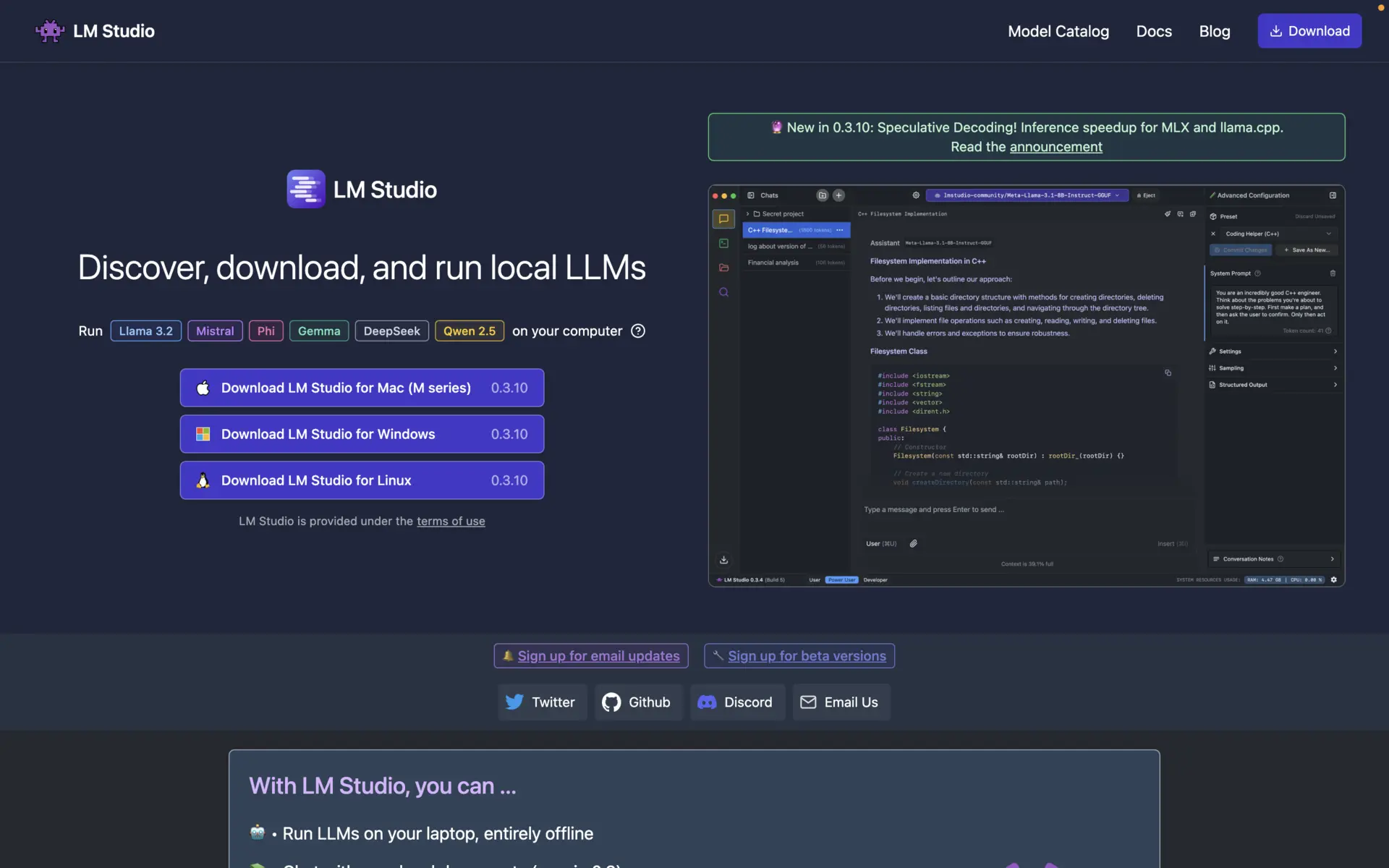
Download it from lmstudio.ai and pick a model in the Discover tab.
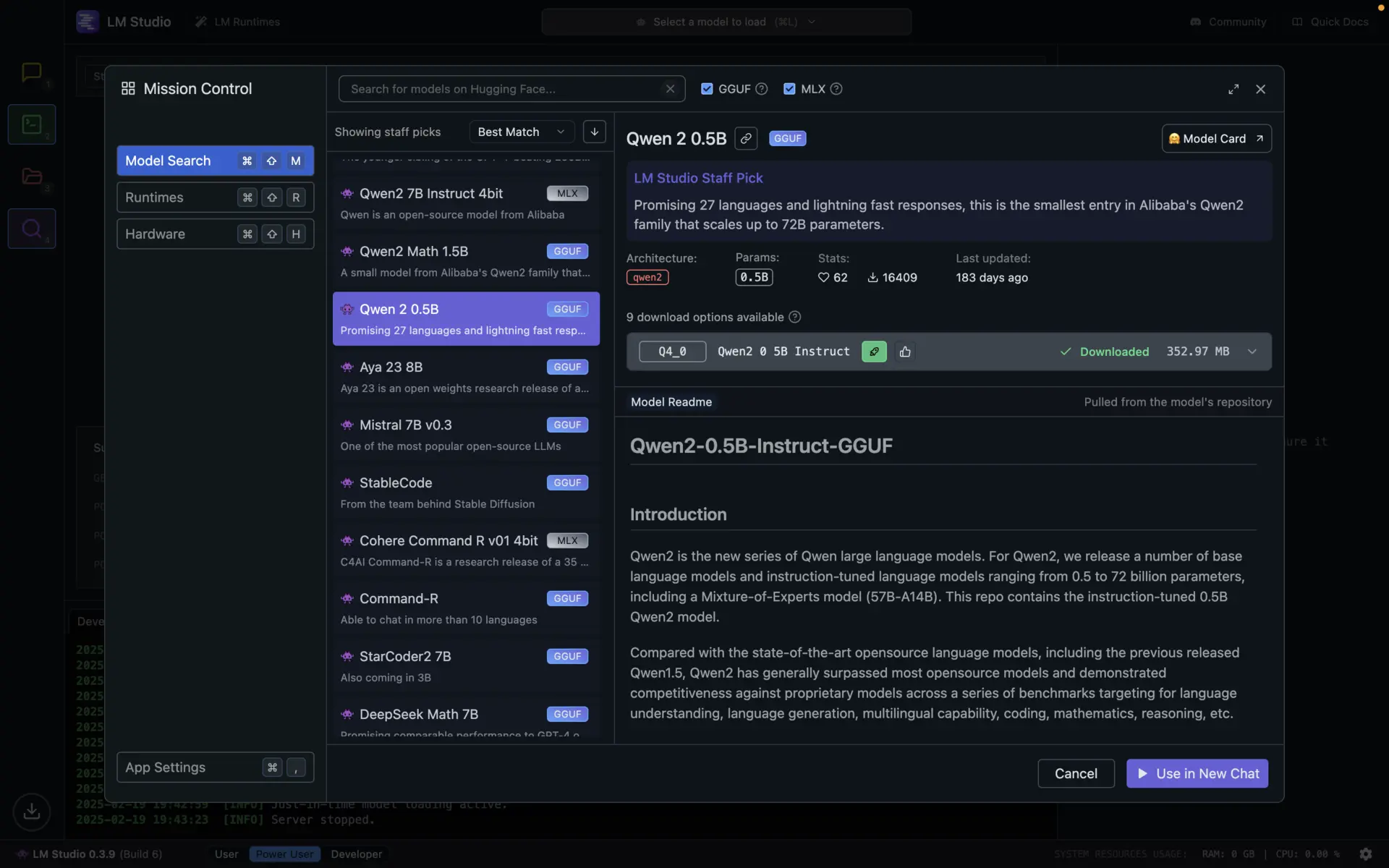
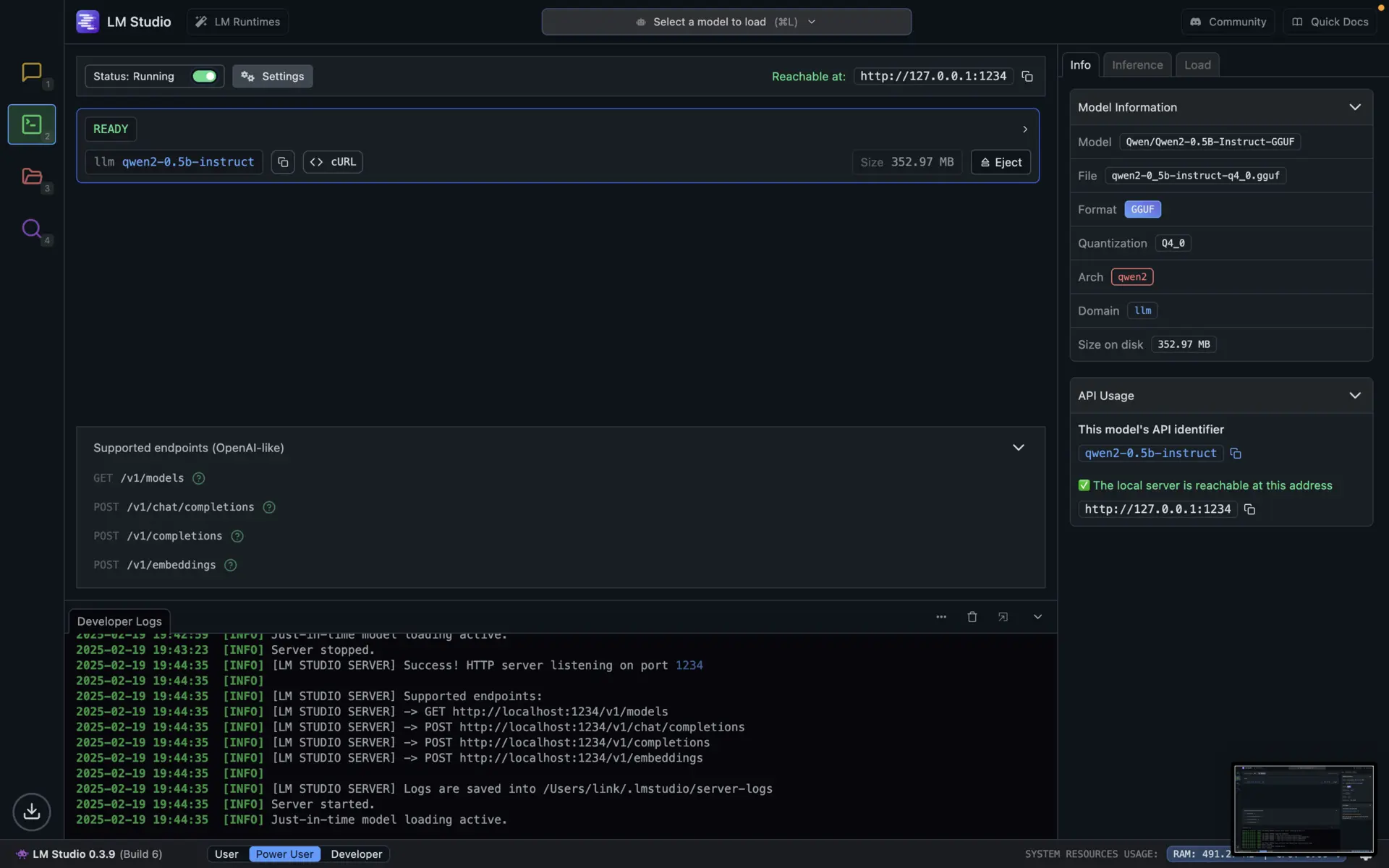
Then chat in the app, or open the Developer tab, toggle Start server, and point any OpenAI client at http://localhost:1234/v1. Tool calling works there, and there’s an Anthropic-compatible /v1/messages route too.
Best for: almost everyone. See the changelog for releases, and our LM Studio guide for sharing its API.
2. Unsloth
Unsloth is the most useful project here that most people never installed on purpose: if you’ve downloaded a GGUF in the last year, it was likely theirs. It started as a fine-tuning library and now also makes the quantized model files much of the local ecosystem runs on, plus an app to run and train models. The repo had 77,250 GitHub stars on October 6, 2026. The core is Apache 2.0; the Studio UI is AGPL-3.0.
How Unsloth’s Dynamic quants decide bit widths
Standard quantization gives nearly every layer the same bit width, but some layers carry structure the rest of the model leans on, and squashing them costs far more accuracy than squashing a middle feed-forward layer. Unsloth’s Dynamic quants choose the type per layer, per model. Dynamic 2.0 calibrated on over 1.5M tokens and measured KL divergence on Wikipedia text rather than its calibration set. On Gemma 3 27B (5-shot MMLU):
| Quant | Unsloth Dynamic | Unsloth Dynamic on Google’s QAT weights | Disk |
|---|---|---|---|
| Q4_K_XL | 71.47% | 71.07% | 15.64GB |
| Q3_K_XL | 70.87% | 69.50% | 12.76GB |
| Q2_K_XL | 68.70% | 67.77% | 9.95GB |
| Google’s own QAT release | - | 70.64% | 17.2GB |
The 4-bit Dynamic build is 1.56GB smaller than Google’s QAT release and 0.83 points better. In August 2026 Unsloth shipped Dynamic 3.0, starting with Qwen3.8-27B: a new calibration set aimed at agentic coding, chat and multilingual prompts, better layer selection, and a reported 10%+ top-1 accuracy gain over other providers at the same size.
The same write-up carries the most useful warning in this post: below UD-Q2_K_XL, tool calling breaks down. On a held-out Qwen3.8-27B test, 32-token agreement with the full model fell from about 25% at UD-Q2_K_XL to under 10% at UD-IQ2_S. A 1-bit quant can answer short knowledge questions, but don’t run an agent on it.
Files are named with a UD- (Unsloth Dynamic) prefix, and UD-Q4_K_XL is the sensible default. Unsloth also tends to fix the chat template and tokenizer bugs new models ship with, including a Llama 4 RoPE fix upstreamed into llama.cpp. The honest caveat: on small dense models the gain over a good imatrix quant is modest. The big wins come on MoE models and at 3 bits and below.
Unsloth Desktop and Studio: run and train in one app
Unsloth Desktop (Beta) is a native app for macOS, Windows and Linux; Unsloth Studio is the browser UI you launch from the command line. Both run GGUF, MLX and safetensors models, and expose the controls that decide whether a 120B MoE runs at all: GPU and layer selection, offloading MoE experts to CPU, and multi-GPU. You also get a model arena, tool calling, code execution, local RAG, and chat over images, audio, PDF and DOCX. Very large PDFs eat context, so it helps to compress PDF documents first. One port serves /v1/chat/completions, /v1/responses and /v1/messages.
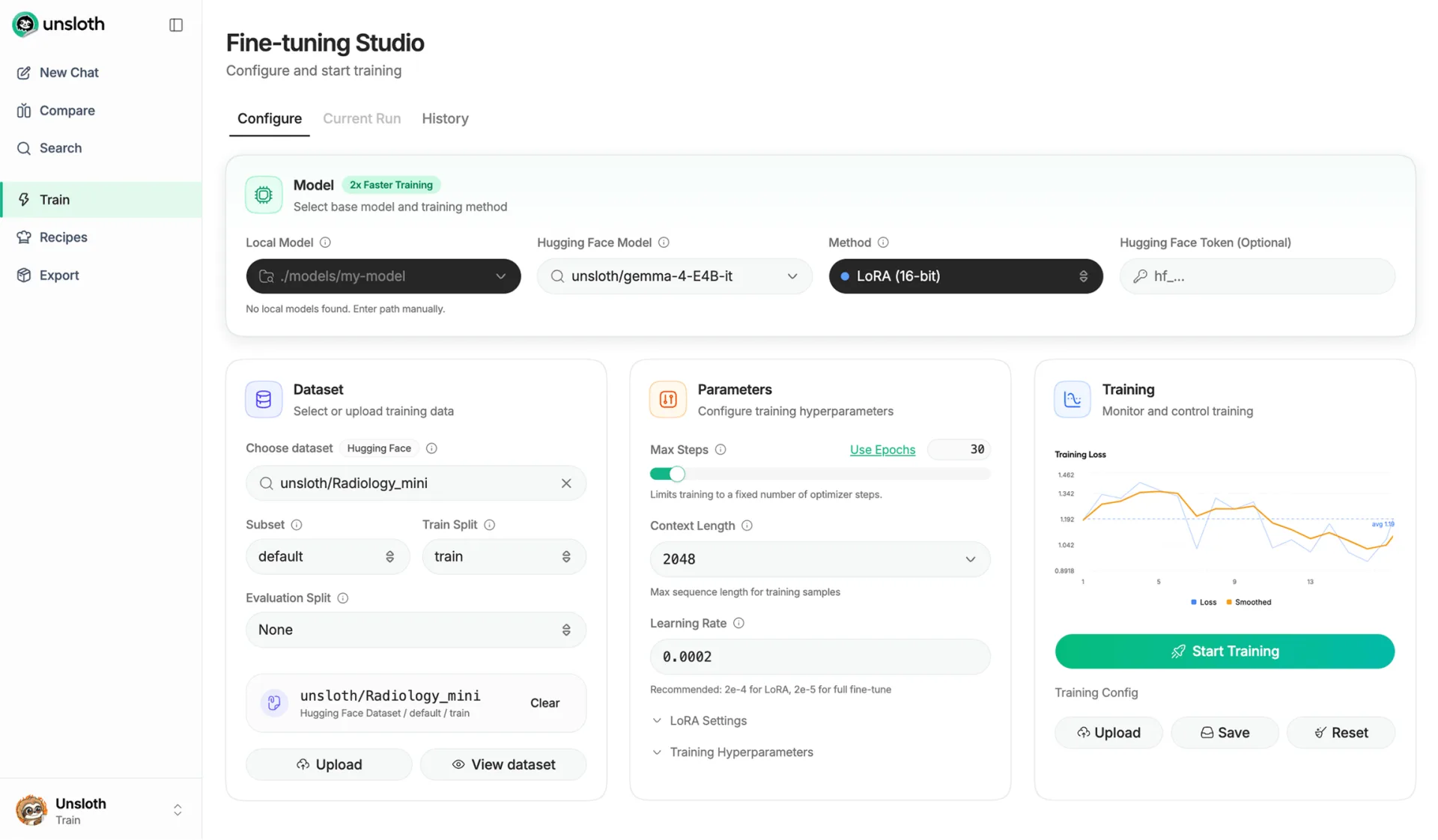
On the training side: LoRA, QLoRA, full fine-tuning and GRPO on 500+ models, about 2x faster with 70% less VRAM, with export straight to GGUF. It runs on NVIDIA, AMD (ROCm on Windows and Linux), Intel XPU and macOS. Install with the command below (Windows PowerShell: irm https://unsloth.ai/install.ps1 | iex), or grab Unsloth Desktop:
curl -fsSL https://unsloth.ai/install.sh | sh

# Launch the web UI (add -H 0.0.0.0 -p 8888 to expose it on your network)
unsloth studio

# Point Claude Code at a local model (codex, opencode and hermes also work)
unsloth start claude --model unsloth/Qwen3.8-27B-GGUF:UD-Q4_K_XL
Best for: the most quality per GB, and fine-tuning without renting a GPU.
3. Ollama
Ollama is a background server with its own model registry: pull a model by name and it loads on first request. It’s the easiest thing to script against or drop into Docker Compose. The current release is v0.35.1 (September 29, 2026), and the v0.40 pre-release makes MLX the default on Apple Silicon. Install it from ollama.com/download.

# Qwen3.6-35B-A3B, about 24GB. A good default on a 32GB machine
ollama run qwen3.6

# About 8GB, fits a 16GB laptop
ollama run gemma4:12b

# Reasoning and tool calling, 65GB
ollama run gpt-oss:120b
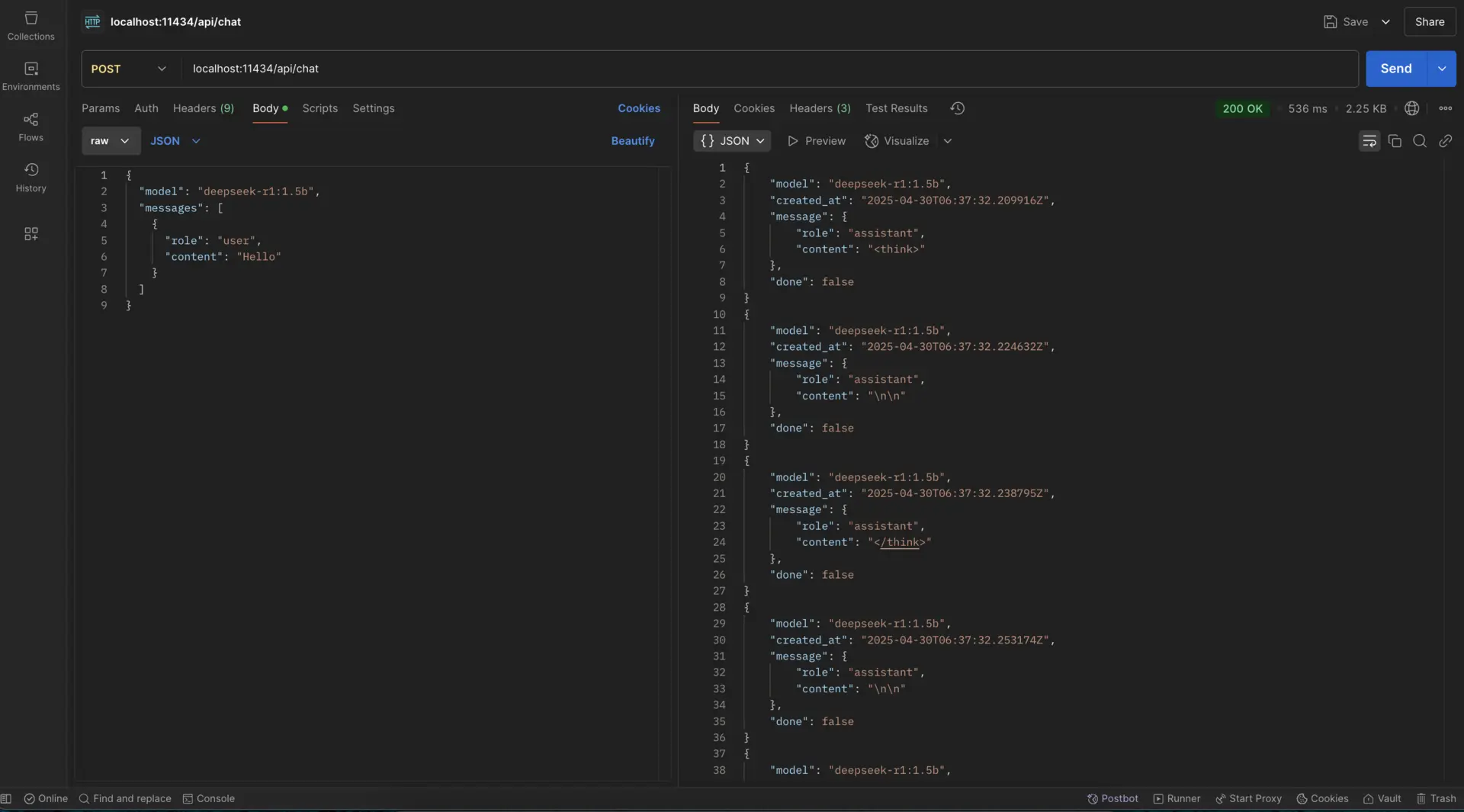
The API listens on port 11434, with OpenAI-compatible routes under /v1. /api/chat streams newline-delimited JSON unless you set "stream": false:
curl http://localhost:11434/api/chat -d '{
  "model": "qwen3.6",
  "messages": [{"role": "user", "content": "Explain KV cache quantization in two sentences"}],
  "stream": false
}'
One gotcha: bound to localhost, Ollama answers 403 Forbidden to any request whose Host header isn’t localhost, the machine’s own hostname, a .local or .internal name, or a private IP. That matters for remote access (see the Pinggy section). Tags change, so check ollama.com/library before scripting against one.
Best for: terminal users and automation. See also running Ollama on Google Colab.
4. Atomic Chat
If you’d rather open an app and start typing, Atomic Chat fills that gap. It’s an open-source (Apache 2.0) desktop app for macOS, Windows and Linux that began as a fork of Jan. It runs upstream llama.cpp, its own llama.cpp fork with TurboQuant KV-cache optimizations for lower-memory inference, and MLX-VLM on Macs, all behind one OpenAI-compatible server at http://localhost:1337/v1. Local models run fully offline; cloud providers are optional. The latest release is v2.1.8 (October 6, 2026).
Install it from atomic.chat, pick a model from the built-in list, and start chatting. No terminal or configuration needed.
Best for: non-technical users who want a private, offline ChatGPT-style app.
5. TextGen (formerly text-generation-webui)
oobabooga’s text-generation-webui is now TextGen, and the old URL redirects there. It’s still the most configurable option, with chat, notebook and raw completion modes and sampler-level control. Since v4.7.3 the portable builds are an Electron desktop app: unzip and run textgen (textgen.bat on Windows). Portable builds load GGUF only; Transformers, ExLlamaV3, TensorRT-LLM and extensions need the full install. To skip the window and serve the web UI on your network:
./textgen --listenModels download from Hugging Face in the Model tab. The latest release is v4.9 (May 20, 2026), and commits have slowed since June.
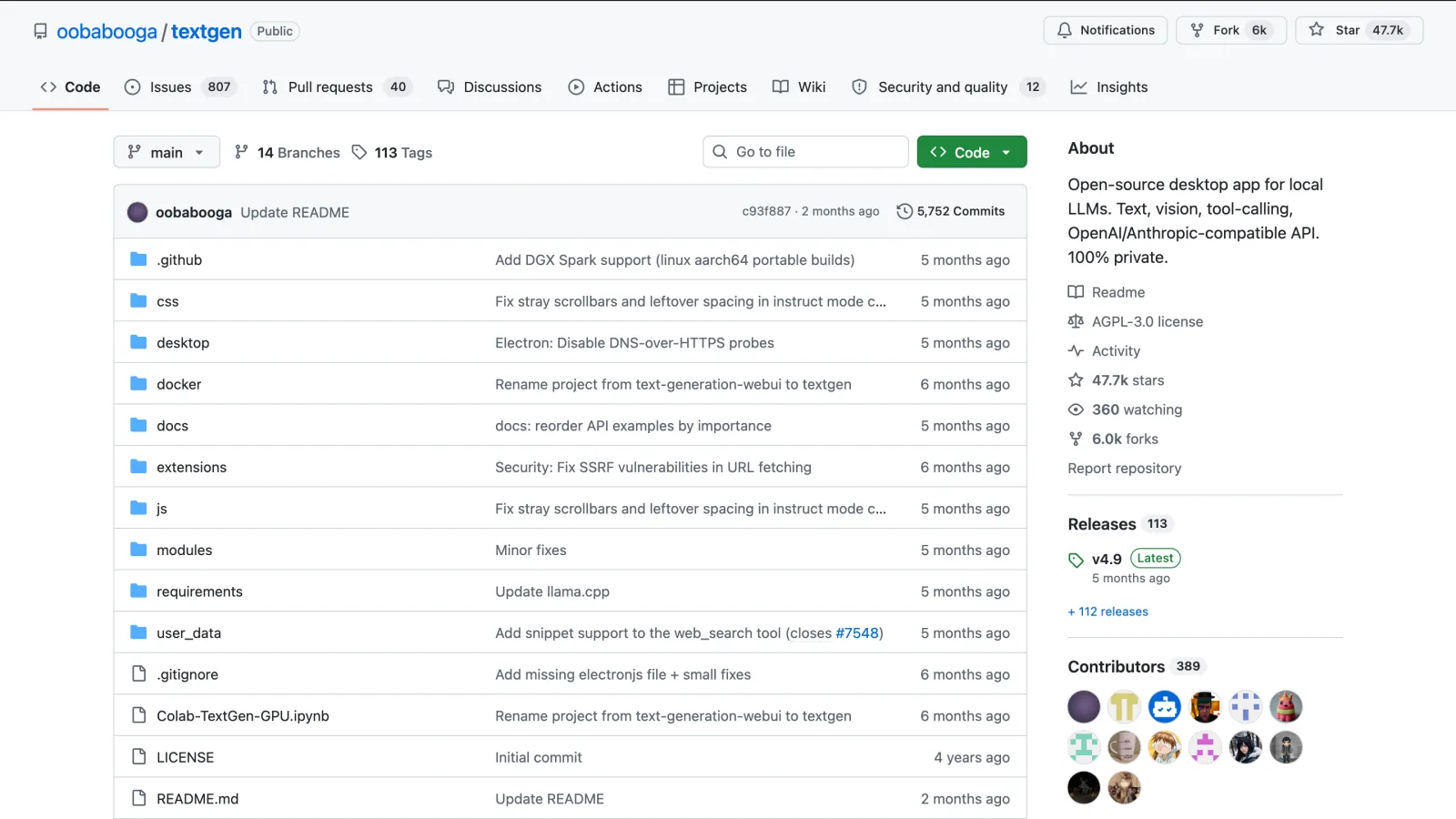
Screenshot: github.com/oobabooga/textgen, October 2026.
Best for: tinkerers who want sampler control and several backends in one UI.
6. LocalAI
LocalAI is for when the LLM is a component in a larger system. It’s a drop-in OpenAI API replacement that also speaks the Anthropic, ElevenLabs and Ollama APIs, with 60+ backends for text, images, transcription, TTS and video. The latest release is v4.11.0 (October 2, 2026).
# CPU only
docker run -ti --name local-ai -p 8080:8080 localai/localai:latest

# NVIDIA GPU (use latest-gpu-nvidia-cuda-13 for CUDA 13)
docker run -ti --name local-ai -p 8080:8080 --gpus all localai/localai:latest-gpu-nvidia-cuda-12
Older tutorials use latest-cpu, which hasn’t been updated since June 2025, and AIO images, which were dropped in v4.0.0. Browse models at http://localhost:8080/app/models.
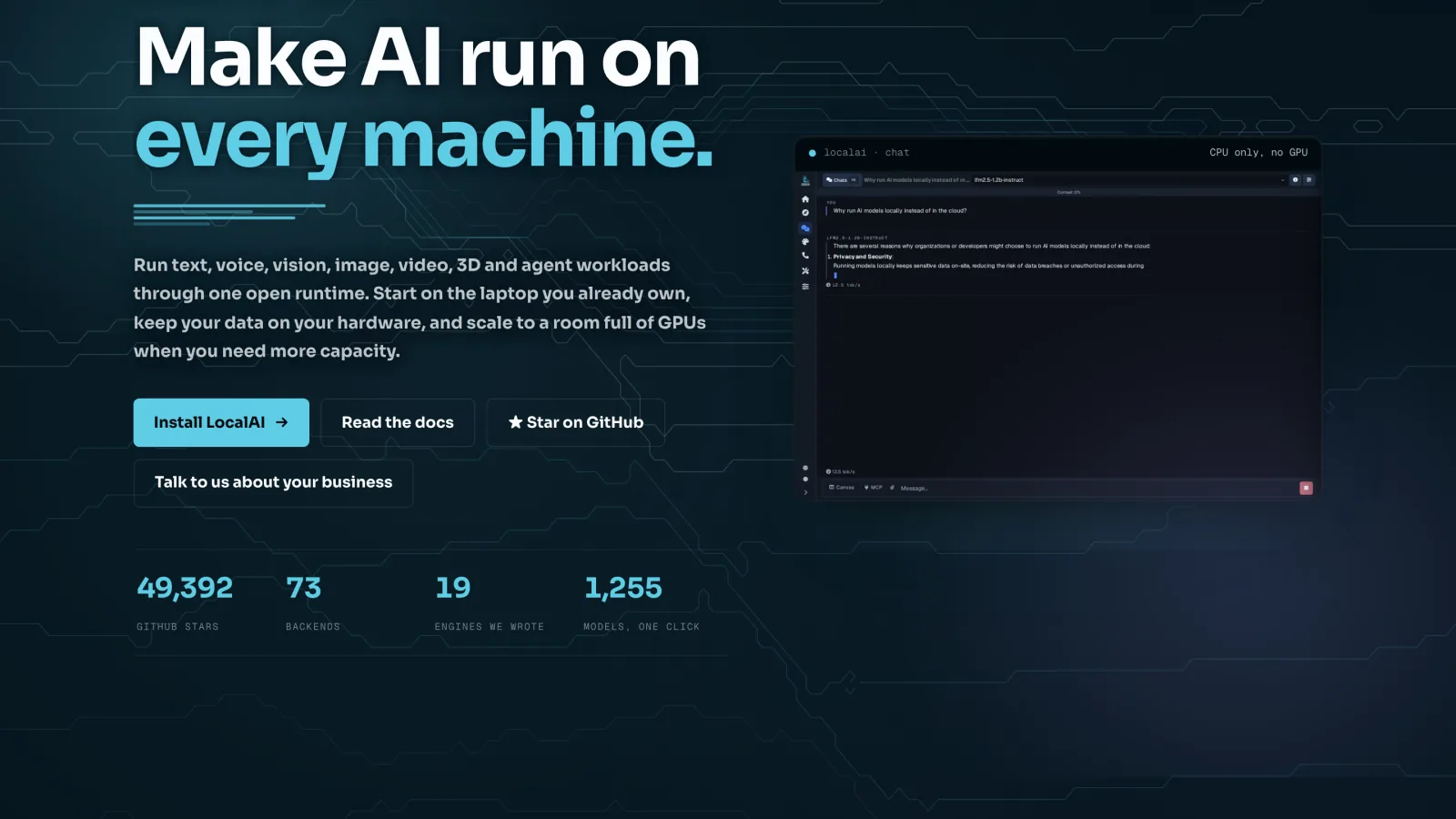
Screenshot: localai.io, October 2026.
Best for: replacing an OpenAI dependency in an existing app.
Bonus tool: Jan
Jan is an open-source (Apache 2.0), ChatGPT-shaped app that runs fully offline on Windows, macOS and Linux, with llama.cpp and MLX engines. Settings > Local API Server gives you an OpenAI-compatible endpoint at http://127.0.0.1:1337/v1, the same port as Atomic Chat, so don’t run both servers at once. Extensions have given way to MCP servers, and you can add Groq or OpenRouter when you want cloud models. The latest release is v0.8.4 (July 2026).
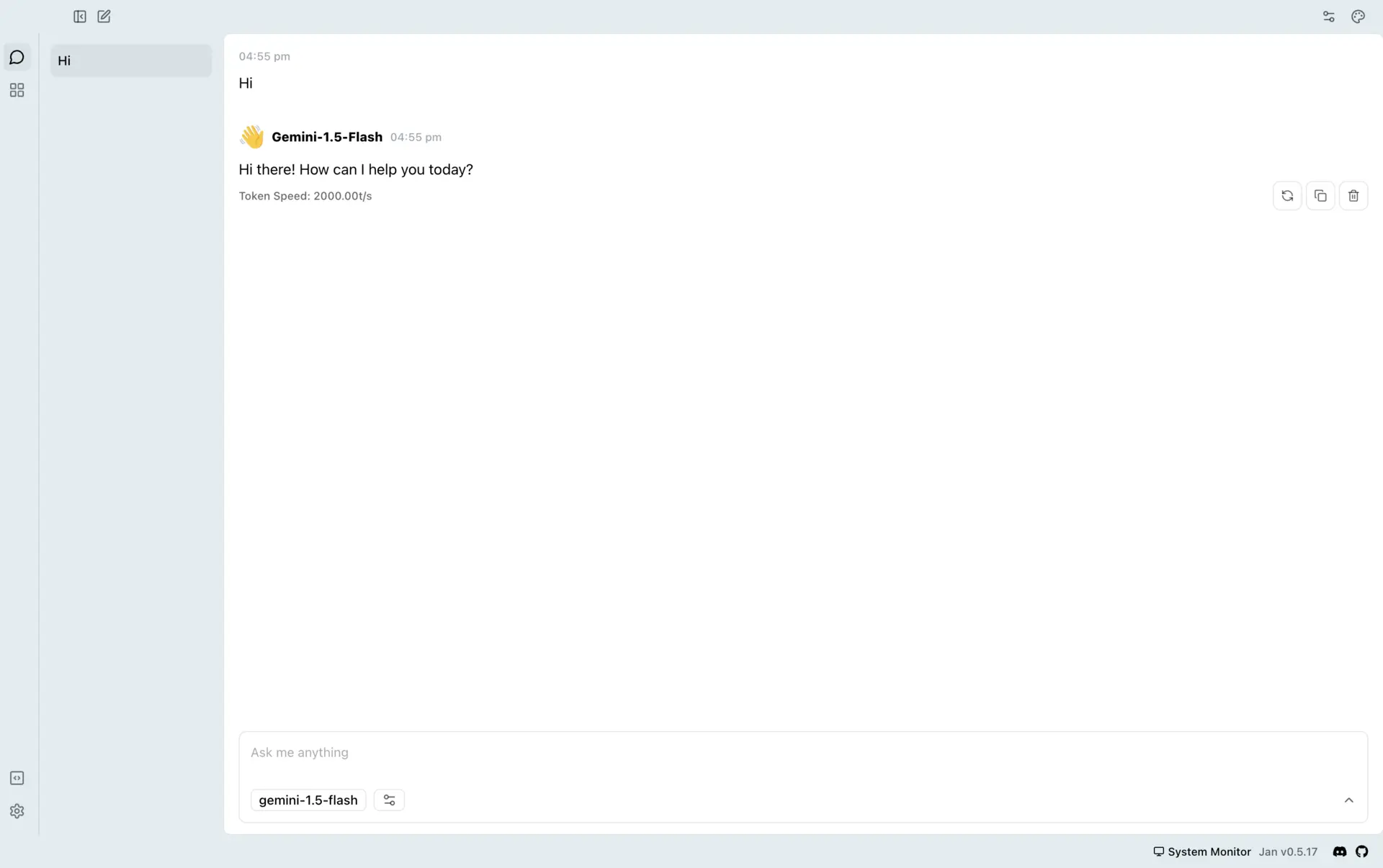
Best for: a polished, open-source all-in-one app. See how to self-host Jan and reach it from anywhere.
Best models that fit in 128GB
The rule behind everything below: quantized weights plus the KV cache must fit in RAM and VRAM combined, or throughput collapses. The KV cache grows with context, so leave headroom. For mixture-of-experts (MoE) models, total parameters decide memory and active parameters decide speed. Figures are Unsloth’s, for total RAM plus VRAM, at 4-bit unless noted.
| Model | Params (active) | License | Memory | Good at |
|---|---|---|---|---|
| Gemma 4 12B | 12B dense | Apache 2.0 | 7-8GB | Laptops, audio input |
| gpt-oss-20b | 21B (3.6B) | Apache 2.0 | 14GB | Reasoning, tool calling |
| Qwen3.8-27B | 27B dense | Apache 2.0 | 16-19GB | Quality per GB, vision |
| Gemma 4 26B-A4B | 26B (4B) | Apache 2.0 | 16-18GB | Multimodal, fast |
| Qwen3.6-35B-A3B | 35B (3B) | Apache 2.0 | 23GB | Fast all-rounder |
| Qwen3-Coder-Next | 80B (3B) | Apache 2.0 | 46GB | Agentic coding |
| Nemotron 3 Super | 120B (12B) | NVIDIA Nemotron Open Model License | 64-72GB | Reasoning, 1M context |
| gpt-oss-120b | 117B (5.1B) | Apache 2.0 | about 66GB | Tool calling |
| Qwen3.5-122B-A10B | 122B (10B) | Apache 2.0 | 70GB | General use |
| Mistral Medium 3.5 | 128B dense | Modified MIT | 80GB | Multimodal, multilingual |
| Qwen3.8-Flash-Next | 125B (6B) | Qwen Community License 1.0 | 96-114GB | Largest at 4-bit |
| GLM-5.3-Flash | 320B (18B) | MIT | 115GB (2-bit) | Coding, 1M context |
| DeepSeek-V4-Flash-0731 | 284B (13B) | MIT | 110-135GB (3-bit) | The ceiling of 128GB |
1. Qwen3.8-27B and Qwen3.6-35B-A3B
For most people, the answer is a Qwen model. Qwen3.8-27B (August 14, 2026) is a dense vision-language model with 262K context, Apache 2.0, and it replaces Qwen3.6-27B. It needs 16-19GB at 4-bit and was the first model to get Dynamic 3.0 quants. Qwen3.6-35B-A3B is the pick when speed matters: with 3B active parameters it generates at small-model speed while holding 35B worth of knowledge, in 23GB.
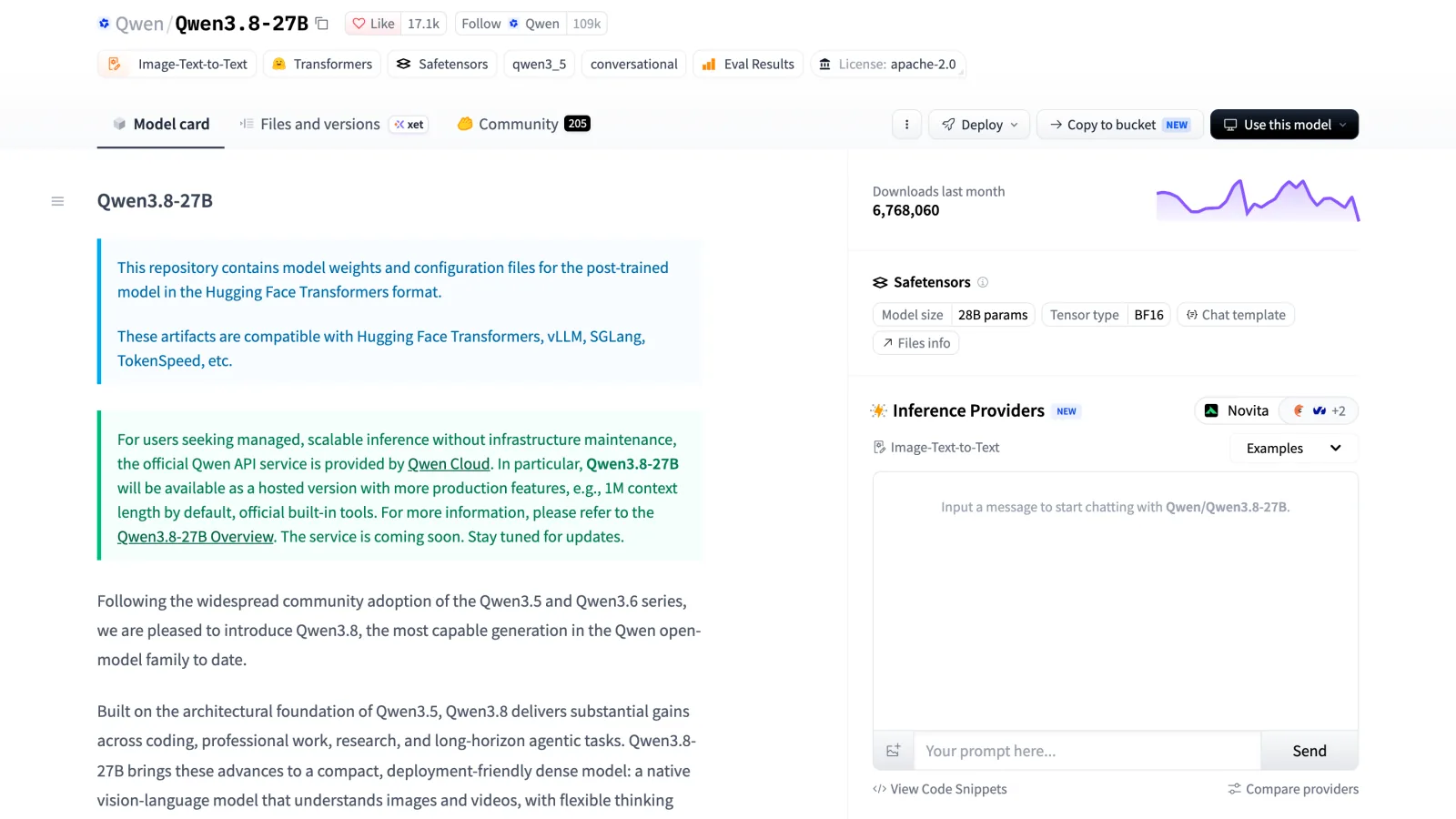
Screenshot: huggingface.co/Qwen/Qwen3.8-27B, October 2026.
Get Qwen3.8-27B-GGUF and Qwen3.6-35B-A3B-GGUF (guides: Qwen3.8, Qwen3.6), or on a Mac the MLX 4-bit Qwen3.6-27B. Both are on Ollama as qwen3.8:27b and qwen3.6.
2. Gemma 4 (12B, 26B-A4B and 31B)
Google’s Gemma 4 family is the best option under 20GB, all Apache 2.0. The 26B-A4B activates 4B parameters per token, and the 31B is the strongest dense member. The 12B, added in June, is the model for a 16GB laptop, and it’s architecturally unusual: Google replaced its vision encoder with a single matrix multiplication and projects raw audio straight into the LLM’s embedding space, while other Gemma 4 models keep dedicated encoders. Audio works on the 12B, E2B and E4B. Context is 128K on E2B/E4B and 256K on the rest.
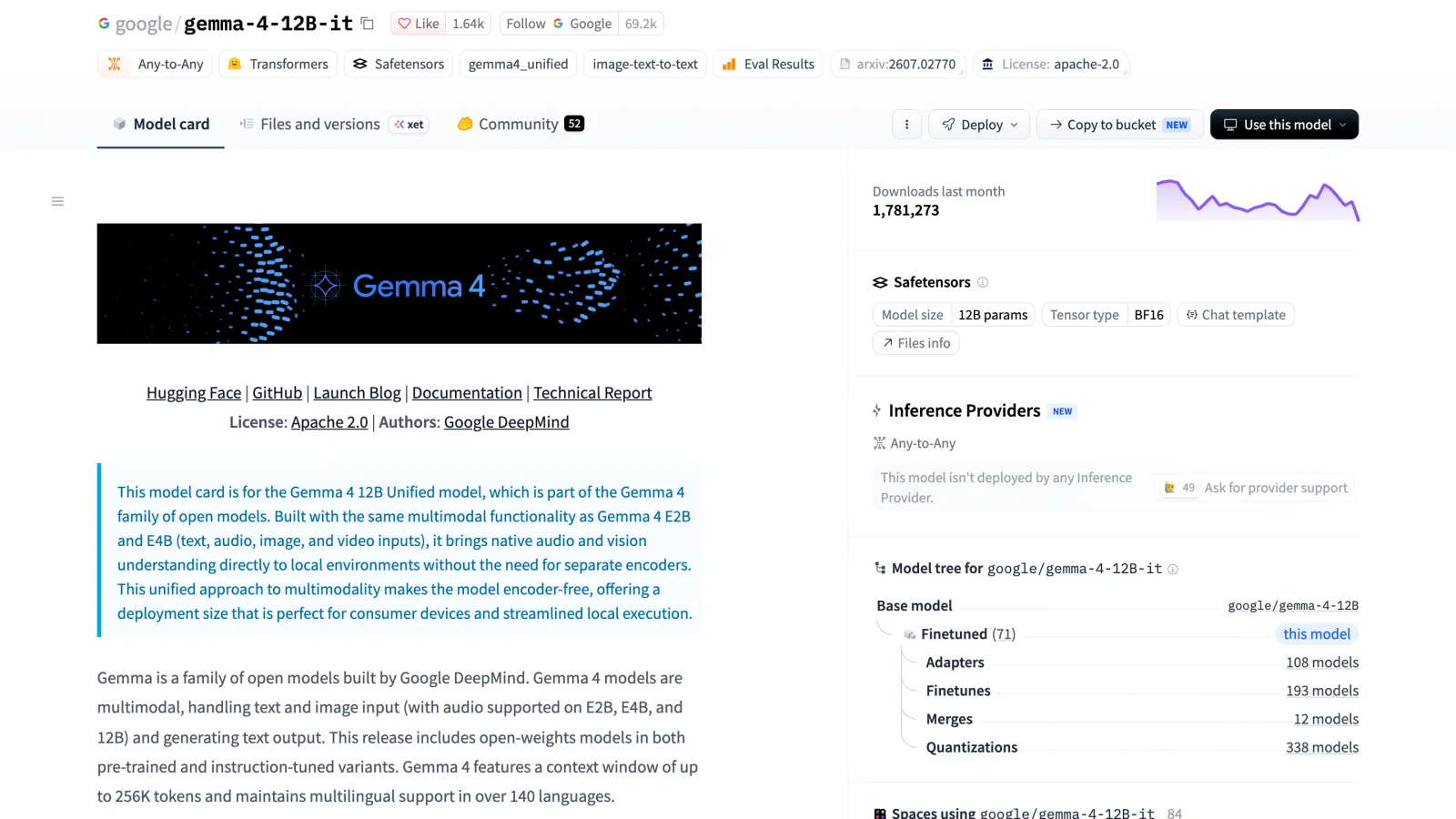
Screenshot: huggingface.co/google/gemma-4-12B-it, October 2026.
At 4-bit: 12B needs 7-8GB, 26B-A4B 16-18GB, 31B 17-20GB. Unsloth GGUFs: 12B, 26B-A4B, 31B, E4B, plus re-quants of Google’s QAT checkpoints like gemma-4-26B-A4B-it-qat-GGUF (guide).
3. Qwen3-Coder-Next
For local coding, this is the one: 80B total, 3B active, 262K context, Apache 2.0, built for agentic coding. Agent loops are throughput-bound, and Unsloth’s guide puts it at 20+ tokens/s when the quant fits in memory. It needs 46GB at 4-bit or 85GB at 8-bit, so a 128GB machine can run the 8-bit build. Get Qwen3-Coder-Next-GGUF (guide).
4. gpt-oss (20B and 120B)
OpenAI’s open-weight models are Apache 2.0, natively MXFP4, 128K context, and still among the best for tool calling. The 120B is the sweet spot on 128GB: Unsloth budgets about 66GB for 6+ tokens/s. Because the experts stay in MXFP4, every 120B GGUF is 62.6-65.4GB, so a lower quant saves little. The 20B needs about 14GB.
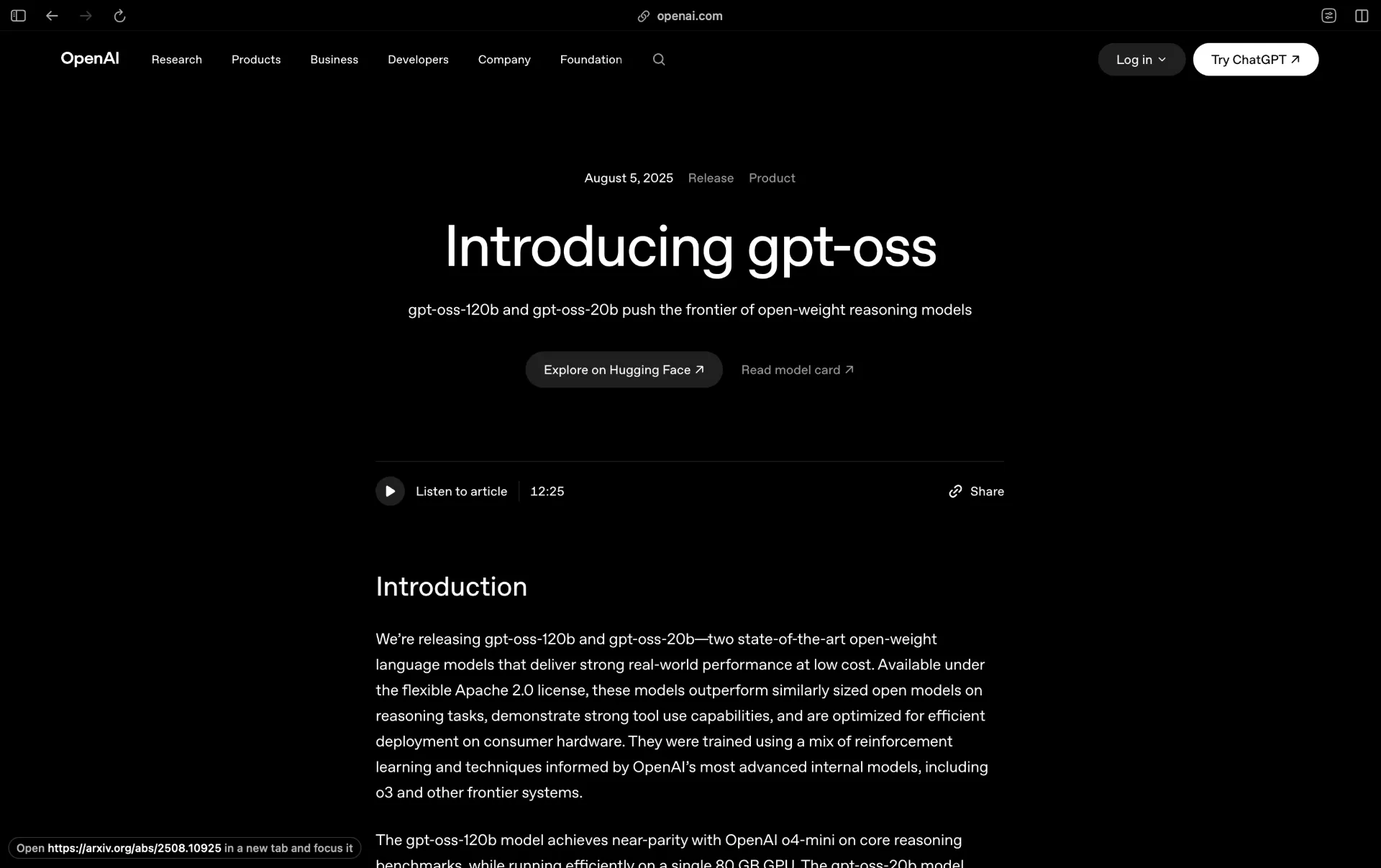
Unsloth has gpt-oss-120b-GGUF, gpt-oss-20b-GGUF and a run and fine-tune guide.
5. NVIDIA Nemotron 3 Super
Nemotron-3-Super-120B-A12B is a hybrid reasoning MoE with 12B active, 1M context, and 64-72GB at 4-bit (128GB at 8-bit). It’s heavier per token than gpt-oss-120b, but Unsloth’s guide highlights strong AIME 2025, Terminal Bench and SWE-Bench Verified scores. The license is the NVIDIA Nemotron Open Model License, not Apache, so check it before commercial use. Nemotron-3-Nano-30B-A3B is the laptop-sized sibling.
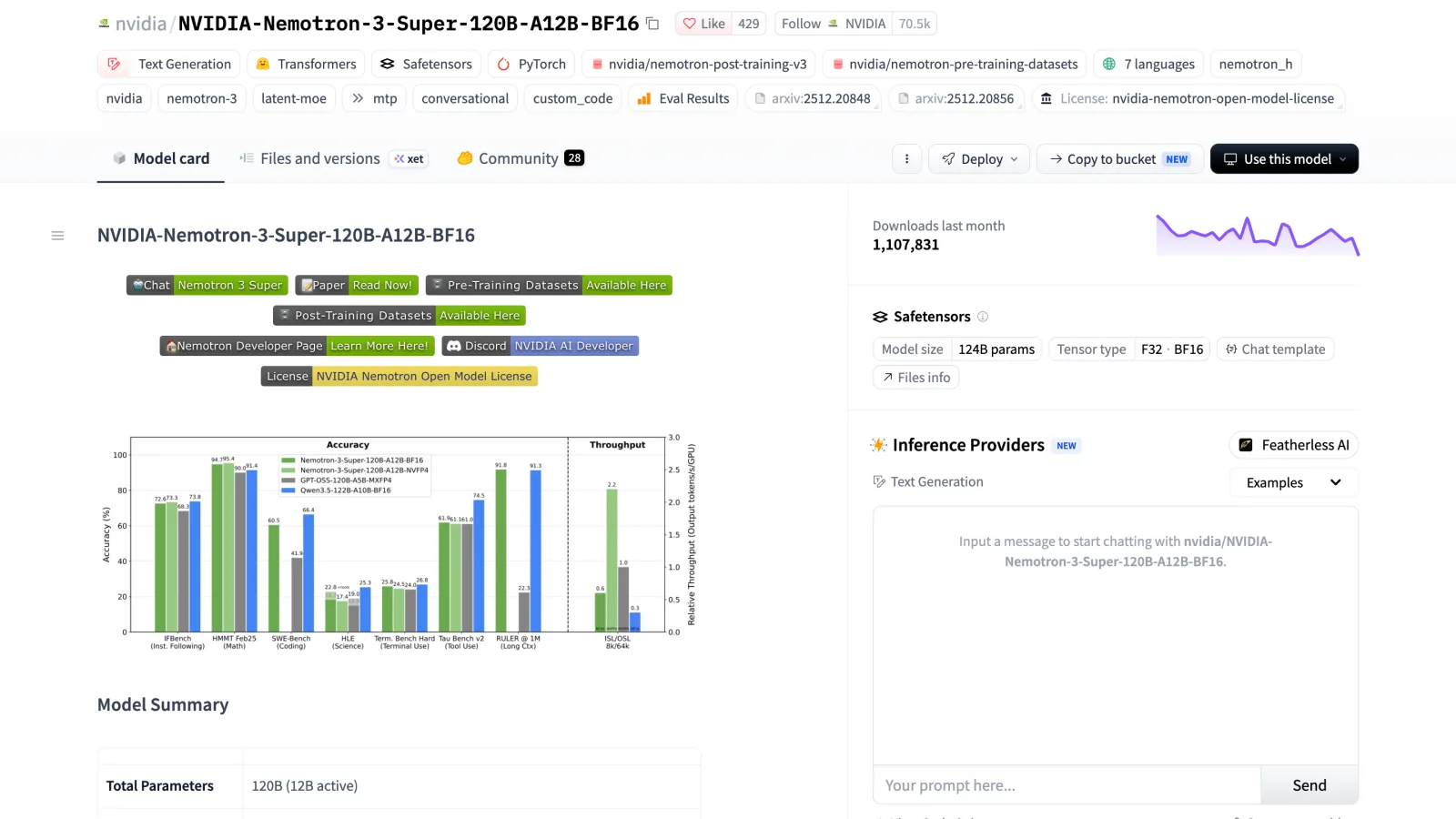
Screenshot: huggingface.co/nvidia/NVIDIA-Nemotron-3-Super-120B-A12B-BF16, October 2026.
GGUFs: Super 120B-A12B and Nano 30B-A3B (guide).
6. Mistral Medium 3.5 128B
The only large dense model here: 128B, multimodal, hybrid reasoning, 256K context, 80GB at 4-bit or 64GB at 3-bit. Every parameter runs for every token, so it’s slower than a MoE of similar size, but dense models tend to degrade more gracefully on tasks the MoE routing wasn’t tuned for. The license is a modified MIT with exceptions for very high-revenue companies. Unsloth notes that no multimodal GGUF works in Ollama, so use LM Studio or llama.cpp for vision.
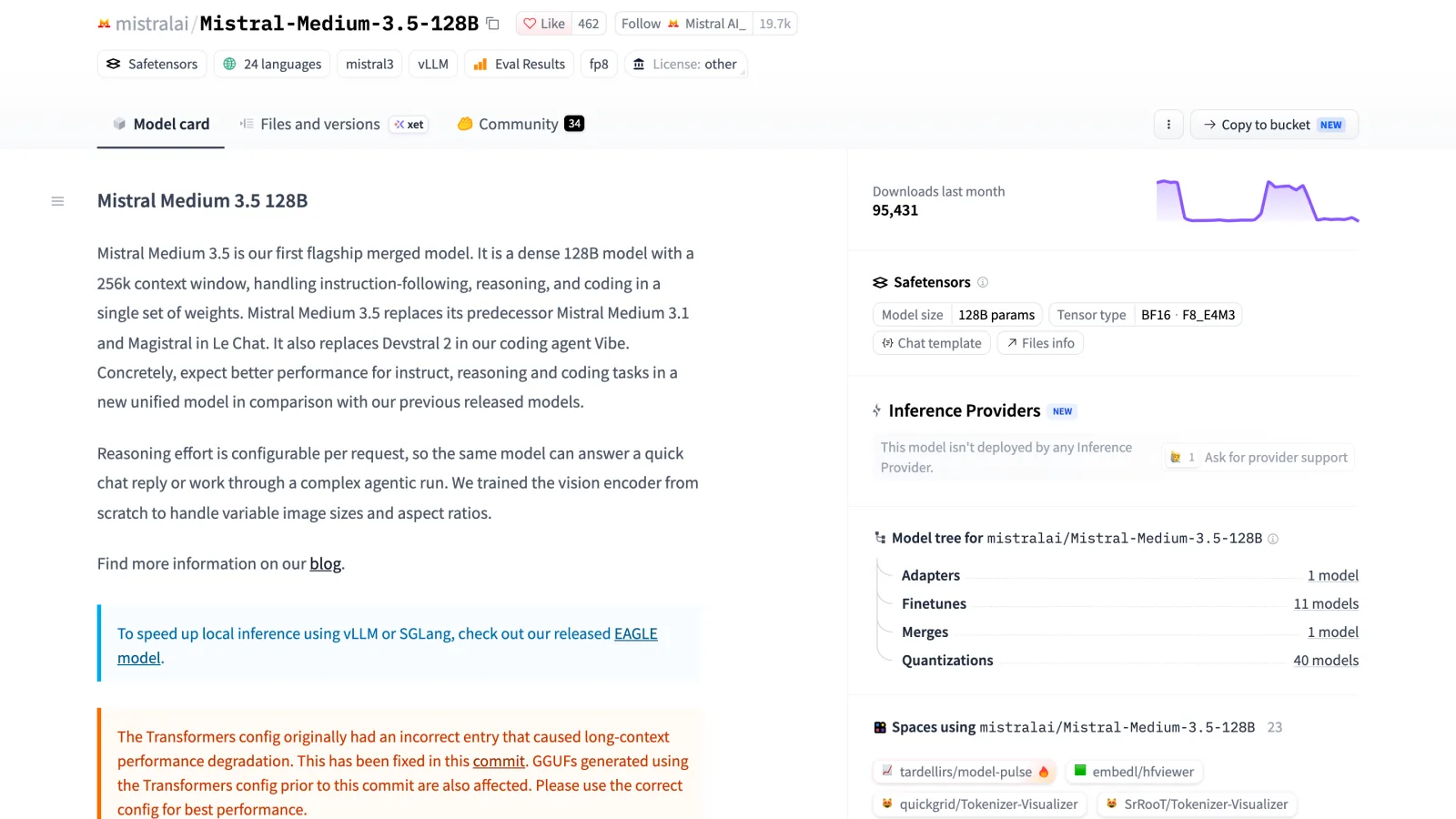
Screenshot: huggingface.co/mistralai/Mistral-Medium-3.5-128B, October 2026.
Get Mistral-Medium-3.5-128B-GGUF (guide).
7. Qwen3.8-Flash-Next
Qwen3.8-Flash-Next was released on August 26, 2026 as a preview of the Qwen4 architecture: a multimodal MoE with 125B parameters and 6B active, plus a 51B n-gram embedding (a lookup table keyed by short token sequences) and 262K context. That table makes even the 1-bit quant 75GB, but 4-bit fits at 96-114GB, the largest 4-bit model a 128GB machine can hold.
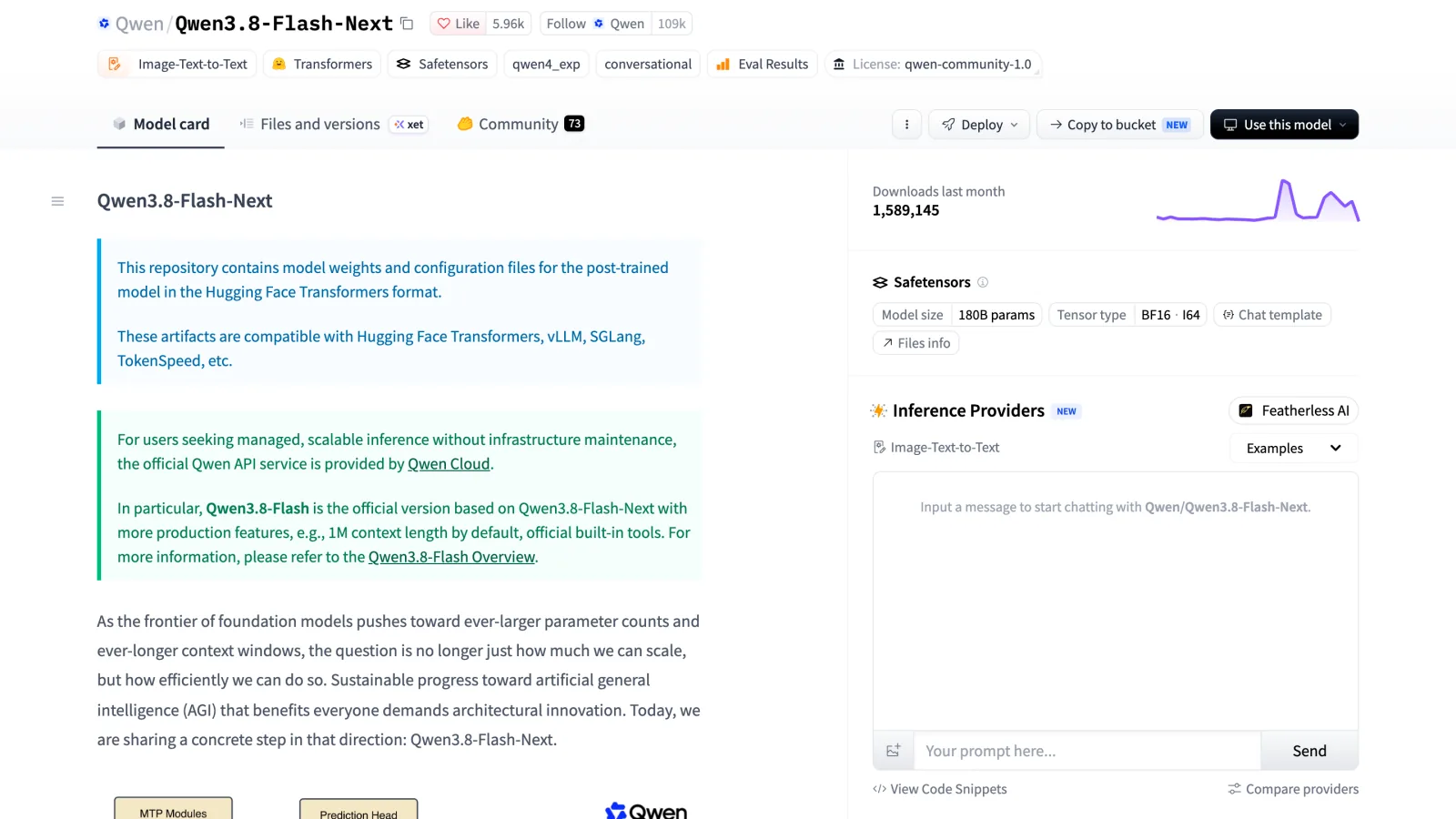
Screenshot: huggingface.co/Qwen/Qwen3.8-Flash-Next, October 2026.
Read the license first. The Qwen Community License 1.0 is MIT-style for most uses, but products above 100M monthly users or $20M monthly revenue must display the model name, and any company (or affiliate) running a hosted model service or an “AI work assistant” business, such as AI coding or office tools, needs a separate license from Qwen before commercial use. Unsloth’s guide runs Qwen3.8-Flash-Next-GGUF in llama.cpp and Unsloth Desktop. If that’s too tight, the older Qwen3.5-122B-A10B needs 70GB.
8. DeepSeek-V4-Flash-0731 and GLM-5.3-Flash
These two are the ceiling, and both fit only below 4 bits.
DeepSeek-V4-Flash-0731 is 284B total, 13B active, 1M context, MIT. At 4-bit it needs 162GB; at 3-bit (UD-IQ3_XXS, a 103GB file) it needs 110-135GB, and Unsloth’s tutorial targets that quant because it fits a 128GB device. Budget at least 110GB free. Don’t confuse it with September’s DeepSeek-V4.1-Flash, which is far larger. Get DeepSeek-V4-Flash-0731-GGUF (guide).
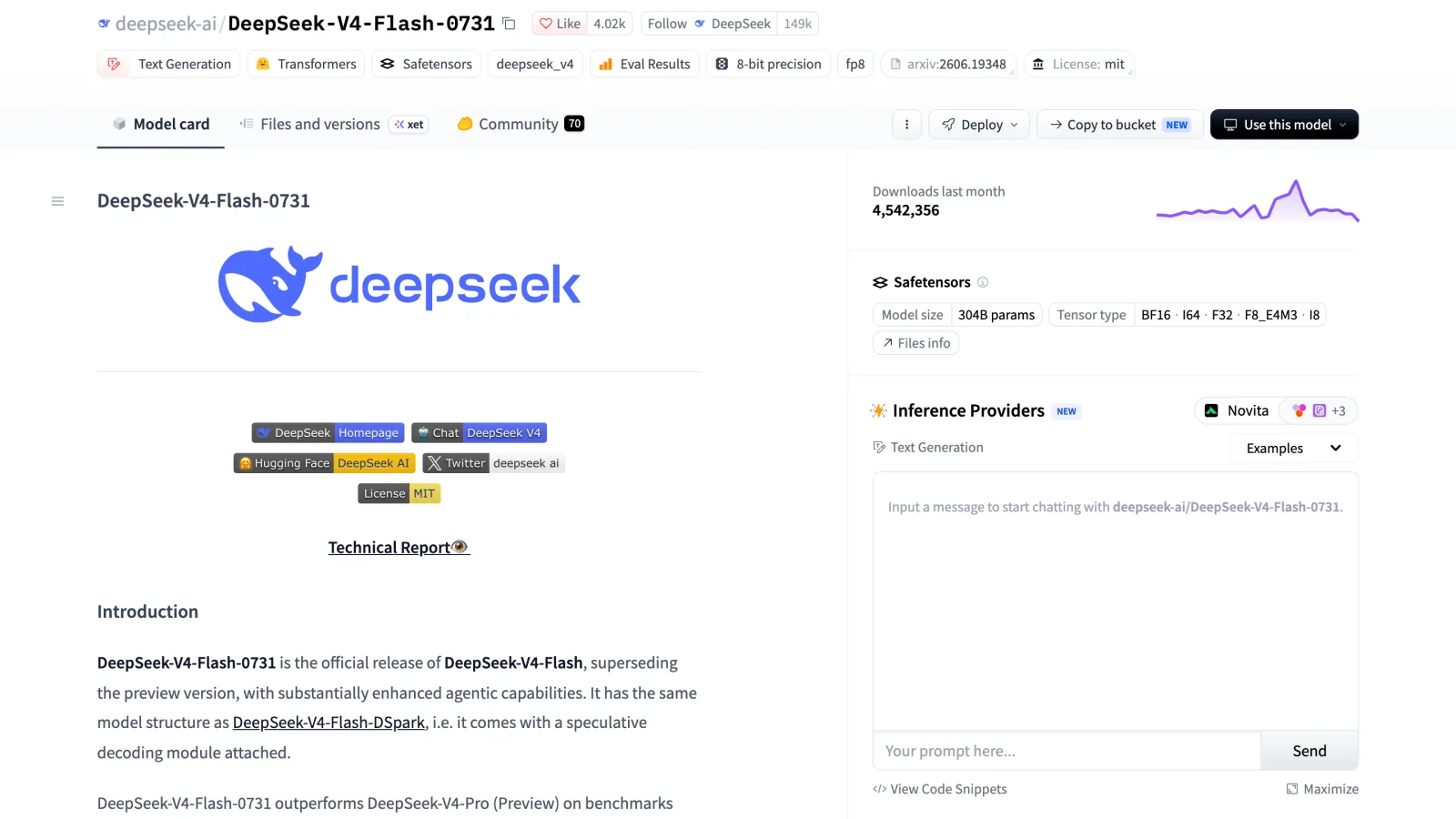
Screenshot: huggingface.co/deepseek-ai/DeepSeek-V4-Flash-0731, October 2026.
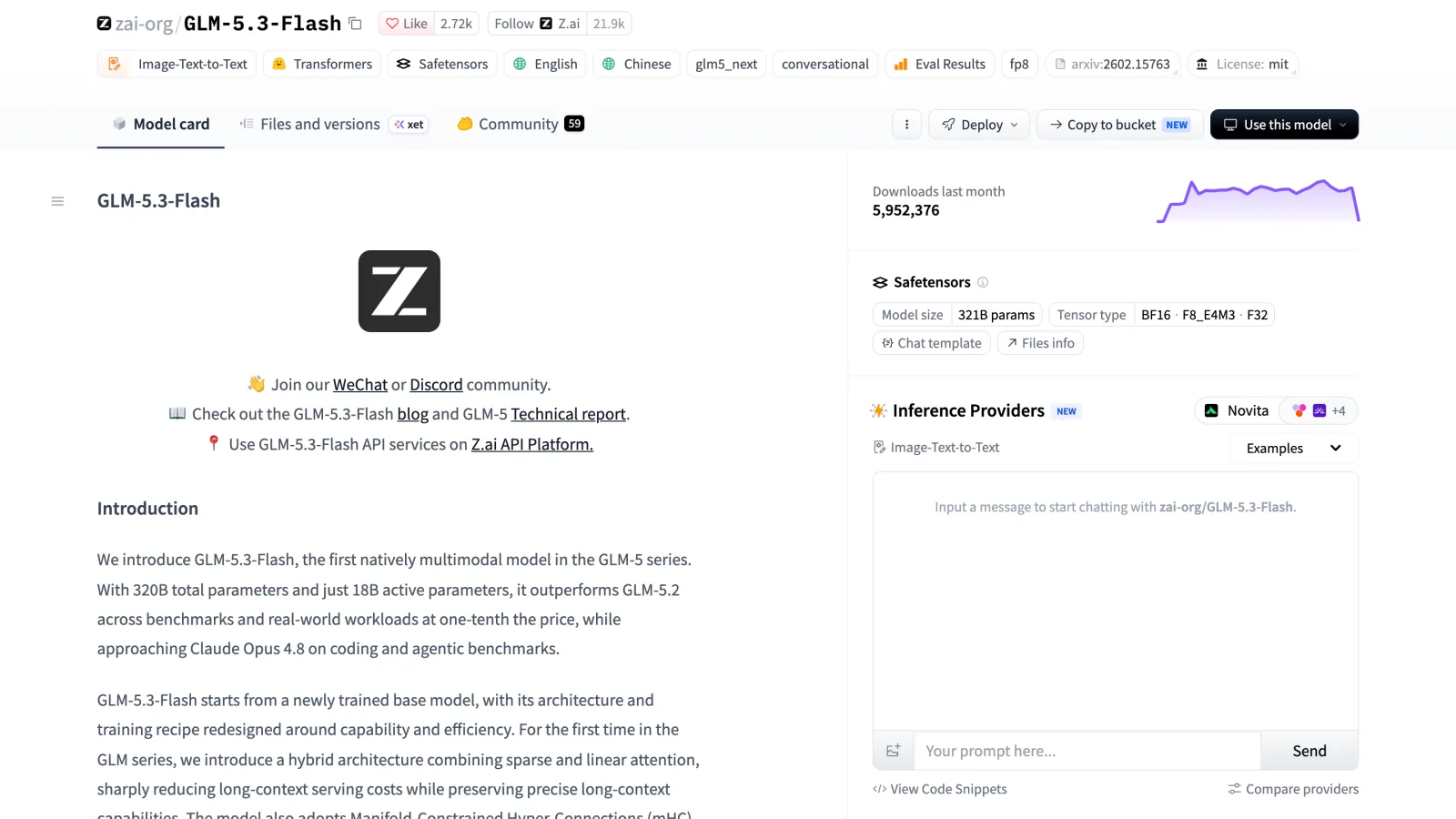
GLM-5.3-Flash (August 2026) is Z.ai’s 320B multimodal MoE with 18B active, 1M context, MIT. The 2-bit UD-Q2_K_XL file is 109GB and needs about 115GB, the smallest quant Unsloth’s Dynamic 3.0 guidance says to use for agents and tool calling. The 3-bit file is 120GB and leaves almost nothing for context. llama.cpp merged GLM-5.3-Flash support on September 30, 2026, so use a recent build. Get GLM-5.3-Flash-GGUF (guide).
Screenshot: huggingface.co/zai-org/GLM-5.3-Flash, October 2026.
What doesn’t fit in 128GB
The headline models are out of reach. GLM-5.3 (744B, 40B active) needs 223GB at 1-bit. Kimi K3 is 2.8T with 104B active, and DeepSeek-V4-Pro is 1.6T. DeepSeek-V4.1-Flash (a 552B backbone plus a 196B Engram table) has no Unsloth GGUF, and the smallest community quant is about 169GB. MiniMax M3 needs 133GB even at 1-bit, and Nemotron 3 Ultra’s smallest GGUF is 188GB. Two more only squeeze in at 1 to 2 bits with no room for context: Qwen3.5-397B (Unsloth’s UD-IQ2_XXS is 115GB) and Xiaomi’s MiMo-V2.6-Flash (309B, 15B active), where ggml-org’s 2-bit GGUF is 126GB. For these you need a 256GB+ Mac Studio, a multi-GPU server, or painfully slow expert offloading to disk. For DeepSeek specifically, see running DeepSeek locally and picking hardware for local LLMs.
Reaching your local model from another device with Pinggy
Every tool above listens on localhost, which is fine until you want the model from your phone, another network, or a teammate’s machine. A Pinggy tunnel gives the local port a public HTTPS URL over plain SSH, with nothing to install.
Ollama needs one extra option. Because it rejects non-local Host headers, a plain tunnel gets 403 Forbidden. Pinggy’s u:Host: rewrites the header before the request reaches Ollama, and k: adds a bearer key so strangers who find the URL can’t use your GPU:
ssh -p 443 -R0:localhost:11434 free.pinggy.io "u:Host:localhost:11434" "k:change-me"It prints public HTTPS URLs such as https://<random>.run.pinggy-free.link. Call it like the local API, with the key in an Authorization header (requests without it get 401):
curl https://<random>.run.pinggy-free.link/api/chat \
  -H "Authorization: Bearer change-me" \
  -d '{"model": "qwen3.6", "messages": [{"role": "user", "content": "hello"}], "stream": false}'
For LM Studio, Jan or Atomic Chat, swap 11434 for 1234 or 1337 in both places. Free tunnels last 60 minutes and get a new URL each time; a Pinggy Pro token removes the timeout and lets you keep a persistent URL. Our guide to sharing the Ollama API and Open WebUI goes further.
How to choose a local LLM setup
Start from memory, not a leaderboard. With 16GB, run Gemma 4 12B in LM Studio. With 32GB, Qwen3.6-35B-A3B is the best all-rounder and Qwen3.8-27B the best quality per GB. At 64GB, Qwen3-Coder-Next handles agentic coding. At 128GB, gpt-oss-120b and Nemotron 3 Super run with room to spare, Qwen3.8-Flash-Next fits at 4-bit, and DeepSeek-V4-Flash at 3-bit is the ceiling.
Download UD-Q4_K_XL first, drop lower only if it doesn’t fit, and stay at UD-Q2_K_XL or above for anything that calls tools. To check the fit, load the model in Ollama and run ollama ps: the PROCESSOR column shows whether it’s fully on the GPU or partly in system memory, and if it’s split, a smaller quant or shorter context will usually be faster.
Conclusion
For most people the setup comes down to three pieces: LM Studio as the app, an Unsloth Dynamic GGUF as the model file, and Ollama when you want to script against it. LocalAI earns its place when other software needs an OpenAI-compatible server, TextGen when you want every sampler setting in one UI, and Jan or Atomic Chat when you just want a private chat window that works offline.
The bigger change this year is on the model side. A 27B dense model like Qwen3.8-27B now fits in 16-19GB and scores 61.7 on SWE-Bench Pro, and a 128GB machine runs a 125B mixture-of-experts model at 4-bit. The frontier open models (GLM-5.3, Kimi K3, DeepSeek-V4-Pro) still don’t fit on a 128GB machine, so the useful question isn’t which open model is best, but which one is best at your memory budget. If you’re choosing a model for coding specifically, our guide to the best open source LLMs for coding to self-host ranks them by the hardware each one needs.