Access IoT Devices from Anywhere
Access and manage your IoT devices including Raspberry Pi from anywhere using Pinggy TCP tunnels - no public IP required.
Hands-on guides, protocol deep dives, and field notes on tunnels, SSH, reverse proxies, self-hosting, self-hosted LLMs, and AI - from the people building Pinggy.
Access and manage your IoT devices including Raspberry Pi from anywhere using Pinggy TCP tunnels - no public IP required.
Discover how Pinggy's advanced traffic inspection and web debugger streamline debugging with real-time network traffic insights. Optimize workflow and performance.
Effortlessly share Jupyter Notebooks globally with Pinggy. Securely collaborate and obtain a public URL for your locally running Jupyter Notebook.
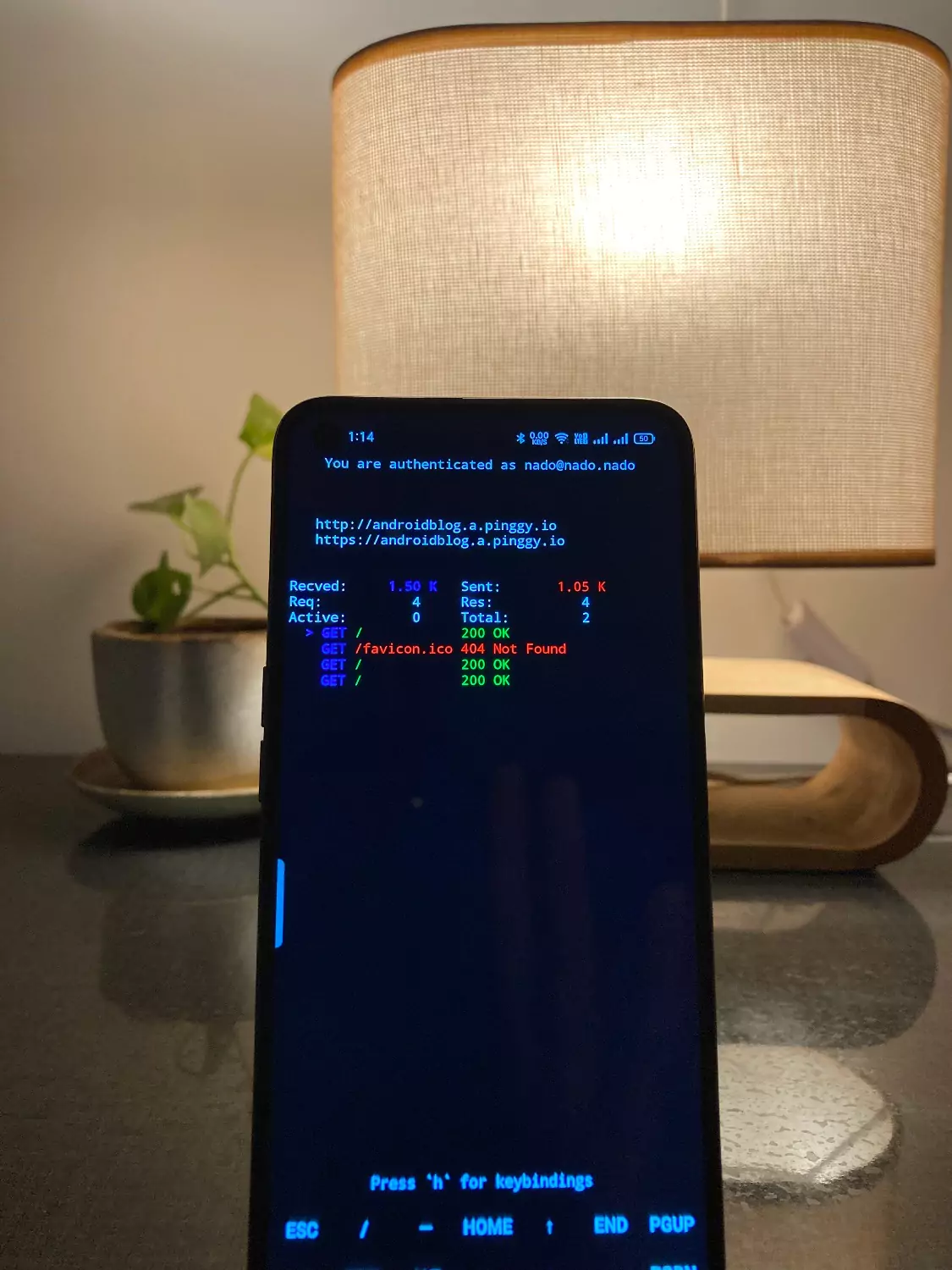
Turn an Android phone into a small web server with Termux and Pinggy. Step-by-step: install Termux from F-Droid, serve a page, expose it over an SSH tunnel.
I was packing for a trip and realised I had no way to reach my home desktop if something went sideways. I didn’t want to install TeamViewer or any other agent, just plain RDP over a tunnel. This post walks through …
How to expose a local server so Stripe, GitHub, Slack and others can deliver webhooks to your dev box. Covers Pinggy tunnels, provider CLIs, inspection tools, and HMAC signing.
The best ngrok alternatives in 2026, compared on price, free tier limits, UDP support and custom domains: Pinggy, Cloudflare Quick Tunnels, Tailscale Funnel, zrok, LocalXpose, Playit.gg and more, plus 5 open source picks.