In this article
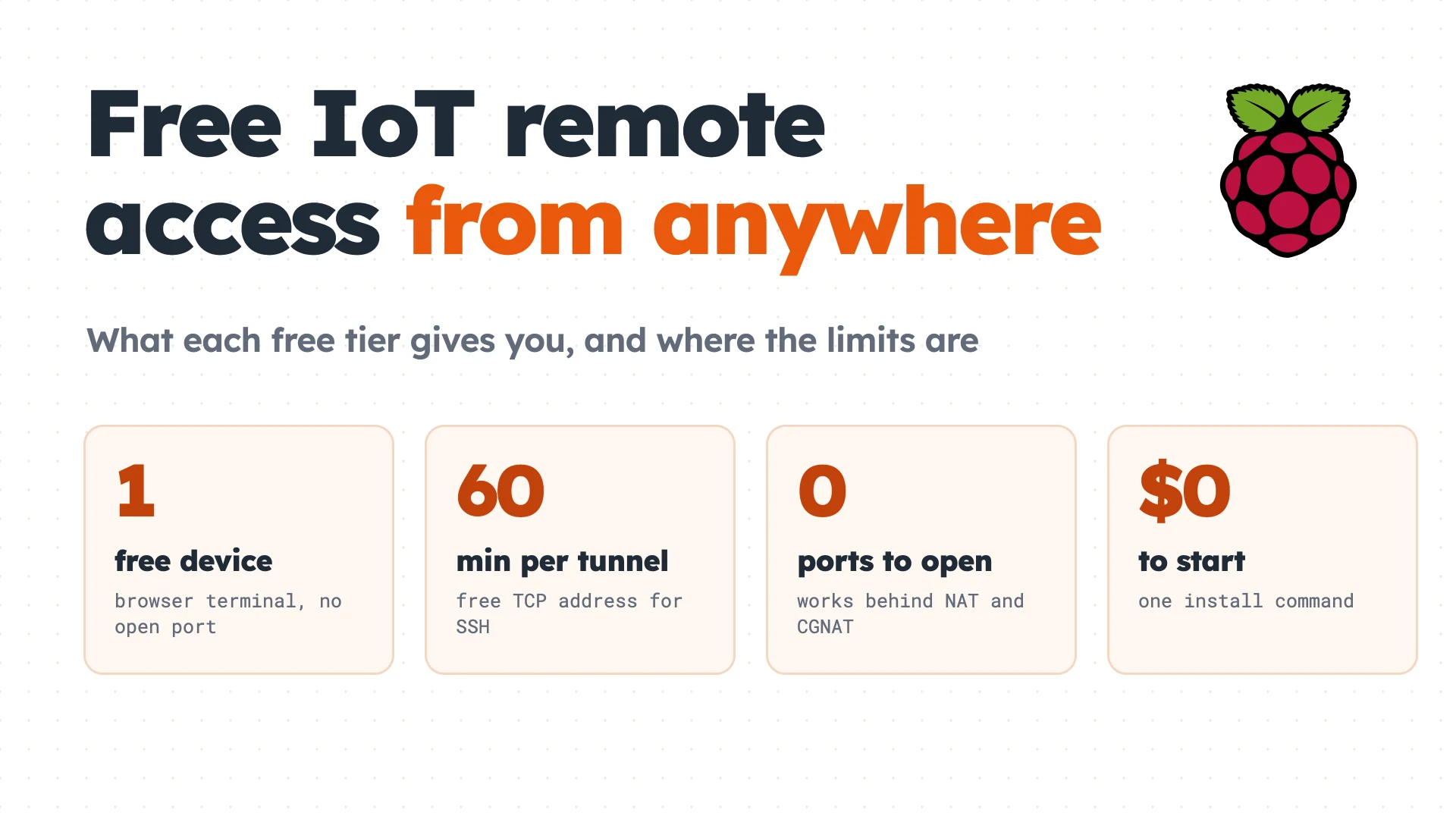
Reaching an IoT device from outside its network is hard, because most devices sit behind home routers, CGNAT or cellular links that accept no inbound connections. Remote access is also the first thing people want to get working for free, before they commit to a platform.
Free is possible, but every free tier trades something away: how many devices it covers, how long a session lasts, how much data it carries, or whether you may use it commercially. This guide covers the two free options Pinggy offers, a browser terminal for 1 device and an account-free TCP tunnel for SSH, and then compares the free tiers of Dataplicity, qbee.io, balenaCloud, RemoteIoT and Tailscale, using each vendor’s own pages as checked on November 19, 2026.
Summary
- Free browser terminal for 1 device: run
curl -fsSL https://pinggy.io/install.sh | shon the device, then open Terminal in the Pinggy Devices dashboard. The Free plan covers 1 device with 1 shell. - Free SSH or VNC with no account:
ssh -p 443 -R0:localhost:22 tcp@free.pinggy.ioprints a public TCP address. It lasts 60 minutes and the port changes each time. - More than 1 device: qbee.io is free for 5 devices, and balenaCloud is free for the first 10.
- Lock it down: a tunnel address is public, so use SSH keys and turn off password login.
What “free” really limits
Before picking a tool, check four numbers on its pricing page: the device count, the session length, the data allowance and whether commercial use is allowed. Device count decides whether a free tier covers a hobby Pi or a small fleet. Session length matters because a 60-minute tunnel is fine for a quick fix and useless for a service that must stay reachable. Data allowance matters for VNC and file transfers, which move far more bytes than a terminal. Commercial use is the clause people miss, and it rules out some free tiers for anything you sell. The sections below give those numbers for each option.
Option 1: Pinggy Devices, free for 1 device
Pinggy Devices turns the Pinggy CLI into a device agent that holds one outbound connection to the dashboard, so the device needs no open port, public IP or SSH server. On the device, run:
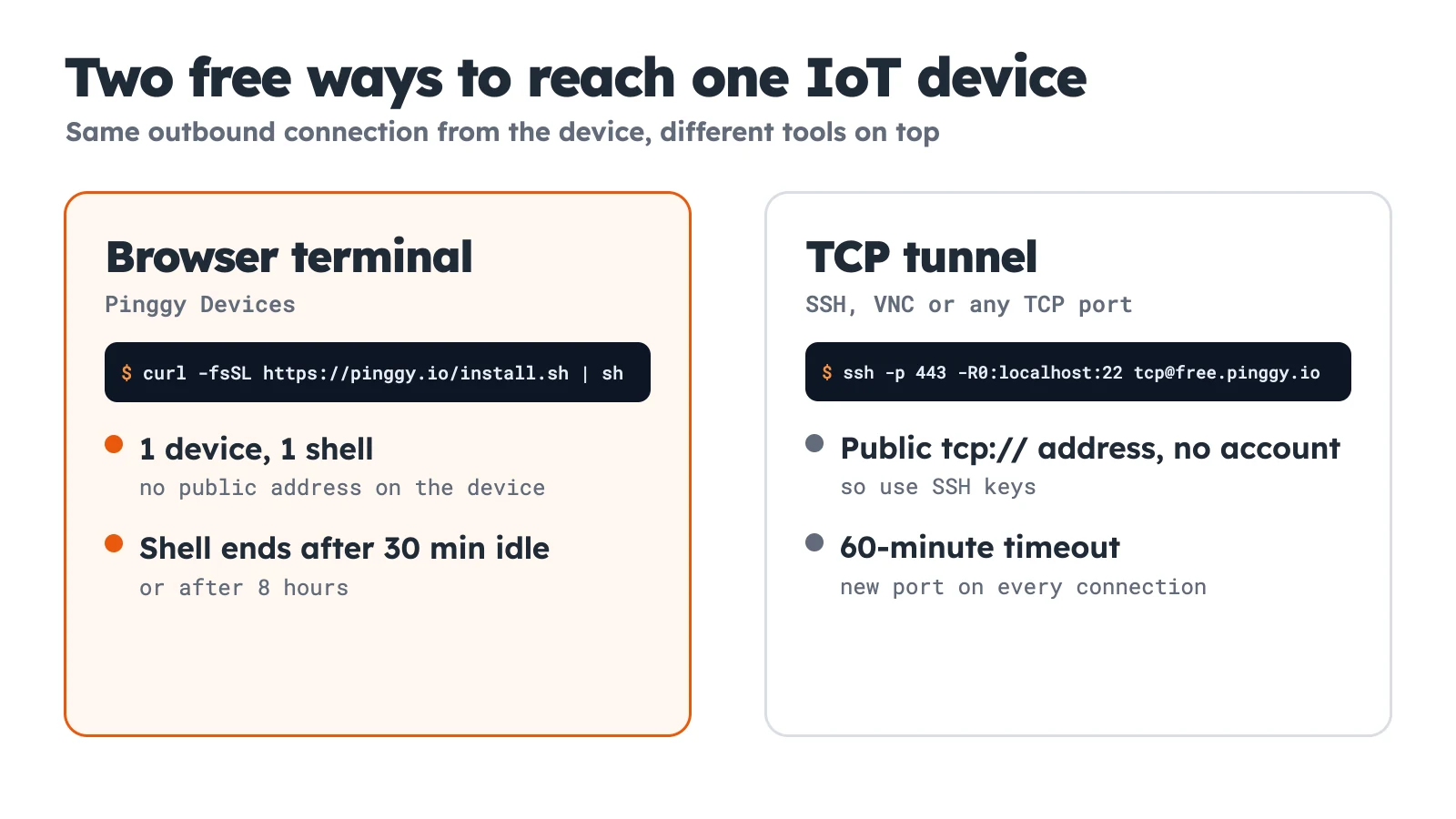
curl -fsSL https://pinggy.io/install.sh | shThe script needs no sudo. It installs the CLI to ~/.pinggy/bin, asks for your email, sends a 6-digit code (a new email gets a free account) and starts the agent in the background. The Free plan covers 1 device with 1 shell, and Pro is $2.50 per seat per month billed annually, with 25 devices and 25 open shells per seat. See the pricing page for the rest.
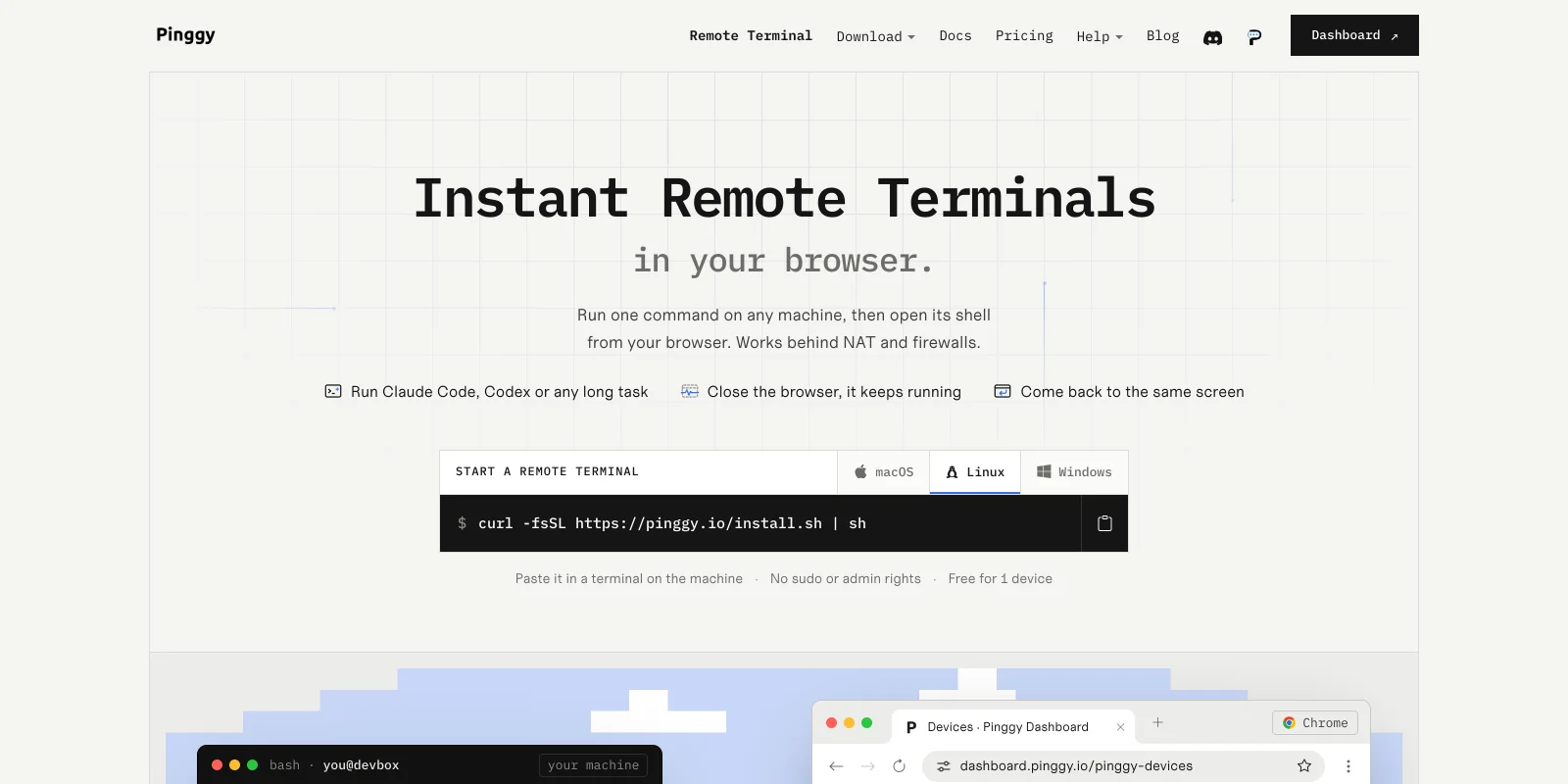
Screenshot: pinggy.io/remote-terminal, November 2026.
From the device’s page in the dashboard, the Terminal tab opens a shell running as the user who started the agent. Closing the browser tab leaves the shell running, and it redraws when you return, but a shell ends after 30 minutes with no activity or after 8 hours. The Overview tab adds live CPU, memory, load average and uptime.
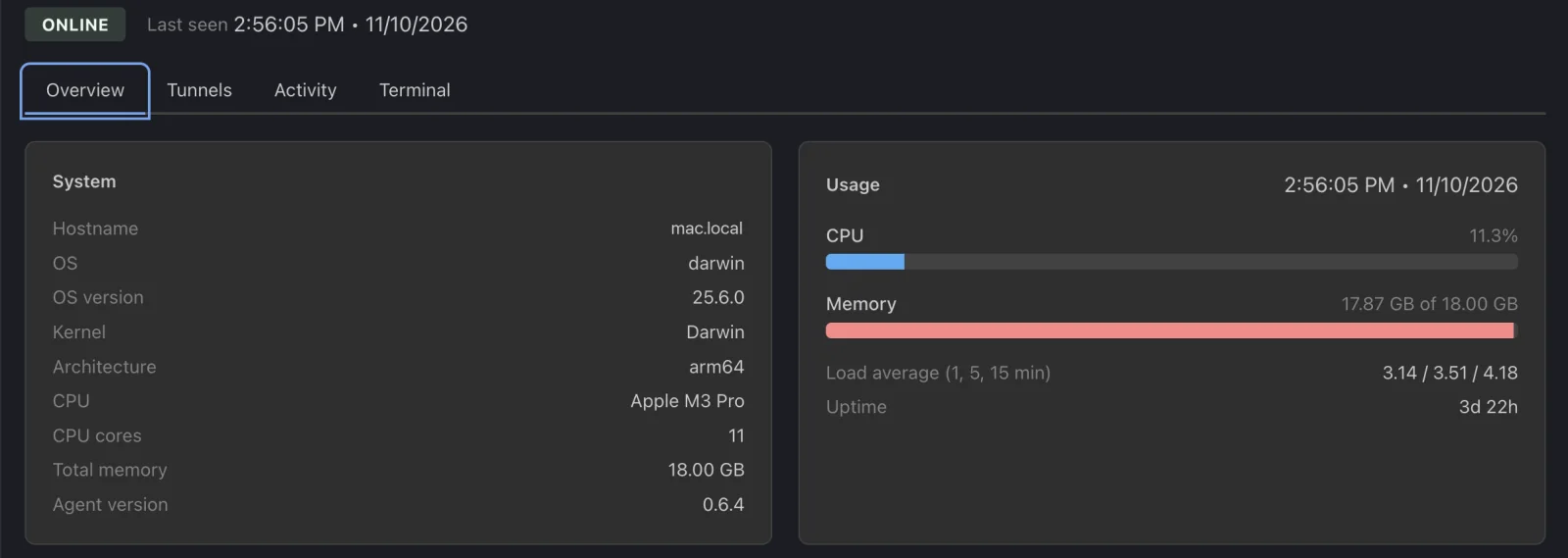
Screenshot: dashboard.pinggy.io, November 2026. The hostname is a placeholder.
Two limits matter on a free device. The agent stops at a reboot unless you run pinggy daemon service-install, which registers the daemon as a systemd user service on Linux, a launchd agent on macOS or a scheduled task on Windows. And the Linux builds are glibc binaries for x64 and arm64, so a Pi needs 64-bit Raspberry Pi OS. We cover the full setup in how to manage remote IoT devices behind NAT.
Option 2: a free TCP tunnel for SSH and VNC
When you want a real SSH session for scp, or VNC for a desktop, a TCP tunnel is the account-free route. This is the command from Pinggy’s SSH IoT guide, run on the device:
ssh -p 443 -R0:localhost:22 tcp@free.pinggy.ioIt prints a public address such as tcp://rndnj-103-170-183-11.a.free.pinggy.online:37315. From your laptop, connect with ssh -p 37315 username@rndnj-103-170-183-11.a.free.pinggy.online, replacing the host and port with what the command printed. Change 22 to 5900 for VNC. The Pinggy CLI does the same with pinggy --type tcp -l 22, which is how the CLI help documents it. I took these commands from the docs and the CLI help and did not open a live tunnel from the test machine.
The free limits are the Free plan’s 60-minute tunnel timeout and a port that changes on every connection, so you have to read the new address each time. With a Pro token the same tunnel gets a persistent address and port. Our older Access IoT Devices from Anywhere guide walks through that route.
How the other free tiers compare
Each row below comes from the vendor’s pricing or documentation page on November 19, 2026, and tiers change, so check the page before you build on one.
| Option | What the free tier includes | The catch |
|---|---|---|
| Pinggy Devices | 1 device, 1 shell, live CPU and memory | Shell ends after 30 min idle; no OTA |
| Pinggy TCP tunnel | SSH, VNC or any TCP port, no account | 60-minute timeout, new port each time |
| Dataplicity | 1 Linux device: remote terminal, Wormhole, standard-port forwarding | 1 device only; custom ports not included |
| qbee.io | 5 devices with OTA, remote access, CVE analytics, metrics | Email-only, best-effort support |
| balenaCloud | First 10 devices free; browser terminal and CLI SSH | Container-based; community-forum support |
| RemoteIoT | Free plan with remote SSH, 100 MB per device | Non-commercial use only |
| Tailscale Personal | Free forever; unlimited user devices, up to 6 users | A VPN, so you install it on both ends; 50 tagged resources to start |
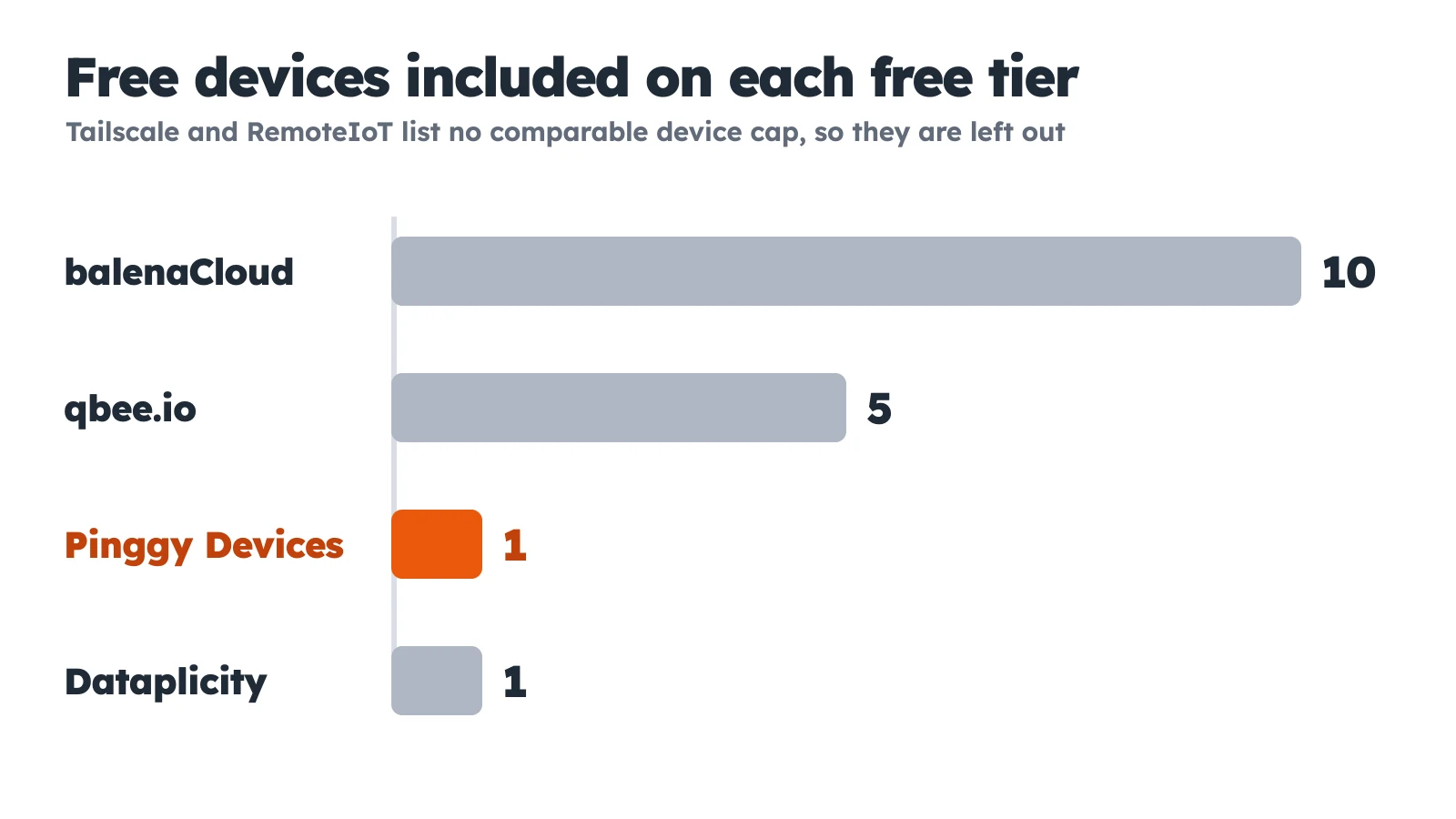
Data: each vendor’s pricing page, November 19, 2026.
Dataplicity now lists a Free plan that covers 1 agent-managed Linux device, with private named tunnels limited to 1 GB relayed per month, 60-minute sessions and a 10-minute idle timeout. qbee.io includes OTA updates, remote access, CVE analytics and metrics on its 5 free devices, which makes it a strong free tier for a small fleet. balenaCloud gives the first ten devices free, and its docs describe a dashboard web terminal and a CLI for SSH, though they say not to depend on it for continuous use inside your application. RemoteIoT lists a free non-commercial plan with remote SSH and 100 MB of data per device. Tailscale is different in kind: a VPN that puts your devices on a private network instead of publishing an address for each one, and its Personal plan lists unlimited user devices and up to 50 tagged resources to start. For the heavier paid platforms, see our comparison of remote IoT device management software.
Keep a free tunnel safe
A free tunnel gives your SSH server a public address, and anyone who finds it can try to log in. Before you leave one open, use keys and turn off passwords by setting PasswordAuthentication no in /etc/ssh/sshd_config, then restart the SSH service. The Pinggy TCP tunnel docs list an IP whitelist at the edge, and the CLI help shows the w: option for it, so check whether your plan allows it. A browser terminal avoids the problem because the device exposes nothing: anyone signed in to your Pinggy account can open a shell on your devices, so turn on 2-factor authentication for the account.
Which free option fits
Use Pinggy Devices when you have one Pi and want a terminal and live stats with a single install command. Use the free TCP tunnel for a quick SSH or VNC session you will close within the hour. Choose qbee.io or balenaCloud when you have 5 to 10 devices, and Tailscale when you would rather build a private network than publish anything. If the device runs a commercial product, avoid RemoteIoT’s free plan and read each licence carefully.
Troubleshooting
If a second device fails to connect on the Free plan, Pinggy says Your plan allows 1 device. Delete one in the dashboard, or upgrade, to add another. If the Terminal tab is greyed out, the CLI on that device is too old, so run the install command again. If a TCP tunnel drops, the 60-minute timeout has probably occured, so start it again and read teh new port.
Conclusion
Free remote access to an IoT device works today, and which option fits depends on a few numbers: how many devices, how long a session lasts and whether the use is commercial. For one device, Pinggy Devices gives you a browser terminal in a single command, and a free TCP tunnel covers SSH and VNC for an hour at a time. For a small fleet, qbee.io and balenaCloud give you more devices for free, and for anything permanent you will end up on a paid plan, so pick the tier whose paid steps you can live with.