In this article
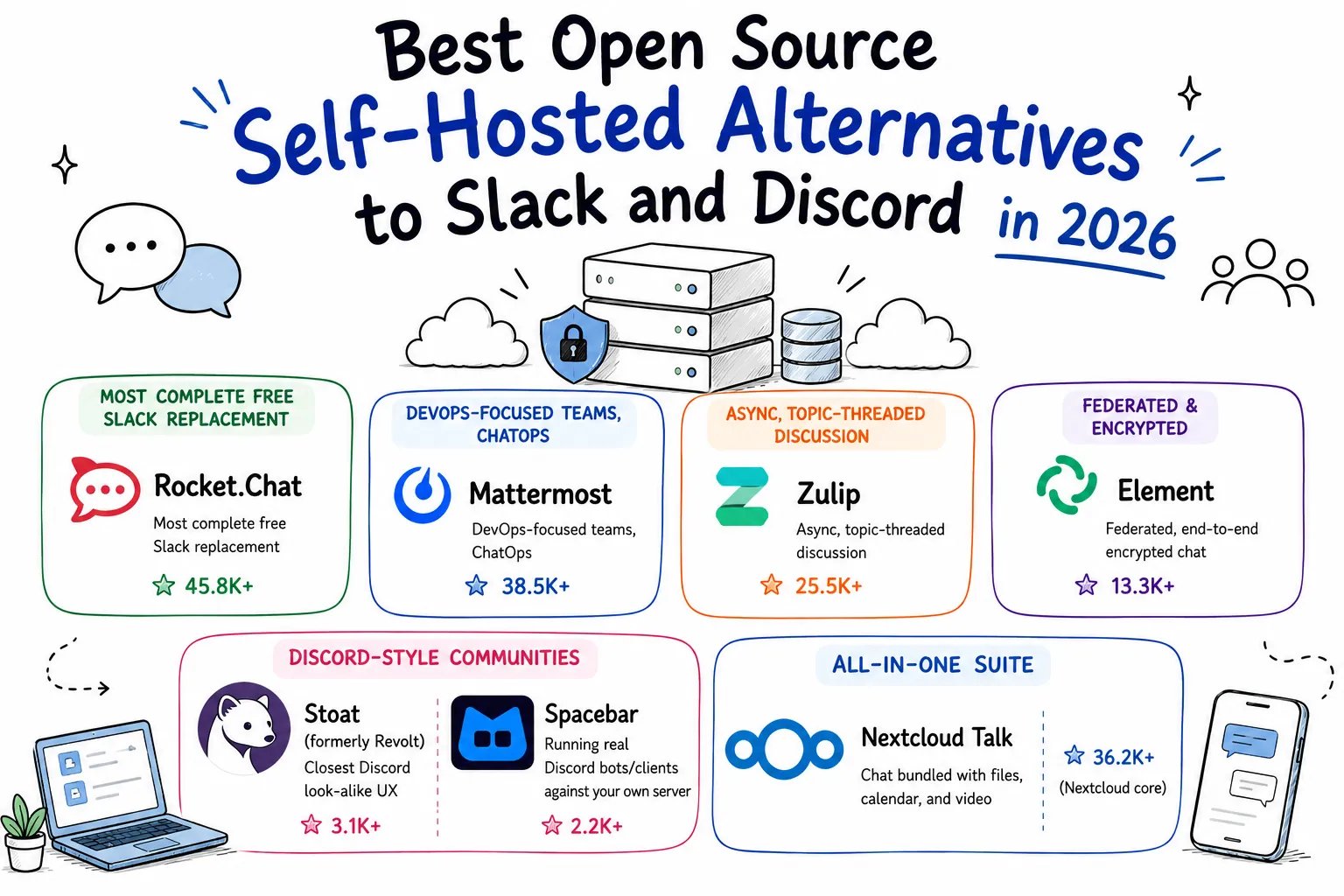
Slack’s paid tier starts at $8.75/user/month and jumps to $15 the moment you need SSO or unlimited message history. Discord is free for communities but is a closed, ad-adjacent platform you don’t control - no self-hosting, no data residency guarantees, and your server can be nuked by a moderation decision you had no say in. For teams and communities that want their chat history, files, and uptime on hardware they own, a growing set of open source projects now cover both use cases convincingly.
This guide covers the best self-hostable alternatives to Slack (structured team chat: channels, threads, search, integrations) and Discord (community chat: servers, voice channels, bots), what license each ships under, what hardware they need, and how to put one on the public internet with a single Pinggy command once it’s running on localhost.
Comparison Table
| Platform | Best For | License | GitHub Stars |
|---|---|---|---|
| Slack-Style Team Chat | |||
| Rocket.Chat | Most complete free Slack replacement | MIT (core) | 45.8K+ |
| Mattermost | DevOps-focused teams, ChatOps | AGPLv3 source / MIT binary | 38.5K+ |
| Zulip | Async, topic-threaded discussion | Apache 2.0 | 25.5K+ |
| Federated & Encrypted | |||
| Matrix + Element | Federated, end-to-end encrypted chat | AGPLv3 (Element) / Apache 2.0 (Synapse) | 13.3K+ / 4.4K+ |
| Discord-Style Communities | |||
| Stoat (formerly Revolt) | Closest Discord look-alike UX | AGPL-3.0 | 3.1K+ |
| Spacebar | Running real Discord bots/clients against your own server | AGPLv3 | 2.2K+ |
| All-in-One Suite | |||
| Nextcloud Talk | Chat bundled with files, calendar, and video | AGPLv3 | 36.2K+ (Nextcloud core) |
Summary
Why self-host a Slack/Discord alternative? Full control of chat history and files, no per-seat pricing, no risk of a third party suspending your community, and the option to run everything on hardware you already own.
Slack-style team chat:
- Rocket.Chat: 45,800+ GitHub stars, MIT core, the most feature-complete free Slack replacement, self-hosted via Docker Compose
- Mattermost: 38,500+ stars, MIT-licensed Team Edition, built for DevOps workflows and ChatOps integrations
- Zulip: 25,500+ stars, Apache 2.0, unique topic-threaded model that keeps async discussions organized
Federated & encrypted:
- Matrix + Element: an open, decentralized protocol (Synapse homeserver) with the Element client on top, end-to-end encrypted by default
Discord-style communities:
All-in-one: Nextcloud Talk bundles chat and video calls into the wider Nextcloud file-sharing and productivity suite
Hosting it publicly: Every option above binds to
localhostby default. Pinggy exposes it with one SSH command - no port forwarding, no reverse proxy to configure, no cloud VM required.
Why look beyond Slack and Discord
Slack’s free tier caps message history at 90 days and hides file access after that window closes. Paid plans start at $8.75/user/month (Pro) and climb to $15/user/month (Business+) once you need SSO, compliance exports, or unlimited history - for a 20-person team that’s over $3,600/year just for the chat tool. Discord is free, but it’s a closed platform: your community’s data lives on Discord’s servers, moderation decisions are opaque, there’s no way to run your own instance, and outages or account bans are entirely out of your hands.
Open source self-hosted platforms remove both constraints. You keep every message indefinitely (storage permitting), pay nothing beyond the server you already run other things on, and can inspect or modify the source when something doesn’t work the way you’d like. The tradeoff is real too: you’re now responsible for uptime, backups, and upgrades. For a small team or community, that’s usually a docker-compose file and an occasional docker compose pull, not a full-time job.
Slack-Style Team Chat
These platforms replicate Slack’s core model - channels, threads, direct messages, search, and third-party integrations - and are the right pick for structured work communication.
1. Rocket.Chat - The Most Complete Free Slack Replacement
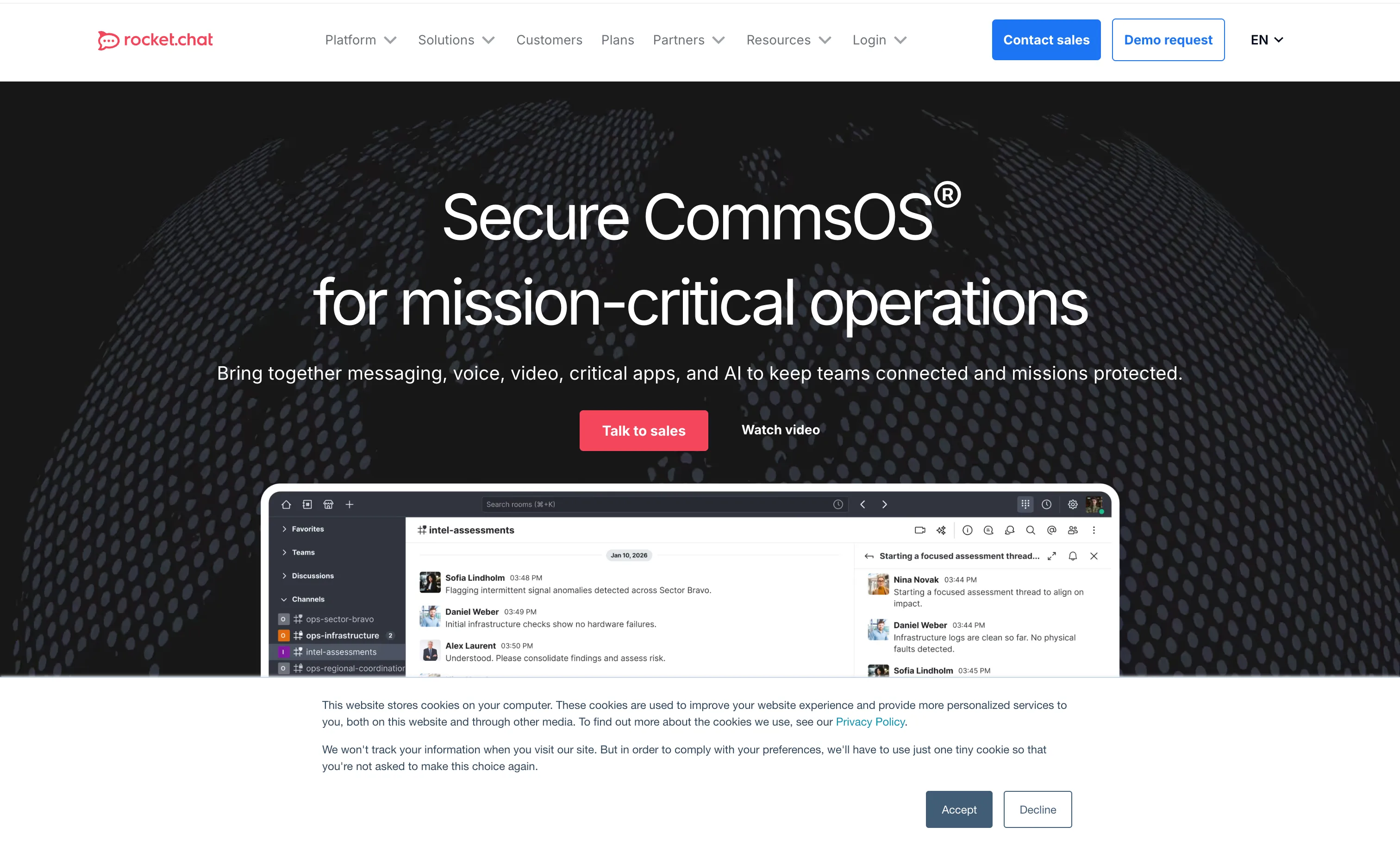
Rocket.Chat is the most popular fully open source team chat platform, with 45,800+ GitHub stars. The core application - everything outside the ee/ (Enterprise Edition) directory - is MIT licensed, so a self-hosted instance with channels, direct messages, threads, file sharing, and audio/video calls costs nothing beyond your own infrastructure. Enterprise-only features like advanced auditing, LDAP group sync, and some compliance tooling live behind a separate commercial license, but they’re not required to run a functional team chat.
Rocket.Chat also functions as an omnichannel hub - it can connect to WhatsApp, email, SMS, and live chat widgets from the same dashboard, which makes it a reasonable Slack-and-Chatwoot-in-one for smaller teams that don’t want to run two separate stacks.
Key features: channels and private groups, threaded replies, MongoDB Change Streams-based real-time sync, built-in audio/video calling (WebRTC), a REST and realtime API, LDAP/SAML/OAuth login, and a mobile app for iOS and Android.
System requirements: as of Rocket.Chat 8.x, MongoDB must run as a replica set even for a single node - this is a hard dependency for the change-stream-based real-time updates and can’t be disabled. For under 50 users, 1-2 CPU cores and 2-4GB RAM (split between the app and MongoDB) is enough; production deployments with 100+ concurrent users are typically sized at 2 cores/4GB minimum, scaling to multi-core, 8-16GB+ setups at hundreds-to-thousands of users.
License: MIT (core) with a separate license for ee/ enterprise modules | GitHub Stars: 45.8K+ | GitHub
2. Mattermost - Built for DevOps and ChatOps

Mattermost (38,500+ GitHub stars) is aimed squarely at engineering teams - it integrates with CI/CD pipelines, incident response tooling, and Git hosts out of the box, and the latest server release, 11.9.0 (July 16, 2026), adds Ranked Attributes, per-action ABAC permission rules, and Azure Blob Storage support.
Mattermost’s licensing needs a closer look than most, because it changed in a way that matters for self-hosters. There are now two distinct free options: Team Edition, the original MIT-licensed release with unlimited message history but capped at 250 users and no SSO, and Entry Edition (formerly “E0”), which unlocks more enterprise-adjacent settings but - starting with the v11 line - hides messages older than 10,000 per instance behind a paywall, even though those messages still physically sit in your own database. That change drew significant community backlash in late 2025, including a widely-discussed Hacker News thread. If unlimited self-hosted history matters to you, deploy Team Edition (mattermost/mattermost-team-edition on Docker), not Entry.
Key features: channels, threads, and DMs; built-in playbooks for incident response; a plugin framework for custom integrations; Git, Jira, and Zendesk connectors; and a “Boards” (Kanban) and “Playbooks” add-on ecosystem.
System requirements: officially Linux-only for server deployment (Docker or binary). A 4GB RAM / 2 vCPU host handles 1-50 users comfortably; 50-200 users need roughly 8GB RAM. PostgreSQL runs as a separate container/service alongside the app.
License: AGPLv3 source, MIT-licensed compiled binaries for Team Edition | GitHub Stars: 38.5K+ | GitHub
3. Zulip - Topic-Threaded Async Chat
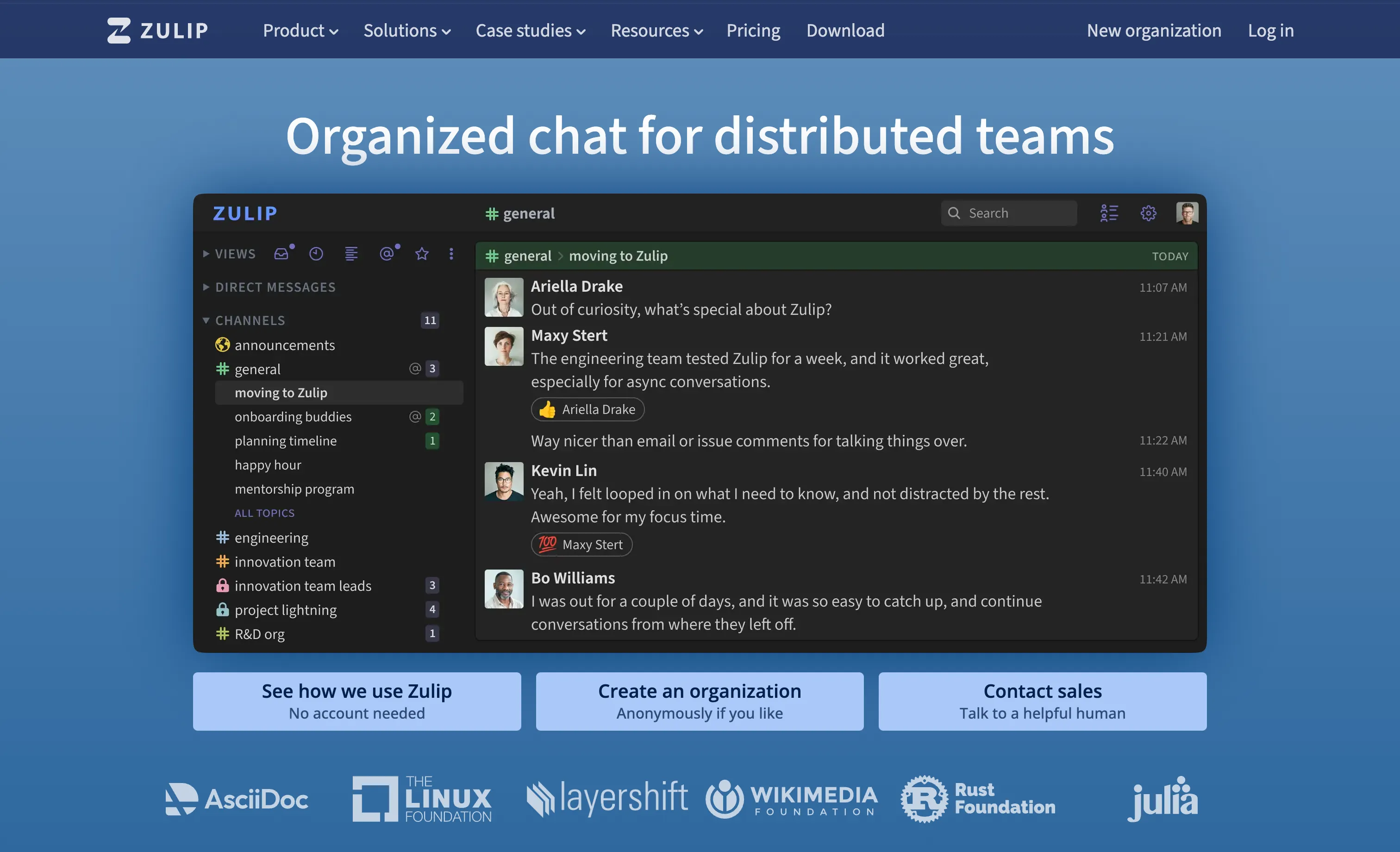
Zulip (25,500+ GitHub stars, Apache 2.0) organizes every conversation into a channel-plus-topic pair rather than a flat channel feed. In practice that means a #backend channel can hold ten simultaneous topic threads - “deploy freeze,” “db migration,” “on-call handoff” - each fully readable in isolation, instead of one channel where every subject blurs together after a busy day. Teams that have tried it tend to either love this model for async-first work or bounce off it; it is a genuinely different mental model from Slack’s flat channels, not just a reskin.
Zulip is Apache 2.0 licensed end to end, with no enterprise-only fork of the core chat experience - self-hosted instances get the same feature set as Zulip Cloud, with paid plans reserved for hosting convenience rather than gated features.
Key features: topic-based threading, full-text search across all history, read/unread tracking per topic, extensive keyboard shortcuts, and a documented REST API with client bindings in Python and JavaScript.
System requirements: the project’s own docs recommend against installing with less than 2GB RAM (out-of-memory issues during setup are common below that). 25+ daily active users need roughly 4GB RAM; 100+ daily active users need 8GB. Officially supported install methods are a direct install script on Ubuntu/Debian or the docker-zulip container image; a single dedicated server handles most self-hosted teams.
License: Apache 2.0 | GitHub Stars: 25.5K+ | GitHub
Federated & Encrypted Chat
4. Matrix + Element - Decentralized, End-to-End Encrypted
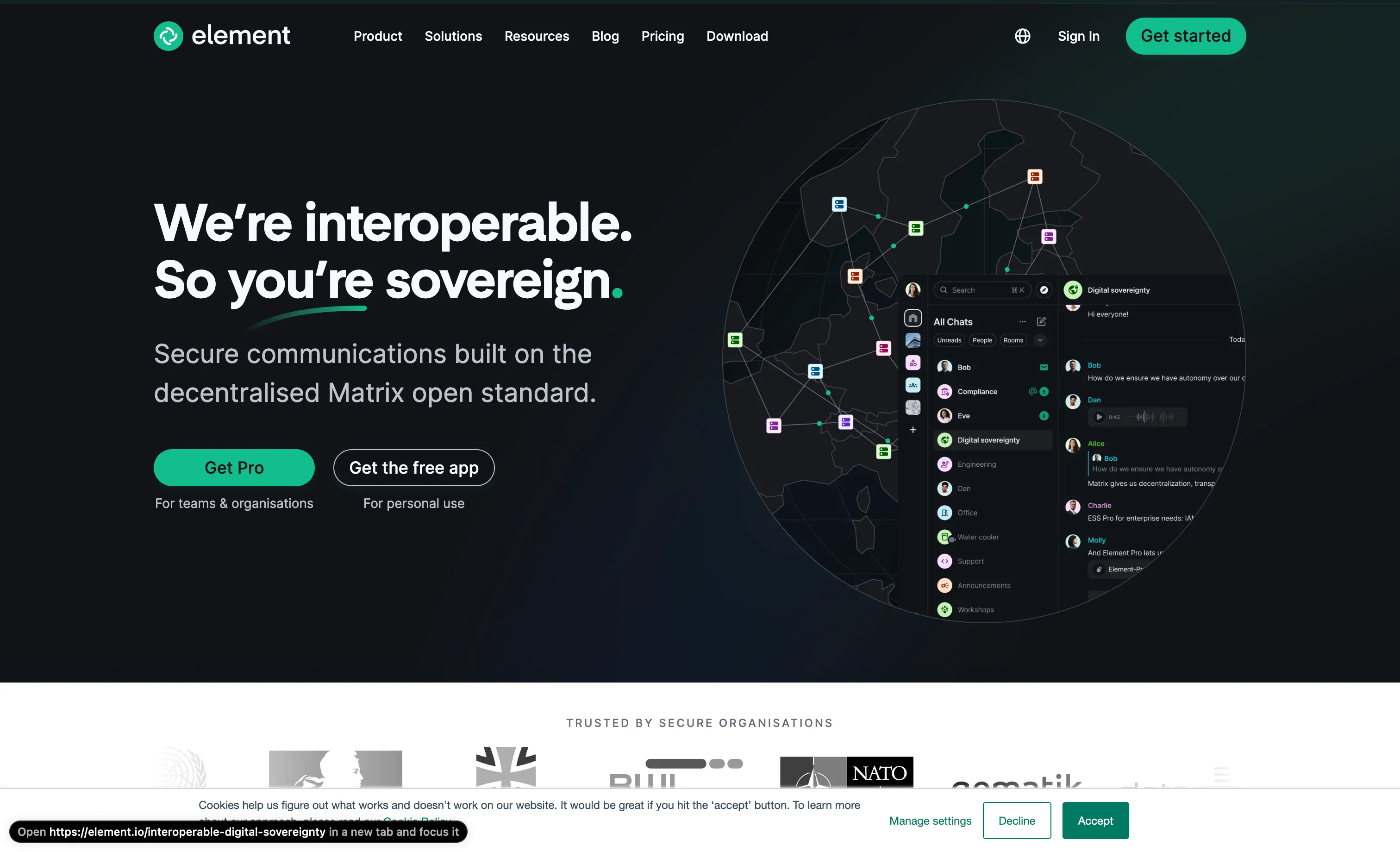
Matrix is not a single application but an open protocol for federated, end-to-end encrypted messaging - conceptually closer to email than to Slack. You run a homeserver (most commonly Synapse, 4,400+ GitHub stars, Apache 2.0), and your users connect through a client - almost always Element (13,300+ stars, AGPLv3). Because it’s federated, a room on your homeserver can include users from any other Matrix homeserver, or from Matrix.org itself, without either side hosting the other’s data.
For a small, single-organization deployment, Element’s own Element Server Suite (ESS) Community distribution bundles Synapse, the Matrix Authentication Service, Element Web, and Element Call into one install aimed at 1-100 users. It’s worth knowing going in that ESS Community deploys via Kubernetes (a single-node k3s cluster is the documented path, including on a laptop with KinD) rather than a single docker compose up - it’s more moving parts than Rocket.Chat or Mattermost, in exchange for federation and protocol-level end-to-end encryption you don’t get from the Slack-style options above. Teams that just want one Matrix homeserver without the full ESS stack can also run Synapse directly via its own Docker image, which is the simpler of the two paths.
Key features: federation across independent homeservers, end-to-end encryption on by default for direct and private messages, bridges to Slack/Discord/IRC/WhatsApp via the Matrix bridging ecosystem, and voice/video calls through Element Call.
System requirements: Synapse alone runs comfortably on 2GB RAM for small communities; ESS Community’s Kubernetes-based install wants more overhead for the control plane and is realistically a 4GB+ RAM VM or dedicated box.
License: AGPLv3 (Element clients), Apache 2.0 (Synapse homeserver) | GitHub Stars: 13.3K+ (Element Web) / 4.4K+ (Synapse) | GitHub
Discord-Style Communities
These platforms target voice-first, server-and-channel communities rather than structured work chat.
5. Stoat (formerly Revolt) - Closest to Discord’s Look and Feel
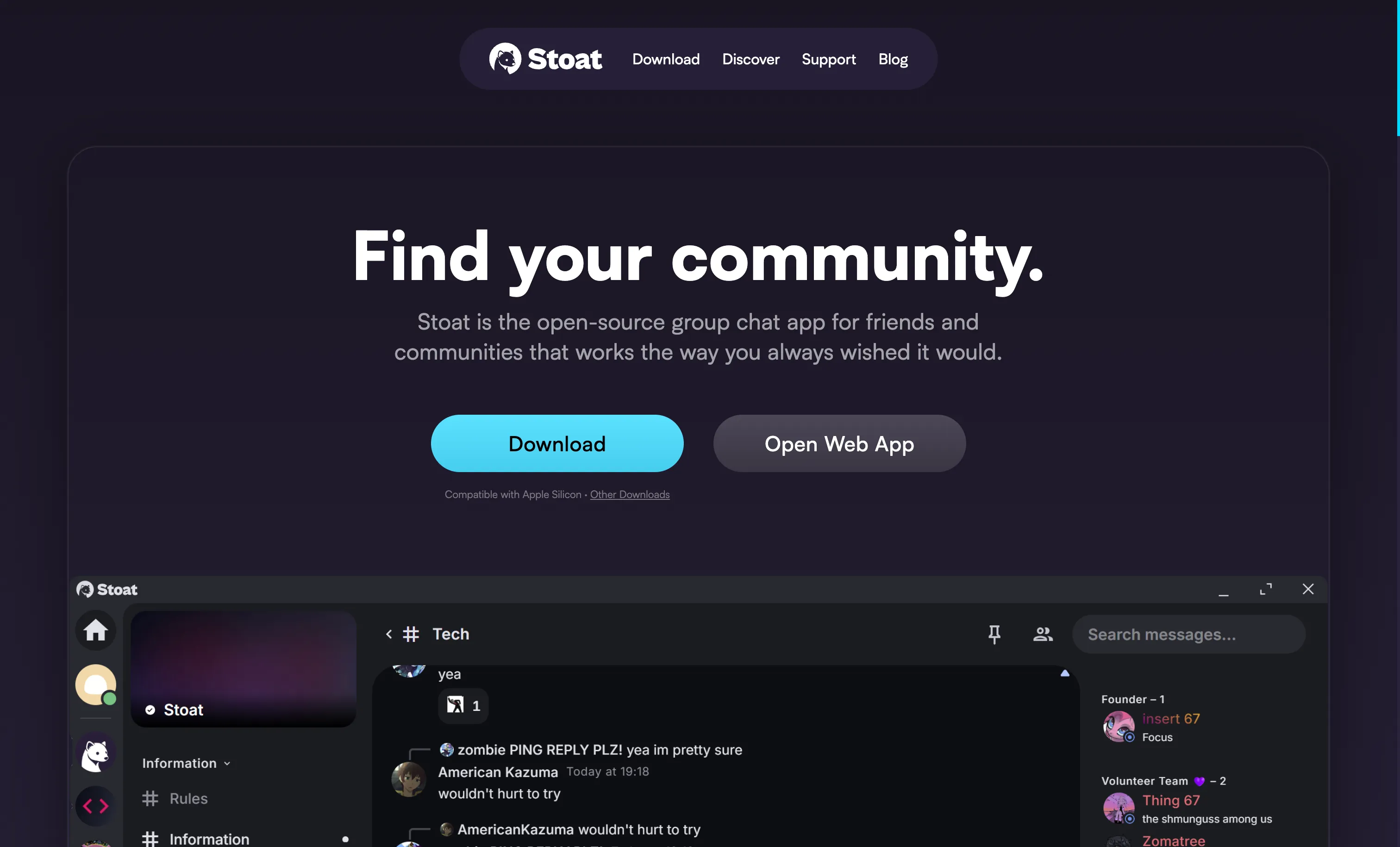
Stoat is the project formerly known as Revolt, which launched in 2021 as an open source, AGPL-3.0-licensed Discord alternative. On October 1, 2025, the project rebranded to Stoat following a cease-and-desist over the “Revolt” name; the underlying service, servers, message history, friends lists, and emoji all carried over unchanged, and repositories moved to the stoatchat GitHub organization. The rebrand shipped alongside a new web/desktop client and a rebuilt voice chat system.
Stoat’s UI maps almost directly onto Discord’s - servers containing text and voice channels, roles and permissions, emoji reactions, and a bot API - so it’s the easiest migration path for a community that wants to leave Discord without retraining users. The full stack (Rust backend, TypeScript web client, mobile apps) is open source and deployable via Docker.
Key features: servers with channels and categories, role-based permissions, voice channels (via LiveKit), custom emoji, and a bot/webhook API with official client SDKs in JavaScript and Python.
System requirements: Stoat publishes a dedicated self-hosted repository with Docker Compose configs for the full backend stack; a small community comfortably fits on a 2-4GB RAM VPS, though voice quality scales with available bandwidth like any WebRTC-based system.
License: AGPL-3.0 | GitHub Stars: 3.1K+ (main client), 2.5K+ (self-hosted deployment repo) | GitHub
6. Spacebar - Run Real Discord Bots Against Your Own Server
Spacebar (formerly Fosscord) takes a different approach: instead of building a Discord-inspired UI from scratch, it reverse-engineers and reimplements Discord’s own API on the backend. The practical upshot is that many existing Discord bots and third-party clients can point at a self-hosted Spacebar instance with little to no modification, because they’re talking to a compatible API surface rather than a new one.
It’s a smaller, volunteer-maintained project than the others here, and it’s honest about where it stands: core text chat, channels, and bot support work, but the official web client is explicitly not recommended for daily use, and voice/video is experimental - WebRTC signaling works, but UDP media transport is not yet supported, so call quality and reliability lag well behind Discord itself. Message threads, OAuth2 scopes, and the newer Discord username system (“Pomelo”) aren’t implemented yet either. Treat it as a solid pick for a self-hosted, bot-driven text community, and not yet as a full voice-first Discord replacement.
Key features: Discord-API-compatible REST and gateway endpoints, support for existing Discord bot libraries with minimal changes, text channels and categories, and full owner control over the instance with no dependency on Discord’s infrastructure.
System requirements: standard Node.js/TypeScript backend with a database (PostgreSQL) - runs on a small VPS (1-2 CPU, 2GB RAM) for a text-focused community; deployable via the official Docker setup documented at docs.spacebar.chat.
License: AGPLv3 | GitHub Stars: 2.2K+ | GitHub
All-in-One Suite
7. Nextcloud Talk - Chat Bundled with Files and Video
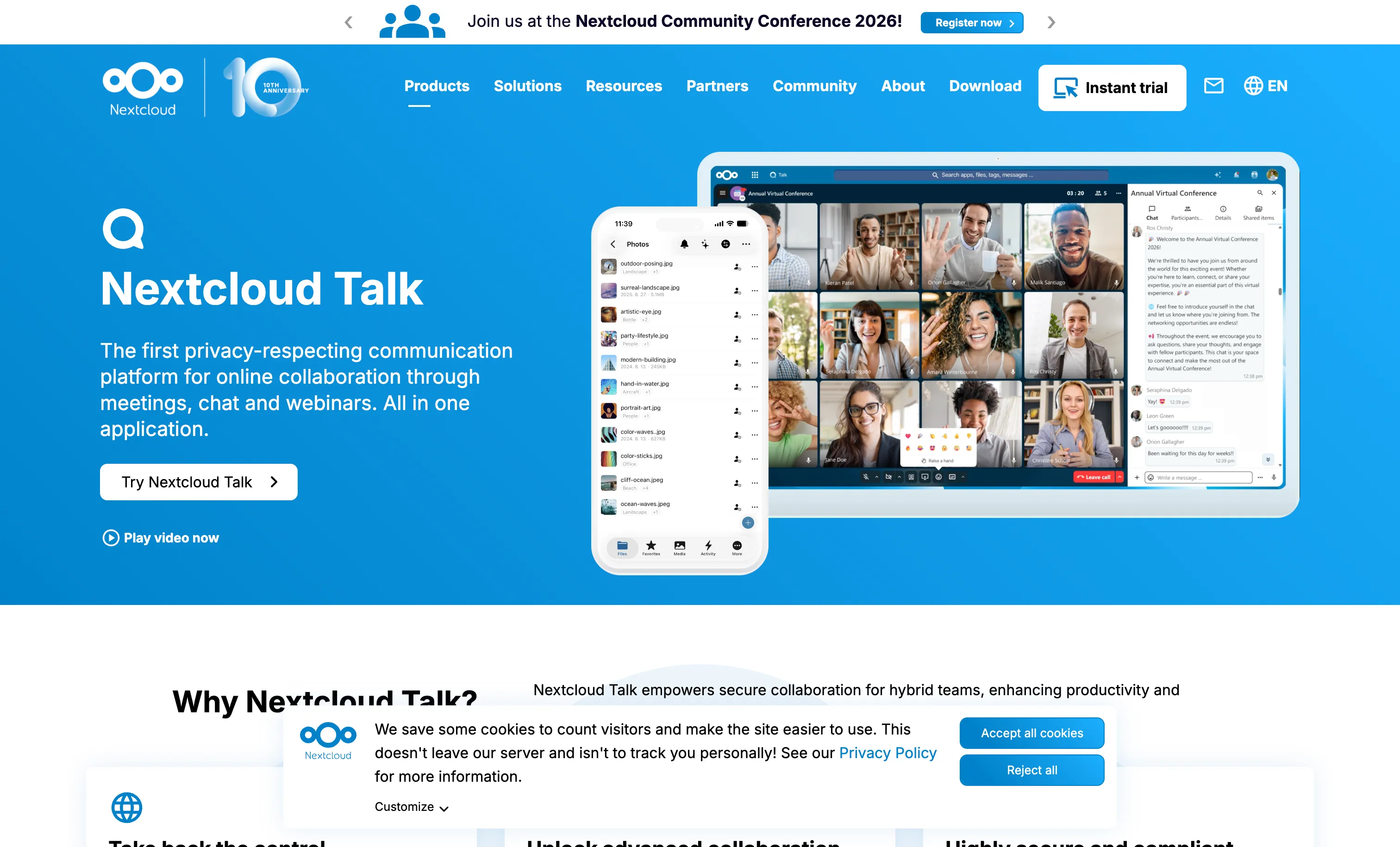
If you’re already self-hosting Nextcloud (36,200+ GitHub stars, AGPLv3) for file storage, its Talk app adds group chat, one-to-one messaging, and video calls without standing up a separate service. It’s not trying to be a channel-heavy Slack clone or a voice-first Discord server - it’s closer to a Teams-style bundle where chat is one tab alongside your files, calendar, and documents.
Because it’s a Nextcloud app rather than a standalone product, Talk inherits Nextcloud’s user management, permissions, and mobile apps, which is convenient if you want one login and one admin panel for chat plus everything else, and unnecessary overhead if chat is genuinely all you want.
Key features: text chat with file and screen sharing, private and group video/audio calls, calendar-linked meeting rooms, and federation between separate Nextcloud instances (Nextcloud 30+).
System requirements: the current stable Nextcloud release is 34.0.2. Official minimum is modest (128MB RAM per PHP process), but a realistic self-hosted server for a small team runs comfortably on 2-4GB RAM and 2 CPU cores; video calls benefit from the optional High Performance Backend (a separate container) for anything beyond a handful of simultaneous participants.
License: AGPLv3 | GitHub Stars: 36.2K+ (Nextcloud server) | GitHub
How to Choose
For a Slack replacement with the least friction: Rocket.Chat gives you the broadest free feature set under a clean MIT core license. Zulip is worth a serious look if your team is distributed across time zones and flat channels keep getting noisy - topic threading solves that specific problem better than anything else here.
For engineering teams already living in Git and CI: Mattermost integrates more directly with DevOps tooling, but stick to Team Edition rather than Entry if unlimited self-hosted message history matters to you.
For encrypted, federated chat across organizations: Matrix + Element is the only option here that lets separate organizations talk to each other without either side hosting the other’s data, at the cost of a more involved (Kubernetes-based, for the full Element Server Suite) deployment.
For a Discord community migration: Stoat is the closer visual and UX match and the more actively used of the two Discord-style options. Spacebar is the pick specifically if you have existing Discord bots you want to keep running with minimal rewrites, understanding that voice is still experimental.
If you already run Nextcloud: Nextcloud Talk avoids standing up a second service just for chat.
How to Host It with Pinggy
Whichever platform you pick, the deployment pattern is the same: it starts life bound to 127.0.0.1 on your machine, and reaching it from a phone, a teammate’s laptop, or the public internet requires either a cloud VM, manual port forwarding, or a tunnel. Pinggy is the tunnel option - one SSH command, no router configuration, no reverse proxy to write.
As a concrete example, here’s Rocket.Chat (the most popular option above) end to end. Save this as docker-compose.yml:
services:
  rocketchat:
    image: registry.rocket.chat/rocketchat/rocket.chat:8.6.1
    container_name: rocketchat
    restart: unless-stopped
    ports:
      - "3000:3000"
    environment:
      ROOT_URL: "http://localhost:3000"
      MONGO_URL: "mongodb://mongodb:27017/rocketchat?replicaSet=rs0"
      MONGO_OPLOG_URL: "mongodb://mongodb:27017/local?replicaSet=rs0"
      PORT: "3000"
      DEPLOY_METHOD: "docker"
    volumes:
      - rocketchat_uploads:/app/uploads
    depends_on:
      mongodb:
        condition: service_healthy

  mongodb:
    image: mongodb/mongodb-community-server:8.2-ubi8
    container_name: rocketchat_mongodb
    restart: unless-stopped
    command: ["--replSet", "rs0", "--oplogSize", "128"]
    volumes:
      - rocketchat_mongodb:/data/db
    healthcheck:
      test: >
        mongosh --quiet --eval "
          try {
            rs.status().ok === 1 ? quit(0) : quit(1);
          } catch(e) {
            rs.initiate({ _id: 'rs0', members: [{ _id: 0, host: 'mongodb:27017' }] });
            quit(1);
          }
        "
      interval: 10s
      timeout: 10s
      retries: 30
      start_period: 30s

volumes:
  rocketchat_uploads:
  rocketchat_mongodb:
Rocket.Chat 8.x requires MongoDB to run as a replica set even for a single node - that’s what the --replSet rs0 command and the healthcheck’s rs.initiate() call handle automatically on first boot. Start the stack:
docker compose up -d
docker compose logs -f rocketchat
Wait for a line containing SERVER RUNNING in the logs, then confirm http://localhost:3000 loads the setup wizard.
Step 2 - Expose it with Pinggy
In a second terminal:
Pinggy prints a public URL pair like https://abc123.a.pinggy.link. Copy the HTTPS one, update ROOT_URL in the compose file to that address, and restart just the app container so the change takes effect:
docker compose up -d --force-recreate rocketchatAnyone with that link can now reach your Rocket.Chat instance, over HTTPS, without you opening a single port on your router. The same two-step pattern - start the container on a local port, then ssh -p 443 -R0:localhost:<port> free.pinggy.io - works identically for Mattermost (port 8065), Zulip (port 443/80 depending on your compose config), a Synapse homeserver (port 8008), or Stoat’s self-hosted stack. Only the port number and the platform’s own “site URL” setting change.
For anything beyond a demo or short-lived test, keep two things in mind. The free Pinggy URL is temporary and changes on reconnect - a paid plan gives you a fixed subdomain you set once in ROOT_URL and never touch again. And a tunnel doesn’t replace TLS certificate management, backups, or upgrades - it solves exactly one problem, which is getting traffic from the public internet to a port on your machine.
Conclusion
The gap between “self-host it yourself” and “pay per seat for a SaaS” has narrowed a lot for team and community chat. Rocket.Chat and Zulip cover Slack’s use case with fully open licenses and no per-user pricing. Mattermost is the strongest pick for engineering teams, as long as you deploy Team Edition and steer clear of Entry’s message cap. Matrix and Element are the only federated, end-to-end-encrypted option in this list, at the cost of a more involved deployment. Stoat is the closest thing to a drop-in Discord replacement today, with Spacebar as the more experimental, bot-compatible alternative. And if you already run Nextcloud, Talk means one less service to maintain.
Whichever you land on, the last step is the same: run it locally, then run one ssh command through Pinggy to put it on the internet.