In this article
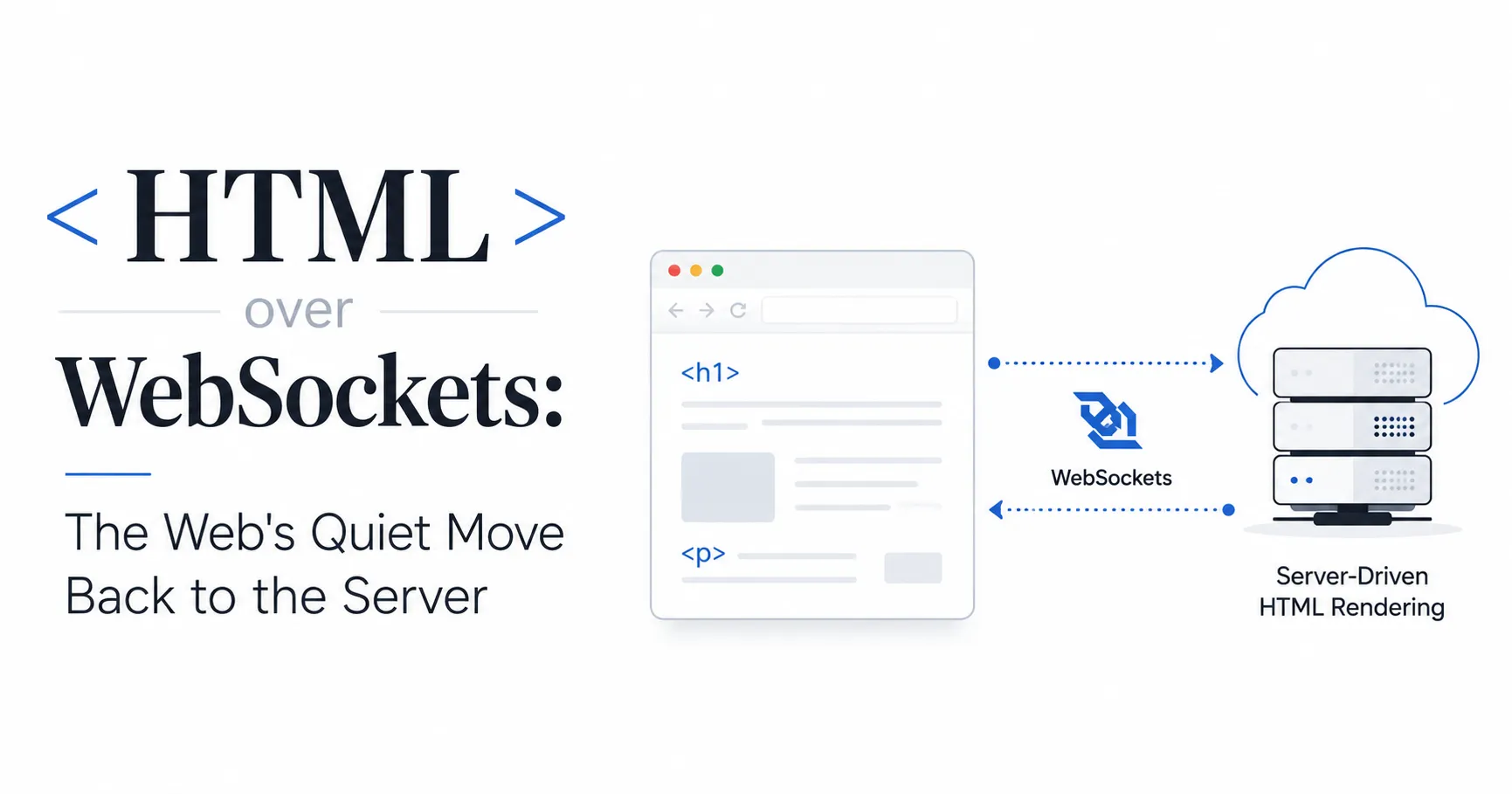
Most web apps today are split into two codebases held together by an API contract: a backend that returns JSON, and a frontend framework that turns that JSON into markup. Someone has to keep both sides in sync every time a field changes or a screen gets redesigned, and that tax gets paid on every feature for the life of the project.
In April 2020, Chris McCord posted a screencast with a blunt title: “Build a real-time Twitter clone in 15 minutes with LiveView and Phoenix 1.5. No need to write JavaScript.” He built a timeline that broadcast new posts to every connected browser instantly, with payloads smaller than a hand-written SPA would send. There was no REST API, no JSON schema, no client-side rendering framework. The server rendered HTML, diffed it against what the browser already had, and pushed just the difference down an open connection.
That idea, usually called “HTML over WebSockets” or “server-driven UI,” has kept picking up steam since. Rails shipped Hotwire, Laravel shipped Livewire, Symfony shipped UX Live Components, and .NET folded the pattern into Blazor. A newer, much smaller library called Datastar hit its 1.0 release in April 2026 and does the same thing in about 11KB. None of these are new ideas exactly, but the list of teams betting on them in production keeps growing, and six years on from that first screencast it’s worth understanding why.
Summary
- HTML over WebSockets/SSE means the server renders HTML and pushes it over a persistent connection, instead of the browser fetching JSON and rendering it client-side.
- Phoenix LiveView (now at 1.2) is the most established implementation; Rails Hotwire/Turbo, Laravel Livewire, Symfony UX Live Components, Blazor, and Datastar (1.0 as of April 2026) all do variations of the same pattern.
- The tradeoff is real: one codebase and no API layer, but the server now holds per-connection state, which changes how you scale and how you monitor failures.
- WebSockets guarantee in-order delivery and support bidirectional push; Server-Sent Events get you automatic reconnection and plain HTTP compatibility but only push one way.
- Testing this locally is different from testing a stateless API: reconnect behavior and multi-client broadcast state matter more than a single request/response cycle.
- To test it from a real phone on a real cellular connection, you need a tunnel that forwards the WebSocket upgrade handshake untouched, not one that only understands plain HTTP.
What “HTML over WebSockets” actually means
In a typical SPA, the browser holds application state in JavaScript, calls an API for data, gets JSON back, and re-renders part of the page. That means two codebases: a backend that returns data, and a frontend that knows how to turn that data into markup. Keeping the API contract in sync between them is a permanent maintenance tax.
HTML over WebSockets collapses that into one codebase. The server keeps a live connection open per client, holds that client’s view state in memory, and whenever something changes, it re-renders the relevant HTML fragment and pushes it down the wire. The browser’s job shrinks to “receive this HTML, patch it into the DOM.” Frameworks in this space ship a small client-side runtime, usually a few kilobytes, that handles the patching, form serialization, and reconnection, but you rarely write JavaScript yourself.
The pitch is that you get real-time updates for free: broadcast a change to every connected client’s process, and everyone’s markup updates without polling or a manual WebSocket message handler. And you get it without owning a REST or GraphQL API surface at all.
Older than the name suggests
The pattern is not new. The obvious objection, that this reinvents ASP.NET WebForms and DHTML-style postbacks from the 2000s, is not wrong about the shape. What’s different now is the diffing. Early postback-style frameworks re-sent whole page fragments and clobbered scroll position and focus. Modern implementations diff the rendered HTML tree (via libraries like morphdom or idiomorph) and patch only what changed, which is what makes it viable for interactive UI instead of just page reloads with extra steps.
Production use predates LiveView’s public debut too. Booking.com built something similar in-house around 2014-2015: server-side templating plus morphdom for DOM patching, years before Phoenix made the pattern famous. LiveView, which shipped for Elixir/Phoenix in 2019, is generally credited as the implementation that made the idea mainstream and portable to other ecosystems, but it didn’t invent the technique.
The current field
A few frameworks cover most of this space today, and they’re not interchangeable:
Phoenix LiveView (Elixir)
Phoenix LiveView is still the most mature implementation and the one everyone else gets compared to. It reached 1.0 in December 2024, added colocated hooks (JavaScript written right inside <script> tags in your HEEx templates) in 1.1, and shipped colocated CSS the same way in 1.2 in June 2026. It leans on the BEAM’s lightweight processes to hold millions of connections cheaply, which is a big part of why it scales the way it does.
Rails Hotwire (Turbo + Stimulus)
Rails Hotwire ships Turbo Streams for broadcasting partial page updates over Action Cable, and Stimulus for the sliver of JavaScript you still need. Turbo 8 added page morphing via idiomorph, so a one-line broadcasts_refreshes call can re-render a record and morph the change into the DOM while preserving scroll position, instead of hand-writing Turbo Stream templates for every update. 37signals built HEY and Basecamp on it and has been vocal about skipping the SPA build step entirely.
Laravel Livewire
Laravel Livewire brings the same idea to PHP: component state lives on the server instead of in a client-side store, and a Blade template re-renders through a managed AJAX round trip whenever that state changes.
Symfony UX Live Components
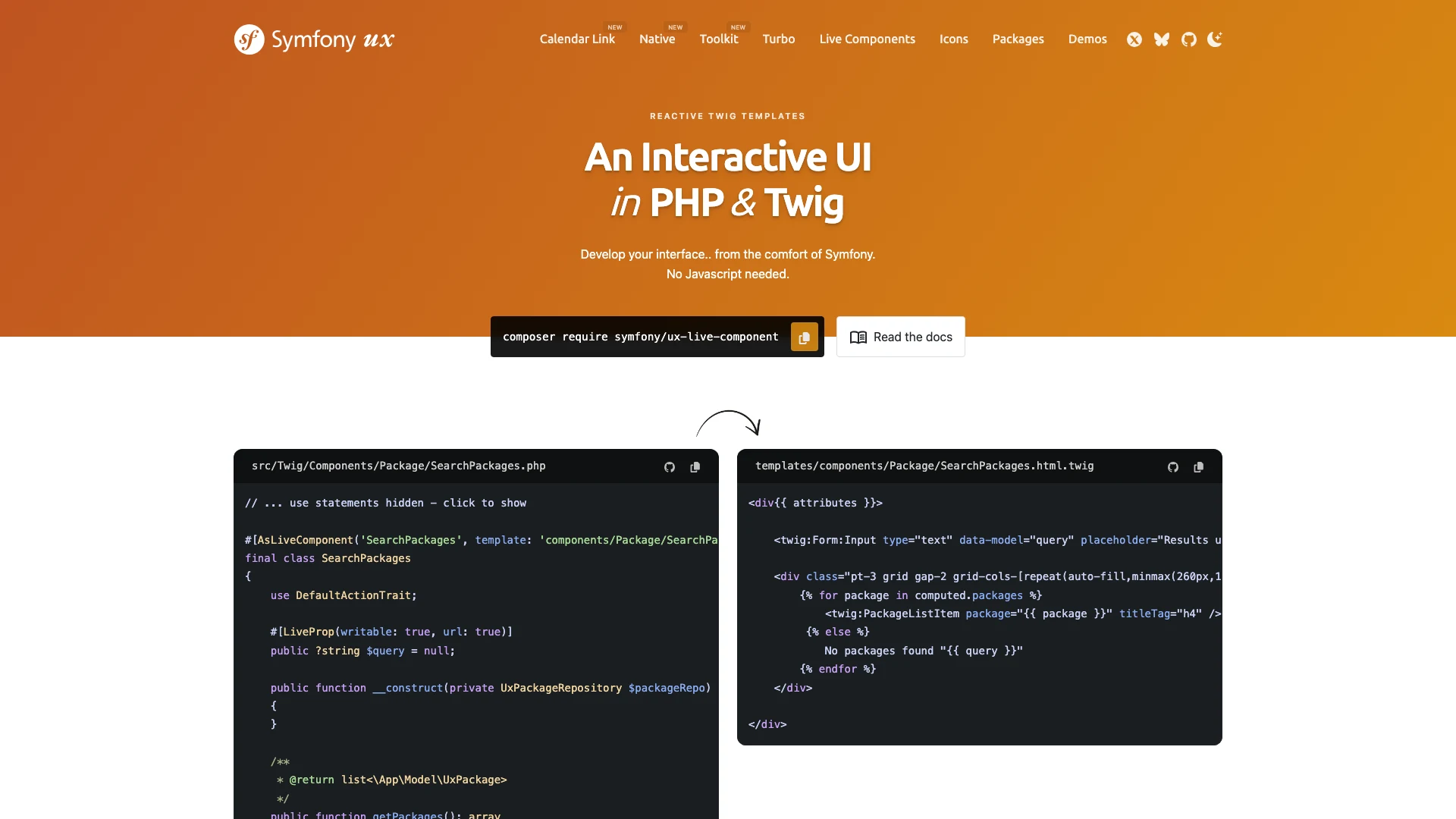
Symfony UX Live Components does the same for the Symfony ecosystem: a PHP class annotated #[AsLiveComponent] pairs with a Twig template, and Symfony handles re-rendering and swapping it server-side, no client store required.
Blazor (.NET)
Blazor used to ship “Blazor Server” as a distinct hosting model that streamed UI diffs over SignalR. Since .NET 8, that’s been folded into the unified Blazor Web App template: each component picks Static SSR, Interactive Server (the SignalR-over-WebSockets mode formerly sold as Blazor Server), Interactive WebAssembly, or Auto. It’s still popular for internal, employee-only tools where the always-on connection isn’t a dealbreaker, but it’s now one render mode you choose per component rather than a whole separate app.
Datastar
Datastar takes a different transport bet: it uses Server-Sent Events instead of WebSockets. It shipped its 1.0 release in April 2026 (now at 1.0.2) and still fits in about 11KB by merging Alpine.js-style client reactivity with htmx-style backend-driven updates into one library.
htmx
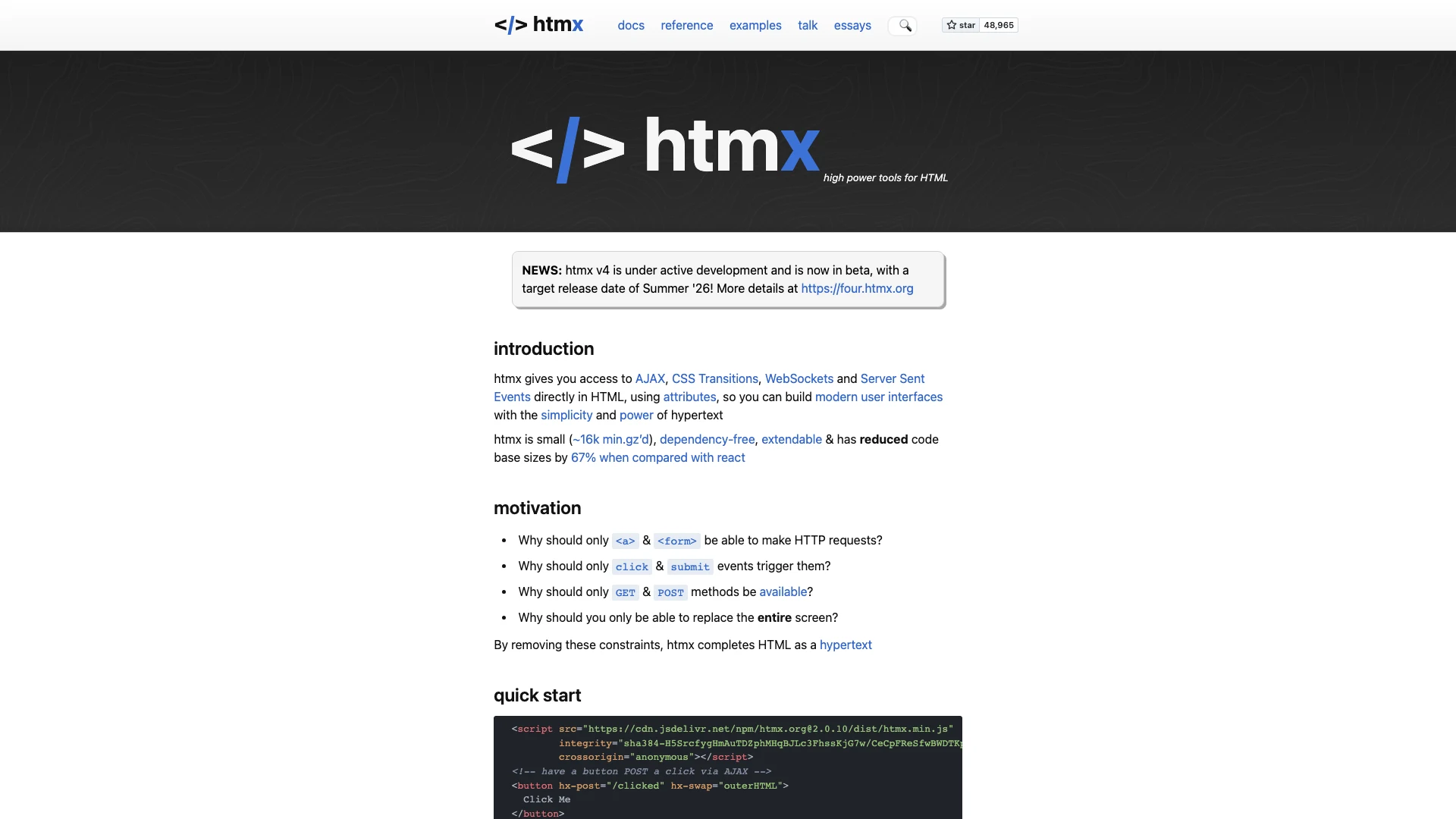
htmx itself is mostly a stateless, HTTP-based tool. In production today it pairs with its hx-sse extension, which layers server push on top via EventSource; htmx 4.0, in beta as of mid-2026 (its own homepage lists a target release of summer 2026), folds that handling into the core instead, using fetch() and a ReadableStream to process SSE responses natively.
None of these agree on transport, and that disagreement is the most interesting technical argument in this space right now.
WebSocket or SSE: the transport fight
WebSockets guarantee in-order, bidirectional delivery over a single TCP connection. That matters when the server is maintaining stateful UI and the client also needs to push events back frequently: form input, clicks, keystrokes for live validation. It’s also more resource-hungry: every open socket is a held connection and (usually) held server-side state, and naive implementations are vulnerable to slow, resource-exhausting connection floods the way any long-lived TCP service is.
Server-Sent Events are HTTP, not a protocol upgrade. That gets you automatic reconnection out of the box (the browser retries and sends a Last-Event-ID header so the server can resume where it left off), and it survives strict corporate proxies that mangle WebSocket upgrades better than WebSockets do. The catch is that SSE is one-directional, server to client only, and under HTTP/1.1 browsers cap you at six connections per origin, which can bite you if a user has several tabs open. HTTP/2 mostly removes that ceiling through multiplexing.
Neither side has fully won the argument. Frameworks that need tight, bidirectional interactivity (LiveView, Blazor’s Interactive Server mode) reach for WebSockets. Frameworks optimizing for simplicity and resilience over flaky networks (Datastar, htmx+SSE) reach for SSE. WebTransport, built on HTTP/3 and QUIC, used to be the theoretical next step that could offer SSE’s resilience with WebSocket’s bidirectionality. It’s no longer just theoretical: Safari 26.4 shipped support in March 2026, pushing WebTransport to Baseline across Chrome, Firefox, Safari, and Edge. So far the production use cases that have shown up are live media streaming and cloud gaming rather than this specific HTML-diffing pattern; none of the frameworks above have moved off WebSockets or SSE for it yet, but the browser-support excuse for staying away from it is gone.
What you give up
This isn’t a free upgrade. A few costs are worth naming plainly:
- Server memory scales with connections, not requests. A stateless JSON API can be scaled by throwing more instances behind a load balancer with no coordination required. A stateful WebSocket app needs sticky sessions (so a client’s reconnect lands on the same process) or a shared backplane (Redis pub/sub is the common choice for Rails and Phoenix deployments) so a broadcast reaches clients connected to different servers.
- No offline mode. If the connection drops, there’s often no cached client-side state to fall back on. The UI is genuinely just a window into server state.
- Monitoring looks different. A slow or hung server process behind a WebSocket can look perfectly healthy at the TCP layer while doing nothing useful, unlike a stateless HTTP request that just times out and gets retried.
- It’s a worse fit for offline-capable, highly interactive consumer apps where you want optimistic UI updates ahead of any server round trip. Internal tools, admin panels, and dashboards, where every user is basically always online, are consistently the sweet spot people report success with.
Why it’s getting a second look now
Part of the current appeal is unrelated to real-time features at all: fewer moving parts means less for an AI coding agent to get wrong. When your rendering logic and your data layer live in one codebase with no API contract to keep in sync, a model generating or editing code has one source of truth to reason about instead of two that can silently drift apart. That’s speculative as a driving trend, but it lines up with why teams keep reaching for Hotwire, Livewire, or LiveView on new internal tools in 2026 rather than standing up a separate frontend build.
Testing a stateful connection is a different problem
Testing a WebSocket-driven app on localhost tells you almost nothing about how it behaves for a real user. A live connection needs to survive a phone switching from WiFi to LTE, or two people watching the same broadcast from different devices, and none of that shows up when your one browser tab sits on the same machine as the server.
The fix is to get the app onto a real public URL you can hit from an actual phone on cellular data, without deploying anywhere. Pinggy does this with one SSH command:
ssh -p 443 -R0:localhost:4000 free.pinggy.ioThat forwards the raw TCP connection, not just HTTP requests, so the WebSocket upgrade handshake passes through untouched. Open the public URL it returns on your phone to watch reconnects fire when you leave WiFi range, or open it on two devices to confirm a broadcast update reaches both. Close the SSH session and the tunnel is gone. (First-time visitors to a free Pinggy tunnel see a one-time warning interstitial before reaching your app - don’t mistake that for your app being broken.)
Should you reach for it
If you’re building an internal tool, an admin dashboard, or anything where every user is reliably online and the interactivity needs are “update this list when something changes” rather than “feel instant on every keystroke,” this pattern removes a whole API layer for a modest server cost. If you’re building a highly interactive consumer product that needs to work offline or feel snappy before any round trip completes, the case for a traditional SPA is still strong. The honest answer, six years after that first LiveView screencast, is that this stopped being a novelty and became a legitimate default for a specific, common category of app. Just go in knowing you’re trading a build step for a persistent connection to babysit.
Conclusion
HTML over WebSockets isn’t a rejection of the SPA, it’s a bet that a specific class of app, internal tools, admin panels, dashboards, anything where users are reliably online, doesn’t need one. Phoenix LiveView proved the pattern works at scale, and by 2026 every major web stack has its own version: Hotwire for Rails, Livewire and Symfony UX Live Components for PHP, Blazor’s Interactive Server mode for .NET, and newer entrants like Datastar making the same bet in about 11KB. Pick WebSockets when you need tight, bidirectional interactivity; pick SSE when resilience over flaky networks matters more. Either way, test it off localhost before you trust it. A live connection behaves nothing like a stateless request until you put a real device and a real network in front of it.