In this article
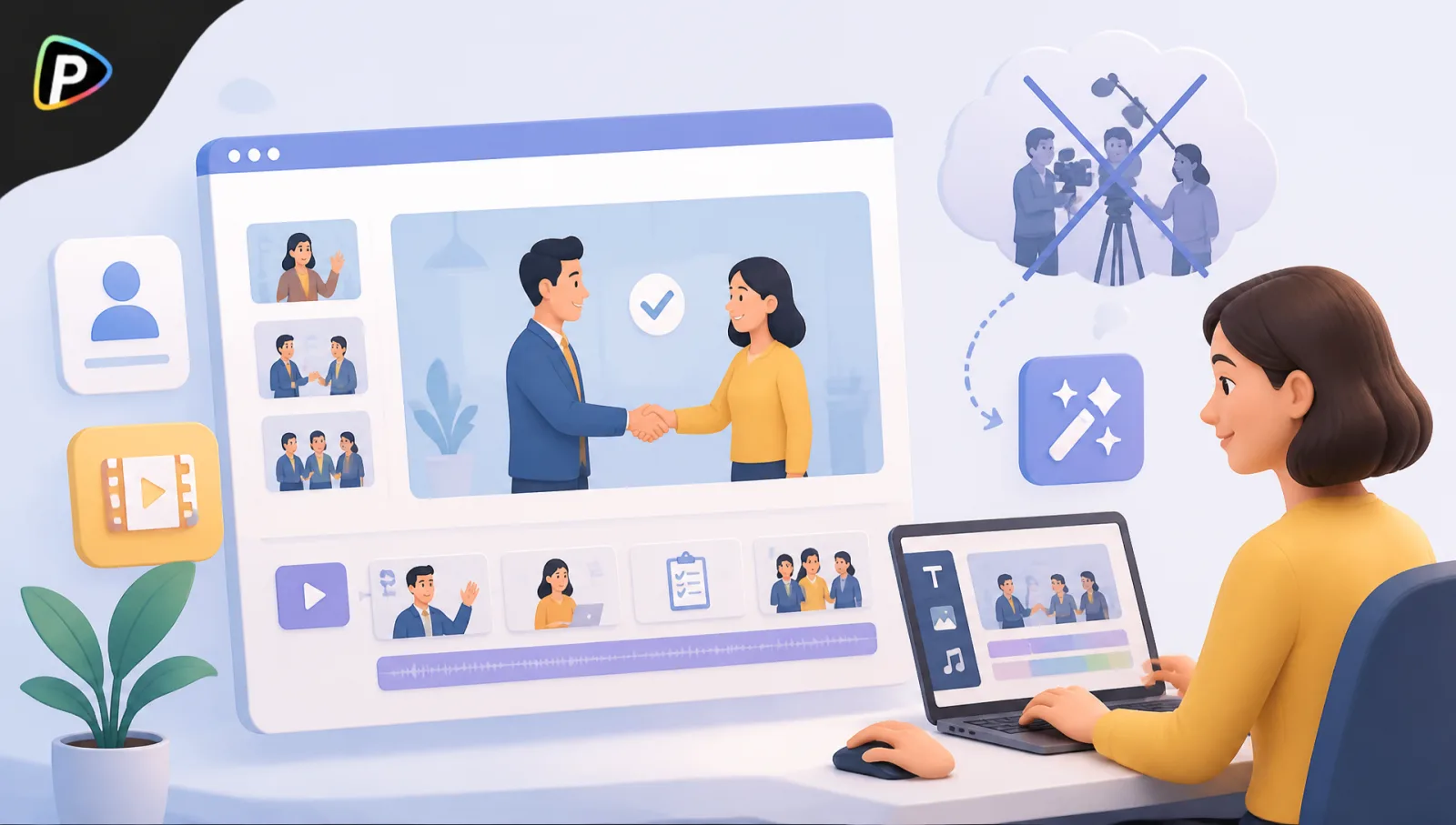
Employee onboarding often involves the same challenge: HR has plenty of information to share but limited time to turn it into useful training content. Documents can explain policies, but a short video can make processes easier to understand and revisit.
Traditional video production, however, requires a presenter, recording equipment, voiceovers, and editing. An explainer video maker offers a simpler option. With Pollo AI, a team can add a training script, choose an AI avatar, include company assets, and generate an onboarding video without arranging a filming session.
Summary
The problem: HR has the training material already written; what it does not have is a presenter, a camera, and an afternoon of editing for every process that changes.
The shortcut: an explainer video maker takes the script as the input. Add the text, pick an AI avatar, drop in company assets, and generate, all in one workflow.
Scope one video to one task. First-day setup, or the communication platform, not the whole handbook. Focused scripts are easier to follow and far easier to update later.
Strip anything confidential first: passwords, private employee data, customer records. Check screenshots too, since an outdated interface teaches the wrong process.
Clarity beats production value. Keep background music quiet enough that the narration carries, and simplify the script rather than adding effects if a cut feels rushed.
Always review before sharing. Have HR or a subject-matter expert check software steps, dates, names, and policies. A polished video can still be wrong.
Keep the script. Store it with the finished video so a process change means editing one section and regenerating, not starting over.
Why Use Pollo AI for an Employee Onboarding Video?
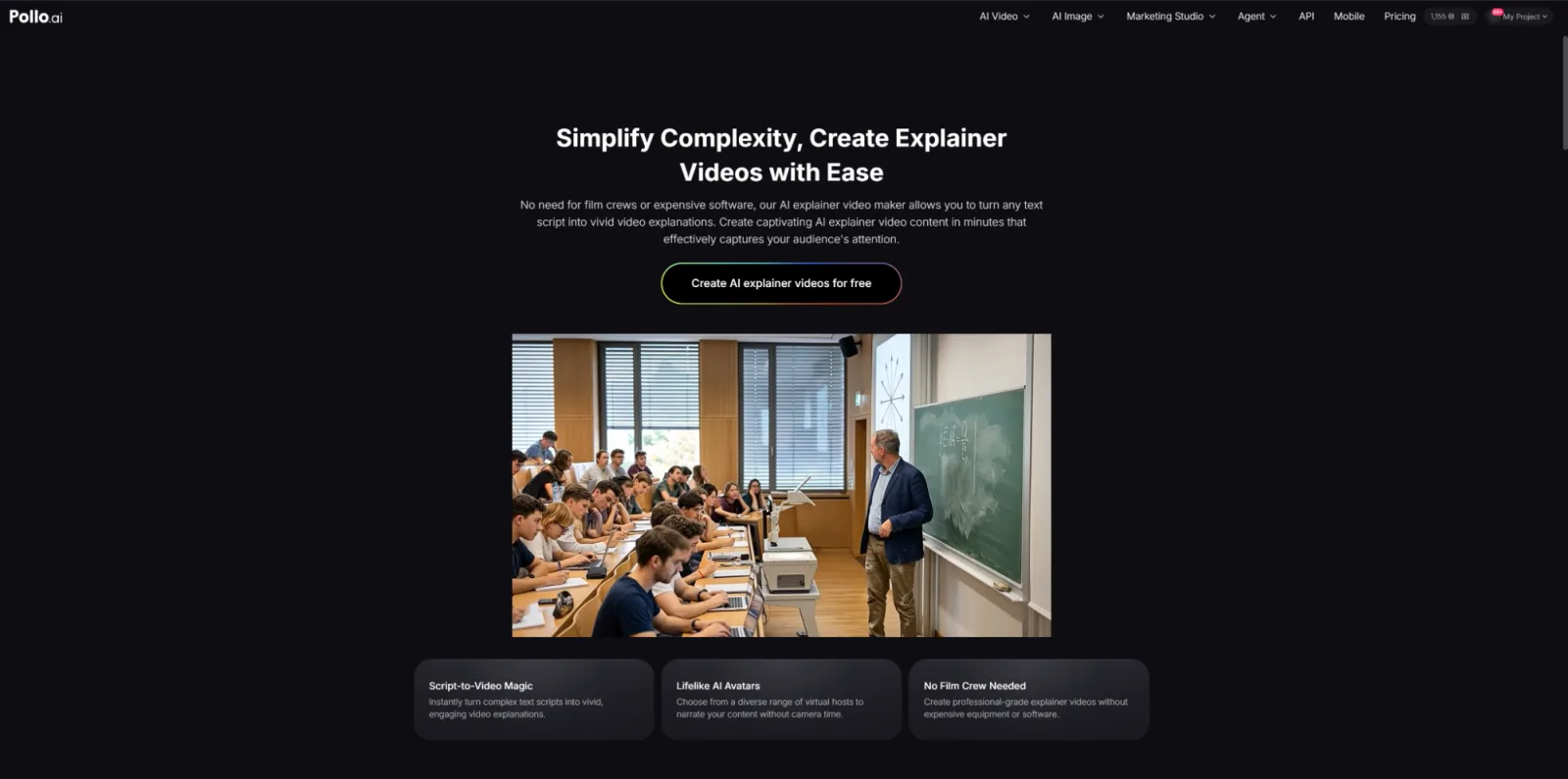
Pollo AI’s explainer video maker addresses several common onboarding challenges.
No presenter available? AI avatars can deliver the script, so HR does not need to record a manager or trainer. This is useful when onboarding content needs regular updates.
Too much material to turn into a video? The script-to-video workflow lets the team start with written training content and turn it into an explainer without building every scene manually.
Need company-specific visuals? Templates and uploaded assets allow teams to include logos created with a logo maker, product images, screenshots, or other training materials.
Want to avoid complicated editing? Pollo AI brings the script, avatar, narration, and video generation into one workflow, reducing the need for separate production tools.
Its official page also lists corporate training and onboarding among its use cases.
For broader onboarding planning, teams may also want to consider how video tools fit into the wider HR technology stack, including a best enterprise HR platform for managing employee information, workflows, and related processes.
How to Create an Employee Onboarding Video with Pollo AI
1. Write a Script for One Onboarding Task
Do not paste an entire employee handbook into the tool. Pick one task, such as completing first-day setup or learning a communication platform. When preparing the script, teams can also look at tools such as the HeyGen AI video generator for ideas on structuring short training videos.
Use short, natural sentences that explain what employees need to do and what happens next. A focused script is easier to understand and update.
2. Add the Script to Pollo AI
Open the Pollo AI explainer video maker and enter the script. The official workflow begins with adding the explanation you want the video to cover.
Before uploading anything, remove passwords, private employee information, customer data, and other confidential material. Also avoid combining too many unrelated topics in one video.
3. Choose an AI Avatar and Add Company Visuals
Choose an AI avatar to present the training. This removes the need to record an employee and can provide a consistent presenter across multiple onboarding videos.
Add relevant company assets, such as a logo, product image, diagram, or software screenshot. Check screenshots carefully: an outdated interface can teach the wrong process.
4. Adjust the Presentation and Generate
Pollo AI supports avatar and presentation customization, as well as background music and uploaded audio.
For onboarding, clarity matters more than visual effects. Keep music quiet enough that the narration remains easy to hear. If the generated video feels rushed or confusing, simplify the script before generating it again.
5. Review It as a New Employee Would
Before sharing the video, have HR or a subject-matter expert check the instructions, narration, visuals, and on-screen text.
Pay particular attention to software steps, dates, names, and company policies. A polished video can still contain outdated information, so human review is essential.
Keep the Video Easy to Update
Save the original script with the finished video. When a process changes, the team can update the relevant section and regenerate the video instead of starting over.
Short videos are also easier to maintain. Separate modules for first-day tasks, communication tools, security, and team processes are usually more practical than one long onboarding recording.
For companies producing multiple onboarding, training, or internal communication videos, invideo agent helps teams maintain consistency by keeping project context, brand guidelines, and creative instructions connected throughout the video creation process.
Final Thoughts
An employee onboarding video does not need a camera crew to be useful. The important part is deciding what new employees actually need to know and presenting it clearly.
With Pollo AI’s explainer video maker, a team can provide the script, select an AI avatar, add relevant assets, adjust the presentation, and generate the video in one workflow.
For recurring onboarding tasks, this provides a practical way to turn existing training material into reusable videos without organising a traditional filming session.