In this article
An AI agent that only talks is cheap to host. The moment it needs to install packages, run tests, start a server or leave a job running overnight, it needs a computer of its own, and giving it yours means handing a language model a shell on the machine that holds your SSH keys.
A whole category of products now rents that computer by the second. They look alike on their landing pages, but underneath they make very different choices. machine0 gives you a full KVM virtual machine that runs until you stop it. OpenComputer caps every sandbox at 8 hours, hibernation included. E2B restores a Firecracker microVM from a memory snapshot in about 150 ms. Daytona runs plain containers unless you ask for a VM. I went through the docs, pricing pages and SDKs of seven of them, installed each SDK and ran the examples below up to the API-key check. All facts and prices for those seven are as of September 26, 2026. Five newer ones get a short honorable mention near the end.
The running example throughout is one ordinary agent job: clone a Node.js repo, run npm test, start a dev server on port 3000 and show someone the result.
Summary
- Pick by lifetime first. machine0 and Fly.io Sprites give an agent a machine that persists indefinitely. OpenComputer v2 sandboxes end after a hard 8 hours. E2B, Vercel Sandbox and Modal cap a continuous session at 24 hours on paid plans.
- Isolation is not uniform. machine0 and OpenComputer run KVM virtual machines, E2B, Vercel and Sprites use Firecracker microVMs, Modal uses gVisor, and Daytona defaults to Linux containers.
- Of these seven, only E2B pauses every sandbox with memory intact and keeps the paused sandbox with no expiry. Daytona does it on VM sandboxes only; the rest save the filesystem.
- For a 2 vCPU / 4 GB machine running flat out for an hour, machine0 costs $0.052, E2B and Daytona $0.166, Modal $0.238 and OpenComputer $0.378. machine0 bills while stopped, though, and the usage-billed ones cost far less when the agent is mostly waiting on a model.
- Need GPUs? machine0, Daytona and Modal have them. Need a desktop for computer use? E2B Desktop, Daytona Computer Use or Orgo.
What a cloud computer for an agent actually is
Every product here does the same four jobs. It boots an isolated Linux machine, gives the agent a way to run commands in it (an SDK call, SSH or an MCP tool), exposes a port so a human can see the result, and decides what survives when the machine stops. The interesting differences are in how each job is done.
Isolation comes in three strengths. A full virtual machine under KVM gets its own kernel and looks like a normal server, so Docker, kernel modules and GPUs work. A Firecracker microVM is a stripped-down KVM guest built to start fast; E2B’s runtime README explains that “creating” a sandbox means “restoring one, not booting a kernel”, with memory pages loaded lazily on first access. Containers share the host kernel and rely on namespaces, and gVisor sits in between by intercepting system calls in a user-space kernel.
Persistence is where the category splits into two camps. Persistent computers keep a disk and run until you stop them, like a VPS an agent can drive. Sandboxes are built to be created per task, used for minutes and thrown away, with snapshots as the way back. Neither is better. A coding agent that works on one repo for a week wants the first kind. A product that runs untrusted code for thousands of users wants the second.
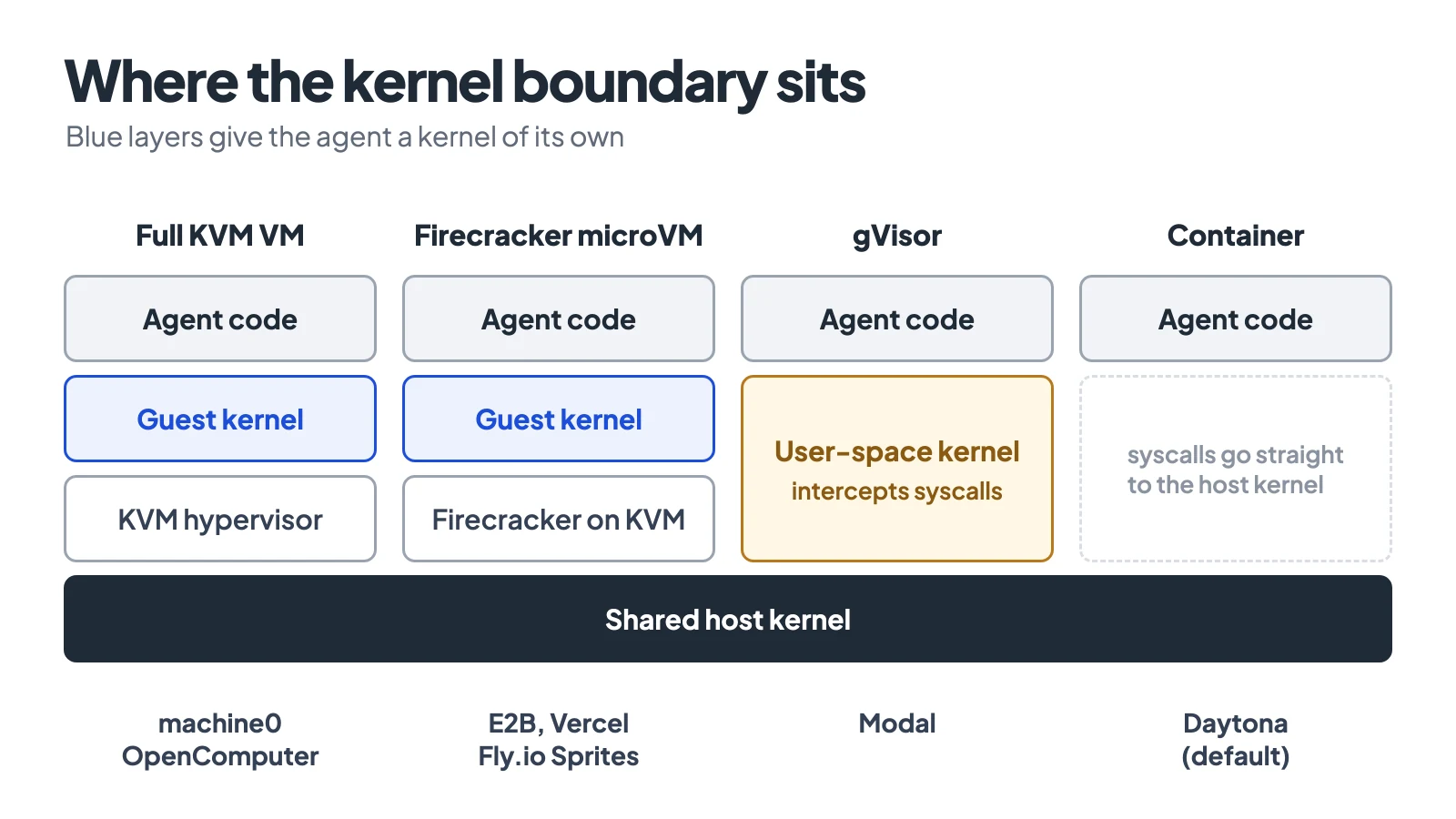
Where each product puts the boundary between the agent’s code and the host.
Comparison table
The price column is the list rate for 2 vCPU and 4 GB running at full CPU for one hour. Where a product bills on actual usage, the real bill for an agent that spends most of its time waiting on model calls is lower.
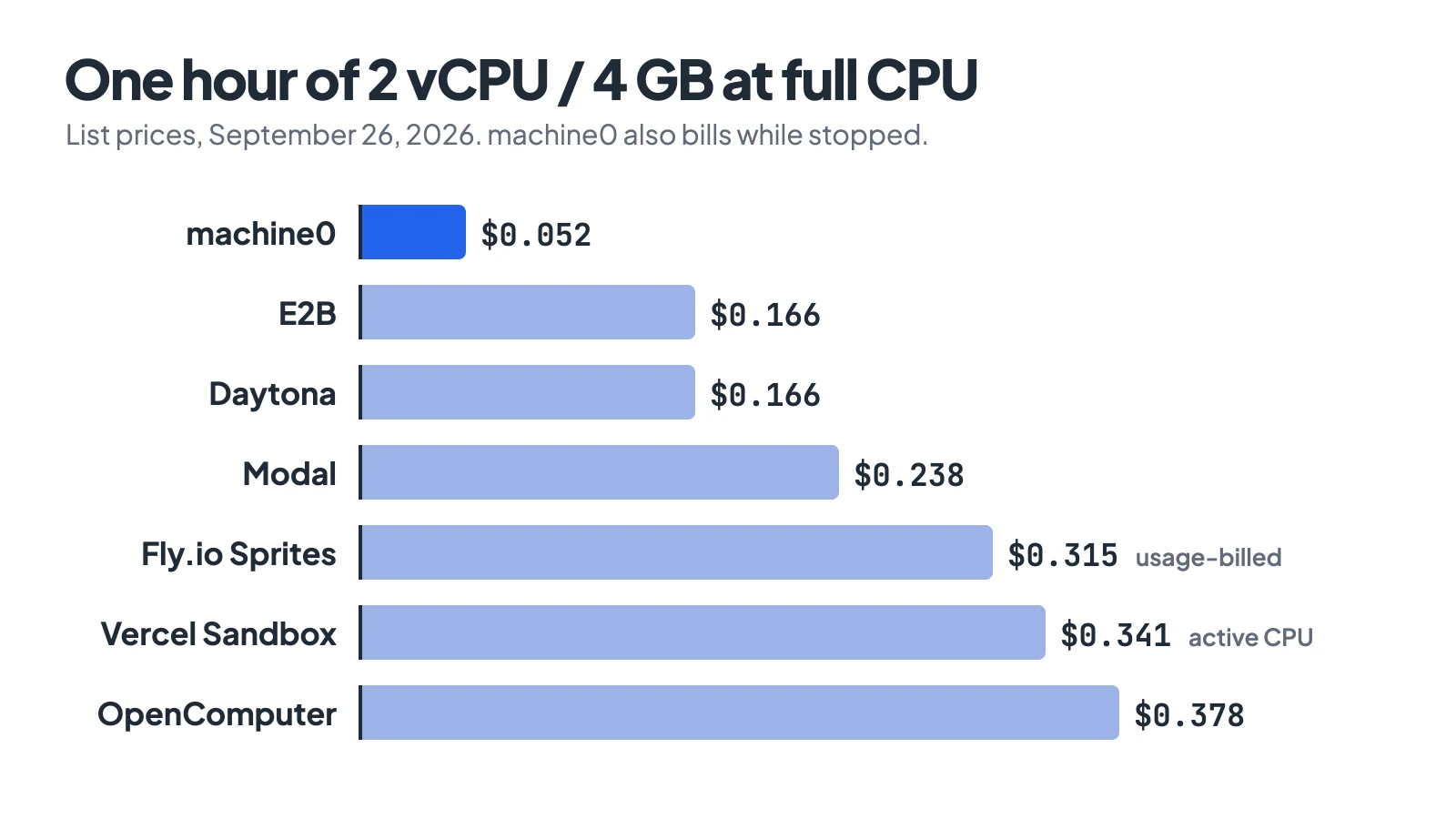
Data: machine0, E2B, Daytona, Modal, Fly.io, Vercel and OpenComputer pricing pages, September 26, 2026.
| Product | Isolation | Max lifetime | Keeps memory on pause | GPU | 2 vCPU / 4 GB, 1 h |
|---|---|---|---|---|---|
| machine0 | Full KVM VM | None, runs until stopped | No (suspend is disk snapshot) | Up to 8x H200 | $0.052 |
| OpenComputer (v2) | Full KVM VM | 8 h, hard | No | No | $0.378 |
| E2B | Firecracker microVM | 1 h Hobby / 24 h Pro per session, resets on pause | Yes, kept indefinitely | No | $0.166 |
| Daytona | Container (VM optional) | None, auto-stops after 15 min idle by default | VM sandboxes only | Up to 8 GPUs | $0.166 |
| Fly.io Sprites | Firecracker microVM | None, sleeps when idle | While warm only | No | $0.315 (usage-billed) |
| Vercel Sandbox | Firecracker microVM | 45 min Hobby / 24 h Pro per session | No (filesystem snapshot) | No | $0.341 (active CPU) |
| Modal Sandboxes | gVisor (VM in beta) | 24 h | Alpha only | T4 to B300 | $0.238 |
machine0: a real VM your agent keeps
machine0 launched on Hacker News on August 18, 2026 as a YC Summer 2026 company, and it is the most traditional product here. The founder’s launch post puts it plainly: “Every machine is a full KVM virtual machine, not a container or sandbox.” Its FAQ says the VMs run on DigitalOcean infrastructure across five regions. You get a dedicated public IP (kept across stop, replaced on suspend), SSH as user ubuntu with password login disabled, and an authenticated HTTPS URL at https://<name>.mac0.io that proxies to port 80.
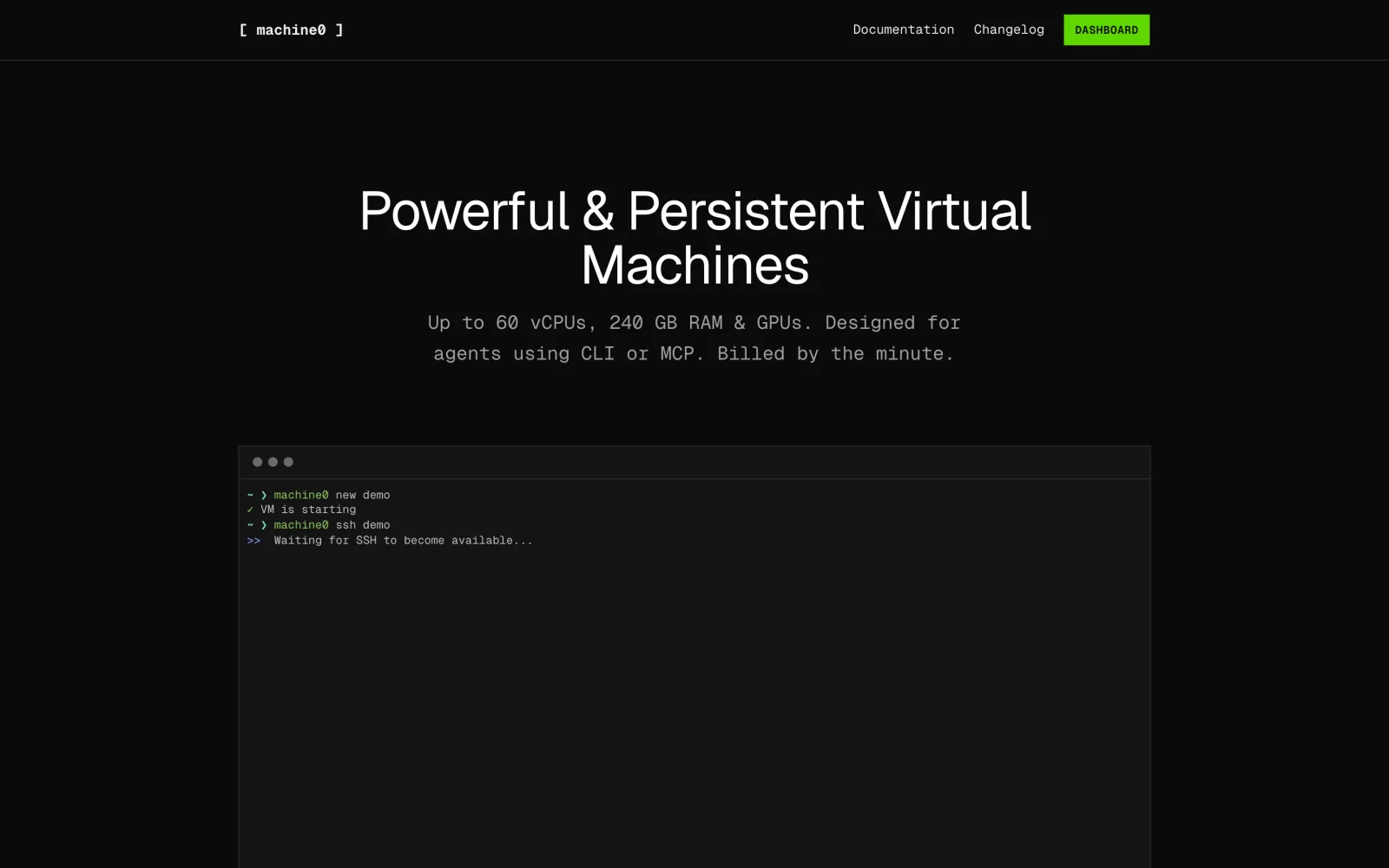
Screenshot: machine0.io, September 2026.
There is no language SDK. The interface is a CLI (list and detail commands take --json) plus a remote MCP server, which is a sensible choice when the client is an agent that already knows how to use a shell. The worked example looks like this with CLI version 1.0.164:
npm install -g @machine0/cli        # or: curl -LsSf https://machine0.io/install.sh | sh
machine0 new agent-box --size large --region eu --image ubuntu-24-04-loaded
machine0 ssh agent-box "git clone https://github.com/your-org/app.git && cd app && npm ci && npm test"
machine0 suspend agent-box           # snapshot the disk, delete the instance, stop compute billing
machine0 start agent-box             # restore later, with a new IP
The loaded image ships Docker, Node.js, Python, Go, Rust, Bun, Claude Code, Codex and OpenCode. To give Claude Code control of your fleet, run claude mcp add --transport http machine0 https://app.machine0.io/mcp.
The tradeoffs are the ones you would expect from a VPS. Provisioning takes one to three minutes, not milliseconds. The docs say a stopped VM is “still billed at full rate”, so you have to suspend it to save money, and suspend keeps the disk but not the running processes. Your dev server on port 3000 is not on the HTTPS URL until you move it to port 80 or open the port with ufw. In exchange, sizes go from small (1 vCPU, 1 GB, $0.013/hour) to 6xl (60 vCPU, 240 GB) and GPU sizes up to 8x H200 at $39.336/hour, billed per minute.
OpenComputer: SDK-first VMs with an 8-hour ceiling
OpenComputer comes from the team behind Digger and is open source under Apache-2.0 (554 stars). Its docs describe a sandbox as “Not a container. Real VM with its own kernel, memory, and disk”, and the self-hosting guide describes a control plane driving QEMU/KVM on KVM-capable Linux workers.
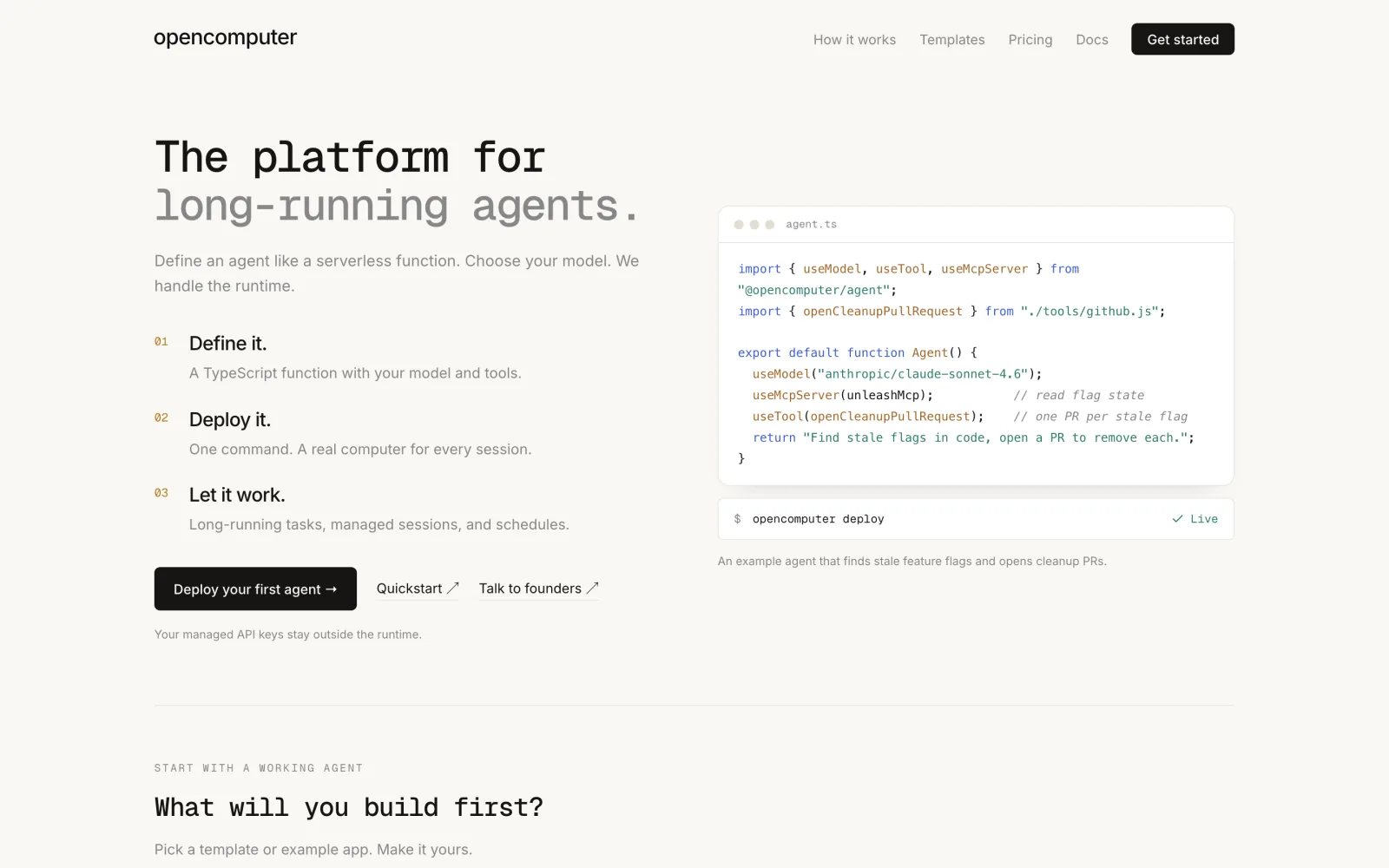
Screenshot: opencomputer.dev, September 2026.
If you read about OpenComputer earlier this year, much of it has changed. The v1 runtime is retired, and a 0.x SDK now gets 410 Gone. On v2, the lifetime page is blunt: “The ceiling is 8 hours, and it counts running and hibernated time together. It cannot be extended.” Checkpoints no longer capture memory, forking from a checkpoint is not available yet, RAM comes in fixed steps of 1, 2, 4 or 8 GB, and disk is fixed at about 16 GB. The homepage itself now leads with a separate product for deploying agents as TypeScript functions.
The sandbox SDK is still the cleanest API of the lot. This is the docs example, which I ran against @opencomputer/sdk 2.1.2 up to the 401 for a missing key:
import { Sandbox } from "@opencomputer/sdk";

const sandbox = await Sandbox.create();
const result = await sandbox.exec.run("echo Hello from $(uname -a)");
console.log(result.stdout);
await sandbox.kill();
sandbox.getPreviewDomain(3000) returns a public URL for the dev server; preview URLs are public by default. Pricing is per second: $0.0063 per minute for 4 GB and 2 vCPU, with $10 of free credit. Use it for bounded jobs that finish inside a working day.
E2B: Firecracker microVMs restored from snapshots
E2B is the sandbox most agent frameworks reach for first. Its SDK repo has 14,008 stars and its backend (e2b-dev/runtime) is Apache-2.0 and self-hostable. Because a new sandbox is a snapshot restore, the docs put startup at about 150 ms.
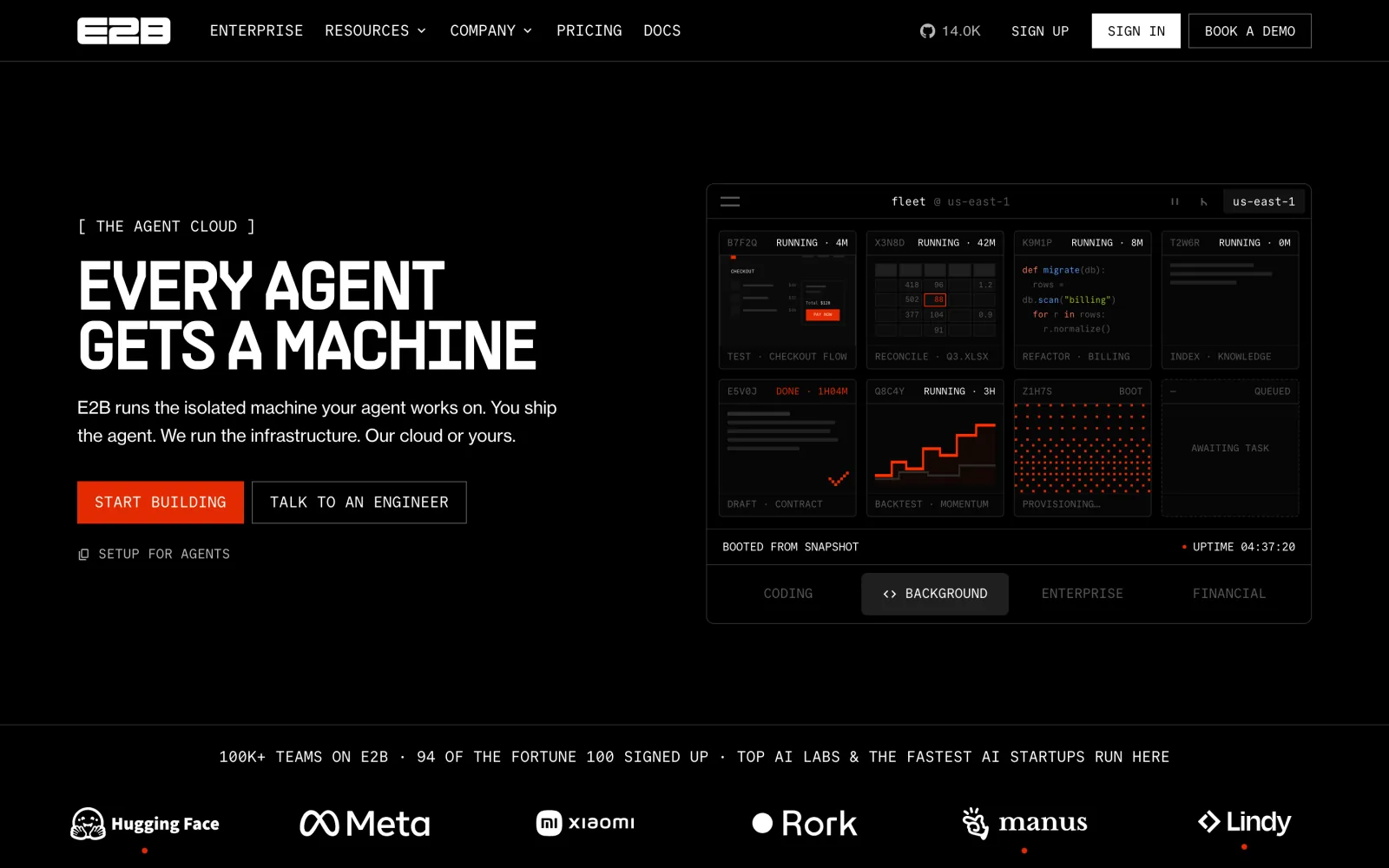
Screenshot: e2b.dev, September 2026.
The feature that sets it apart is pause. The persistence docs say pausing saves “not only state of the sandbox’s filesystem but also the sandbox’s memory”, that a paused sandbox “is kept indefinitely”, and that resume takes about a second (pausing takes about 4 seconds per GiB of RAM). Billing stops while paused. Tested against e2b 2.51.0:
from e2b import Sandbox

# Auto-pause instead of killing when the 10-minute timeout hits
sandbox = Sandbox.create(timeout=600, lifecycle={"on_timeout": "pause"})
result = sandbox.commands.run("git clone https://github.com/your-org/app.git app && cd app && npm ci && npm test")
print(result.stdout)
print(sandbox.get_host(3000))  # public URL for a dev server on port 3000

sandbox_id = sandbox.sandbox_id
sandbox.pause()                        # filesystem + memory saved
sandbox = Sandbox.connect(sandbox_id)  # resumes where it stopped
The limits: the default sandbox is 2 vCPU and 512 MiB of RAM, and you change that by building a template. The FAQ is explicit that sandboxes are “CPU-only”. SSH needs a custom template with a WebSocket proxy. Hobby is free with $100 of one-time credit; Pro is $150/month.
Daytona: containers by default, VMs and GPUs on request
Daytona charges exactly E2B’s per-second rates ($0.0504 per vCPU-hour, $0.0162 per GiB-hour) and adds $200 of free compute. It also covers more ground: GPU sandboxes up to 8 GPUs, Windows VMs, built-in SSH (daytona ssh), an MCP server in the CLI, and SDKs for Python, TypeScript, Ruby, Go and Java.
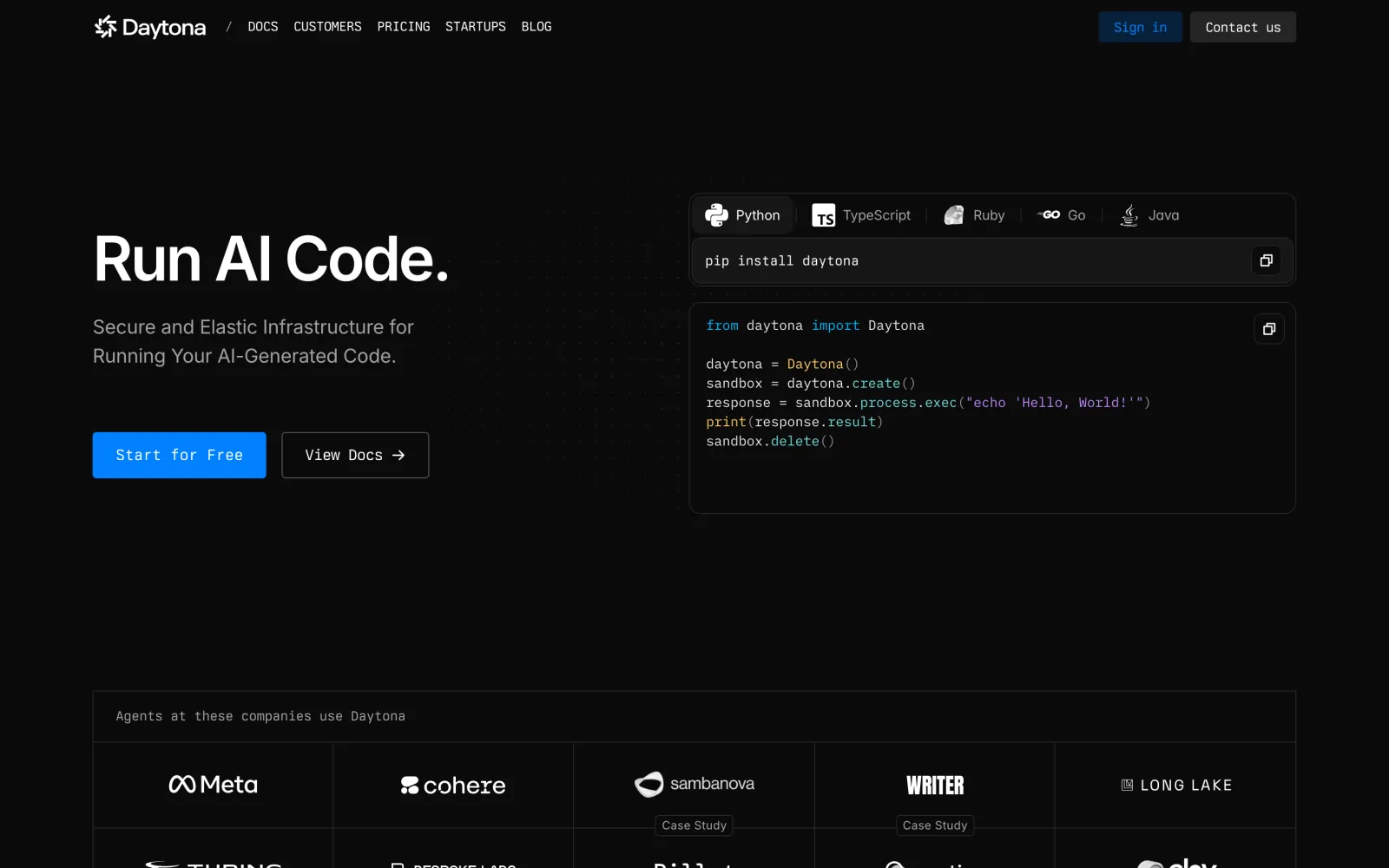
Screenshot: daytona.io, September 2026.
The catch is near the top of its sandbox docs: “Sandboxes run as Linux containers by default.” Memory-preserving pause and fork only work on VM sandboxes. The default auto-stop is 15 minutes, and the docs warn that “Merely having a script or background task running is not sufficient to keep the sandbox alive”, so a long npm test with no API calls can be stopped mid-run unless you set auto_stop_interval=0. Also note that the 71,697-star daytonaio/daytona repo stopped receiving updates in June 2026, when core development moved to a private codebase.
from daytona import Daytona, DaytonaConfig

daytona = Daytona(DaytonaConfig(api_key="YOUR_API_KEY"))
sandbox = daytona.create()
response = sandbox.process.exec("echo 'Hello from Daytona'")
print(response.result)
That ran on daytona 0.218.0 until the API rejected the placeholder key.
Fly.io Sprites: persistent microVMs that sleep
Sprites sit between machine0 and a sandbox. Each one is a Firecracker microVM with 8 vCPUs, 100 GB of storage on Ubuntu 25.10 and its own HTTPS URL. When idle it sleeps, and the next command or HTTP request wakes it: about 100 to 500 ms from a warm suspend with processes intact, or 1 to 2 seconds from cold, which keeps the disk but loses memory. Billing covers only the CPU and memory actually used ($0.07 per CPU-hour, $0.04375 per GB-hour), with $30 of trial credit.
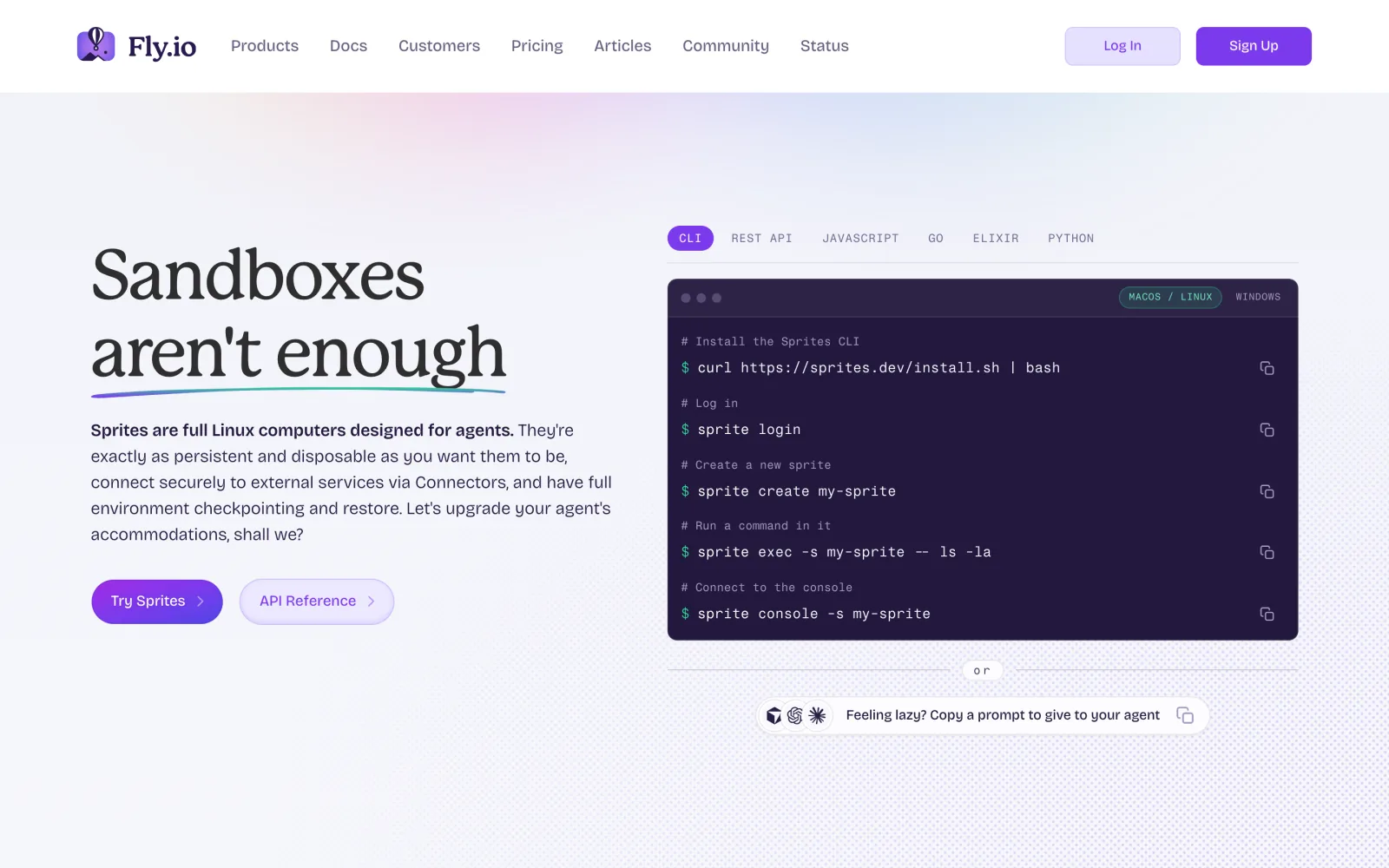
Screenshot: fly.io/sprites, September 2026.
curl -fsSL https://sprites.dev/install.sh | sh
sprite create agent-box
sprite exec -- echo "Hello, Sprites!"
sprite checkpoint create --comment "tests passing"
Checkpoints are copy-on-write disk snapshots. The URL routes to port 8080, not 3000, and needs a token unless you run sprite config update --url-auth public.
Vercel Sandbox and Modal
Vercel Sandbox says “each sandbox runs in its own Firecracker microVM with a dedicated kernel”, snapshots the filesystem when a sandbox stops, and bills only active CPU: “Time spent waiting for I/O (such as network requests, database queries, or AI model calls) does not count.” That matters for agents, which spend most of their time waiting on a model. Hobby is free with 5 CPU-hours a month and 45-minute sessions. The SDK is @vercel/sandbox (3.5.0), and it authenticates through a Vercel project’s OIDC token, so it fits best if you already deploy there.
Screenshot: vercel.com/sandbox, September 2026.
Modal Sandboxes use gVisor, with full-VM sandboxes in beta. They bring GPUs from T4 to B300 and scale to very large numbers of concurrent sandboxes, but the maximum lifetime is 24 hours and there is no pause, only filesystem snapshots (memory snapshots are alpha and expire after 7 days).
Screenshot: modal.com/products/sandboxes, September 2026.
If your agent needs a desktop
Computer-use agents that click through a GUI need a screen, not just a shell. E2B Desktop (pip install e2b-desktop) gives an Ubuntu 22.04 XFCE desktop with VNC streaming. Daytona’s sandbox.computer_use.start() launches Xvfb, XFCE and noVNC on Linux or Windows. Orgo sells always-on desktops from $29/month with an MCP server exposing 51 tools. Cua, in the honorable mentions below, rents Linux and Windows desktop pools too. Avoid older guides that point at Cloudflare’s sandbox desktop or Scrapybara: Cloudflare removed the desktop in Sandbox SDK 0.12.0, and Scrapybara shut down on October 15, 2025. For the agent loop itself, see our guide on how AI agents control a computer.
Honorable mentions
These five are newer or a slightly different shape. I read their docs and pricing pages on September 29, 2026, but did not run them.
Boat (YC Fall 2026) rents full Ubuntu VMs with /dev/kvm passed through, at the lowest price in this post: $0.018/hour for 2 vCPU / 4 GB, billed per second on top of a $20/month plan. The catches: the FAQ says vCPUs are shared, it is hosted in the EU only, and snapshots keep the filesystem but not memory.
Screenshot: boat.dev, September 2026.
Freestyle (YC S24) runs full VMs on its own bare-metal racks that pause with memory intact, and new VMs can start from memory-and-disk snapshots. 2 vCPU / 4 GiB is about $0.13/hour, and the monthly allowance covers roughly the first 100 hours. The SDK is TypeScript only, and its own docs say it oversubscribes hosts, so skip it for CPU-heavy CI.
Screenshot: freestyle.sh, September 2026.
Cua (YC X25) is best known for its open-source computer-use tooling (trycua/cua, 27,148 stars), and it also rents pools of Ubuntu 24.04 and Windows Server 2022 desktop VMs at about $0.18/hour for 2 vCPU / 4 GiB. Warm pools keep billing while idle, and snapshots are not available on its hosted fleets yet.
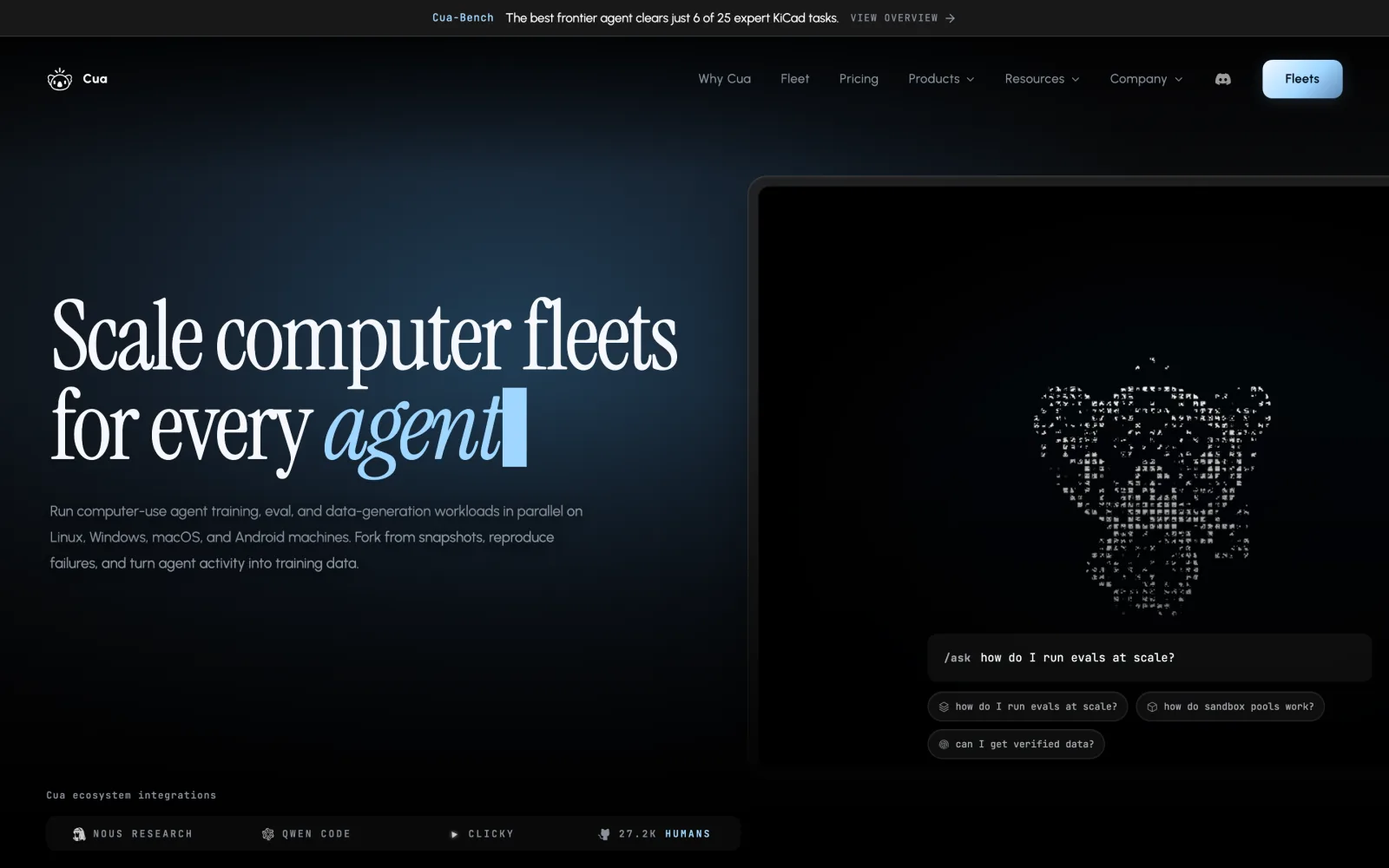
Screenshot: cua.ai, September 2026.
InstaVM runs Firecracker microVMs at E2B’s exact rates ($0.166/hour for 2 vCPU / 4 GB), with SSH, private share URLs and a noVNC desktop for computer use. Sessions are ephemeral by default and last up to 24 hours, and suspend with memory is still behind a server-side feature flag.
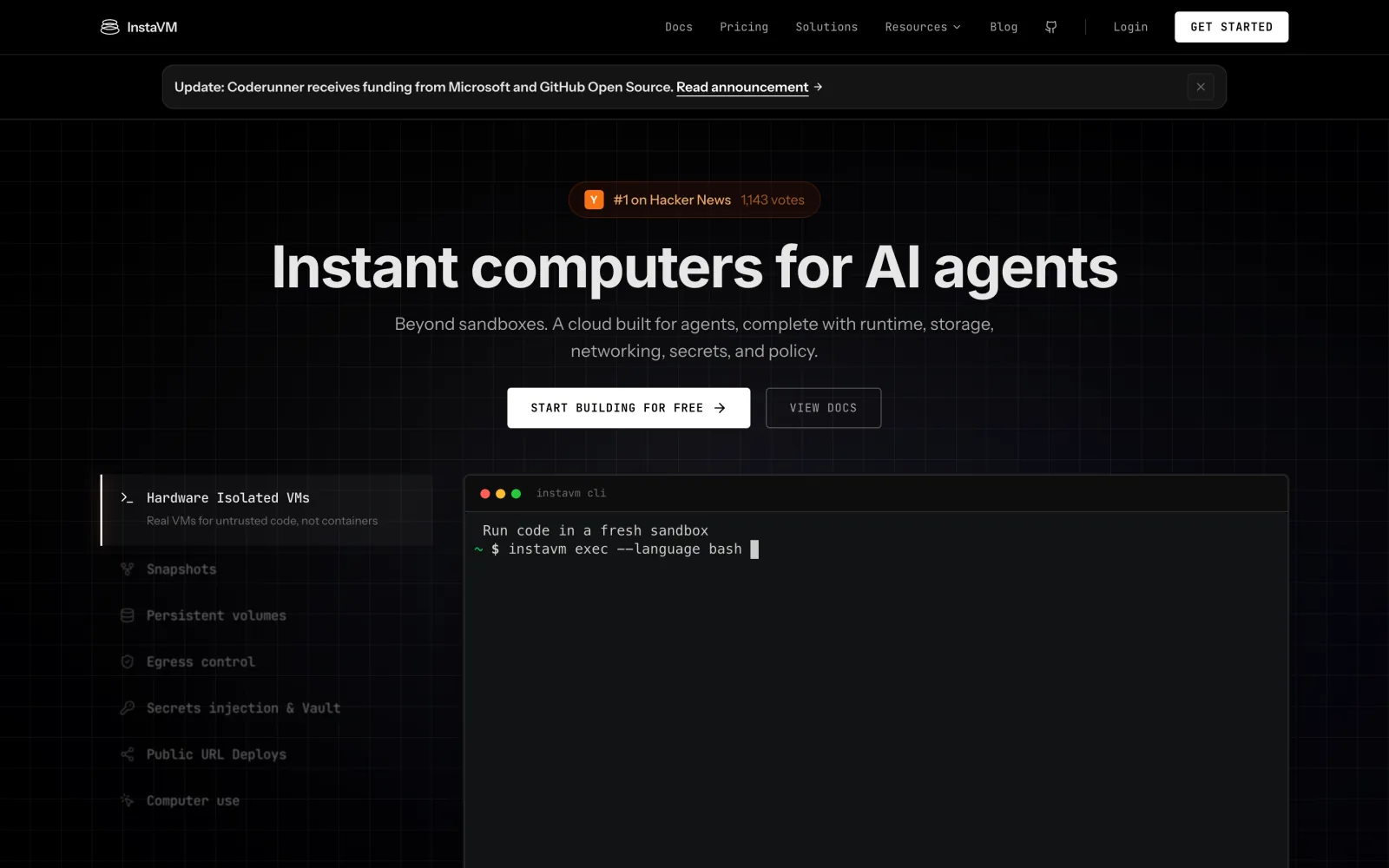
Screenshot: instavm.io, September 2026.
Prized (YC S26) is not a sandbox API. It is a persistent EC2 dev box that syncs both ways with your laptop, so your own coding agents keep running when the lid closes. It is private by design (“A box cannot open a port to the internet”), costs $25/month for 2 vCPU / 4 GB, runs in US West only, and is very new: it pivoted to this in August 2026.
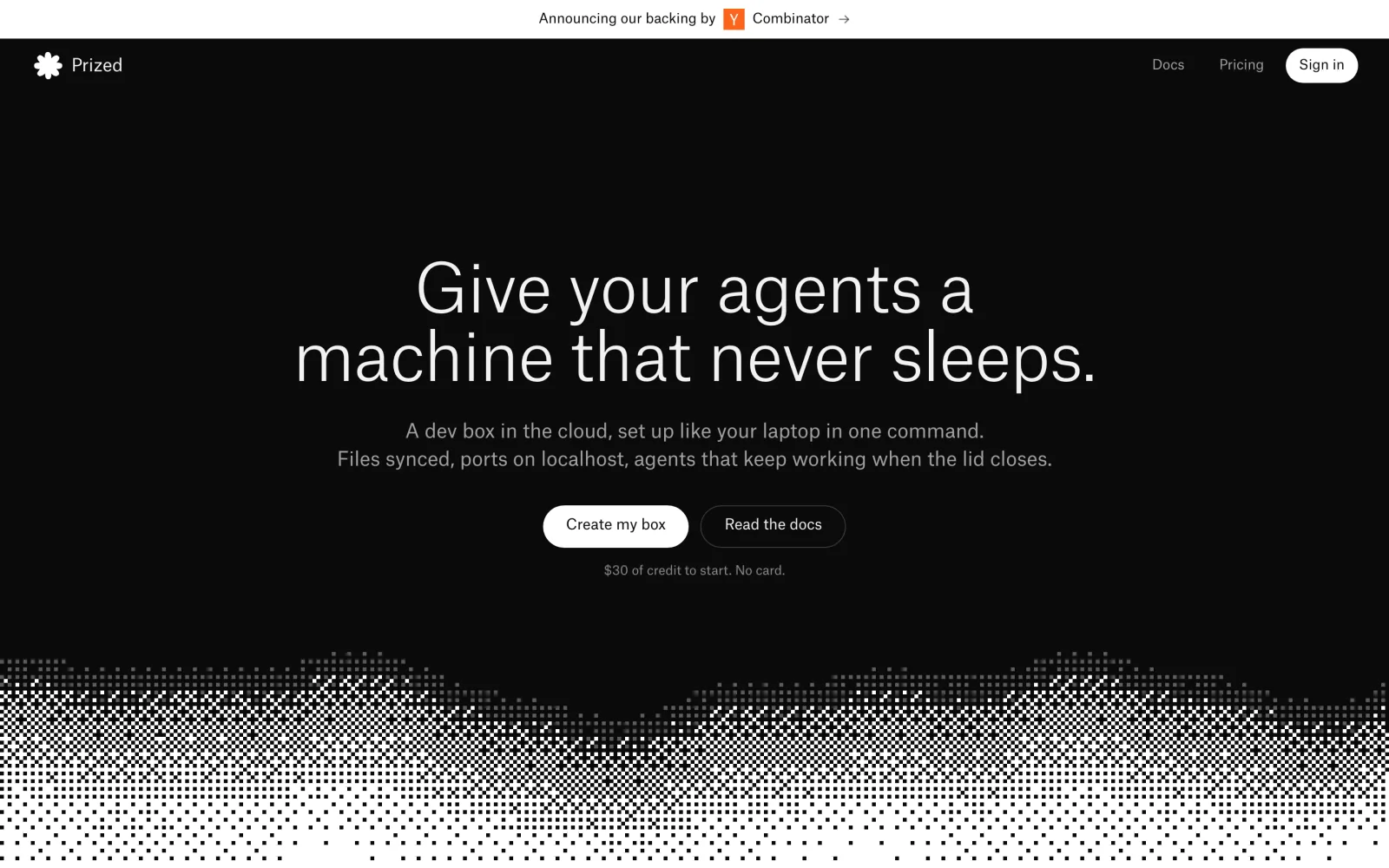
Screenshot: prized.dev, September 2026.
Letting a cloud agent reach your laptop with Pinggy
Every product above can publish a port from the cloud machine. The reverse direction is the one that trips people up: the agent is in the cloud, but the API it has to test against, a local model server or a webhook receiver is running on your laptop behind NAT. A Pinggy tunnel fixes that with one command on your laptop and nothing installed:
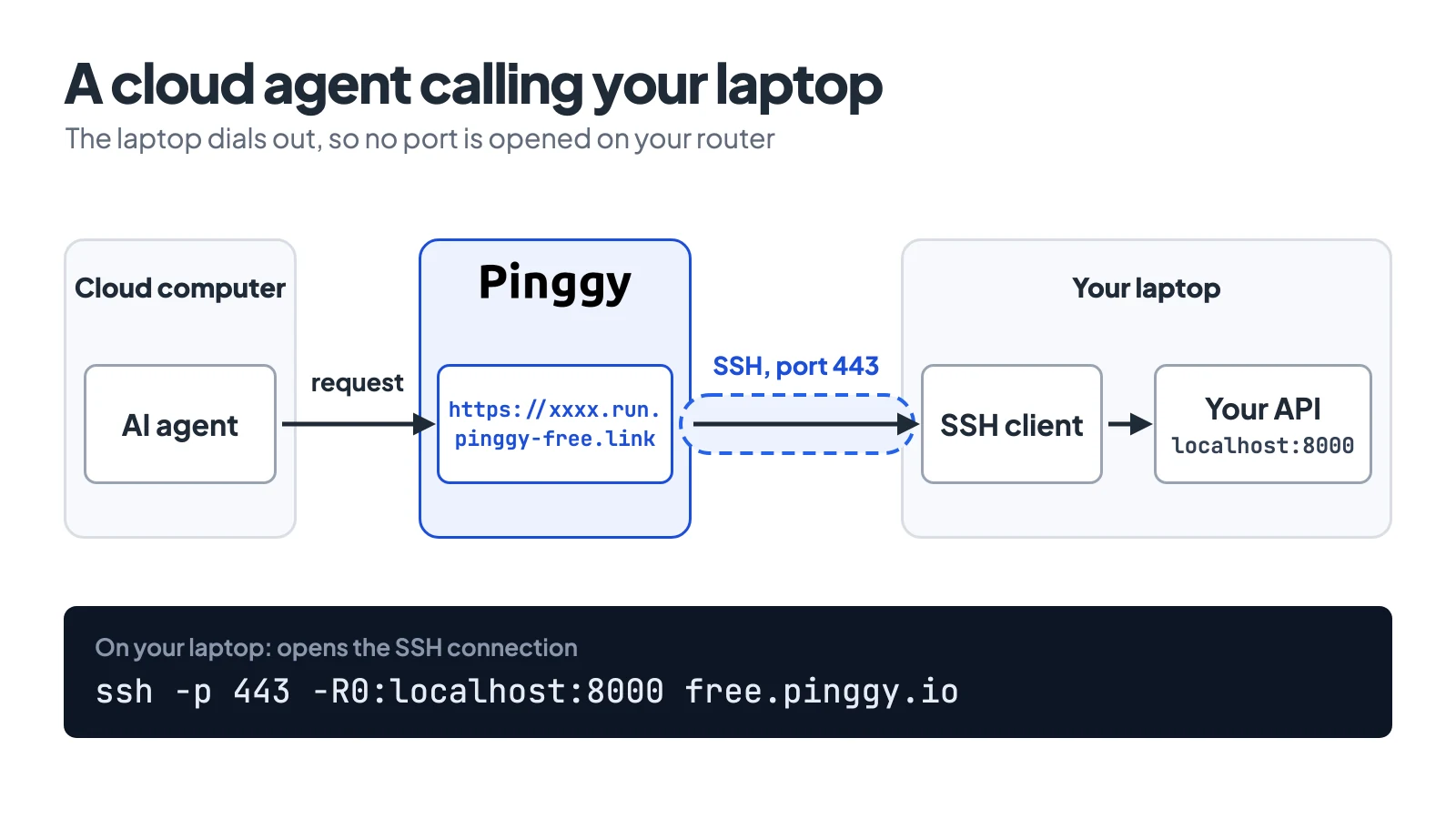
It prints an https:// URL that forwards to localhost:8000. Pass it to the agent as an environment variable, for example with machine0 env set on the profile you create VMs from, or Sandbox.create(envs=...) in E2B. Free tunnels last 60 minutes; for an agent that runs all day, use a Pro token (<token>@pro.pinggy.io) to get a persistent URL. If the service has no auth of its own, add some, because the URL is public. Our n8n and Pinggy guide walks through a longer version of this setup.
How to choose
Start with how long the work runs. If an agent keeps one environment for days, with a repo, caches and a running service, pick a persistent computer: machine0 if you want a plain VM, GPUs or a low hourly rate, and Sprites if you want it to sleep and cost nothing when idle. If each task is short and you create machines from code, pick a sandbox. E2B is the safest default because it gives every sandbox a microVM and keeps memory on pause. Daytona suits workloads that need GPUs, Windows or SSH, and Vercel suits teams already deploying there. Use OpenComputer for jobs that finish inside 8 hours, where you want an open-source platform you can self-host.
Then check the limit you are most likely to hit: an idle timeout that kills a quiet npm test, a default of 512 MiB of RAM, a stopped VM that still bills, or a preview URL that is public by default.
Conclusion
Every product in the comparison table has a free credit or a free tier except machine0, which starts from a $5 prepaid top-up, so the cheapest way to decide is to run your own agent’s workload on two of them. Time how long the first command takes, leave the machine idle for 20 minutes and see whether it is still there, and compare the bill after a day. Those three checks will tell you more than any table, including this one.