5 Best SocketXP Alternatives for Remote IoT Access in 2026
Getting a shell on a device you can’t route to is the oldest problem in IoT. Raspberry Pis and industrial gateways end up behind NAT routers, carrier-grade NAT and cellular links, where nothing on the internet can open a connection to them.
SocketXP solves that with an agent that dials out to its cloud gateway, and it works. But read its pricing table closely. The two cheapest paid plans, Lite at $20 a month and Core at $99, mark “SSH using third party tools”, “SSH using public private key” and SCP/SFTP from your own tools as not included. On those plans, SSH means the browser terminal in SocketXP’s portal.
This guide covers what pushes people off SocketXP, then five alternatives that solve the same problem in different ways: Pinggy, Tailscale, RemoteIoT, qbee.io and Cloudflare Tunnel. Prices and limits come from each vendor’s own pages, checked on October 25, 2026. Install and connect commands are quoted from each vendor’s documentation; I didn’t run them against live accounts.
Summary
- SocketXP’s entry plans limit SSH to the browser. Lite ($20/month, 40 devices) and Core ($99/month, 100 devices) leave out SSH and SFTP from your own tools and key auth; Eco at $39 adds them (pricing table).
- Pinggy needs nothing on the device but
ssh.ssh -p 443 -R0:localhost:22 tcp@free.pinggy.iogives port 22 a public address. Free tunnels last 60 minutes; Pro is $2.50 per seat per month, billed annually. - Tailscale gives you plain SSH with your own keys and no public port. It is free for up to 6 users for non-commercial use, but every laptop needs the Tailscale client.
- RemoteIoT is the closest like-for-like swap at $0.20 per device, if a JVM on the device is acceptable. qbee.io matches SocketXP’s access-plus-OTA scope with a free 5-device tier.
- Cloudflare Tunnel is free for the tunnel itself and puts SSH behind Cloudflare Access, if your domain is already on Cloudflare.
Why people look beyond SocketXP
SocketXP’s agent opens an outbound TLS tunnel to its cloud gateway. You reach the device from the terminal in SocketXP’s web portal, or by running the agent on your laptop in what SocketXP calls slave mode. The TCP endpoints are deliberately not public: the docs say they “can be accessed only using the SocketXP agent (using the auth token of the user) or through the XTERM terminal”. That is a sound design. The friction is in the plans and the plumbing.
Small Business plans include 40 devices: Lite $20, Eco $39, Pro $79 a month. Enterprise plans include 100: Core $99, Basic $299, Standard $499, Premium $799. Lite and Core leave out third-party SSH, key auth, slave mode and SFTP from your own tools. Every plan caps data per device, at between 100MB and 500MB depending on the plan. There is no permanent free tier, only a 30-day trial for 2 devices.
The plumbing matters on locked-down networks. Since agent 2.0.0, SocketXP connects to TCP port 9443, and its troubleshooting guide asks you to allow outbound 9443 and 443. The gateway runs in two regions, us-central (Iowa) and eu (Frankfurt), and an auth token from one region doesn’t work in the other.
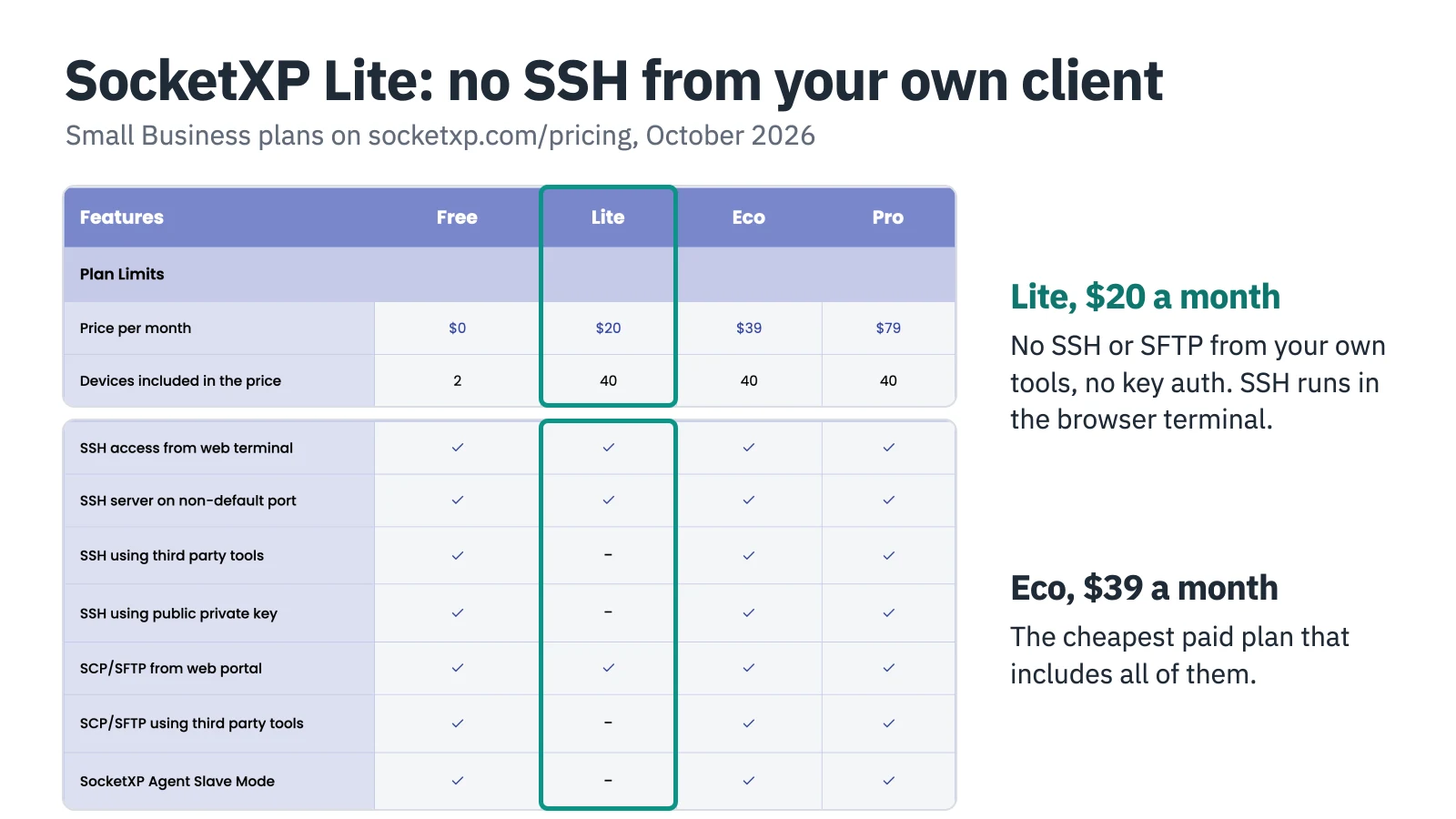
Screenshot: socketxp.com/pricing, October 2026.
SocketXP alternatives at a glance
| Tool | How it reaches the device | Free tier | Paid entry point | Your laptop needs |
|---|---|---|---|---|
| SocketXP | Agent, outbound TLS on 9443 | 30-day trial, 2 devices | $20/month for 40 devices | Browser, or the SocketXP agent |
| Pinggy | SSH reverse tunnel on 443 | Yes, 60-minute tunnels | $2.50 per seat per month (annual) | Any SSH client |
| Tailscale | WireGuard mesh, relay fallback | Up to 6 users, non-commercial | $8 per user per month | Tailscale client |
| RemoteIoT | Java agent, public proxy port | Non-commercial plan | $0.20 per device | Any SSH client |
| qbee.io | Agent, outbound HTTPS on 443 | 5 devices | €149/month for 50 devices | qbee-cli or qbee-connect |
| Cloudflare Tunnel | cloudflared, outbound to Cloudflare | Tunnels on all plans | Access $7 per user per month (annual) | cloudflared and a Cloudflare domain |
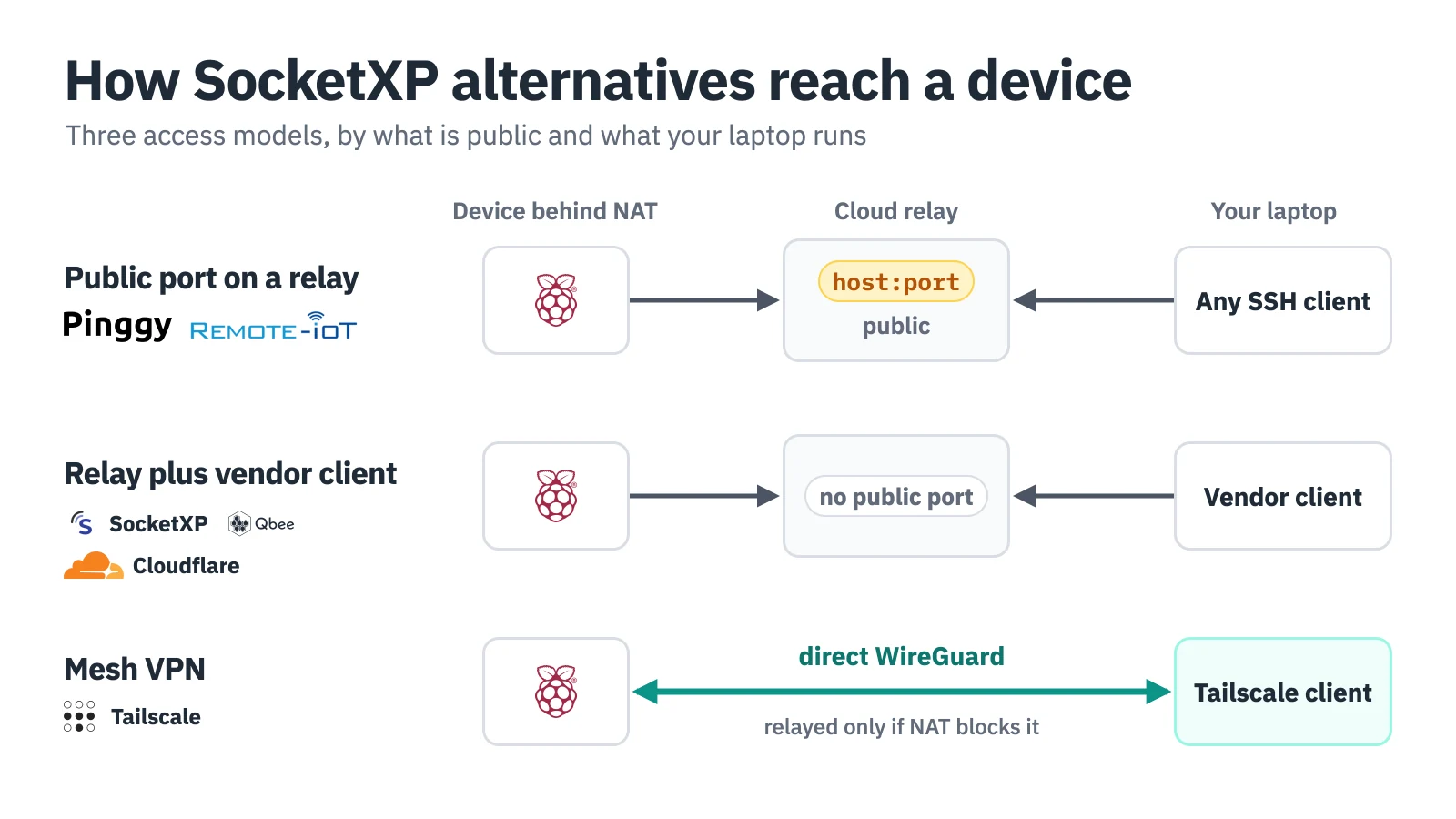
Only the first model publishes a port anyone can reach.
The 5 best SocketXP alternatives
1. Pinggy: an SSH reverse tunnel with nothing to install
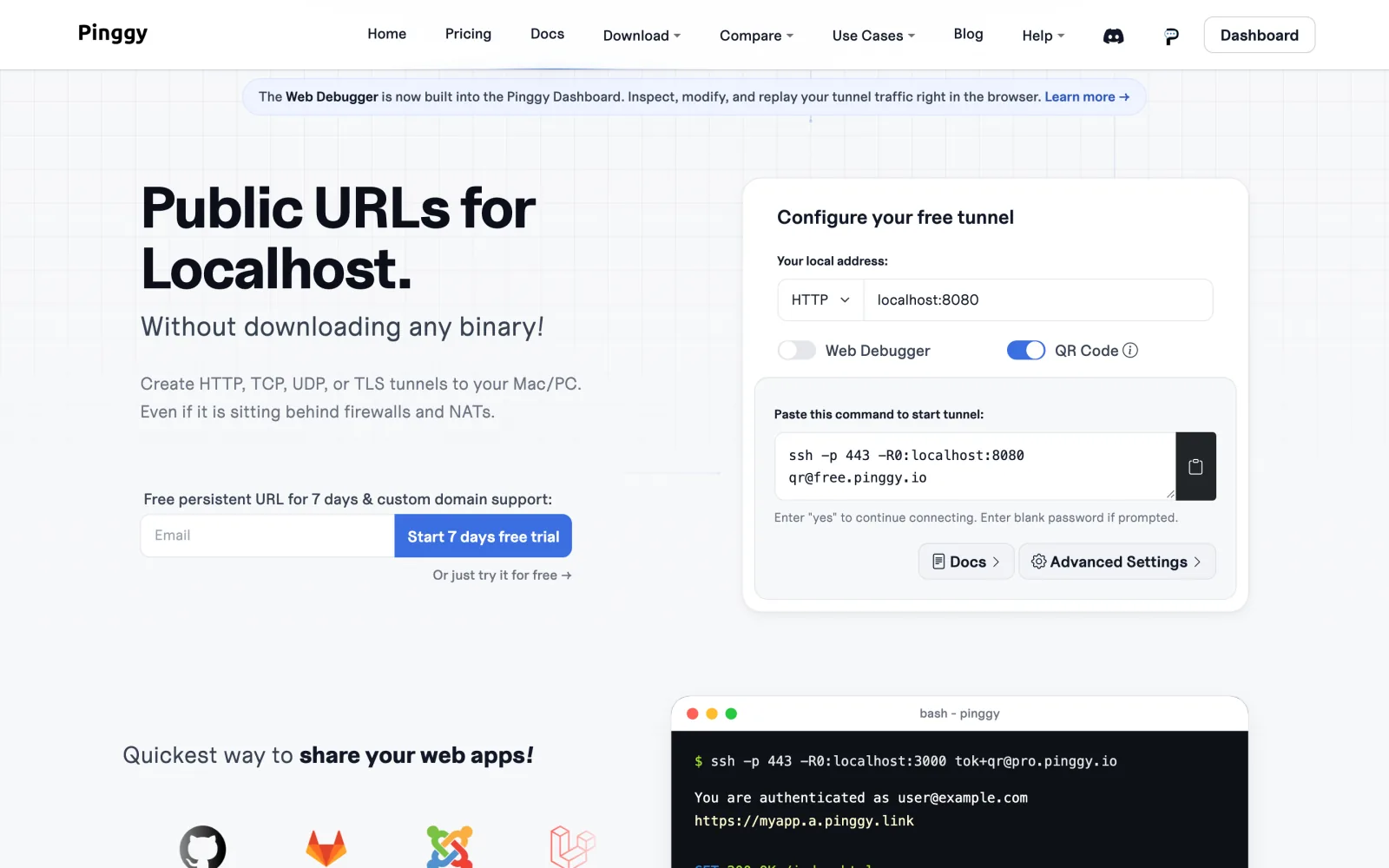
Screenshot: pinggy.io, October 2026.
Pinggy forwards a public address to a port on the device over an ordinary SSH connection. On a Raspberry Pi there is nothing to install: the device dials out to Pinggy on port 443 and Pinggy prints a public TCP address and port.
ssh -p 443 -R0:localhost:22 tcp@free.pinggy.io
# then, from your laptop, using the tcp://<host>:<port> address Pinggy printed
ssh -p <port> <user>@<host>
That is a normal SSH session with your own keys, scp and port forwarding, from any client. For a device that has to stay reachable, the Pinggy CLI (npm install -g pinggy on Node.js 18+, or a prebuilt linux-arm64 binary) reconnects automatically, and Pinggy’s Linux startup guide starts the tunnel at boot with a systemd unit. On Pro, pinggy --remote-management <API_KEY> links the device to the dashboard, where you can start, change and stop its tunnels remotely. The remote devices docs cover that flow.
Free tunnels last 60 minutes and get a new address each time. Pro costs $2.50 per seat per month billed annually, or $3.00 monthly, and each seat includes one persistent TCP/UDP port. So 40 devices with fixed SSH addresses means 40 seats, and above 20 seats Pinggy asks you to contact it for volume pricing.
The tradeoff is the reverse of SocketXP’s: the port is public, so anyone who finds it can try to log in. Use key-only SSH, and if you connect from a fixed address, add Pinggy’s IP whitelist (w:<your-ip>). There are no OTA updates or fleet metrics.
2. Tailscale: a WireGuard mesh instead of a public port
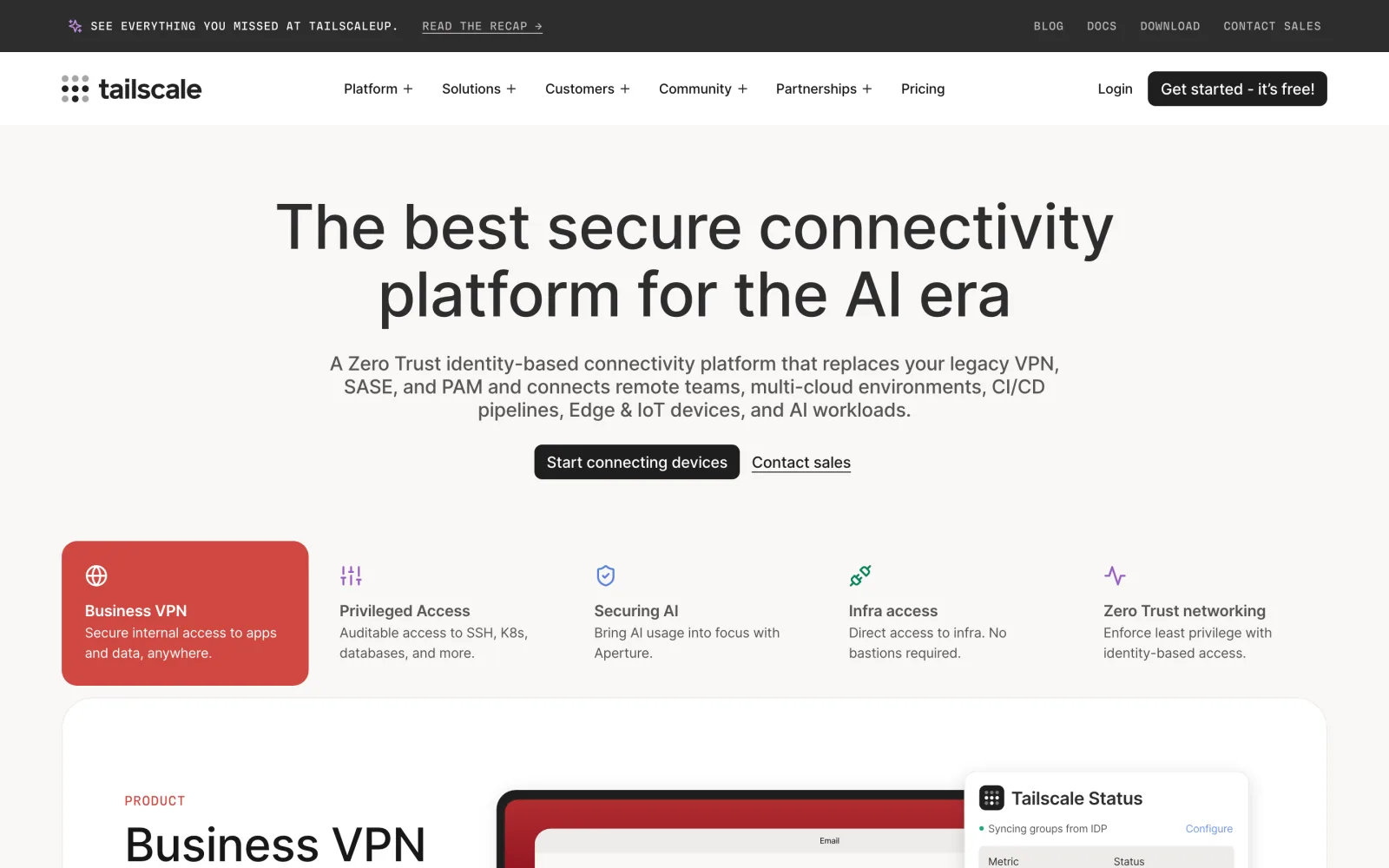
Screenshot: tailscale.com, October 2026.
Tailscale puts the device and your laptop on one private WireGuard network, called a tailnet. Every connection starts relayed through Tailscale’s DERP servers, then upgrades to a direct peer-to-peer link when NAT allows; behind hard NAT it stays relayed. Either way you SSH to the device’s tailnet address with your own keys, and nothing is published to the internet.
curl -fsSL https://tailscale.com/install.sh | sh
sudo tailscale up
sudo tailscale up prints a URL to authenticate the device. Optionally, sudo tailscale set --ssh lets Tailscale handle SSH authentication with tailnet identities, but that feature only works on port 22, and only on Linux hosts and macOS hosts running the open-source tailscaled.
The Personal plan is free for non-commercial use, with up to 6 users and 50 tagged resources. Tailscale asks you to tag servers and other shared infrastructure, so they’re owned by a tag rather than a user, and those count as tagged resources; beyond 50 they cost $1 each per month, though the pricing page says those limits aren’t enforced yet. Standard is $8 and Premium $18 per user per month. The client is open source (BSD-3-Clause).
The catch: every machine that connects needs Tailscale installed and signed in to your tailnet, so you can’t hand a contractor a host and port. There is no OTA.
3. RemoteIoT: the closest like-for-like swap
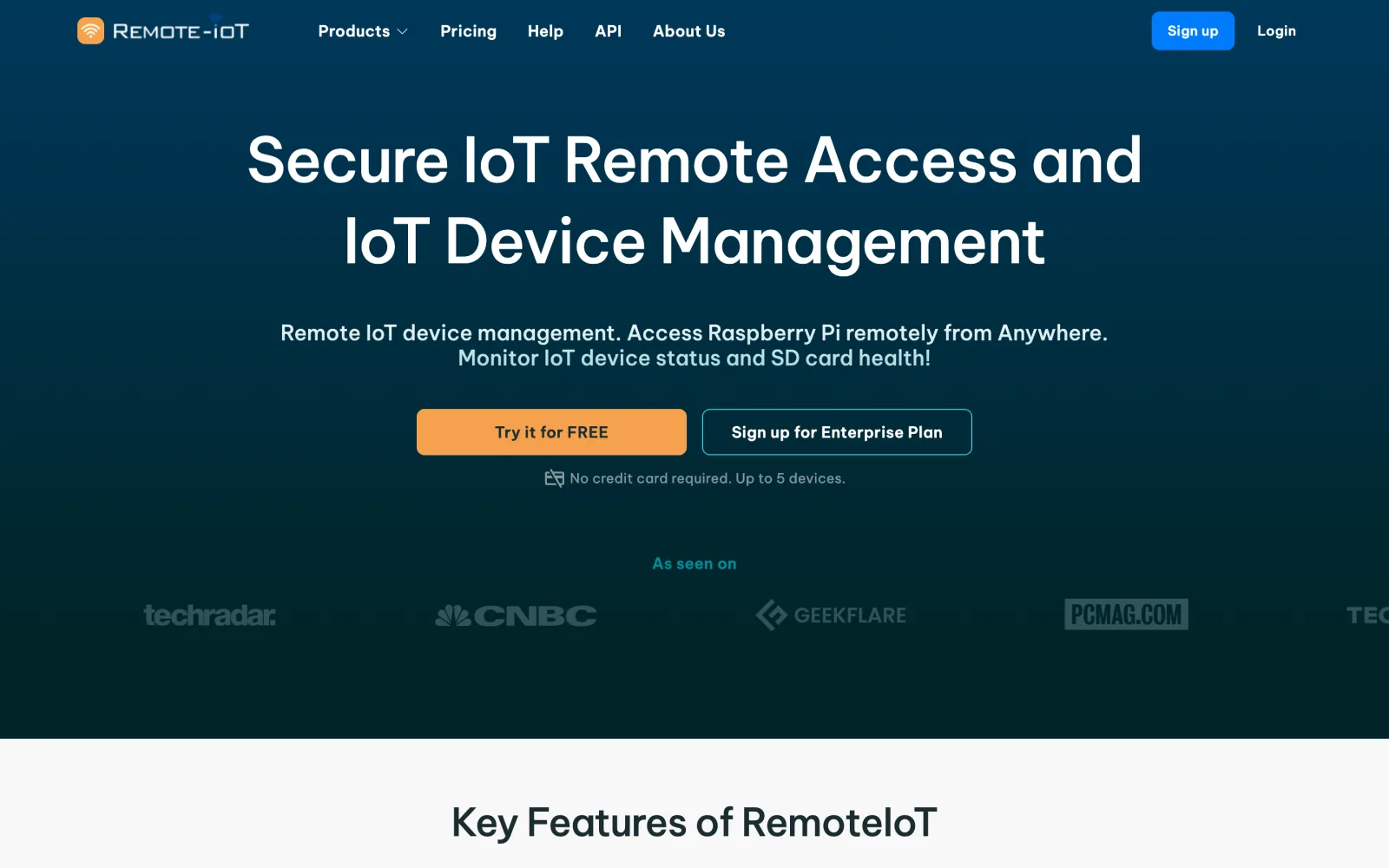
Screenshot: remoteiot.com, October 2026.
RemoteIoT works the most like SocketXP: an agent on the device connects out (RemoteIoT runs on AWS IoT), and a dashboard lists your devices. Click Connect Port and you get a proxy host and port, such as proxy8.remoteiot.com on 10008, that any SSH or VNC client can use. The installer is one line:
curl -s -L 'https://remoteiot.com/install/install.sh' | sudo bash -s 'your_setup_key' 'Device name' 'Note' 'Group'The agent runs on Java. The script accepts Java 8 or newer if one is installed; otherwise it tries apt-get install openjdk-11-jre-headless and falls back to downloading a Java 8 JDK from RemoteIoT’s server. Skip the openjdk-8-jre-headless line in RemoteIoT’s help page on a Raspberry Pi: Debian 12 and 13, the bases of Raspberry Pi OS Bookworm and Trixie, don’t package Java 8.
The free plan is for non-commercial use, and the homepage advertises a no-card signup for up to 5 devices. Business Secure Access costs $0.20 per device from 6 devices, with 100 Mb of data per device (the pricing page doesn’t state a billing period). Enterprise Secure Access is $1.00 per device from 5 devices and adds 1 Gb per device, permanent tunnels, IP-based access limits and a web console.
Read the help page before you commit. Below Enterprise, a tunnel lasts 2 to 8 hours before its port is removed, and only one port works at a time, so SSH and VNC can’t be open together. The proxy port is public, and IP restrictions are an Enterprise feature. A headless JRE on a small Pi image is also a real cost.
4. qbee.io: remote access plus OTA, like SocketXP Pro
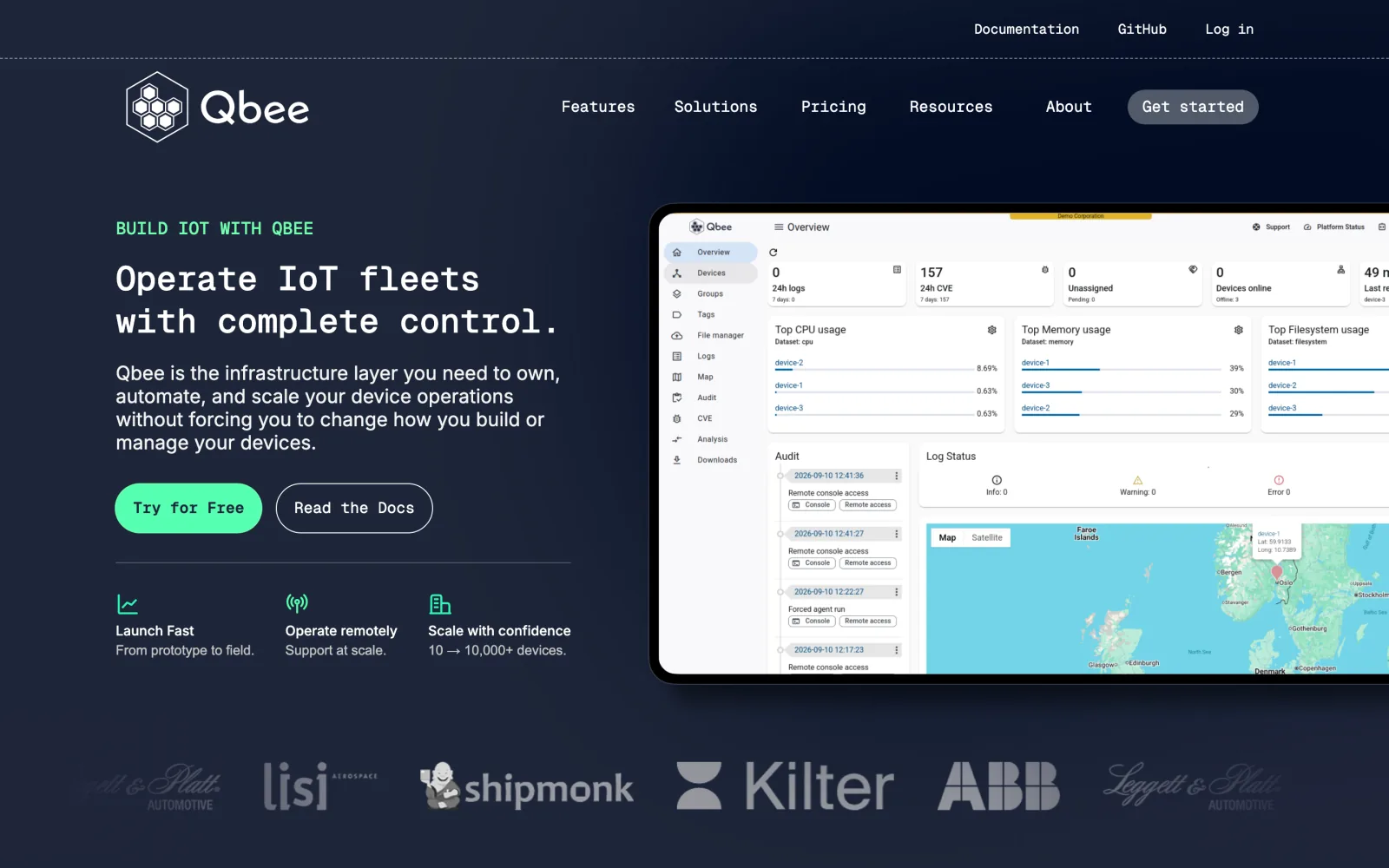
Screenshot: qbee.io, October 2026.
qbee.io is closest to SocketXP’s full scope: remote access, OTA updates, configuration management and metrics from one agent. The agent keeps an outbound HTTPS connection on TCP 443 to qbee’s relay servers, so there is no 9443 firewall rule to request.
wget -qO - https://setup.qbee.io | sudo bash -s -- --bootstrap-key <bootstrap-key>
# on your laptop: log in once (prompts for email, password and 2FA), then connect
qbee-cli login
qbee-cli connect -d <qbee-device-id> -t 2222:localhost:22
ssh -l <ssh-login> -p 2222 localhost
The free plan covers 5 devices and includes OTA updates, remote access, CVE analytics and metrics. Startup is €149 a month for 50 devices, Scaleup €490 for 250, with extra devices down to €0.52, and Enterprise is custom, with per-device pricing as low as €0.30. The agent and qbee-cli are open source (Apache-2.0).
The step from 5 free devices to €149 a month is steep for a small fleet, billing is in euros, and web console sessions time out after 5 minutes of inactivity.
5. Cloudflare Tunnel: SSH behind Cloudflare Access
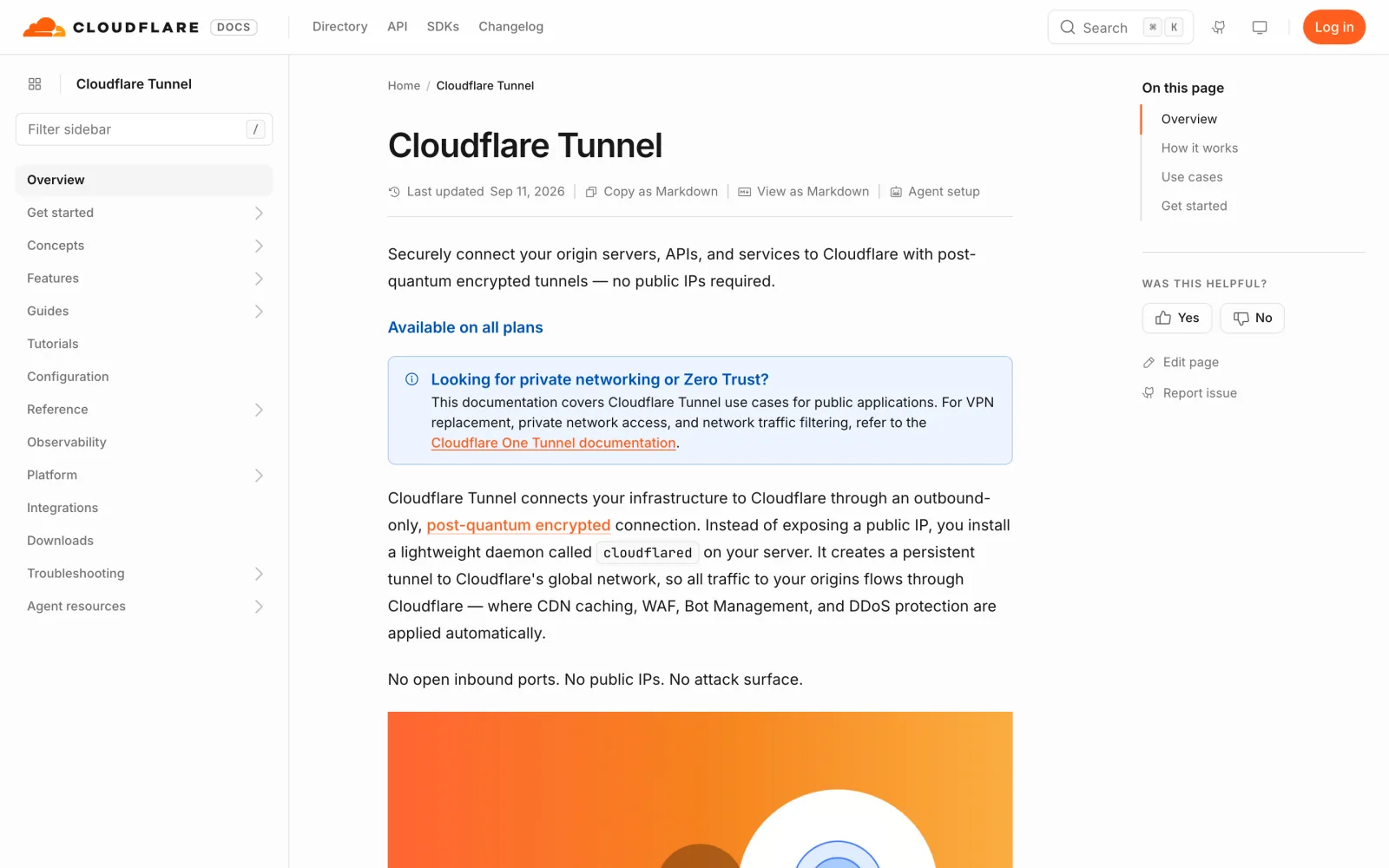
Screenshot: developers.cloudflare.com/tunnel, October 2026.
Cloudflare Tunnel runs cloudflared on the device, which holds outbound-only connections to Cloudflare, four of them to two data centers. You publish SSH as a hostname on your domain, routed to localhost:22, and Cloudflare Access decides who may connect. On your laptop, the SSH config points at that hostname through cloudflared:
Host ssh.example.com
  ProxyCommand /usr/local/bin/cloudflared access ssh --hostname %h
Then ssh <username>@ssh.example.com opens a browser login before the session starts. Tunnels are available on all Cloudflare plans. Access has a free plan that Cloudflare positions for teams under 50 users, and pay-as-you-go costs $7 per user per month, paid annually. cloudflared is open source (Apache-2.0).
This route needs an active zone on Cloudflare and cloudflared on the client as well as the device. The connector uses outbound port 7844 over TCP and UDP, which strict networks may block. An account is limited to 1,000 tunnels, which caps a one-tunnel-per-device fleet. There is no device inventory or OTA.
How to choose
If what you miss on SocketXP is plain SSH with your own keys, Pinggy and Tailscale are the shortest path: Pinggy when you want a host and port any client can use, Tailscale when you’d rather publish nothing and can install a client on every laptop. If you want the same shape as SocketXP for less money, RemoteIoT is the nearest match. If OTA and fleet configuration are why you bought SocketXP, qbee.io is the one to trial. If your company already runs Cloudflare Zero Trust, Cloudflare Tunnel fits what you have.
For the wider device-management field, including balenaCloud and AWS IoT Device Management, see our remote IoT device management comparison. For how a reverse tunnel works underneath, see SSH reverse tunneling.
Conclusion
Leaving SocketXP is mostly a choice about where the access point lives. Pinggy and RemoteIoT publish a port that any SSH client can use, so key-only SSH and IP limits do the protecting. SocketXP, qbee.io and Cloudflare Tunnel keep that port private behind their own client, and Tailscale skips the relay entirely when NAT allows a direct path. In every case the device dials out, so nothing changes on the router. Pick the model first, then the vendor. Whichever you choose, run its agent next to SocketXP on one device, confirm SSH works from your usual client, and only then roll it out to the fleet.