Best OpenClaw Alternatives in 2026: Faster and More Secure Self-Hosted AI Agents
Updated on Jul 27, 2026 · 17 min read
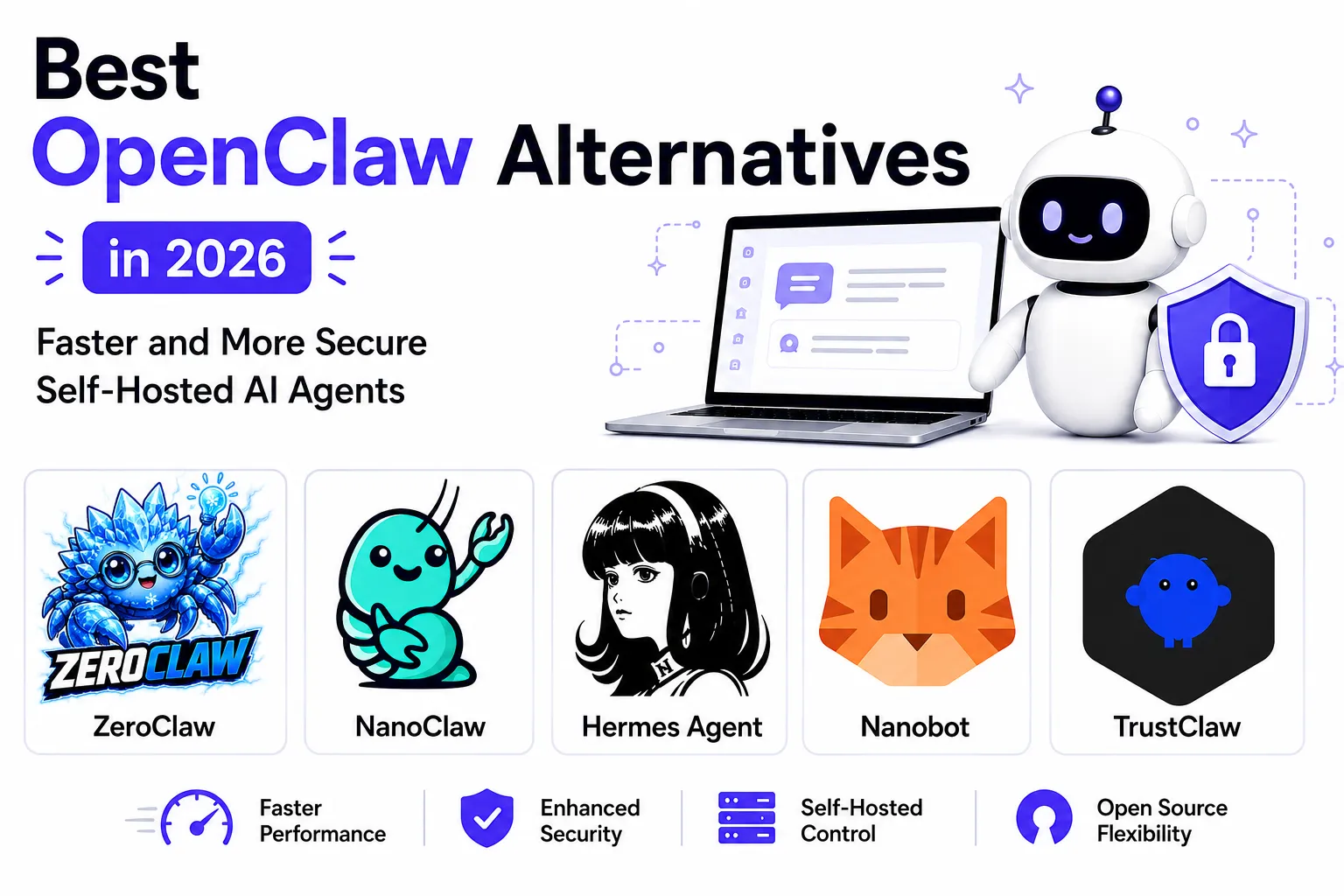
OpenClaw went from about 9,000 GitHub stars to over 384,000 in a few months, formerly named Clawdbot and then Moltbot before settling on its current name. That growth curve also attracted a lot of security researchers, and the results haven’t been flattering: a scan of the CVE List V5 registry turns up 543 CVEs naming OpenClaw as an affected product, and the project’s own GitHub Security Advisories account for 51 of those (1 critical, 90 high, 53 medium, 13 low, according to the OpenClawCVEs tracker). Researchers have publicly demonstrated command injection, SSRF, path traversal, and prompt-injection-driven remote code execution against it, and China’s CNCERT issued a formal advisory about the risk of running it with default settings.
None of that means OpenClaw is a bad project. It popularized a genuinely useful idea: a personal AI agent that runs on hardware you own, answers you on the messaging apps you already have open, and remembers context indefinitely. But if you’re looking at that CVE count, or you’ve watched the Node.js process eat over a gigabyte of RAM for a “lightweight” assistant, it’s fair to want something else. We already covered how to self-host OpenClaw itself and did a deep dive on ZeroClaw as a lightweight alternative. This post steps back and compares the full field: five real, actively maintained, self-hostable alternatives, judged on performance, sandboxing, security posture, features, license, and how hard they are to actually stand up.
As organisations introduce autonomous AI agents into production environments, assessing their attack surface should form part of the wider cybersecurity maturity assessment process, particularly where agents can access credentials, internal systems or sensitive data.
Summary
Why look past OpenClaw: 543 CVEs name OpenClaw as affected, including command injection (CVE-2026-24763), SSRF (CVE-2026-26322), path traversal (CVE-2026-26329), and a one-click prompt-injection RCE (CVE-2026-30741). Its Node.js gateway also idles at 400-800MB of RAM and climbs past 1GB with browser automation running.
The five alternatives compared here:
- Hermes Agent - 222K+ stars, self-improving skill system, six sandboxed execution backends, ships a built-in
hermes claw migratecommand. Best for feature parity and community size. - ZeroClaw - single Rust binary, ~8.8MB, under 5MB RAM, sub-10ms startup. Best if hardware is the constraint.
- NanoClaw - TypeScript, every agent runs in its own Docker container with filesystem isolation. Best if sandboxing is the priority and you’re fine with Claude-only.
- Nanobot - ~4,000 lines of readable Python, 8+ chat integrations, MIT licensed. Best for a small codebase you can actually audit.
- TrustClaw - OAuth-only credentials, every action runs in an ephemeral cloud sandbox that terminates after use. Best if you don’t want long-lived credentials on disk at all.
Quick install (Hermes Agent example):curl -fsSL https://hermes-agent.nousresearch.com/install.sh | bash
Comparison Table
| Project | Language | GitHub Stars | License | Standout Trait |
|---|---|---|---|---|
| Hermes Agent | Python | 222K+ | MIT | Self-improving skills, 6 sandboxed backends |
| ZeroClaw | Rust | 32.4K+ | MIT OR Apache-2.0 | Single ~8.8MB binary, sub-10ms startup |
| NanoClaw | TypeScript | 30.4K+ | MIT | Per-agent Docker container isolation |
| Nanobot | Python | 46.2K+ | MIT | ~4,000-line readable core |
| TrustClaw | TypeScript | 800+ | MIT | OAuth-only, ephemeral cloud sandbox per action |
| OpenClaw (baseline) | TypeScript | 384K+ | MIT | Largest ecosystem, 25+ channels |
Star counts and CVE figures above are current as of July 2026; check the linked repositories for the latest numbers before you decide.
Why OpenClaw Users Go Looking for Alternatives
Two separate but related problems drive people away from OpenClaw: resource usage and attack surface.
On resource usage, OpenClaw is a Node.js daemon (the “Gateway”) that needs Node 22.14 or newer and, per its own Docker documentation, at least 2GB of RAM just to build the image. In practice a lean idle Gateway sits around 400-800MB, and that climbs past 1GB once you enable Playwright or Puppeteer for browser automation, load several skills at once, or hand it a task with large file attachments. For a laptop or desktop that’s a rounding error. For a Raspberry Pi, a $5 VPS, or a machine you’d like to run several other things on, it’s a real cost.
On attack surface, the numbers are harder to wave away. OpenClaw’s core premise, an agent with local file access, shell execution, browser control, and credentials for whatever SaaS accounts you connect, is also exactly the premise that makes a compromised agent so damaging. The independently-maintained OpenClawCVEs tracker counts 543 total CVEs across the CVE List V5 registry that name OpenClaw as an affected product (the large majority filed by third-party researchers, not the project itself), and 51 CVEs tied to the project’s own GitHub Security Advisories, breaking down as 1 critical, 90 high, 53 medium, and 13 low severity. Four are worth naming specifically, because they show the actual failure modes, not just a scary total: CVE-2026-24763 is a command injection in OpenClaw’s Docker sandbox execution path, caused by unsafe handling of the PATH environment variable when building shell commands, fixed in v2026.1.29. CVE-2026-26322 is an SSRF in the Gateway tool’s gatewayUrl parameter (CVSS 7.6), letting an attacker make the OpenClaw host open outbound WebSocket connections to arbitrary targets, including cloud metadata endpoints, fixed in v2026.2.14. CVE-2026-26329 is a path traversal in the browser tool’s upload action, which passed attacker-supplied paths straight into Playwright’s setInputFiles() without restricting them to a safe root, allowing arbitrary file reads off the Gateway host, also fixed in v2026.2.14. And CVE-2026-30741 is a prompt-injection-driven remote code execution: a lack of integrity checking on upstream API responses let an attacker poison the request stream and get the model to emit terminal commands that ran via MCP tools without human confirmation.
That last one is the pattern security researchers keep coming back to: OpenClaw reads untrusted content (an email, a web page, a link preview) as part of doing its job, and untrusted content can contain instructions. Promptfoo and Giskard have both documented indirect prompt injection leading to data exfiltration, and Microsoft's security team published guidance specifically on running it safely, which tells you how seriously enterprise security teams are taking this. None of this is unique to OpenClaw as a category of software (any agent with tool access and internet-facing input has the same fundamental problem), but OpenClaw’s specific defaults, an exposed management port, plaintext credential storage options, and a skill registry (ClawHub) that will auto-update unless you turn that off, have made it an unusually easy target.
1. Hermes Agent - Best Community and Feature Parity
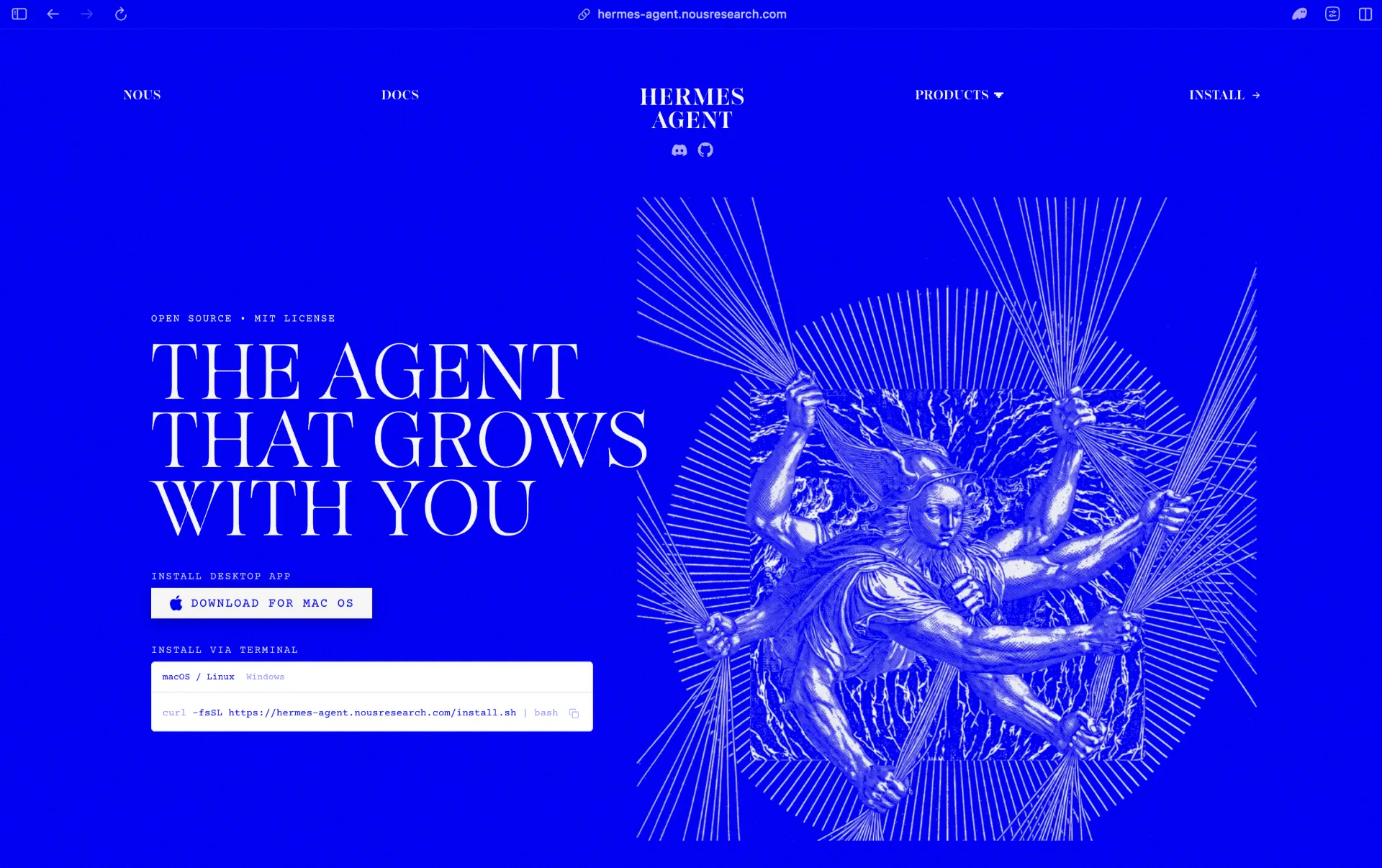
Hermes Agent is built by Nous Research, and at over 222,000 GitHub stars it’s actually bigger than OpenClaw was at any point we’ve covered it on this blog before. It bills itself as “the only agent with a built-in learning loop”: it creates skills from experience, improves them during use, and builds a persistent model of who you are across sessions using Honcho for dialectic user modeling.
Performance. Written in Python and installed via uv, so it doesn’t compete with ZeroClaw on raw footprint. What it does offer is elastic compute: six terminal backends (local, Docker, SSH, Singularity, Modal, and Daytona), where Daytona and Modal give you serverless persistence, meaning the agent’s environment hibernates when idle and costs close to nothing between sessions. The project’s own pitch is that it runs fine on a $5 VPS or scales up to a GPU cluster.
Security and sandbox. The multiple terminal backends double as sandboxing options: you can run the agent’s shell access inside an isolated Docker container, over SSH to a separate box, or in an ephemeral Singularity/Modal/Daytona environment instead of directly on your host. It also ships command approval and DM pairing, similar in spirit to OpenClaw’s own pairing model, plus documented container isolation guidance.
Features. A genuinely full terminal UI (multiline editing, slash-command autocomplete, streaming tool output), coverage of Telegram, Discord, Slack, WhatsApp, Signal, and CLI from one gateway process, a built-in cron scheduler for unattended reports and backups, and parallel subagent delegation with Python RPC for collapsing multi-step pipelines. The detail that matters most if you’re actually coming from OpenClaw: Hermes ships a hermes claw migrate command specifically to import an existing OpenClaw setup.
License. MIT.
Self-host.
curl -fsSL https://hermes-agent.nousresearch.com/install.sh | bash(There’s also a native Windows PowerShell one-liner if you don’t want WSL2.) After install, hermes drops you straight into an interactive chat, and hermes gateway starts the messaging bridge.
2. ZeroClaw - Best for Constrained Hardware
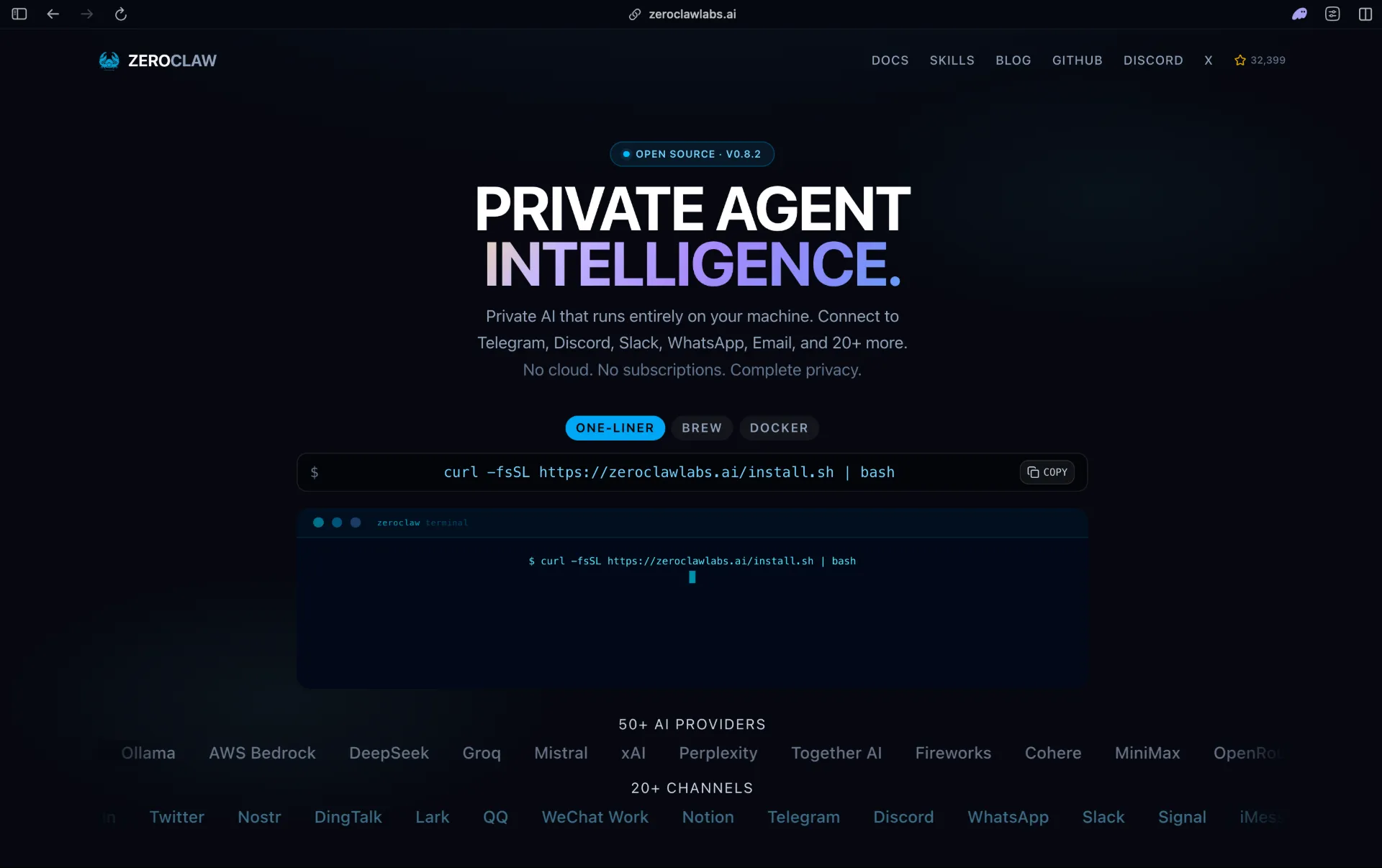
ZeroClaw rebuilds the OpenClaw idea from scratch in Rust as a single statically-linked binary with zero runtime dependencies: no Node.js, no npm install, no separate process supervisor. We’ve covered the full setup walkthrough with Discord integration already, so here’s the summary that matters for comparison purposes.
Performance. This is ZeroClaw’s whole reason for existing. The release binary runs in under 5MB of RAM against OpenClaw’s 400-800MB+ idle footprint, starts in under 10 milliseconds versus 500ms or more for a cold Node.js boot, and ships as an ~8.8MB binary versus OpenClaw’s ~28MB plus a full Node.js runtime. It also targets ARM, x86, and RISC-V, so it runs on hardware OpenClaw’s Node.js dependency simply can’t reach.
Security and sandbox. Default autonomy is supervised: medium-risk operations require your approval, high-risk ones are blocked outright. Underneath that, ZeroClaw layers OS-level sandboxes depending on platform, Landlock or Bubblewrap on Linux, Seatbelt on macOS, Docker where you want container isolation, plus cryptographic “tool receipts” logged for every action the agent takes. A YOLO mode exists to strip the safety gates for trusted dev boxes, which is an explicit opt-in rather than a default.
Features. Multi-channel support across 30+ integrations (Discord, Telegram, Matrix, email, webhooks, CLI), ~20 LLM providers with fallback chains, a web dashboard, an SOP engine for event-triggered automations with approval gates, and even GPIO/I2C/SPI/USB hardware support for Raspberry Pi and microcontrollers, something none of the other alternatives here offer.
License. Dual-licensed MIT OR Apache-2.0, which is about as permissive as it gets.
Self-host. One command:
curl -fsSL https://raw.githubusercontent.com/zeroclaw-labs/zeroclaw/master/install.sh | bashThen zeroclaw quickstart walks you through picking a provider and writing a working config. For the full Discord bot setup, see our dedicated ZeroClaw guide.
3. NanoClaw - Best for Container-Level Isolation
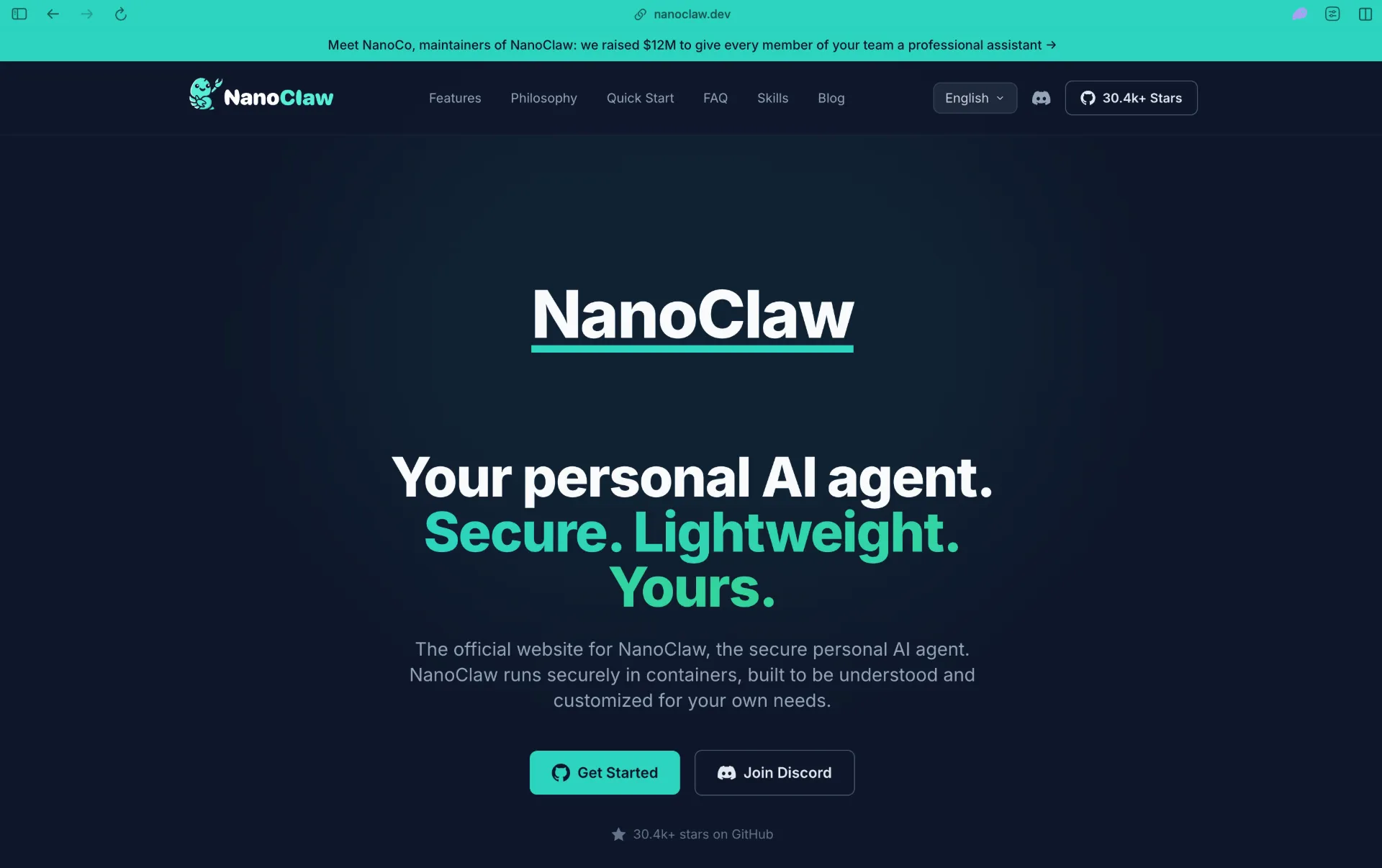
NanoClaw takes a different angle on the same problem: instead of trying to out-perform OpenClaw, it tries to out-isolate it. It’s built directly on Anthropic’s official Claude Agent SDK, so it inherits Claude Code’s tool set, and every agent instance runs inside its own Linux container.
Performance. NanoClaw is TypeScript, so it doesn’t chase ZeroClaw’s memory numbers, but its “one process, a handful of source files, no microservices” design keeps the core small enough that the maintainers suggest you can literally ask Claude Code to walk you through the entire codebase in one sitting.
Security and sandbox. This is the project’s actual pitch. Per its own documentation, agents run in containers, not behind application-level permission checks, and they can only see what’s explicitly mounted into that container. Bash access is safe specifically because commands execute inside the container rather than on the host. Credentials are handled through what the project calls “OneCLI Agent Vault,” which injects credentials at request time and enforces per-agent policies and rate limits, rather than writing long-lived tokens to a config file the way OpenClaw’s openclaw.json does.
Features. Broad channel support (WhatsApp, Telegram, Discord, Slack, Teams, iMessage, Matrix, Google Chat, Webex, Linear, GitHub, WeChat, email), scheduled task execution, web access, and prebuilt agent templates. The tradeoff is that it’s designed around Claude specifically rather than being provider-agnostic.
License. MIT.
Self-host.
git clone https://github.com/nanocoai/nanoclaw.git nanoclaw-v2
cd nanoclaw-v2
bash nanoclaw.sh
The setup script installs Node, pnpm, and Docker if they’re missing, registers your credentials, builds the containers, and wires up whichever messaging channels you pick.
4. Nanobot - Best Small, Auditable Codebase
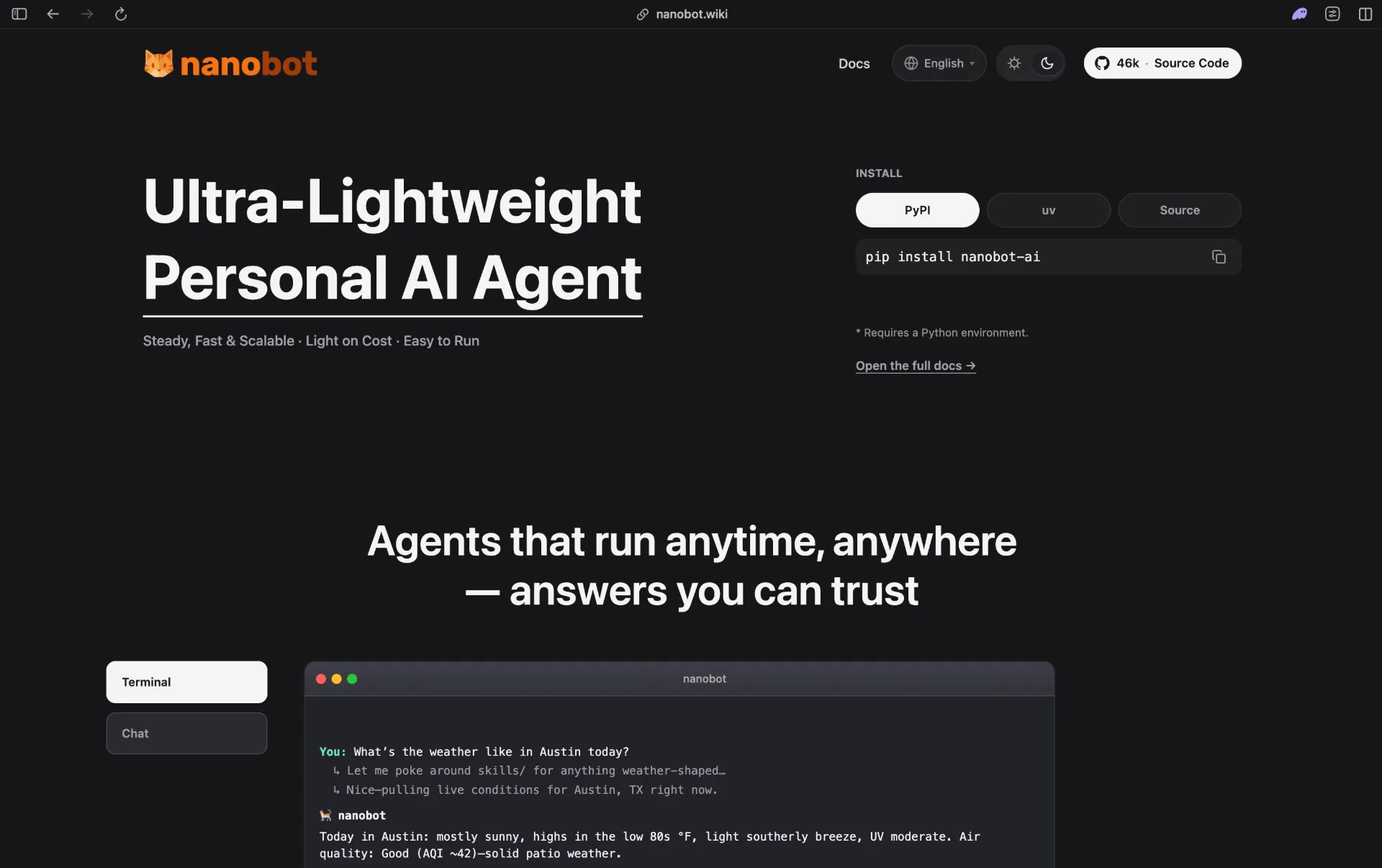
Nanobot, from Hong Kong University’s Data Science Lab (HKUDS), is the closest thing here to a spiritual successor to the “read the whole thing in an afternoon” ethos: the maintainers describe the agent core as roughly 4,000 lines of Python, deliberately kept small and readable rather than growing into a platform.
Performance. Python-based rather than Rust, so it inherits normal interpreter overhead, but the minimalist core keeps memory demands modest for a feature set this broad; there’s a browser WebUI and a terminal interface, and it exposes an OpenAI-compatible API alongside a Python SDK for anyone building on top of it directly.
Security and sandbox. This is Nanobot’s honest weak point relative to NanoClaw and ZeroClaw: its README doesn’t detail a specific sandboxing architecture the way the container- and OS-sandbox-first projects do. If sandboxing is your primary reason for leaving OpenClaw, treat this as the tradeoff for Nanobot’s simplicity, and audit it yourself, or wrap it in your own container, before exposing it to untrusted input.
Features. Multi-channel chat across Telegram, Discord, Slack, WeChat, Email, and Mattermost, MCP tool support, image generation, long-term memory through a feature called “Dream,” scheduled automations and goal execution, and model routing across OpenRouter, Anthropic, OpenAI, DeepSeek, Gemini, Zhipu, DashScope, Moonshot, Groq, and local models via vLLM. The v0.3.0 “Agency Release” added inline subagent consultation and per-session model switching.
License. MIT.
Self-host.
curl -fsSL https://raw.githubusercontent.com/HKUDS/nanobot/main/scripts/install.sh | shThis installs or upgrades nanobot-ai from PyPI and launches the setup wizard; run nanobot webui afterward for the browser interface.
5. TrustClaw - Best for Zero Standing Credentials
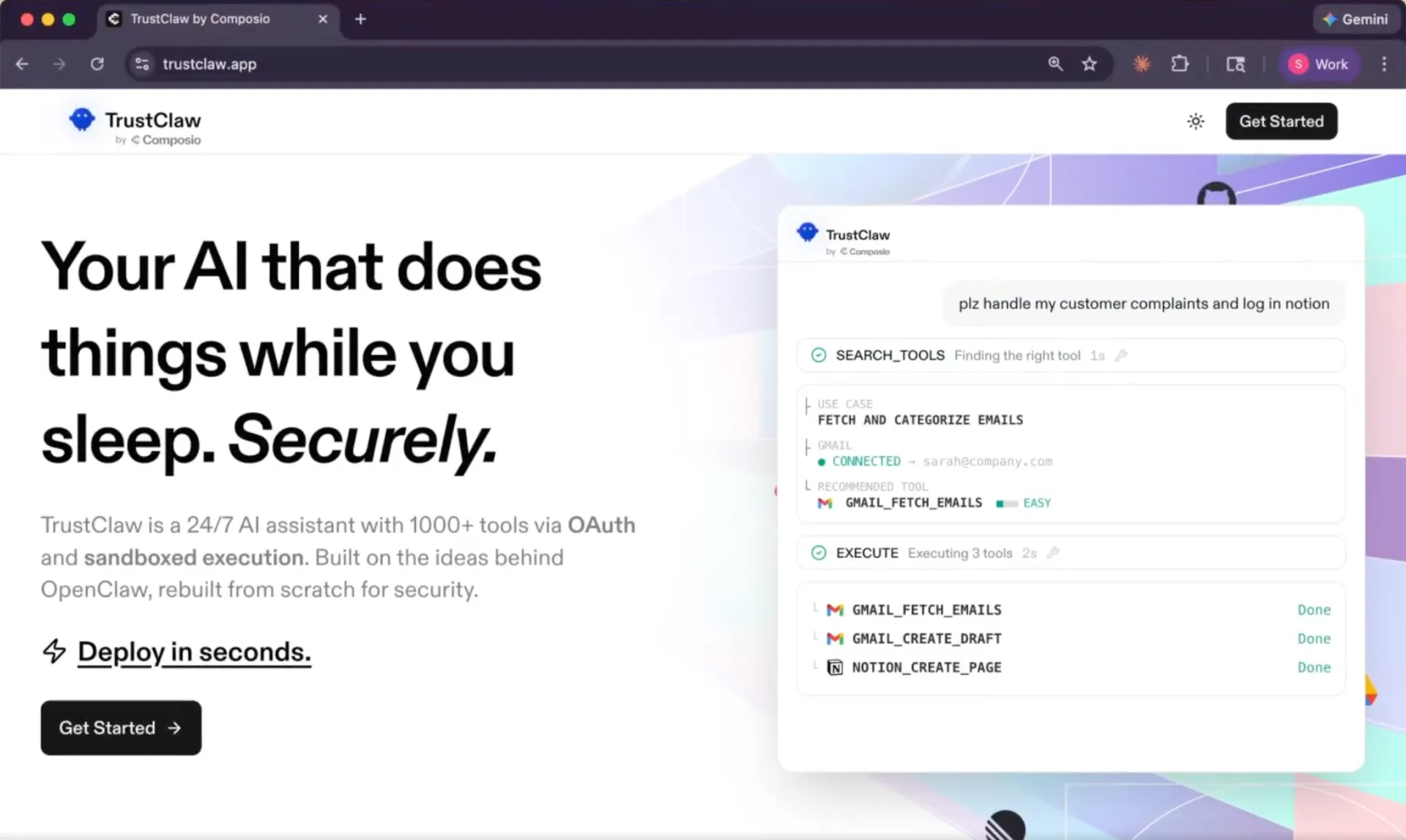
TrustClaw, from the Composio team, is the smallest project here by star count, but it’s the most deliberately designed around the specific failure mode that produced OpenClaw’s CVE list: an agent that holds plaintext API keys and unrestricted shell access on your machine.
Performance. TrustClaw isn’t trying to win a benchmark; it’s a Next.js app backed by Postgres with pgvector for vector memory, meant to run as a small always-on service (self-hosted or on Vercel) rather than a resource-optimized single binary.
Security and sandbox. This is the whole point of the project. Every tool integration goes through Composio’s OAuth flow instead of a stored API key, so there’s no long-lived credential sitting in a config file for an attacker to exfiltrate. “Sandboxed execution” means every action runs in an isolated cloud environment that’s torn down after it completes, rather than a persistent shell session on your host. Every action keeps an audit trail with one-click revocation.
Features. 24/7 operation with three-layer context management for effectively indefinite conversations, access to 1,000+ third-party integrations through Composio, cron-scheduled automation, and a Telegram bot or web dashboard as your interface.
License. MIT.
Self-host. One-click Vercel deploy, or a CLI deploy command:
npx @composio/trustclaw deployFor local development: pnpm install, configure DATABASE_URL, BETTER_AUTH_SECRET, and COMPOSIO_API_KEY in your environment, provision Postgres, then pnpm dev. Note that self-hosting is free, but you’re still paying separately for hosting, model usage, and Composio’s tool-call pricing.
Sandbox and Security Architecture, Side by Side
The word “sandbox” means something different in each of these projects, which matters more than any feature checklist if you’re picking one specifically to reduce risk.
| Project | Isolation Unit | Credential Handling | Default Autonomy |
|---|---|---|---|
| OpenClaw | Docker (default), SSH or OpenShell backends available | Local config file (plaintext unless encrypted manually) | DM pairing required; group sessions sandboxed, main session is not |
| Hermes Agent | Selectable: local, Docker, SSH, Singularity, Modal, or Daytona | Local config; isolation level depends on chosen backend | Command approval and DM pairing |
| ZeroClaw | OS-native: Landlock/Bubblewrap (Linux), Seatbelt (macOS), Docker (optional) | Local config, with cryptographic tool receipts per action | Supervised (approve medium-risk, block high-risk) by default; YOLO mode opt-in |
| NanoClaw | Per-agent Docker container, explicitly mounted volumes only | Vault-based injection at request time, per-agent policy and rate limits | Container boundary is the permission model, not an in-app approval flow |
| Nanobot | Not specified in project docs | Local config | Not documented as a hardened default; treat as trusted-environment software |
| TrustClaw | Ephemeral cloud sandbox per action, torn down after completion | OAuth only via Composio; no long-lived local secrets | Every action logged with audit trail and one-click revocation |
The practical takeaway: if you want to run one of these against genuinely untrusted input (an inbox, a public webhook, a shared Discord server), NanoClaw and TrustClaw give you the clearest boundary because the isolation is structural rather than a permission check the agent itself could talk its way around. ZeroClaw and Hermes Agent give you configurable sandboxing that’s strong if you turn it on and leave it on. Nanobot, like OpenClaw’s own “main session,” should be treated as running with your own trust level unless you wrap it yourself.
Performance, Where It’s Actually Measured
Hard numbers only exist for the pair that has published, verifiable benchmarks against each other. ZeroClaw’s Rust binary and OpenClaw’s Node.js gateway are directly comparable because both report concrete figures for the same metrics:
| Metric | ZeroClaw | OpenClaw |
|---|---|---|
| Idle RAM | <5 MB | 400-800 MB (1 GB+ with browser automation active) |
| Cold start | <10 ms | >500 ms |
| Install size | ~8.8 MB, single binary | ~28 MB app + full Node.js runtime |
| Runtime dependency | None | Node.js 22.14+ |
For the rest of the field, we’re not going to invent precise numbers we can’t verify. Directionally: NanoClaw and TrustClaw trade some raw efficiency for their container/cloud sandboxing overhead, since spinning up an isolated environment per agent or per action costs more than a shared process. Hermes Agent and Nanobot, both Python, sit in the same rough neighborhood as OpenClaw on a bare local install, but Hermes Agent’s serverless backends (Modal, Daytona) mean the idle cost can actually be lower than OpenClaw’s, because the environment fully hibernates between messages instead of holding a Node process open around the clock.
Feature Coverage at a Glance
If messaging platform breadth is what’s keeping you on OpenClaw (it currently supports 25+ channels), know that the gap has narrowed. Hermes Agent and Nanobot both cover the platforms most people actually use, Telegram, Discord, Slack, and WhatsApp show up across nearly every project here, while NanoClaw’s list runs deepest for business tools specifically (Teams, Webex, Linear, GitHub). ZeroClaw is the only one with real hardware I/O (GPIO/I2C/SPI/USB), which matters if you’re bolting an agent onto a Raspberry Pi project rather than just chatting with it. TrustClaw is the outlier on integrations generally: it doesn’t try to match channel-for-channel, but the 1,000+ tool actions available through Composio’s catalog cover more third-party services than any of the others by a wide margin, just accessed differently (API actions rather than a chat platform adapter).
License Comparison
Every project covered here is permissively licensed, which matters if you’re considering commercial use or modification:
- ZeroClaw - dual MIT OR Apache-2.0 (choose either)
- NanoClaw - MIT
- Hermes Agent - MIT
- Nanobot - MIT
- TrustClaw - MIT
- OpenClaw - MIT
None of these impose copyleft obligations or field-of-use restrictions, so licensing isn’t really a differentiator in this particular field. The differentiators are architecture and default security posture, not legal terms.
How to Self-Host: Quick Reference
All five install in one command or a short script. If you’re migrating an existing OpenClaw setup, Hermes Agent is the only one with a built-in migration path (hermes claw migrate); for the others, you’re starting configuration from scratch, though your LLM API keys carry over regardless of which agent you pick.
# Hermes Agent
curl -fsSL https://hermes-agent.nousresearch.com/install.sh | bash

# ZeroClaw
curl -fsSL https://raw.githubusercontent.com/zeroclaw-labs/zeroclaw/master/install.sh | bash

# NanoClaw
git clone https://github.com/nanocoai/nanoclaw.git nanoclaw-v2 && cd nanoclaw-v2 && bash nanoclaw.sh

# Nanobot
curl -fsSL https://raw.githubusercontent.com/HKUDS/nanobot/main/scripts/install.sh | sh

# TrustClaw (local dev, after cloning and configuring .env)
pnpm install && pnpm dev
Whichever one you pick, the same hardening advice that applies to OpenClaw applies here: don’t expose the management dashboard or gateway port directly to the internet without authentication in front of it, use DM pairing or an explicit allowlist rather than open access, only install skills or tools from sources you trust, and turn off automatic skill updates if the option exists. The CVEs that hit OpenClaw weren’t exotic; they were largely input validation and default-configuration problems, and every one of these alternatives has the same category of attack surface once you connect it to the outside world.
Access Your Self-Hosted Agent Remotely with Pinggy
Every one of these projects runs a local web dashboard or gateway (ZeroClaw’s is at localhost:3000 by default, OpenClaw’s at localhost:18789), and every one of them will refuse to complete browser-based pairing over plain HTTP from a remote device, since the WebCrypto API used for device identity only works in a secure context. Pinggy solves this the same way for any of them: one SSH command gives you an HTTPS URL without provisioning a server, obtaining a certificate, or touching DNS.
ssh -p 443 -R0:localhost:3000 free.pinggy.io
Swap 3000 for whichever port your chosen agent’s dashboard runs on, and you get a public HTTPS URL for as long as that SSH session stays open, useful for checking in on your agent from your phone, or for exposing a Telegram/Discord webhook that requires HTTPS. We covered this in more detail for OpenClaw specifically in Run OpenClaw Locally and Access It from Anywhere with Pinggy, and the same approach carries over unchanged to any of the alternatives above.
Conclusion
OpenClaw’s growth was real, but its 2026 security track record and heavy Node.js footprint are legitimate reasons to look elsewhere. There’s no single best replacement: pick Hermes Agent for the biggest community and closest feature parity (with a built-in hermes claw migrate command), ZeroClaw for raw efficiency, NanoClaw or TrustClaw for the strongest isolation, or Nanobot for a codebase small enough to read end to end. Whichever you choose, keep the gateway off the open internet and require pairing or an allowlist for DMs.