In this article
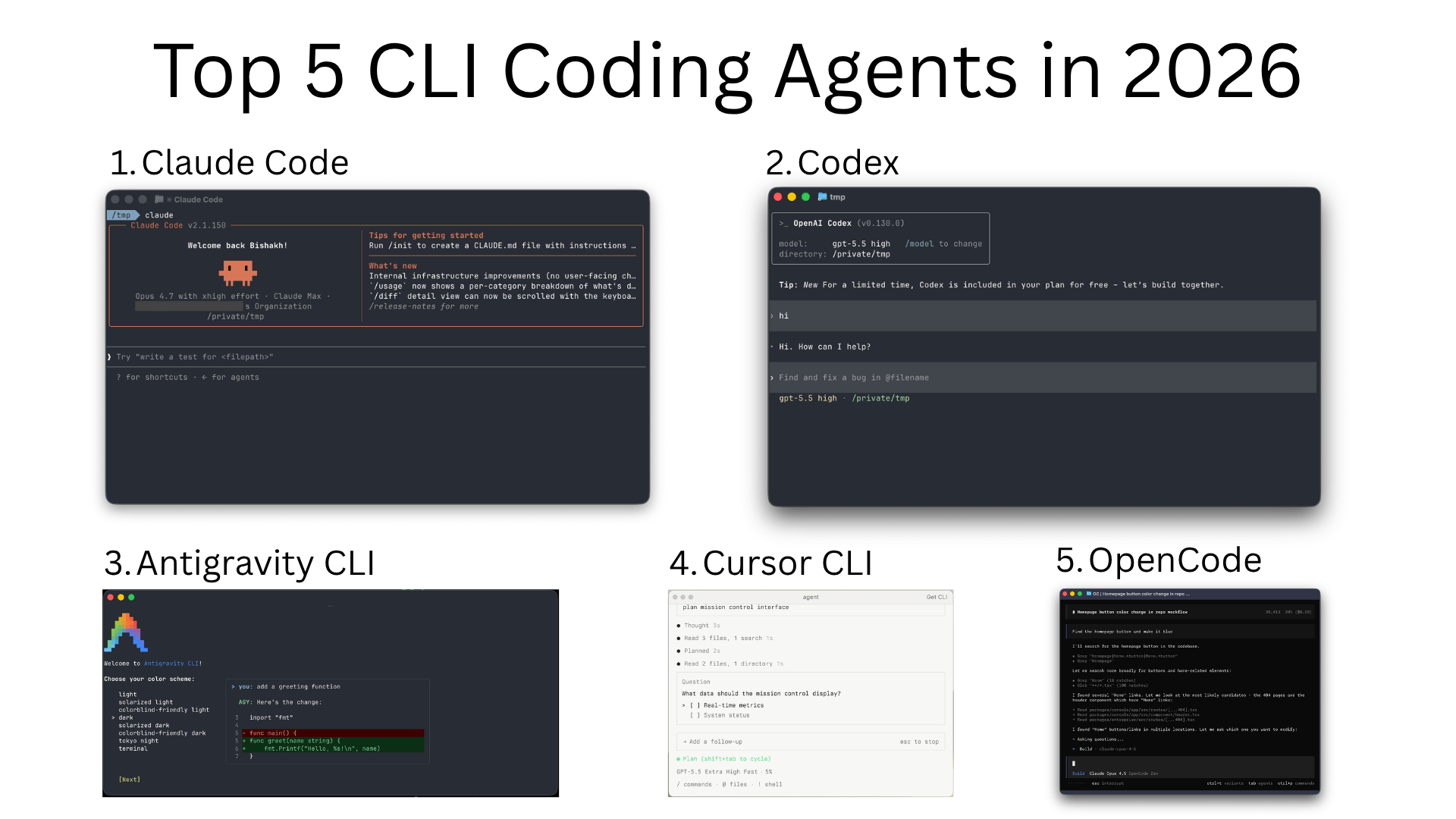
The CLI coding agent space consolidated hard in 2026. Google shut Gemini CLI down for consumers on June 18 and replaced it with a closed-source binary called Antigravity CLI (agy). SpaceX announced a $60 billion all-stock deal for Cursor on June 16 and closed it on August 14, so Cursor CLI now belongs to the same company as xAI and Grok. Anthropic limited Claude subscription logins to its own apps, which pushed OpenCode to drop Claude Pro/Max sign-in. Meanwhile the models moved on: Claude Code now runs on Opus 5.5 (with Fable 5.1 above it), Codex on OpenAI’s GPT-6 family (GPT-6.1 Sol shipped September 29), and the open-source side kept growing. As of October 11, opencode sits at 212k GitHub stars, Pi at 114k, and DeepSeek’s new harness, released August 13, already has 247k.
If you read this blog earlier in the year, the ranking has shuffled again, and not only because of new model releases. With two of the five vendor tools now owned by a company that also sells its own models or replaced by a closed rewrite, independence has become a real selection criterion, not just a nice-to-have. This update keeps the list ordered that way and refreshes every version, price and star count as of October 11, 2026.
Comparison Table for Top CLI Coding Agents
| CLI Agent | Best For | Default Model | Pricing | Key Strength |
|---|---|---|---|---|
| Claude Code | Multi-file reasoning, long-running tasks | Claude Opus 5.5 / Sonnet 5.5 | API pay-per-use or Claude Pro/Max subscription | Reasoning quality and skill/subagent ecosystem |
| OpenAI Codex | Tight loop with OpenAI models; agentic execution | GPT-6.1 Sol (pick with --model) | API pay-per-use; ChatGPT plans include quota | Open source (Apache-2.0, ~129k stars); sandboxed by default |
| OpenCode | Provider-agnostic, local models, staying independent | Bring your own (75+ supported) | Free (open source, MIT) | 212k+ stars; LSP, SDK, dual build/plan agents |
| Cursor CLI | Cursor IDE users; long async runs | Auto, or pick Opus 5.5 / GPT-5.6 / Gemini 3.1 Pro / Grok | Bundled with Cursor Individual ($20/mo) and above | Plan/Ask modes, Cloud Handoff with & prefix |
| Antigravity CLI | Google ecosystem; multi-agent workflows | Gemini (Google AI plans) | Free tier with basic weekly limits; higher limits on AI Pro/Ultra; business via Google Cloud | Shared harness with Antigravity 2.0 desktop; Skills/Hooks/Subagents |
| GitHub Copilot CLI | Teams already on GitHub/Copilot seats | Your choice of Claude, GPT and Gemini models | Bundled with Copilot ($10-$39/seat/mo); usage-based AI Credits since June 1, 2026 | Deepest GitHub/PR integration; no ownership change in 2026 |
Summary
What changed in 2026:
- Google shut down Gemini CLI for consumers on June 18, 2026. It now serves only paid API keys and Gemini Code Assist Standard/Enterprise, and the consumer replacement is the closed-source Antigravity CLI
- SpaceX closed its $60B acquisition of Cursor on August 14, 2026; Cursor is now part of the SpaceXAI team, and its model list now includes Grok alongside Claude, GPT and Gemini
- OpenAI Codex moved to the GPT-6 family (GPT-6.1 Sol on September 29), and GPT-5.5 retires from Codex on October 14
- Anthropic’s current line is Opus 5.5 and Sonnet 5.5, with the pricier Fable 5.1 above them; Claude Code runs on all of them
- OpenCode reached 212k GitHub stars and no longer offers Claude Pro/Max login (a raw API key still works)
- DeepSeek published an open-source harness on August 13 that already has 247k stars; Pi is at 114k
Top 5 CLI coding agents (ordered with independence in mind):
- Claude Code (Opus 5.5): still the consensus pick for deep, multi-file work
- OpenAI Codex (GPT-6.1 Sol): open source, sandboxed by default, tied closely to ChatGPT
- OpenCode: provider-agnostic, MIT-licensed, 212k+ stars, and not owned by any model vendor
- Cursor CLI: push a local session to a Cloud Agent with a
&prefix, now under SpaceX ownership - Antigravity CLI: Google’s consumer terminal agent since Gemini CLI’s shutdown; closed source
Honorable mentions: DeepSeek Harness (new, 247k stars), Pi (minimal, sub-1K-token harness), Cline, GitHub Copilot CLI (no ownership change this year), and Kiro CLI (formerly Amazon Q Developer CLI). Aider, Goose, OpenHands, Crush, Kilo Code, Qwen Code and the rest are covered in Best Open Source CLI Coding Agents in 2026.
What to look for: model choice (own API key vs subscription), local model support if privacy matters, sandboxed shell execution, MCP support, who owns the vendor behind the tool, and how the agent handles long-running tasks (background, resumable)
Why Use CLI Coding Agents and How to Choose the Right One
CLI agents are useful for a specific reason: they own the same surface your shell already owns. Files, processes, env vars, Git, make, kubectl, your project’s CLI - the agent can read and modify any of it without an IDE plugin in between. For long-running tasks (refactors, migrations, dependency bumps, “fix all the failing tests”), that’s a meaningful win over an IDE chat panel.
The tradeoffs are real too. Most CLI agents trust the model to drive your shell, so a bad tool call can rm -rf something. Sandboxing varies a lot - Codex runs in a sandboxed env by default, Claude Code asks before destructive ops, Aider stays inside its file edit + commit lane. Read each tool’s default permission model before turning it loose on a real repo.
A rough decision tree for picking one:
- You’re already a Claude or ChatGPT subscriber. Use the matching CLI - Claude Code or Codex. The subscription quota usually beats per-token API pricing for daily work.
- You’re inside the Cursor or Google ecosystem. Cursor CLI ties into your editor sessions and Cloud Agents, and is now owned by SpaceX (see below). Antigravity CLI shares state with the Antigravity desktop app and is Google’s consumer terminal option now that Gemini CLI has been switched off for individuals.
- You want to bring your own model (or run local) and stay independent. OpenCode, Pi, or Goose - all support Ollama, OpenAI-compatible endpoints, and most commercial providers, and none of them changed hands in the 2026 acquisition wave.
- You need a huge context window. Anthropic’s current models all list a 1M-token window now, so this alone no longer separates the vendors.
- Your workflow is “edit + commit + repeat”. Aider’s repomap + automatic commits is still hard to beat, though the repo has had no commits since May 22 (see the open source roundup).
Top CLI Coding Agents in 2026
1. Claude Code
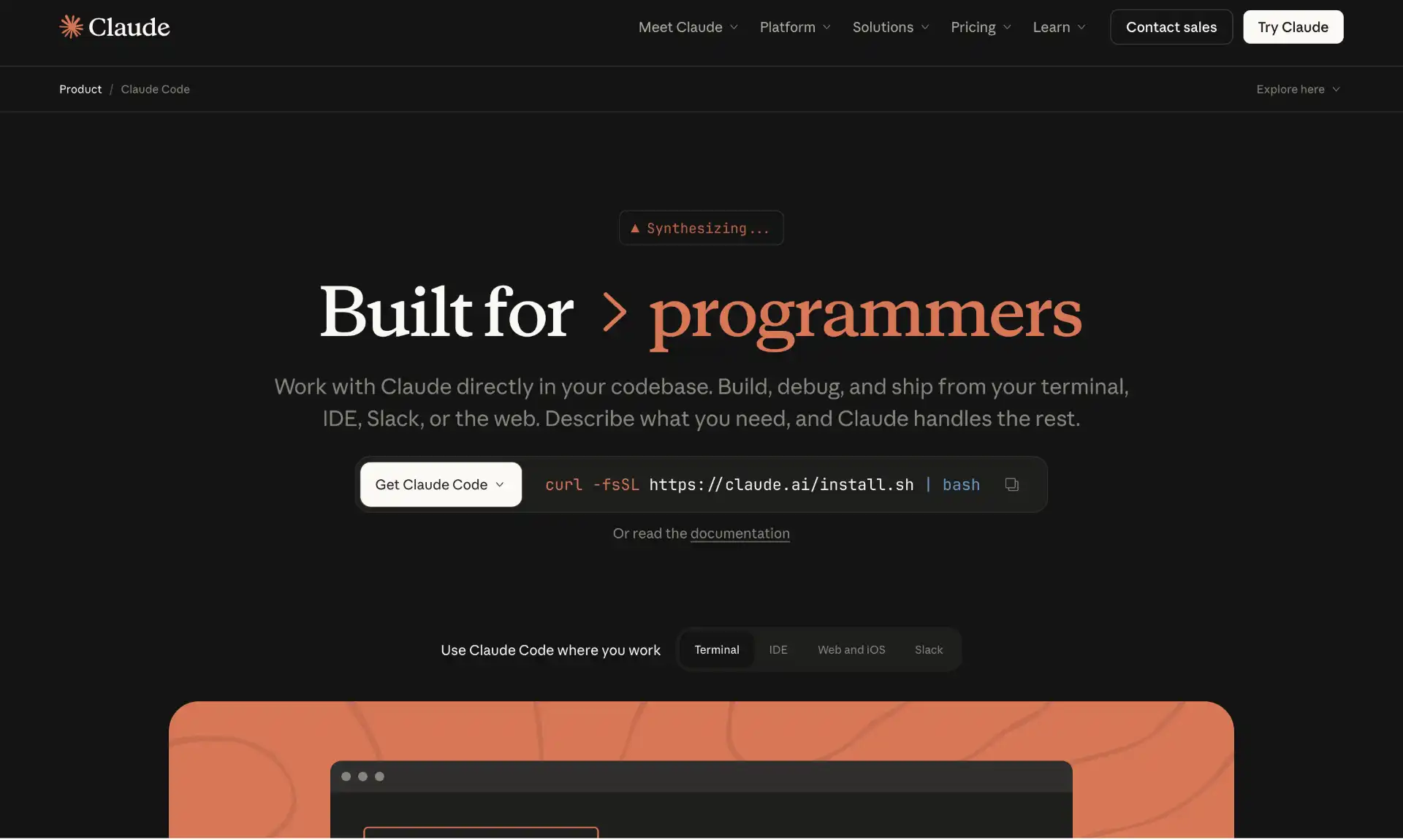 Claude Code is Anthropic’s official CLI -
 curl -fsSL https://claude.ai/install.sh | bash (the native installer Anthropic now recommends; Homebrew and WinGet work too), then claude in any repo. It’s the consensus “default” for serious work in 2026, and with SpaceX owning Cursor and Google having closed off Gemini CLI for individuals, it’s the most notable commercial CLI that hasn’t changed hands or been shut down.
What it actually does well: it asks before destructive shell calls, keeps a coherent plan across long sessions (all current models, Opus 5.5, Sonnet 5.5 and Fable 5.1, list a 1M-token context window), and has the deepest extension surface - Skills (procedure libraries the agent loads on demand), Subagents (specialized child agents), Hooks (run on tool calls), background agents you can watch from one screen, and a long list of MCP servers. It also schedules work (cloud Routines, /loop) and can continue a session from your phone with Remote Control. The “Auto memory” feature keeps notes in ~/.claude/projects/.../memory/ so it doesn’t forget your conventions between sessions.
Two real annoyances worth knowing: it speaks to Claude models only (you can point it at an Anthropic-compatible gateway, but there’s no built-in Ollama mode), and at scale the API bill adds up fast. The Claude Pro and Max subscriptions ($20/mo, then $100 or $200/mo) bundle Claude Code quota, which is usually the better deal if you use it daily.
Strengths
- Strong reasoning on Opus 5.5 for refactors and multi-file edits
- Rich extension surface: Skills, Subagents, Hooks, MCP, custom slash commands
- Sandboxed shell with explicit permission prompts; no surprise
rm -rf - Auto memory persists project/user/feedback notes between sessions
Tradeoffs
- Claude models only - no built-in local model support
- Per-token costs add up; subscription is usually cheaper for daily users
Pricing
Pay-per-use on the Anthropic API (Sonnet 5.5 at $2 input / $10 output per million tokens, Opus 5.5 at $4 / $20, Fable 5.1 at $10 / $50) or bundled with Claude Pro ($20/mo) or Claude Max ($100-$200/mo) subscriptions with included quota. Plan prices are from third-party pricing trackers; check claude.com/pricing.
2. OpenAI Codex
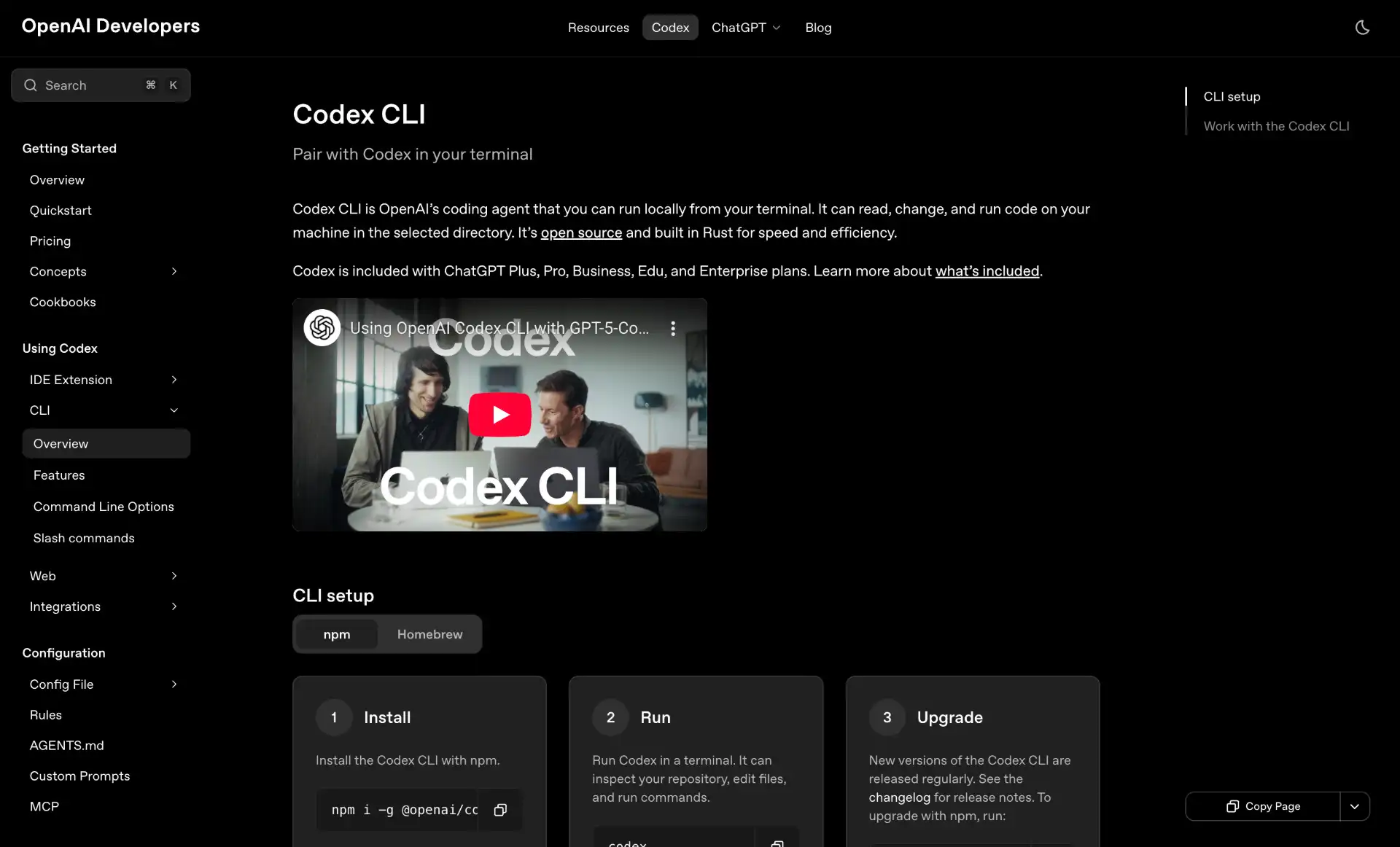
OpenAI Codex ships as npm i -g @openai/codex (latest on npm is 0.162.1), is genuinely open source (Apache-2.0, openai/codex on GitHub, rewritten in Rust, ~129k stars), and has moved to OpenAI’s GPT-6 family. GPT-6 Sol and Luna landed in Codex on September 22, GPT-6.1 Sol followed on September 29 (OpenAI describes it as near-Astra performance at lower cost; select it with codex --model gpt-6.1-sol), and GPT-5.5 retires from Codex and ChatGPT on October 14, 2026 (the API is unaffected). Codex is the terminal-first agent.
What it does differently: it leans hard on sandboxed execution by default - shell commands run in a containerized env that can’t touch the rest of your machine without --full-auto or explicit approval. That means it’s a bit slower than Claude Code on filesystem-heavy tasks (extra IPC) but safer to point at a real repo unattended. It also has the tightest integration with ChatGPT - kick off a task in the CLI, push it to ChatGPT’s Codex Cloud, watch from your phone. The --oss flag also runs it against a local Ollama model if you want to test the harness without an API key.
Where it lags: the plugin/skill ecosystem is thinner than Claude Code’s, and MCP support arrived later. If you don’t care about Skills/Subagents, that’s a non-issue.
Strengths
- Runs on OpenAI’s newest GPT-6 models, with GPT-6.1 Sol Ultrafast for faster generation on Pro and eligible Enterprise plans
- Default sandboxed shell - safer for unattended runs
- Genuinely open source (Apache-2.0), with
--ossfor local models - Cloud handoff to ChatGPT Codex Cloud for long async tasks
Tradeoffs
- Smaller extension/plugin ecosystem vs Claude Code
- Sandbox adds a small latency tax on file-heavy work
- Tuned for OpenAI models; local providers are clearly the B-path
Pricing
Open source (Apache 2.0). Pay-per-token on the OpenAI API, or bundled with ChatGPT Plus/Pro/Business plans, which include Codex Cloud quota.
3. OpenCode
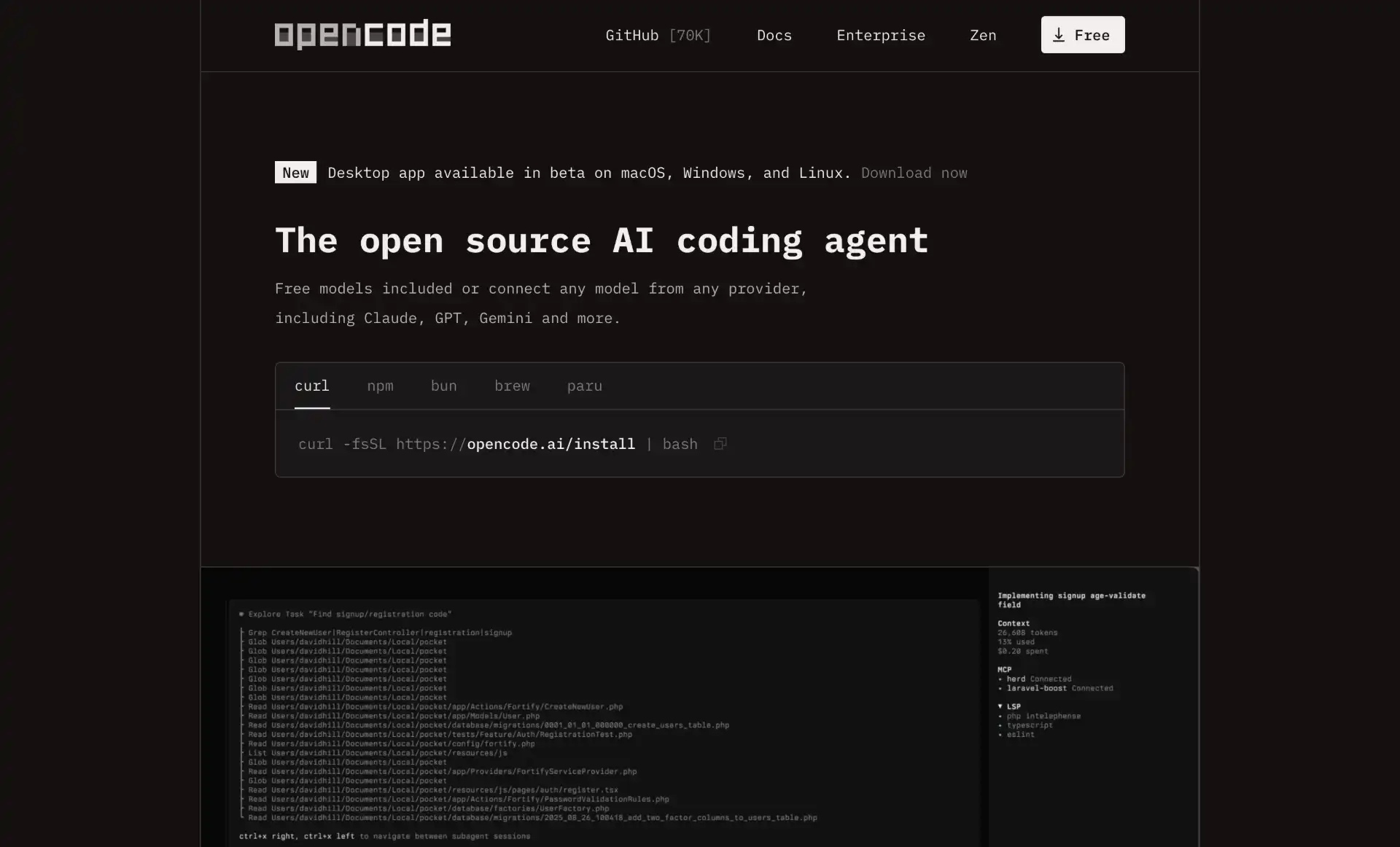
OpenCode moves up this list not just because of growth, but because of what it isn’t: caught up in the acquisition that took Cursor, or switched off for consumers like Gemini CLI. It’s the open-source breakout of 2026, now at 212k GitHub stars (v1.19.0 as of October 11), and the team rebranded to Anomaly, so the repo lives at anomalyco/opencode (old Docker image references pointing at sst/opencode will break). It is no longer the open-source star leader, though: DeepSeek’s harness passed it in August.
The pitch is provider neutrality. OpenCode works with most major providers (Anthropic, OpenAI, Google, AWS Bedrock, Azure OpenAI, OpenRouter) and anything OpenAI-compatible, including local Ollama servers. You can switch models mid-session and the context carries over. The terminal UI has a plan agent that won’t touch files and a build agent that will, and ships an SDK if you want to embed it in scripts.
One thing to know before you adopt it: in early 2026 Anthropic restricted Claude Free, Pro and Max logins to Claude Code and claude.ai, and OpenCode removed its Claude subscription login after legal requests (secondary reports disagree on the exact date). Claude still works fine with a raw API key, and OpenAI partnered with the project so ChatGPT subscriptions work natively. It’s not the only fast-growing open-source harness this year either - see Pi in the honorable mentions below, and our dedicated roundup of open-source CLI agents for the full field.
Strengths
- Most major LLM providers plus local Ollama; no vendor lock-in
- Dual
planandbuildagents for read-only vs write workflows - LSP-integrated for syntax highlighting and error detection across the project
- Not owned by, or dependent on, any single vendor
Tradeoffs
- Claude Pro/Max subscription login was removed (API key still works)
- You’re responsible for picking the right model per task; auto-routing is less polished than Cursor’s
- Plugin ecosystem is smaller than Claude Code’s Skills/Subagents
Pricing
Free (MIT licensed). You pay only for the underlying model API.
4. Cursor CLI
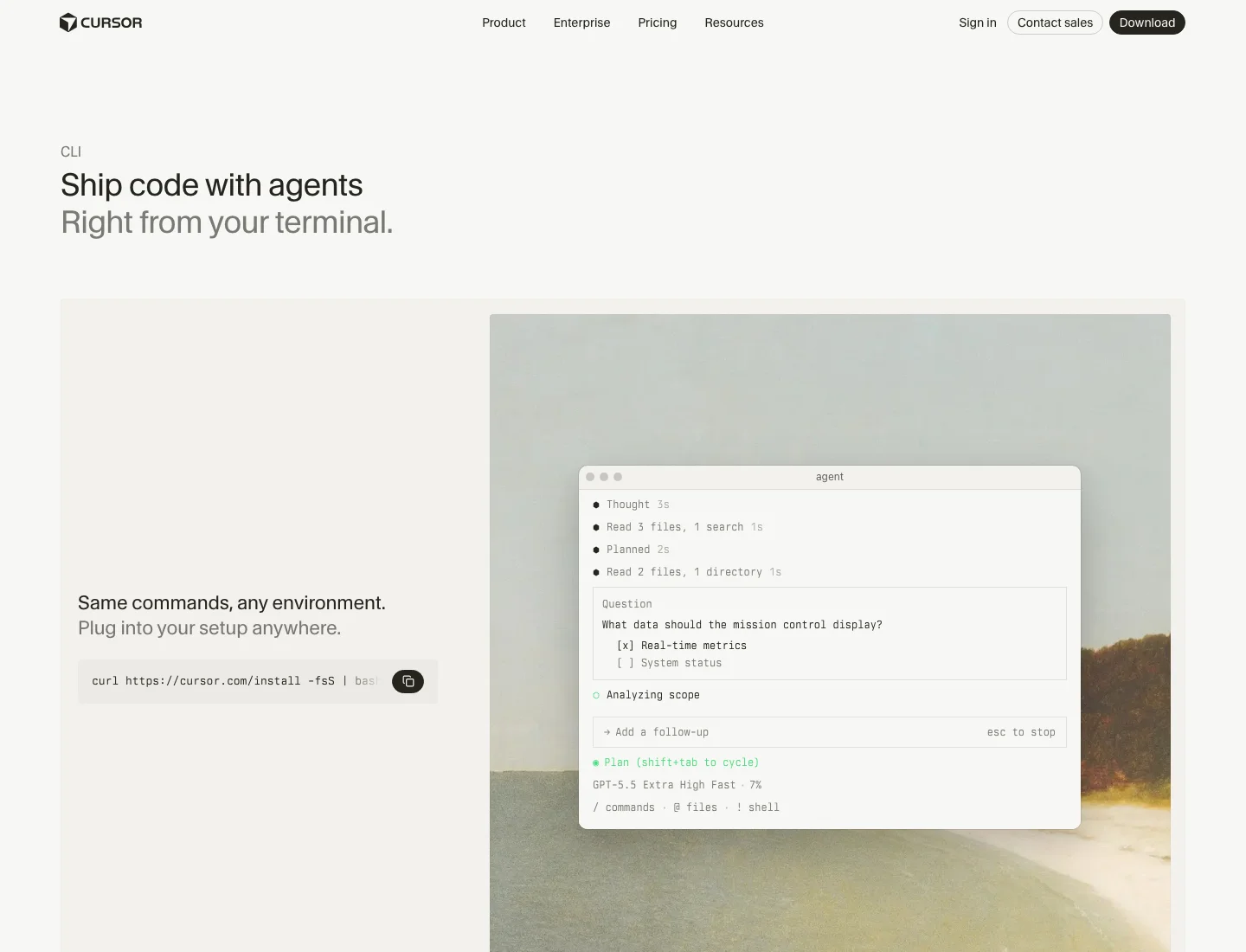
Heads up: On June 16, 2026, SpaceX announced a $60 billion all-stock acquisition of Cursor, and it closed on August 14, 2026. Cursor now sits inside the SpaceXAI team alongside xAI’s Grok, and it reportedly already helped train two new Grok models on SpaceX’s Colossus compute. Cursor’s own model picker still lists Opus 5.5, GPT-5.6 Sol, Gemini 3.1 Pro and Fable 5.1 next to Grok 4.7 and its in-house Composer 2.5, but nothing public promises that stays true.
Cursor CLI shipped on January 16, 2026 and pulls Cursor’s IDE agent into your terminal - same agent harness, same memory, same MCP connections. Install with curl https://cursor.com/install -fsS | bash, then run agent in a repo (older posts and scripts still say cursor-agent).
The differentiating feature is Cloud Handoff. Prepend & to any message and the conversation is pushed to a Cloud Agent that keeps running while you close your laptop. You can resume it from cursor.com/agents on web or mobile and merge the result back when it’s done. It’s the cleanest answer in this list to “I want to leave a long task running.”
Other bits worth knowing: Plan mode asks clarifying questions before touching code (good for new repos), Ask mode explores without editing (good for code-review use cases), and the agent can auto-route between models depending on the task type. What happens to that model-agnostic routing under SpaceX ownership is the open question - the practical value of Cursor was always being able to pick Claude for reasoning or GPT for speed and switch freely, and that’s in tension with an owner that also wants to sell you Grok.
Strengths
- Cloud Handoff with
&prefix - resume long tasks from any device - Plan / Ask / Agent modes for different stages of work
- Auto-routes across Claude, GPT, Gemini, Grok and Cursor’s own Composer models
- In-CLI MCP OAuth login flow
Tradeoffs
- Closed source, bundled into the Cursor subscription
- Now owned by SpaceX, which also sells Grok, so long-term model neutrality is uncertain
- Less useful if you don’t already use the Cursor IDE
Pricing
Cursor’s Hobby plan is free with limited agent requests, Individual plans start at $20/mo, and Teams is $40/user/mo. The CLI has no separate tier of its own.
5. Antigravity CLI (Gemini CLI’s replacement)
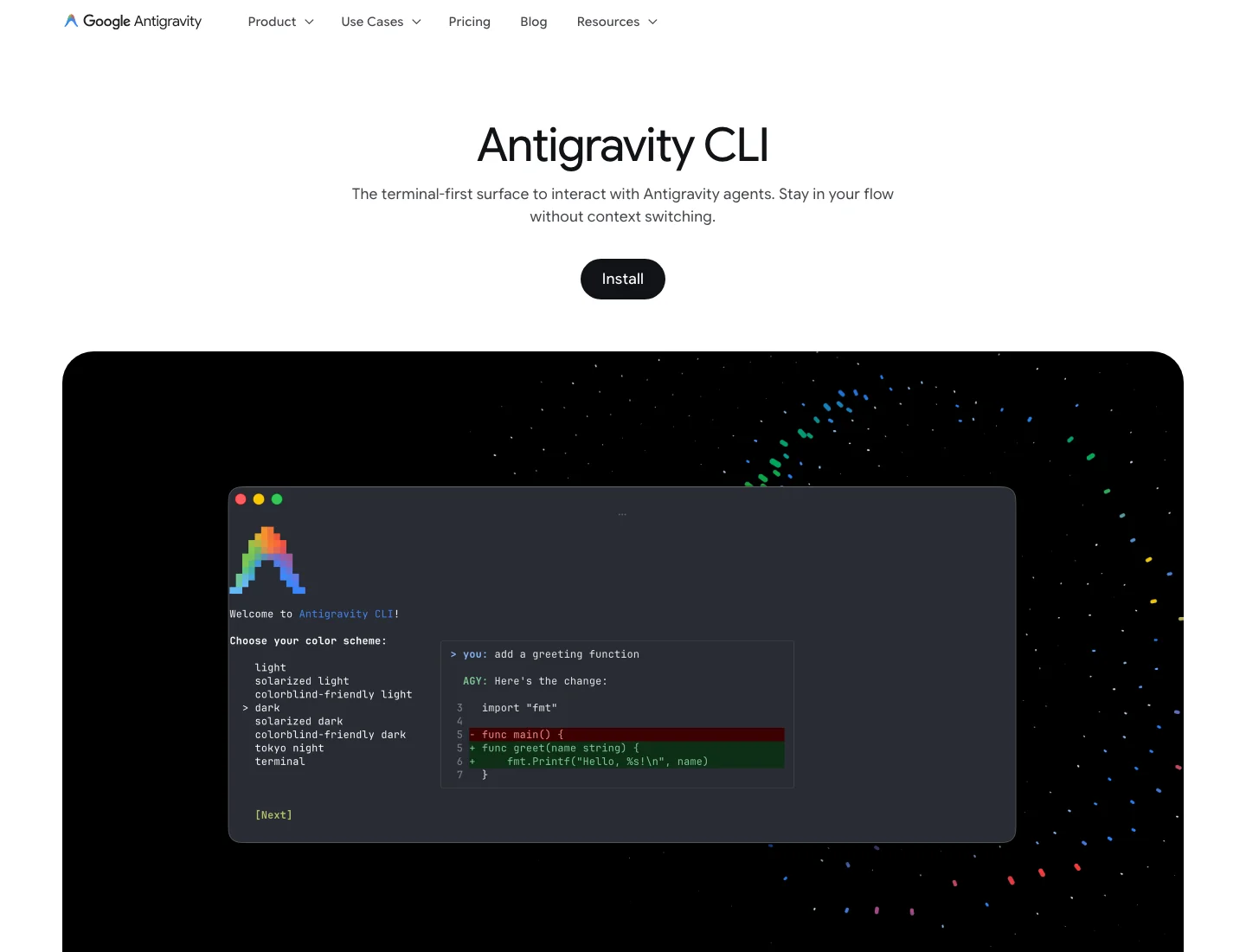
What happened: Google announced the switch on May 19, 2026, and on June 18, 2026 Gemini CLI and the Gemini Code Assist IDE extensions stopped serving Google AI Pro and Ultra subscribers and free Code Assist for individuals users. Gemini CLI remains usable through paid Gemini API keys and Gemini Code Assist Standard/Enterprise licences, and the open-source repo (Apache 2.0, ~107k stars) is still live. The consumer replacement is Antigravity CLI, a closed-source Go binary (command
agy). Official announcement.
Antigravity CLI is Google’s terminal agent and the CLI face of Antigravity 2.0, the agent-first development platform announced at I/O 2026. It shares the same agent harness as the Antigravity desktop app - sessions and agent state move between the two.
Carried over from Gemini CLI: Agent Skills, Hooks, Subagents, and Extensions (now called Antigravity plugins). What’s new: a server-side harness that runs multi-agent workflows asynchronously, so you can kick off background agents and pick the results up later from desktop or web. It runs on Gemini models; Google’s pages do not pin a model version, so check the CLI’s model picker.
The honest tradeoffs: Antigravity CLI is not open source (Gemini CLI was Apache 2.0; Antigravity CLI’s GitHub presence is a changelog and issue tracker, not a repo you can fork), the free tier is smaller and now metered weekly, and feature parity isn’t 1:1, so some Gemini CLI workflows needed migration. If you want an open, forkable agent in the same lineage, Qwen Code (below) is a fork of the Gemini CLI codebase.
Strengths
- Gemini models behind a Google account, with higher limits on AI Pro and Ultra
- Shared harness with Antigravity 2.0 desktop (resume sessions across surfaces)
- Async multi-agent orchestration as a first-class feature
Tradeoffs
- Closed source (the public repo holds a changelog and community issues, not the agent)
- Free tier is limited to “basic weekly rate limits” per Google’s pricing page; Gemini CLI’s old free daily allowance is gone
- Not 1:1 with Gemini CLI; some workflows required migration
Pricing
A free plan with basic weekly rate limits, higher limits with Google AI Pro and Ultra, and business plans through Google Cloud from $30 per seat per month.
Honorable Mentions: Other CLI Coding Agents Worth Considering
The lineup above shifts based on what you’re optimizing for, and 2026’s consolidation wave means the open-source half of this list matters more than it used to (star counts below are from GitHub on October 11). These tools didn’t make the top 5 but each owns a specific niche - and if you want the deeper, GitHub-stars-ranked version of this section, read Best Open Source CLI Coding Agents in 2026, which covers licenses, local-model support, and which projects are quietly dying in far more detail.
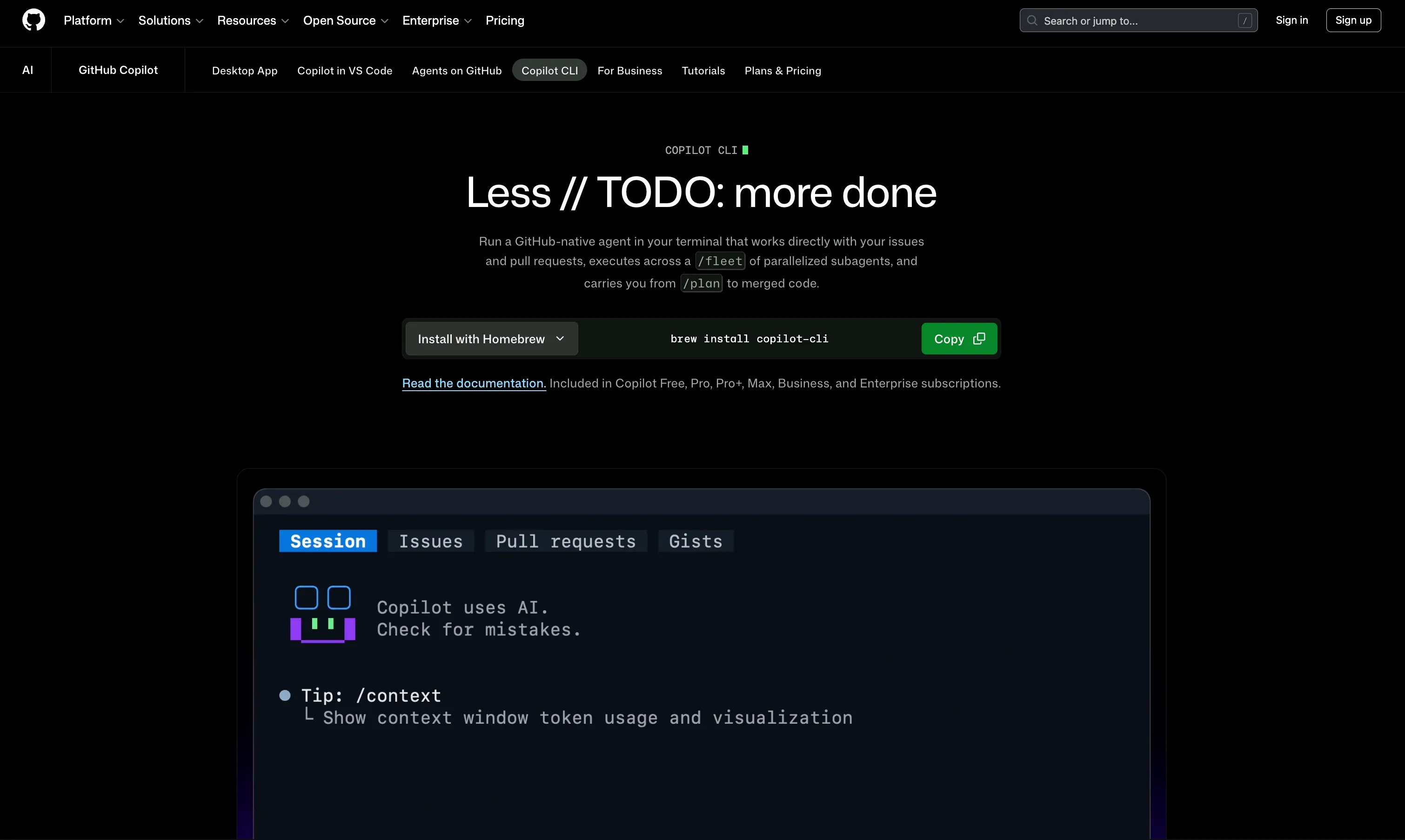 GitHub Copilot CLI - Microsoft’s terminal agent, and worth a mention because it sat out the 2026 acquisition wave: Microsoft has owned GitHub for years, so nothing here changed hands. Install with
 npm install -g @github/copilot (or Homebrew, WinGet, or the gh.io/copilot-install script), then run copilot in a repo; you pick the model with /model, and it leans on the same permission and PR-review context Copilot already has from GitHub. The catch is billing: since June 1, 2026 every Copilot plan uses usage-based GitHub AI Credits (one credit is $0.01, metered on tokens) instead of premium requests, which makes long agent sessions harder to predict. Seat prices did not change ($10 Pro, $39 Pro+, $19 Business, $39 Enterprise). A safe default if you already pay for Copilot seats, less compelling if you’re choosing a CLI agent from scratch.
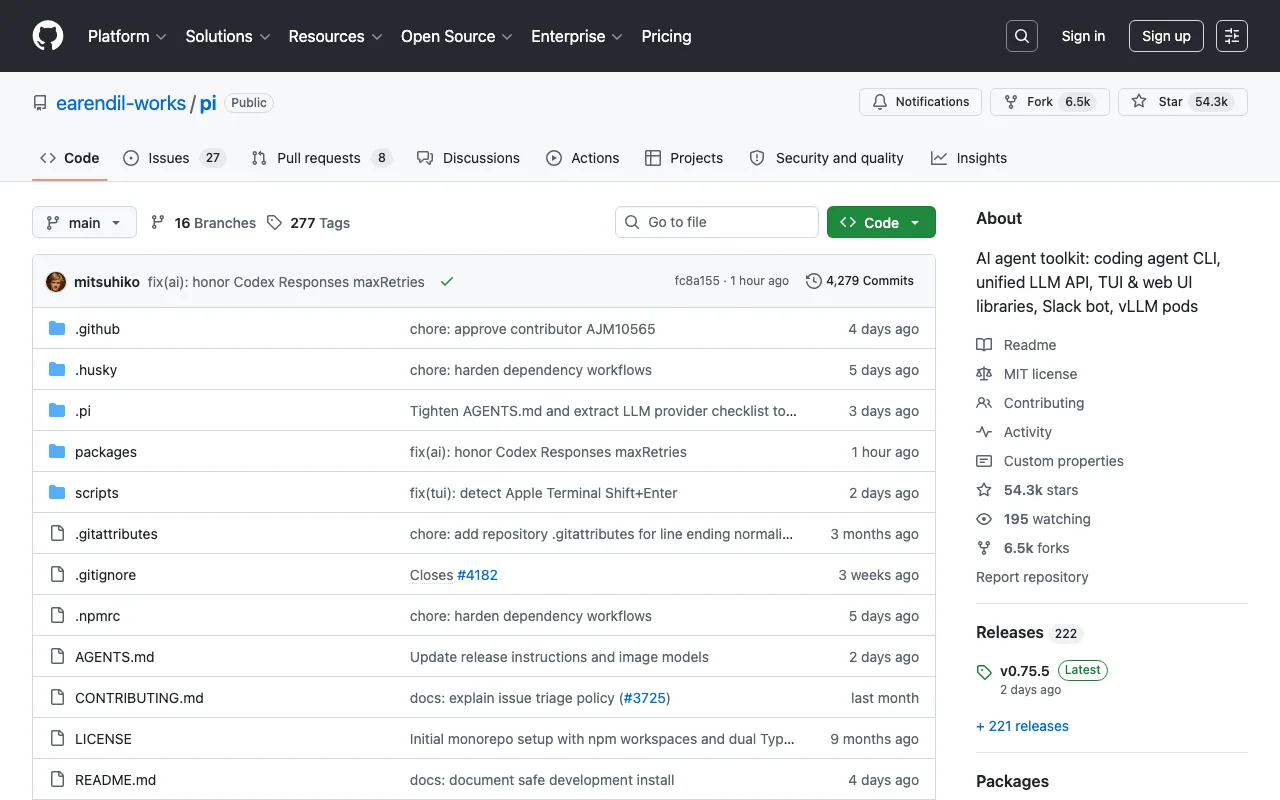
Pi - The most interesting new open-source entrant of 2026, from Mario Zechner and Armin Ronacher (the Flask and Jinja2 author), and now at about 114k GitHub stars (v1.1.0 shipped October 7). Its headline trick is a system prompt under 1,000 tokens - versus 7,000 to 10,000 for tools like Claude Code or OpenCode - achieved through “lazy skills” that only load full instructions into context when a skill is actually invoked. MIT licensed, TypeScript, ships a CLI, a unified LLM API, and TUI/web UI libraries. Worth a look if you want to understand exactly what your agent sends to the model, or build your own tool on a small, readable base.
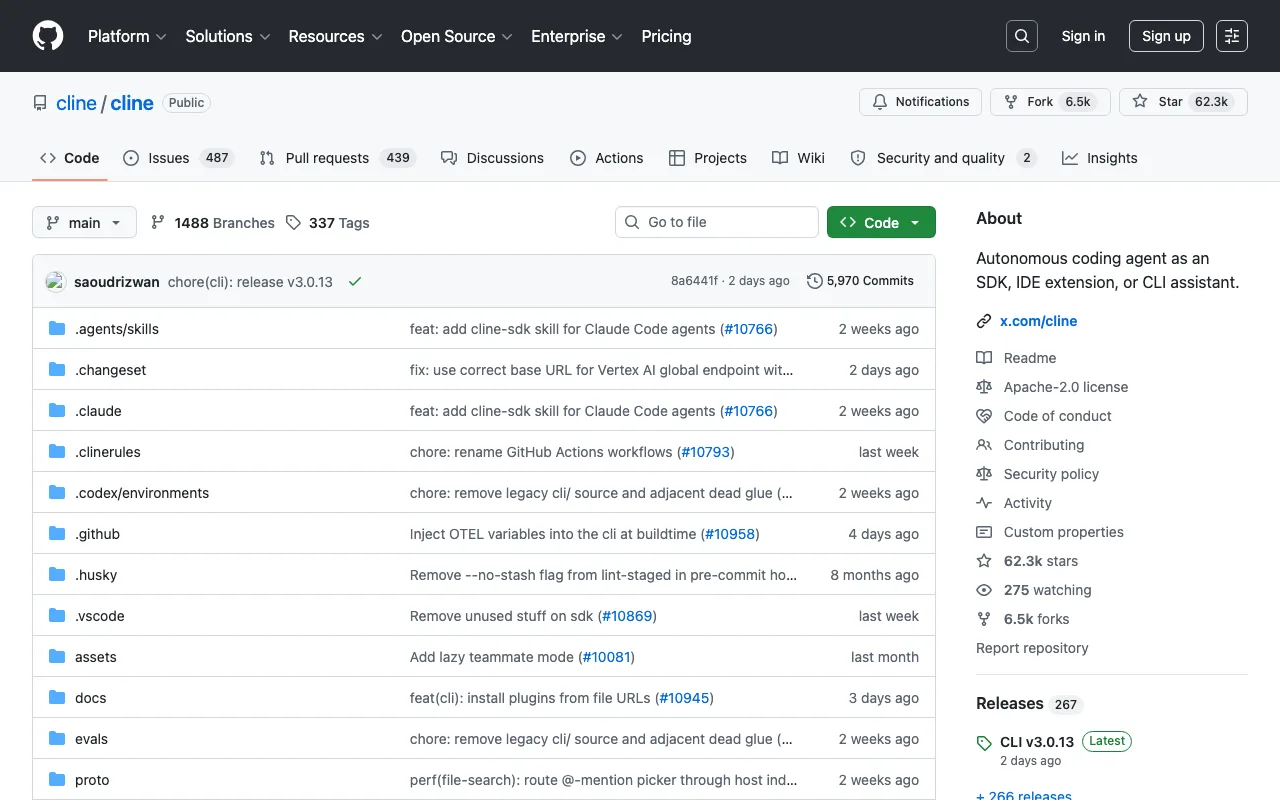 Cline - Started as a VS Code extension (the one Roo Code and Kilo Code later forked from) and grew a real standalone CLI and SDK in its 3.x line. Model-agnostic across 30+ providers plus local Ollama/LM Studio, with parallel agent execution and Kanban task boards for team use. Apache-2.0,
 npm i -g cline.
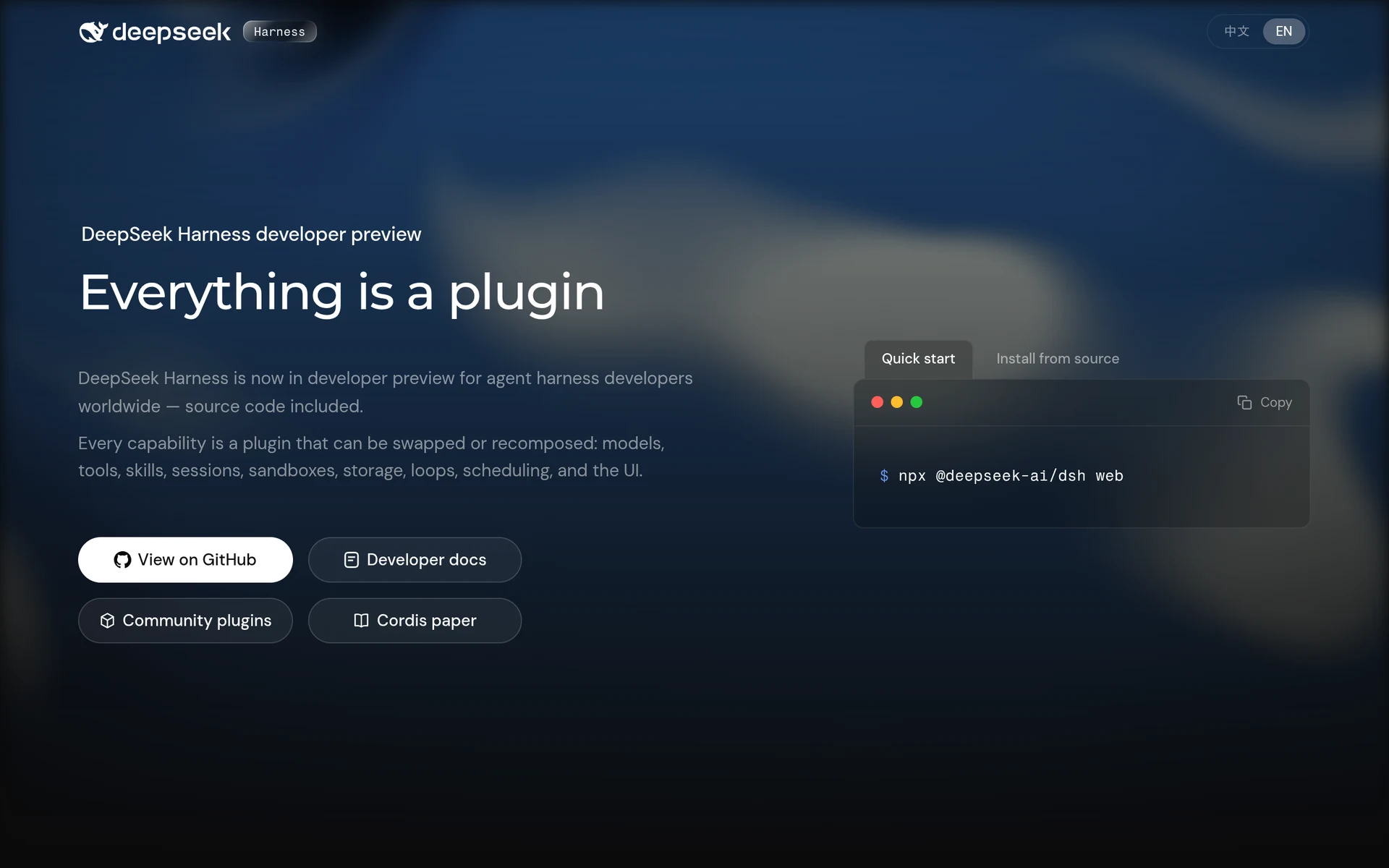 DeepSeek Harness (
dsh) - The newest big name: DeepSeek published it on August 13, 2026 and it has since passed 247k stars (MIT), more than OpenCode. It is also barely two months old and young enough that you should treat it as an early release, so read the open-source roundup linked above before betting a team workflow on it.
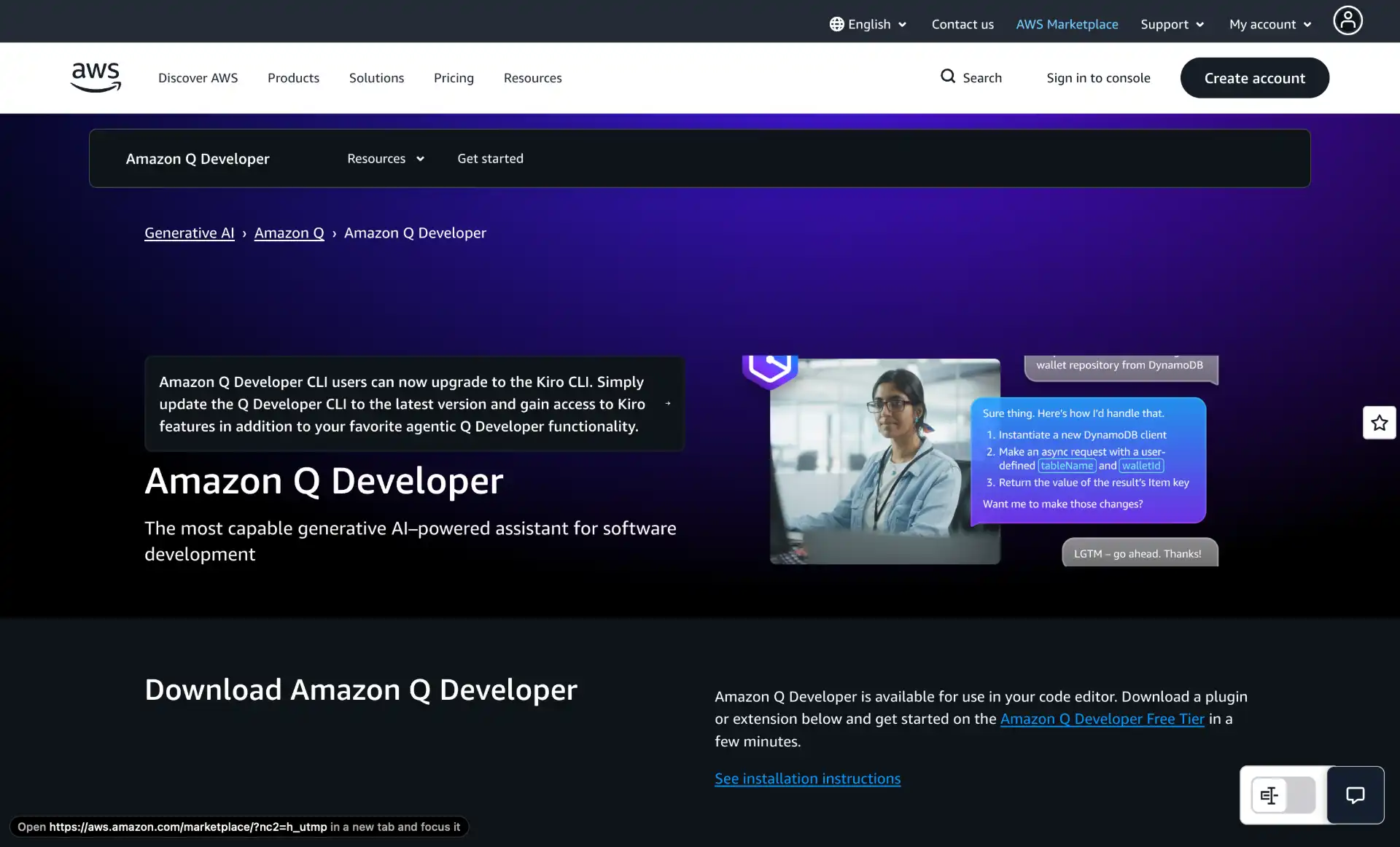 Kiro CLI (formerly Amazon Q Developer CLI) - AWS’s terminal agent, and the obvious choice if your daily work is
 aws ..., CDK, Terraform on AWS, or IAM. Kiro CLI is the successor to the Q Developer CLI: AWS’s Q Developer page now tells CLI users to upgrade. It runs on Claude models, supports custom agents, hooks and MCP, and is priced inside the standard Kiro tiers. Install with curl -fsSL https://cli.kiro.dev/install | bash. Unlike its predecessor it is proprietary; the old Q Developer CLI repo stays up as open source.
How to Integrate CLI Coding Agents into Your Workflow
A few habits that pay off after a couple of weeks with any of these:
Pick one tool and stay with it for a month. Switching constantly burns your time on configuration instead of work. Use the decision tree above. Most people end up with Claude Code or Codex for daily driving plus one open-source option (OpenCode, Pi, or Goose) for local/offline work or as a hedge against vendor changes.
Set sandbox expectations. Read your tool’s default permission model before pointing it at a real repo. Codex sandboxes shell calls by default; Claude Code prompts before destructive ops; OpenCode and Aider trust the model more. If you’re working on production code, lean toward the conservative defaults.
Branch first, agent second. git checkout -b agent/<task> before kicking off any long-running edit. Lets you git diff main... later instead of trying to reconstruct what the agent touched. Aider does this implicitly by committing per change.
Cap the context. Big projects blow up token budgets fast. Most CLIs let you scope context to specific files or directories - use that. All the current Claude models list a 1M-token window, but filling it is slow and expensive. Smaller context also gives better results most of the time.
Tests, lints, types. The fastest way to validate AI changes is a test suite. Configure your CLI to run npm test, pytest, cargo test, etc. after edits. Claude Code, Aider, and Codex all support auto-test loops; let them iterate until tests pass instead of hand-checking.
MCP is the integration layer. If you find yourself wanting an agent to talk to GitHub, Linear, Notion, your DB, or your monitoring stack, look for an MCP server before writing custom glue. Most of the top 5 now support MCP first-class.
Conclusion
The CLI agent space is less stable than it was in January: Cursor CLI now belongs to SpaceX, and Google replaced Gemini CLI with a closed binary for consumers. If you’re picking one for the first time, Claude Code on a Claude Pro/Max subscription is still the lowest-risk default. If you want to run offline, own your data, or keep your tool’s roadmap out of an acquisition, use OpenCode or Pi with your own API key (or Ollama), and see Best Open Source CLI Coding Agents in 2026 for the full field.