In this article
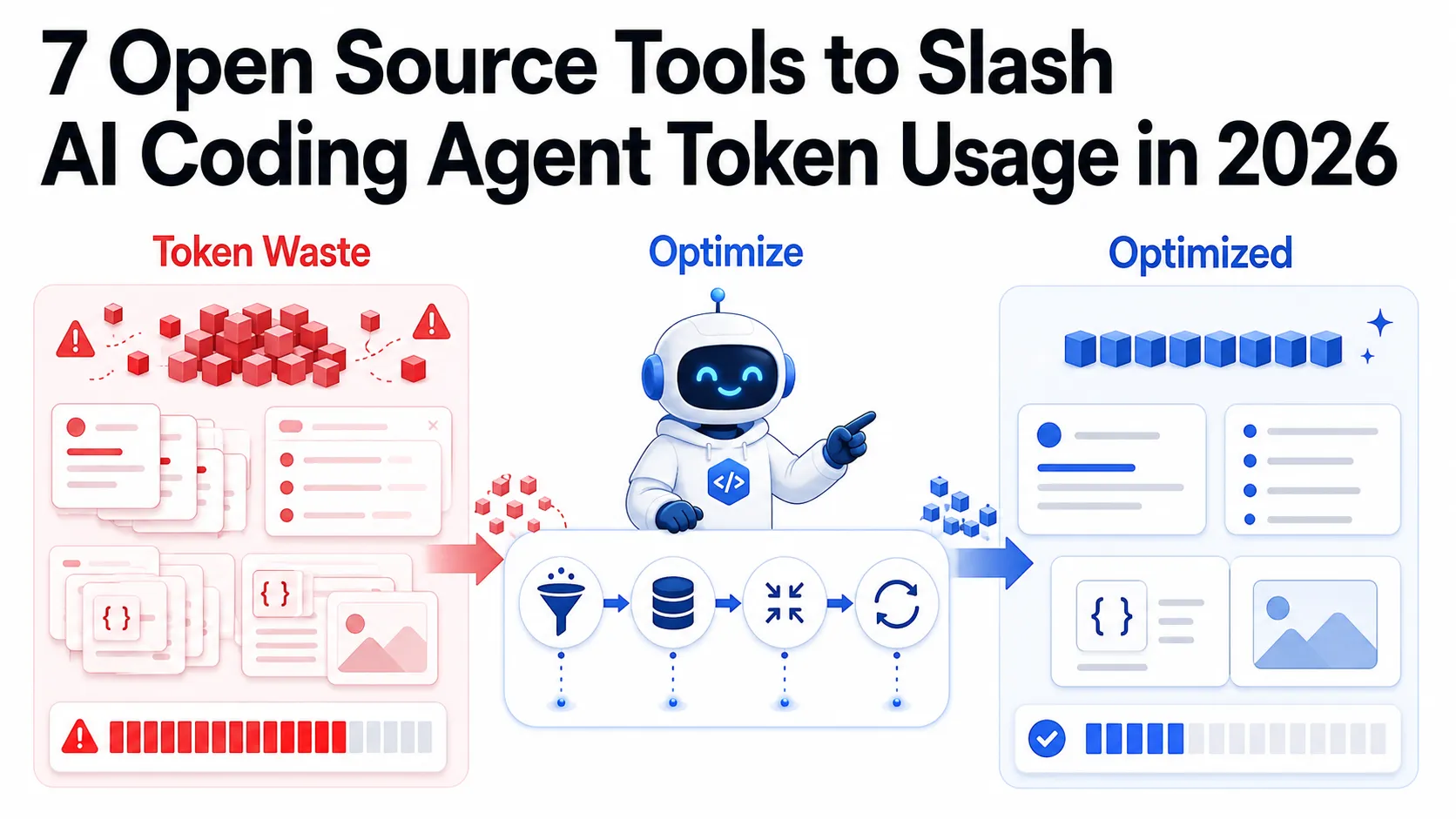
Every AI coding agent session that feels “reasonable” is quietly burning through your token budget. What looks like a single task - “refactor this authentication module” - might involve 20 tool calls, each one re-sending the full conversation history plus whatever file contents got loaded along the way. An agentic loop that costs you 50,000 tokens in the first message routinely compounds to 500,000 tokens by the time it wraps up.
The problem is structural. LLMs process context stateless: every step gets the entire preceding transcript appended to the prompt again. Add tool descriptions (each one taking 200-500 tokens), full file reads, and verbose model responses, and a mid-size task on a large codebase can easily hit the cost of dozens of individual chat messages. For developers running agents regularly, this adds up to a real dollar amount every week.
The good news is that the tooling to address this has matured significantly. The approaches range from graph-based codebase indexing that replaces file dumps with targeted queries, to output compression skills that shorten what the model writes back, to prompt caching that makes repeated system prompts essentially free. Most of these are open source. You do not need to pick just one.
Summary
The token cost problem in one line: AI coding agents re-send the full conversation history on every step, compounding costs quickly. The tools below address this from different angles.
Graph-based codebase understanding:
- Graphify - Converts your codebase into a queryable knowledge graph so agents retrieve targeted context instead of reading entire files
Context compression layer:
- Headroom - Drop-in compression layer for tool outputs, logs, files, and RAG chunks; 60-95% fewer tokens with reversible compression. Ships as a library, proxy, and MCP server
Output compression skills:
- Caveman - Claude Code skill that rewrites verbose agent responses into terse output; reported 65% average output token reduction
RAG-based context retrieval:
- Continue.dev - Open-source coding assistant with
@codebaseembedding-based retrieval to pull only relevant context - AnythingLLM - Local RAG platform for indexing and querying codebases and documentation
Context management and architecture summaries:
/compactin Claude Code - Built-in context compaction that summarizes conversation history in place- Tokalator - VS Code extension with slash commands for context budgeting and compaction
API-level optimization:
- Prompt caching (
cache_controlbreakpoints) - 90% discount on cached input tokens; single largest cost lever for repeated system prompts - Claude API context compaction (
compact-2026-01-12header) - Condenses conversation history server-side; in one reported case, 132,000 tokens collapsed to 2,000
Model routing:
- LiteLLM - Open-source model gateway for routing simple agent subtasks to cheaper models automatically
Why AI Coding Agents Burn So Many Tokens
Before getting into the tools, it is worth understanding where the tokens actually go, because the distribution is non-obvious.
In a typical Claude Code or Cline session, conversation history re-sending accounts for roughly 50-60% of total token spend. The model does not maintain state between tool calls - it receives the full transcript each time. A task with 20 tool calls therefore sends the first message 20 times (plus everything that came after it). This compounds quadratically: the longer the session runs, the more each subsequent step costs.
Tool descriptions come next. Every tool available to the agent gets described in the system prompt: name, parameters, descriptions. For a well-equipped agent with 30+ tools, this alone can add 10,000-15,000 tokens to every single request. File reads are the third major contributor - when an agent gropes around a codebase without a good retrieval strategy, it ends up reading entire files (or many of them) to find the few relevant lines.
Finally, verbose model output feeds right back into future context. If the model writes 2,000 tokens explaining something when 200 would do, those extra 1,800 tokens get included in every subsequent step for the rest of the session.
Graphify: Graph-Based Codebase Understanding
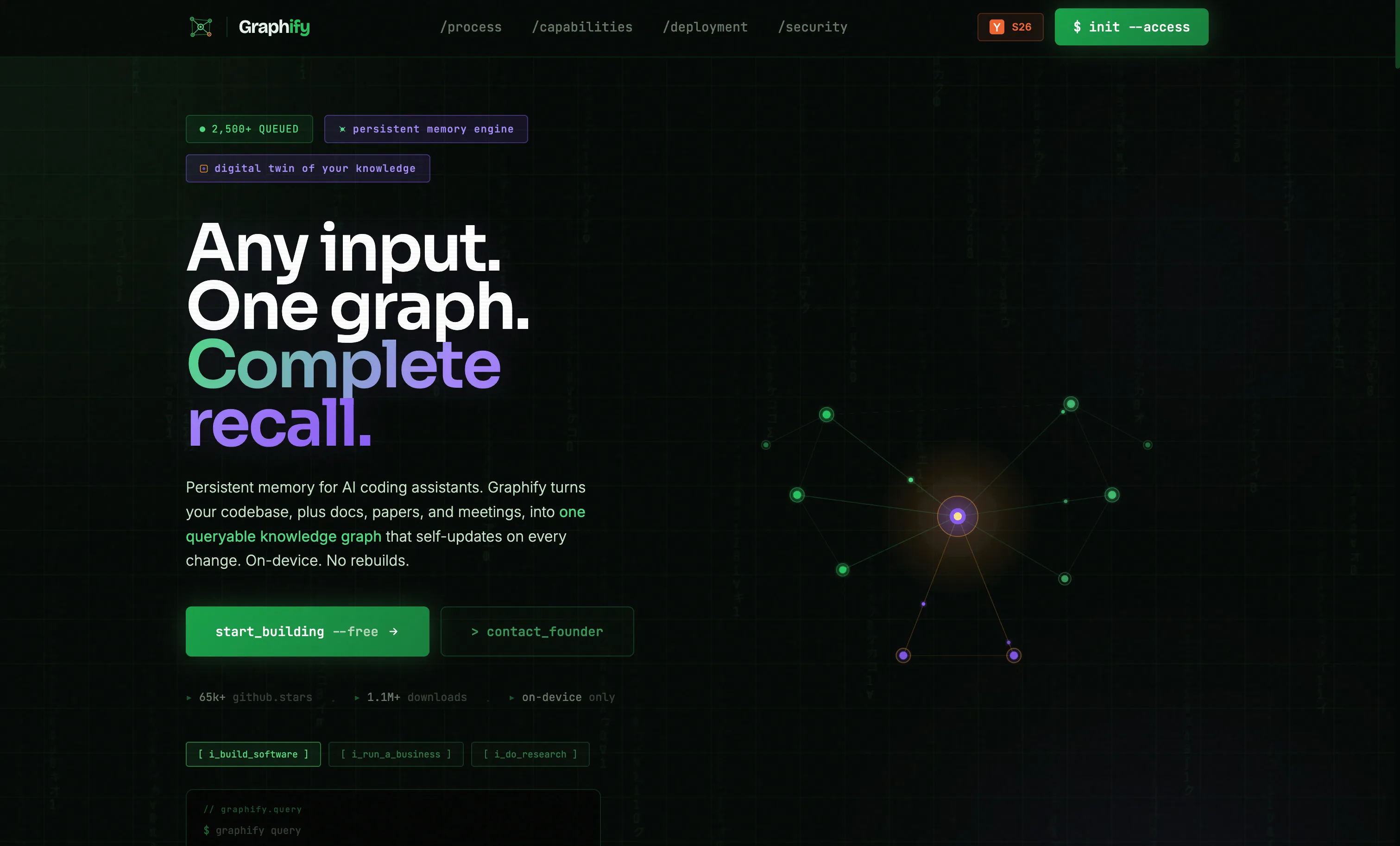
The most expensive thing a coding agent commonly does is explore a codebase it has not seen before. Without structure, it reads file after file to build a mental model of the project. Graphify attacks this directly by pre-computing that structure into a queryable knowledge graph.
Graphify (from Graphify Labs, Y Combinator S26) uses tree-sitter AST extraction to parse your codebase across 28 programming languages and build a graph of how code entities relate to each other: functions calling functions, modules importing modules, types referiting types. The result is stored as interactive HTML, a Markdown report, and a JSON graph that any AI assistant can query.
The core idea is that instead of asking “read src/auth/session.py”, an agent can ask “what does authenticate_user depend on?” and get back a precise, minimal answer. Targeted graph queries replace broad file reads. Graphify also identifies “god nodes” - the most-connected entities in the codebase - which tend to be exactly the pieces an agent needs to understand first when tackling a task. It also supports PR impact analysis, showing which parts of the graph a proposed change touches.
Graphify integrates with Claude Code, Cursor, Gemini CLI, GitHub Copilot CLI, and a number of other AI assistants. For large repos where agents spend significant time in exploratory tool calls, it can cut that exploration cost substantially.
# Install Graphify
pip install graphify

# Build the knowledge graph for your project
graphify build .

# Query the graph from any supported agent
graphify query "what calls authenticate_user?"
The tradeoff is that graph generation takes time and needs to be kept current as the codebase evolves. For active repos, you would add graphify build to your CI pipeline or run it before starting a significant agent session. The graph itself is a one-time build cost that pays back quickly.
Caveman: Skills That Shorten Output
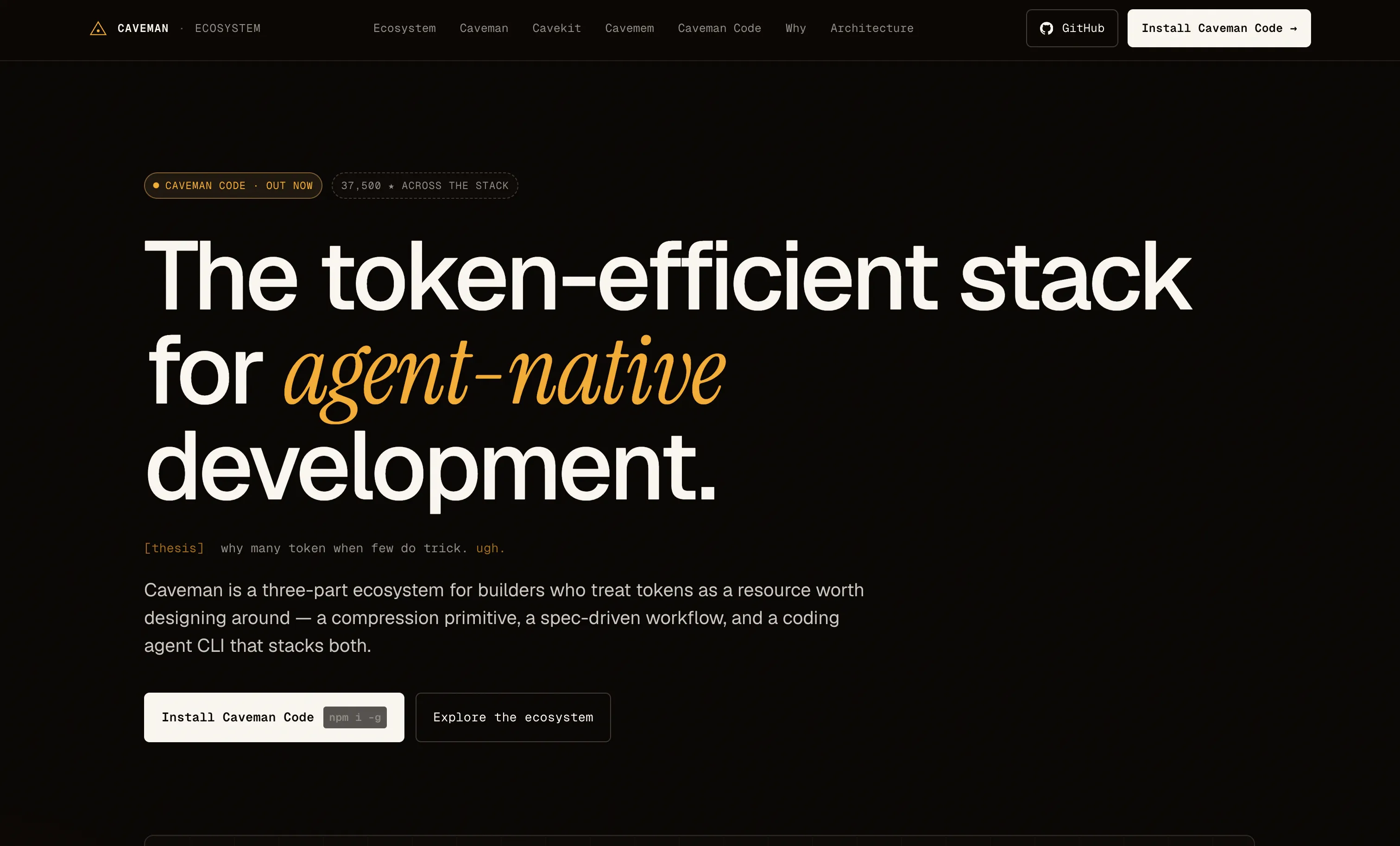
Graphify addresses what goes into the context. Caveman addresses what comes out of it. It is a Claude Code skill that instructs the model to rewrite its responses in terse, information-dense language - technically accurate, stripped of everything else.
The efficiency gains are lopsided in a helpful direction. In the project’s own benchmarks across a sample of prompts, Caveman reports an average 65% reduction in output token count, with some responses dropping by over 80%. A detailed explanation of React re-renders that would normally run to 1,180 tokens comes back as 159 tokens instead. Memory file compression using /caveman-compress has shown around 46% reduction on stored context files.
Caveman comes with multiple compression levels - lite for light trimming, full as the default, and ultra for maximum density. There is also a wenyan mode that rewrites output in classical Chinese. Whether that last one is useful in practice depends on your team, but it is a good illustration of how far the compression idea can be taken.
The commands are straightforward. /caveman-commit writes minimal commit messages. /caveman-review gives one-line PR feedback. /caveman-compress rewrites a memory file or CLAUDE.md section into a smaller form. The skill also ships as an MCP middleware wrapper that can compress tool descriptions before they reach the model.
One important limitation: Caveman only reduces output tokens, not input tokens. It does not affect what the agent reads - only what it writes back. For workloads where input tokens dominate (large file reads, long conversation histories), Caveman alone will not solve the problem. It works best combined with the input-side tools covered in the next sections.
Headroom: A Compression Layer for Everything the LLM Reads
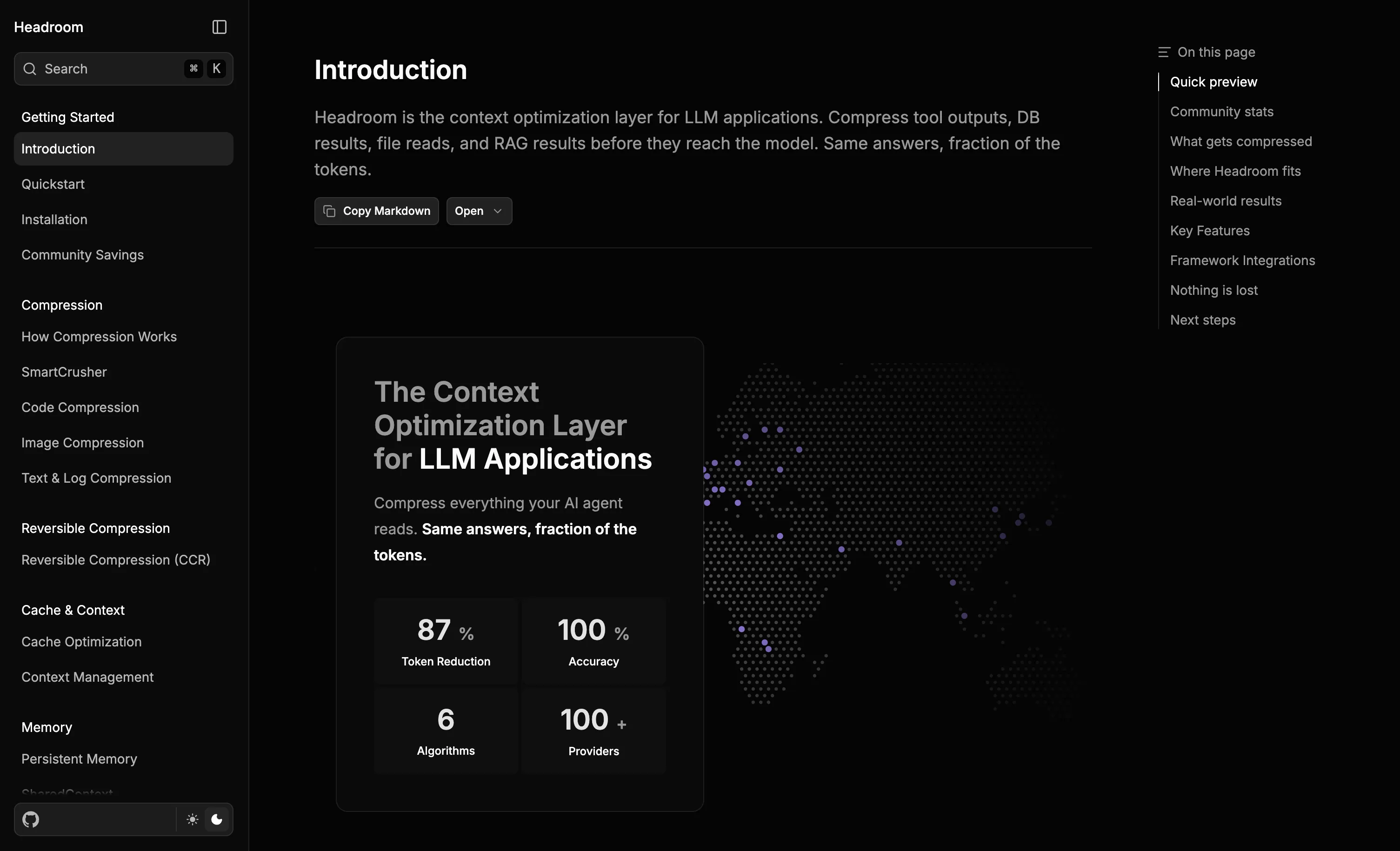
Headroom (Apache 2.0, 30.7k GitHub stars) addresses input token bloat at the source. It sits between your agent and the LLM provider as a context optimization layer, compressing tool outputs, system logs, files, and RAG chunks before they ever reach the model. The claimed reduction is 60-95% on real workloads, and benchmarks on code search, incident debugging, and issue triage show 47-92% in practice with no meaningful accuracy drop.
The reason it can compress that aggressively without losing information is reversible compression (CCR): the original content is cached locally, and the model can retrieve it on demand when it needs full fidelity. What gets sent to the LLM is a dense representation; the original is never discarded.
Headroom ships in three modes so you can integrate it without rewriting anything. The proxy mode is the easiest - point your existing OpenAI-compatible client at localhost:8787 and all traffic is compressed transparently:
pip install "headroom-ai[all]"

# Wrap a specific agent directly
headroom wrap claude    # Claude Code
headroom wrap aider    # Aider

# Or run as a transparent proxy for any OpenAI-compatible client
headroom proxy --port 8787
In Python:
from headroom import compress

compressed = compress(messages, model="claude-sonnet-4-6")
Under the hood, Headroom uses three content-aware algorithms: SmartCrusher for JSON and nested structured data, CodeCompressor for AST-aware code compression across Python, JavaScript, Go, Rust, Java, and C++, and Kompress-base, a HuggingFace model trained on agentic traces that handles prose and log output. Each type of content gets a compression strategy matched to its structure rather than a generic text-shrinking pass.
Two features stand out beyond basic compression. The cross-agent memory store deduplicates context across agent sessions - if two steps read the same file, it is only counted once. And CacheAligner stabilizes prompt prefixes to maximize provider-side KV cache hits, which stacks with Anthropic’s prompt caching discount. Run headroom perf after a day of usage to see the actual token savings on your own workloads.
RAG-Based Context Retrieval
Retrieval-augmented generation has been a staple of chatbot architectures for a while, but applying it specifically to codebase context for coding agents is where you get the most leverage. The idea is simple: instead of loading an entire file because it might be relevant, embed the contents of your codebase into a vector index and retrieve only the chunks that actually match the current task.
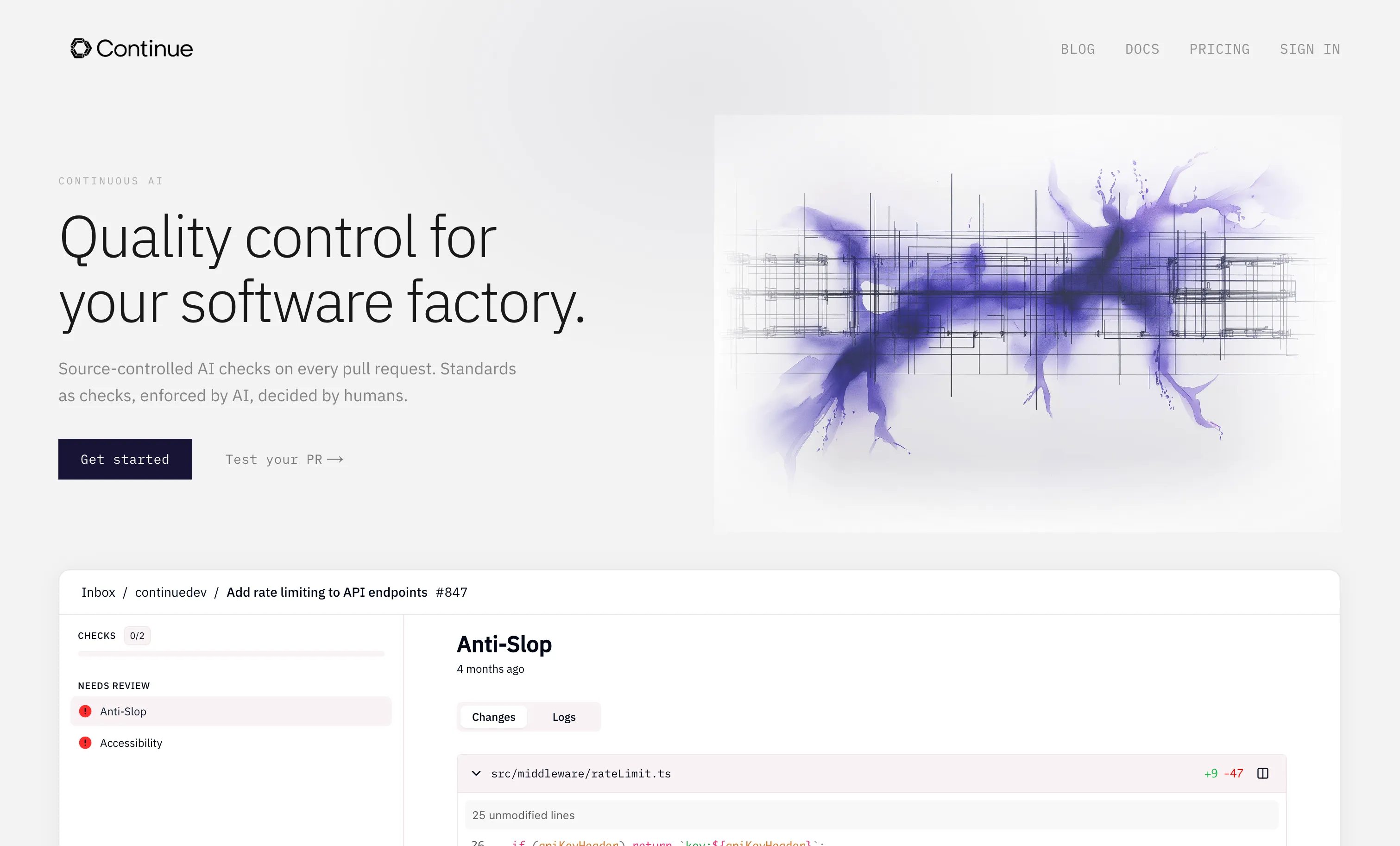
Continue.dev is the most established open-source tool for this use case. Its @codebase context provider uses local embeddings to index your repository and retrieve semantically relevant code snippets on demand. When an agent is working on a feature, it can ask for relevant context and get back the specific functions, classes, and comments that are actually related - not the entire file they live in. Continue.dev supports local embedding models (via Ollama) so the index can be built and queried without sending code to an external service. For teams with privacy concerns or air-gapped environments, this matters.
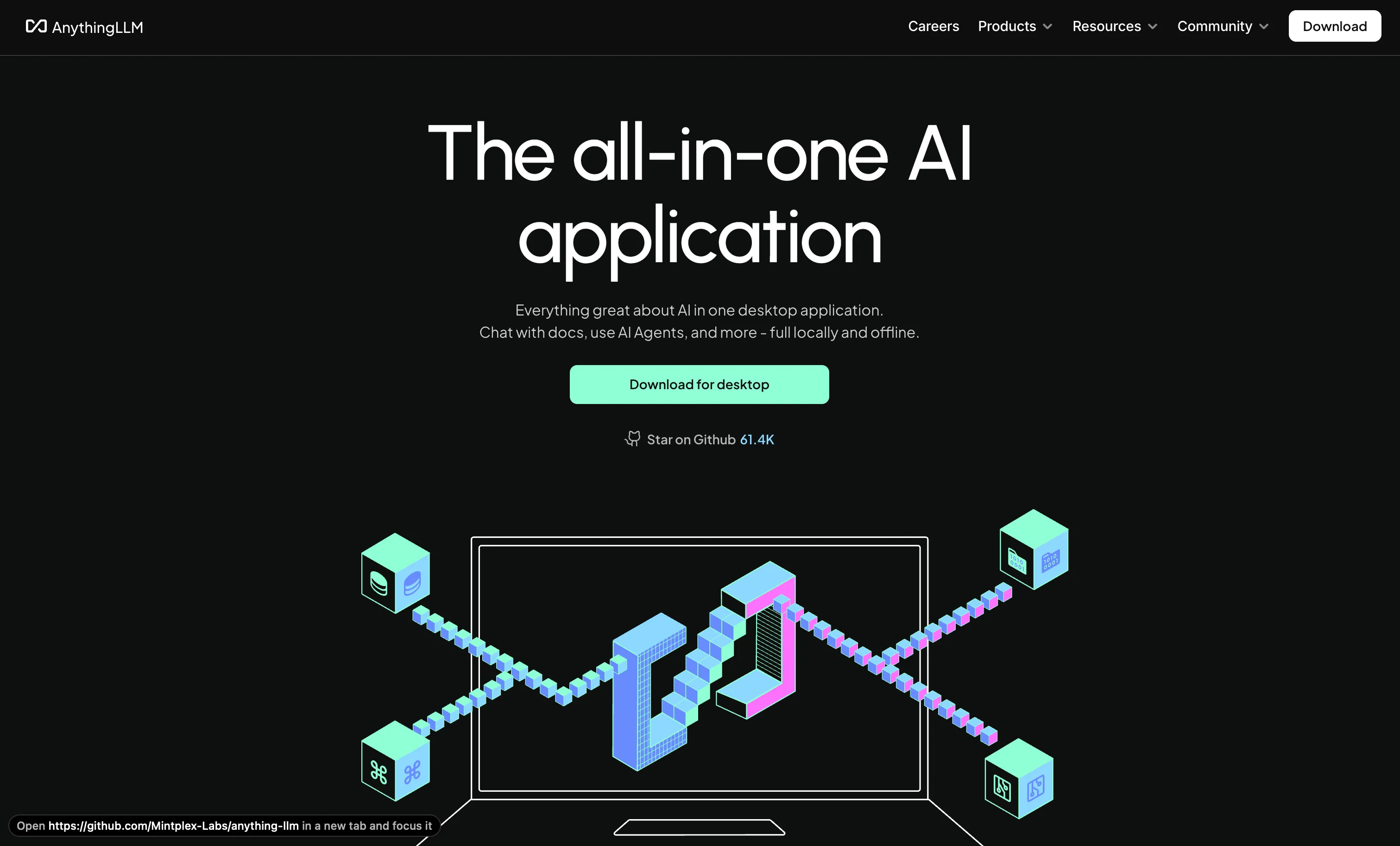
AnythingLLM takes a broader approach: it is a full local RAG platform that supports ingesting code, documentation, and any other text-based source into workspace-specific vector databases. Agents connecting via its API can query across multiple knowledge bases simultaneously. It supports 30+ LLM providers and works with Ollama for fully local operation. The workspace model is useful when you want to separate context for different projects or different phases of work (one workspace for the codebase, another for the API documentation).
The efficiency numbers from RAG-based retrieval on large repos are significant. Semantic retrieval can reduce per-query context by 60-80% compared to naive file loading, depending on how well-tuned the embedding model and chunk size are. The main cost is the upfront indexing time and the minor latency added per retrieval call.
For more advanced use cases, the GraphCodeAgent architecture (from a 2025 research paper at arxiv.org/abs/2504.10046) combines both a call graph and a data flow graph with retrieval augmentation, letting the agent reason about code relationships alongside text similarity. It is more complex to set up but demonstrates the ceiling of what is possible when graph structure and RAG are combined.
Context Management and Architecture Summaries
Even with good retrieval, long agent sessions accumulate context. The transcript from the first hour of work does not disappear - it gets included in every subsequent request. Most of the useful information from that first hour can be compressed into a much smaller summary without losing any of the actionable content.
Claude Code’s /compact command does this natively. Running /compact at a natural checkpoint - after a feature is done, before switching to a different subsystem - triggers in-place compression of the conversation history. The detailed back-and-forth gets replaced by a summary that preserves the key decisions and current state. This is the cheapest thing most developers can do, because it requires no external tooling and works immediately. Using /clear between unrelated tasks has a similar effect: starting fresh eliminates accumulated noise entirely.
CLAUDE.md and system prompt hygiene is a related lever. Every byte in your project-level CLAUDE.md file gets included in every request. A well-structured CLAUDE.md with focused, minimal guidance does less damage than one that has grown organically to include every edge case and convention ever discussed. Keeping these files under 5,000 tokens is a practical target; anything beyond that should probably be in a referenced document rather than inlined.
Tokalator is a VS Code extension and context engineering toolkit (introduced in a 2025 research paper on context engineering for coding assistants) that approaches this more systematically. It provides 11 slash commands for managing token budgets: explicit budget caps, context prioritization, compaction triggers, and usage monitoring visible in real time inside the editor. If you are building agent workflows where token budget management needs to be explicit and observable, Tokalator adds that layer without requiring changes to the model calls themselves.
Prompt Caching: The Highest-Leverage API Feature
If you are running agents against the Anthropic API directly, prompt caching is the single most impactful cost reduction available. The mechanism is simple: add cache_control breakpoints to the static portions of your prompt - the system message, tool descriptions, any fixed context. After the first request, those sections are cached server-side and subsequent requests that include the same content are charged at 10% of the normal input token rate.
For agent loops where the system prompt is 10,000 tokens and runs 50 iterations, that is a 90% discount on 450,000 of the 500,000 input tokens. Cache hits have a 5-minute TTL by default (up to 1 hour with extended caching). In practice, once a session is warm, cache hit rates above 70% are easy to sustain.
# Adding cache_control breakpoints in the Anthropic Python SDK
message = client.messages.create(
    model="claude-sonnet-4-6",
    system=[
        {
            "type": "text",
            "text": system_prompt,
            "cache_control": {"type": "ephemeral"}  # cache this section
        }
    ],
    messages=messages
)
The Claude API also offers context compaction as a beta feature (header: compact-2026-01-12), which condenses conversation history server-side before it reaches the model. In Anthropic’s documentation, one example shows a 132,000-token conversation compressed to approximately 2,000 tokens. This is different from /compact in Claude Code (which is client-side) - the API version runs on Anthropic’s infrastructure and can be triggered programmatically within long-running agent loops.
Model Routing: Right-Size Each Subtask
Not every step in an agent loop needs the same model. A subtask that says “check if this file exists” does not need the same capacity as one that says “architect the refactored version of this authentication system.” Routing different subtasks to models of different capability and cost is one of the cleanest ways to reduce total spend without changing what the agent can do.
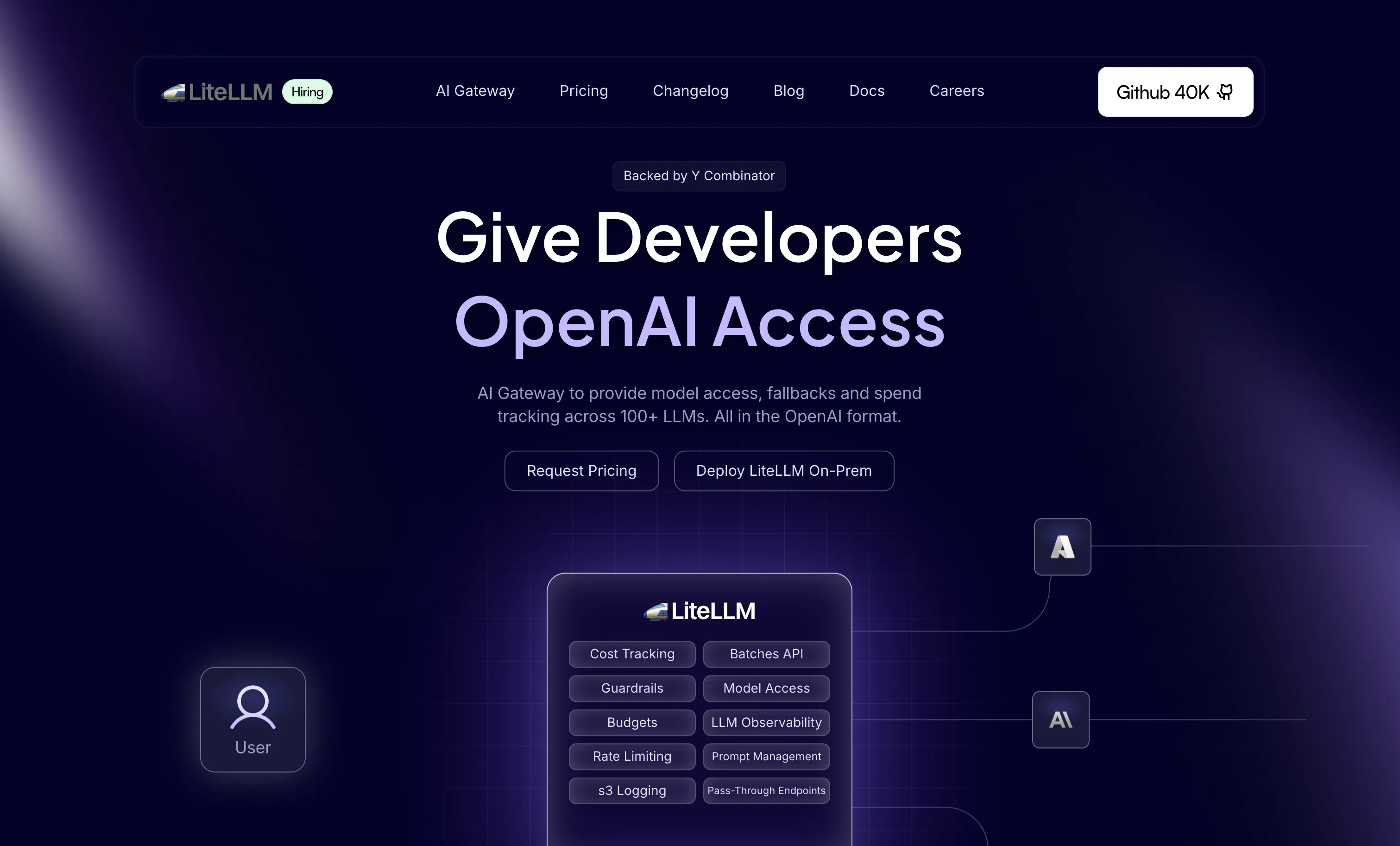
LiteLLM is the most widely-used open source tool for this. It provides a unified API layer that sits in front of multiple LLM providers and can route requests based on rules you define: send requests with simple tool calls to Haiku 4.5, send anything requiring multi-step reasoning to Sonnet 4.6, reserve Opus for tasks explicitly flagged as complex. LiteLLM also handles fallbacks, load balancing, and cost tracking across providers.
The cost differential between models is large enough to make routing meaningful. Haiku 4.5 costs roughly 30x less per token than Opus 4.6. A workflow where 70% of tool calls are routed to Haiku and 20% to Sonnet can bring overall costs down to 25-30% of what an all-Opus workflow would cost, with most users reporting no noticeable quality difference on the tasks that actually get routed to smaller models.
For teams using multiple providers, OpenRouter provides similar routing capabilities plus access to open-weight models like Qwen 3.6 and DeepSeek V3.2 that can be even cheaper for the right tasks.
Semantic Tool Selection: Filtering Before the Model Sees It
Most coding agents expose every available tool in every request. If your agent has 30 tools, all 30 get described in the prompt regardless of what the current task actually needs. A travel-booking agent test documented in an AWS developer post illustrated the scale of this problem: 29 tools required 1,557 tokens to describe; filtering down to only relevant tools reduced that to 275 tokens, an 82% reduction - and also cut tool selection errors by 89%.
The implementation is a FAISS vector index over your tool descriptions, using a small embedding model (SentenceTransformers works fine) to retrieve only the semantically relevant subset for each incoming query. The code is roughly 20 lines of Python and the latency overhead per request is sub-millisecond. For agents with large tool registries, this is worth adding early.
import faiss
from sentence_transformers import SentenceTransformer

model = SentenceTransformer("all-MiniLM-L6-v2")
tool_embeddings = model.encode([t["description"] for t in all_tools])
index = faiss.IndexFlatL2(tool_embeddings.shape[1])
index.add(tool_embeddings)

def get_relevant_tools(query: str, k: int = 5):
    query_embedding = model.encode([query])
    _, indices = index.search(query_embedding, k)
    return [all_tools[i] for i in indices[0]]
This pairs well with Graphify’s approach: Graphify reduces the tokens needed to describe the codebase, semantic tool selection reduces the tokens needed to describe the agent’s capabilities. Both address the “input before the model does any work” category.
How to Stack These
Running all of these simultaneously is possible, but starting with the highest-leverage options makes sense.
For most developers using Claude Code or a similar agent daily, the immediate wins are /compact and /clear discipline (free, no setup), keeping CLAUDE.md files trim (free, no setup), and prompt caching on any system prompts you control (90% discount with a few lines of code). These three together can reduce a typical agent bill by 40-60% without touching any external tooling.
The next tier adds Headroom if you are dealing with verbose tool outputs or large RAG chunks (it compresses everything before it hits the model and stacks with prompt caching via CacheAligner), Graphify if you work with large or unfamiliar codebases (graph-based retrieval replaces exploratory file reads), Caveman if your agent outputs tend to be verbose (compresses what feeds back into future context), and Continue.dev’s RAG if you need fine-grained retrieval over your specific codebase.
Model routing via LiteLLM and semantic tool selection are most impactful for production pipelines where agent loops run hundreds or thousands of times - the setup cost is higher but the per-request savings compound. For personal development workflows, the first tier is usually enough.
The tools are not mutually exclusive. Graphify and RAG complement each other: Graphify handles structural navigation (what calls what), RAG handles semantic retrieval (what is similar to this). Caveman compresses what gets appended to the next step’s context, which is useful regardless of how you handled the input side. Prompt caching applies automatically once you add the cache_control header - it does not conflict with anything else.
Conclusion
Most of the token spend in an AI coding agent session comes from three things: re-sent conversation history, broad file reads, and verbose output feeding back into future steps. The tools here address each category - Headroom and RAG on the input side, Graphify for codebase navigation, Caveman on output, /compact and prompt caching on conversation state. All of them are open source and stackable. Start with the ones that match where your costs are actually going.
For a deeper look at the models powering these agents, see our guide on best open source self-hosted LLMs for coding.