In this article
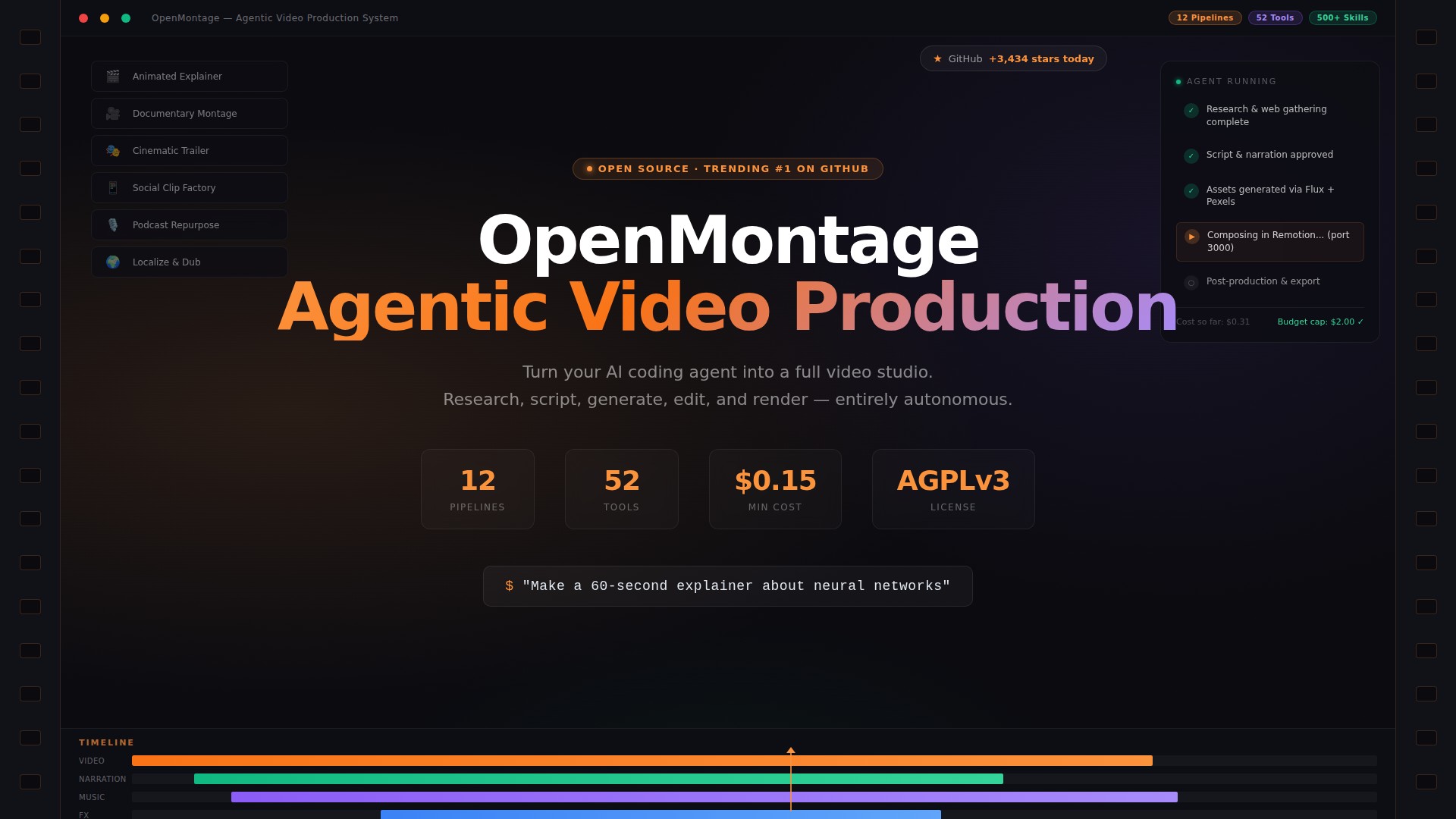
OpenMontage picked up 3,434 GitHub stars in a single day - the kind of number you usually only see when something has genuinely crossed a nerve. The description is what hooked people: “World’s first open-source, agentic video production system. 12 pipelines, 52 tools, 500+ agent skills. Turn your AI coding assistant into a full video production studio.”
That’s not a Loom wrapper or a Canva clone. The pitch is that you describe a video in plain English to Claude Code, Cursor, Copilot, or any other compatible agent, and it handles research, scripting, asset generation, editing, and final composition end-to-end. Whether it delivers on that is the interesting question.
Summary
- Install OpenMontage:
git clone https://github.com/calesthio/OpenMontage.git cd OpenMontage make setup - Copy and configure your
.envfile:cp .env.example .env - Tell your AI coding agent what to make - “Create a 60-second explainer about how neural networks learn”
- When Remotion starts composing on port 3000, share the preview via Pinggy:
ssh -p 443 -R0:localhost:3000 free.pinggy.io
Resources:
What OpenMontage Actually Is
Most “AI video” tools generate short clips from text. OpenMontage aims to do what an actual production team does: research the topic, write a script, build a scene plan, source and generate assets, edit them into a timeline, add narration and music, and render a finished file.
It’s not a standalone app. It’s a toolkit your AI coding agent drives. The architecture is three layers: tools (tools/) - 52 Python executables covering video generation, image gen, TTS, music, and analysis; pipeline manifests (pipeline_defs/) - YAML playbooks defining production stages for each video type; and skills (skills/) - Markdown instruction files that teach the agent how to use every tool correctly. There’s no proprietary orchestrator. The agent reads the manifest and drives the whole thing, which means you can swap agents freely - Claude Code, Cursor, Copilot, Windsurf, Codex all work.
Before writing a single word of script, the agent runs 15–25+ web searches across YouTube, Reddit, news sites, and academic sources to ground your video in real, current information. Every provider choice, style decision, and fallback gets logged in an auditable decision trail.
The 12 Pipelines
| Pipeline | What It Produces | Best For |
|---|---|---|
| Animated Explainer | AI-generated explainer with research, narration, visuals, music | Tutorials, educational content |
| Animation | Motion graphics and kinetic typography via HyperFrames (HTML/GSAP) | Social media, product demos |
| Avatar Spokesperson | Avatar-driven presenter videos | Corporate comms, training |
| Cinematic | Trailers, teasers, mood-driven edits | Brand films, promotional content |
| Clip Factory | Batch of ranked short-form clips from one long source | Repurposing long content for social |
| Documentary Montage | Real footage cut from Archive.org, NASA, Wikimedia, Pexels | Video essays, real-footage without paid APIs |
| Hybrid | Your existing footage enhanced with AI visuals | Enhancing existing footage |
| Localization & Dub | Subtitle, dub, and translate existing video | Multi-language distribution |
| Podcast Repurpose | Podcast highlights to video | Podcast marketing, audiograms |
| Screen Demo | Polished software screen recordings with narration | Product demos, documentation |
| Talking Head | Footage-led speaker videos | Presentations, vlogs, interviews |
Every pipeline follows the same structured flow: research → proposal → script → scene plan → assets → edit → compose. The agent proposes a treatment before executing, giving you a checkpoint to redirect before anything expensive runs.
Prerequisites
- Python 3.10+
- Node.js 18+ - use 22+ if you want HyperFrames (motion graphics, kinetic typography, SVG character animation)
- FFmpeg -
brew install ffmpeg/sudo apt install ffmpeg - An AI coding assistant - Claude Code, Cursor, Copilot, Windsurf, or Codex. OpenMontage ships a dedicated config file for each.
Installation
git clone https://github.com/calesthio/OpenMontage.git
cd OpenMontage
make setup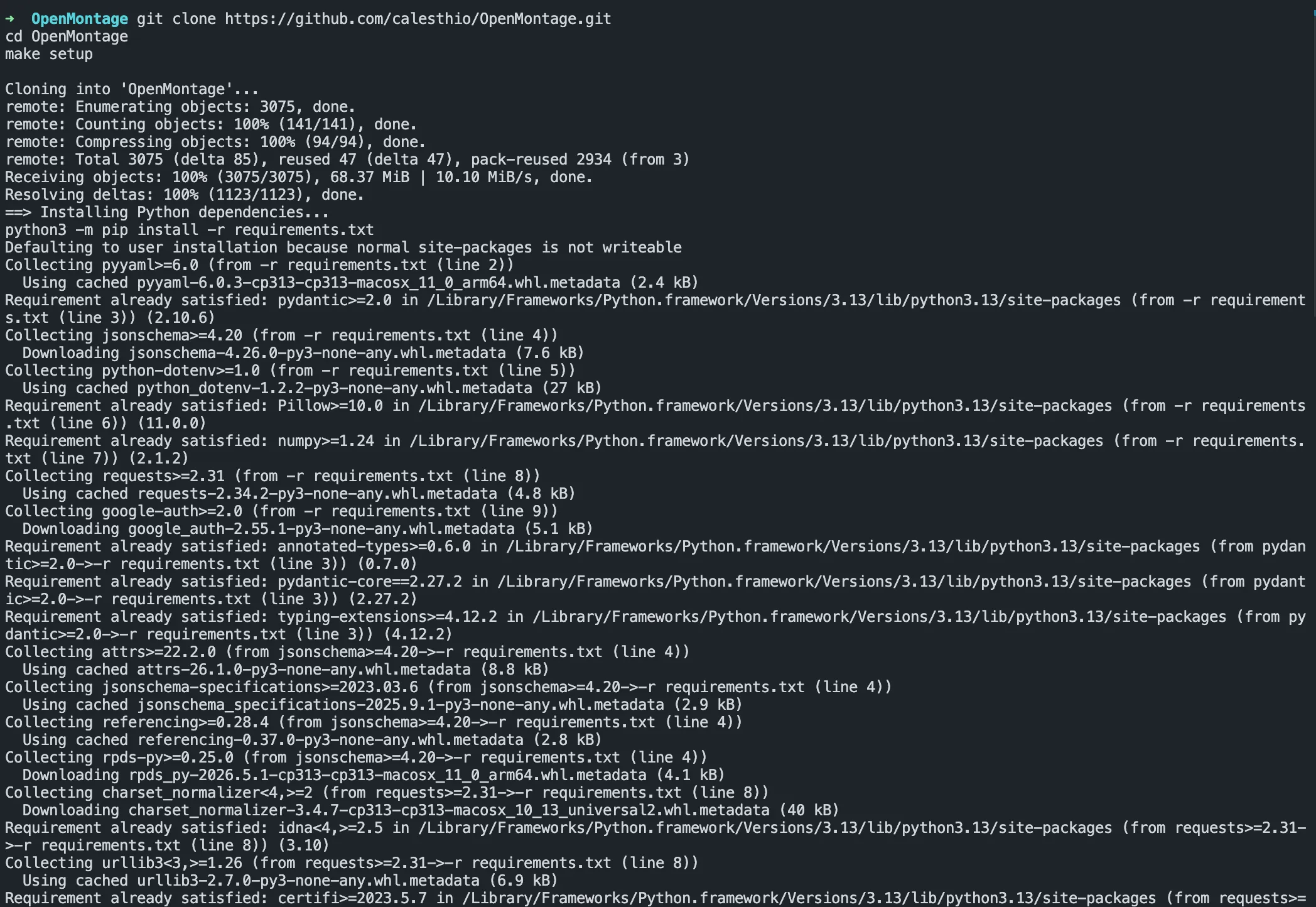
make setup installs Python dependencies, Remotion’s Node packages, and Piper TTS (free offline voice engine). If you don’t have make:
pip install -r requirements.txt
cd remotion-composer && npm install && cd ..
pip install piper-tts
cp .env.example .env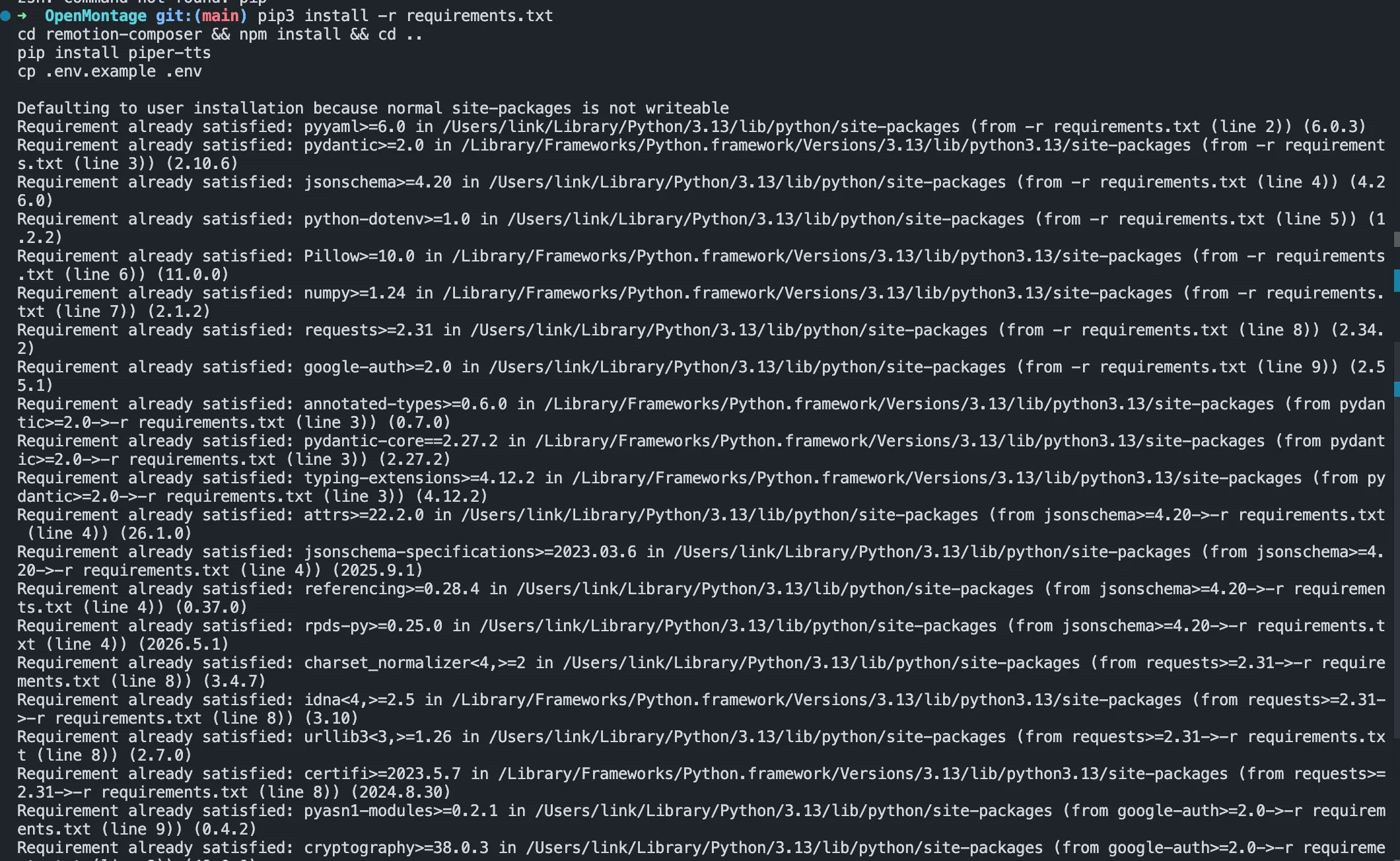
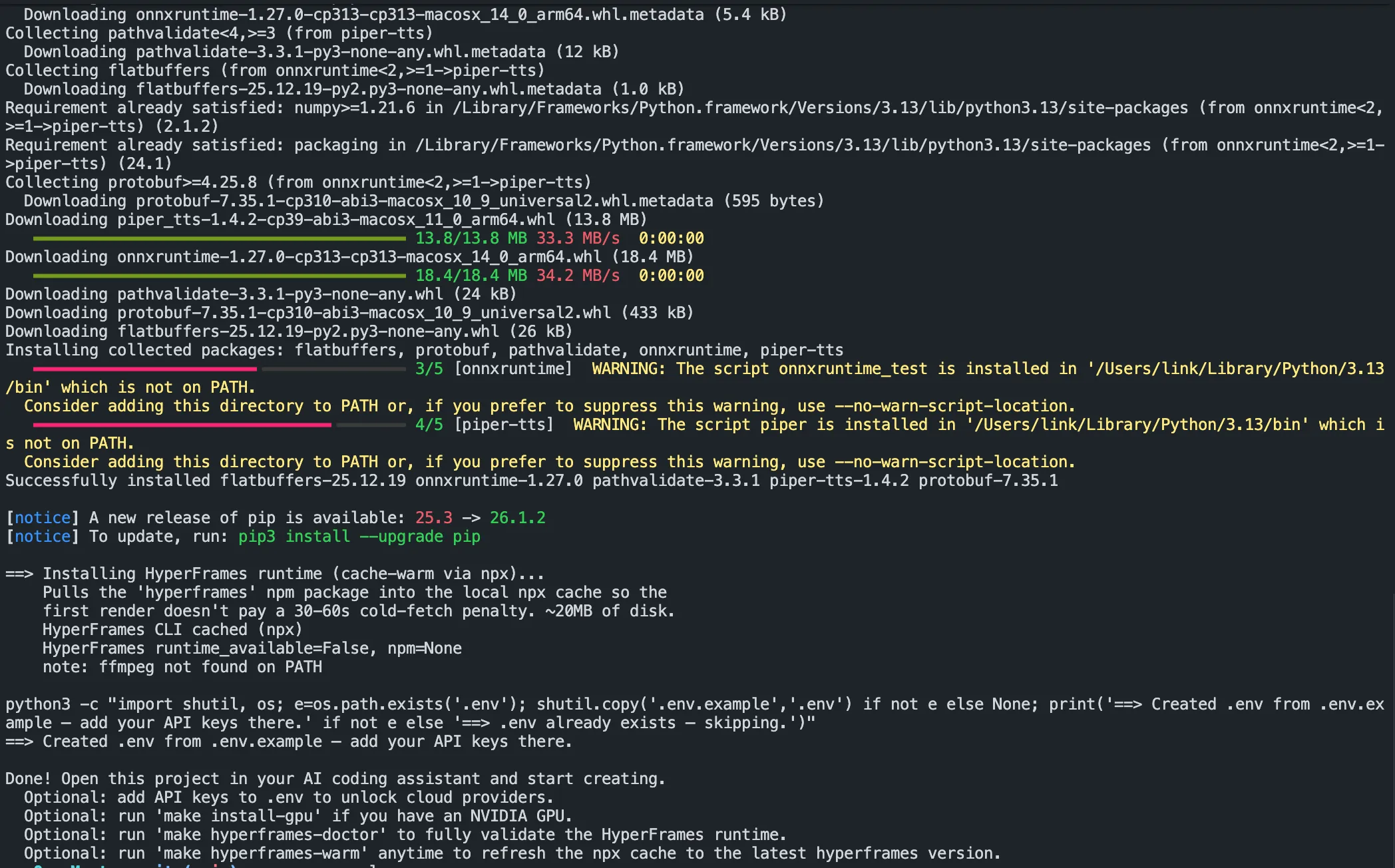
On Windows, if npm install fails with ERR_INVALID_ARG_TYPE, use npx --yes npm install instead.

Running for Free
This is the thing most coverage buries: you can produce a complete video without spending a cent. make setup gives you this full stack at zero cost:
| Capability | Free Tool | What It Does |
|---|---|---|
| Narration | Piper TTS | Free offline TTS, 90+ voice models, runs locally |
| Footage | Archive.org + NASA + Wikimedia + Pexels | Free/open archival and stock footage |
| Composition | Remotion (React) + HyperFrames (HTML/GSAP) | Animated scenes, captions, motion graphics - runs locally |
| Post-production | FFmpeg | Encoding, subtitle burn-in, audio mixing, color grading |
When you do add API keys, the real cost floor is low. From the repo’s own examples: a Ghibli-style animation (12 FLUX images, Ken Burns motion, particles) costs $0.15; a 70-second history elegy with OpenAI TTS costs $0.02; a product ad with 4 AI images and word-level subtitles costs $0.69 with a single OpenAI key. The system always surfaces a cost estimate before executing, and hard spend caps are configurable.
If you have an NVIDIA GPU, you can also unlock free local video generation with WAN 2.1, Hunyuan, or CogVideo:
make install-gpu
# Then in .env:
VIDEO_GEN_LOCAL_ENABLED=true
VIDEO_GEN_LOCAL_MODEL=wan2.1-1.3b
Your First Production
Once setup is done and your AI agent is open on the project, describe what you want:
Make a 60-second animated explainer about how neural networks learn.
Use captions and background music. Keep it free tier only.
The agent looks up the animated_explainer pipeline manifest, proposes a treatment for your approval, then runs each stage - web research, image generation, Piper TTS narration, music sourcing, Remotion composition, and a self-review pass (ffprobe validation, frame sampling, audio level analysis) before handing you the final MP4. The whole thing for a 60-second free-tier explainer takes around 10–15 minutes.
You can also start from a reference video. Paste a YouTube link and say “make something like this but about quantum computing” - the agent analyzes transcript, pacing, and style, then gives you 2–3 differentiated concepts with cost estimates before doing any production work.
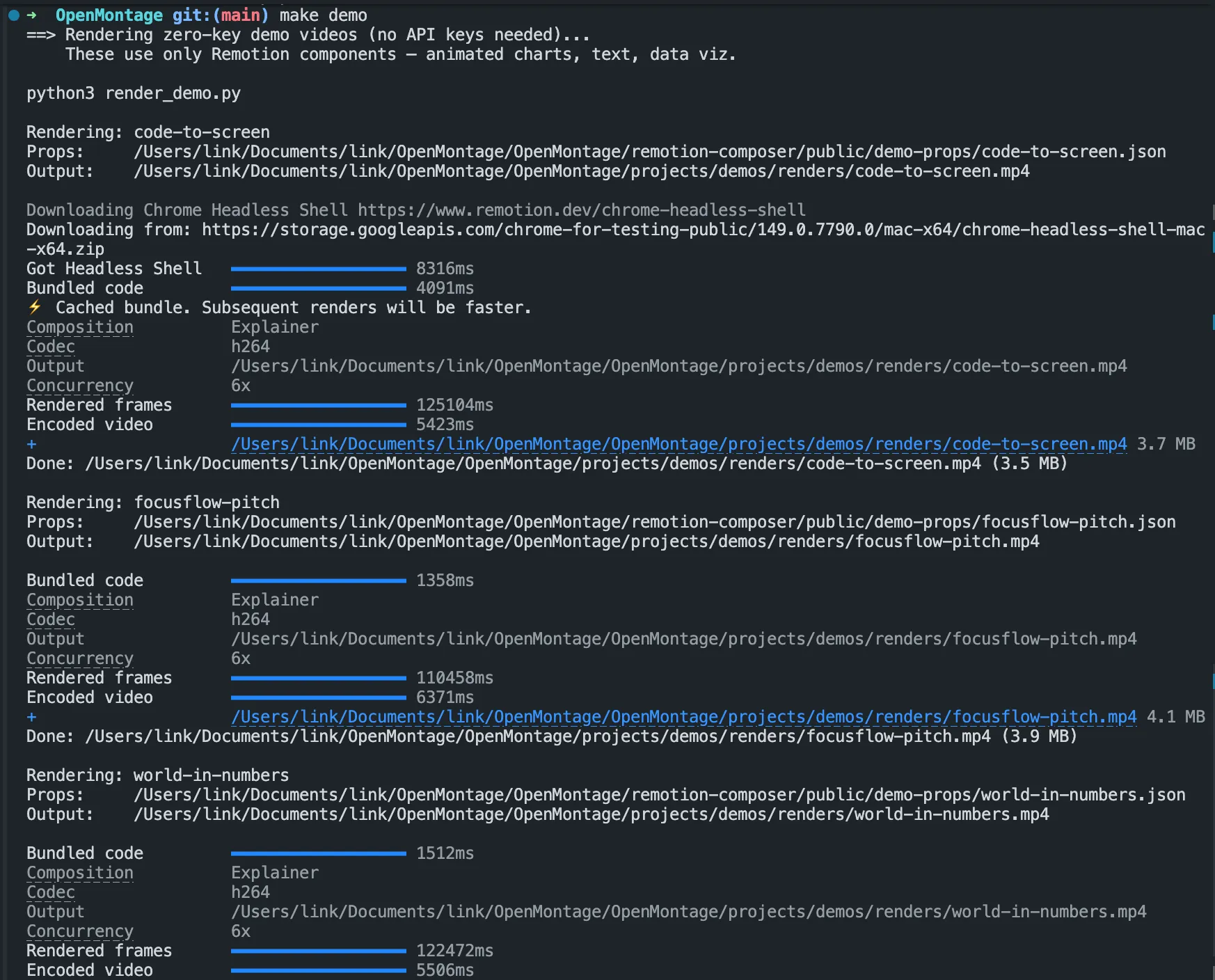
Sharing the Remotion Preview with Pinggy
Remotion’s composition engine spins up a local dev server at http://localhost:3000. While the agent is composing, this gives you a live interactive preview - you can scrub the timeline, check scene transitions, and spot problems before the final FFmpeg render runs.
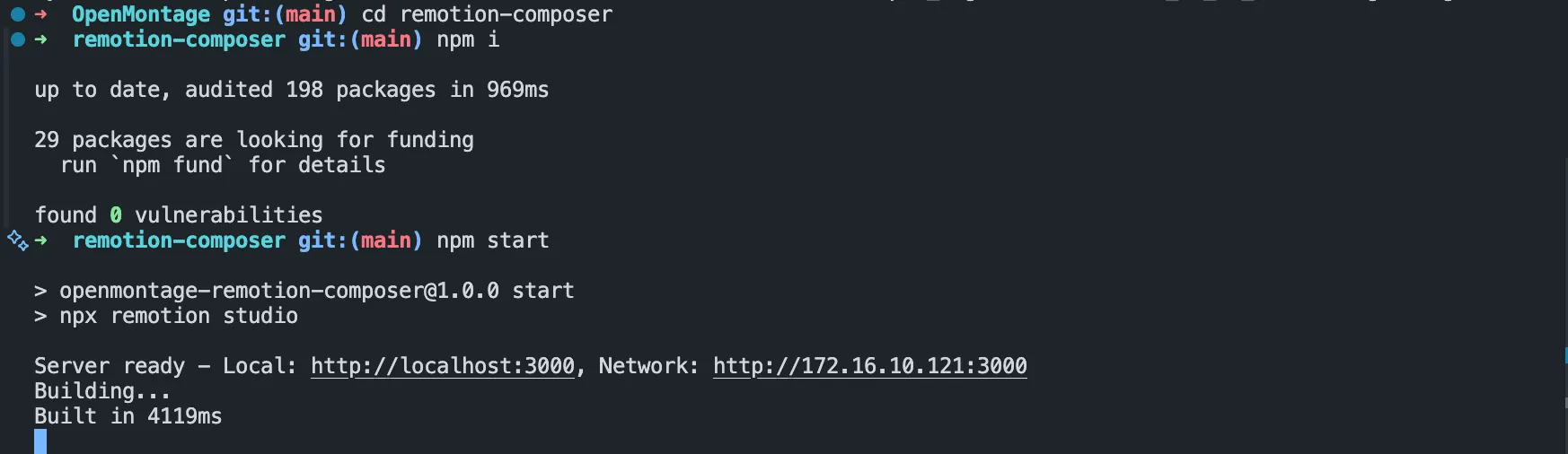
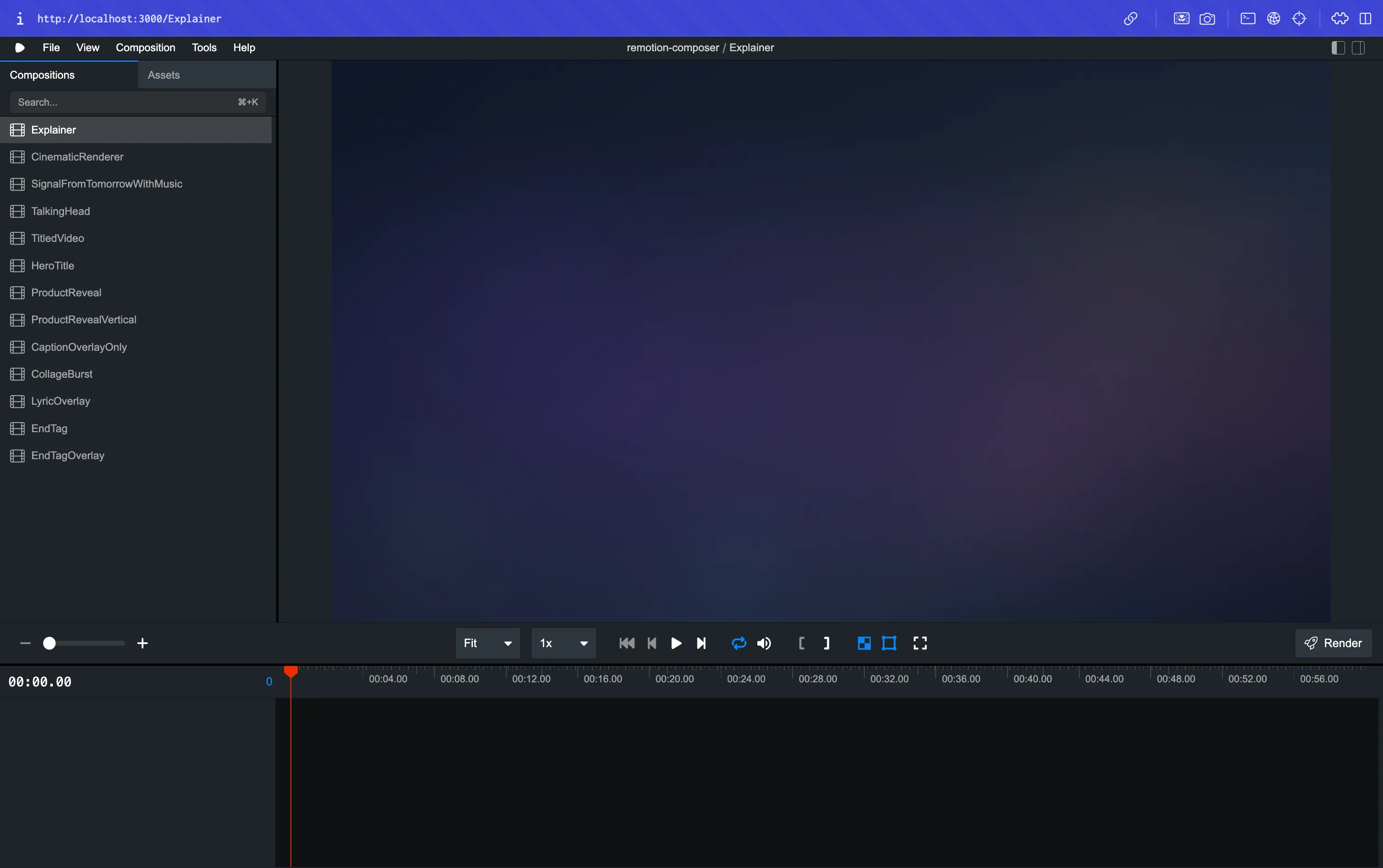
The issue is that this server is local. If you want a client to review the cut, or a collaborator to check timing on their end, they need access to your localhost:3000.
Pinggy fixes this in one command:
ssh -p 443 -R0:localhost:3000 free.pinggy.io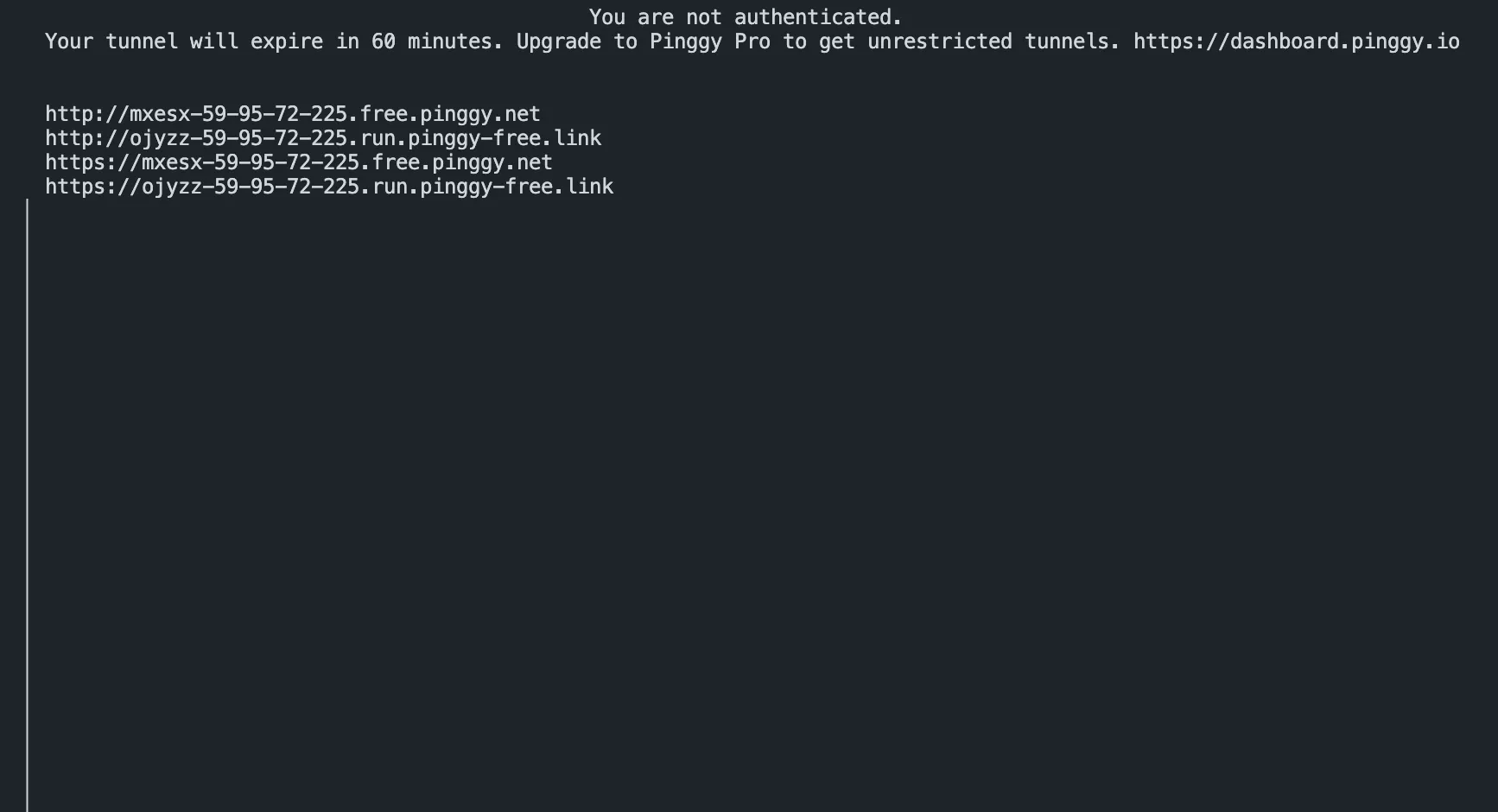
Pinggy gives you a public HTTPS URL like https://abc123.a.pinggy.link. Anyone you share it with can open the Remotion preview in their browser - no VPN, no firewall changes, no account required on their end.
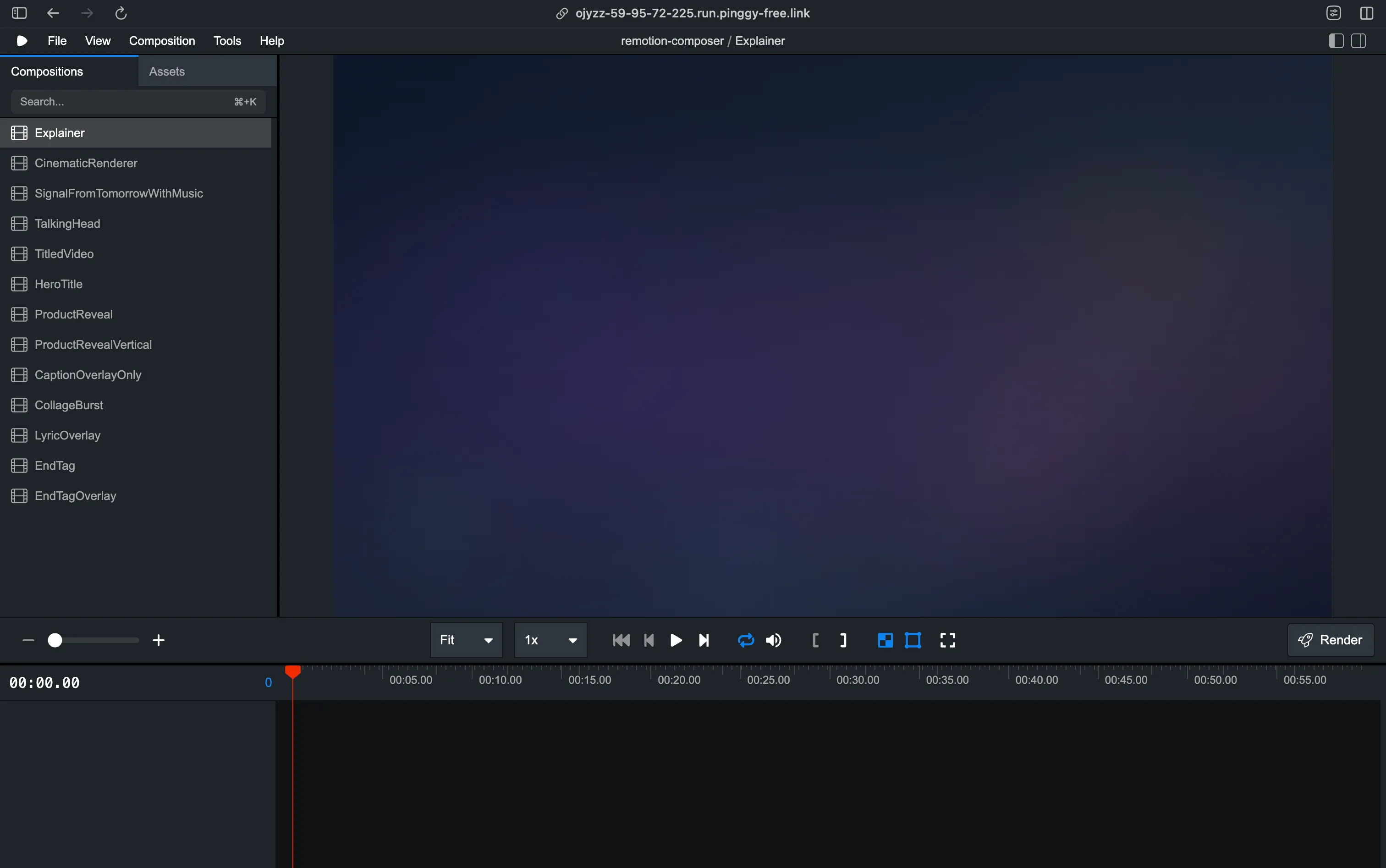
This is particularly useful when:
- Client review: You’re producing marketing videos and the client wants to see the rough cut before you spend time on the final render
- Remote collaboration: Your production pipeline is running on a dedicated machine (a workstation with a local GPU for WAN 2.1 or Hunyuan video generation) and you want to preview from your laptop
- Async feedback: You send the preview URL in a Slack message and teammates can scrub through it at their own pace
The tunnel closes when you kill the ssh command. The URL changes each time unless you use a Pinggy paid plan with a persistent subdomain.
Provider Selection: How the Agent Chooses
When the agent needs to generate a video clip, it doesn’t just call Runway every time. It ranks all available providers across 7 weighted dimensions: task fit (30%), output quality (20%), control features (15%), reliability (15%), cost efficiency (10%), latency (5%), and continuity (5%). The winner and all alternatives get logged. If you want to understand why it picked Kling over Runway for a particular scene, you can read the exact reasoning in the job log.
OpenMontage supports 14 video generation providers total - cloud APIs (Kling, Runway Gen-4, Google Veo 3, Grok, MiniMax, HeyGen), free stock sources (Pexels, Pixabay, Wikimedia Commons), and local GPU models (WAN 2.1, Hunyuan, CogVideo, LTX-Video). Image generation covers 10 providers including FLUX, Google Imagen 4, DALL-E 3, and free stock. TTS covers ElevenLabs, Google (700+ voices), OpenAI, and Piper locally.
What’s Rough Right Now
OpenMontage is a young project and the README is honest about it. The manual install path - Python, Node, FFmpeg, multiple provider SDKs - is not for the impatient. make setup smooths it out considerably, but if anything in your environment is misaligned (wrong Python version, conflicting Node modules, FFmpeg missing codec support), you’ll be debugging before you make a single frame. There’s no Docker image yet, which would solve most of the friction.
The free tier produces good results for documentary and explainer formats. The high-production pipelines (Cinematic, Animation, Avatar Spokesperson) benefit strongly from API-based providers, and the costs add up if you’re iterating. The budget governance tools are there for a reason - set caps before you start.
Conclusion
Getting set up is the hardest part. Once it’s running, producing a 60-second explainer is a single prompt, and Pinggy gets the Remotion preview in front of a client in one more. The repository is worth bookmarking even if you don’t use it today.