Open-Source Calendly Alternatives You Can Self-Host in 2026
Booking a meeting with someone outside your own organisation is still one of the clumsiest parts of everyday work: two calendars nobody else can see, two timezones, and an email thread that ends with “does Thursday still work?”. Scheduling links fixed that, which is why so many teams now pay per seat for what is, underneath, a free/busy lookup and a form.
The self-hosted answer used to be simple: run Cal.com. That changed on 15 April 2026, when Cal.com moved its production codebase into a private repository and relicensed the public one from AGPL-3.0 to MIT under a new name, Cal.diy, with the enterprise features stripped out. Calendly meanwhile costs $10 per seat per month on Standard and $16 on Teams, billed yearly. Here is what is actually worth running instead, what each one costs you in setup, and how to put one on the public internet with a single command.
Comparison Table for Self-Hosted Calendly Alternatives
| Project | Best For | License | GitHub Stars | How You Run It |
|---|---|---|---|---|
| Booking Pages (direct Calendly replacements) | ||||
| Cal.diy | Feature depth, app-store integrations | MIT | 47.8K | Next.js + Postgres, build from source |
| Easy!Appointments | Service businesses, multiple providers | GPL-3.0 | 4.3K | PHP + MySQL, official Docker image |
| Tymeslot | Modern booking pages, one container | AGPL-3.0 | 173 | Elixir/Phoenix, Postgres bundled in image |
| Thunderbird Appointment | CalDAV-native scheduling, email workflow | MPL-2.0 | 547 | Python API + Vue UI, Docker Compose |
| Nextcloud Calendar | Teams already running Nextcloud | AGPL-3.0 | 1.2K (app) | App inside a Nextcloud server |
| Calnode | Tiny footprint, API and agent driven booking | Apache-2.0 | 42 | Single Go binary + SQLite, 58MB image |
| CloudMeet | No server at all, Google/Outlook users | MIT | 518 | Cloudflare Workers + D1, deploy from GitHub |
| Group Polls (find a time that works for everyone) | ||||
| Rallly | Doodle-style date polls | AGPL-3.0 | 5.2K | Docker stack, install script |
| Crab Fit | Availability heat-maps, no accounts | GPL-3.0 | 513 | Next.js app + API, self-hosting guide |
Summary
Cal.com went closed source on 15 April 2026. Its public code lives on as MIT-licensed Cal.diy, minus Teams, Workflows, Insights, SSO and API v1.
Booking pages: Cal.diy (most features, no prebuilt image), Easy!Appointments (PHP + MySQL, official image), Tymeslot (one
docker run), Thunderbird Appointment (CalDAV-native), Calnode (58MB Go binary).Group polls: Rallly for dates (paid license above one user), Crab Fit for heat-maps.
Go public:
ssh -p 443 -R0:localhost:8080 free.pinggy.io, then set the app’s own base URL to that URL.
What changed in 2026: Cal.com went closed source
On 15 April 2026 the LICENSE file in calcom/cal.com was replaced in a commit titled “feat: Cal.diy - community-driven MIT-licensed fork”, the repository was renamed to calcom/cal.diy, and the production codebase moved somewhere you cannot read it. CEO Bailey Pumfleet’s stated reason was security: AI coding assistants have made it cheap to scan public code for vulnerabilities, and open-source code is “basically like handing out the blueprint to a bank vault”.
The Hacker News thread (391 points) was unconvinced, with Simon Willison asking whether the message being sent is “We are no longer confident in our own ability to secure your data?”. Either way, the practical result is clear. Cal.diy keeps the scheduling engine, booking flows, app store and API v2; it loses Organizations and Teams, Routing Forms, Workflows, Instant Booking, the AI phone agent, SAML/SSO, Insights and API v1. There is no hosted version, and the README calls it “strictly recommended for personal, non-production use”.
Booking pages: the direct Calendly replacements
These do Calendly’s actual job: publish a link, show real availability, take a booking, write it to your calendar.
1. Cal.diy - the most features, if you build it yourself
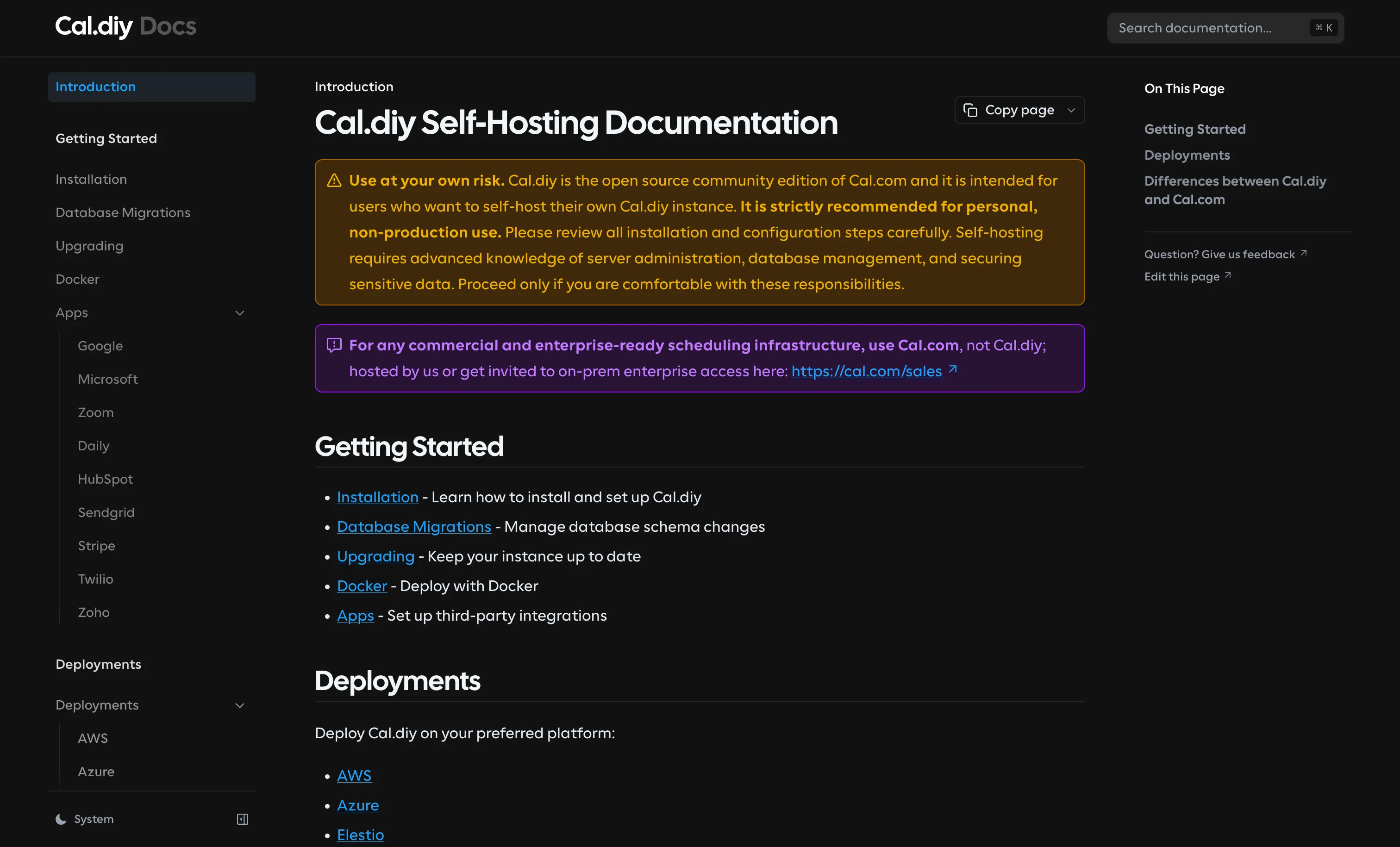
Cal.diy inherits event types with buffers and minimum notice, Stripe payments, video links through Daily.co or Google Meet, a large app store, webhooks and API v2. Team scheduling, round-robin and routing forms went to the closed edition. At 47.8K stars it has more community behind it than everything else in this guide combined, and MIT is as permissive as licensing gets.
The catch is operational. It is a Next.js + tRPC + Prisma monorepo on PostgreSQL 13+ with Node 18+, and the Docker image the README points at does not exist yet:
docker pull calcom/cal.diy:latest
# Error response from daemon: manifest for calcom/cal.diy:latest not found: manifest unknown
The Docker Hub repository has zero tags and zero pulls as of 18 August 2026. The last published image is calcom/cal.com:v6.2.0 from 2 March 2026, built from pre-fork AGPL code. So self-hosting today means git clone --recursive, two openssl rand secrets in .env, and a docker compose up -d that builds the whole monorepo locally. Budget a slow first build and a machine with real RAM.
2. Easy!Appointments - the boring option that just works
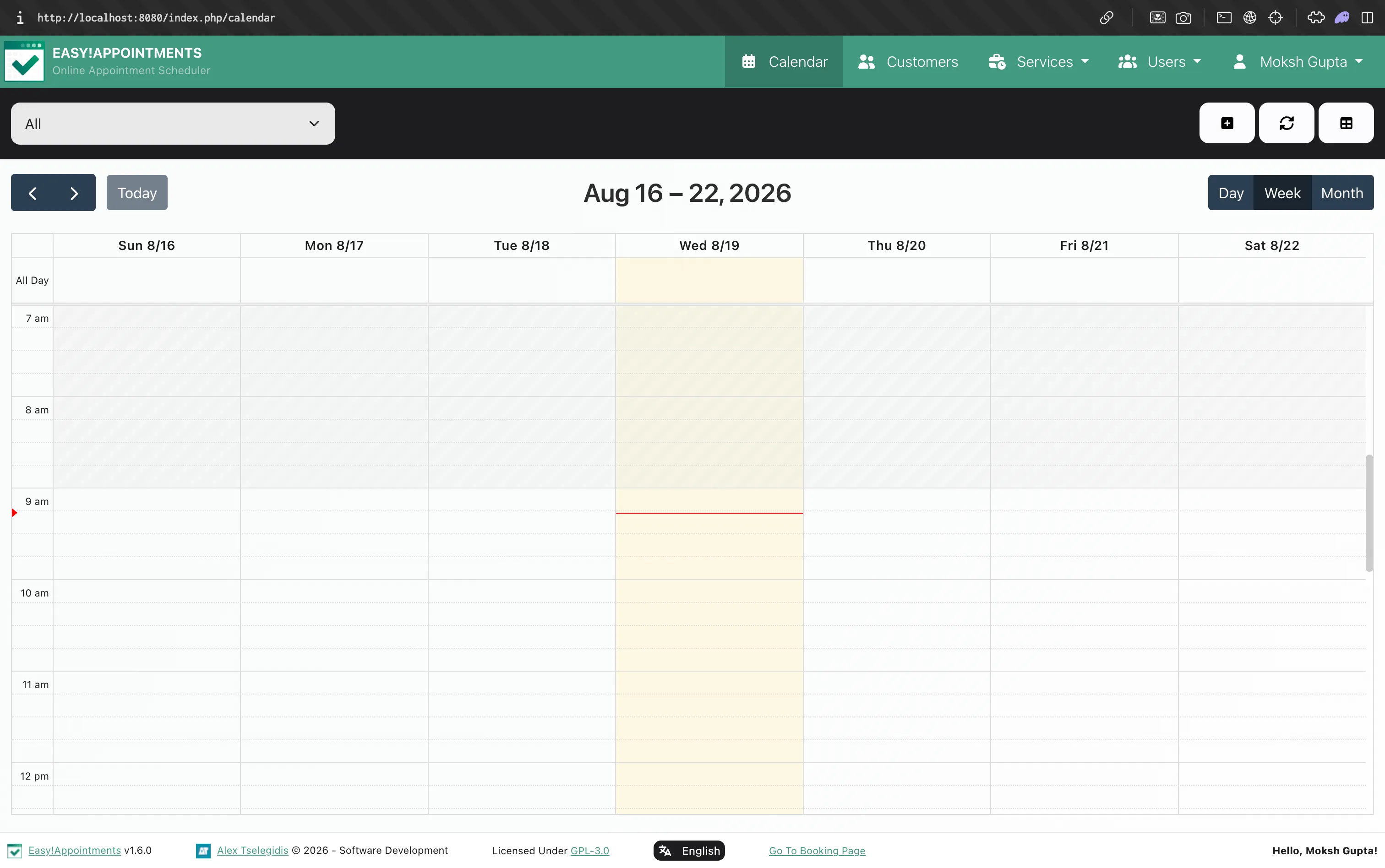
Easy!Appointments has been on GitHub since 2014 and has none of Cal.com’s drama. Version 1.6.0 (27 May 2026, GPL-3.0) runs on PHP 8.2+ with MySQL, so it works on essentially any host, and there is an official Docker image plus a browser install wizard.
The data model is a business one: services, providers and working plans, with customers booking a service with a provider. That suits a clinic, salon or consultancy better than “book 30 minutes with me”. It ships CalDAV sync and LDAP alongside Google Calendar, and 1.6.0 added Jitsi and Google Meet links plus an ALTCHA CAPTCHA on public forms. The UI is jQuery-era and you configure SMTP yourself, but nothing here is going to be relicensed out from under you. This is the tool used in the walkthrough below.
3. Tymeslot - one container, batteries included
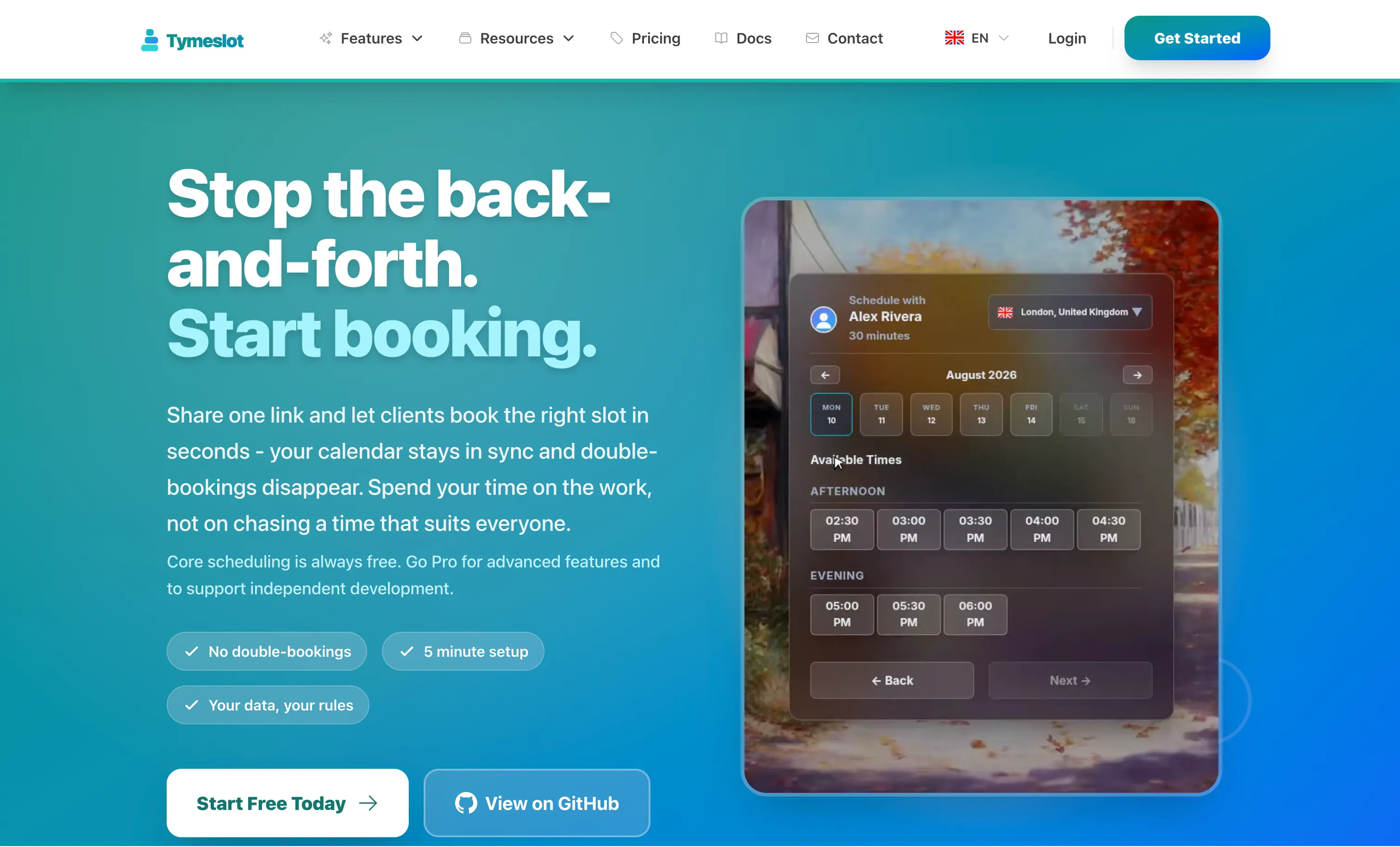
Tymeslot (AGPL-3.0, Elixir/Phoenix) is the most direct spiritual replacement for self-hosted Cal.com, and its README says why: “Cal.com relicensed away from open source in 2026. Tymeslot’s source stays public and self-hostable under the GNU AGPLv3.” Postgres is baked into the image, so setup really is one command:
docker run --name tymeslot -p 4000:4000 \
  -e SECRET_KEY_BASE="$(openssl rand -base64 64 | tr -d '\n')" \
  -e PHX_HOST=localhost \
  -v tymeslot_data:/app/data -v tymeslot_pg:/var/lib/postgresql/data \
  luka1thb/tymeslot:latest
That pulls 1.13GB, boots, and serves http://localhost:4000; the first account you create is the admin. Releases ship weekly (v1.10.1 on 17 August 2026) and the same code runs their managed cloud. The caveat is maturity: 173 stars, repository created August 2025.
4. Thunderbird Appointment - CalDAV-native, MPL-licensed
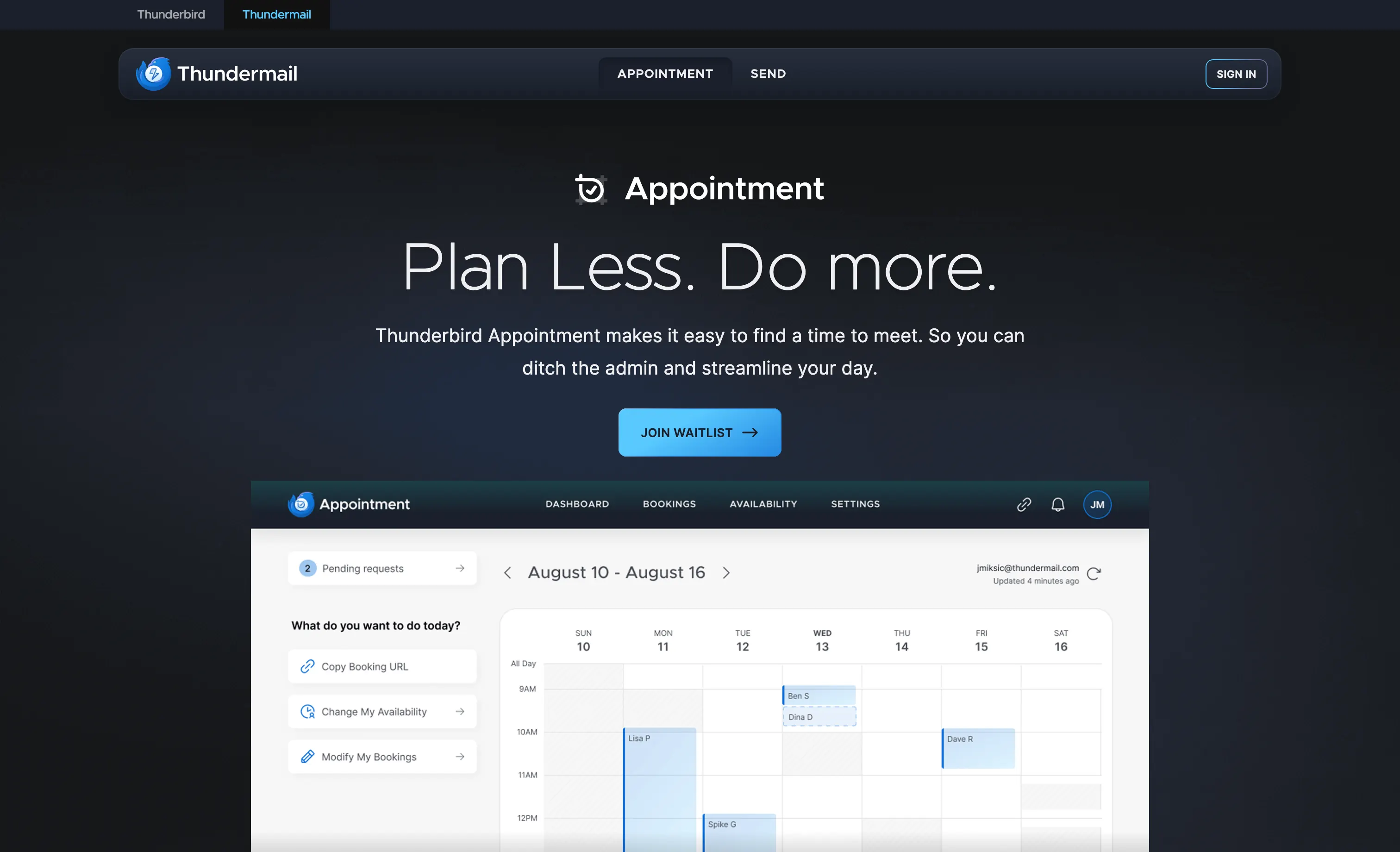
Thunderbird Appointment is the Thunderbird team’s scheduling tool, built on the same values as the mail client: MPL-2.0, standards-first, CalDAV as a first-class citizen. Self-hosting is a docker compose up -d --build after copying two .env.example files; the frontend lands on port 8090 and the Python API on 5000, with APP_ALLOW_FIRST_TIME_REGISTER=True to create the first account.
Two caveats: the self-hosting docs are openly work in progress, and the polished version is the hosted one inside Thunderbird Pro at $6/month billed annually, currently waitlisted. If you want CalDAV-native scheduling from an organisation unlikely to rug-pull its license, watch this one.
5. Nextcloud Calendar - free if you already run Nextcloud
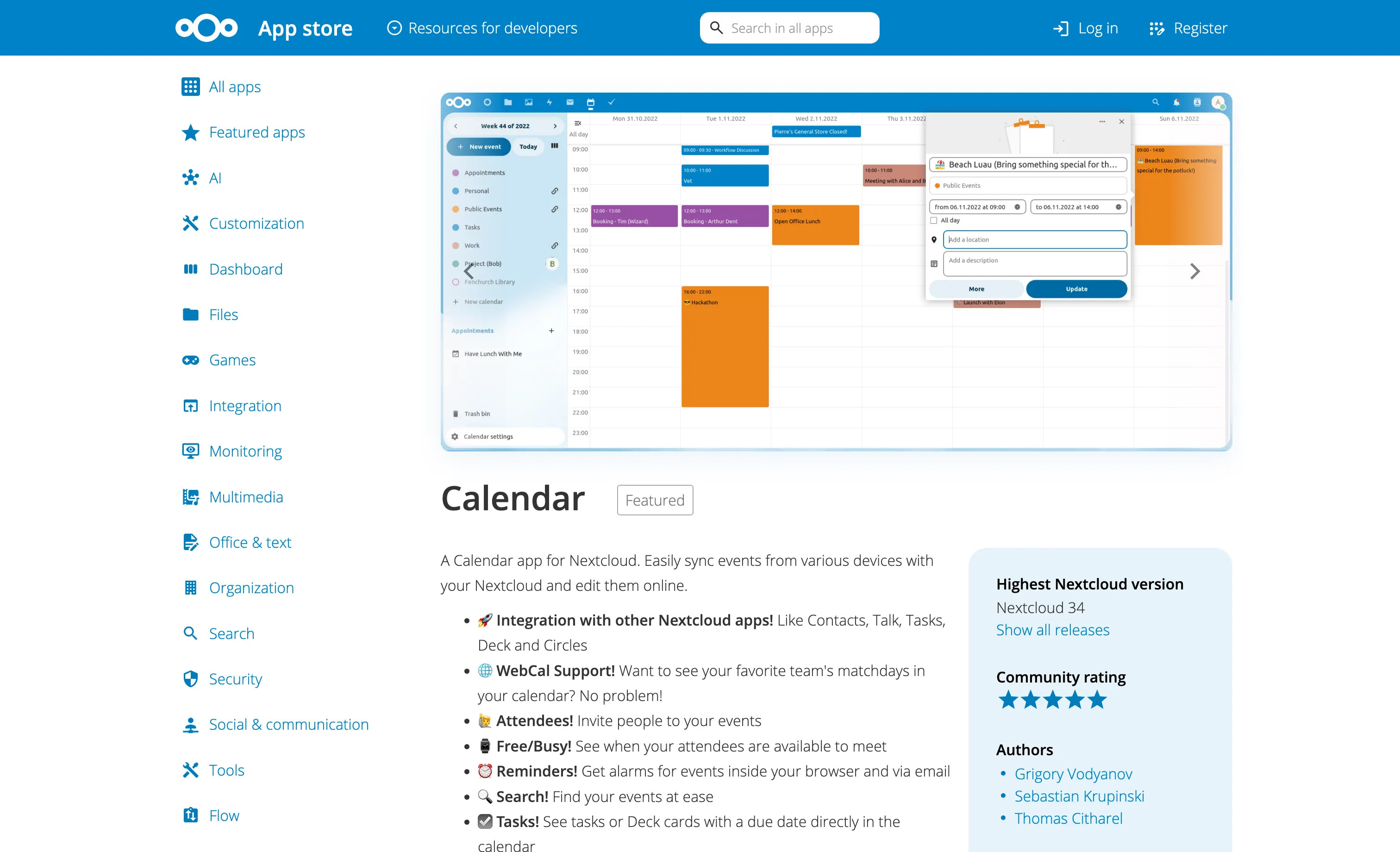
If you already have Nextcloud, you may not need another app. The Calendar app (v6.6.0, on Nextcloud Server 34.0.3) has appointment slots with configurable duration and increment, a booking window, and public or secret-URL links. Bookings check existing events for conflicts, write into your calendar, and can create a Nextcloud Talk room automatically.
There is no round-robin or team routing and it is less slick than Calendly, but it is zero extra infrastructure on accounts and backups you already run. For a lighter take on the same idea, our writeup of OxiCloud's CalDAV stack covers a smaller alternative.
6. Calnode - a single Go binary, if small is what you want
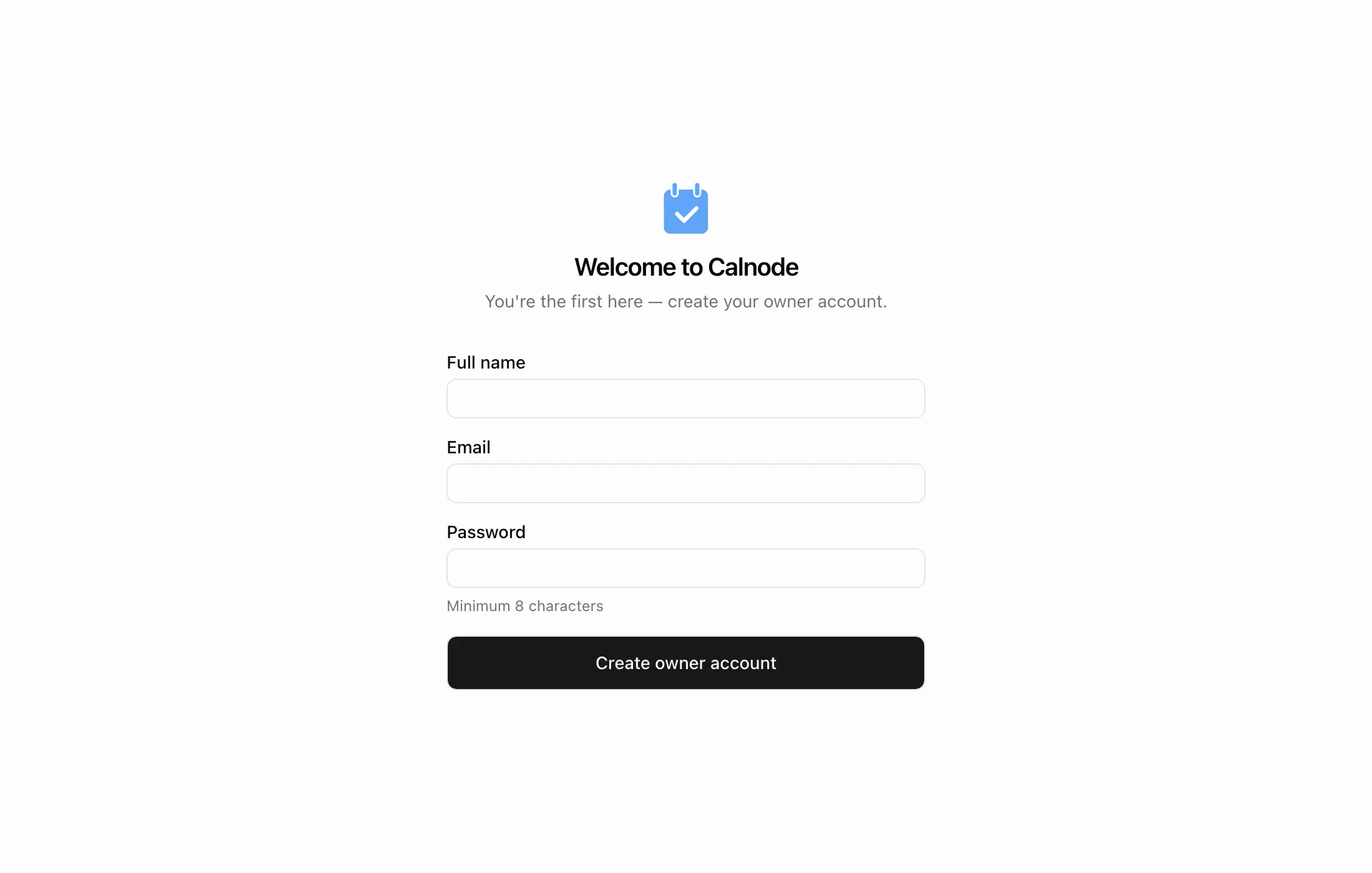
Calnode takes the opposite position from Cal.com: one static Go binary with embedded SQLite, no Redis, no Postgres, no separate API server. The image is 58MB, nearly 30 times smaller than the last cal.com image, and starts in about a second with docker run -p 3000:3000 -v ./data:/data ghcr.io/calnode/calnode:latest.
It is Apache-2.0, API-first, and ships an MCP server inside the binary so agents can book directly, which pairs with our guide to custom MCP tools. Treat it as promising rather than proven: first commit June 2026, 42 stars, v0.2.2. Great for a homelab, not for client-facing bookings this quarter.
7. CloudMeet - no server to run at all
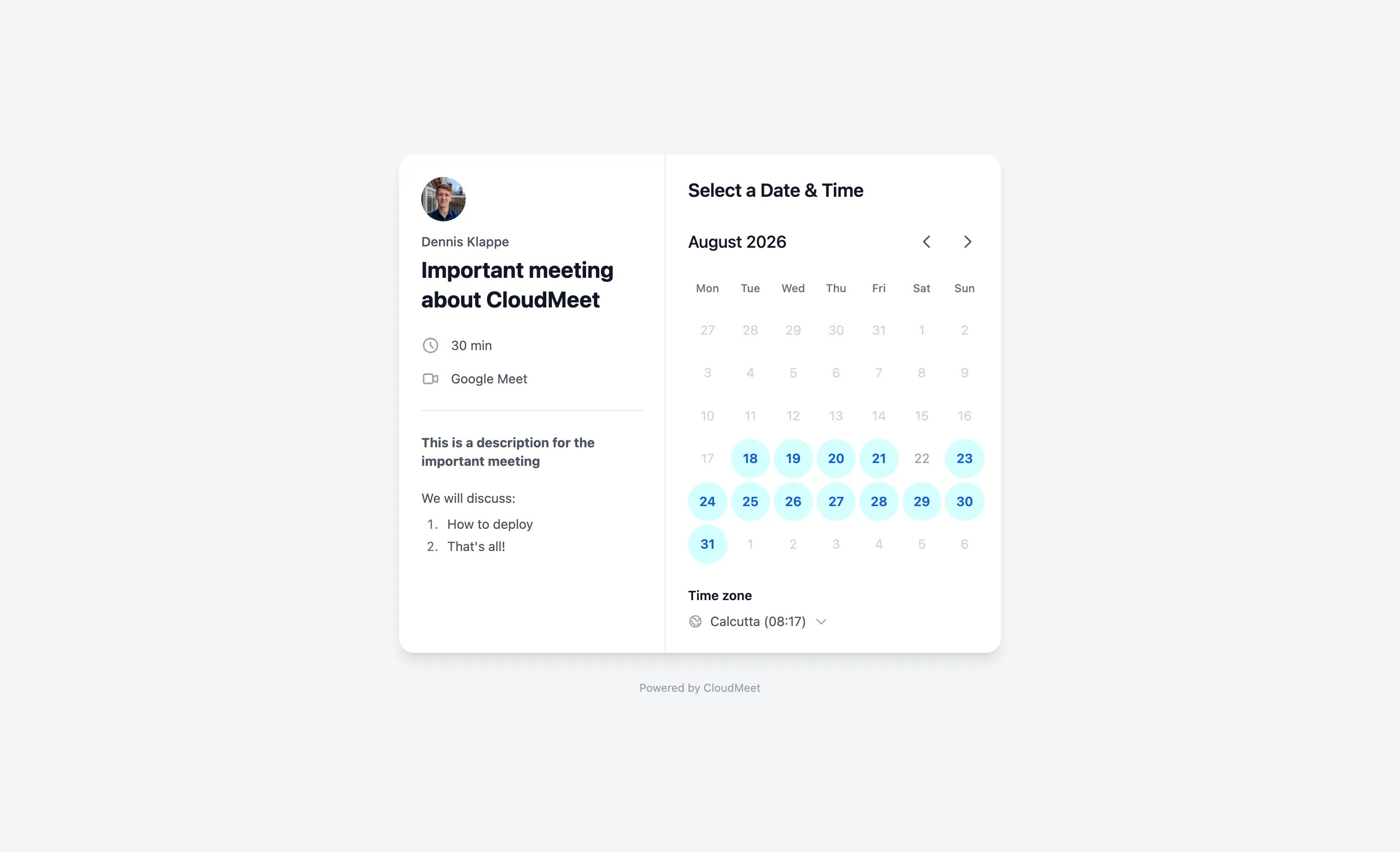
CloudMeet (MIT, 518 stars) deploys to your own Cloudflare account instead of a box you own, using Workers and D1 inside the free tier. You fork the template, add secrets for a Cloudflare API token, Google OAuth, an admin email and a JWT secret, and GitHub Actions deploys it. It handles Google and Outlook calendars, Meet or Teams links, and booking emails. Not self-hosting in the strict sense, but there is no per-seat fee and no server to patch.
Group polls: when the answer is “whenever suits everyone”
Booking pages assume one person’s availability is authoritative. Sometimes you need the opposite: seven people, no shared calendar, pick a slot.
8. Rallly - the Doodle replacement
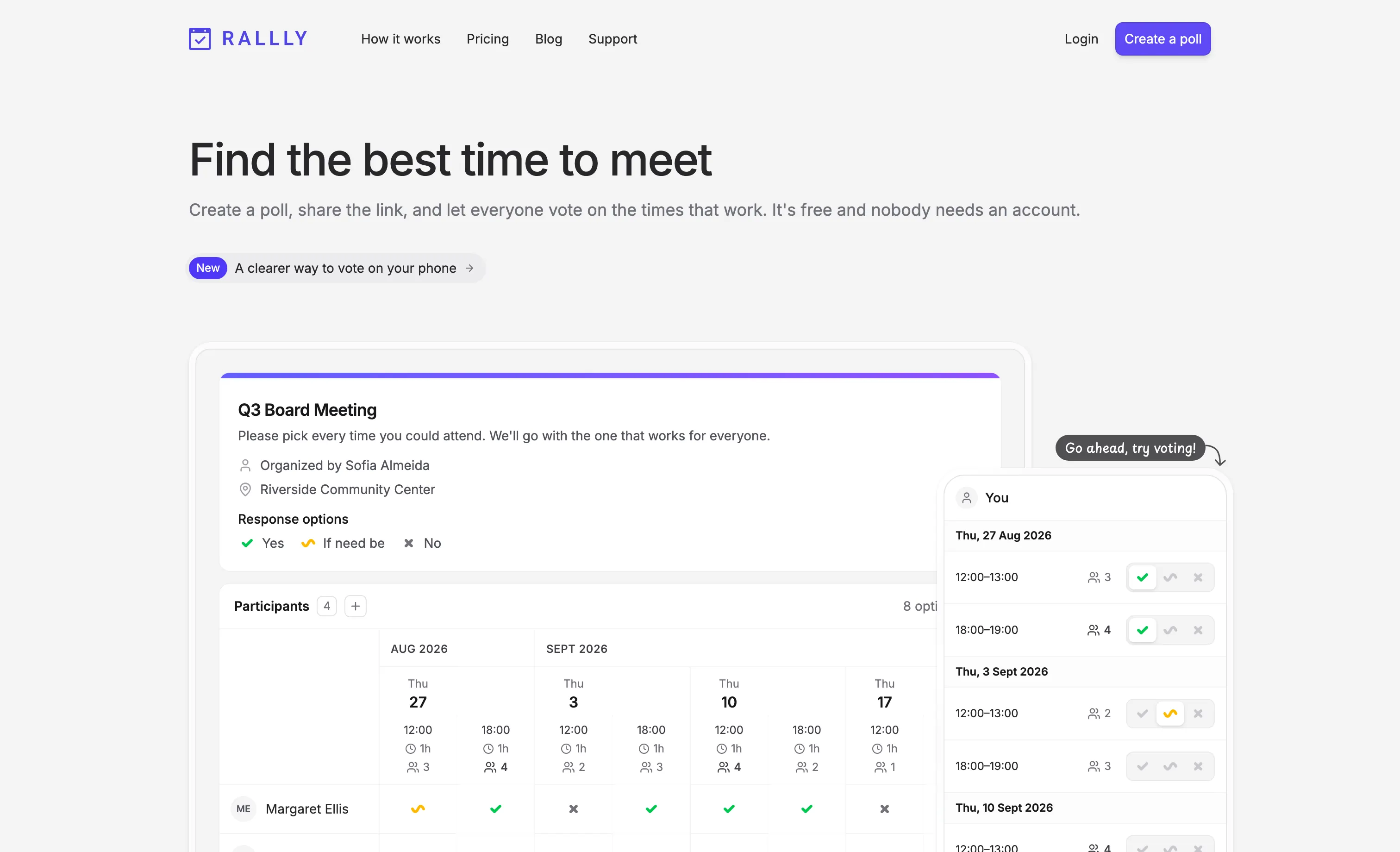
Rallly (AGPL-3.0, 5.2K stars, v4.12.3) polls candidate dates and shows an availability grid as people vote, with no accounts needed for participants. Self-hosting is curl -fsSL https://get.rallly.co | bash, which lays down a Compose stack in /opt/rallly with Traefik, Postgres and S3-compatible storage; you need 2GB of RAM, a domain, and SMTP.
Read the licensing before you deploy it for a team. Self-hosted Rallly is free for single-user use, but multi-user instances need a paid key: $49 for up to 5 users, $299 for up to 50, $999+ beyond. Guest voters do not count, and the docs describe it as an honor system, but it is not “free forever” the way the AGPL badge suggests.
9. Crab Fit - availability heat-maps with zero accounts
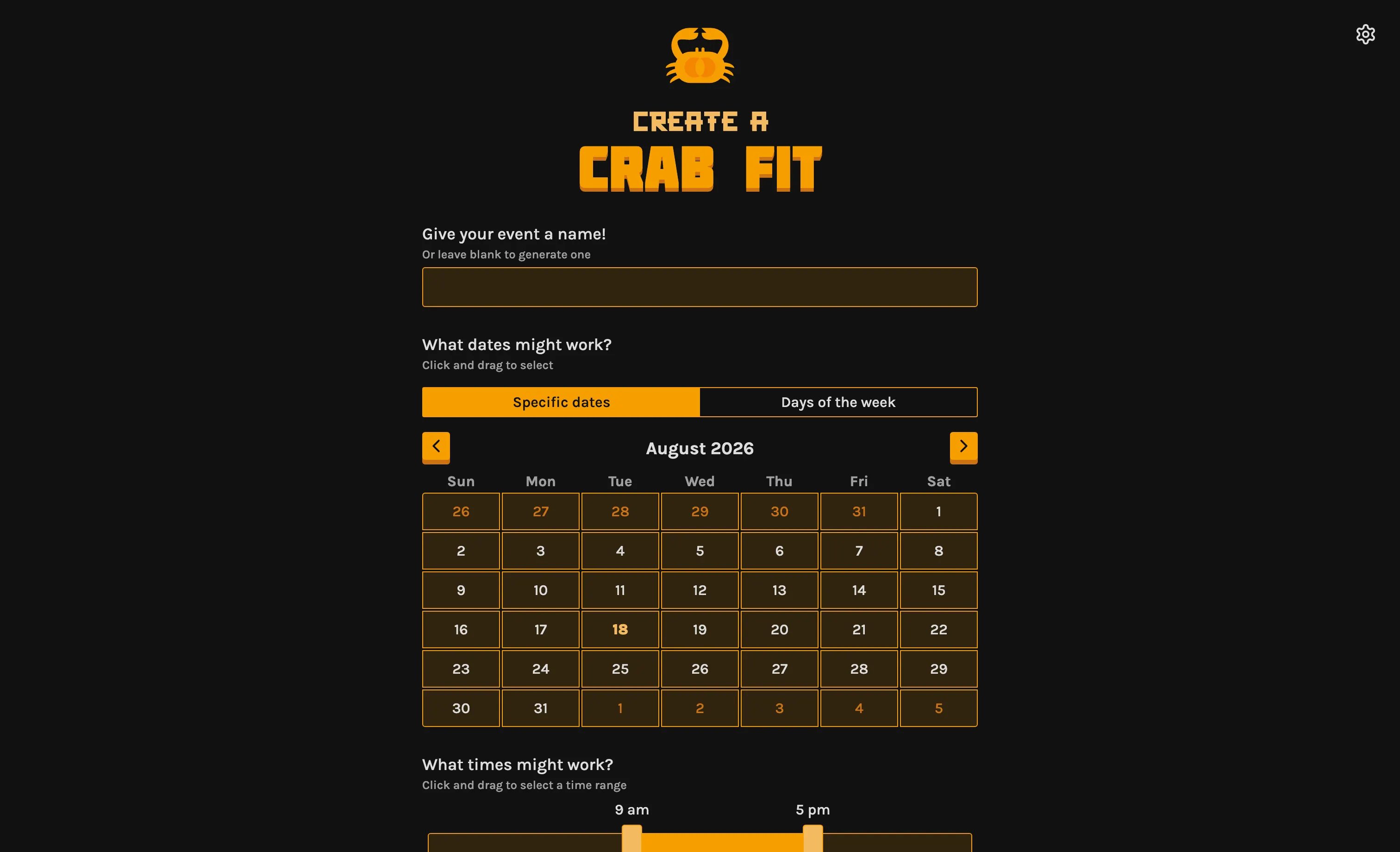
Crab Fit (GPL-3.0, 513 stars) is the lightest thing here. Create an event, everyone paints their availability onto a grid, and the result is a heat-map of when most people are free. Nobody creates an account, and the project wiki has a self-hosting guide for the web app and its API. Single purpose, and better for it.
Walkthrough: Easy!Appointments public in two commands
Everything below was run and verified on Docker 28.4.0. Two services, one file:
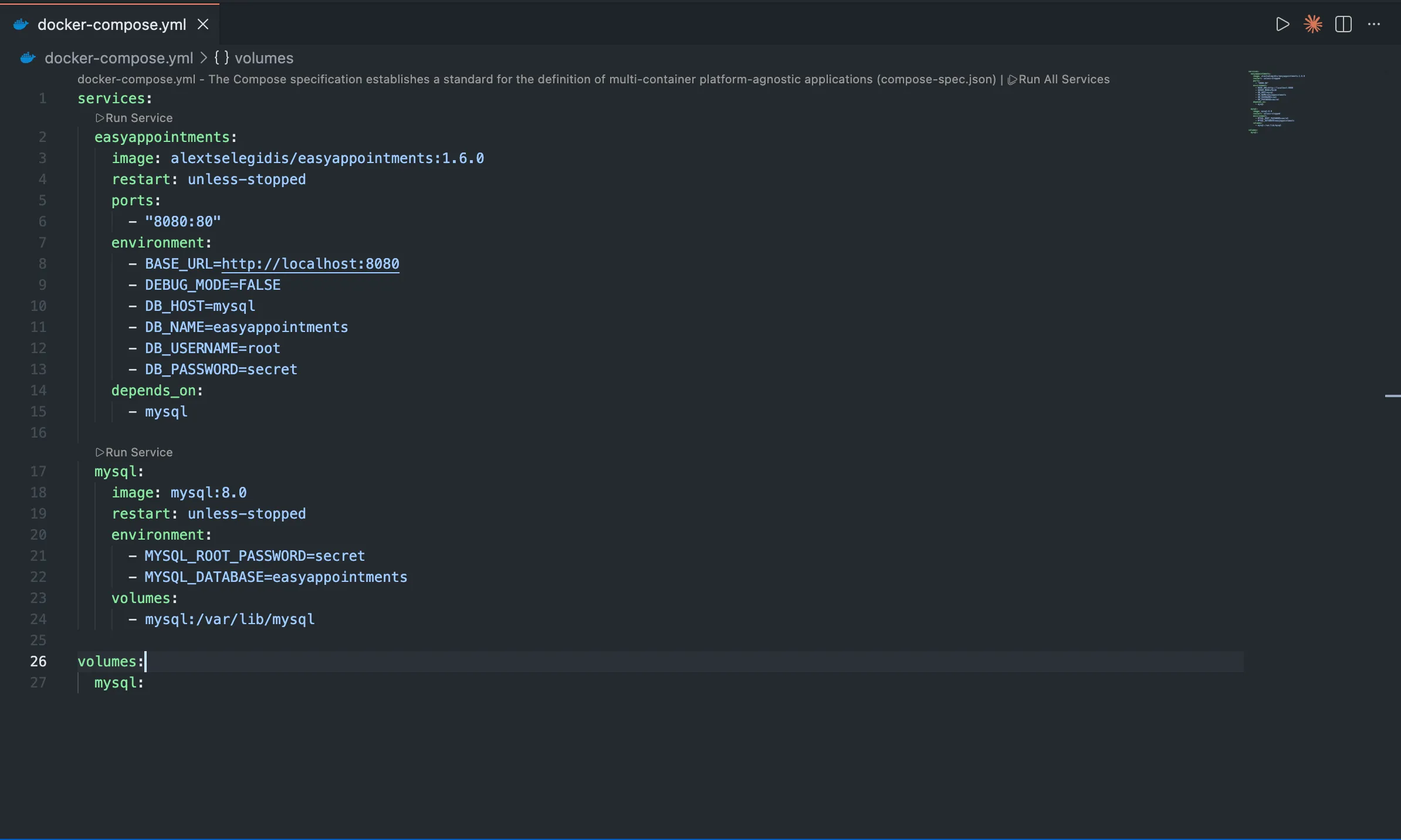
Save it as docker-compose.yml:
services:
  easyappointments:
    image: alextselegidis/easyappointments:1.6.0
    restart: unless-stopped
    ports:
      - "8080:80"
    environment:
      - BASE_URL=http://localhost:8080
      - DEBUG_MODE=FALSE
      - DB_HOST=mysql
      - DB_NAME=easyappointments
      - DB_USERNAME=root
      - DB_PASSWORD=secret
    depends_on:
      - mysql

  mysql:
    image: mysql:8.0
    restart: unless-stopped
    environment:
      - MYSQL_ROOT_PASSWORD=secret
      - MYSQL_DATABASE=easyappointments
    volumes:
      - mysql:/var/lib/mysql

volumes:
  mysql:
Then bring it up:

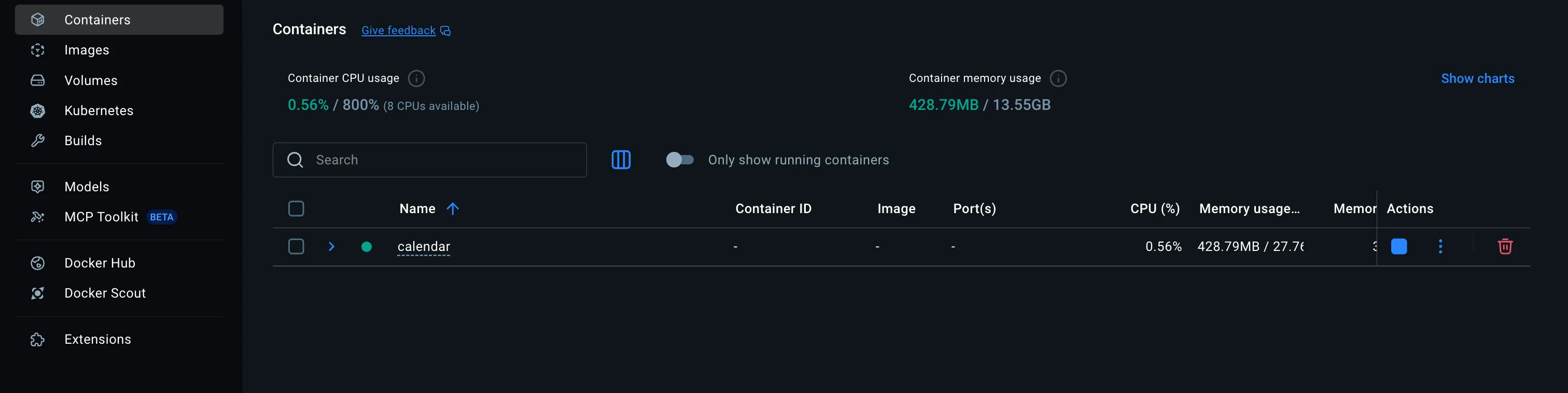
Both containers should show as running:
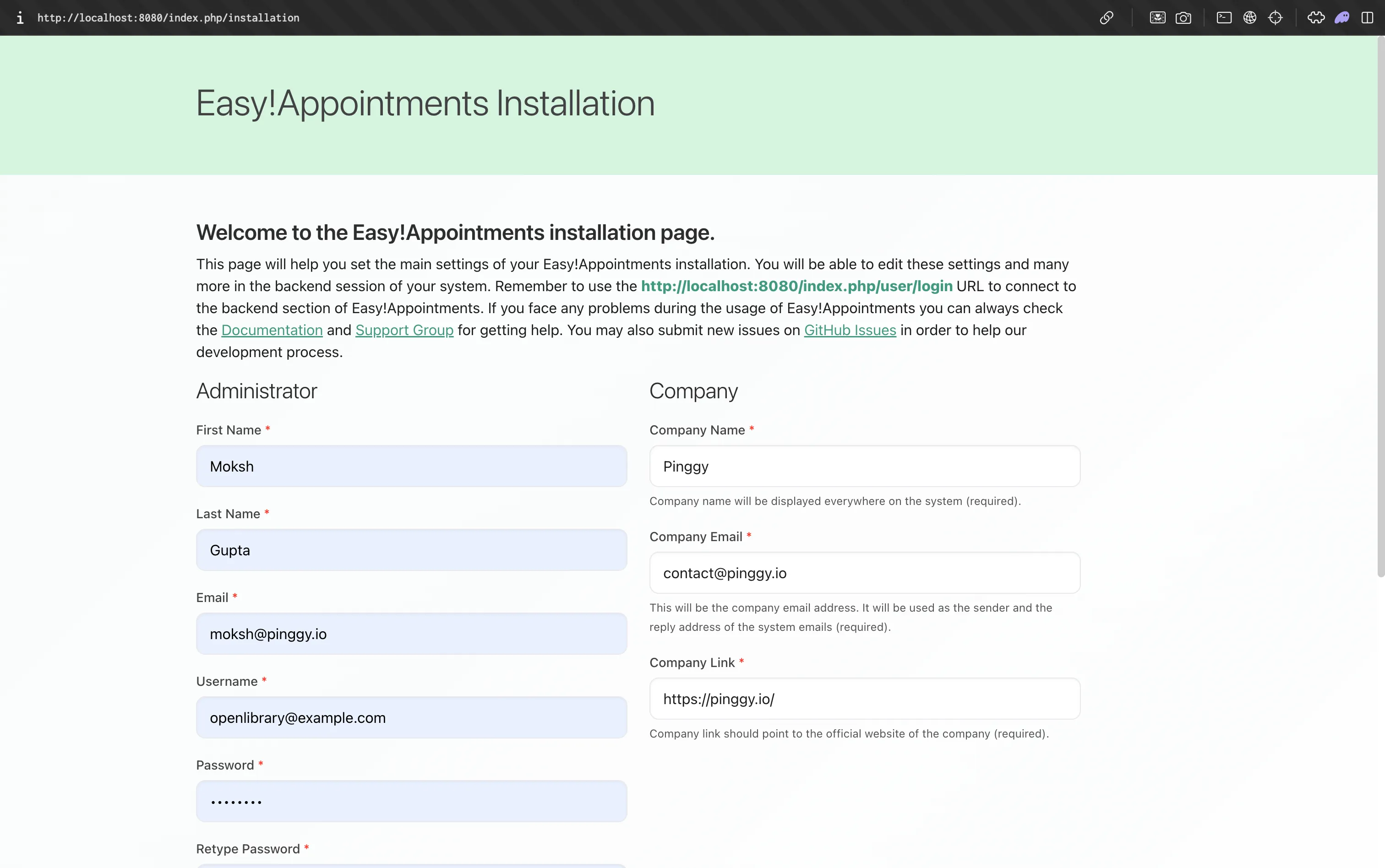
Once MySQL finishes initialising, http://localhost:8080 returns a 307 to /index.php/installation; fill in the admin and company details and the wizard creates the schema and your first provider.
The booking page then lives at http://localhost:8080/ - your Calendly link, on your own machine.
To let a client actually book a slot, it needs a public address. Pinggy does that in one command, with no router configuration, reverse proxy or certificate to obtain:
ssh -p 443 -R0:localhost:8080 free.pinggy.io
Pinggy prints an HTTP and an HTTPS URL:

Do not skip this last step. Easy!Appointments writes absolute URLs from BASE_URL into every page, so with it still set to http://localhost:8080 the tunnelled page comes back with <script src="http://localhost:8080/assets/js/pages/booking.min.js">. Your browser resolves that; your client’s does not, and the page arrives unstyled and broken. Set BASE_URL to the Pinggy HTTPS URL and recreate the app container with docker compose up -d --force-recreate easyappointments. This is the same trap that catches people self-hosting chat platforms with a ROOT_URL setting: the tunnel is transparent, the application’s idea of its own address is not.
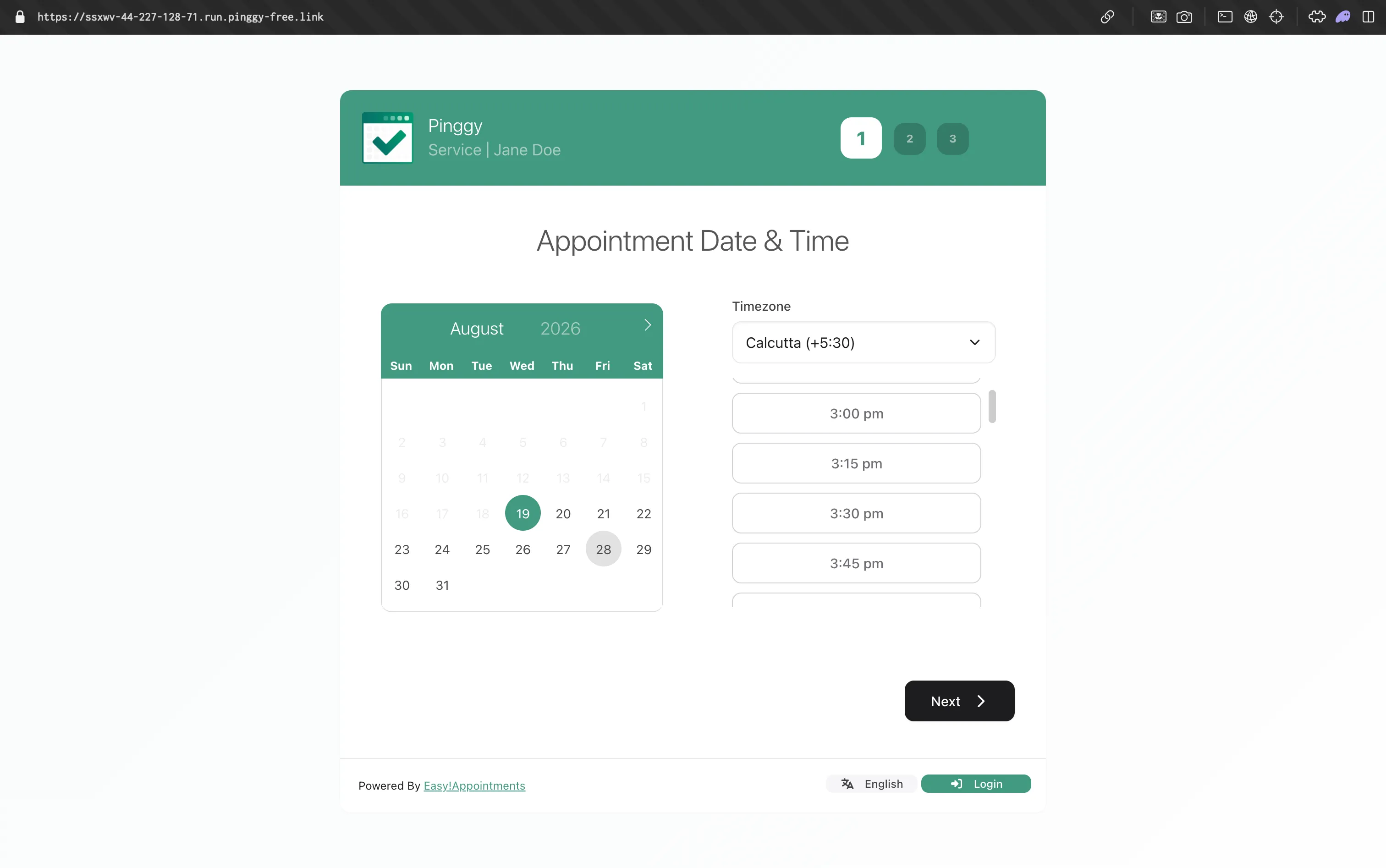
With that set, the booking page your clients see is live on the public internet, over HTTPS, with no ports opened on your router:
While you are still seeding test data, add -t free.pinggy.io b:username:password to put basic auth in front of the tunnel. The tunnel also prints a live request counter, which is the quickest way to confirm traffic is reaching your machine:

Note that free tunnels expire after 60 minutes with a new random hostname on reconnect, which is the wrong property for a URL baked into BASE_URL; a paid plan gives you a fixed subdomain or your own domain, so you set it once. The same two-step pattern works for everything above, only the port changes: Tymeslot 4000, Calnode 3000, Cal.diy 3000.
How to choose
- Closest to Calendly’s feature set: Cal.diy, if you accept that you are building the images and reading the diffs yourself.
- Still running unattended in three years: Easy!Appointments. A decade of releases, an ordinary PHP/MySQL stack, no venture-backed company that can change the license underneath you.
- Modern booking page, least setup: Tymeslot, one
docker runaway. - Already running Nextcloud: use the Calendar app’s appointment slots rather than adding another service.
- Consensus, not a booking: Rallly for date polls, Crab Fit for heat-maps.
Conclusion
The Cal.com relicense reshuffled this category rather than emptying it: Cal.diy carries the code forward under MIT, Easy!Appointments remains the dependable boring choice, and Tymeslot and Calnode are the new entrants worth watching. The economics still favour self-hosting, with Calendly Teams costing $960 a year for five seats against roughly $70 for a VPS that runs any of these. Get it working on localhost, then put one ssh -p 443 -R0:localhost:<port> free.pinggy.io in front of it.