MinIO Just Got Archived. Here's What Self-Hosters Are Running Instead
Updated on Sep 14, 2026 · 8 min read
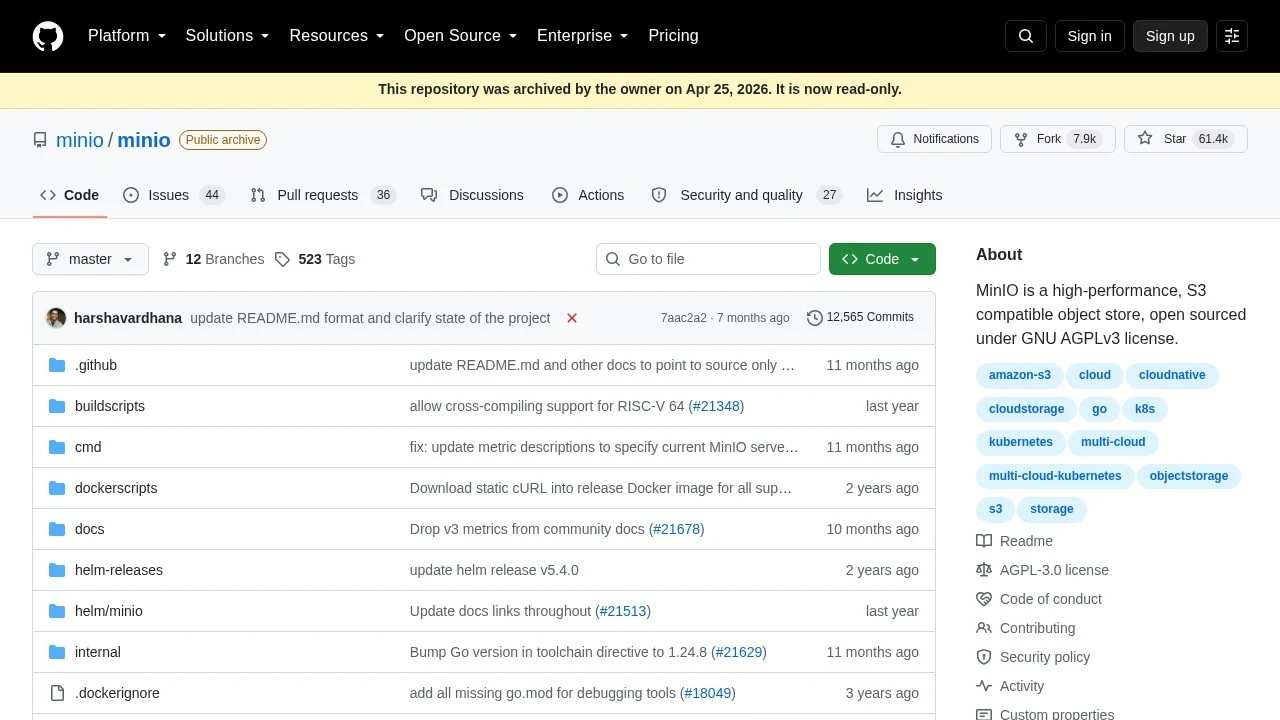
Open github.com/minio/minio today and you get a yellow banner across the top: “This repository was archived by the owner on Apr 25, 2026. It is now read-only.” The repo that sat in half the docker-compose.yml files on GitHub, the one you docker run’d whenever you needed a fake S3 bucket for local dev or a CI job, is done. 61.4k stars, 7.9k forks, 12,565 commits, and now a “Public archive” badge next to the name.
If you have never touched MinIO, this is your cue to skip ahead to the alternatives. If you have, you already know the last year has been rough: buckets that worked fine in your docker-compose.yml yesterday, and a maintainer who keeps pointing you at something called AIStor.
Summary
What happened: MinIO stripped admin features from its open-source console in May 2025, stopped shipping binaries and Docker images in October 2025, entered “maintenance mode” on December 3, 2025, was marked “no longer maintained” on February 12, 2026, and was archived outright on April 25, 2026.
What to run instead:
- Quick, disposable bucket for a test suite or CI job: S3Proxy
- Long-term local or homelab storage with a web UI: SeaweedFS
- Single static binary, no JVM, S3-compatible: Garage
- Newest of the bunch, Rust, benchmarks itself against old MinIO: RustFS
Reach any of them from another machine:
ssh -p 443 -R0:localhost:8333 free.pinggy.ioHow we got here
MinIO’s open-source decline didn’t happen overnight, it was a year of steadily worse news for anyone who depended on the free tier:
- May 2025 - MinIO quietly stripped the admin console out of the community edition, leaving only a bare-bones object browser. Policy management, site replication, and lifecycle rules moved behind the paid AIStor wall. There was no changelog entry warning people it was coming, and the GitHub discussion thread that followed is a good read if you want the receipts.
- October 2025 - MinIO stopped publishing pre-built binaries and Docker images for the community edition. The README started telling people to
go installit themselves. - December 3, 2025 - The project status flipped to “maintenance mode.”
- February 12, 2026 - Status changed again, to “no longer maintained.”
- April 25, 2026 - The repository was archived. Read-only, no more issues, no more PRs.
The business reason is straightforward: in 2025 MinIO rebranded around “AIStor,” pitching itself as enterprise AI storage infrastructure for Fortune 500 customers. The free, single-binary tool that developers used to fake an S3 bucket on their laptop was never going to be the product that paid the bills, and MinIO’s leadership eventually stopped pretending otherwise.
None of that makes MinIO bad software. It makes it a dependency you can no longer treat as a given. If you have minio/minio baked into a Dockerfile or a CI pipeline right now, it still runs, but it gets no more security patches, no more compatibility fixes for whatever the S3 API looks like next year, and no response if something breaks.
What you actually need from a replacement
Before comparing tools, it’s worth being specific about what MinIO was doing for most people: a single container, S3-compatible API, credentials you set with two environment variables, gone the moment you docker rm it. Not a distributed storage platform, not a Ceph cluster, just something that answers PUT /bucket/key the way AWS does so your app doesn’t need a separate code path for local dev.
That rules out the “enterprise” alternatives immediately. Apache Ozone needs at least four nodes to run sensibly. Ceph Object Gateway’s install process alone is enough to make you reconsider the whole plan. Those are real options if you’re replacing a production MinIO cluster, not if you want localhost:9000 to answer S3 calls again.
The alternatives worth trying
SeaweedFS
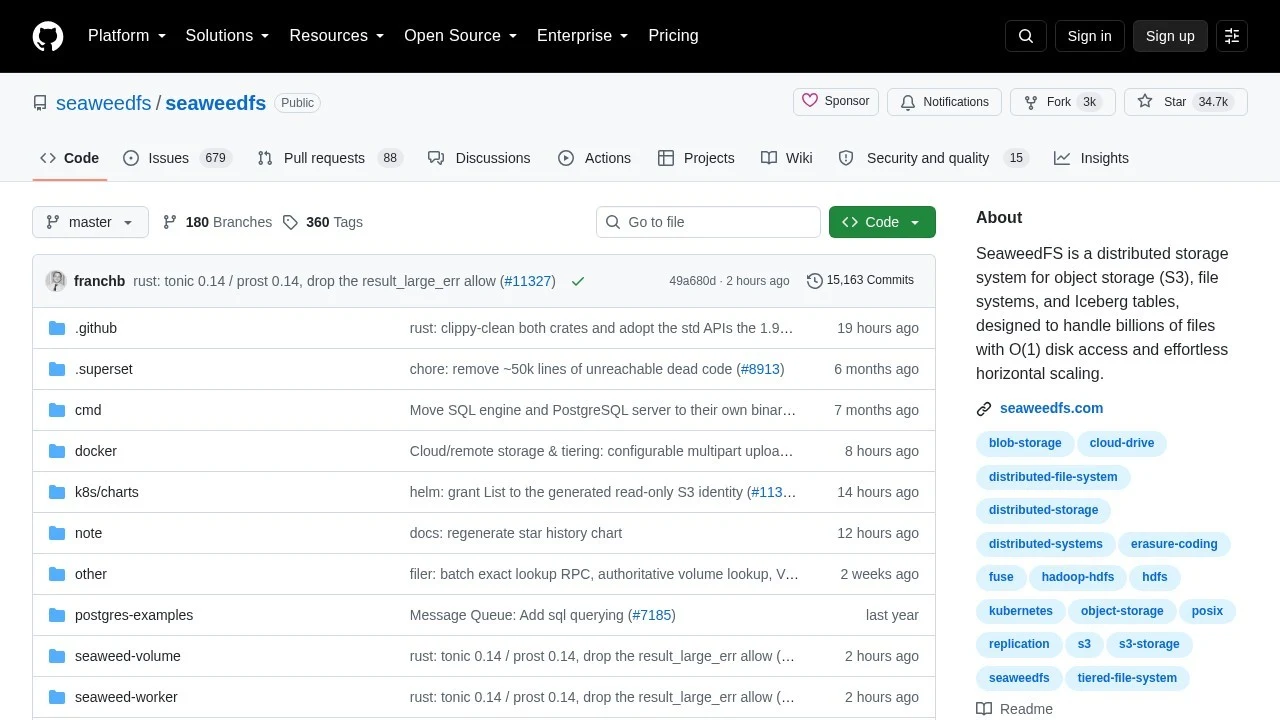
SeaweedFS has been around since 2012, long before “MinIO alternative” was a search query anyone typed, and it shows: 34.7k stars, an active maintainer, and a design built for billions of small files with O(1) disk access per lookup. It’s written in Go, Apache-2.0 licensed, and a single weed binary runs the master, volume server, filer, WebDAV, and S3 gateway all in one process.
docker run -p 8333:8333 -v weed-data:/data \
  chrislusf/seaweedfs weed server -s3 -dir=/data -s3.port=8333
That gets you an S3-compatible endpoint on port 8333 with almost no configuration. SeaweedFS also ships an admin UI, which is more than the archived MinIO community edition had left by the end. The one thing to plan for: production auth needs a JSON file mapping access keys to permissions, it’s not as drop-in as MinIO’s two env vars, but it’s a one-time setup.
RustFS
RustFS is the newest name on this list and the one leaning hardest into “we’re the MinIO replacement,” down to a README claiming it’s 2.3x faster than MinIO on 4KB object payloads. It’s Rust, Apache-2.0, and at 32.2k stars it picked up an enormous amount of attention fast, presumably from exactly the crowd this article is written for.
docker run -d --name rustfs -p 9000:9000 -p 9001:9001 \
  -v $(pwd)/data:/data -v $(pwd)/logs:/logs \
  rustfs/rustfs:latest
The web console lands on port 9001 with default credentials rustfsadmin / rustfsadmin, and the ports (9000/9001) will feel familiar if you’re coming straight from MinIO. It’s currently at 1.0.0-rc.6, so treat it as “very promising, not yet battle-tested” rather than something to point a production workload at today. For local dev and CI it’s already solid.
Garage
Garage takes the opposite approach from SeaweedFS’s do-everything binary: it’s deliberately minimal, built by the Deuxfleurs self-hosting collective specifically for people running things on a Raspberry Pi or a handful of small VPS boxes, not a data center. It’s Rust, AGPL-3.0 licensed, and ships as a single static binary with no external dependencies.
The tradeoff is setup: Garage wants a garage.toml config file before it’ll start, which is more friction than a two-env-var MinIO container. For a single-node dev setup that’s arguably one file too many, but if you’re planning to run it long-term on real hardware, that config file is also what makes multi-node replication straightforward later without a rewrite. The official quick start walks through it in about ten minutes.
S3Proxy
S3Proxy is the odd one out here: it’s not a storage engine, it’s a translation layer. Point it at a local filesystem, in-memory store, or another cloud backend, and it speaks the S3 API on top. It’s Java (needs JDK 17+), Apache-2.0, and has been the quiet, boring, reliable option in this space for years, over 2.3k stars and no drama.
s3proxy.authorization=none
s3proxy.endpoint=http://127.0.0.1:8080
jclouds.provider=filesystem
jclouds.filesystem.basedir=/tmp/s3proxy
Save that as s3proxy.conf, run s3proxy --properties s3proxy.conf, and you have an S3 endpoint backed by a plain directory on disk, no database, no state beyond files you can ls. For a test suite that just needs PutObject and GetObject to work, this is about as little as you can run.
Which one should you actually run
If you’re replacing MinIO in a docker-compose.yml that exists purely so your integration tests don’t need real AWS credentials, S3Proxy is the least amount of moving parts. If you want something you can leave running on a home server indefinitely with a UI you can poke around in, SeaweedFS is the safest bet, it has the longest track record of the four. If you like small static binaries and don’t mind a config file, Garage. If you want to try the fastest-growing project in the space and can tolerate a release candidate version number, RustFS.
What none of them offer is a drop-in replacement for MinIO’s old admin console before it got stripped down. That feature set is genuinely gone from the open-source ecosystem right now, which is worth knowing before you commit to a migration script that assumes it’ll still be there.
Reaching your local bucket from outside your laptop
Once you’ve got one of these running locally, the next problem is usually the same one MinIO users always had: something outside your machine needs to reach it. A teammate wants to see the bucket contents, a webhook-based upload flow needs a real public URL to test against, or you’re hitting your dev bucket from a phone that isn’t on your Wi-Fi.
Pinggy tunnels the local port straight out without touching firewall rules or deploying anything. For the SeaweedFS example above, running on port 8333:
ssh -p 443 -R0:localhost:8333 free.pinggy.ioThat prints a public HTTPS URL that proxies straight to your local S3 endpoint. It’s the same pattern used for testing webhooks locally: get a real, temporary public URL for something that’s only running on your machine, use it, then let it expire when you close the terminal. No bucket policies to write, no cloud storage bill for a test that runs once.
The bigger lesson
MinIO wasn’t a hobby project abandoned by a burnt-out maintainer, it was a well-funded company that made a deliberate call: enterprise AI storage customers are worth more than the developers who used the free tier to fake an S3 bucket. That’s a completely rational business decision, and it’s also exactly the kind of risk that’s easy to ignore until the GitHub banner turns yellow.
The four tools above don’t all have the same protection against it happening again. SeaweedFS and Garage both lean on community maintainers rather than a single commercial entity riding on top of them, which is a meaningfully different risk profile than a startup with a pivot to make. None of that means don’t use RustFS or watch S3Proxy less closely, it means know who’s actually maintaining the thing your docker-compose.yml depends on, because “it’s open source” stopped being a guarantee of anything the day MinIO’s repo went read-only.