Cloudflare Drop Gets You a Live URL in Seconds - But Only for Static Files
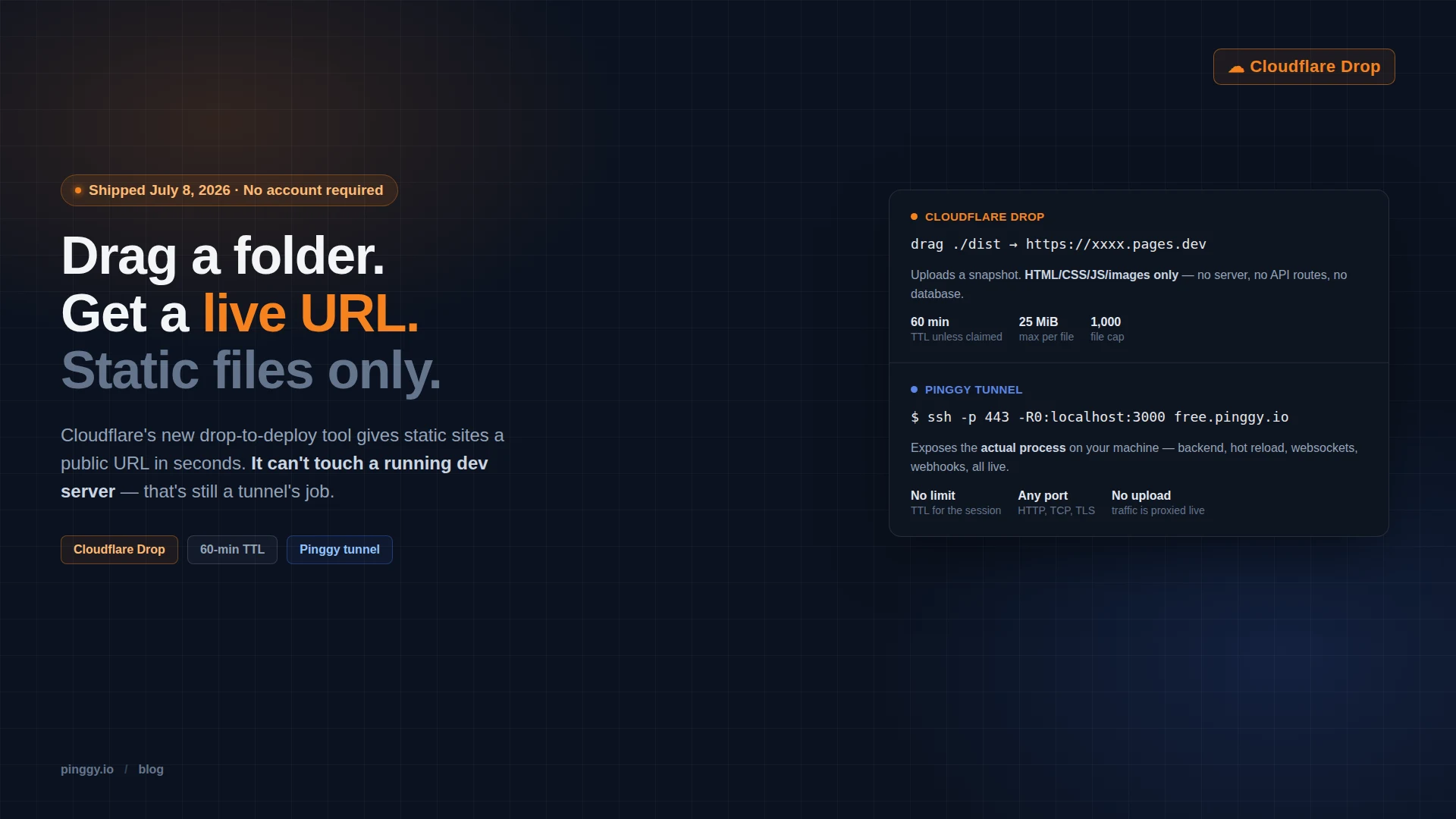
On July 8, 2026, Cloudflare shipped Drop: go to cloudflare.com/drop, drag a folder or a zip onto the page, and get a live URL on Cloudflare’s edge network in a few seconds. No signup, no wrangler config, no CI pipeline. It landed on the Cloudflare changelog that morning and hit the Hacker News front page two days later with over 500 points.
It’s a genuinely nice piece of friction removal. It’s also, by design, useless for anything with a backend, and that’s worth being specific about before you reach for it on your next project.
Summary
- What it is - drag a folder or zip into the browser at
cloudflare.com/drop, get a public URL on Cloudflare’s edge in seconds, no account required. - Limits - 1,000 files max, 25 MiB per file, static assets only (HTML, CSS, JS, images, fonts), live for 60 minutes unless you claim it.
- How it works - Cloudflare spins up a throwaway sandbox account behind the scenes that expires along with the deployment, unless you sign in to claim it.
- What makes it different - Netlify Drop and Vercel Drop both require an account before anything goes live; Cloudflare Drop is the first anonymous-first option in that lineup.
- What it can’t do - no server, no API routes, no database, no websockets, no live reload of a process actually running on your machine.
- For that, use a tunnel -
ssh -p 443 -R0:localhost:3000 free.pinggy.ioexposes whatever’s really running on your machine, backend included, not a snapshot of it.
What Drop actually does
The pitch is refreshingly narrow. You have a folder of built static assets, maybe from vite build or a static site generator, or maybe something an AI coding agent just wrote to disk. You drag it into the browser at cloudflare.com/drop. Cloudflare uploads it, serves it from its edge network, and hands you a URL. That’s the whole interaction.
Under the hood it’s not really “no account” so much as “an account you never see.” Cloudflare provisions a temporary sandbox account for the upload, the kind of throwaway credential that expires on its own. The preview stays live for 60 minutes. If you want to keep it, a “Claim” button on the preview page lets you log in or register a free Cloudflare account and convert the temporary deployment into a permanent one on Cloudflare Pages.
The limits are tight and clearly meant to keep the anonymous path from being abused: 1,000 files per upload, 25 MiB per file, and only static content, HTML, CSS, JavaScript, images, and fonts. No build step runs on Cloudflare’s side. If your dist folder needs a server-side render or an API to call, Drop will happily host the static shell and silently do nothing about the part that made your app work.
How to use Cloudflare Drop
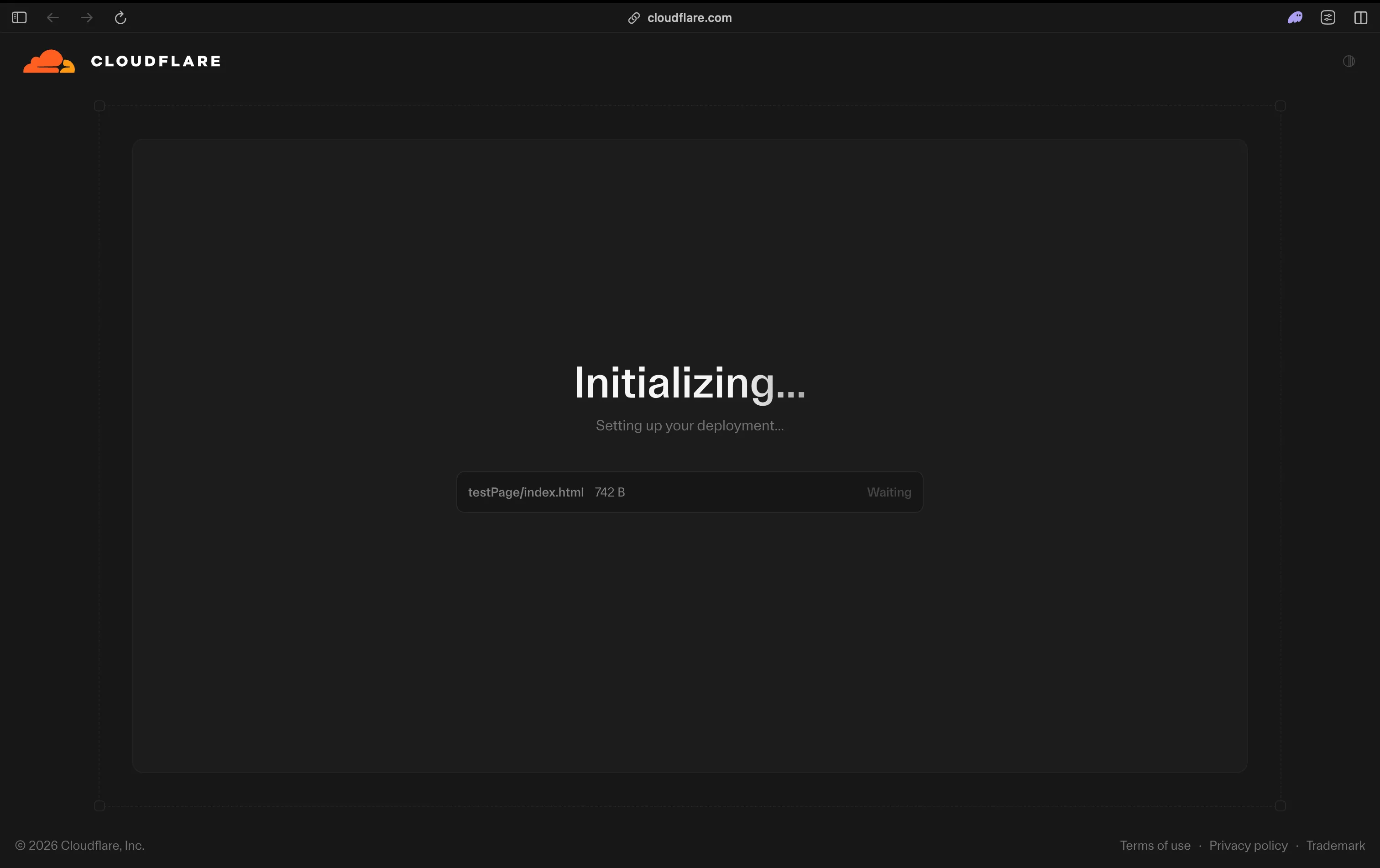
The whole flow is three screens. Go to cloudflare.com/drop and drag a folder or a zip onto the page. Cloudflare starts uploading right away and shows a live progress list of the files it’s picking up.
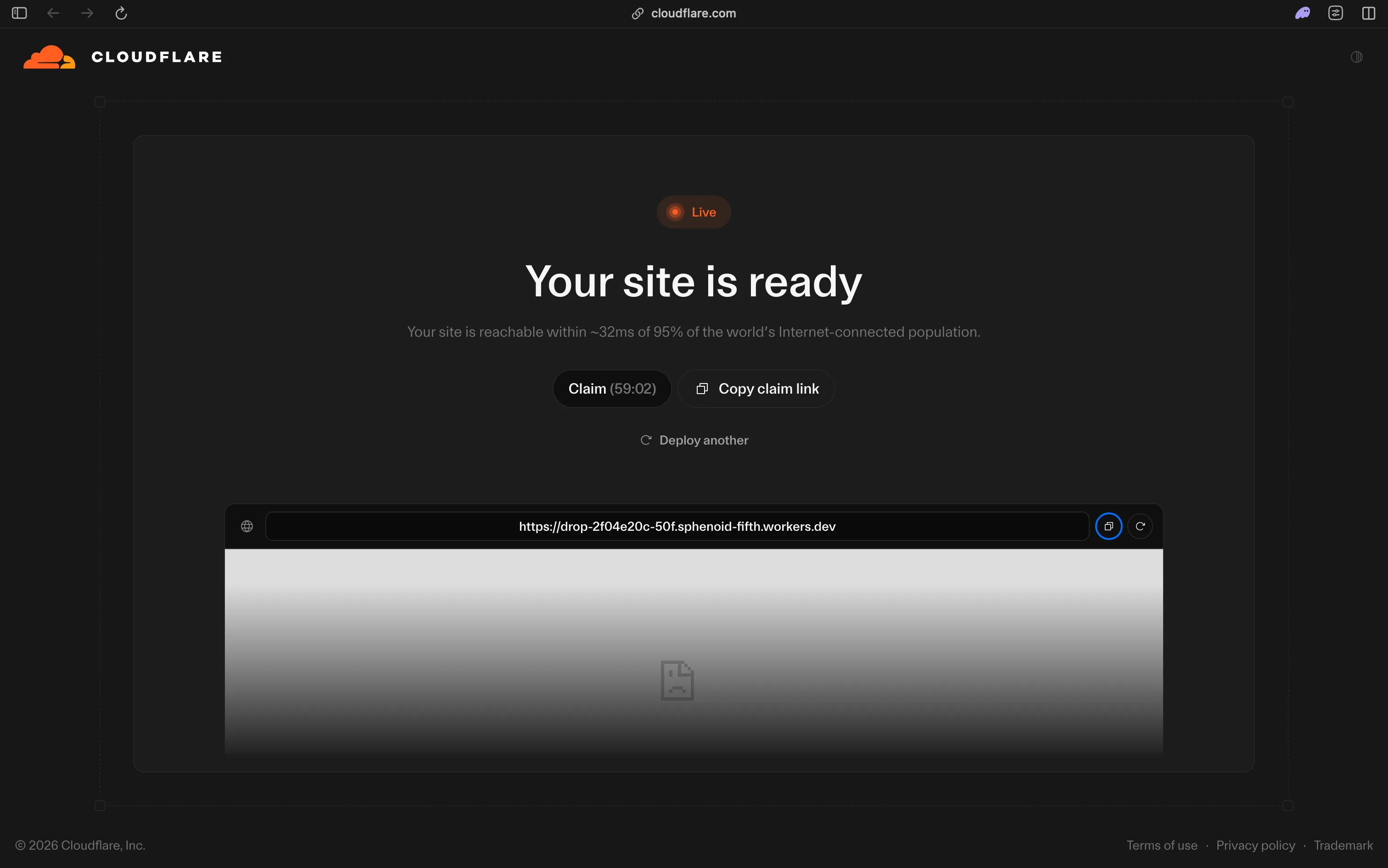
A few seconds later the upload finishes and you land on the “Your site is ready” screen. This is the temporary preview: a live URL on Cloudflare’s edge, a countdown showing how long it has left (60 minutes from here), a Claim button to convert it into a permanent deployment on Cloudflare Pages, and a Copy claim link option if you want someone else to claim it instead.
Open that URL and the site is already serving traffic from Cloudflare’s edge, exactly as uploaded, no sign-in required to view it.
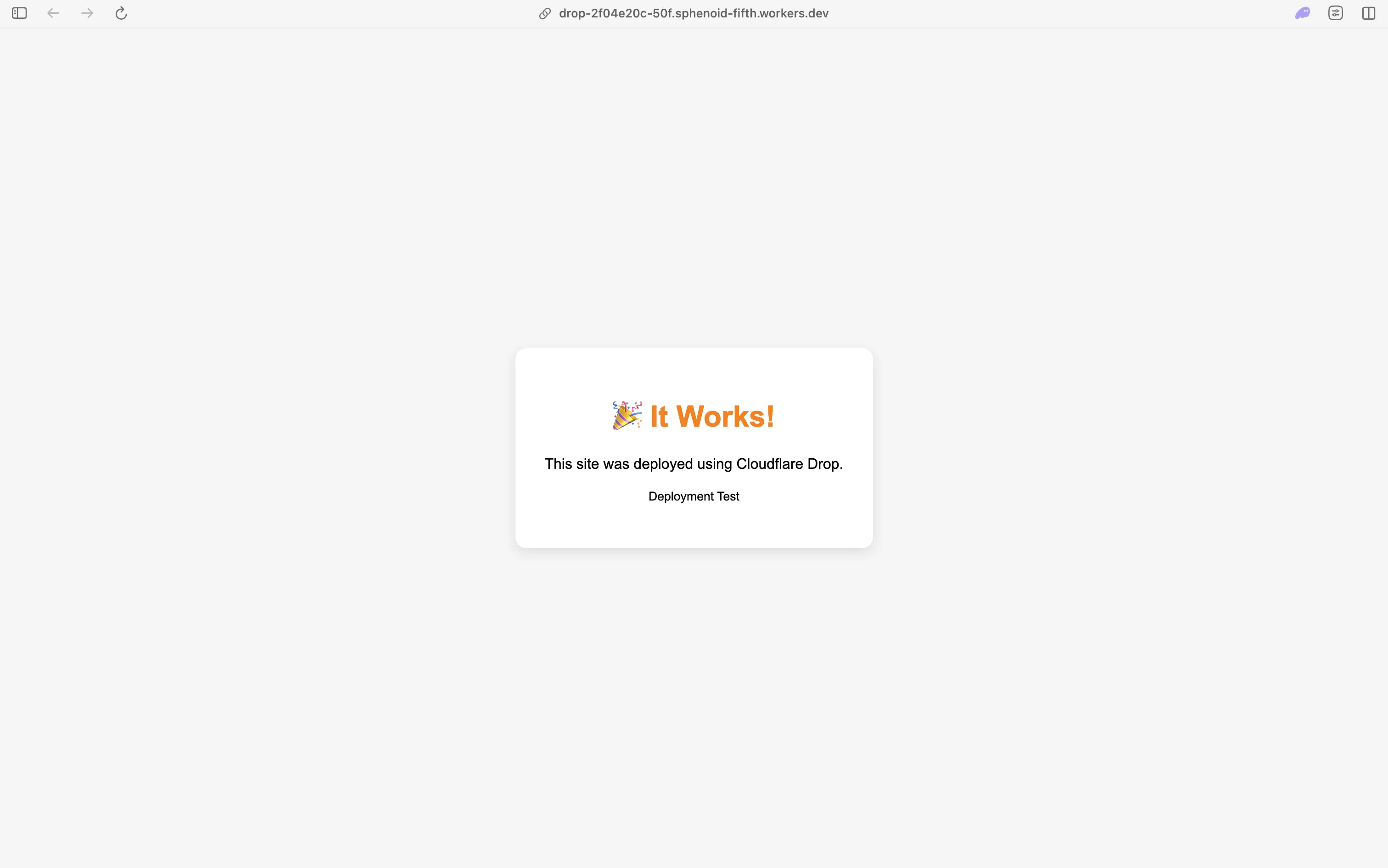
That’s the entire interaction: drag a folder in, get a URL back, done. If you let the timer run out without claiming it, the deployment and its throwaway account both disappear.
Why it’s the interesting one
Instant-preview drag-and-drop deploys aren’t new. Surge.sh has done command-line static hosting for years. Netlify Drop and Vercel Drop both let you drag a folder onto a browser tab and get a URL. The difference is that both of those require you to be logged in first. Cloudflare Drop is live before you’ve authenticated at all, which is the part that got it onto Hacker News: a designer, a client, or an AI agent that just generated a prototype can get a shareable link without anyone stopping to create an account.
That’s a real use case. It’s good for exactly what it’s built for: sharing a mockup with a client, sanity-checking a static export before you commit to a real deploy, handing a teammate a one-off doc site, or giving an AI coding agent something it can point at to verify its own output rendered correctly. The HN thread’s main complaint wasn’t about the product working, it was about Cloudflare’s standard terms-of-service license clause applying to whatever you drop, which is worth reading before you upload anything sensitive.
Where it stops
The static-only constraint isn’t a rough edge, it’s the entire design. Drop has no concept of a process. There’s no port to forward, no request to proxy, no long-lived connection. It takes files, stores them, and serves them back byte-for-byte. That rules out:
- Any app with a real backend - Express, FastAPI, Django, Rails, anything that runs server-side logic per request
- API routes in a framework like Next.js that aren’t statically exportable
- Databases, even an embedded one like SQLite that your app reads at runtime
- WebSocket connections, SSE streams, or anything else that isn’t a one-shot HTTP GET
- Incoming webhooks - Drop can’t receive a
POSTfrom Stripe or GitHub, it can only serve files it already has - Hot reload - the moment you change a local file, your Drop URL is already stale; you’d have to drag the folder in again
None of this is a knock on the product. It’s doing one job, doing it with zero friction, and being honest that the job is “static file hosting,” not “put my app on the internet.”
The gap it leaves
The interesting question isn’t “is Drop good,” it’s “what do you reach for the moment your project needs a server.” Most real local development doesn’t stay static for long. A Next.js app has API routes. A Django project has a database. A webhook integration needs an endpoint that can actually receive a request, not a URL that returns a fixed file.
That’s the gap a tunnel fills, and it’s a different mechanism entirely. Instead of uploading a copy of your files somewhere, a tunnel opens a connection from your machine outward and proxies real traffic to whatever’s actually listening on a local port. With Pinggy, that’s one command:
ssh -p 443 -R0:localhost:3000 free.pinggy.ioPoint 3000 at whatever your dev server is running on and you get back a public HTTPS URL. There’s no build step and no upload, because nothing gets copied anywhere. Requests to that URL travel straight to the process on your laptop. Change a file, your framework’s dev server hot-reloads, and the public URL reflects it instantly, because it was never a snapshot to begin with. Point the same command at a WebSocket server, a raw TCP service, or a webhook receiver and it works the same way, because Pinggy isn’t inspecting file types, it’s forwarding a connection.
Drop vs. a tunnel, side by side
| Cloudflare Drop | Pinggy tunnel | |
|---|---|---|
| What it serves | A copy of static files you upload | The actual process running on your machine |
| Setup | Drag a folder into a browser tab | One SSH command |
| Backend support | None - static assets only | Full - any TCP/HTTP service, any port |
| Live updates | None - re-drag to update | Automatic - it's your real dev server |
| Webhooks | Can't receive requests | Works out of the box |
| Time limit | 60 minutes unless claimed | Runs as long as your session does |
| Account required | No, until you want to keep it | No, for the free quick tunnel |
They’re not really competitors. Drop replaces the “let me spin up a static host real quick” reflex. A tunnel replaces the “let me deploy this to staging just to test one thing” reflex, for anything that isn’t static. If you’re testing a PayPal webhook or a Discord bot against your local server, Drop was never in the running, because there’s no server behind it to receive anything.
The honest take
Cloudflare Drop is a well-scoped tool that does one narrow thing without asking you to sign up first, and that’s a genuinely good default for the “I just need a URL for this HTML” moment. It’s not trying to be a deploy pipeline, and it’s refreshingly upfront about the 60-minute clock and the file caps.
Where it gets confusing is if you start treating it as a general-purpose “share my project” button. The moment there’s a backend, a database, a websocket, or anything that needs to run rather than just sit there and be read, you’re back to needing something that proxies to a live process. That’s a tunnel’s job, and it’s been a tunnel’s job the whole time. Drop didn’t shrink that gap, it just made the static half of it a lot faster to reach for.
Conclusion
Cloudflare Drop and a tunnel solve two different problems, and the trick is knowing which one you’re actually facing. If what you have is a folder of built assets, a static export, or a prototype an AI agent just wrote to disk, Drop gets you a shareable URL faster than anything else out there, no account, no config, no wait. But the second your project needs a server, a database, a websocket, or anything that has to run rather than just be read back, Drop can’t help, because it was never built to. That’s where a tunnel takes over, pointing a public URL at whatever’s actually running on your machine, backend and all, live as long as your process is. Keep both in your kit, reach for whichever one matches what you’re actually testing.