Best AI Tools for Coding in 2026
Updated on Sep 9, 2026 · 30 min read
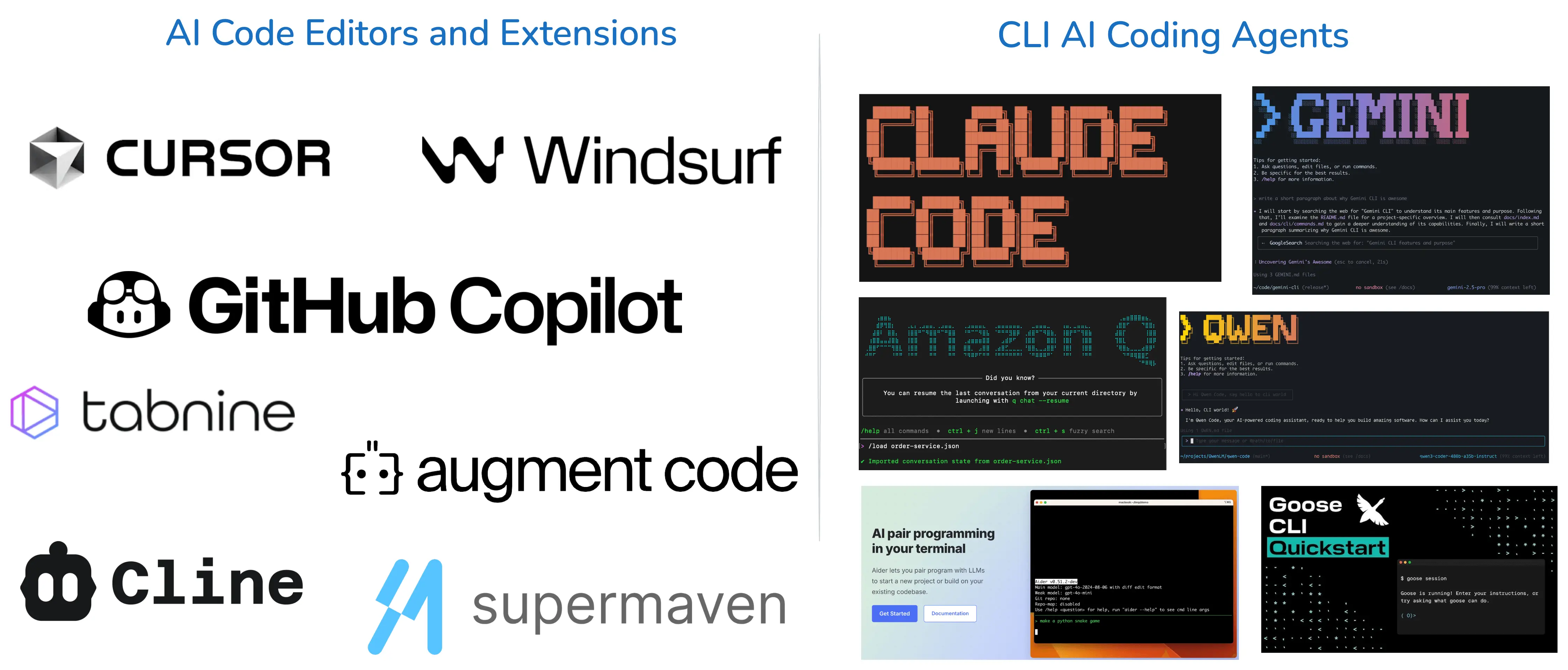
AI coding tools have gone from autocomplete plugins to agents that plan a task, edit a dozen files, run your test suite, and open the pull request. Picking one is now less about which model is smartest this month and more about where the agent runs, who owns it, and what a month of real usage costs.
That last part is why this list looks different from the version you may have read earlier. In the last six months Google retired Gemini CLI, SpaceX closed a $60 billion all-stock acquisition of Cursor’s parent Anysphere, AWS ended support for Amazon Q Developer, Cognition renamed Windsurf to Devin Desktop, and Cursor absorbed both Supermaven and Continue.dev. Several tools this post used to recommend no longer exist under the name you knew them by. On the other side of the ledger, DeepSeek open-sourced its own agent harness on August 13 and passed 100,000 GitHub stars in about two days, on its way to overtaking OpenCode as the most-starred coding agent on GitHub.
Here is what is actually worth installing in September 2026, split by where it runs: in your editor, or in your terminal.
Summary
AI code editors and IDE extensions:
- Cursor - the most widely used AI editor, now owned by SpaceX - Try Cursor
- Google Antigravity - Google’s agentic platform, and now its only free developer surface - Try Google Antigravity
- Aikido - all-in-one developer-first application security platform - Try Aikido
- GitHub Copilot - broadest editor support, agent mode, new AI Credits billing - Try GitHub Copilot
- Cline - open-source autonomous agent for VS Code, bring your own key - Try Cline
- Kilo Code - fast-growing VS Code, JetBrains and CLI agent rebuilt on OpenCode - Try Kilo Code
- Zed - Rust editor where agents are participants in the buffer, not a chat panel - Try Zed
- Kiro - AWS’s spec-driven IDE that replaced Amazon Q Developer - Try Kiro
- Qodo - quality-first platform for PR review and test generation - Try Qodo
CLI coding agents:
- Claude Code - Anthropic’s terminal agent, strongest on long multi-file work - Try Claude Code
- OpenAI Codex - Apache-2.0 terminal agent on OpenAI’s GPT-5 series - Try Codex
- DeepSeek Harness - the new star leader, ~219k and MIT, everything in it is a plugin - Try DeepSeek Harness
- OpenCode - 206k stars, 75+ model providers, MIT licensed - Try OpenCode
- Pi - the sub-1,000-token harness, 103k stars and still climbing - Try Pi
- Cursor CLI - Cursor’s agent outside the editor, bundled with paid plans - Try Cursor CLI
- Amp - Sourcegraph-founded agent with a genuinely usable free tier - Try Amp
- Grok Build - xAI’s Rust TUI with eight parallel sub-agents, Apache-2.0 - Try Grok Build
- Antigravity CLI - Google’s
agybinary, the replacement for Gemini CLI - Try Antigravity CLI - Droid - Factory’s model-agnostic agent aimed at enterprise SDLC - Try Droid
- Goose - Apache-2.0 agent under the Agentic AI Foundation, runs local models - Try Goose
Comparison Table for the Best AI Coding Tools in 2026
| Tool | Type | Best For | Pricing |
|---|---|---|---|
| Cursor | AI editor | Everyday work in a full AI-first IDE | Free; Pro $20/mo |
| Google Antigravity | Agent platform | Dispatching agents that verify their own work | Free, weekly compute cap |
| Aikido | Security platform | Code-to-cloud scanning without alert fatigue | Free tier; flat-rate paid |
| GitHub Copilot | IDE extension | Widest editor coverage and team rollout | Free; $10 to $100/mo |
| Cline | VS Code agent | Autonomy with direct provider billing | Free, bring your own key |
| Kilo Code | Multi-surface agent | VS Code, JetBrains, and CLI from one config | Free, optional credits |
| Zed | AI editor | Agents editing in the buffer, not a chat panel | Free; Pro $10/mo |
| Kiro | Spec-driven IDE | Teams that want requirements before code | Free tier; $20 to $200/mo |
| Qodo | Review and tests | PR review and real test coverage | 14-day trial; $30/mo team |
| Claude Code | CLI agent | Long multi-file tasks and refactors | API usage or Claude Pro/Max |
| OpenAI Codex | CLI agent | Repo-wide reasoning and cloud tasks | ChatGPT plans or API |
| DeepSeek Harness | CLI agent | Provider-agnostic, plugin-based, biggest star mover | Free (MIT) |
| OpenCode | CLI agent | Provider independence and local models | Free (MIT) |
| Pi | CLI agent | A minimal, readable harness to build on | Free (MIT) |
| Cursor CLI | CLI agent | Cursor users scripting or running in CI | Bundled with Cursor plans |
| Amp | CLI agent | Trying a full agent at zero cost | Free with ads; zero-markup credits |
| Grok Build | CLI agent | Parallel sub-agents in isolated worktrees | Free harness; Grok plan or API key |
| Antigravity CLI | CLI agent | Gemini models from the terminal | Free, weekly compute cap |
| Droid | CLI agent | Ticket-to-PR workflows in enterprises | $20 to $200/mo |
| Goose | CLI agent | Fully offline work and infrastructure tasks | Free (Apache-2.0) |
Best AI Code Editors and Extensions
These tools live inside your editor. You see every diff as it lands, which is still the right default if you are working on code you own and care about.
1. Cursor - The Most Widely Used AI Editor
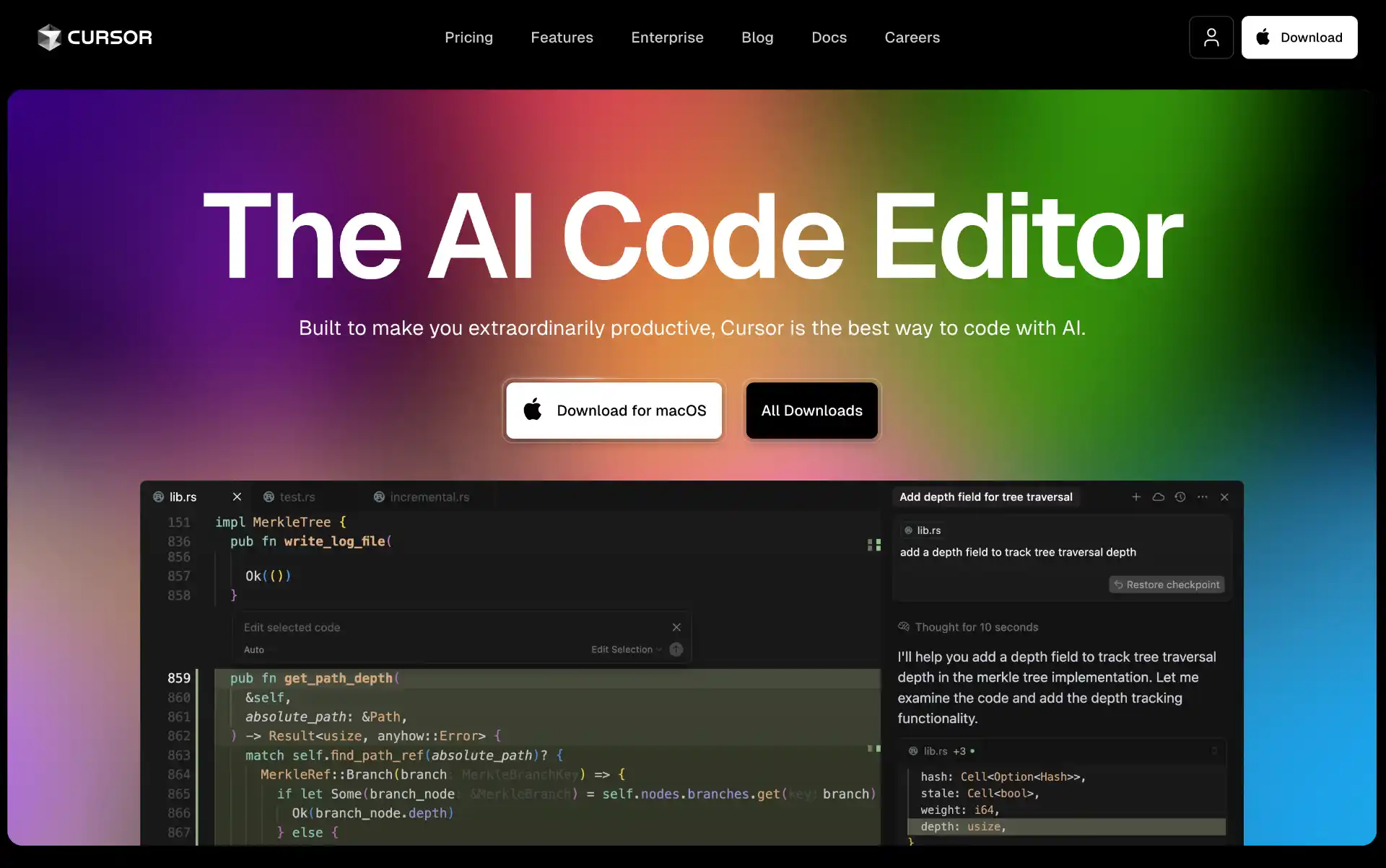
Cursor is still the most widely adopted AI editor, and it got there by being an AI-first fork of VS Code rather than an extension bolted onto one. It indexes your whole repository, so a request like “move this validation into a middleware and update every caller” lands as a reviewable multi-file diff instead of a snippet you have to place yourself.
Two things changed in 2026. First, Cursor Tab, the inline completion, got noticeably faster after Cursor folded in the technology from Supermaven, which it acquired and then sunset on November 30, 2025. Second, and much bigger: SpaceX closed a $60 billion all-stock acquisition of Cursor’s parent company Anysphere on August 14, 2026, folding it into a new SpaceXAI division. It is the largest startup acquisition on record, and it is the main open question about Cursor now. The product has not changed, but the ownership has, and if your organisation has opinions about where its code context goes, that is a conversation worth having before you standardise on it.
- Codebase indexing - answers and edits are grounded in your actual repository, not just the open file
- Cursor Tab - low-latency inline completion, rebuilt on Supermaven’s inference stack
- Agent mode - plans and executes multi-file changes, runs commands, and iterates on test output
- Model choice - routes across frontier models rather than locking you to one vendor
- Cursor CLI - the same agent outside the editor, for terminal and CI use
Pricing: Free tier with limited agent usage. Pro is $20/month per user, with a $40/month tier above it for heavier agent workloads and team features.
2. Google Antigravity - Google’s Agent-First Platform
Google Antigravity launched in November 2025 as an experiment and is now Google’s main developer surface. On June 18, 2026, Google retired Gemini CLI and the Gemini Code Assist IDE extensions for Google AI Pro, Ultra, and free accounts, and pointed everyone at Antigravity. If you were a Gemini CLI user, this is where you ended up whether you wanted to or not.
Antigravity has two modes. The Editor View is a conventional AI-assisted IDE. The Manager Surface is the interesting one: you dispatch agents that work across the editor, terminal, and browser, and they report back with Artifacts (screenshots, recordings, task lists) instead of raw logs, so you can check what an agent did at a glance rather than scrolling a transcript.
- Dual interface - Editor View for hands-on coding, Manager Surface for dispatching agents
- Artifact-based verification - screenshots, recordings, and task lists instead of log dumps
- Browser control - agents drive a real browser to verify what they built
- Knowledge base - agents persist useful context between tasks
- Model flexibility - Gemini 3 Pro plus third-party models
- Cross-platform - macOS, Windows, and Linux
Pricing: Free for individuals. The catch is quota: Gemini CLI’s old 1,000 requests per day was replaced by a weekly compute-based cap, and heavy users regularly report burning through it and sitting out a multi-day cooldown. Antigravity CLI is also closed source, where Gemini CLI was not.
3. Aikido - Developer-First Application Security
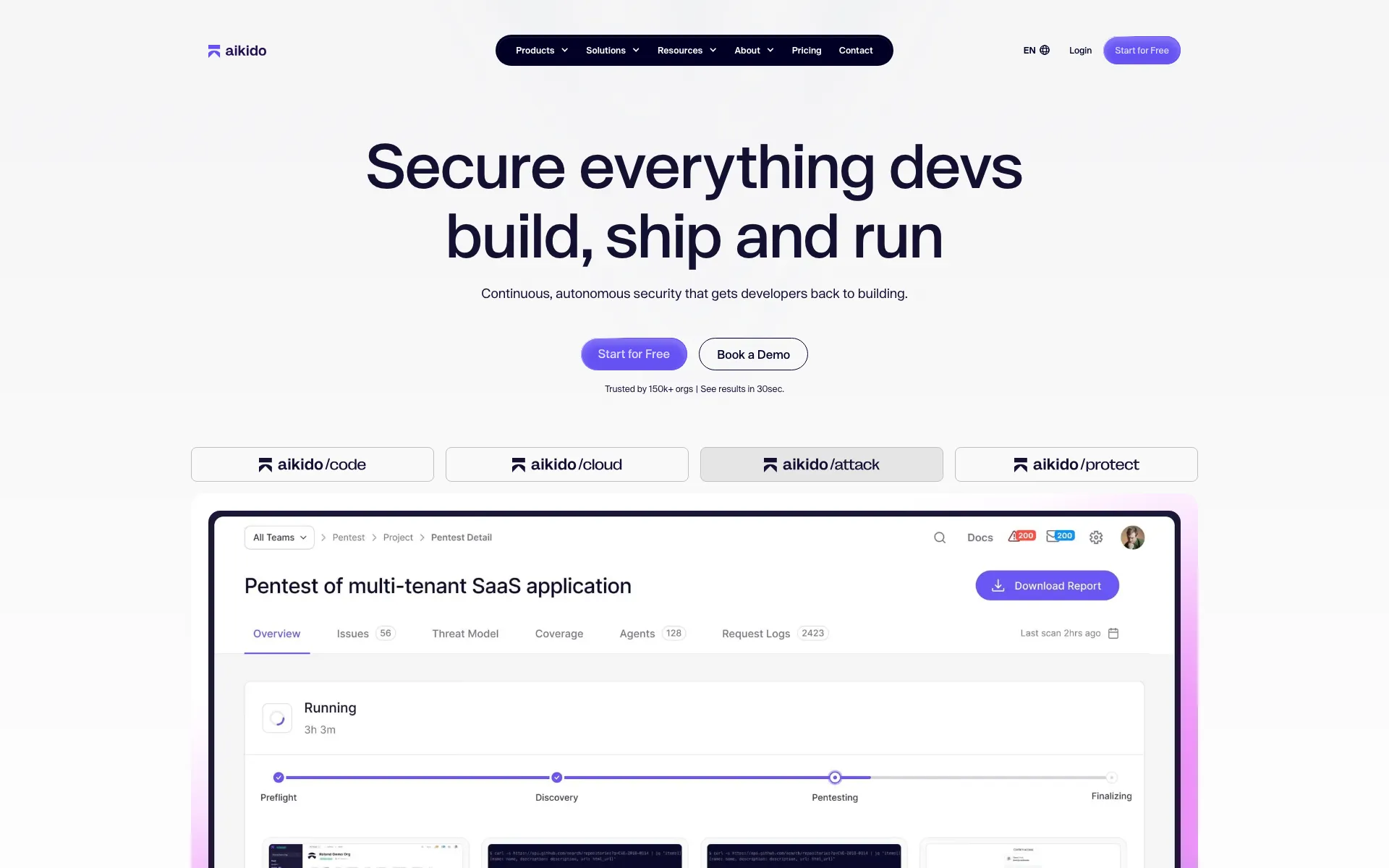
Aikido has emerged as a serious challenger to traditional, fragmented security tools by building an all-in-one application security platform from the ground up. Unlike point solutions that handle only single aspects of security, Aikido is designed as a developer-first environment that unifies your entire software footprint - from code to cloud to runtime.
Aikido excels at consolidating tool sprawl, slashing false positives, and accelerating vulnerability remediation. Its platform automatically triages risks and contextually reviews your repositories, giving development teams an instant, noise-free overview of what actually needs to be fixed without slowing down engineering velocity.
- Unified code-to-cloud scanning - Consolidates SAST, SCA, secrets, IaC, and CSPM into a single central system
- 90%+ noise reduction - Uses advanced reachability analysis to eliminate false positives and alert fatigue
- AI-powered AutoFix - Generates ready-to-merge pull requests to instantly resolve vulnerabilities in code and dependencies
- Continuous autonomous pentesting - Deploys AI agents to simulate real-world attacks and validate exploits before production
- Hassle-free compliance - Automates audit-grade reporting for frameworks like SOC2, ISO 27001, and NIS2
Pricing: Aikido offers a free tier for small teams with essential code and cloud scanning. Paid plans offer scalable flat-rate pricing based on the platform modules you need, featuring unlimited usage without punishing per-seat licensing.
4. GitHub Copilot - The Safest Default for Most Developers
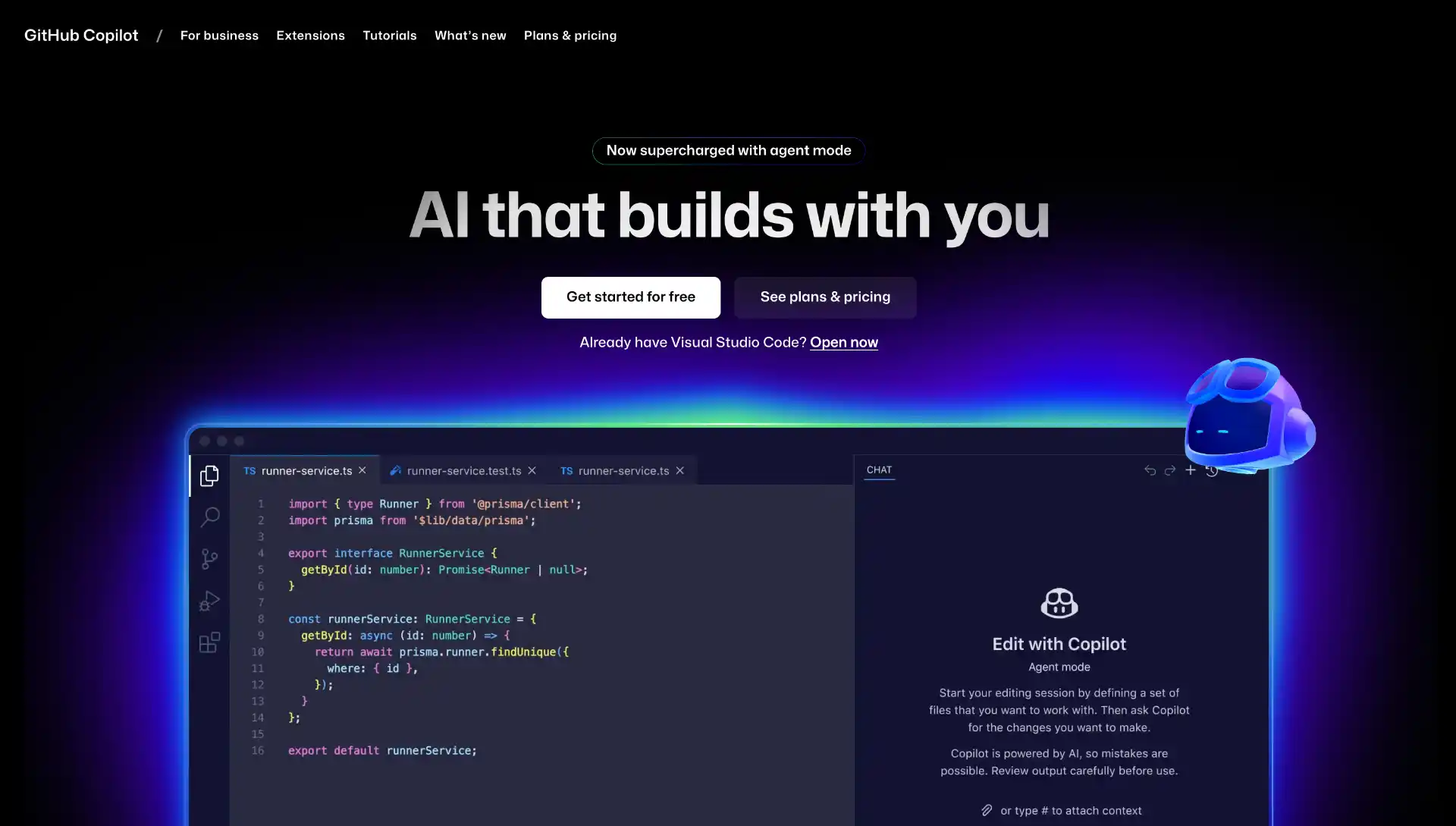
GitHub Copilot is still the sensible default for most developers, mostly because it is everywhere: VS Code, Visual Studio, JetBrains IDEs, Neovim, Xcode, the GitHub web UI, and a CLI. Agent mode has closed most of the capability gap with dedicated agents, and Copilot code review now runs on pull requests without anyone installing anything locally.
The thing to understand in 2026 is the billing. On June 1, 2026, GitHub replaced Premium Request Units with GitHub AI Credits, where one credit is $0.01. Completions are still included, but chat, agent mode, code review, and the Copilot CLI all draw down a credit pool. Agent mode is the expensive one: an agentic task uses orders of magnitude more tokens than a single-turn question, and a long session can run into several dollars on its own. Set a spending cap before you hand it a big refactor.
- Agent mode - plans multi-step tasks, edits across files, runs commands, and iterates on the output
- Widest editor support - VS Code, Visual Studio, JetBrains, Neovim, Xcode, and the GitHub web UI
- Copilot code review - automated review comments on pull requests
- Copilot CLI - the same agent in the terminal, drawing from the same credit pool
- Enterprise controls - policy management, audit logs, and content exclusion
Pricing: Free tier with limited completions and chat. Pro is $10/month and includes $15 of AI Credits, Pro+ is $39/month with $70, and Max is $100/month with $200. For teams, Business is $19/user/month and Enterprise is $39/user/month.
5. Cline - Open-Source Autonomy Without a Subscription
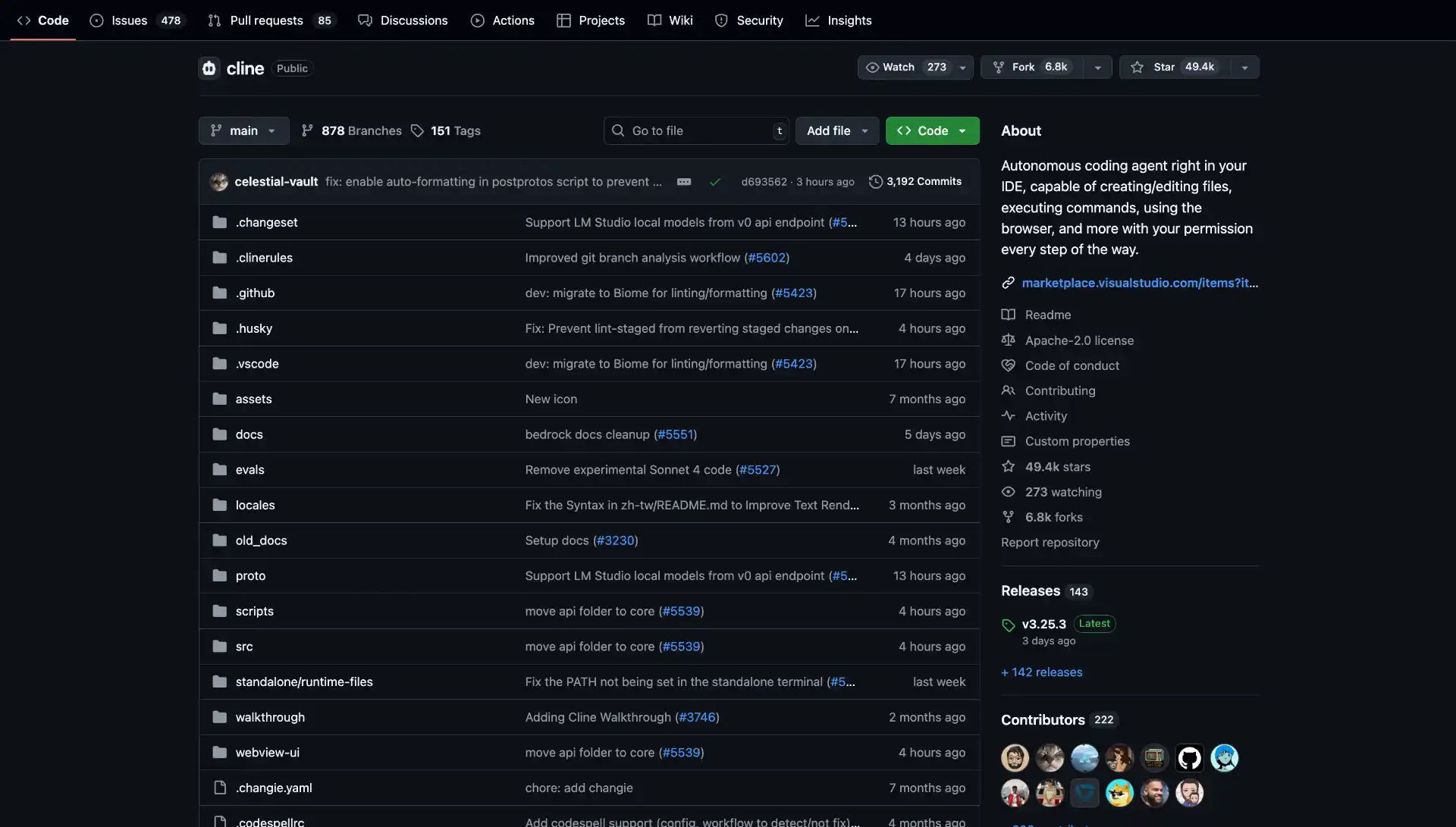
Cline is the most popular open-source coding agent that lives in VS Code, with more than 67,000 GitHub stars and an Apache-2.0 licence. It reads files, writes files, runs terminal commands, and drives a browser, asking for approval at each step by default.
The reason it stayed near the top of this list through a year of consolidation is its billing model, or lack of one. Cline has no subscription and takes no cut: you plug in an API key for Anthropic, OpenAI, Google, or a local model through Ollama, and you pay the provider directly. When every commercial tool moved to credits in 2026, that turned into a real selling point.
- Plan and Act modes - separates working out the approach from making the changes
- Bring your own key - direct provider billing with no markup, or run fully local models
- Terminal and browser access - runs commands and verifies UI changes, with approval gates
- MCP support - extend it with Model Context Protocol servers
- Checkpoints - snapshot the workspace so you can roll back a bad agent run
Pricing: The extension is free and open source. You pay only for model usage through whichever provider you configure.
6. Kilo Code - One Agent Across VS Code, JetBrains, and the CLI
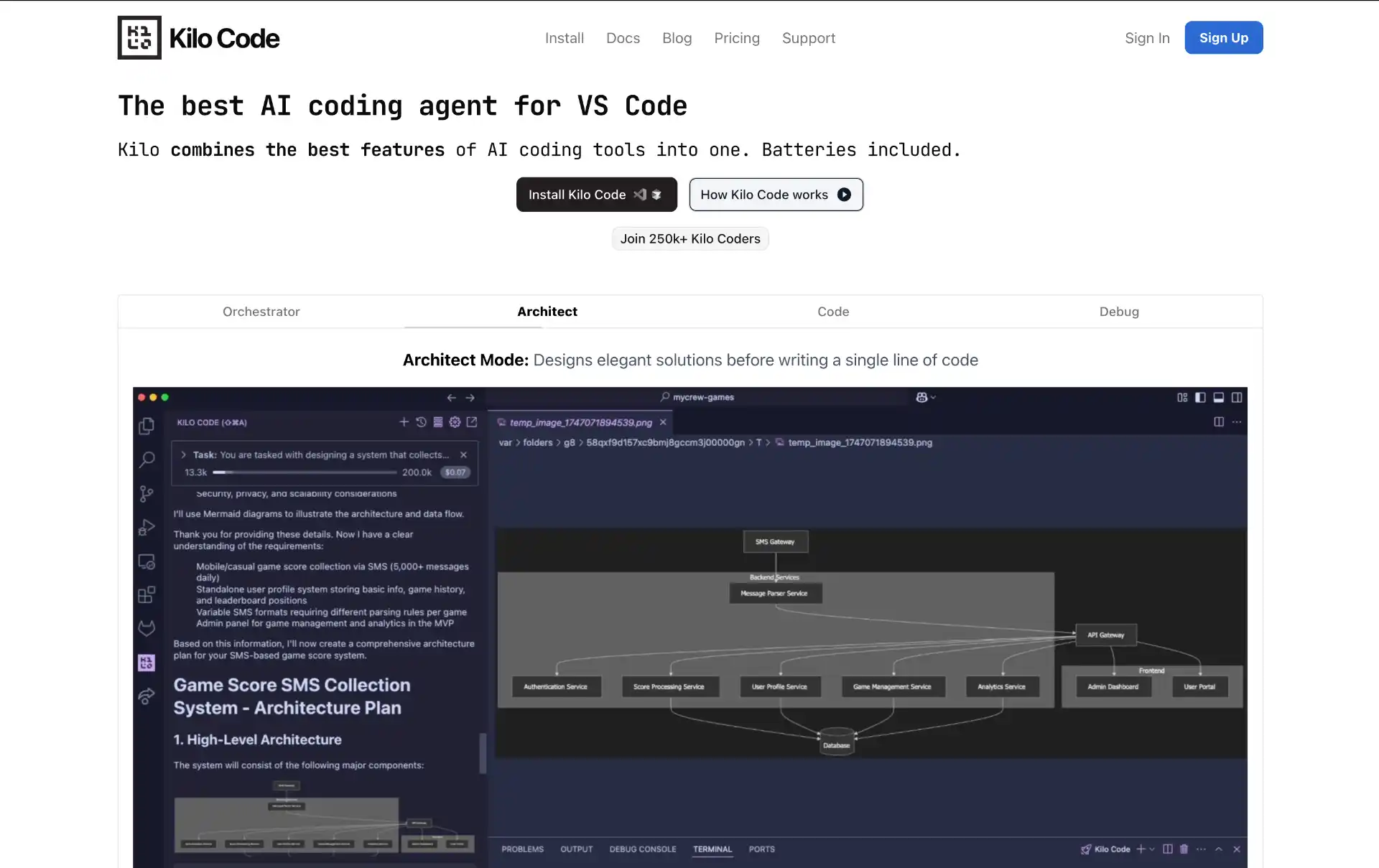
Kilo Code started as a lightweight VS Code assistant and is now one of the fastest-growing agents in the category, with over 1.5 million reported users. In April 2026 it was rebuilt on top of OpenCode, which means the same agent now runs in VS Code, in JetBrains IDEs, and as a CLI, with your configuration carried across all three.
It is also the natural landing spot for anyone who used Roo Code, which was archived in May 2026. Kilo Code kept the custom-mode workflow (Architect, Code, Debug, Ask) that Roo users liked, and added two things neither Roo nor Cline shipped: inline autocomplete, and an Agent Manager that runs parallel agent sessions across separate git worktrees so they do not fight over the same working directory.
- One agent, three surfaces - VS Code, JetBrains, and a CLI sharing the same config
- Agent Manager - parallel sessions isolated in separate git worktrees
- Inline autocomplete - completion plus agent, which most VS Code agents skip
- Custom modes - Architect, Code, Debug, and Ask, familiar to ex-Roo Code users
- Open source and provider-agnostic - bring your own key or use its bundled credits
Pricing: Free and open source, with optional prepaid credits if you would rather not manage provider API keys yourself.
7. Zed - Where the Agent Edits in the Buffer
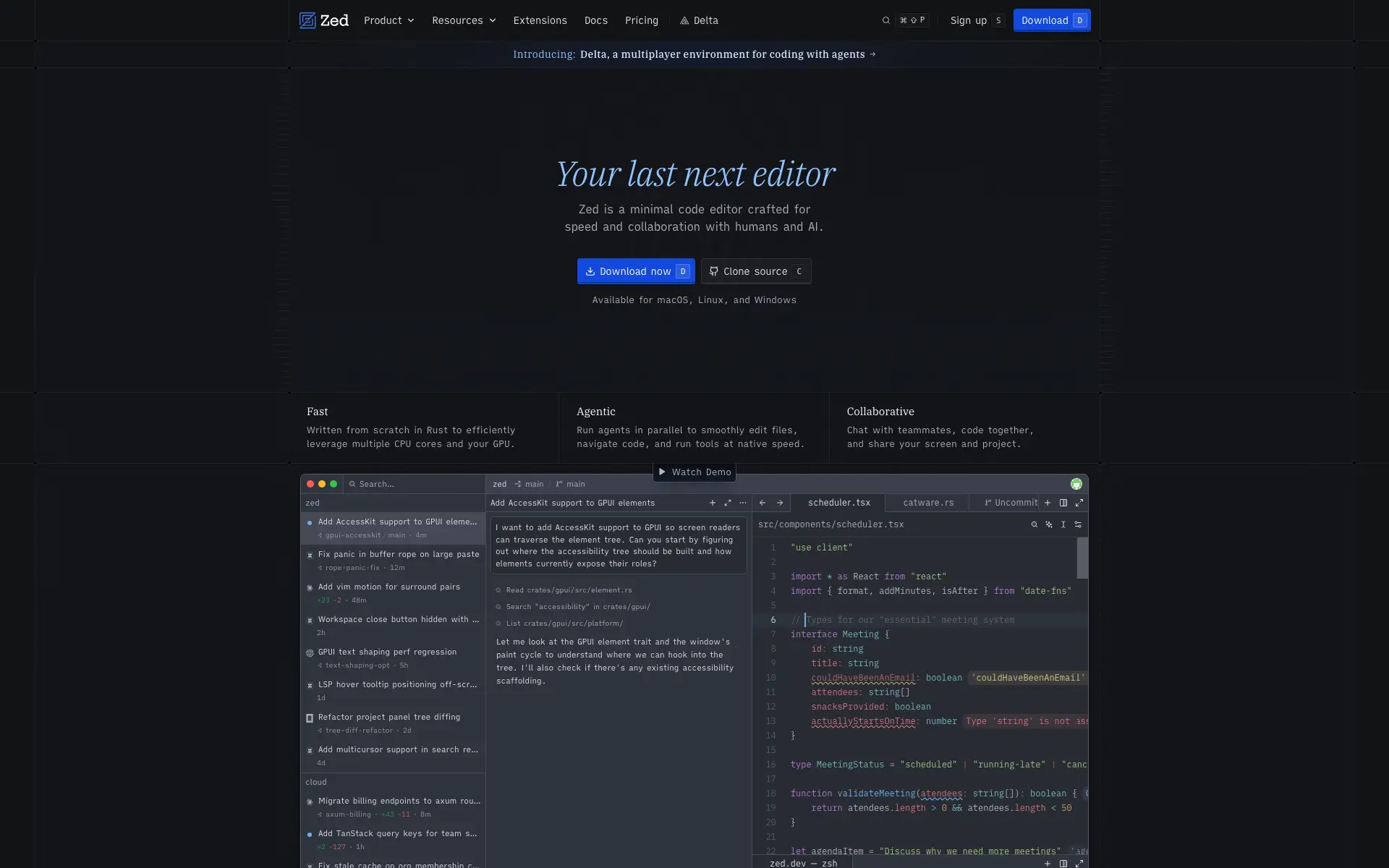
Zed is a Rust editor built for speed that turned into one of the more interesting AI editors, and it got there by refusing to bolt a chat sidebar onto the side of the window. Its Agent Panel gives an agent the same write access to the buffer that a human collaborator has in a shared session, so edits stream into the file where you can watch them and type over them.
The piece worth paying attention to is the Agent Client Protocol (ACP), an open standard that lets external agents drive the editor. Run Claude Code through ACP and its diffs render inline in Zed’s UI instead of scrolling past in a terminal pane. If you like a terminal agent’s reasoning but hate reviewing its work as a wall of text, that combination is the strongest argument for Zed.
- Agent Panel - the agent edits in the buffer alongside you, not in a side chat
- Agent Client Protocol - open standard for plugging in external agents such as Claude Code
- Multiplayer - real-time collaboration with humans and agents in the same session
- Rust performance - fast startup and low input latency on large files
- Open source, bring your own keys - Anthropic, OpenAI, Google, OpenRouter, Ollama, LM Studio, and more
Pricing: The Personal plan is free forever, including unlimited use with your own API keys or an external agent driven over ACP, plus 2,000 accepted edit predictions. Pro is $10/month with unlimited edit predictions and $5 of monthly token credits, and Business is $30/seat/month for org-wide model policies. Hosted token usage is billed at provider API rates plus 10%.
8. Kiro - Spec-Driven Development from AWS
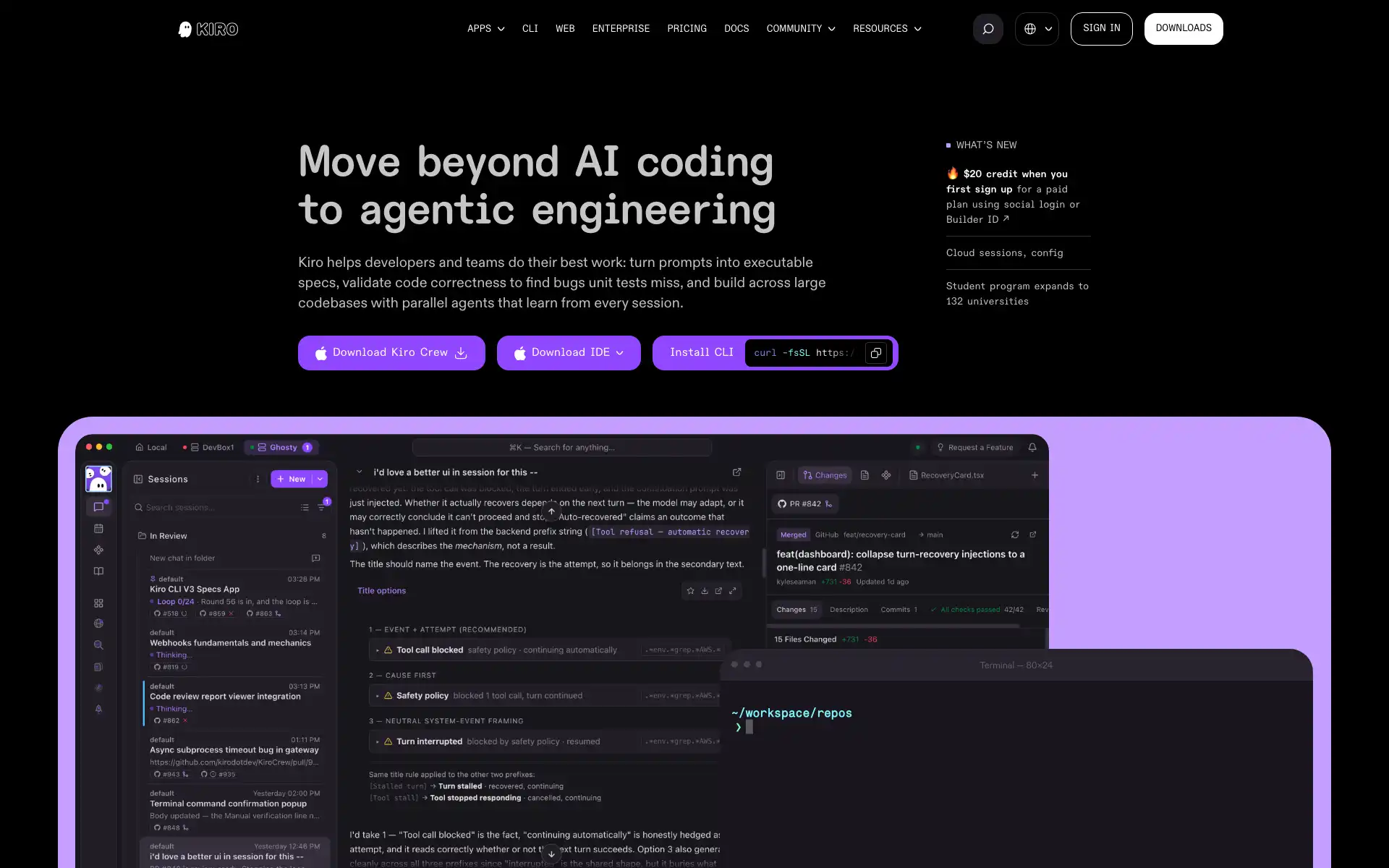
Kiro is AWS’s agentic IDE, generally available since March 2026 and built on Code OSS with Claude models through Amazon Bedrock. It is also the reason Amazon Q Developer is gone: AWS blocked new Q Developer signups in May 2026 and moved the CLI to Kiro CLI.
Kiro’s pitch is spec-driven development. Describe a feature and it does not start writing code. It produces a requirements document first, with user stories and acceptance criteria in EARS notation, then a design document, then a task list, and only then implements against them. It is slower and more bureaucratic than prompting an agent directly, which is exactly the point on a team where the argument usually happens after the code is written.
- Spec-driven workflow - requirements, design, and tasks generated before any code
- EARS notation - acceptance criteria written in a structured, unambiguous form
- Hooks - agent actions triggered on file save or other editor events
- Three surfaces - IDE, CLI, and web, driving the same agent
- AWS integration - Bedrock-backed models with AWS account controls
Pricing: Free tier with 50 credits per month. Pro is $20, Pro+ $40, Pro Max $100, and Power $200 per user per month, with extra credits at $0.04 each. Budget carefully: a full spec-driven feature build costs roughly 15 to 25 credits, so the free tier is two or three features a month.
9. Qodo (formerly CodiumAI) - Review and Tests First
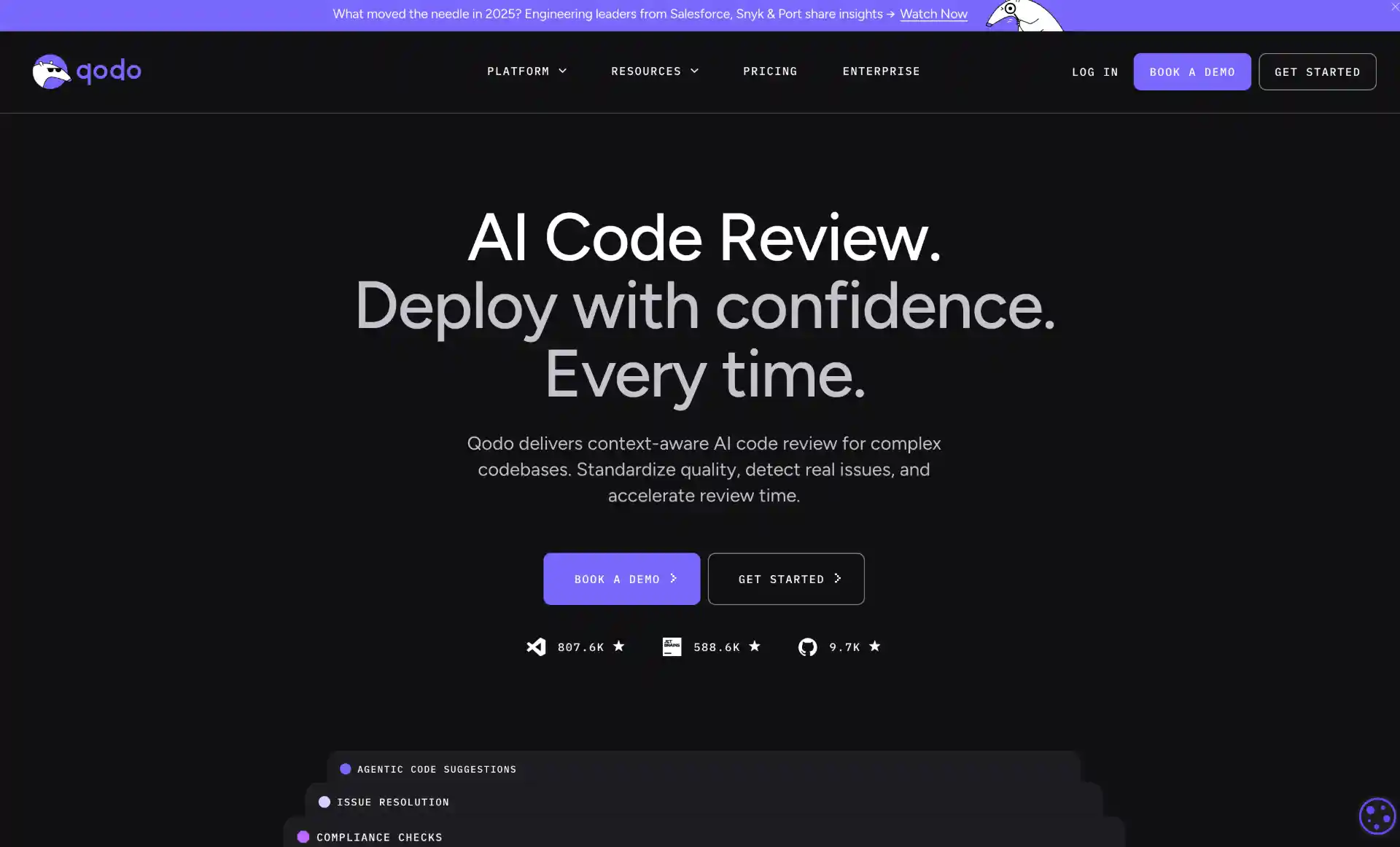
Qodo (formerly CodiumAI) is the one on this list that is not chasing generation speed. It is built around code integrity: generating tests that actually cover the branches you missed, and reviewing pull requests with enough context to say something useful.
Qodo 2.0, released in February 2026, moved the review product to a multi-agent architecture, splitting a review into separate passes rather than asking one model to catch everything at once. Qodo Merge handles PR analysis, and Qodo Cover handles test generation. If your problem is that AI-generated code arrives faster than your team can review it, this is the category of tool that helps.
- Qodo Merge - multi-agent pull request review with repository context
- Qodo Cover - automated test generation aimed at real coverage gaps
- Quality-first generation - optimises for correctness and testability over speed
- IDE and CLI support - VS Code and JetBrains extensions plus a CLI
- Git platform integration - works with GitHub, GitLab, and Bitbucket
Pricing: There is no permanent free plan any more, just a 14-day trial with unlimited reviews and no card required. Pro Team is $30/month for up to 30 users, with credit packs pooled across the team at $0.012 per credit, and Enterprise adds SSO, audit logs, bring-your-own-key, and single-tenant or on-premises deployment. Qualified open-source projects can apply for free access.
CLI-based Standalone AI Coding Agents
Terminal agents run independently of your editor. That makes them scriptable: you can pipe input into them, run them in CI, and open several sessions in parallel on different branches. This is where most of the movement happened in 2026. For a deeper look at just this category, see Top 5 CLI coding agents in 2026.
1. Claude Code - The Strongest Agent for Long Tasks
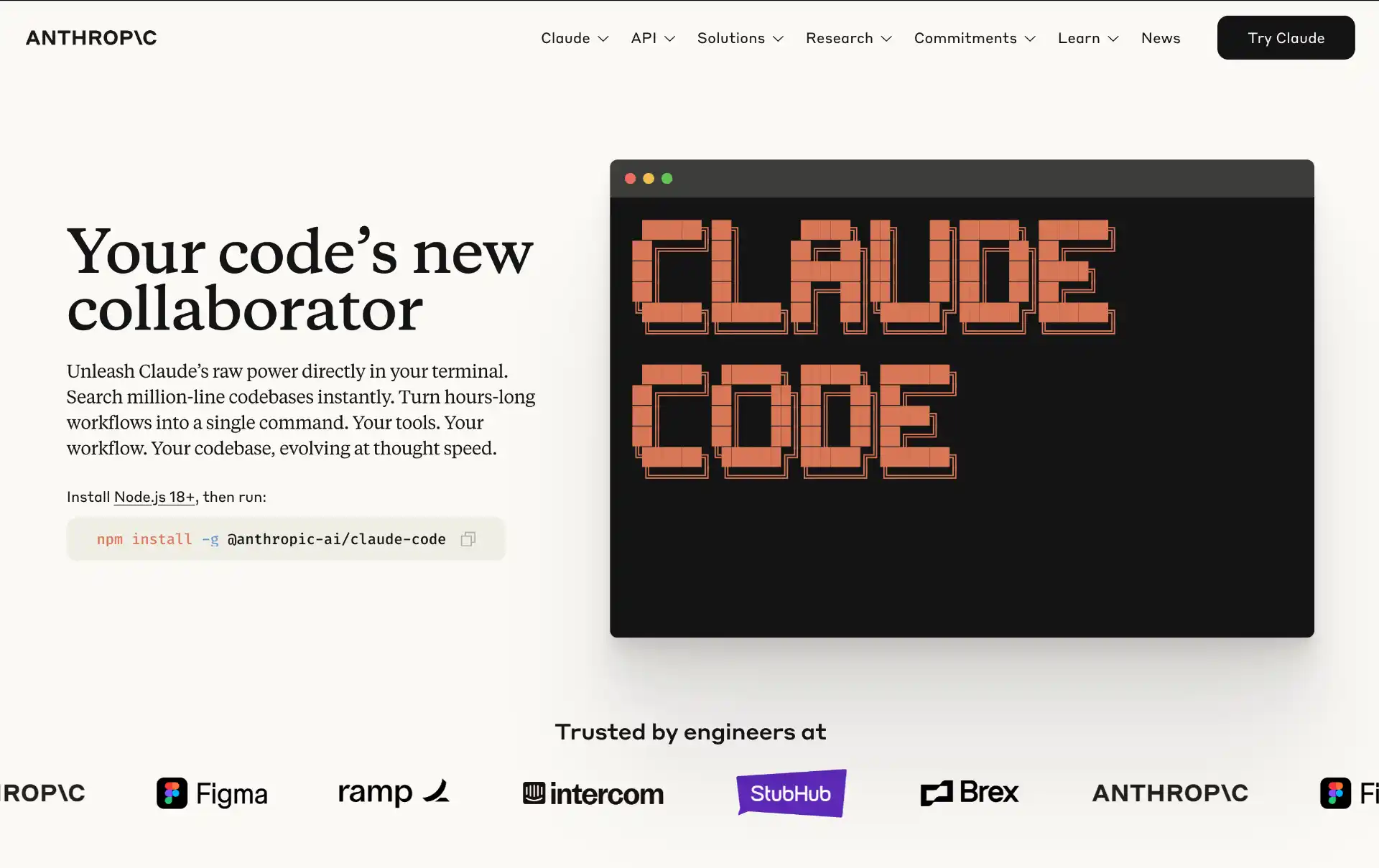
Claude Code is Anthropic’s terminal agent and the one most people reach for on tasks that span many files and take a while. It reads the repository, plans, edits, runs your tests, reads the failures, and keeps going, which is a different job from answering a question about a function.
Its real advantage now is the layer built around the model: skills that package repeatable procedures, subagents that fan work out and report back a conclusion instead of a transcript, hooks that run your own commands at defined points, and MCP servers for anything else. On the Claude 5 family it holds context across long sessions well enough that “refactor this module and update every call site” is a single instruction rather than a supervised sequence.
- Long multi-file work - plans, edits, runs tests, and iterates without hand-holding
- Skills and subagents - packaged procedures and parallel delegation
- Hooks - run your own scripts at defined points in the agent loop
- MCP support - connect databases, issue trackers, and internal services
- Available beyond the terminal - CLI, desktop app, web, and IDE extensions
Pricing: Pay-as-you-go on the Anthropic API, or bundled quota with Claude Pro and Max subscriptions.
2. OpenAI Codex - Apache-2.0 and Built on GPT-5
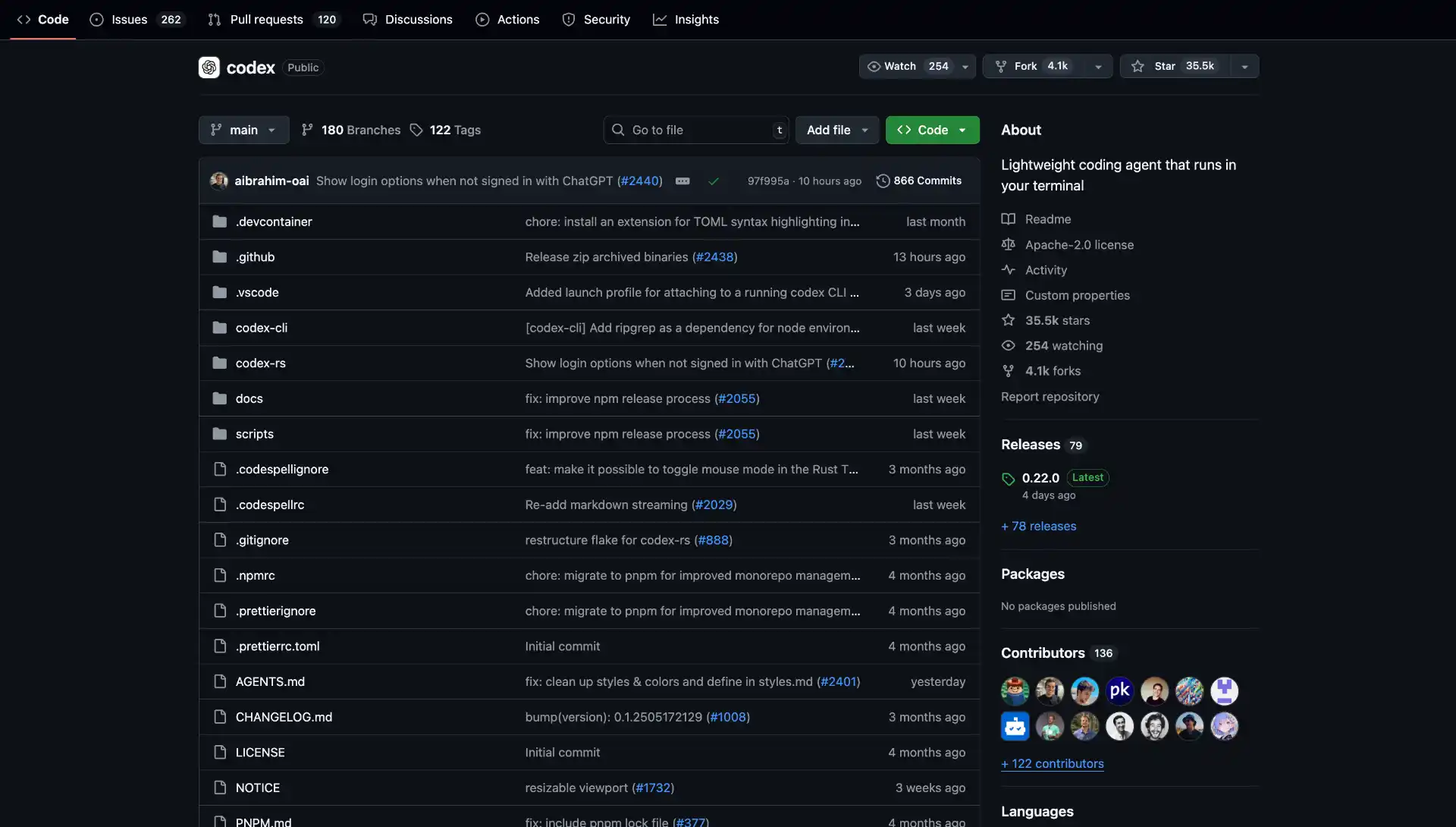
Codex is OpenAI’s terminal agent, and it is the closest competitor to Claude Code on autonomous multi-file work. Do not confuse it with the 2021 Codex model that powered the first version of Copilot; this is a different product that reused the name. It is Apache-2.0 licensed, has over 122,000 GitHub stars, and ships releases most weeks.
Codex runs on OpenAI’s current GPT-5 series with one of the largest context windows available, which matters on the kind of task where the agent has to hold a whole service in its head. It also has a cloud mode: hand it a task, close the laptop, and collect the pull request later. The same agent is available as an IDE extension if you would rather not live in the terminal.
- Open source - Apache-2.0, so you can read and fork the harness itself
- Very large context window - suits repository-wide reasoning
- Cloud tasks - run long jobs remotely and collect the resulting PR
- Sandboxed execution - commands run in a sandbox with configurable approval policies
- Terminal and IDE - same agent, two surfaces
Pricing: Included with ChatGPT Plus, Pro, and Business plans up to a usage allowance, or pay-as-you-go with an API key.
3. DeepSeek Harness - Everything Is a Plugin
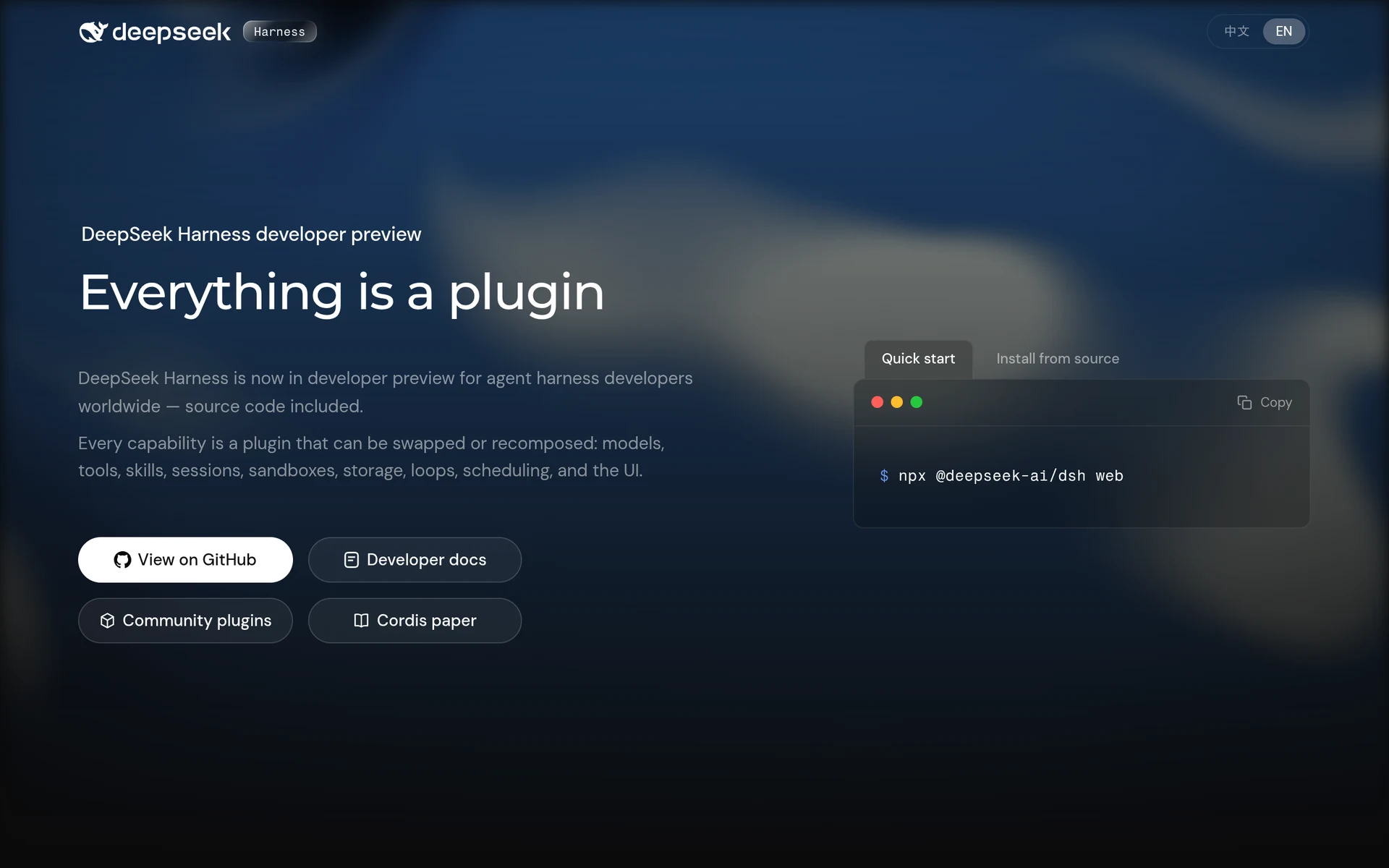
DeepSeek Harness (dsh) did not exist a month before this update. DeepSeek published it under MIT on August 13, 2026, and it passed 100,000 GitHub stars in roughly two days, on its way to around 219,000 today, past OpenCode for the raw star lead in this whole category.
The design idea is in the name: everything, including the agent loop itself, is a replaceable plugin. Models, tools, skills, sessions, sandboxes, storage, scheduling, and the UI are all swappable pieces built on a plugin runtime called Cordis, so you extend it by mounting a plugin rather than forking internals. Despite the branding it is not DeepSeek-only: the built-in provider catalog covers Anthropic, OpenAI, Bedrock, Azure, and Vertex, and you can register a custom provider pointing at a self-hosted endpoint to attach Ollama or vLLM. It defaults to deepseek-v4-pro and deepseek-v4-flash, reads both AGENTS.md and CLAUDE.md, acts as an MCP client, and ships an ACP server plus Python and JSON-RPC SDKs.
One shape difference to know before you reach for it: dsh is web-first, not a terminal UI. The default npx @deepseek-ai/dsh web opens a local browser interface, and terminal-only use means the headless path, npx @deepseek-ai/dsh --profile headless "fix the failing tests". If you want a full-screen TUI like Grok Build or Crush, this is not that. It is also, by DeepSeek’s own README, a developer preview that promises breaking changes, so pin your version if you depend on it.
- Everything is a plugin - the agent loop, tools, sessions, and UI are all swappable
- Multi-provider despite the name - Anthropic, OpenAI, Bedrock, Azure, and Vertex, plus custom endpoints
- Reads AGENTS.md and CLAUDE.md - and can delegate to the Claude Code and Codex binaries
- Web-first, not a TUI - a local browser UI by default, with a headless CLI path for scripts and CI
- Developer preview - breaking changes are expected, pin the version you build on
Pricing: Free and MIT licensed. You pay whichever provider you configure, including DeepSeek’s own API.
4. OpenCode - Provider Independence, 206k Stars
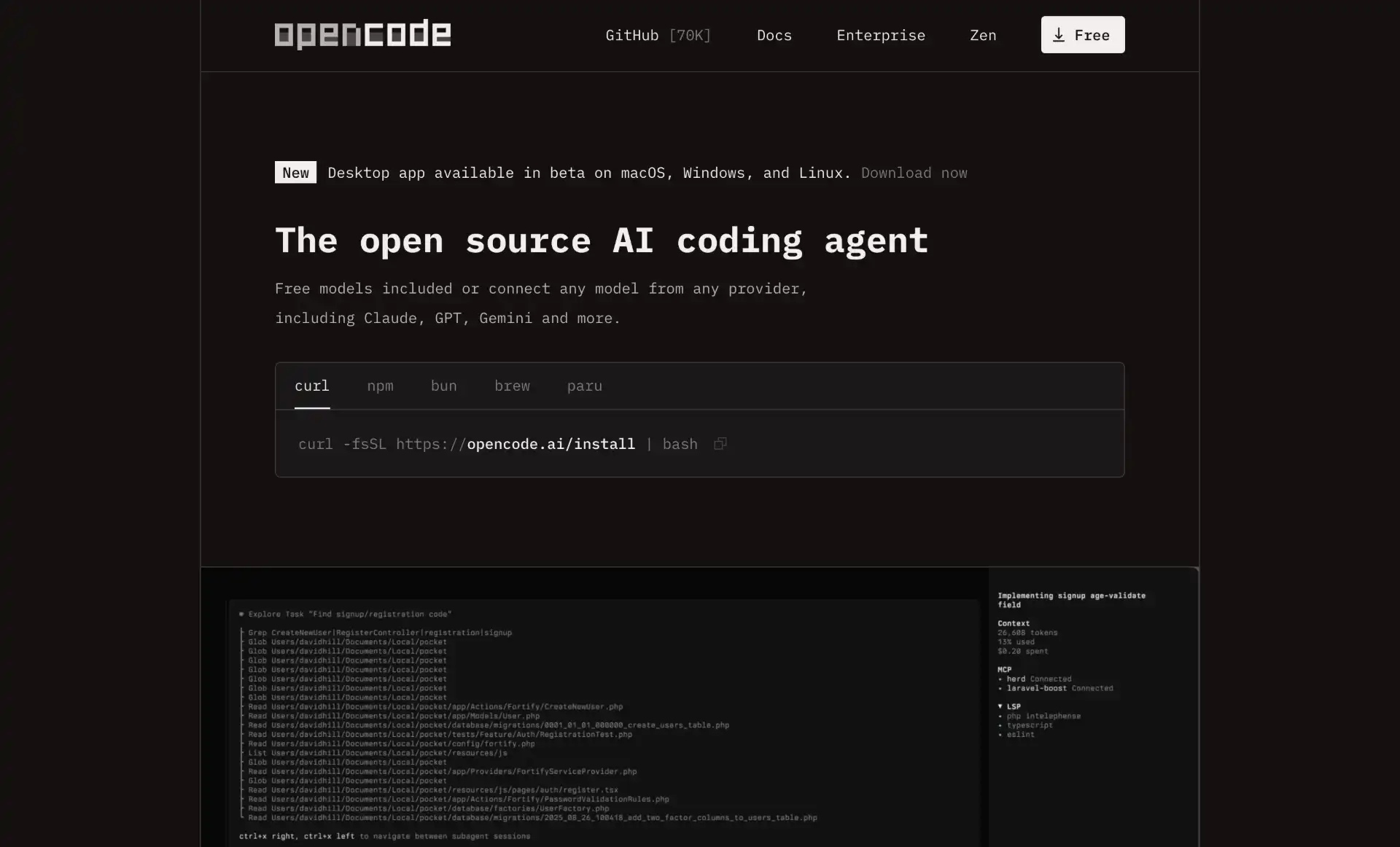
OpenCode held the raw star lead in this category until DeepSeek Harness landed, and at over 206,000 stars it is still the pick if you do not want a vendor deciding which model you use. It is MIT licensed and provider-agnostic: 75+ providers through Models.dev, local models through Ollama, or you can authenticate with a GitHub Copilot or ChatGPT subscription you already pay for and use that quota.
It moved from sst/opencode to anomalyco/opencode after the rebrand, so old links redirect. Beyond the terminal it now ships a desktop app and an IDE extension, loads language servers automatically so the agent gets real type information instead of guessing, and supports multiple parallel sessions. Kilo Code rebuilt itself on top of it in April 2026, which is a decent signal about the quality of the harness.
- 75+ model providers - through Models.dev, including local models
- Use an existing subscription - log in with Copilot or ChatGPT credentials
- LSP-aware - loads language servers so the agent sees real types and errors
- Terminal, desktop, and IDE - the same agent across three surfaces
- Parallel sessions and shareable links - run several agents, share a thread for review
Pricing: Free and MIT licensed. You pay whichever provider you point it at, or nothing if you run local models.
5. Pi - The Smallest Harness That Still Does the Job
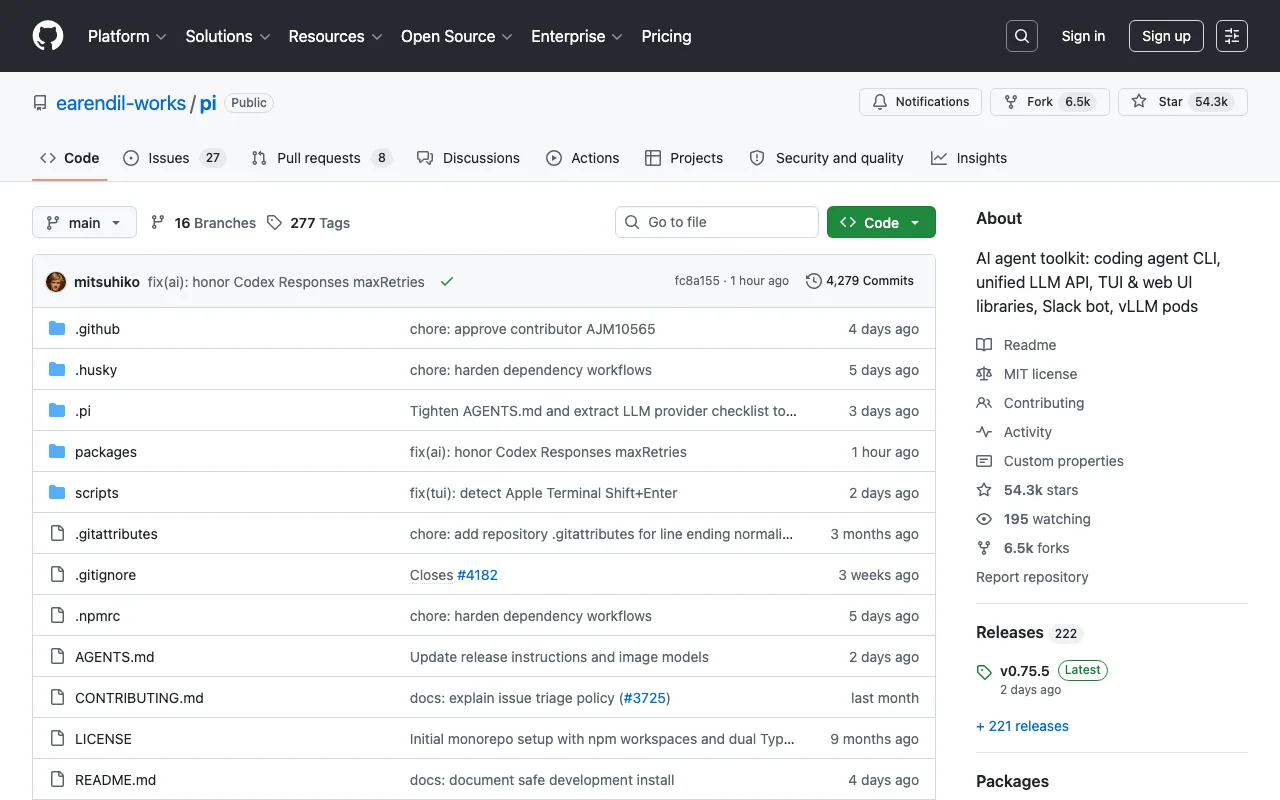
Pi is the fastest-growing agent in this category by a wide margin: 54,000 GitHub stars in May 2026, past 103,000 today. It comes from Mario Zechner and Armin Ronacher, the author of Flask and Jinja2, and it is a deliberate argument against the direction almost everything else on this list has taken.
The argument is that the model is already smart enough, and the harness should get out of its way. Pi’s system prompt is under 1,000 tokens, against roughly 7,000 to 10,000 for Cline, OpenCode, and Claude Code. It manages that with lazy skills: every capability keeps only a one-line description in context, and the full instructions and tool schemas load only when the skill is actually invoked. You pay context for the tools you use, not for the whole catalogue.
That makes it the one to reach for if you want to know exactly what your agent is sending to the model, or if you are building your own tooling and want a clean base instead of a framework to fight. It ships as a coding agent CLI plus a unified LLM API and TUI and web UI libraries, all MIT-licensed TypeScript, and it is on npm as @mariozechner/pi-coding-agent. The trade is real: fewer batteries included than OpenCode, and you will spend more time reading source than documentation.
- Sub-1,000-token system prompt - a fraction of what other harnesses spend before you type anything
- Lazy skills - tool schemas load on invocation rather than up front
- MIT and hackable - TypeScript, small enough to read in an afternoon
- A library, not just a CLI - unified LLM API plus TUI and web UI components
- Provider-agnostic - any model, including local ones, with MCP support
Pricing: Free and MIT licensed. You pay only whichever model provider you point it at.
6. Cursor CLI - Cursor’s Agent Outside the Editor
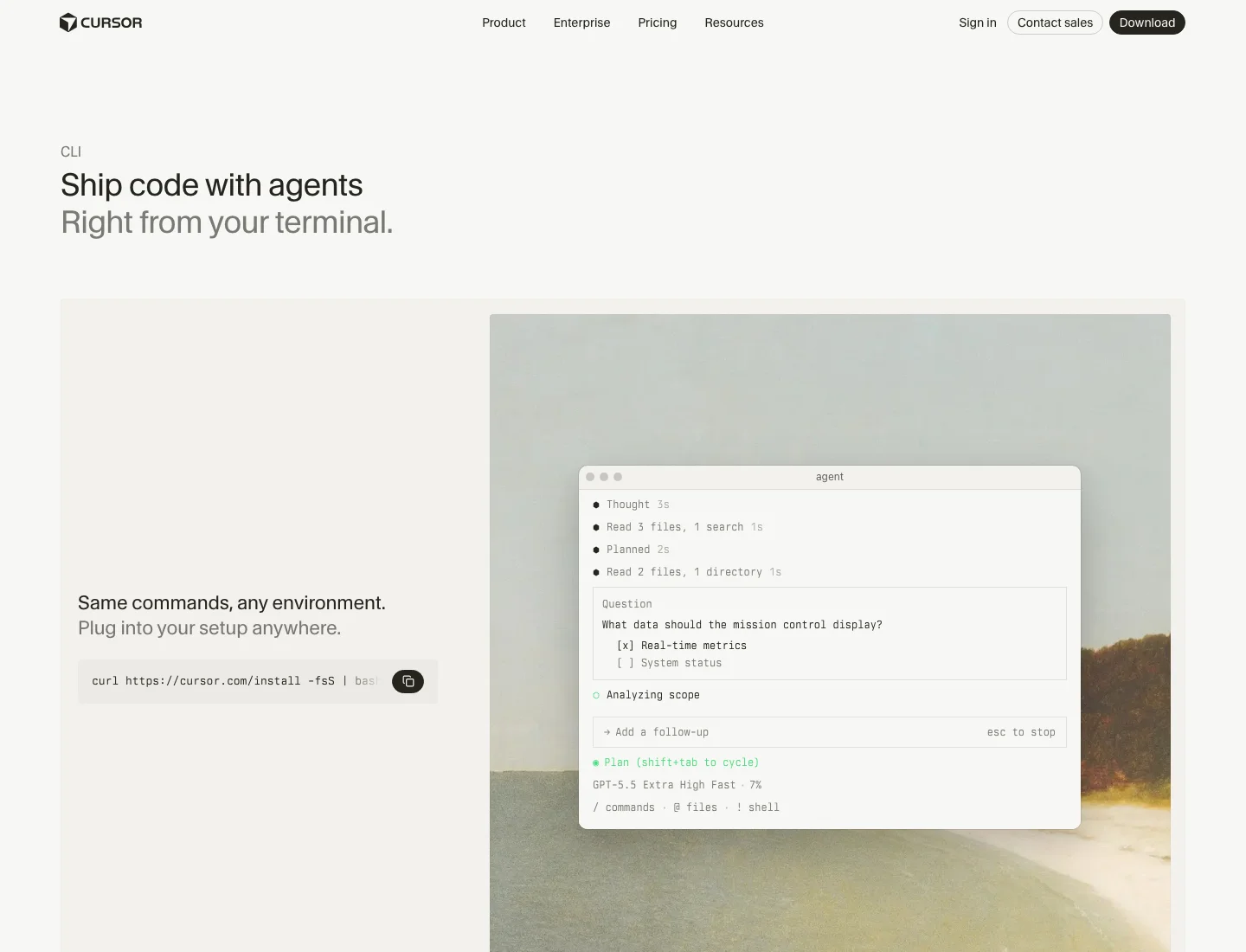
Cursor CLI takes Cursor’s agent out of the editor and puts it in the terminal, which makes it useful in CI and in scripts where opening a GUI is not an option. It shares your Cursor configuration, rules, and subscription, so it is close to free if you already pay for Cursor.
It keeps the Plan and Ask modes from the editor, and adds Cloud Handoff: prefix a task and it runs on Cursor’s infrastructure instead of your machine, which is what you want for a long migration you do not want tying up a laptop.
- Shared config - the same rules and context as the Cursor editor
- Plan and Ask modes - think through the change before touching files
- Cloud Handoff - move a long-running task off your machine
- Model routing - automatically picks between frontier models per task
- Scriptable - non-interactive mode for CI pipelines
Pricing: Bundled with paid Cursor plans, starting at $20/month.
7. Amp - A Free Tier That Is Actually Usable
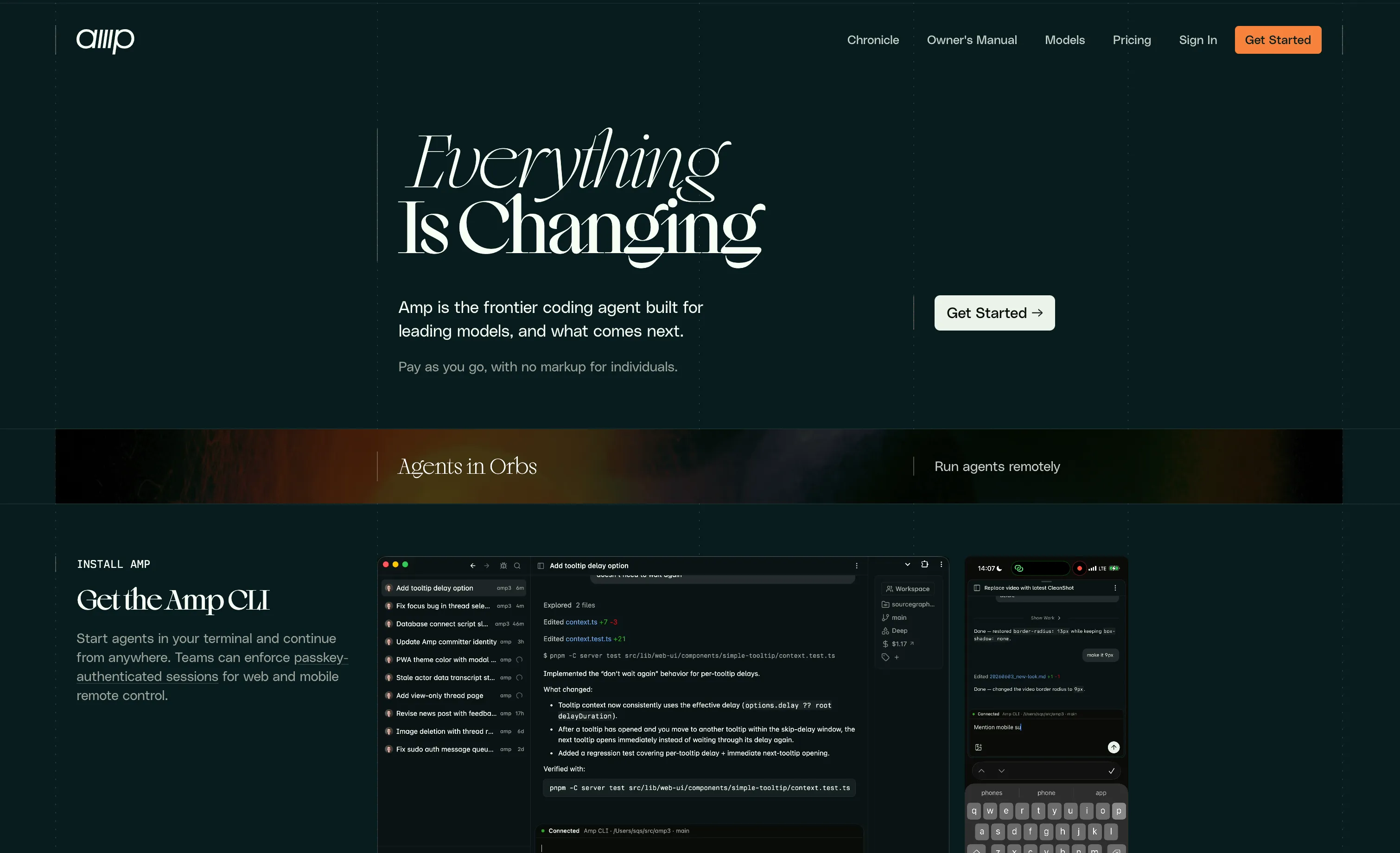
Amp comes from the Sourcegraph founders and spun out as its own company in December 2025 under Quinn Slack. It is unusually opinionated: the team dropped its editor extension to focus on the terminal, and it does not let you pick a model, on the theory that the harness should always run the best available one.
The pricing is the interesting part. Amp Free, launched in October 2025, is ad-supported rather than a crippled trial: you get the full agent and Amp Tab autocomplete without a hard token cap, and the ads appear in non-code surfaces like the dashboard and docs lookups, funded partly by data sharing. If that trade is not for you, paid usage is pay-as-you-go credits at no markup on the underlying provider API pricing. Deep mode runs extended research passes on ambiguous tasks, and it spawns parallel subagents for work that fans out.
- Genuinely usable free tier - full agent, ad-supported, no hard token cap
- Zero-markup paid usage - credits billed at provider API cost
- Deep mode - extended reasoning pass for ambiguous, open-ended tasks
- Parallel subagents - fans work out and merges the results
- Thread sharing and team workspaces - review what an agent did, together
Pricing: Free with ads, or pay-as-you-go credits at zero markup. Higher tiers are available for teams that need more throughput.
8. Grok Build - xAI’s Rust TUI, Now Open Source
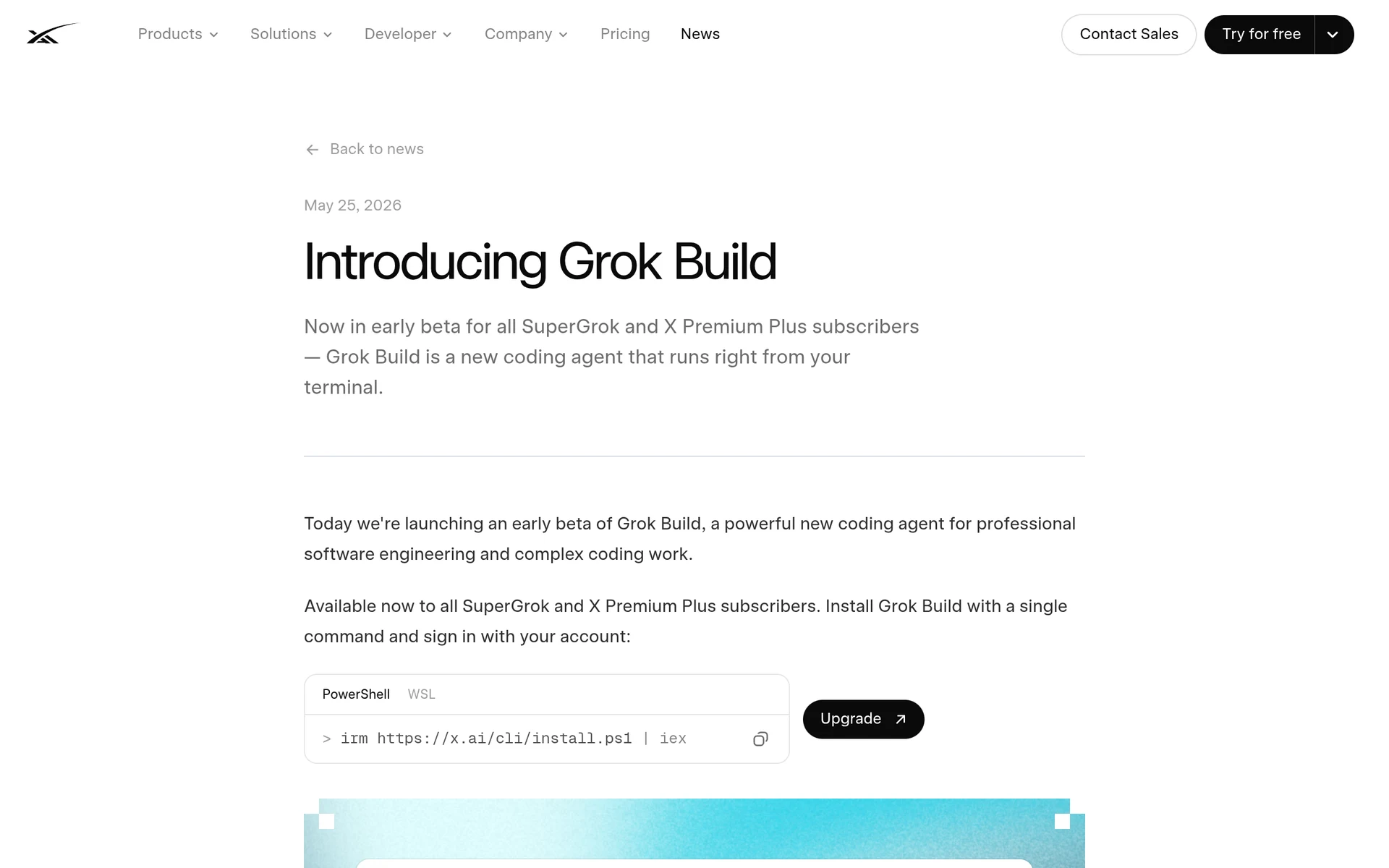
Grok Build is xAI’s terminal coding agent, and it had the strangest first year of anything here. It launched as a closed beta on May 25, 2026 for SuperGrok and X Premium Plus subscribers, was open-sourced under Apache-2.0 in mid-July, and reached v1.0 on August 7, 2026. It is written in Rust, and it is the best-looking agent on this list: a full-screen, mouse-interactive TUI rather than a scrolling transcript.
The feature worth caring about is parallel sub-agents. Grok Build runs up to eight at once and isolates each one in its own git worktree, so they can work on different parts of a codebase without overwriting each other in the working directory. Plan mode proposes changes as diffs and waits for approval before touching a file, and a headless mode runs the whole thing unattended in CI.
Despite the subscription-first launch, it is not locked to xAI. It authenticates through the browser by default but also accepts a plain XAI_API_KEY, and you can add any model to ~/.grok/config.toml with your own base_url and env_key, which means Ollama or any OpenAI-compatible endpoint works. It defaults to Grok 4.6, and the open-sourced release covers the whole harness: the agent loop, the tool layer, the TUI, and the extension system.
- Parallel sub-agents - up to eight at once, each isolated in its own git worktree
- Plan mode - proposes diffs and waits for approval before editing
- Full-screen Rust TUI - mouse-interactive, not a scrolling log
- Headless mode - runs unattended in CI pipelines
- Open extension system - skills, plugins, hooks, and MCP servers, all Apache-2.0
Pricing: The harness is free and open source. Model access comes through a Grok subscription, available on every plan including the free tier since August 2026 with SuperGrok at $30/month, or through your own XAI_API_KEY on the API.
9. Antigravity CLI - Google’s Replacement for Gemini CLI
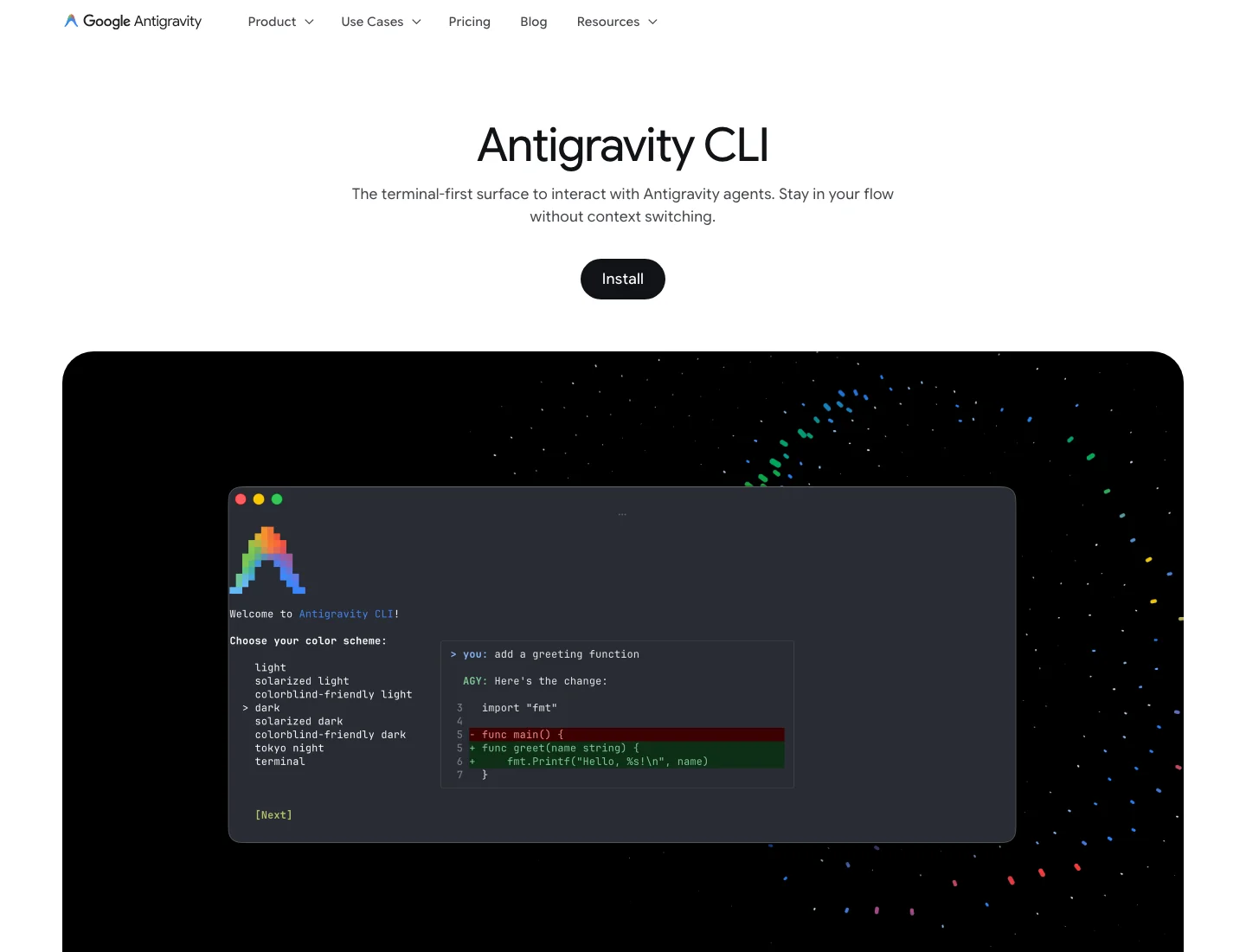
Antigravity CLI, the agy binary, is what Google replaced Gemini CLI with on June 18, 2026. It is a Go binary with better multi-agent support than its predecessor, and it is the only way to use Gemini models agentically from the terminal on a consumer Google account now.
Two changes are worth knowing before you migrate. It is closed source, where Gemini CLI was Apache-2.0 and forkable, which is exactly why Qwen Code and several other agents were built on top of it. And the quota model changed from 1,000 requests a day to a weekly compute-based cap that heavy users report exhausting well before the week ends. Organisations on Gemini Code Assist Standard or Enterprise licences were not affected by the shutdown.
- Multi-agent support - runs and coordinates several agents from one session
- Shared surface with the IDE - same agents as the Antigravity Manager Surface
- Gemini 3 Pro access - Google’s current frontier model from the terminal
- Single Go binary - no runtime to install
Pricing: Free with a weekly compute cap, with higher limits on Google AI Pro and Ultra subscriptions.
10. Droid - Built for the Enterprise SDLC
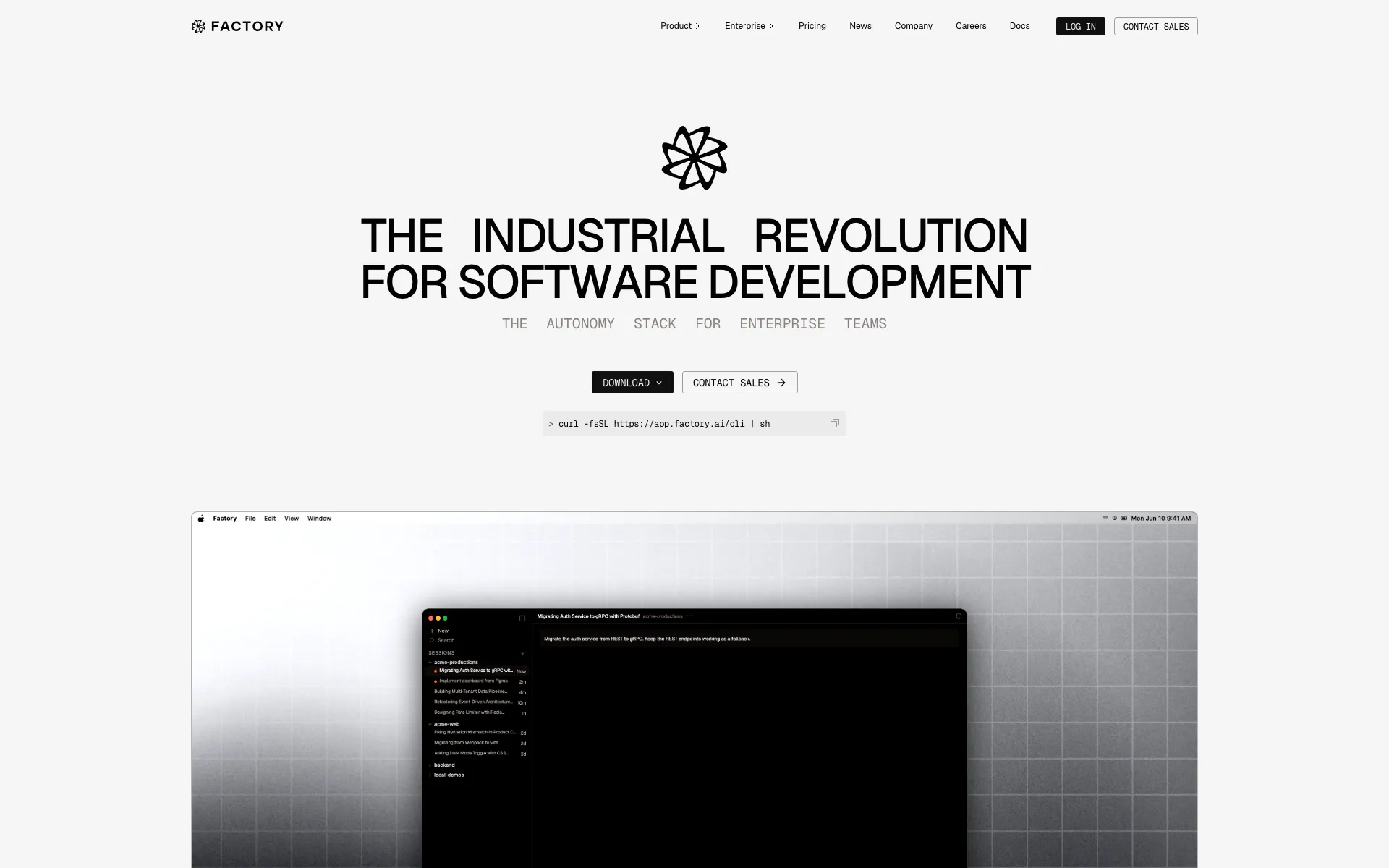
Droid is Factory’s coding agent, and it is the one on this list built for the process around the code rather than just the code. Droids plug into Jira, GitHub, and Slack, so a ticket can become a branch and a pull request without a human retyping the requirements into a prompt.
It is model-agnostic on the backend, routing to frontier models rather than binding you to one vendor. Spec mode makes it plan before it writes, and droid exec runs non-interactively, which is what makes it usable in CI and for scripted batch work like a dependency upgrade across thirty repositories. Factory raised a $150 million Series C in April 2026, so it is well funded for a tool aimed at enterprise buyers.
- Spec mode - plans and agrees the approach before editing
- Droid exec - non-interactive execution for CI and scripted batch runs
- SDLC integrations - Jira, GitHub, and Slack in the loop
- Model-agnostic - routes to frontier models rather than a single vendor
- Enterprise controls - SSO, org permissions, audit logging, private deployment
Pricing: Pro is $20/month, Plus $100/month, and Max $200/month, with custom pricing for teams and enterprises.
11. Goose - Foundation-Governed and Local-First
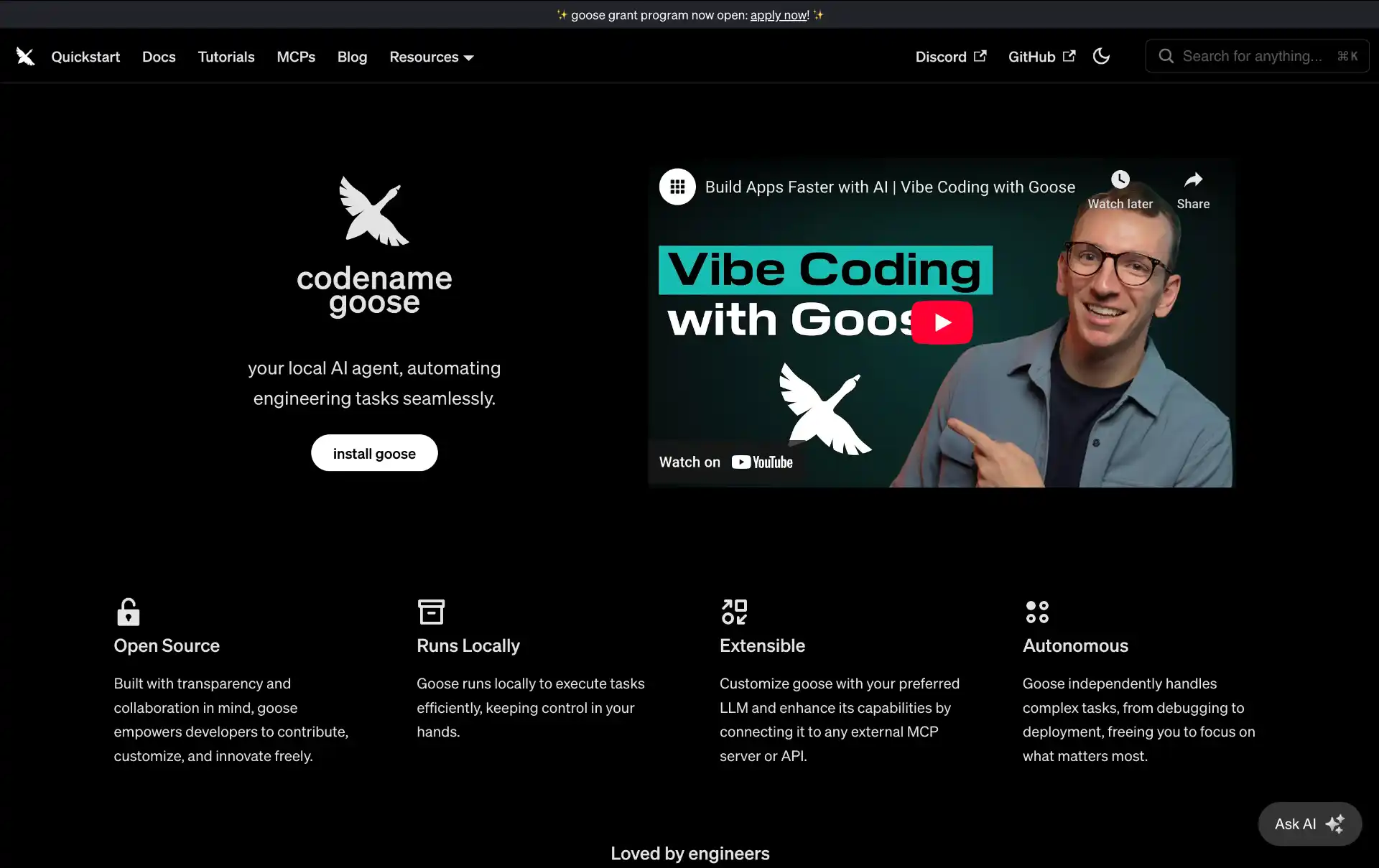
Goose started at Block and now lives under the Agentic AI Foundation as aaif-goose/goose, with over 54,000 stars and an Apache-2.0 licence. Neutral governance is the reason it is on this list: in a year where most agents ended up owned by a hyperscaler, Goose did not.
It is genuinely local-first. Point it at Ollama and it never talks to a cloud provider, which makes it one of the few realistic options for work that cannot leave the machine. It also extends through MCP, and it is as comfortable doing infrastructure and shell work as it is editing application code, so it is a good fit for DevOps tasks.
- Foundation-governed - Apache-2.0, no single vendor owner
- Local models - runs fully offline against Ollama
- MCP extensions - add tools and integrations without forking
- CLI and desktop - terminal agent plus a desktop app
- Strong on infrastructure work - shell, deployment, and system tasks
Pricing: Free and open source. You supply the model, local or hosted.
Honorable Mentions
- Warp - an agentic terminal rather than an agent in a terminal, worth a look if you want the AI in the shell itself
- Crush - Charm’s coding agent, the nicest TUI in the category and provider-agnostic
- Qwen Code - forked from the retired Gemini CLI and tuned for Alibaba’s Qwen3-Coder, whose 480B open weights you can download and self-host
- Trae - ByteDance’s AI IDE, generous free tier, worth trying if cost is the constraint
- Devin - the autonomous cloud engineer, and now the home of the editor formerly known as Windsurf
Share What the Agent Built with Pinggy
Every tool on this page ends the same way: the agent finishes, and something is now running on localhost. Getting other people to look at it is the part none of them solve. You still need a teammate to click through the new flow, a designer to check a layout on a real phone over cellular rather than in a desktop viewport, or a payment provider’s webhook to actually reach the handler the agent just wrote.
Pinggy handles that in one command, with no signup, no port forwarding, and nothing to install. If your dev server is on port 3000:
ssh -p 443 -R0:localhost:3000 free.pinggy.io
That returns a public HTTPS URL pointing at your local server, live for as long as the SSH session stays open. Change the port to whatever your framework picked, whether that is 5173 for Vite, 8000 for Django, or 4200 for Angular. It also gives you a real URL to paste back into an agent when you want it to check its own work in a browser.
How to Choose the Right AI Coding Tool
Start with where you want to review the work, because that single decision eliminates most of this list. If you want to read diffs as they land and keep a hand on the wheel, you want an editor: Cursor, Copilot, Cline, or Kilo Code. If you would rather describe a task, walk away, and review a finished branch, you want a terminal agent, and the honest shortlist there is Claude Code or OpenAI Codex.
Then work out what actually blocks you today. If your problem is typing speed on familiar code, inline completion is enough and Copilot’s $10 tier solves it. If your problem is that a change touches thirty files across four modules, completion does not help at all and you need an agent that can plan, run tests, and read its own failures. If your problem is that AI-written code arrives faster than anyone can review it, the tool you need is Qodo or Kiro, not a faster generator.
Check the constraints that are not negotiable before you fall in love with a product. Code that cannot leave your network rules out almost everything here and leaves an open-source agent pointed at a local model through Ollama, which in practice means OpenCode, DeepSeek Harness, Pi, Goose, or Grok Build. A hard budget rules out anything billed in credits, because agent mode burns them in a way autocomplete never did. Discomfort about ownership is now a legitimate technical constraint too, given that Cursor belongs to SpaceX, Antigravity belongs to Google, and Gemini CLI stopped existing with two weeks of notice. If you want a hackable base rather than a finished product, DeepSeek Harness and Pi are both built to be taken apart, just be ready for a developer preview’s rough edges on the former.
Finally, test on something real. Every tool here has a free tier, a trial, or an open-source licence, so pick one genuine ticket from your backlog and run it through two or three candidates. Compare the diffs, count how much you had to clean up afterwards, and multiply that session’s cost by a month. Benchmarks measure something; your own backlog measures the thing you are actually paying for.
Conclusion
Pick one editor tool for everyday typing and one terminal agent for the jobs you hand over and walk away from. For most people that is GitHub Copilot or Cursor, plus Claude Code or OpenAI Codex. If independence matters more than polish, OpenCode, Pi, Cline, and Goose are all provider-agnostic, run against local models, and cannot be taken away from you by an acquisition. After the year this category just had, that is worth something.