npm v12 Is Disabling Install Scripts by Default: What Breaks in July and How to Prepare
Updated on Jun 11, 2026 · 9 min read
On June 3, 2026, a 157-byte file crashed the party for 57 npm packages.
The file was binding.gyp. It contained no malware directly - just a few lines of JSON that told npm, “this package has a native addon, please rebuild it.” npm dutifully invoked node-gyp rebuild, and node-gyp rebuild ran attacker-controlled code. No preinstall, no postinstall, no lifecycle script entry in package.json at all. The standard malware scanners that watch for scripts.postinstall in uploaded packages saw nothing.
The campaign, tracked as Miasma (technique: Phantom Gyp), compromised 57 packages and 286 malicious versions in under two hours. The payload harvested AWS, GCP, GitHub, and Kubernetes credentials, injected persistence into CI runners, and self-propagated by republishing from every maintainer account it could reach. The first package hit was @vapi-ai/server-sdk, with 408,000 monthly downloads.
Six days later, on June 9, GitHub published the breaking changes list for npm v12.
Summary
- Audit now - upgrade to npm 11.16.0+ and run
npm approve-scripts --allow-scripts-pending - What changes in v12 -
preinstall/install/postinstallscripts from dependencies are blocked by default; git and remote-URL deps require opt-in flags - What commonly breaks -
sharp,bcrypt,canvas,sqlite3,esbuild,fsevents, and anything with abinding.gyp - Migrate - run
npm approve-scripts --all, commit the resultingallowScriptsblock inpackage.json - In CI - pass
--strict-allow-scriptsafter approving, so new transitive scripts fail loudly before they reach prod - Timeline - npm v12 estimated July 2026; v11.16.0 (available now) lets you preview the behavior today
Three things npm v12 changes
1. Install scripts are opt-in.
preinstall, install, and postinstall scripts from dependencies no longer run automatically. npm will write a warning for each blocked package but still complete the install. Your own package’s scripts (the "scripts" block in your project’s package.json) are unaffected - only what runs from inside node_modules.
Importantly, this also covers the implicit node-gyp rebuild that npm triggers for any package containing a binding.gyp file. That is the Phantom Gyp vector. Under v12, a binding.gyp alone is not enough to trigger a rebuild.
2. Git dependencies require --allow-git.
npm install will not resolve github:user/repo or git+https://... references by default. Pass --allow-git or move to published registry versions. The flag accepts a comma-separated list of allowed repos if you need to be specific.
3. Remote URL tarballs require --allow-remote.
Dependencies pointing at https:// tarballs are similarly blocked. This was already unusual practice, but it showed up frequently in legacy monorepos and in some CI bootstrapping scripts.
Why binding.gyp was the blind spot
Before v12, npm’s security scanning focus was on lifecycle script fields: scripts.preinstall, scripts.install, scripts.postinstall. Registries and automated tools checked those fields in uploaded packages. The attack changed the game by skipping them entirely.
When npm encounters a package containing binding.gyp, it runs node-gyp rebuild to compile the native addon. This is not a lifecycle script - it is an npm behavior, not a package declaration. You cannot see it in the package’s scripts block because it is not there. The malicious binding.gyp used gyp’s command-substitution feature to execute a payload during that build step.
The gyp format (Google’s build system, used by V8 and Node.js for native addons) supports shell command substitution in certain fields. The attackers embedded a one-liner that fetched and executed a remote payload during node-gyp rebuild. Legitimate native addons use binding.gyp to describe C++ source files and compiler flags. The 157-byte malicious version described almost nothing - just enough structure to be valid, with the payload hidden in a substitution.
v12 closes this by treating the implicit node-gyp rebuild as a script that requires approval, the same as any other install-time execution.
What breaks in your project
If your dependency tree includes any of the following, they will fail to build silently under npm v12 without an allowScripts entry:
sharp- image processing with libvips (native addon, usesbinding.gyp)canvas- Cairo-backed HTML5 Canvas for Node.js (native addon)sqlite3/better-sqlite3- SQLite bindings (native addon)bcrypt- native bcrypt (install script +binding.gyp)fsevents- macOS file system events (native, Apple Silicon or Intel Mac CI)bufferutil/utf-8-validate- WebSocket performance addons (native, optional but commonly installed)esbuild- downloads a platform-specific binary viapostinstall@tailwindcss/oxide- the Rust-based engine introduced in Tailwind v4cpu-features- used transitively by some SSH libraries
“Silently” is the right word: npm still completes the install; it just skips the build. You will not get an error at install time. You will get a runtime error later when your code tries to require('sharp') and finds an unbuilt module. The flag --strict-allow-scripts (available in 11.16.0 today) makes the failure loud and immediate instead.
Audit your project right now
You do not need to wait for v12. Upgrade to 11.16.0 or later and see exactly what would be blocked:
npm install -g npm@latestThen, from your project root:
npm approve-scripts --allow-scripts-pendingThis lists every dependency in your tree that has a pending script or implicit node-gyp build, with the version pinned. It does not modify anything - it is a dry-run audit. If the list is empty, you are fine. If it is not, you have some reading to do before July.
To run a real install using v12 enforcement rules today:
npm install --strict-allow-scriptsAny unallowed scripts will fail loudly. Run it in a throw-away branch or dev environment first.
The migration workflow
Once you know which packages need scripts, approve them:
# Approve everything currently installed (reasonable starting point)
npm approve-scripts --all

# Or approve specific packages
npm approve-scripts sharp esbuild @tailwindcss/oxide

# Check what you have approved
cat package.json | grep -A 20 allowScripts
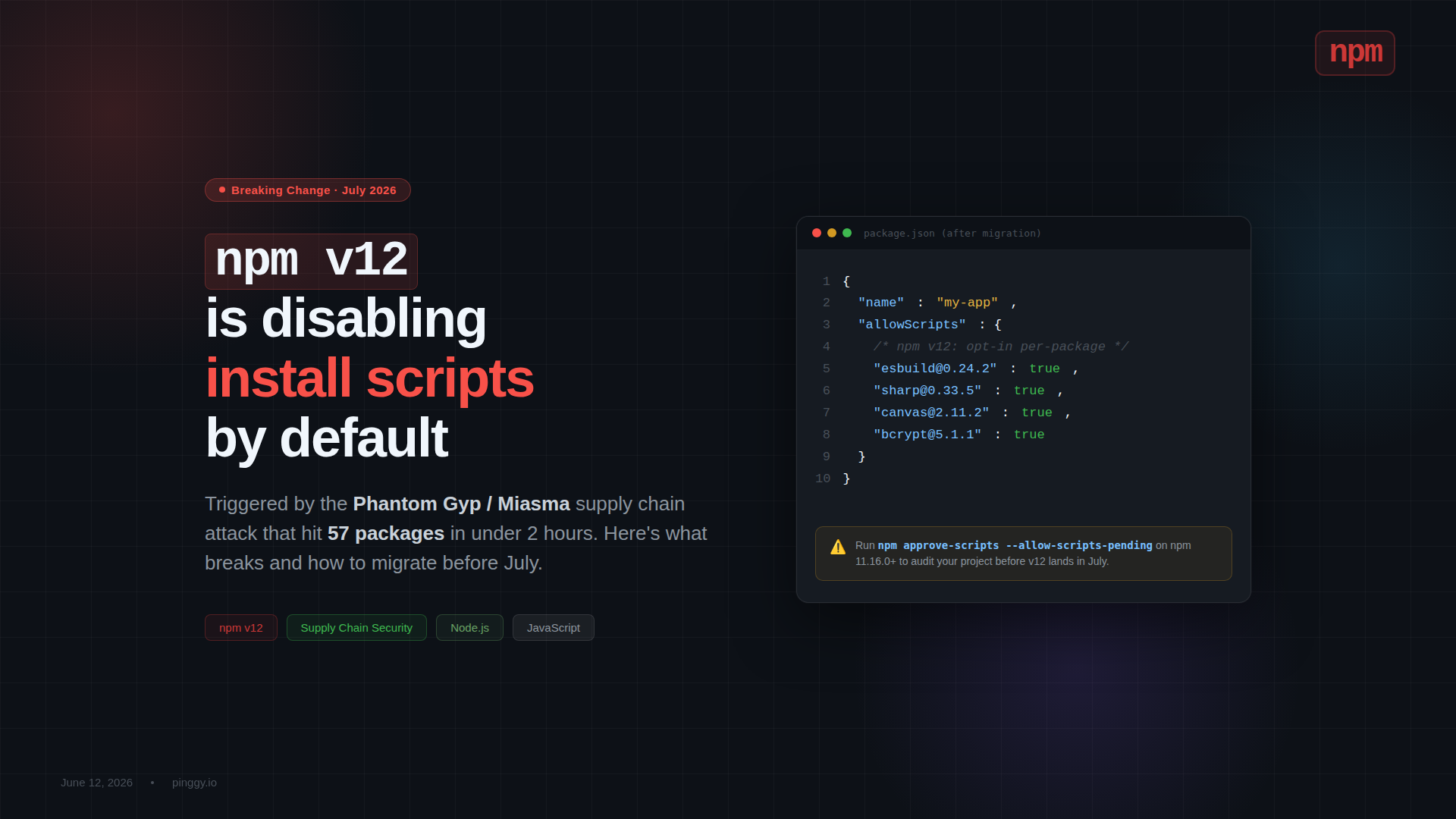
The resulting allowScripts block in package.json looks like this:
{
  "allowScripts": {
    "esbuild@0.24.2": true,
    "sharp@0.33.5": true,
    "canvas@2.11.2": true,
    "bcrypt@5.1.1": true
  }
}
Entries are pinned to the exact installed version by default. When you upgrade a package, you will need to re-approve its new version - npm approve-scripts sharp after npm update sharp. This is intentional: the pinning means a compromised version of a previously-approved package does not silently inherit the approval.
If you want to approve a package for any version (less secure, but useful for fast-moving dev tools):
npm approve-scripts --no-allow-scripts-pin esbuildCommit package.json after approving. The allowScripts block should be in source control so your whole team and CI share the same approved set.
CI/CD considerations
The recommended approach is asymmetric: permissive on developer machines, strict in CI.
On developer machines, run a plain npm install (v12 default behavior - scripts blocked, warnings shown). Developers see the warnings and can decide to approve if they are adding a new native dependency.
In CI, add --strict-allow-scripts after your project has a committed allowScripts block:
npm ci --strict-allow-scriptsThis means any new transitive dependency that tries to run a script - whether added by a legitimate upgrade or a supply chain attack - will fail the CI build immediately instead of silently executing. You will see exactly which package introduced the new script and can review it before it reaches production.
For projects using GitHub Actions with a setup-node step, GitHub will likely add --strict-allow-scripts as an opt-in flag to the official action. Check the actions/setup-node changelog around the v12 release.
Testing your local app after migration
After migrating, if your app handles webhooks from external services - Stripe payments, GitHub push events, Slack integrations - you will want to verify the integration still works before deploying. The challenge is that webhook providers need a public HTTPS URL to send events to.
Rather than deploying to a staging server just to test webhook routing, you can expose your local app with a single SSH command using Pinggy:
ssh -p 443 -R0:localhost:3000 free.pinggy.ioThat gives you a public https://<random>.a.pinggy.link URL you can paste into Stripe’s webhook settings or GitHub’s webhook config. Traffic reaches your local Node.js app running against the newly-migrated dependency tree. Terminate it when you are done. No deploy, no staging environment, no extra infrastructure.
Timeline
- npm 11.16.0 (available now) - all v12 behaviors are available behind opt-in flags; warnings are shown by default for scripts that would be blocked
- npm v12 (estimated July 2026) - blocking becomes the default; existing
allowScriptsinpackage.jsonis honoured; missing approvals are warned but not errored (unless--strict-allow-scriptsis set) - After July - npm v12 enforcement will tighten further in point releases
The warnings-not-errors default in v12 is a concession to the cold-start problem: you cannot bootstrap the approval workflow if npm install itself fails before you can run npm approve-scripts. The recommended path is to approve everything during the transition period, then add --strict-allow-scripts to CI once the allowScripts block is committed.
The bigger picture
Disabling install scripts is one part of a broader shift in how the JavaScript ecosystem handles trust. Alongside v12, you are also seeing:
- Socket.dev and similar tools scanning for behavioral supply chain signals (network calls at install time, obfuscated code, new maintainers with rapid version bumps) rather than just known CVEs
- npm provenance (rolled out in 2023-2024) letting packages attest to their build pipeline via SLSA, so you can verify a package was built from a specific commit by a specific CI run
- SBOM generation becoming a default output in many build tools, so organizations can track exactly what is in their dependency trees
None of these individually would have stopped Miasma - the packages were published by compromised legitimate maintainer accounts, with valid signatures, from known CI pipelines. What stops Miasma is the v12 change: making the execution surface smaller at install time so a compromised package cannot silently exfiltrate credentials just by landing in your node_modules.
The Phantom Gyp attack found a gap between what the ecosystem was scanning for and what npm was executing. v12 closes that gap. The auditing is a few commands. Do it now, before July, before you upgrade npm and find out your CI is suddenly failing on a native addon you forgot about.
Further reading:
- Upcoming breaking changes for npm v12 - GitHub Changelog
- Preparing for npm v12: install scripts and non-registry sources become opt-in - GitHub Community Discussion
- Miasma Phantom Gyp npm attack: 57 packages, 286 malicious versions - Chainguard
- Miasma npm Supply Chain Attack: Self-Spreading Worm via Phantom Gyp - StepSecurity