How to Diagnose Email Deliverability Issues Using DNS Records
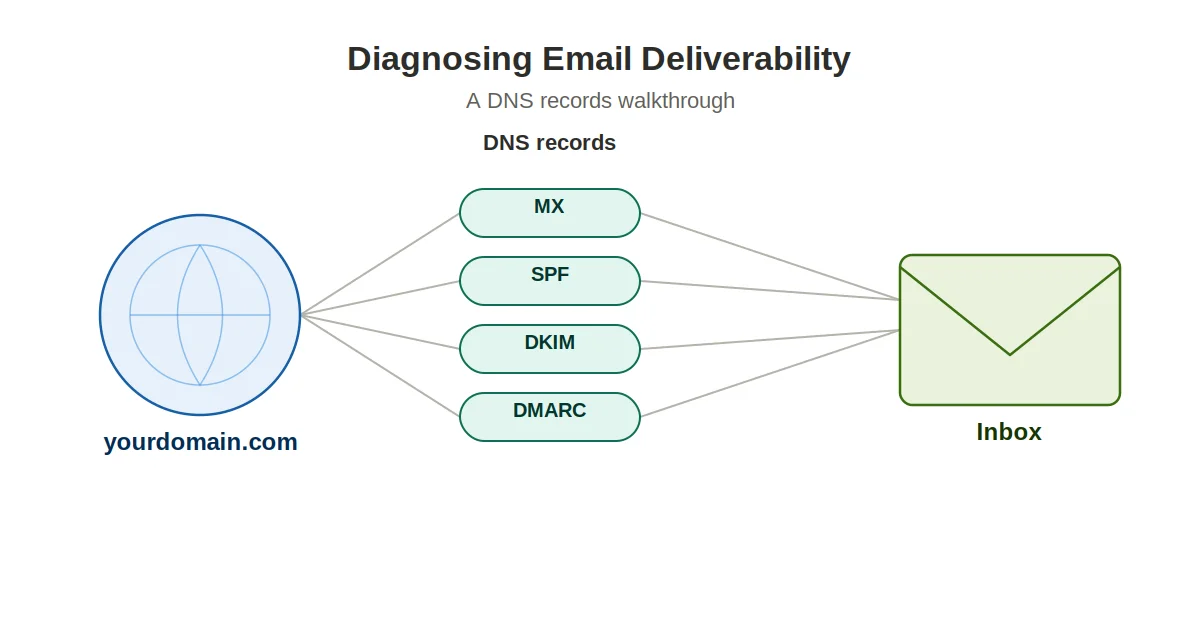
A marketing team switches to a new sending domain, keeps the same list, the same copy, and the same send times. Open rates drop by half within a week. Nobody touched the content. What changed was the domain’s DNS setup, and in cases like this, the problem is usually sitting in three or four records that were never configured on the new domain.
Summary
Deliverability problems get blamed on subject lines and list quality far more often than they get blamed on DNS. This guide covers the four record types that control whether mail reaches the inbox - MX, SPF, DKIM, and DMARC - how to check each one from the terminal, and a walk-through of a real SPF misconfiguration that is easy to miss. It also covers where propagation delay and duplicate SPF records commonly break things.
Summary
- Deliverability problems get blamed on content far more than DNS. When emails land in spam after a migration or tool change, missing or broken DNS records are usually the root cause.
- MX (Mail Exchange): Points to servers handling incoming mail (
dig MX yourdomain.com +short). Without it, your domain cannot receive replies or bounce notifications. - SPF (Sender Policy Framework): Lists authorized sending servers in a
TXTrecord (dig TXT yourdomain.com +short | grep spf). Having multiple SPF records causes a permanent error under RFC 7208. - DKIM (DomainKeys Identified Mail): Attaches cryptographic signatures to verify messages were not tampered with in transit (
dig TXT selector._domainkey.yourdomain.com +short). - DMARC (Domain-based Message Authentication): Specifies policies (
p=none,p=quarantine,p=reject) for handling SPF and DKIM failures (dig TXT _dmarc.yourdomain.com +short).
Why Mailbox Providers Care About DNS
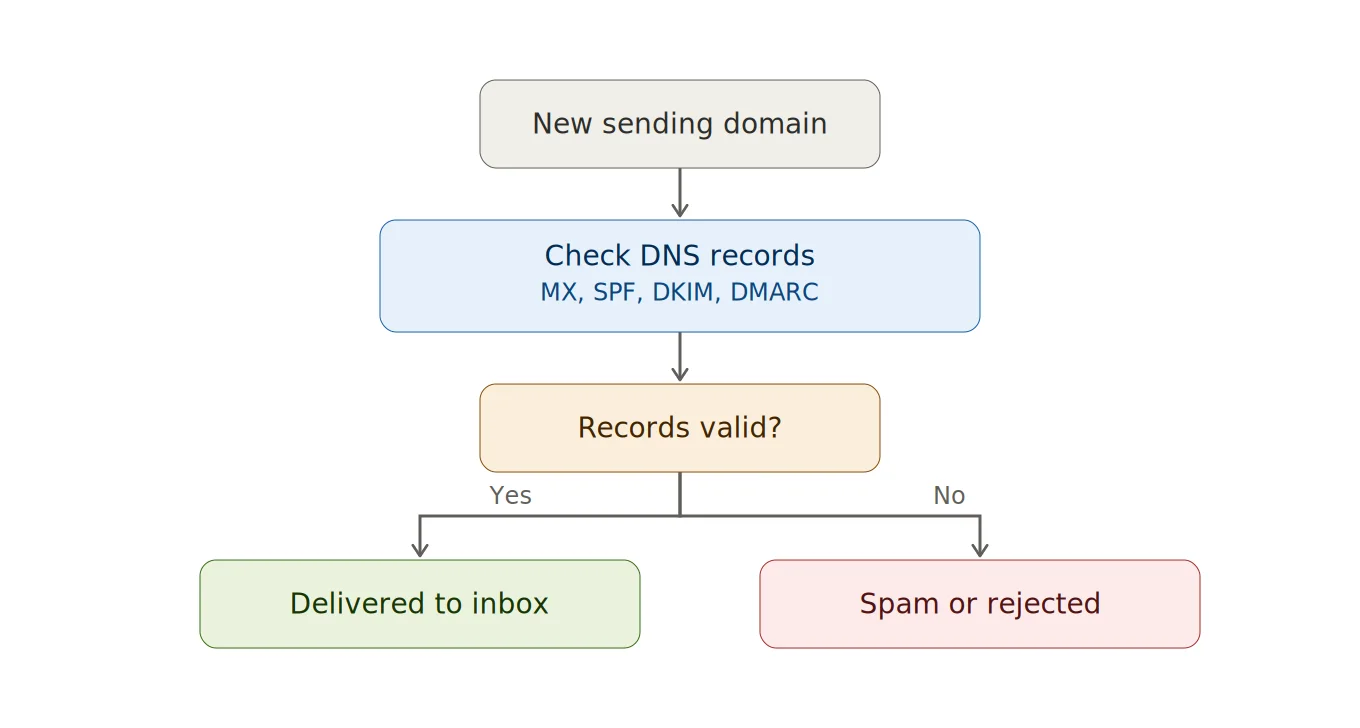
Gmail, Outlook, and Yahoo all check a sending domain’s DNS records before deciding whether a message belongs in the inbox, the spam folder, or nowhere at all. These records tell the receiving server which servers are allowed to send mail for that domain, and whether the message has been altered in transit.
Without the right records in place, even a well-written, permission-based email can look suspicious to a spam filter - not because the content is bad, but because the domain has not proven it is a legitimate sender.
The Four Records Worth Checking
1. MX (Mail Exchange)
MX points to the servers responsible for receiving mail for a domain. Check it with:
dig MX yourdomain.com +shortIf this comes back empty, the domain cannot receive replies at all - a common issue right after a domain migration.
2. SPF (Sender Policy Framework)
SPF (published as a TXT record) lists which servers are authorized to send email for the domain. Look it up with:
dig TXT yourdomain.com +short | grep spfIf the sending platform is not listed here, its messages can fail this check, which pushes them toward spam even when everything else looks fine.
3. DKIM (DomainKeys Identified Mail)
DKIM attaches a cryptographic signature to outgoing messages so the receiving server can confirm the message was not altered in transit. DKIM lives on a selector subdomain, so the lookup needs the selector your sending platform assigned:
dig TXT selector._domainkey.yourdomain.com +shortEach sending tool typically needs its own DKIM key - a missing or broken DKIM record is one of the most common causes of deliverability drops after switching platforms.
4. DMARC (Domain-based Message Authentication, Reporting, and Conformance)
DMARC tells receiving servers what to do when SPF or DKIM checks fail: reject the message, quarantine it, or let it through anyway. Check it with:
dig TXT _dmarc.yourdomain.com +shortNo DMARC record means providers have less reason to trust the domain, even when SPF and DKIM are technically correct.
Working Through a Deliverability Problem
| Step | What to run | What you're looking for |
|---|---|---|
| 1. MX | dig MX yourdomain.com +short | At least one mail server listed - nothing here is a foundational problem |
| 2. SPF | dig TXT yourdomain.com +short | Exactly one v=spf1 record, with every sending source included |
| 3. DKIM | dig TXT selector._domainkey.yourdomain.com +short | A v=DKIM1 record matching the sending platform's selector |
| 4. DMARC | dig TXT _dmarc.yourdomain.com +short | A v=DMARC1 record, and a policy that matches how strict you want enforcement to be |
Start at the top of the table and work down - an MX problem makes everything below it moot, and a broken SPF record is worth fixing before tightening a DMARC policy.
Running all four lookups by hand works fine for one domain, but gets tedious across several sending domains or subdomains. A DNS lookup tool from Snovio shows MX, TXT, and other record types for a domain in one query, which is a faster way to eyeball what’s published without switching between four separate dig commands.
A Misconfiguration That Comes Up Often
A company moves its outbound email from one platform to another but keeps sending from the same domain. The old platform’s SPF entry stays in the record, and the new platform’s entry gets added as a second SPF TXT record instead of being merged into the existing one:
yourdomain.com. TXT "v=spf1 include:oldplatform.com ~all"
yourdomain.com. TXT "v=spf1 include:newplatform.com ~all"
Technically, both records exist. Functionally, RFC 7208 treats multiple SPF records as a permanent error, and most mail servers only honor the first one they parse - so the new platform’s authorization gets ignored either way.
The fix is a single merged record:
yourdomain.com. TXT "v=spf1 include:oldplatform.com include:newplatform.com ~all"Finding this requires actually running dig TXT yourdomain.com +short and reading the output, not just checking the sending platform’s own settings panel - which usually shows what should be there, not what’s actually published.
Common Mistakes When Diagnosing These Issues
- Checking only one record type. SPF can be correct while DKIM is broken, or the reverse - a full diagnosis needs all four checked together.
- Assuming DNS changes take effect immediately. Propagation can take anywhere from a few minutes to 48 hours depending on the DNS provider and TTL, which can make a correct fix look like it isn’t working yet.
- Adding a second SPF record instead of editing the existing one. A domain should have exactly one SPF record listing every authorized sender.
- Setting a strict DMARC policy (
p=reject) before confirming SPF and DKIM both pass. This can block legitimate mail that would otherwise have gone through under a softer policy likep=none.
Final Recommendations
Deliverability issues rarely have one dramatic cause. More often it is a record that was never added, a second record conflicting with the first, or a leftover setting from a previous sending platform. Checking DNS directly with dig - rather than relying on a sending platform’s dashboard alone - is usually the fastest way to find the actual problem.
Before rewriting a subject line or testing a new send time, run the four lookups above and confirm MX, SPF, DKIM, and DMARC are actually set up the way they are supposed to be. In a surprising number of cases, that’s the whole fix.