How to Compare Third-Party Server Maintenance Quotes Line by Line
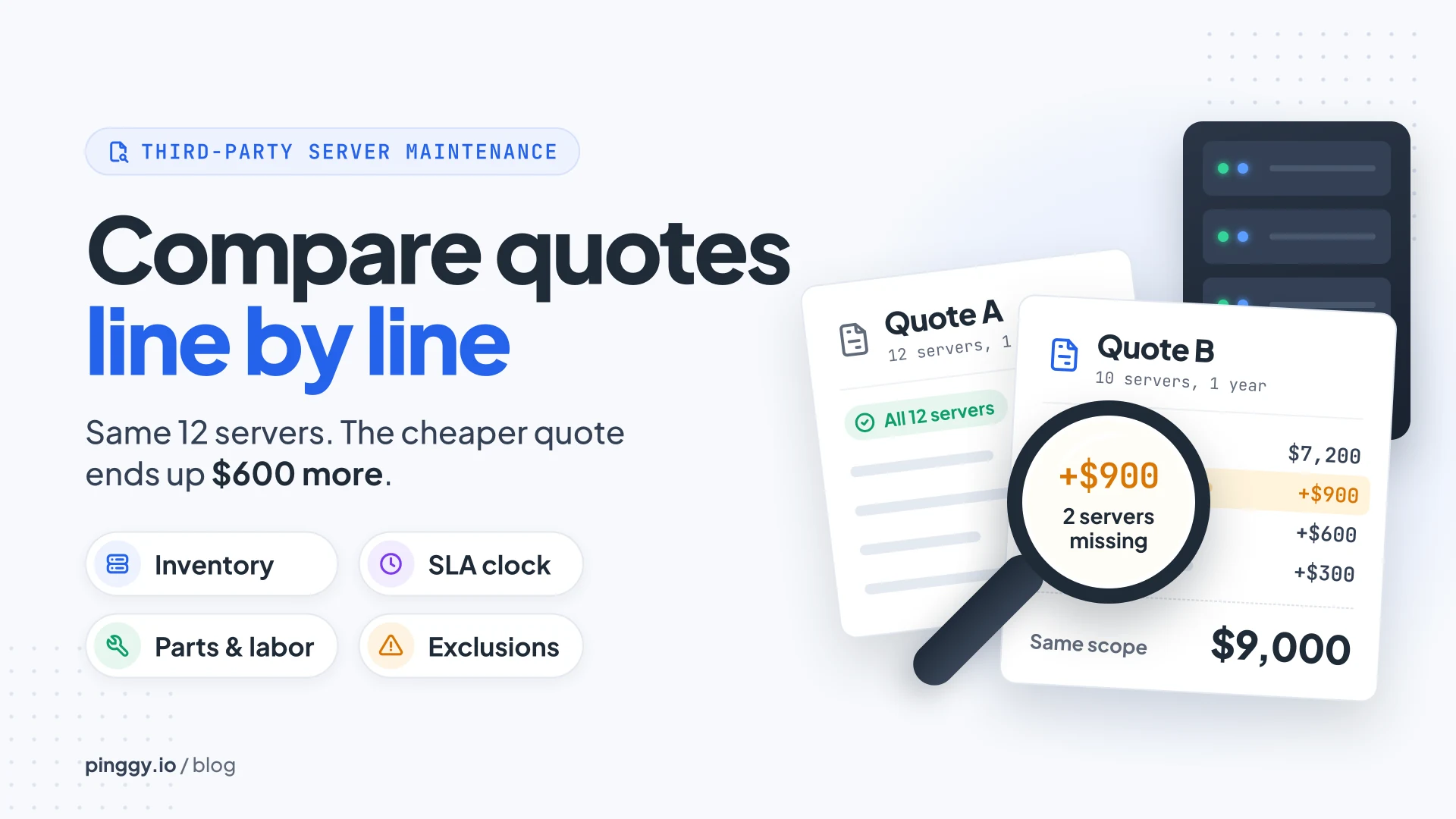
Two providers get the same list of servers. One quote comes in $1,200 cheaper, but its equipment list leaves out two hosts and its price covers parts delivery only. Add the missing servers and on-site labor back in, and the cheaper quote can end up costing more. The service terms tell you the rest: how long your team might wait for a technician, and then for the part that technician needs.
Third-party maintenance (TPM) means hardware support from a company other than the server’s manufacturer, usually for fleets that are out of OEM warranty or spread across several brands. TPM quotes are hard to compare because every provider shapes them differently: per server or per group, by site or by fleet, with labor in or out. The fix isn’t clever. Normalise both quotes to the same servers, the same service levels and the same included work, then compare annual totals.
Summary
- Start from one server inventory. Every quote should list the model, serial number and site of each covered machine. A fleet total hides the host that didn’t carry over from last year.
- Read what the SLA clock measures. Dell starts its four-hour on-site target after phone troubleshooting and fault isolation, and HPE’s six-hour call-to-repair at its Critical level measures a different stage: the server working again.
- Check parts, labor and exclusions. Parts-only pricing, travel and after-hours charges, failed drive retention, firmware access and renewal increases all move cost back to your team.
- Compare annual cost for the same scope. In the 12-server example below, Quote B starts $1,200 lower at $7,200 and ends up $600 higher at $9,000.
Start with the same server inventory
A third party server maintenance quote can price each server separately or group several systems into a single charge. Either way, the equipment schedule should show the model, serial number, and site for every covered machine. A fleet total makes it easy to miss a server that failed to carry over from last year’s contract.
The model number alone can hide a hardware detail that changes the price. Two servers in the same product line can have different storage controllers or add-in cards, and a quote built from model numbers prices them the same. For blade servers, check the chassis and its shared power supplies as their own lines, since a fault there can affect every host in the chassis.
The practical move is to send every provider the same inventory file, exported from your own records, and then check each returned equipment schedule against it serial by serial. A missing serial is far easier to spot than a missing $450 in a fleet total.
Read the service level agreement by site
A service level agreement (SLA) sets the support hours and the provider’s response terms. A label like “24/7” may only describe the hours when the help desk takes calls, while on-site service follows a different schedule. Three questions sort out what a given SLA actually promises.
When the clock starts
The quote should say whether the clock starts when you open a ticket or when the provider confirms a hardware fault. Dell’s infrastructure support terms, for example, start the four-hour on-site target after telephone troubleshooting and fault isolation. An incident may already be several hours old by that point, so ask each provider for the start event in writing and for how long troubleshooting usually takes before they dispatch anyone.
What the response time measures
A four-hour target can refer to technician arrival, while the required part follows its own delivery schedule. A technician who turns up on time with no replacement board hasn’t fixed anything. A repair commitment covers a different stage of the incident. HPE, for example, lists a six-hour hardware call-to-repair option under its Tech Care Critical service level. That clock runs from when HPE recieves and acknowledges the incident until it decides the hardware is repaired.
So when two quotes both say “4 hours”, check whether one means arrival and the other means repair. They aren’t the same product.
Where the service level applies
The service address matters when you run the same server model across multiple sites. A provider may offer four-hour on-site support at your main data center and next-business-day coverage at a branch, for the exact same hardware. Local cutoffs also affect when a next-business-day visit happens: Dell’s terms, for one, say a call that lands after the local cutoff may need an extra business day. A failure reported at 6 PM on a Friday can turn into a Tuesday visit.
Check what the parts and labor lines include
The parts line should make clear which components the provider will replace and whether the quoted rate includes shipping. Drives and power supplies are the common items, but a graphics card or a specialized network adapter may need a seperate line. The parts terms should also say whether a replacement part carries its own warranty.
Labor belongs in the same comparison. A parts-only quote can work if your team has technicians on site who can handle the swap. At a remote site, the cost changes quickly once the provider bills separately for travel or after-hours work, and those charges rarely show up on the first price sheet.
Look for exclusions that change the cost
An exclusion matters when it shifts work or expense back to your team. Some live in the service description or an addendum rather than on the price sheet, so read those too.
- Failed drive retention. If your policy requires failed drives to stay on site for disposal, the quote should confirm whether that’s included. Some plans sell it as an add-on: Dell calls it Keep Your Hard Drive, and HPE calls it Defective Media Retention.
- Firmware access. The terms should say whether the provider only advises on firmware or actually gives you access to the updates.
- Pre-existing faults. A server with an open fault may need a separate repair before the provider takes it onto the contract.
- Moves between sites. Moving a server can change its rate or the available response time if the new address is farther from a parts depot.
- Early retirement. The contract should say whether removing a server triggers a credit, and when that credit takes effect.
- Renewal increases. A first-year discount can hide a higher rate once the initial term ends, so ask for the year-two price now.
Compare the annual cost for the same coverage
Suppose you need one year of support for 12 servers. Four need four-hour on-site response, and the other eight can use next-business-day coverage. Both quotes have to include on-site labor and let your team keep failed drives. The prices below are illustrative.
| Quote line | Quote A | Quote B |
|---|---|---|
| Base annual price | $8,400 for 12 servers | $7,200 for 10 servers |
| Two missing next-business-day servers | Included | $900 |
| On-site labor at the required service levels | Included | $600 |
| Failed drive retention | Included | $300 |
| Annual total for the same scope | $8,400 | $9,000 |
Quote B starts $1,200 lower and ends up $600 higher once it covers the same work. None of its extra lines is exotic: two servers fell off the schedule, labor was assumed, and drive retention was an add-on. Those are the three checks from the sections above.
If one provider bills monthly and the other bills upfront, convert both to an annual amount before you compare prices. The payment schedule still matters for cash flow, and a three-year commitment should be compared on its full contract value, not on year one.
What to ask for in a revised quote
A revised quote should show the service level next to each server or group of servers. A breakdown by site makes it easier to spot a branch that needs different coverage. If part of the fleet is due for retirement midyear, the revision can also show what the price looks like after those machines come off the contract.
For a mixed-brand fleet, the revised quote can also show what it costs to bring separate renewals under one agreement. Dataknox covers Dell PowerEdge and HPE ProLiant servers and offers four-hour and next-business-day on-site options. If you only need four-hour service on production hosts, the quote can show the price for that group separately.
Conclusion
The lowest annual total only means something once both quotes cover the same servers and the same service terms. Any gap that remains has an owner. If your team will install parts at a branch or keep a spare on site, that work belongs in the cost comparison too.
Before you sign, get each provider to confirm in writing:
- the serial numbers and sites on the equipment schedule
- the service level for each server or group
- the event that starts the SLA clock, and whether the target is arrival or repair
- what the parts and labor lines include, including travel and after-hours work
- every exclusion that applies to your fleet
- the renewal rate after the first term