Best Minecraft Server Hosting: Seven Providers Worth the Whitelist
Updated on Oct 8, 2026 · 12 min read
Every Minecraft hosting page promises the same three things: low latency, DDoS protection, and 99.9% uptime. None of that tells you what happens at 9pm on a Saturday when eight people are loading fresh chunks in different directions and someone’s iron farm is ticking in the background. That is when hosts stop looking alike, and by then you have already paid.
So here are seven hosts compared on the things that actually change how a server feels: single-thread CPU speed, where the machines physically sit, what the control panel installs for you, and how quickly support answers. Prices below are rough published rates rather than quotes: every one of these sites was running a promo the day I checked, and promos change faster than an article ages.
Summary
Seven Minecraft hosts, sorted by what each one is actually good at:
- Godlike.Host - best overall. In-house bare metal on Ryzen 9 9950X3D and EPYC 9474F, 12 regions, one-click installer for 1000+ CurseForge and Modrinth modpacks, Path.net DDoS filtering. No hourly billing.
- ServerPrism - best for modpacks and networks. One plan splits into a proxy, lobby and as many game servers as you need, 30+ switchable server engines, 1,500+ one-click modpacks. Fewer regions than the biggest hosts.
- CloudNord - best for DDoS-protected SMPs. In-house, always-on DDoS protection, nodes kept below capacity, 18 locations, support replies in under 15 minutes on average. 3-day refund window.
- Nodecraft - best if you play more than Minecraft. Swap the same server between games at no extra fee, 4.9 on Trustpilot from 1,700+ reviews. The cheap Lite tier sleeps when idle.
- Pine Hosting - best value for modded. Ryzen 9 and NVMe, 8 locations, 4.9 on Trustpilot, 99.99% uptime claim. Newer company with a shorter track record.
- GG Servers - cheapest sane entry. From $3/month, 9 locations, running since 2013, Java and Bedrock. Standard plans are DDR4 and SSD, and the refund window is 24 hours.
- Kamatera - best if you want root. A plain cloud VPS with a 30-day trial and hourly billing. No game panel: you install Java and the server jar yourself.
Paying nobody: run the server on the machine you already own and expose it with a TCP tunnel. ssh -p 443 -R0:localhost:25565 tcp@free.pinggy.io hands your friends a public host:port with no port forwarding and no router config.
What actually decides whether a server feels good
Vanilla Java Edition runs its world tick on a single thread. The server gets 50ms per tick to run mob AI, redstone, block updates, and chunk generation, and if it goes over, tick rate falls below 20 TPS and everyone notices immediately. Paper and its forks move some work off that thread, and Folia goes further with regionised threading, but for a normal server the number that matters is single-thread performance, not core count. A 5.7 GHz Ryzen 9 with a fat L3 cache holds a busy world together where a 2.4 GHz 64-core EPYC will not.
Physical distance is the second thing, and it is the one people get wrong most often. Ping is mostly speed of light plus router hops, so a host with a data centre near your players beats a faster CPU three time zones away. If a provider offers a pre-purchase ping test, use it.
Third, RAM. 2GB is genuinely fine for a vanilla world with five to ten players. Large modpacks are a different animal: RLCraft or All the Mods 10 want 6-8GB before they stop stuttering, and no amount of CPU fixes a server that is spending its life in garbage collection.
Fourth, the panel. Can it install Fabric, Forge, or Paper without you SSHing anywhere? Does it do scheduled restarts, automatic backups, SFTP, and a live console? This is the difference between “I want to try a modpack tonight” and “I will do that next weekend.”
Everything below is judged on those four, plus how responsive support looked and how much the panel gets out of your way.
1. Godlike.Host: best overall
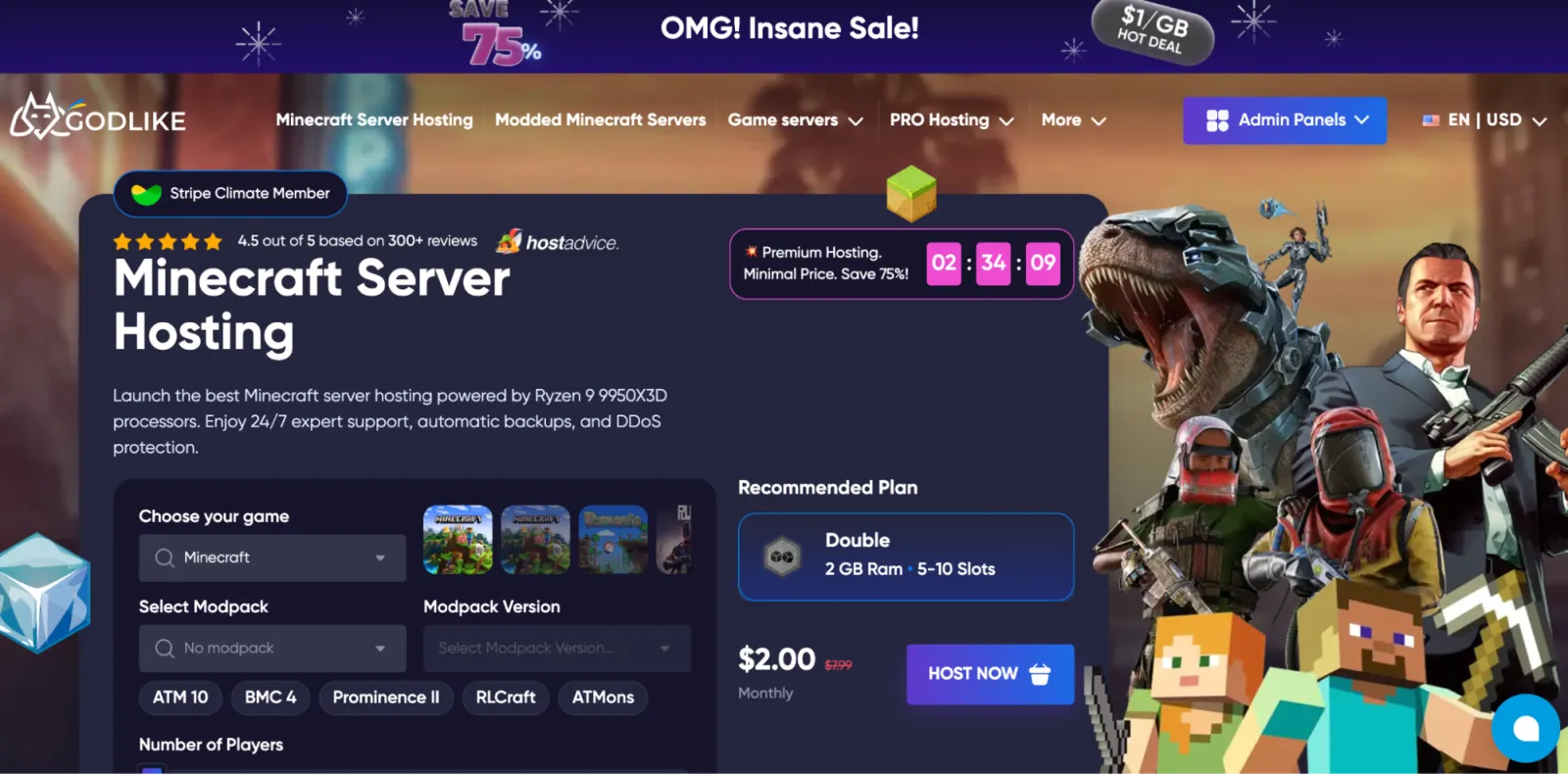
Godlike.Host runs its own bare metal rather than reselling someone else’s, and it names the hardware: Ryzen 9 9950X3D and EPYC 9474F, 3.6 to 5.7 GHz, NVMe storage. For the single-threaded tick loop described above, that is the right shape of machine. Regions cover USA East and West, Canada, the UK, Netherlands, Ukraine, Finland, Germany, Poland, Singapore, India, and Australia, which is unusually wide coverage for a host at this price.
The panel installs Fabric, Forge, and Paper, plus a one-click installer for over a thousand CurseForge and Modrinth modpacks, so ATM 10 or RLCraft is a dropdown rather than an afternoon. DDoS filtering is Path.net at the network edge, with a per-server firewall for blocking individual IPs.
Pros
- In-house bare metal instead of resold infrastructure, with the CPU model published.
- Path.net DDoS protection with L3 to L7 filtering.
- Automatic backups, scaling without downtime, Discord integration, and 4.5 out of 5 on HostAdvice from 300+ reviews.
Cons
- No hourly billing, so a weekend server means paying for a month.
- The free tier is time-limited and needs manual renewal, and at the time of writing it is US-only.
Best for: first servers, casual groups, and communities that are growing and want the best price-to-performance ratio without managing anything.
2. ServerPrism: best Minecraft hosting for modpacks and networks
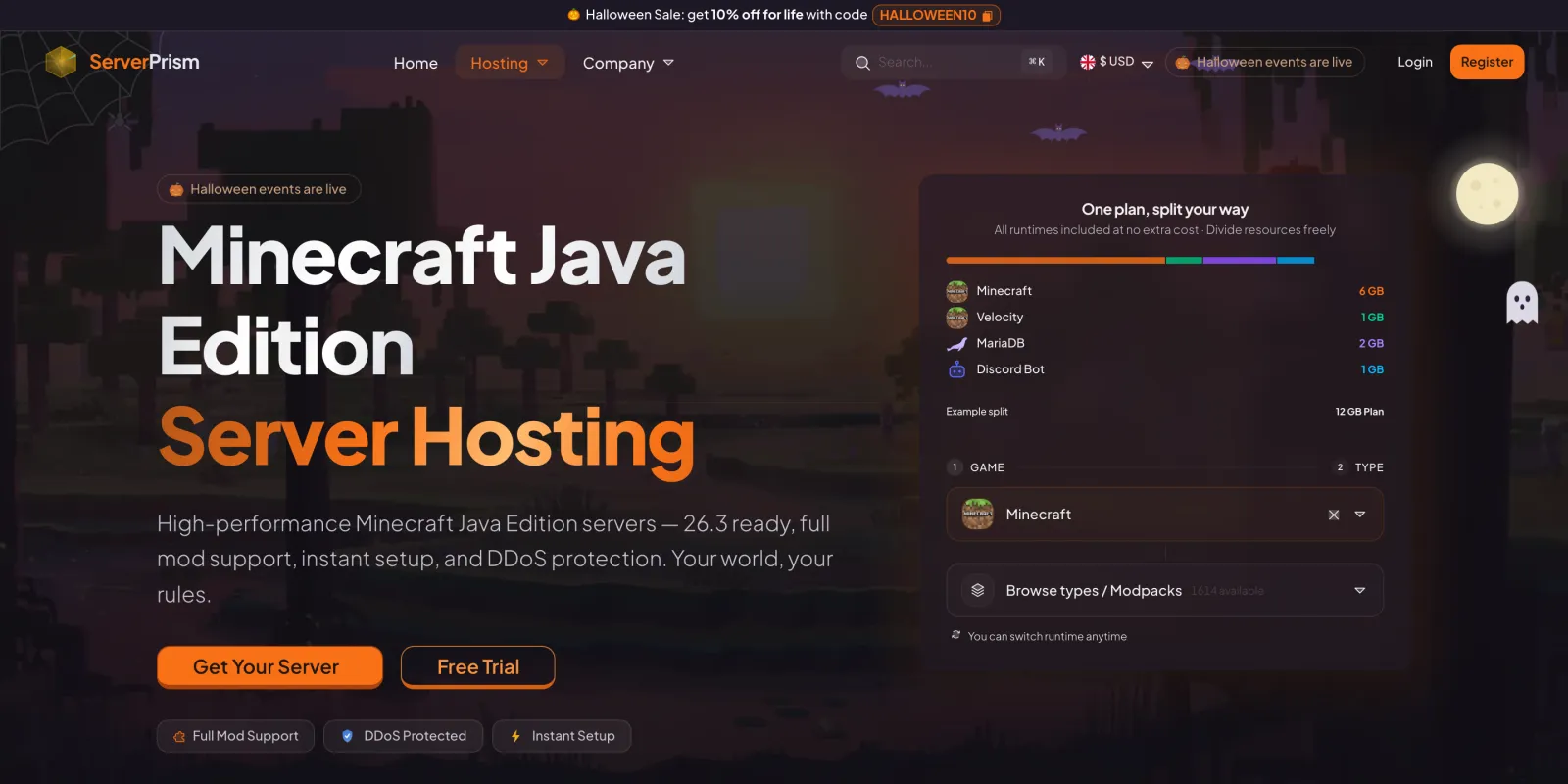
Running more than one server, whether a network, a test copy of your world or a second modpack, usually means paying for each one separately. ServerPrism sells you a pool of RAM instead and lets you split it however you like: a 16GB plan can run a Velocity proxy, a lobby, a survival world and a minigames server side by side, each with its own IP and console, at no extra cost per split. Splits can be resized on the fly without restarting the others. Underneath, the nodes run Ryzen 7 and Ryzen 9 CPUs with DDR5 ECC memory and PCIe Gen4 NVMe storage.
Over 30 server engines, including Velocity, BungeeCord, Paper, Purpur, Fabric, NeoForge and Folia, can be switched from the panel without a reinstall, and more than 1,500 modpacks from CurseForge, Modrinth and FTB install in one click. Sub-users can also pay their share of the invoice with their own card, which helps when a whole staff team chips in.
Pros
- Server splitting: proxy, lobby and game servers on one plan, with no per-server fee.
- 30+ switchable server engines and 1,500+ one-click modpacks included.
- Bill splitting between friends, a free trial, and 4.9 out of 5 on HostAdvice.
Cons
- Four regions (Europe, North America, Singapore, Australia), fewer than the widest hosts here.
- Splitting only pays off on bigger plans: a 2GB starter is too small to divide meaningfully.
- The 72-hour refund window doesn’t cover renewals or upgrades.
Best for: proxy networks, multi-server communities, and anyone running a test server alongside their main world.
3. CloudNord: best DDoS-protected Minecraft SMP hosting
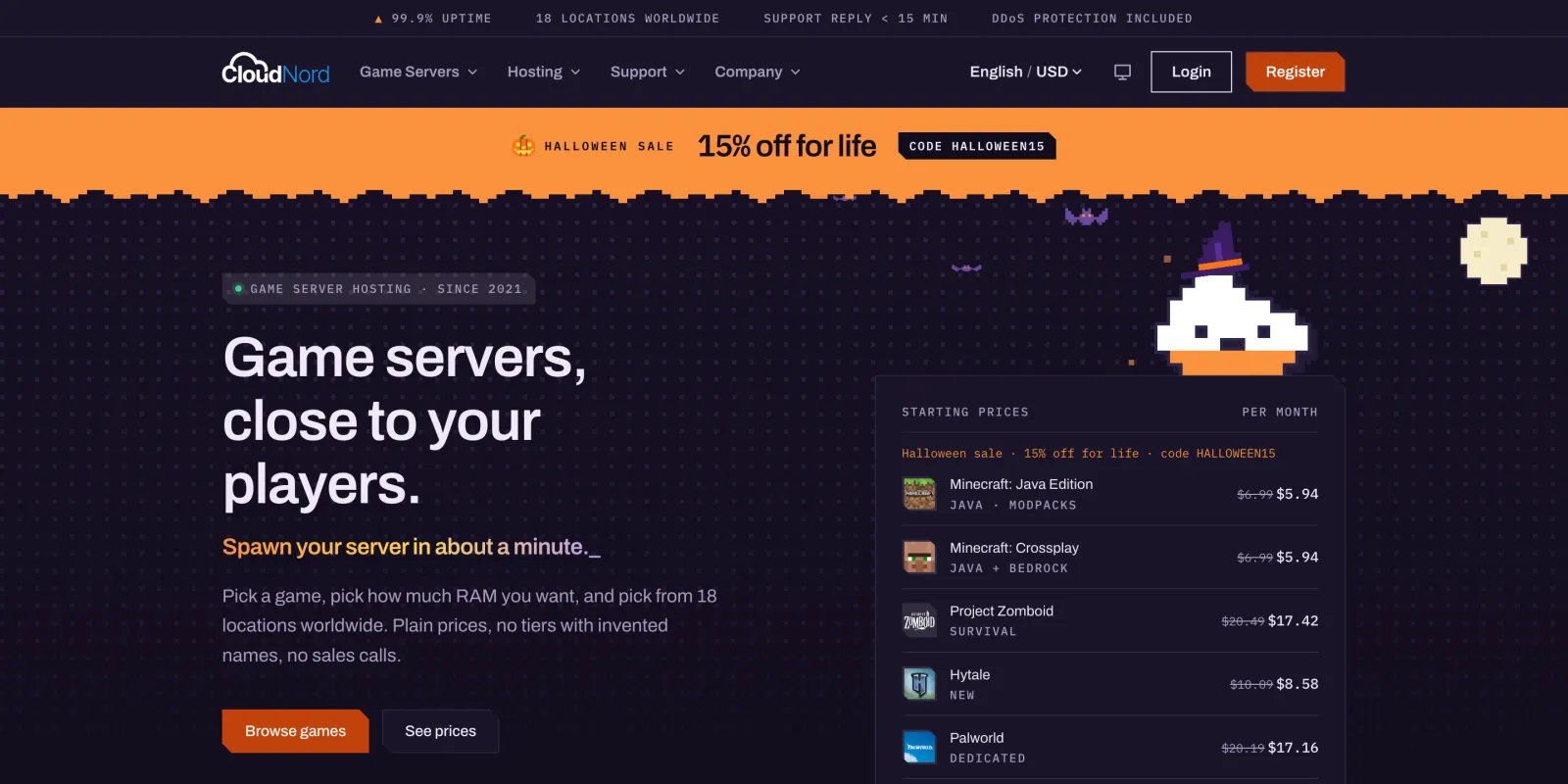
Once a server’s IP is posted on Discord or shown on stream, it starts drawing DDoS attempts and sudden player spikes. CloudNord builds its own CloudShield DDoS filtering, which is always on and tuned to game traffic so real players stay connected. It also keeps spare capacity on every node, so a neighbour’s busy evening doesn’t drag down your TPS.
It’s a UK company that has hosted only game servers since 2021, and creators and mod teams, including the Distant Horizons team, run their servers there. Locations span 18 cities on four continents, backups are automatic, and support tickets get a reply in under 15 minutes on average. In the panel, modpacks install or switch in a few clicks, and every plan includes a full file manager and SFTP.
Pros
- In-house, game-aware DDoS protection, always on and included.
- Nodes kept below capacity, plus automatic backups and RAID 1 NVMe storage.
- 18 locations, fast 24/7 support, and a price-match guarantee.
Cons
- Ryzen 7 7700-class nodes rather than top-end X3D chips.
- The refund window is 3 days.
- No free tier.
Best for: public SMPs, creator communities, and any server whose IP is out in the wild.
4. Nodecraft: best for multi-game groups
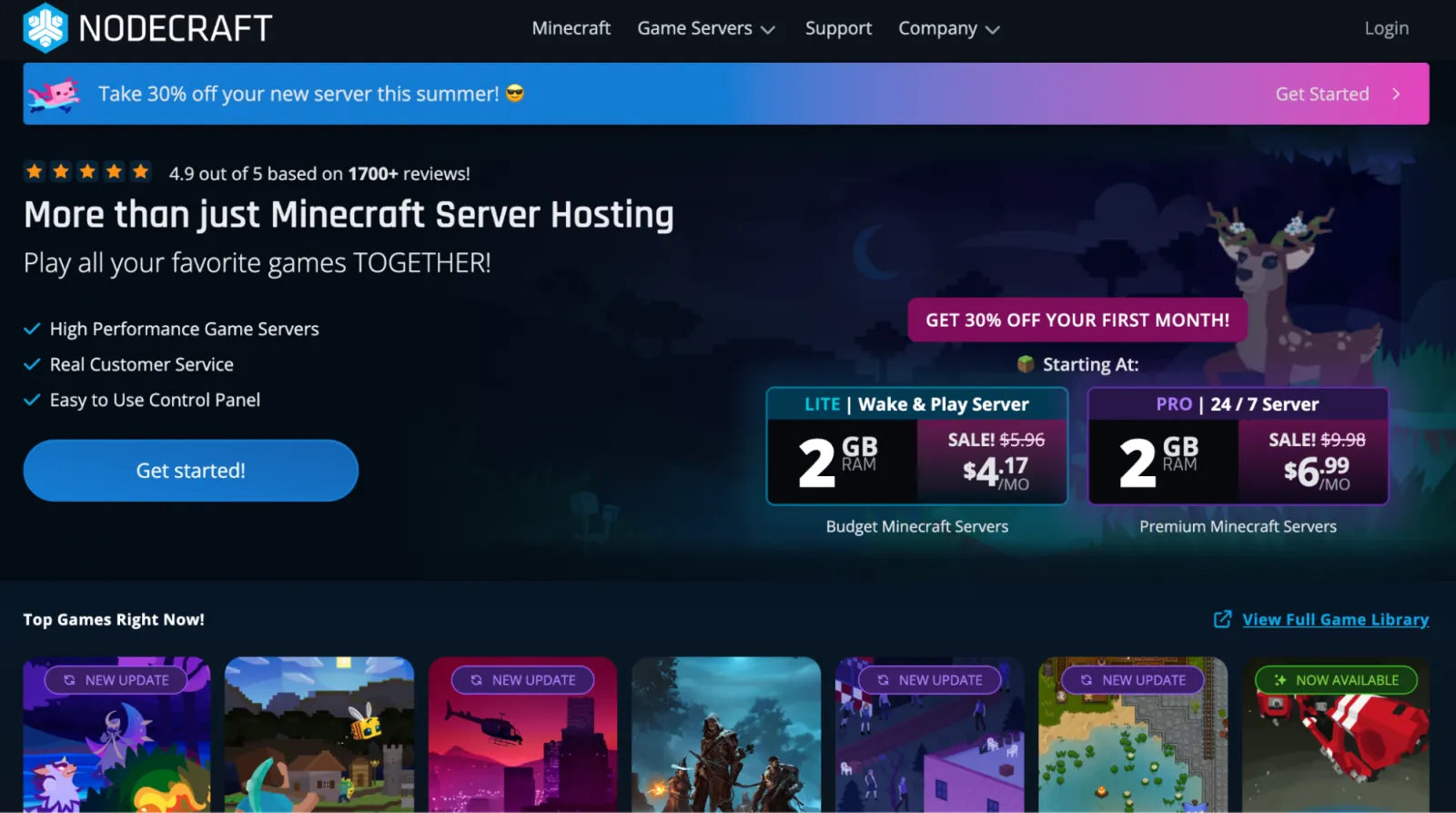
The feature that sets Nodecraft apart is game swapping: one subscription, and you can flip the same server from Minecraft to Rust or Valheim and back at no extra fee, with the files for each game kept on disk. If your group plays something else for two months every winter, that is real money saved versus running two subscriptions.
NodePanel spins up an instance in about a minute, and the company sits at 4.9 out of 5 on Trustpilot across more than 1,700 reviews, which is a lot of reviews for this market.
Pros
- Swap between dozens of supported games on a single active plan, files preserved.
- Automatic daily cloud backups.
- Deployment regions across North America, South America, Europe, and Asia-Pacific.
Cons
- Settings are spread across several tabs, so simple changes take more clicking than they should.
- Plugin installs are not part of the one-click installer, so you are doing those by hand.
- The Lite tier is a “wake and play” server that sleeps when idle, which is fine for a friend group and wrong for a public server that needs to be reachable at 3am.
Best for: groups that rotate games and would rather not pay for a second host to do it.
5. Pine Hosting: best value for modded
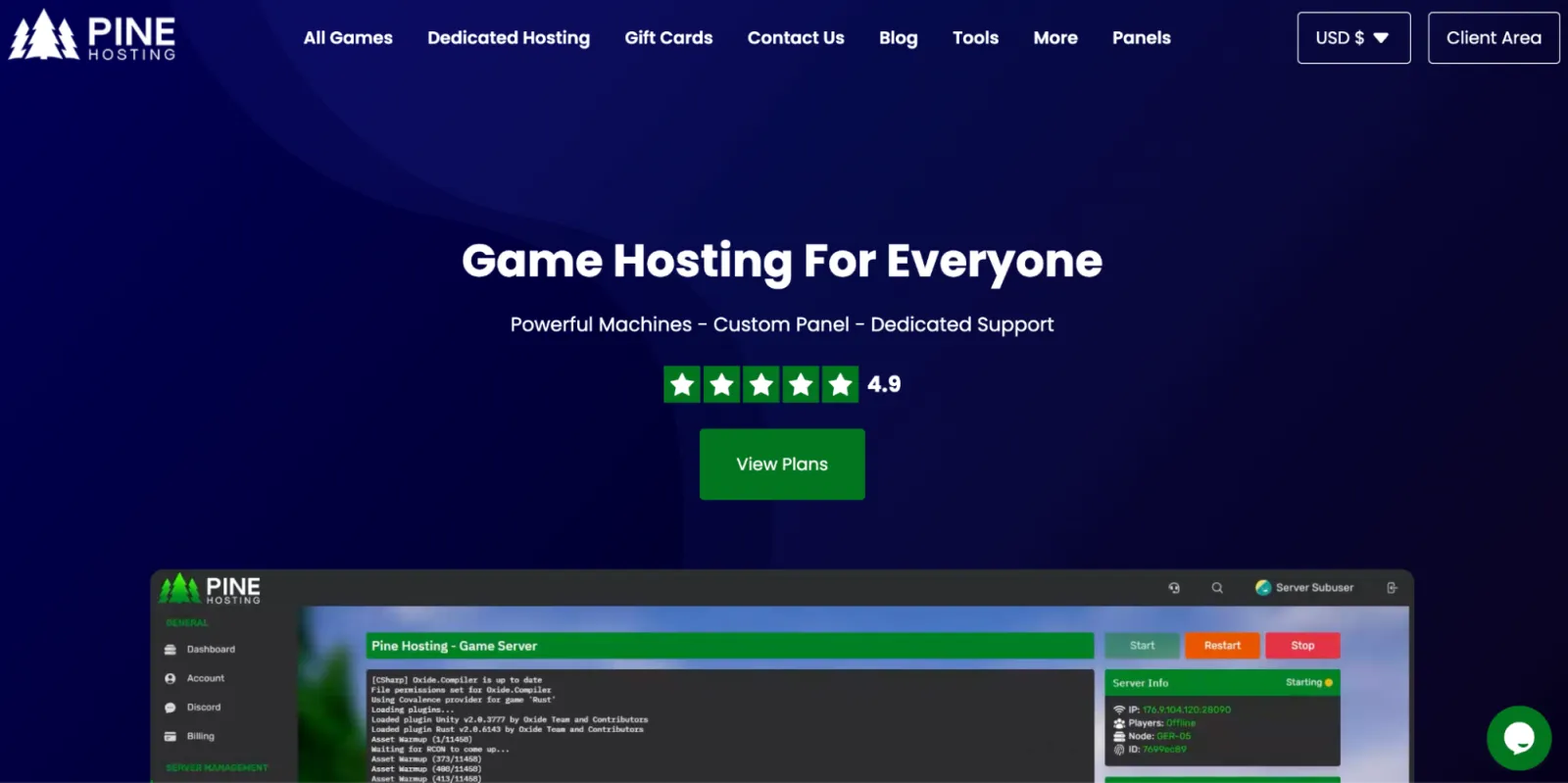
Pine Hosting is UK-based, runs Ryzen hardware on NVMe storage at mid-range prices, and its plans handle heavy modpacks better than the price suggests. The fleet goes up to Ryzen 9 9950X nodes with DDR5 and Gen4 NVMe, though which node you land on depends on the tier and location, so check the spec on the plan you are actually buying. Locations are Germany, Finland, the UK, Virginia, Texas, California, Quebec, and Sydney.
The custom Game Panel that Pine ships is the good kind of custom: scheduler, backups, one-click plugin installs, and a console that does not fight you. They advertise 99.99% uptime and carry 4.9 on Trustpilot.
Pros
- Human support with fast turnaround, not a bot funnel.
- Eight data centre locations across North America, Europe, and Australia.
- 99.99% uptime claim backed by a 4.9 Trustpilot score.
Cons
- Newer provider, so there is less track record to lean on than with a host that has been around a decade.
- The best pricing is gated behind promo codes rather than published rates.
- No traditional web hosting if you also want a site alongside the server.
Best for: medium-sized modded servers that need real hardware and do not want to pay premium-brand prices for it.
6. GG Servers: cheapest sane entry
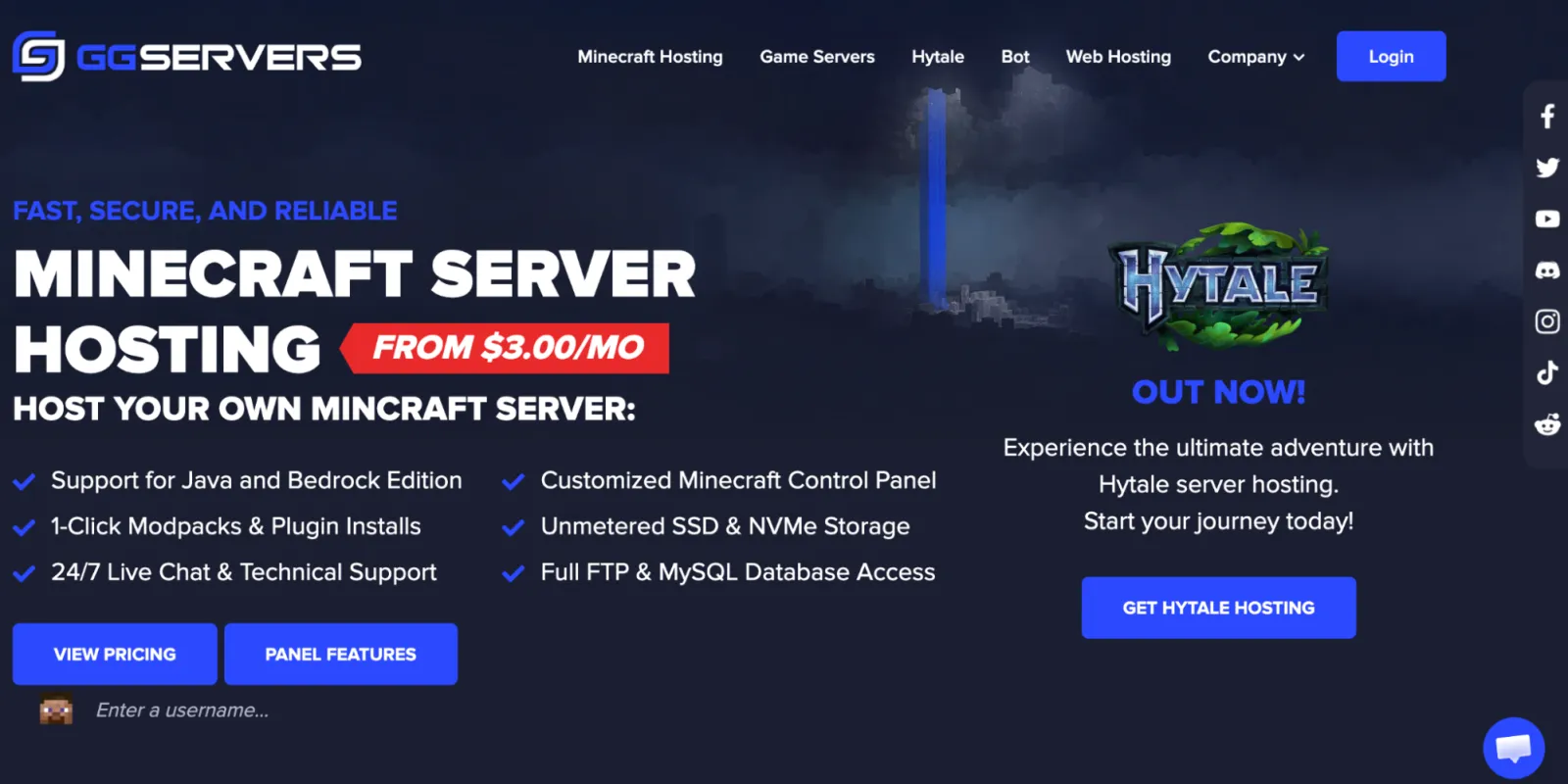
Running out of Canada since 2013, GG Servers is the low-friction entry point: plans start around $3/month and there are nine locations (Montreal, Oregon, Virginia, London, Frankfurt, Finland, Roubaix, Singapore, Australia). The panel is a customised Pterodactyl build, so it will look familiar if you have used any modern game host, and migration help from another provider is free.
Worth knowing before you buy: GG Servers advertises a pre-purchase ping test, which is exactly the tool you want for the distance problem described earlier.
Pros
- Free server imports and custom subdomains.
- Pre-purchase ping testing and genuinely thorough documentation.
- 24/7 live chat, Java and Bedrock, unmetered SSD and NVMe storage.
Cons
- Standard plans lean on DDR4 and SSD rather than the newest hardware, so big modpacks will feel it.
- The refund window is 24 hours on first orders, measured from server creation rather than payment.
- Default backup features are basic enough that you will want your own routine.
Best for: budget servers running vanilla or light plugins for 30 to 40 players.
7. Kamatera: best for full VPS control
Kamatera is not a game host at all, and that is the point. You get a cloud VPS with root access and a configurator for CPU, RAM, and disk, spread across 20-plus data centres. There is no modpack dropdown: you install Java, pull down the server jar, write your own systemd unit, and handle firewall rules yourself.
What Kamatera gives you in exchange is a 30-day trial, hourly billing, and the ability to run a Discord bot, a map renderer, and a web panel on the same box without asking anyone’s permission.
Pros
- Full root access and complete control over the configuration.
- 20+ data centres across North America, Europe, the Middle East, and Asia-Pacific.
- Hourly pay-as-you-go billing, so a weekend server costs a weekend.
Cons
- No game panel and no one-click modpack installers. Everything is manual.
- Backups and extra services are billed separately.
- The monthly total is harder to predict than a flat plan, which is the flip side of usage billing.
Best for: people comfortable with Linux administration who want the box, not the panel.
The option nobody on this list sells you
If the server is for six friends and not a public community, you may not need a host at all. A spare laptop or a Raspberry Pi 5 can run a vanilla world for a small group, and the only real problem is that your machine sits behind NAT with no public IP, which is normally where port forwarding and its router-config rabbit hole comes in.
A TCP tunnel from Pinggy skips that. Start your server on 25565, then in a second terminal:
ssh -p 443 -R0:localhost:25565 tcp@free.pinggy.ioThat returns a public address like tcp://rnxxx.a.pinggy.link:40527, and your friends put rnxxx.a.pinggy.link:40527 into the Add Server box. No router login, no dynamic DNS, no opening ports on your home network. The full walkthrough with screenshots is in Sharing a Minecraft Server running on Localhost with Your Friends Online.
The honest tradeoffs: free Pinggy sessions run for 60 minutes and hand out a new address each time, so you either restart the tunnel or take the $2.50/month plan for a persistent subdomain. Your world is only up while your machine is, your home upload bandwidth becomes the server’s bandwidth, and a modpack for ten players will make a laptop unhappy. For a weekend of survival with friends, none of that matters. For a server that needs to be reachable at 3am on a Tuesday, pay one of the seven above.
If you are weighing tunnels against the wider set of options, Best Playit.gg alternatives covers the tunneling, VPN, and virtual-LAN approaches side by side.
The verdict
Godlike.Host covers the largest number of situations at once: named modern hardware, twelve regions, and a panel that installs the modpack you actually wanted to play. That makes it the default pick.
The other six win in narrower lanes. ServerPrism if you are running a proxy network or a test server next to the main world. CloudNord if the IP is going public and you expect attacks and player spikes. Nodecraft if your group plays five games a year. Pine Hosting if you want strong modded performance without a premium logo. GG Servers if the budget is the constraint and the world is light. Kamatera if you would rather have root than a dropdown. And if the whole thing is six people on a weekend, run it on the machine in front of you and open a tunnel.