AI URL to Video: How Indie Developers Are Turning a Localhost Link Into a Launch Demo
Every indie developer knows the feeling. The project works. The tunnel is live. The URL is sitting right there, ready to share. But a Product Hunt or Hacker News launch needs more than a link. It needs a demo people can watch in ten seconds. Nobody wants to click through to a live app they’ve never seen before.
Summary
The gap: a live URL is a weak launch asset. A stranger scrolling a feed has to click, wait, and work out what they are looking at. Most won’t.
The fix: feed the URL itself to an AI video generator. URL to Video in Pollo AI’s Marketing Studio loads the page and produces a short walkthrough, with no screen recording and no editing timeline.
The URL you already have: a Pinggy tunnel makes a local project public in seconds, and that is the same link that goes into the video tool. Nothing extra to deploy first.
Polish pass: InVideo AI, built into Marketing Studio, handles trimming, captions for mute viewers, and pacing.
Who this changes things for: solo builders. A funded team can hire someone to cut a launch video; a weekend project can’t justify it, which is why strong indie launches often shipped with nothing but a link and a paragraph.
Where it fits: treat it as a five-minute checklist item on launch day, next to the README and the landing page copy, not as a separate project.
Why a Working URL Still Isn’t Enough for a Launch
A link to a live project asks a lot of a stranger scrolling through a launch feed. They have to click, wait for it to load, and figure out what they’re even looking at. Most people won’t bother. A short video preview solves that instantly. It shows exactly what the tool does before anyone has to commit to clicking anything.
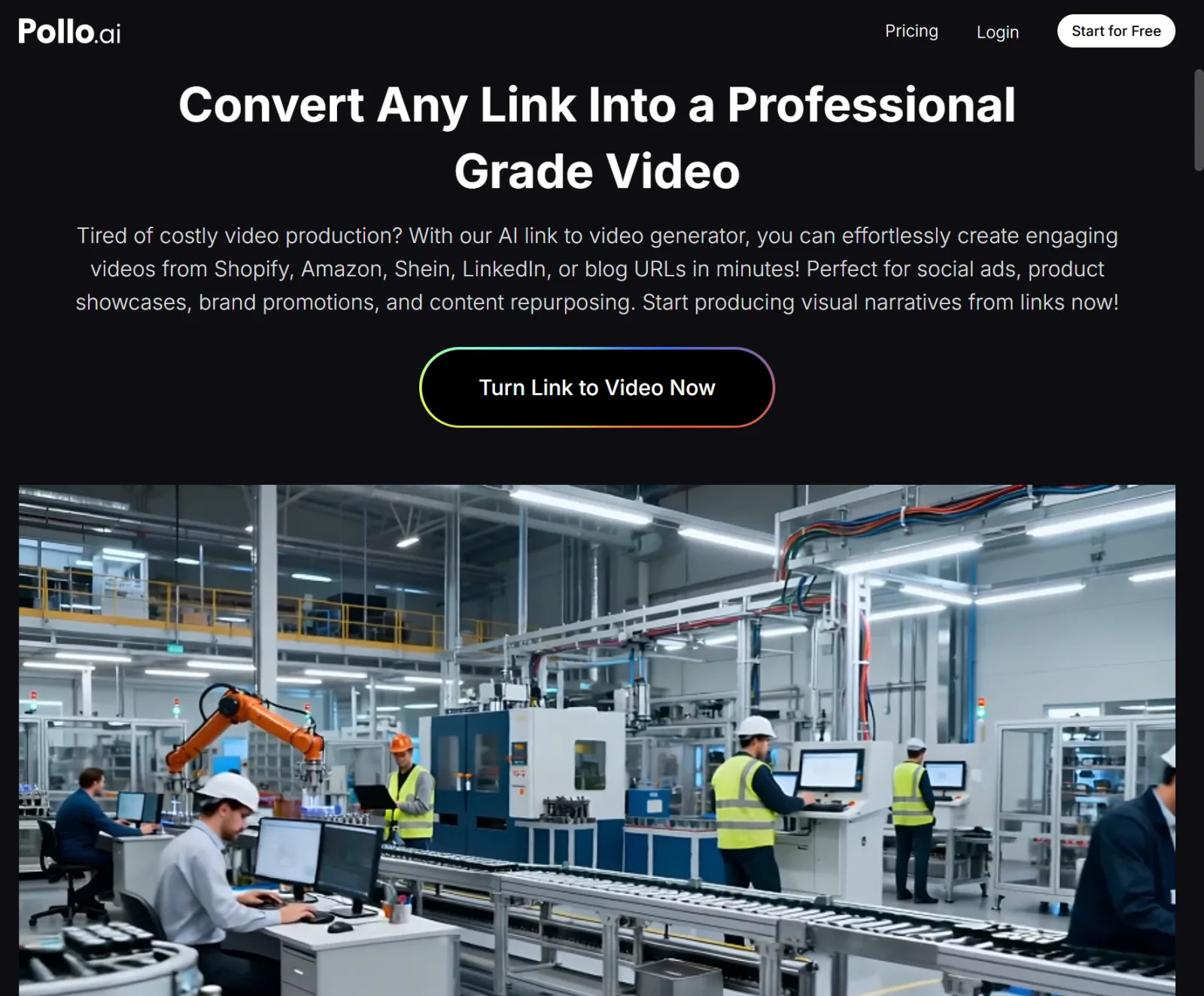
The problem is time. Most developers building solo don’t have time to record and edit a proper demo video on top of shipping the actual product. Marketing Studio’s URL to Video tool closes that gap directly. Pollo AI takes a live URL, the same one a Pinggy tunnel already generates. It turns that link into a short video walkthrough, with no manual recording or editing.
From a Shared Tunnel to a Shareable Demo
A typical indie launch already involves sharing a link. A Pinggy tunnel makes a local project public in seconds. This is exactly the workflow most solo builders already use to show off a project before it’s fully deployed. What’s usually missing is the next step: turning that link into something visual enough to stop a scroll.
Marketing Studio picks up right where that tunnel leaves off. The same URL that a developer already shares with testers or early users can become a launch-ready video. No screen recording software, no manual editing timeline required.
Polishing the Demo With InVideo AI
A generated first draft usually covers the basics well. Some developers want more control before a launch, though. Trimming a slow section, adding captions for viewers watching on mute, adjusting pacing to hit the good part faster. InVideo AI, built directly into Marketing Studio, handles that refinement.
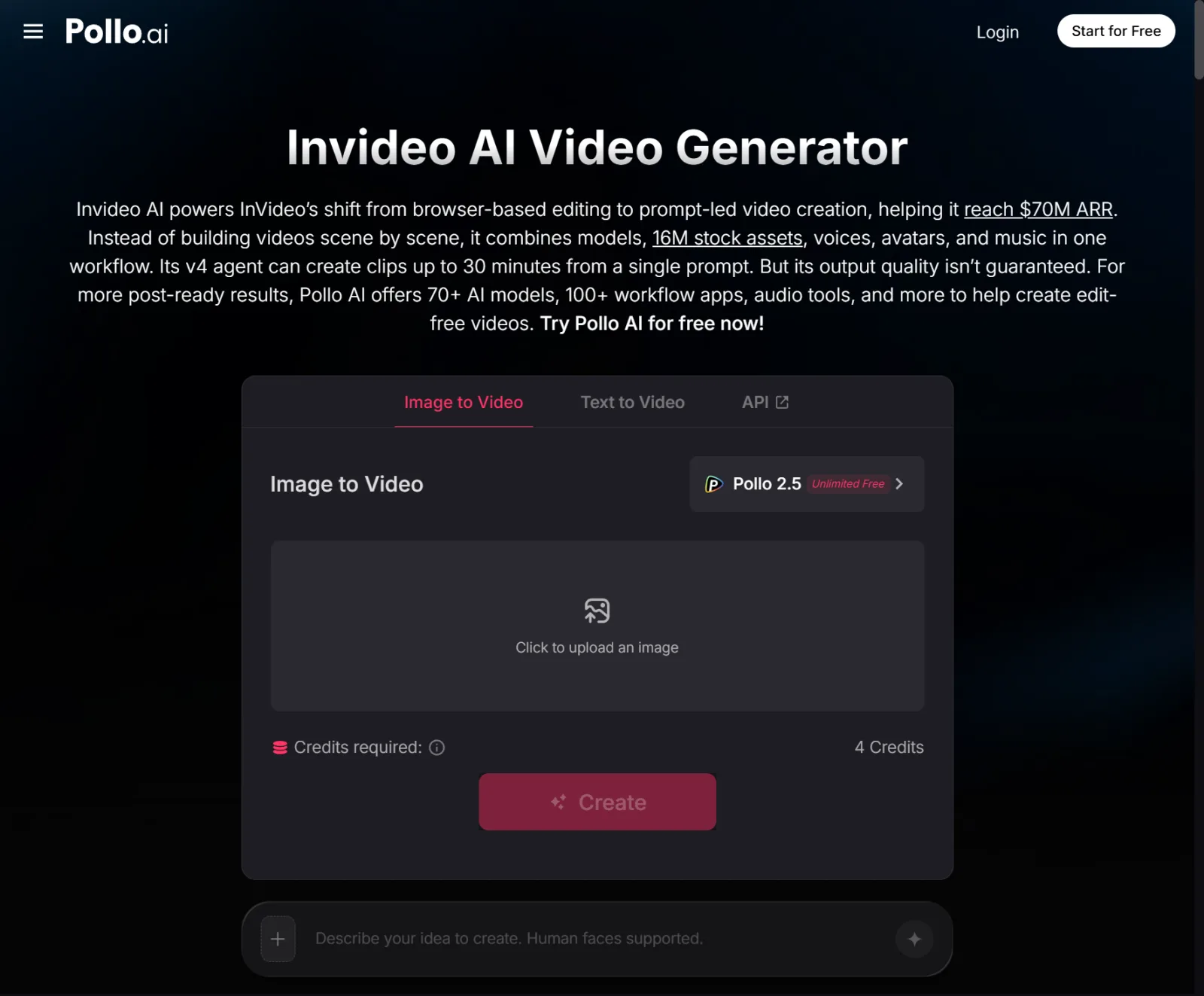
Using InVideo AI fits naturally right before a launch goes live. A developer generates the first video from their URL, reviews it, and tightens up anything that needs work. Everything stays inside Pollo AI, from the raw tunnel link to the finished demo.
For teams creating multiple product videos and marketing assets, invideo agent provides an agent-driven workflow that helps creators maintain consistency across scripts, scenes, visual direction, and revisions. This allows teams to move beyond one-off demos into repeatable video production workflows.
Why This Matters More for Solo Builders Than Funded Teams
A funded startup can hire someone to produce a proper launch video. A solo developer shipping a side project on a weekend usually can’t justify that. Not even when the project itself is genuinely good. This gap has often meant strong indie projects launched with nothing but a link and a paragraph of text.
Removing that production step changes what a solo launch can look like. A weekend project can now get the same kind of visual demo a funded startup would produce. Pollo AI does it without adding days to an already tight timeline.
Making This Part of Every Launch, Not Just the Big Ones
Developers who ship frequently tend to build this into their launch checklist. Generate a demo video the same day the tunnel goes live, right alongside the README and the landing page copy. It becomes a five-minute step instead of a separate project on its own.
AI video generation tools allow developers and startups to quickly create promotional videos without traditional production resources.
Getting Started
Next time you spin up a Pinggy tunnel for a project worth sharing, don’t stop at the link. Run that URL through Marketing Studio. Polish it with InVideo AI if it needs a pass, and post the video alongside your launch.
For most solo developers, the real shift isn’t a fancier demo. It’s finally showing up to a launch with something people actually watch. Pollo AI does it using the same URL they were already going to share anyway.