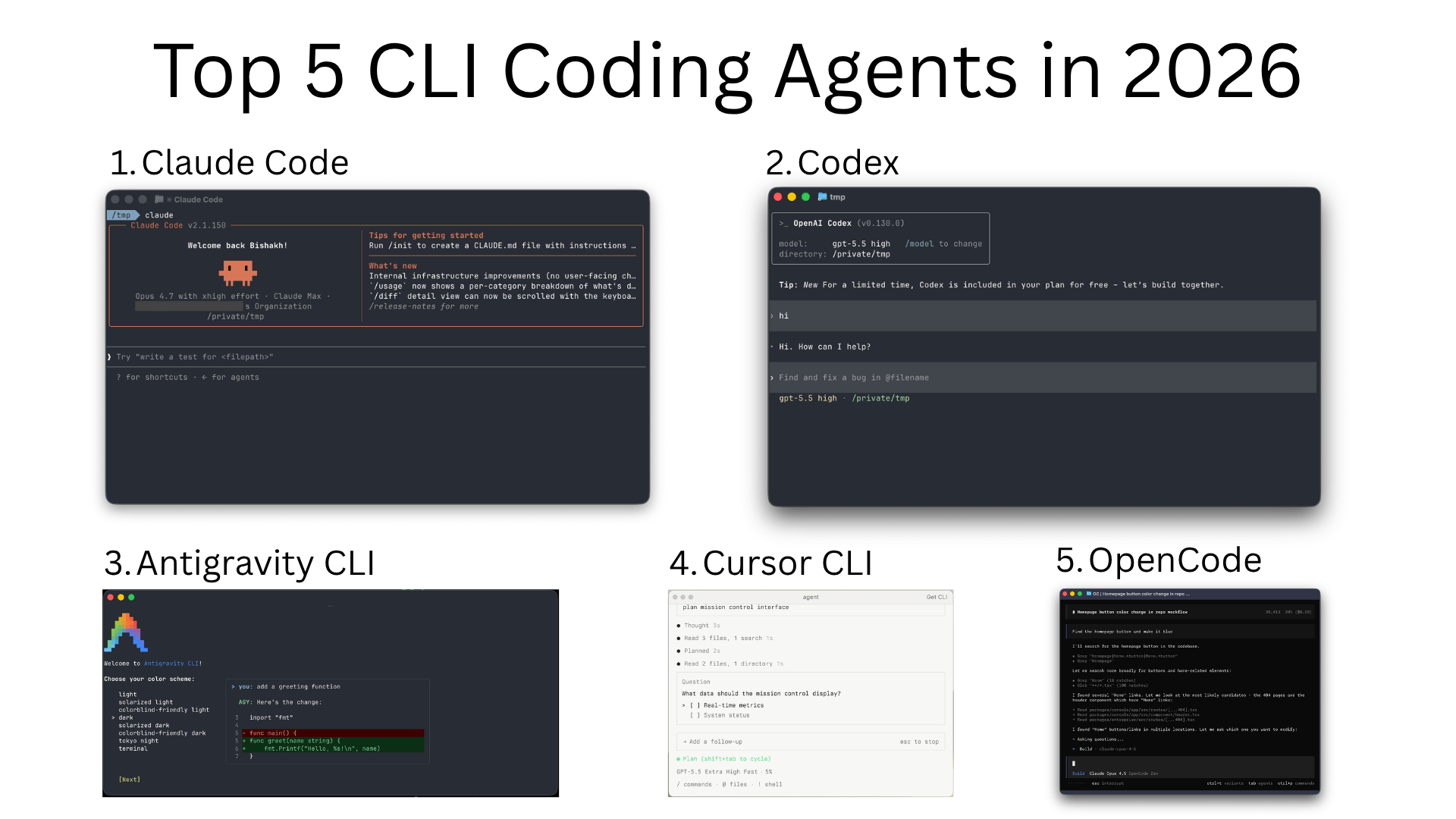
The CLI coding agent space has churned hard in the first half of 2026. Google retired Gemini CLI at I/O on May 19 and replaced it with Antigravity CLI (free/Pro/Ultra users have until June 18, 2026 before Gemini CLI stops serving requests). OpenAI shipped a Codex refresh on GPT-5.5 that several recent rankings now put at #1. Cursor launched a real Cursor CLI in January with a Cloud Handoff feature you don’t see elsewhere. Claude Code moved to Opus 4.7. And sst/opencode crossed 150K GitHub stars and ~6.5M monthly active developers, becoming the de facto open-source choice.
If you read this blog earlier in the year, the top 5 has shuffled. This update reflects what’s actually being used and discussed in May 2026 - what’s still standing, what got bumped, and the new entrants worth your time.
Comparison Table for Top CLI Coding Agents
| CLI Agent | Best For | Default Model | Pricing | Key Strength |
|---|
| Claude Code | Multi-file reasoning, long-running tasks | Claude Opus 4.7 / Sonnet 4.6 | API pay-per-use or Claude Pro/Max subscription | Reasoning quality and skill/subagent ecosystem |
| OpenAI Codex | Tight loop with GPT-5.5; agentic execution | GPT-5.5 | API pay-per-use; ChatGPT plans include quota | Top-ranked agent benchmarks in 2026 |
| Antigravity CLI | Google ecosystem; multi-agent workflows | Gemini 3 | Free for AI Pro/Ultra; enterprise via Code Assist | Shared harness with Antigravity 2.0 desktop; Skills/Hooks/Subagents |
| Cursor CLI | Cursor IDE users; long async runs | Auto-routes (Claude / GPT / Gemini) | Bundled with Cursor Pro ($20/mo) and above | Plan/Ask modes, Cloud Handoff with & prefix |
| OpenCode | Provider-agnostic, local models, scripting | Bring your own (75+ supported) | Free (open source, MIT) | 150K stars; LSP, SDK, dual build/plan agents |
Summary
What changed in 2026:
- Gemini CLI is being retired; Antigravity CLI takes over on June 18, 2026
- OpenAI Codex moved to GPT-5.5 and tops several agent benchmarks
- Cursor CLI launched January 16 with Plan/Ask modes and Cloud Handoff
- OpenCode crossed 150K GitHub stars; clear open-source leader
Top 5 CLI coding agents in 2026:
- Claude Code (Opus 4.7): still the consensus pick for deep, multi-file work
- OpenAI Codex (GPT-5.5): now the highest-ranked agent on Artificial Analysis
- Antigravity CLI: Google’s flagship; same harness as the Antigravity 2.0 desktop app
- Cursor CLI: push a local session to a Cloud Agent with a
& prefix and resume on web/mobile - OpenCode: provider-agnostic, MIT-licensed, supports 75+ LLMs including local Ollama models
Honorable mentions: Aider (still great for Git-native pair programming), Warp 2.0 (terminal-native ADE that runs Claude Code/Codex/Antigravity in one UI), Sourcegraph Amp (“Deep mode”), OpenHands, Goose, Qwen Code, Amazon Q Developer CLI, Crush, Plandex, Kimi CLI
What to look for: model choice (own API key vs subscription), local model support if privacy matters, sandboxed shell execution, MCP support, and how the agent handles long-running tasks (background, resumable)
Why Use CLI Coding Agents and How to Choose the Right One
CLI agents are useful for a specific reason: they own the same surface your shell already owns. Files, processes, env vars, Git, make, kubectl, your project’s CLI - the agent can read and modify any of it without an IDE plugin in between. For long-running tasks (refactors, migrations, dependency bumps, “fix all the failing tests”), that’s a meaningful win over an IDE chat panel.
The tradeoffs are real too. Most CLI agents trust the model to drive your shell, so a bad tool call can rm -rf something. Sandboxing varies a lot - Codex runs in a sandboxed env by default, Claude Code asks before destructive ops, Aider stays inside its file edit + commit lane. Read each tool’s default permission model before turning it loose on a real repo.
A rough decision tree for picking one:
- You’re already a Claude or ChatGPT subscriber. Use the matching CLI - Claude Code or Codex. The subscription quota usually beats per-token API pricing for daily work.
- You’re inside the Cursor or Google ecosystem. Cursor CLI ties into your editor sessions and Cloud Agents. Antigravity CLI shares state with the Antigravity desktop app.
- You want to bring your own model (or run local). OpenCode, Aider, Goose, or Crush - all support Ollama, OpenAI-compatible endpoints, and most commercial providers.
- You need 1M+ tokens of context. Plandex’s planning sandbox or Gemini-backed agents (Antigravity CLI on Gemini 3) handle bigger context than Claude or GPT today.
- Your workflow is “edit + commit + repeat”. Aider’s repomap + automatic commits is still hard to beat.
Top CLI Coding Agents in 2026
1. Claude Code
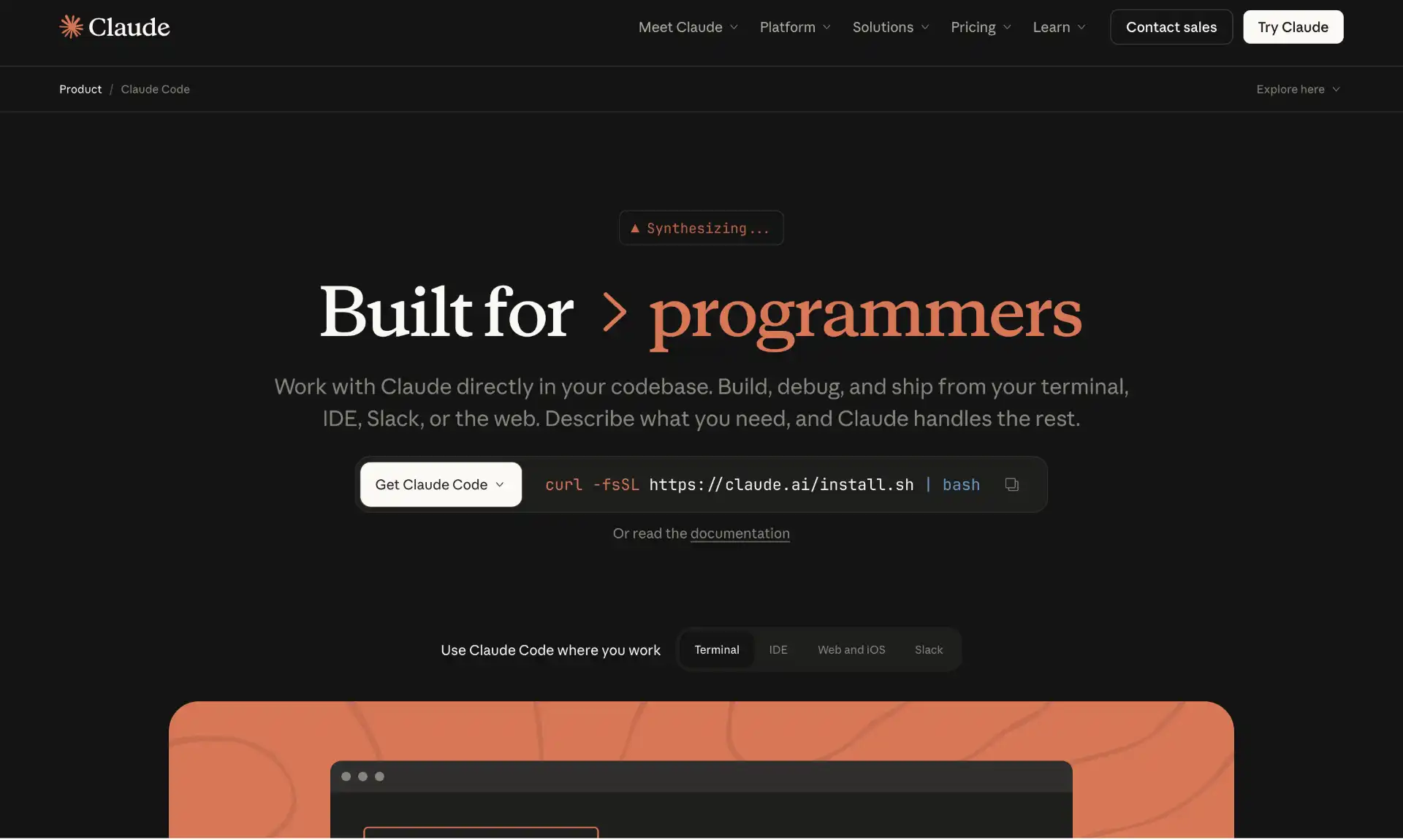
Claude Code is Anthropic’s official CLI - npm i -g @anthropic-ai/claude-code, then claude in any repo. It’s the consensus “default” for serious work in 2026 and still tops most multi-file reasoning comparisons, especially after the Opus 4.7 update.
What it actually does well: it asks before destructive shell calls, keeps a coherent plan across long sessions (helped by the 200K context on Sonnet 4.6 and the larger Opus 4.7 window), and has the deepest plugin ecosystem - Skills (procedure libraries the agent loads on demand), Subagents (specialized child agents), Hooks (run on tool calls), and a growing list of MCP servers. The “Auto memory” feature added in 4.7 keeps user/feedback/project notes in ~/.claude/projects/.../memory/ so it doesn’t forget your conventions between sessions.
Two real annoyances worth knowing: it’s cloud-only (no Ollama fallback), and at scale the API bill adds up fast - the Claude Pro/Max subscriptions ($20/$200/mo) bundle Claude Code quota, which is usually the better deal if you use it daily.
Strengths
- Best-in-class reasoning on Opus 4.7 for refactors and multi-file edits
- Rich extension surface: Skills, Subagents, Hooks, MCP, custom slash commands
- Sandboxed shell with explicit permission prompts; no surprise
rm -rf - Auto memory persists project/user/feedback notes between sessions
Tradeoffs
- Cloud only - no local model support
- Per-token costs add up; subscription is usually cheaper for daily users
Pricing
Pay-per-use on the Anthropic API (Sonnet 4.6 / Opus 4.7 standard rates) or bundled with Claude Pro ($20/mo) or Claude Max ($100-$200/mo) subscriptions with included quota.
2. OpenAI Codex
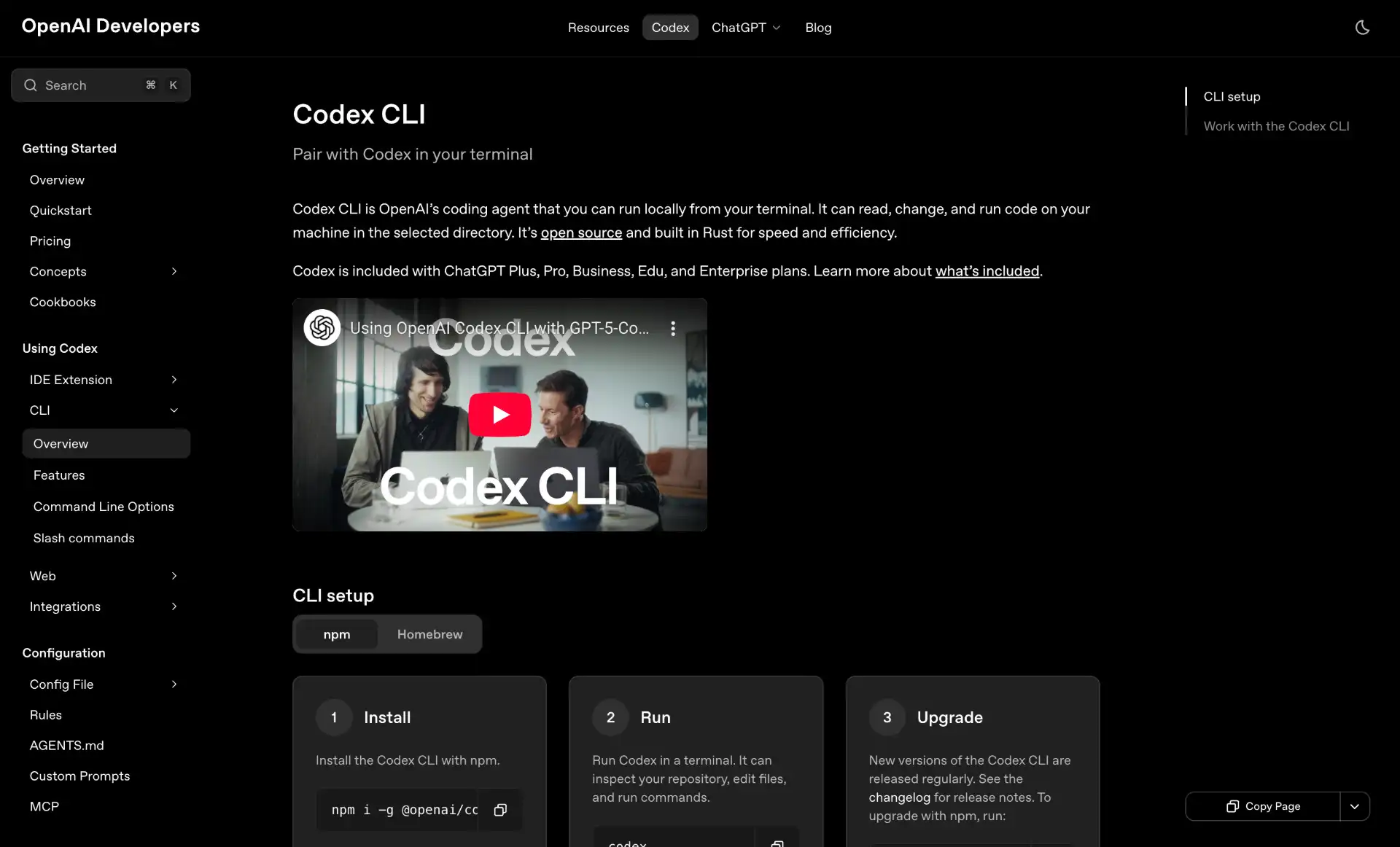
OpenAI Codex (the rebrand of the old Codex CLI) ships as npm i -g @openai/codex and runs on GPT-5.5 by default. Several 2026 rankings now put it at #1 on agent benchmarks, citing materially better long-task execution than the GPT-5 era.
What it does differently: it leans hard on sandboxed execution by default - shell commands run in a containerized env that can’t touch the rest of your machine without --full-auto or explicit approval. That means it’s a bit slower than Claude Code on filesystem-heavy tasks (extra IPC) but safer to point at a real repo unattended. It also has the tightest integration with ChatGPT - kick off a task in the CLI, push it to ChatGPT’s Codex Cloud, watch from your phone. Useful if you context-switch between machines.
Where it lags: the plugin/skill ecosystem is thinner than Claude Code’s, and MCP support arrived later. If you don’t care about Skills/Subagents, that’s a non-issue.
Strengths
- GPT-5.5 leads multiple agent benchmarks in May 2026
- Default sandboxed shell - safer for unattended runs
- Cloud handoff to ChatGPT Codex Cloud for long async tasks
Tradeoffs
- Smaller extension/plugin ecosystem vs Claude Code
- Sandbox adds a small latency tax on file-heavy work
- Cloud-only (no Ollama)
Pricing
Open source (Apache 2.0). Pay-per-token on the OpenAI API, or bundled with ChatGPT Plus/Pro/Business plans, which include Codex Cloud quota.
3. Antigravity CLI (replacing Gemini CLI)
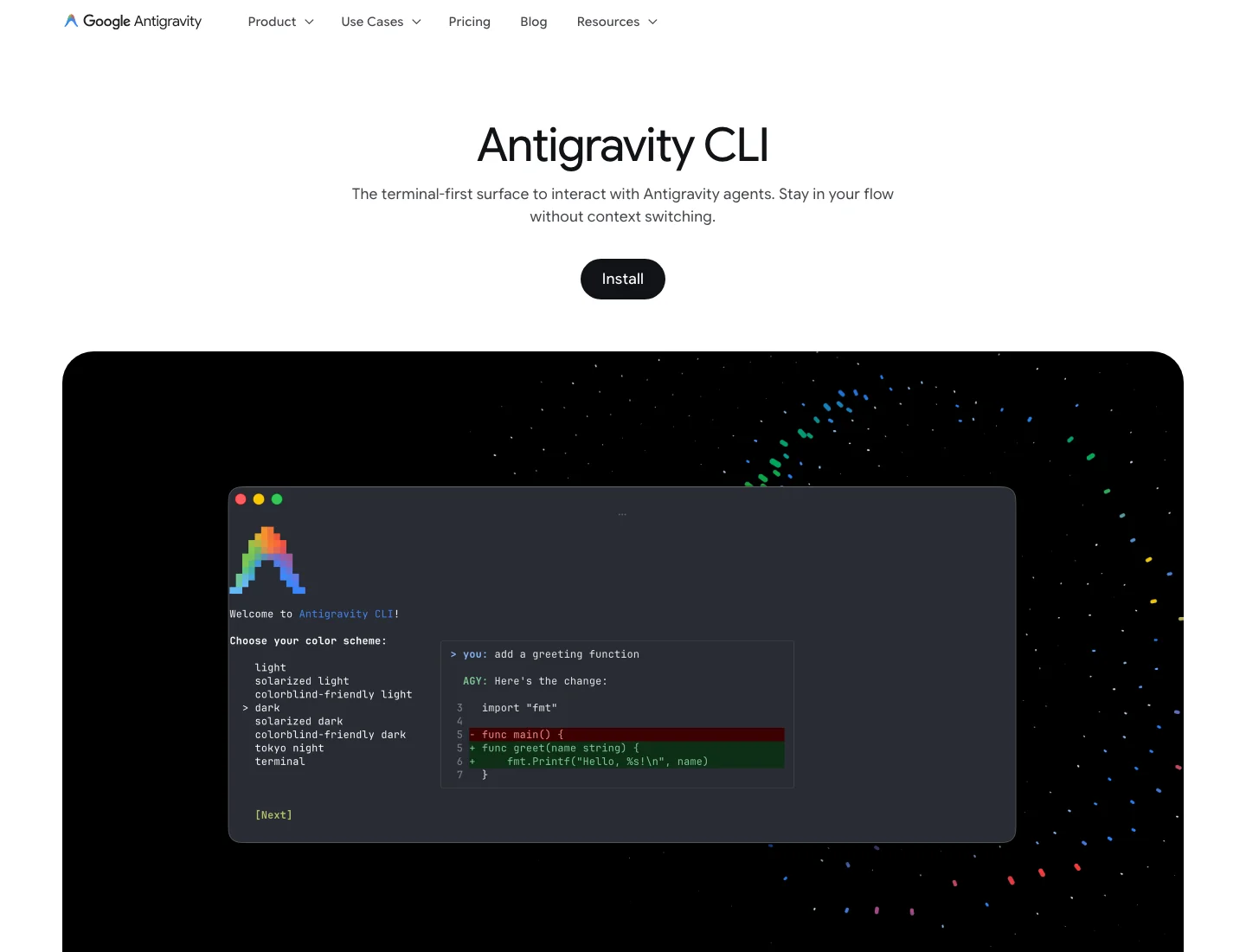
Heads up: On May 19, 2026, Google announced Gemini CLI is being replaced by Antigravity CLI. Gemini CLI and the Gemini Code Assist IDE extensions stop serving requests for AI Pro, Ultra, and free users on June 18, 2026. Code Assist Standard/Enterprise (paid org licenses) are unaffected. Official announcement.
Antigravity CLI is Google’s new terminal agent and the CLI face of Antigravity 2.0, the agent-first development platform announced at I/O 2026. Built in Go for faster startup, it shares the same agent harness as the Antigravity desktop app - sessions and agent state move between the two.
Carried over from Gemini CLI: Agent Skills, Hooks, Subagents, and Extensions (now called Antigravity plugins). What’s new: a server-side harness that runs multi-agent workflows asynchronously, so you can kick off background agents and pick the results up later from desktop or web. The underlying model is Gemini 3, with the same 1M+ token context window that made Gemini CLI useful for monorepo-scale work.
The honest tradeoffs: it’s not open source (Gemini CLI was Apache 2.0), feature parity isn’t 1:1 at launch - some Gemini CLI workflows will need migration, and the GitHub presence is a community forum, not the source. If those matter to you, plan accordingly; if you just want Google’s strongest model in your terminal, the migration is straightforward.
Strengths
- Gemini 3 + 1M token context for very large codebases
- Shared harness with Antigravity 2.0 desktop (resume sessions across surfaces)
- Async multi-agent orchestration as a first-class feature
- Free for AI Pro and Ultra tiers; Code Assist licenses also covered
Tradeoffs
- Closed source (community forum, not open repo)
- Not 1:1 with Gemini CLI - some plugin migration needed
- Forced migration deadline (June 18, 2026) for non-enterprise users
Pricing
Included with Google AI Pro and Ultra. Enterprise access via Gemini Code Assist Standard/Enterprise. No standalone paid tier announced.
4. Cursor CLI
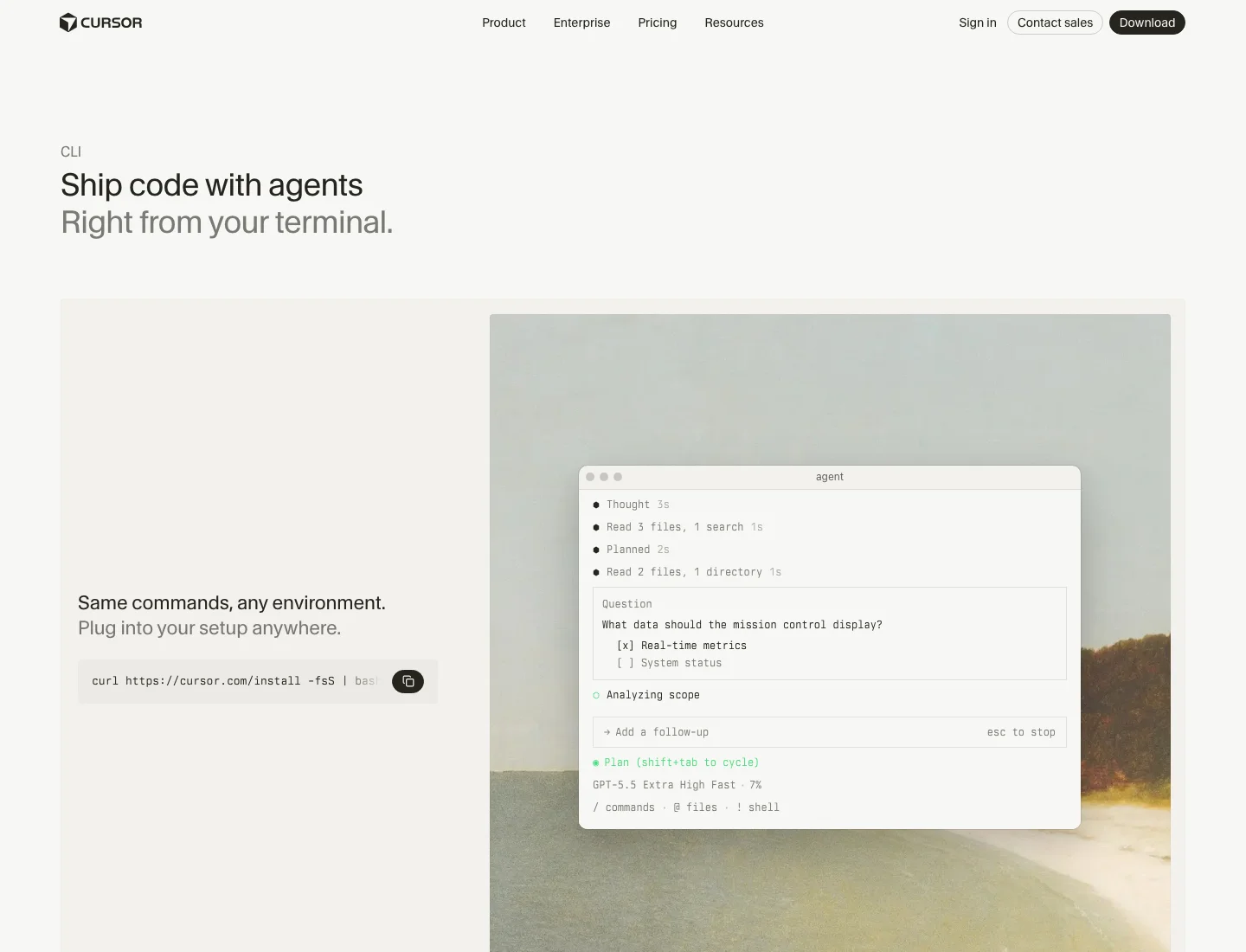
Cursor CLI shipped on January 16, 2026 and pulls Cursor’s IDE agent into your terminal - same agent harness, same memory, same MCP connections. Install with curl https://cursor.com/install -fsS | bash, then cursor-agent in a repo.
The differentiating feature is Cloud Handoff. Prepend & to any message and the conversation is pushed to a Cloud Agent that keeps running while you close your laptop. You can resume it from cursor.com/agents on web or mobile and merge the result back when it’s done. It’s the cleanest answer in this list to “I want to leave a long task running.”
Other bits worth knowing: Plan mode asks clarifying questions before touching code (good for new repos), Ask mode explores without editing (good for code-review use cases), and the agent auto-routes between Claude, GPT-5, and Gemini depending on the task type. MCP login is in-CLI now, with automatic OAuth callback handling - no more pasting tokens.
Tradeoff: it’s not open source and access is gated through Cursor’s subscription. If you don’t already pay for Cursor, the standalone CLI use case is weaker.
Strengths
- Cloud Handoff with
& prefix - resume long tasks from any device - Plan / Ask / Agent modes for different stages of work
- Auto-routing across Claude, GPT-5, and Gemini
- In-CLI MCP OAuth login flow
Tradeoffs
- Closed source, bundled into the Cursor subscription
- Less useful if you don’t already use the Cursor IDE
- Model routing isn’t always optimal - you can pin a model if needed
Pricing
Included with Cursor Pro ($20/mo), Cursor Business ($40/user/mo), or Cursor Ultra. No standalone CLI tier.
5. OpenCode
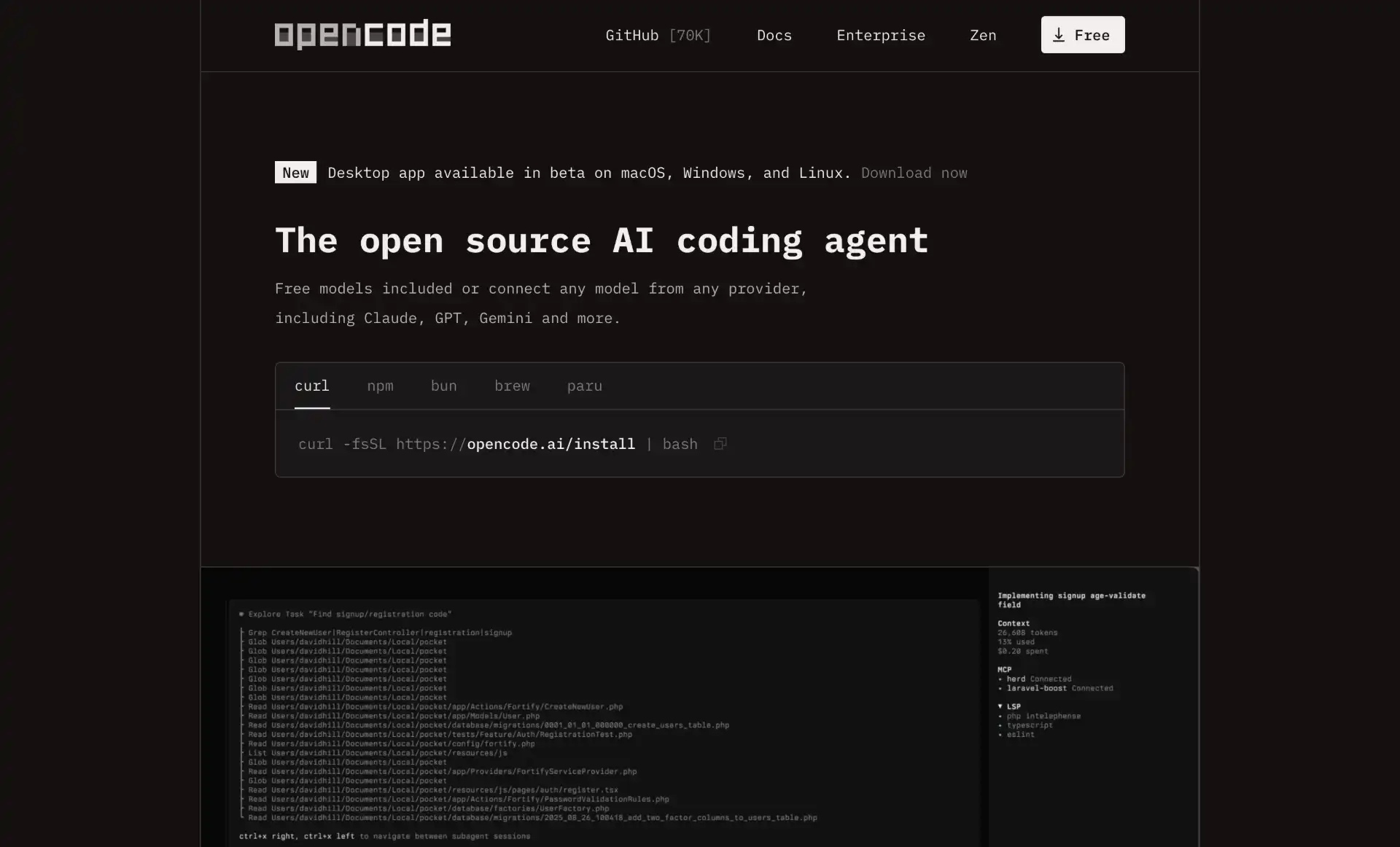
OpenCode (the sst/opencode project, not Charm’s Crush which used to share the name) is the open-source breakout of 2026. It crossed 150K GitHub stars and ~6.5M monthly active developers by mid-year - the fastest-growing open-source dev tool I’ve seen in a while.
The pitch is provider neutrality. OpenCode supports 75+ LLM endpoints out of the box: Anthropic, OpenAI, Google, AWS Bedrock, Azure OpenAI, OpenRouter, Grok (now with OAuth device-code login), and anything OpenAI-compatible including local Ollama servers. You can switch models mid-session and the context carries over. The TUI is built in Bubble Tea (Go), has a --plan agent that won’t touch files and a --build agent that will, and ships an SDK if you want to embed it in scripts.
Recent additions worth noting: a desktop app with a new home view, PDF attachments, restored OAuth and reasoning streams, and richer SDK events for tool-call telemetry. It still avoids storing user code or context server-side, which is the main draw for teams with data-residency rules.
Strengths
- 75+ LLM providers including local Ollama; no vendor lock-in
- Dual
--plan and --build agents for read-only vs write workflows - LSP-integrated for syntax highlighting and error detection across the project
- SDK and non-interactive mode for scripting
- No server-side storage of user code
Tradeoffs
- You’re responsible for picking the right model per task; auto-routing is less polished than Cursor’s
- Plugin ecosystem is smaller than Claude Code’s Skills/Subagents
- TUI is great but power features (e.g. Cloud Handoff equivalents) require your own infra
Pricing
Free (MIT licensed). You pay only for the underlying model API.
Honorable Mentions: Other CLI Coding Agents Worth Considering
The lineup above shifts based on what you’re optimizing for. These tools didn’t make the top 5 but each owns a specific niche worth knowing about:
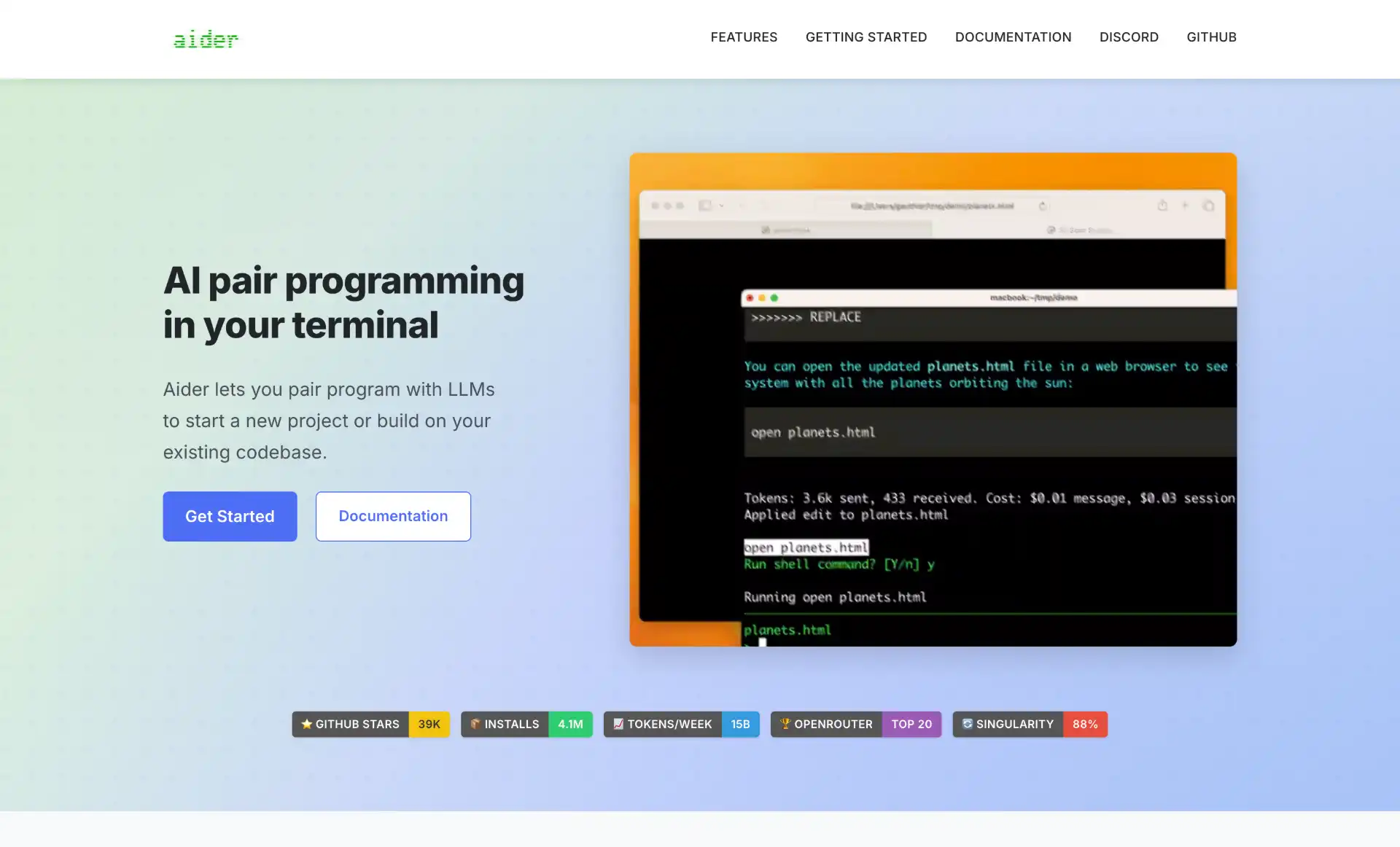
Aider - Was top 5 in earlier versions of this post; moved here because the broader market shifted, not because Aider got worse. Still the best tool I know for “AI pair-programming with Git”: it builds a repomap of your codebase, applies coordinated multi-file edits, and auto-commits with sensible messages so your history stays clean. Works with Claude Opus 4.7, GPT-5.5, DeepSeek V3, and local models via Ollama. If your workflow is “describe a change, review the diff, commit, repeat,” Aider is hard to beat.
Warp 2.0 - Not strictly an agent; it’s a terminal that is itself agentic. The universal prompt accepts natural language and shell commands in the same input, and the new agent runtime can spawn Claude Code, OpenAI Codex, and Antigravity CLI as managed sub-agents in the same UI. Recent additions include Kimi K2.5, MiniMax, and Qwen support via an auto-routed open model option. Worth a look if you want one front-end over many backend agents. Open-source release in May 2026 made it more interesting to OSS-leaning teams.
Sourcegraph Amp - Sourcegraph’s coding agent with both CLI (@sourcegraph/amp on npm) and IDE interfaces. The standout feature is Deep mode - an extended-reasoning autonomous research mode for hard, ambiguous tasks (think “figure out why this CI flakes only on Mondays”). The CLI was rebuilt from the ground up earlier in 2026.
OpenHands - Formerly OpenDevin. Full open-source agentic dev environment with SDK, CLI, local web GUI, and a hosted cloud version. The agent can browse the web, execute code, and manage files end-to-end. The CLI-only package (openhands-cli) is lightweight if you don’t want the web UI. Strong choice if you want a self-hosted Devin alternative.
Goose - Block’s (formerly Square) open-source CLI agent, co-designed with Anthropic around MCP from day one. Runs local models well, extensible via MCP servers. Particularly good for DevOps-flavored work - script generation, system admin, infra glue.
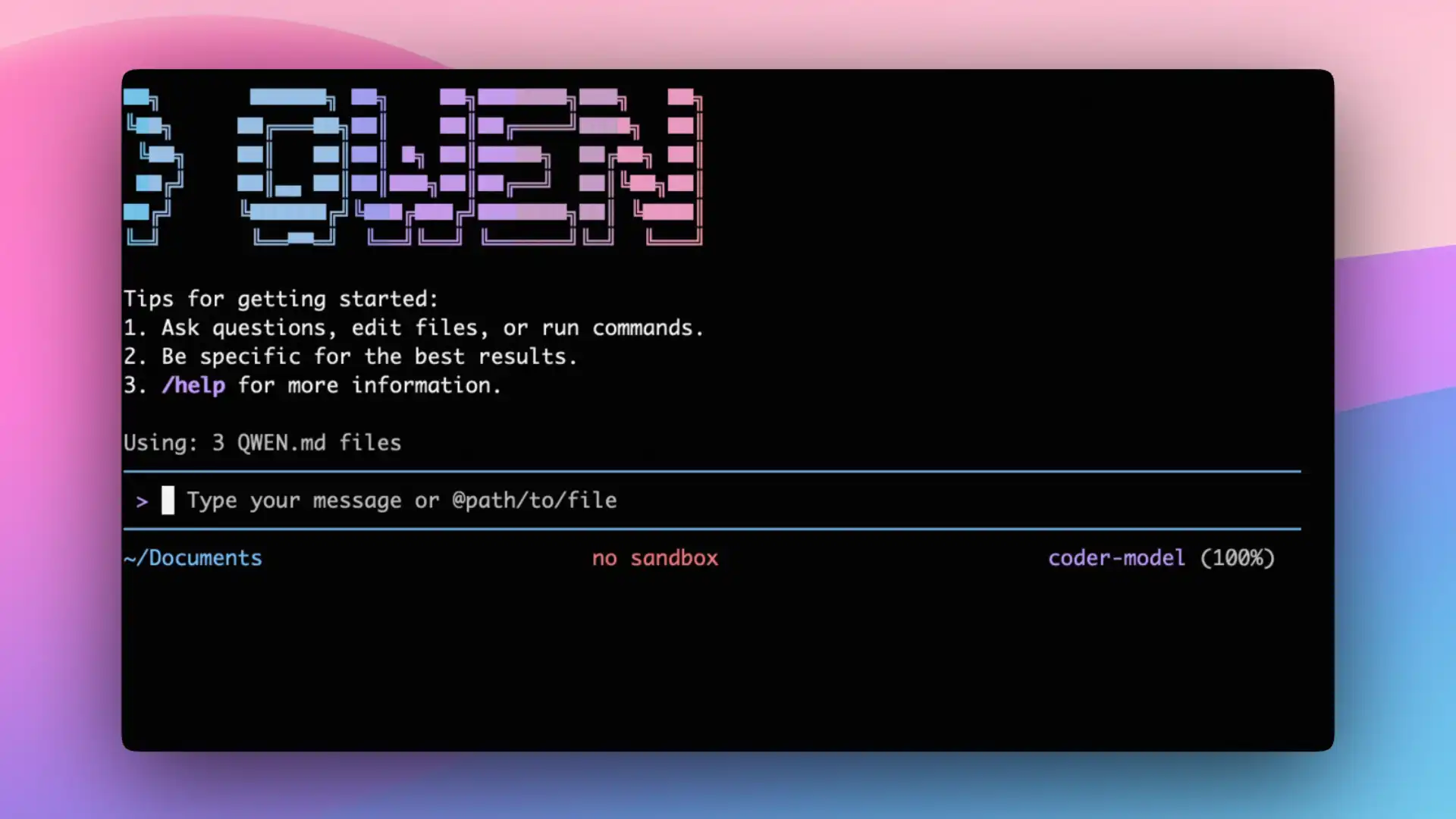
Qwen Code - Alibaba’s CLI agent, adapted from the Gemini CLI codebase and optimized for the Qwen3-Coder 480B MoE model. Apache 2.0 licensed. If you want a top-tier open-weights coding model with a polished CLI, this is the answer.
Kimi CLI - Moonshot AI’s CLI, powered by K2.5 with a 256K context and ~100 tok/s output. Also plugs into Claude Code and Roo Code as a model backend, so you can use K2.5 inside other tools without switching CLIs.
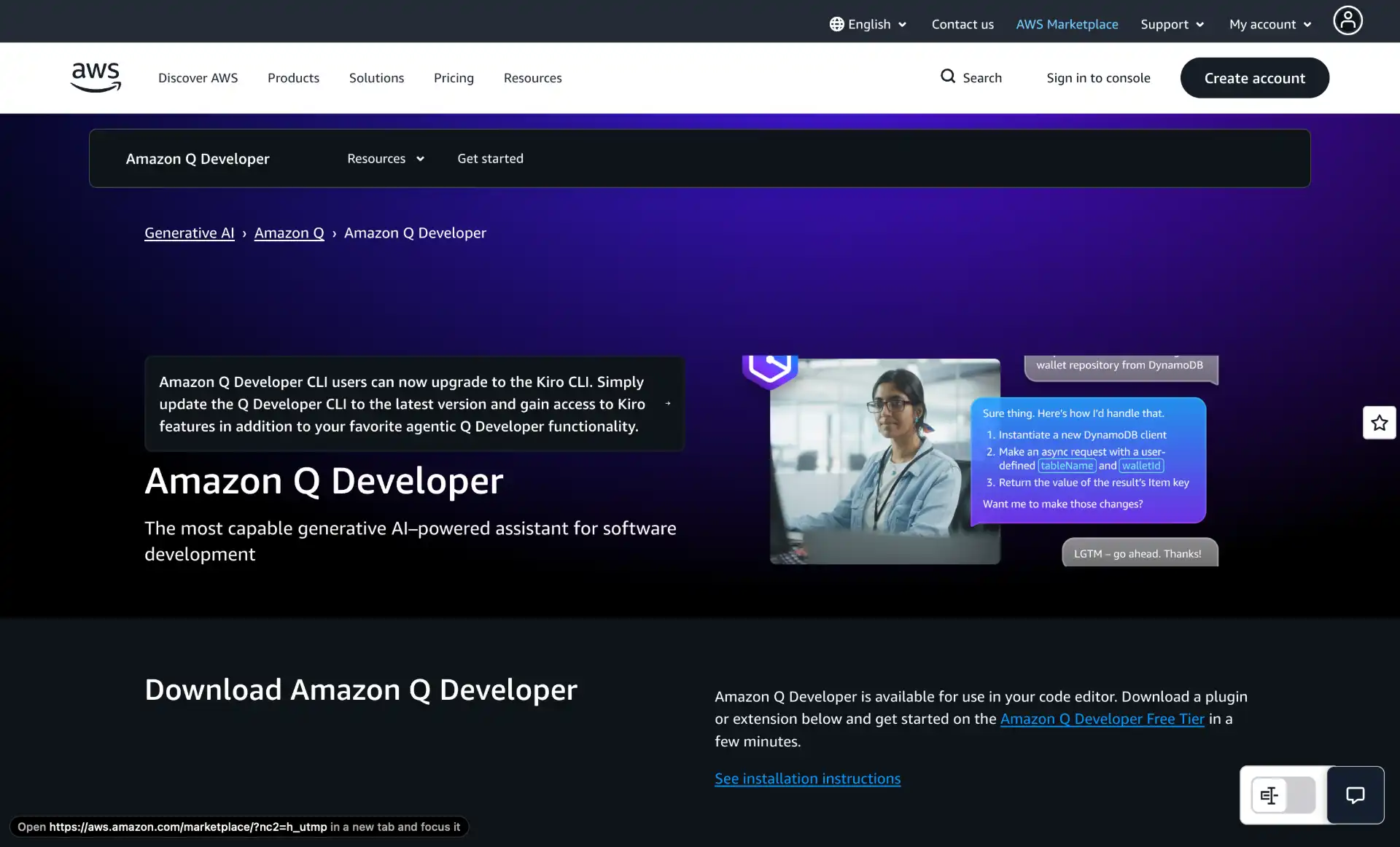
Amazon Q Developer CLI - AWS’s CLI, the obvious choice if your daily work is aws ..., CDK, Terraform on AWS, or IAM. Specialized agents for development, docs, and code review; deep AWS API knowledge.
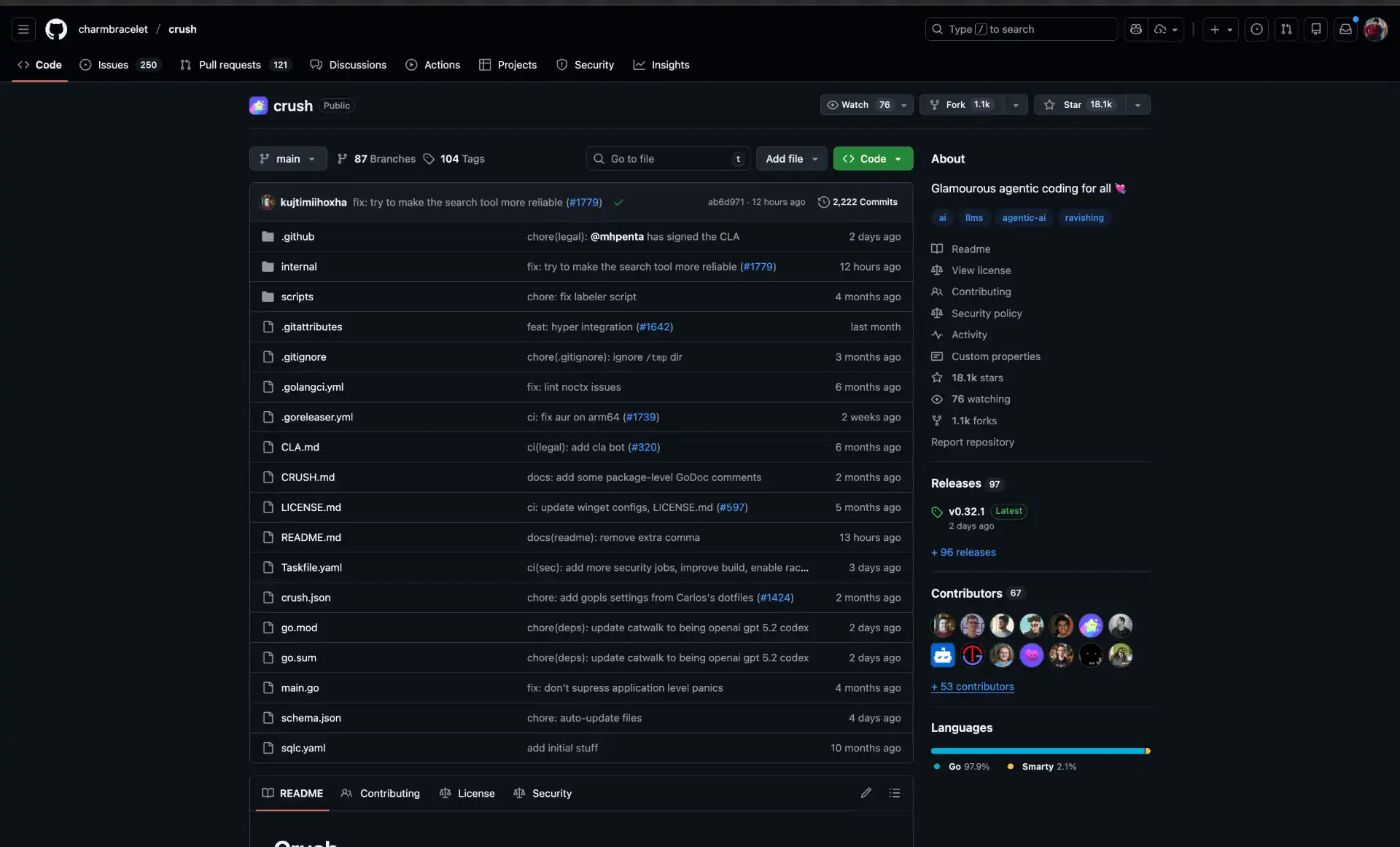
Crush - Charm’s TUI-first agent (originally called “Open Code” by Kujtim Hoxha, renamed to avoid confusion with sst/opencode). Multi-model with mid-session switching, LSP-enhanced, gorgeous Bubble Tea UI. The pick if terminal aesthetics matter to you.
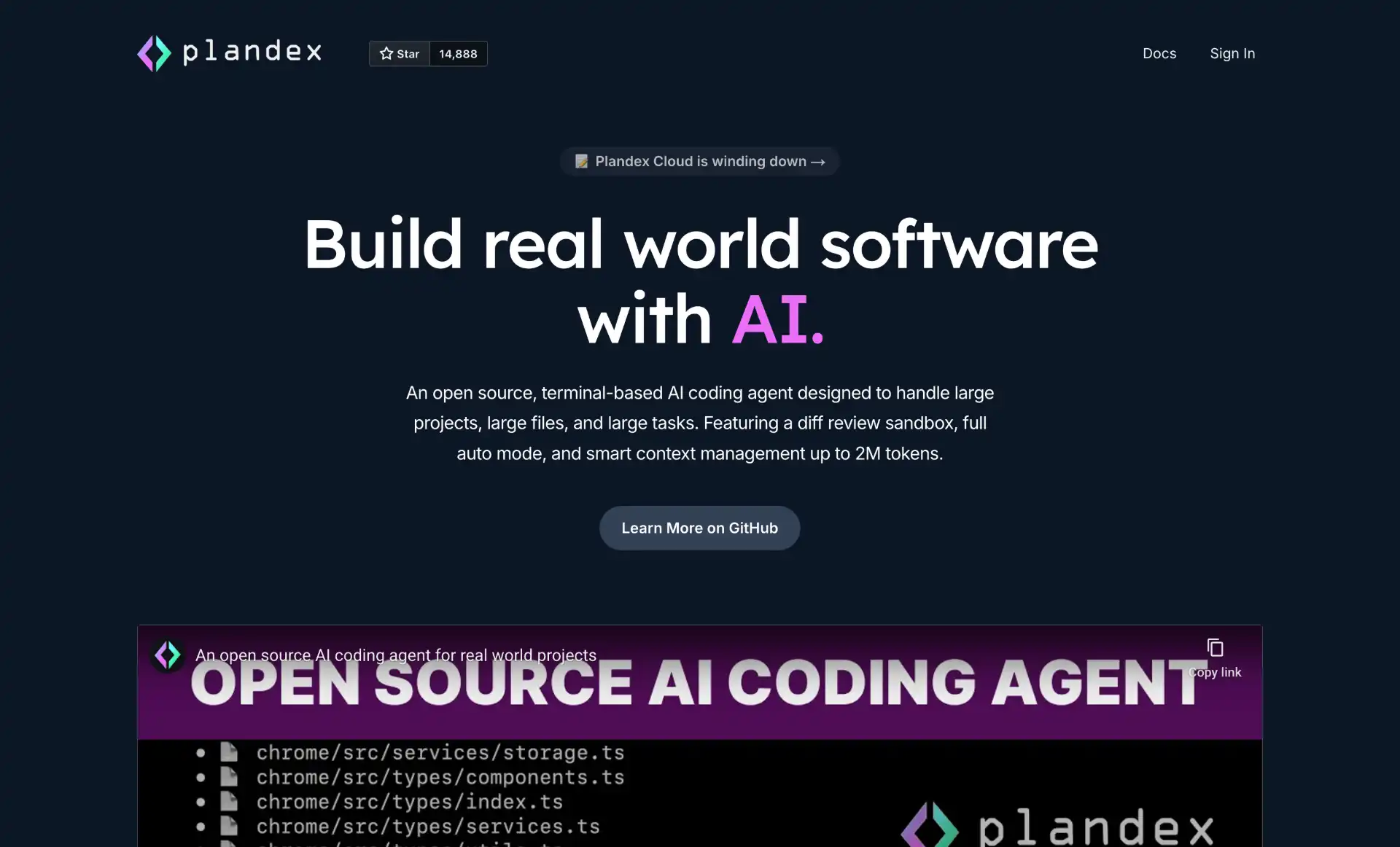
Plandex - Built for tasks where context is the bottleneck: 2M-token effective context via a cumulative-diff sandbox, with 20M+ token Tree-sitter indexing. Best when you’re refactoring a huge monorepo or asking an agent to reason across hundreds of files.
How to Integrate CLI Coding Agents into Your Workflow
A few habits that pay off after a couple of weeks with any of these:
Pick one tool and stay with it for a month. Switching constantly burns your time on configuration instead of work. Use the decision tree above. Most people end up with Claude Code or Codex for daily driving plus one open-source option (OpenCode, Aider, or Goose) for local/offline work.
Set sandbox expectations. Read your tool’s default permission model before pointing it at a real repo. Codex sandboxes shell calls by default; Claude Code prompts before destructive ops; OpenCode and Aider trust the model more. If you’re working on production code, lean toward the conservative defaults.
Branch first, agent second. git checkout -b agent/<task> before kicking off any long-running edit. Lets you git diff main... later instead of trying to reconstruct what the agent touched. Aider does this implicitly by committing per change.
Cap the context. Big projects blow up token budgets fast. Most CLIs let you scope context to specific files or directories - use that, or use Plandex if you genuinely need 1M+ tokens of indexed state. Smaller context also gives better results most of the time.
Tests, lints, types. The fastest way to validate AI changes is a test suite. Configure your CLI to run npm test, pytest, cargo test, etc. after edits. Claude Code, Aider, and Codex all support auto-test loops; let them iterate until tests pass instead of hand-checking.
MCP is the integration layer. If you find yourself wanting an agent to talk to GitHub, Linear, Notion, your DB, or your monitoring stack, look for an MCP server before writing custom glue. Most of the top 5 now support MCP first-class.
Conclusion
The CLI coding agent space in May 2026 is dominated by four big-vendor tools (Claude Code, OpenAI Codex, Antigravity CLI, Cursor CLI) and one open-source standout (OpenCode). Aider and the rest still hold their niches but the center of gravity has shifted toward agents tied to a frontier model and a managed harness.
If you’re picking one for the first time: Claude Code on a Claude Pro/Max subscription is the lowest-risk default for daily use. If you need to run offline or own your data, OpenCode with Ollama is the obvious open-source pick. Everything else is a matter of which ecosystem you’re already in.
One last thing - watch the June 18, 2026 Gemini CLI cutoff if you’re a Google AI Pro/Ultra user. The migration to Antigravity CLI isn’t 1:1, so don’t leave it for the last day.