In this article
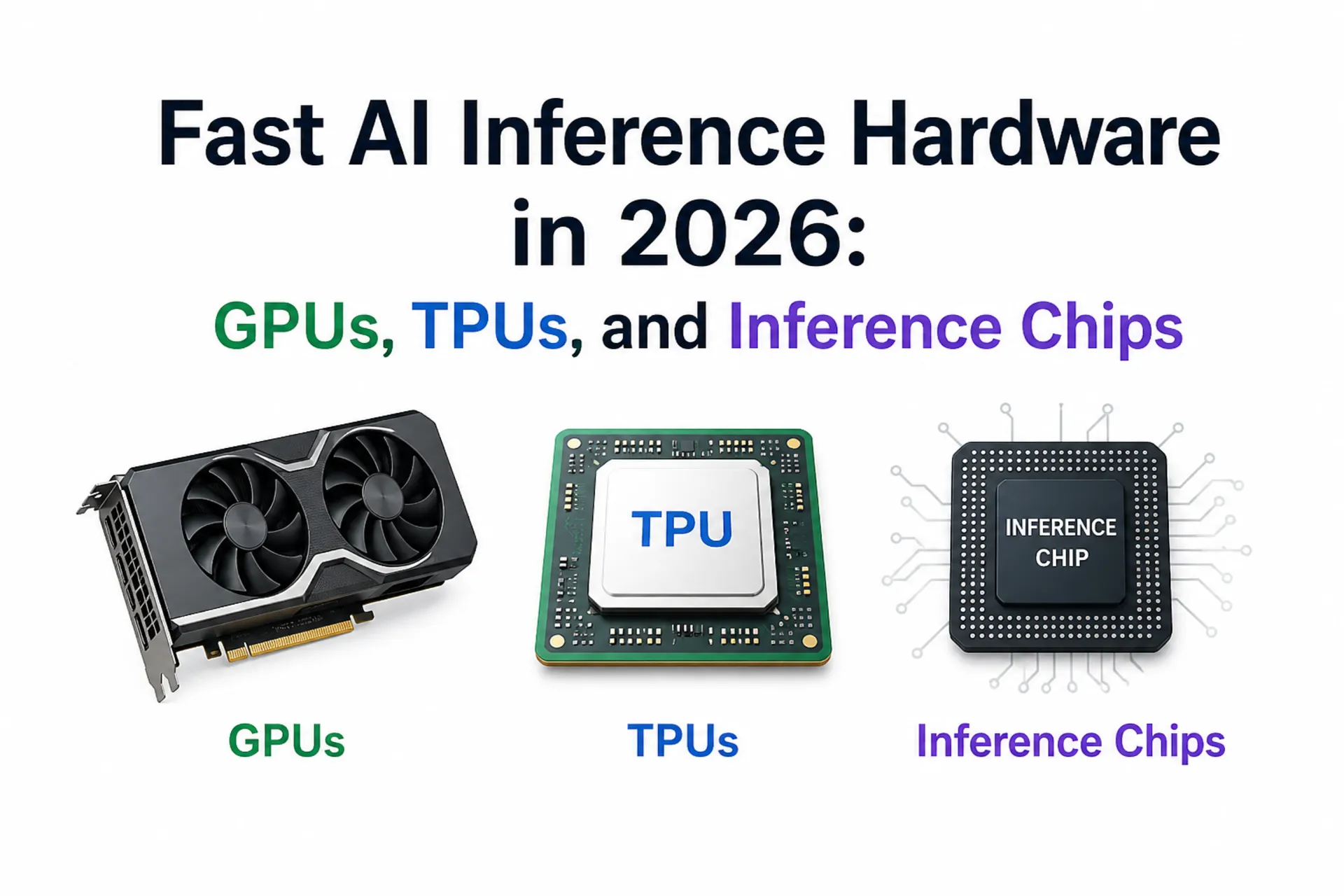
When people ask for the “fastest” AI inference hardware, they usually mean one of two things: the lowest latency for interactive chat, or the highest throughput for serving at scale. Those are not the same target. A chip that wins on tokens/sec can still feel slow in a product if time-to-first-token (TTFT) is high or tail latency is unstable under load.
This guide covers the main inference hardware families you will actually encounter in production in 2026: NVIDIA and AMD GPUs, Google Cloud TPUs, AWS inference chips, and Intel Gaudi accelerators. The goal is not to crown a single winner, but to give you a reliable way to pick the fastest option for your workload, budget, and capacity reality.
If you are pairing hardware decisions with model decisions, it helps to start from the model side as well. Our self-hosted LLMs for coding roundup is a good reference point for model sizes and context windows that will directly shape your memory and latency constraints.
Comparison Table for AI Inference Hardware
| Hardware | Best For | Why It Can Be Fast | Main Gotcha |
|---|---|---|---|
| NVIDIA H200, DGX B200 | Lowest latency and highest throughput on mainstream stacks | HBM bandwidth, strong kernels, mature inference engines | Capacity and cost can dominate “fastest” in practice |
| AMD MI300X | Memory-bound LLMs and simpler sharding | Large HBM per GPU can reduce parallelism overhead | Tooling maturity depends on your model stack |
| Google Cloud TPUs (v5e, v6e, TPU 8i) | Serving at scale with aligned software stacks and reasoning workloads | Efficient XLA paths, strong pod scaling, 3x SRAM on TPU 8i for long KV cache, Boardfly topology for MoE | Less plug-and-play if you are CUDA-first |
| AWS Inferentia2 | Cost-optimized inference on AWS | Inference chip + Neuron stack tuned for serving | Framework/model compatibility can constrain choices |
| Intel Gaudi 3 | Ethernet-first scale-out deployments | Open networking + published inference performance data | Smaller ecosystem than the CUDA default |
Summary
If you want the fastest mainstream GPU inference: NVIDIA datacenter GPUs like H200 and systems like DGX B200 dominate latency and throughput when your stack is CUDA-native and you can get capacity.
If you are memory-bound on large models: AMD Instinct MI300X is compelling when raw HBM capacity per GPU reduces sharding complexity and improves real-world throughput.
If you want a TPU path for serving: Google Cloud supports inference on TPU v5e, TPU v6e (Trillium), and the latest TPU 8i (8th generation), optimized for inference and reasoning. Google provides tutorials for running vLLM on TPUs.
If cost-per-inference is the main constraint: AWS Inferentia2 is designed for inference price/perf on EC2 when the Neuron ecosystem fits your model and framework.
If you want an Ethernet-first alternative: Intel Gaudi 3 is worth evaluating for scale-out deployments that prefer standard networking and open software stacks.
What “Fastest” Actually Means for Inference
Inference speed is a bundle of metrics. If you are building an interactive product, the two that most users notice are TTFT (how long until the first token shows up) and token-per-output-time (how quickly the response streams). For batch workloads, you may care more about throughput per dollar and how cleanly you can pack batches without blowing up tail latency.
There is also a hidden dimension that breaks a lot of “fastest hardware” comparisons: memory. Many LLM deployments are effectively memory-bandwidth and KV-cache limited. That is why newer accelerators emphasize high-bandwidth memory (HBM) and why simply moving from one model size to the next can force a totally different hardware choice.
The Bottlenecks That Decide Your Hardware
For transformer inference, compute is only part of the story. Weight loading and KV-cache growth often decide whether a system feels fast.
If your model fits on a single device, you usually win on simplicity and latency. Once you need tensor parallelism, pipeline parallelism, or expert parallelism, your interconnect becomes part of your inference path. That can still be fast, but it changes what “best” means. For example, systems designed around fast GPU-to-GPU links tend to do better on large sharded models than setups where devices communicate over slower fabrics.
A Quick Memory Estimator You Can Run Anywhere
This script is not a benchmark, but it is a fast sanity check. It estimates weight memory and a rough KV-cache footprint for a decoder-only transformer, which is often enough to decide whether you should target one device, two devices, or a whole shard.
from dataclasses import dataclass


@dataclass(frozen=True)
class ModelShape:
    params_b: float
    n_layers: int
    n_kv_heads: int
    head_dim: int


def weight_memory_gb(params_b: float, weight_bits: int) -> float:
    params = params_b * 1e9
    return params * (weight_bits / 8) / (1024**3)


def kv_cache_gb(shape: ModelShape, seq_len: int, kv_dtype_bytes: int = 2) -> float:
    # KV cache per token per layer: 2 (K+V) * n_kv_heads * head_dim * dtype_bytes
    per_token = 2 * shape.n_layers * shape.n_kv_heads * shape.head_dim * kv_dtype_bytes
    return per_token * seq_len / (1024**3)


if __name__ == "__main__":
    llama8b = ModelShape(params_b=8.0, n_layers=32, n_kv_heads=8, head_dim=128)
    for ctx in (2048, 8192, 32768):
        w = weight_memory_gb(llama8b.params_b, weight_bits=4)
        kv = kv_cache_gb(llama8b, seq_len=ctx, kv_dtype_bytes=2)
        print(f"context={ctx:>5} | weights~{w:5.1f} GB | kv~{kv:5.1f} GB | total~{(w+kv):5.1f} GB")
To use it, save the snippet as memory_estimator.py and run:
python memory_estimator.pyYou should see output like this for the 8B example model:

To estimate a different model, change the ModelShape values and the context lengths. For example, a 70B-class model with grouped-query attention might look like this:
llama70b = ModelShape(params_b=70.0, n_layers=80, n_kv_heads=8, head_dim=128)

for ctx in (8192, 32768, 131072):
    w = weight_memory_gb(llama70b.params_b, weight_bits=4)
    kv = kv_cache_gb(llama70b, seq_len=ctx, kv_dtype_bytes=2)
    print(f"context={ctx:>6} | weights~{w:5.1f} GB | kv~{kv:5.1f} GB | total~{(w+kv):5.1f} GB")
That gives you a quick first-pass answer to questions like: “Can this model fit on one GPU at 32k context?” or “Will my KV cache dominate memory once I increase context length?”
Read the result as a lower-bound memory estimate for a single request. The quantized weights stay roughly fixed, but the KV cache grows with context length. If you serve multiple concurrent requests, multiply the KV-cache part by the number of active sequences, then leave extra headroom for runtime overhead, batching, activations, and fragmentation.
This is intentionally a rough estimate. Real deployments vary based on quantization format, activation precision, paged KV cache, batching, and whether you use tensor parallelism. But it is good enough to prevent a common failure mode: buying compute that looks huge on paper and then discovering you are fundamentally constrained by memory and sharding overhead.
Fast Inference Hardware Categories (And When They Win)
NVIDIA Datacenter GPUs (H200, Blackwell systems)
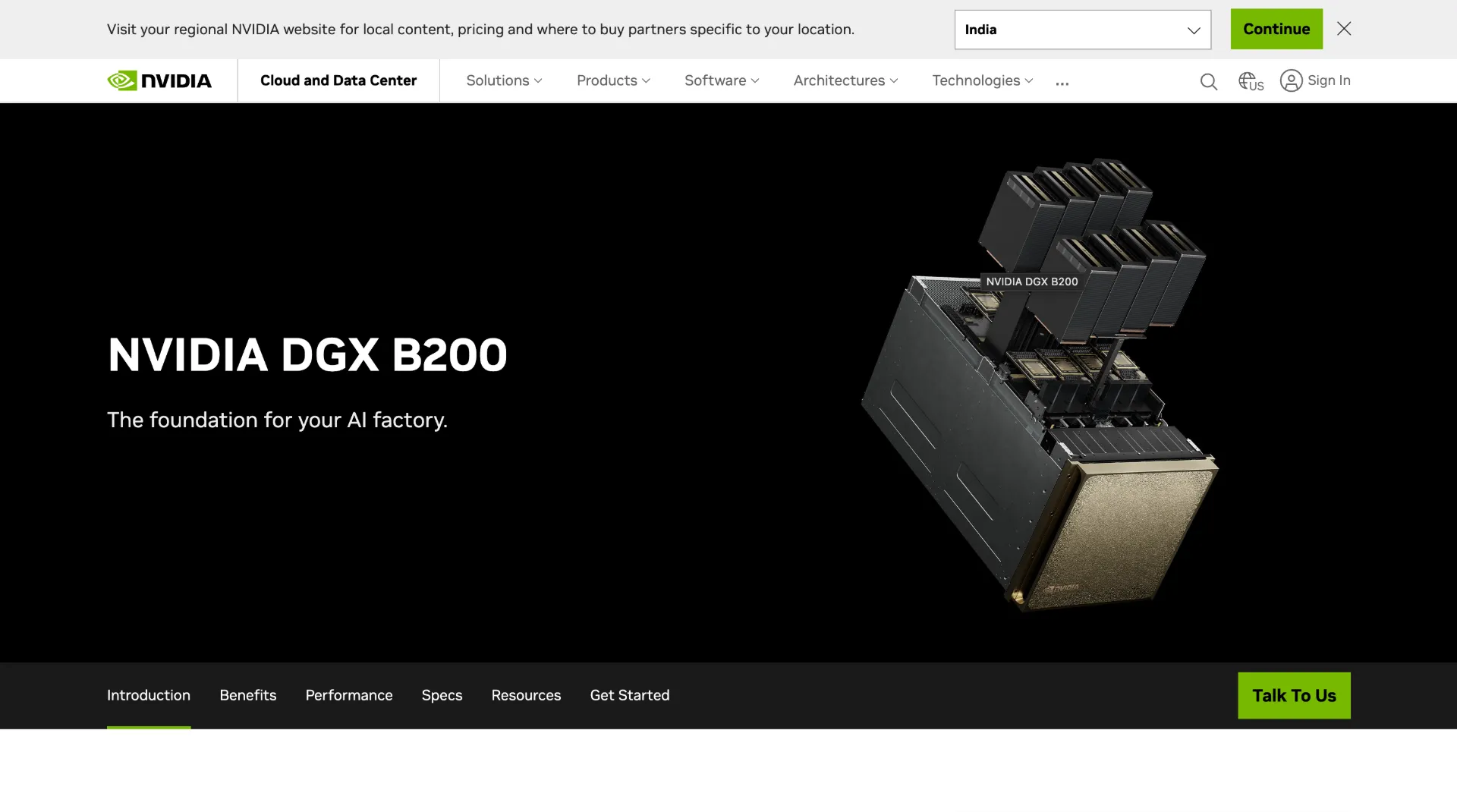
If your stack is CUDA-native and you can get capacity, NVIDIA is still the default “fastest path” for production inference. The H200 emphasizes larger, faster HBM3e memory and is positioned specifically around LLM inference improvements. At the system level, DGX B200 is marketed as a Blackwell-based platform with large HBM3e pools and very high interconnect bandwidth, which matters once you are serving larger models and longer contexts.
The practical advantages are the ecosystem and the maturity of inference tooling. If you are using common serving engines and model families, the fastest route is often simply the route with the widest tooling support and the most production battle-testing.
AMD Instinct GPUs (MI300X)

The MI300X is a strong option when your real bottleneck is memory capacity per GPU. If bigger HBM reduces the amount of model sharding you need, you can win back latency, reduce complexity, and increase throughput stability. That matters in production more than a theoretical peak number.
AMD is also a reasonable choice if you are building on open frameworks and are willing to align around ROCm-compatible stacks. The evaluation question is straightforward: does MI300X allow you to simplify your topology, and does the software stack support your model and kernel mix well enough to deliver the promised performance?
Google Cloud TPUs (v5e, v6e, TPU 8 / Trillium & 8th Gen)
TPUs are not just training hardware. Google Cloud supports inference on TPU v5e and newer, TPU v6e (Trillium), and the latest 8th generation TPUs (TPU 8t and TPU 8i). TPU 8i is purpose-built for inference with 3x more on-chip SRAM for longer KV cache, a Collectives Acceleration Engine (CAE) for faster token sampling, and a Boardfly network topology that reduces all-to-all latency by 50% for MoE and reasoning models. If you are already building with JAX/XLA, or you are comfortable with TPU runtimes, TPUs can be an efficient path for large-scale serving.
The main tradeoff is portability. TPUs are fantastic when your software stack is aligned, but they are less plug-and-play than GPUs for teams that live entirely in CUDA tooling and GPU-first serving frameworks.
AWS Inferentia (Inferentia2)

AWS positions Inferentia and Inferentia2 specifically around inference price/performance, with claims around throughput and latency improvements across generations. If you are all-in on AWS and your models map cleanly to the Neuron ecosystem, it can be a very cost-effective serving layer.
The practical question is migration cost. If your serving stack and model formats already align with Neuron, Inferentia2 can be a strong fit. If they do not, the engineering cost can erase the hardware savings.
Intel Gaudi 3

Intel Gaudi 3 is worth attention for teams that want scale-out acceleration over standard Ethernet and prefer open software and networking. Intel also publishes inference model performance tables, which makes evaluation easier than relying on vague marketing claims.
Gaudi is not the default for most teams, but it can be a solid option if the network-first architecture matches your deployment model and you value avoiding proprietary interconnect dependencies.
How to Pick the Fastest Hardware for Your Workload
The fastest choice usually becomes obvious if you answer three questions in order.
First, are you building an interactive system or a batch system? Interactive systems reward TTFT and stable tail latency. Batch systems reward throughput per dollar.
Second, does your model fit on one device at your target context length? If it does, prefer that configuration. The moment you shard across devices, interconnect and scheduling start to matter almost as much as raw compute.
Third, what software stack do you want to live in for the next year? Hardware performance is real, but so is engineer time. A slightly slower chip with a smoother serving toolchain can ship faster and cost less overall.
If you want a practical next step, pick two candidates and benchmark with your real prompt lengths. Inference hardware comparisons that ignore prompt length, output length, and tail latency are usually misleading.
Conclusion
The fastest inference hardware in 2026 depends on your definition of speed. If you can get GPU capacity and your stack is CUDA-first, NVIDIA systems still tend to be the simplest path to both low latency and high throughput. If you are memory-bound, large-HBM GPUs like MI300X can win by reducing sharding overhead. If you are aligned with a cloud ecosystem, TPUs and Inferentia can be strong choices when their runtimes match your model and tooling.
Treat the hardware decision as a workflow decision. Estimate memory, benchmark with realistic prompts, and pick the platform you can reliably scale. That approach produces better outcomes than chasing a single “fastest chip” headline.