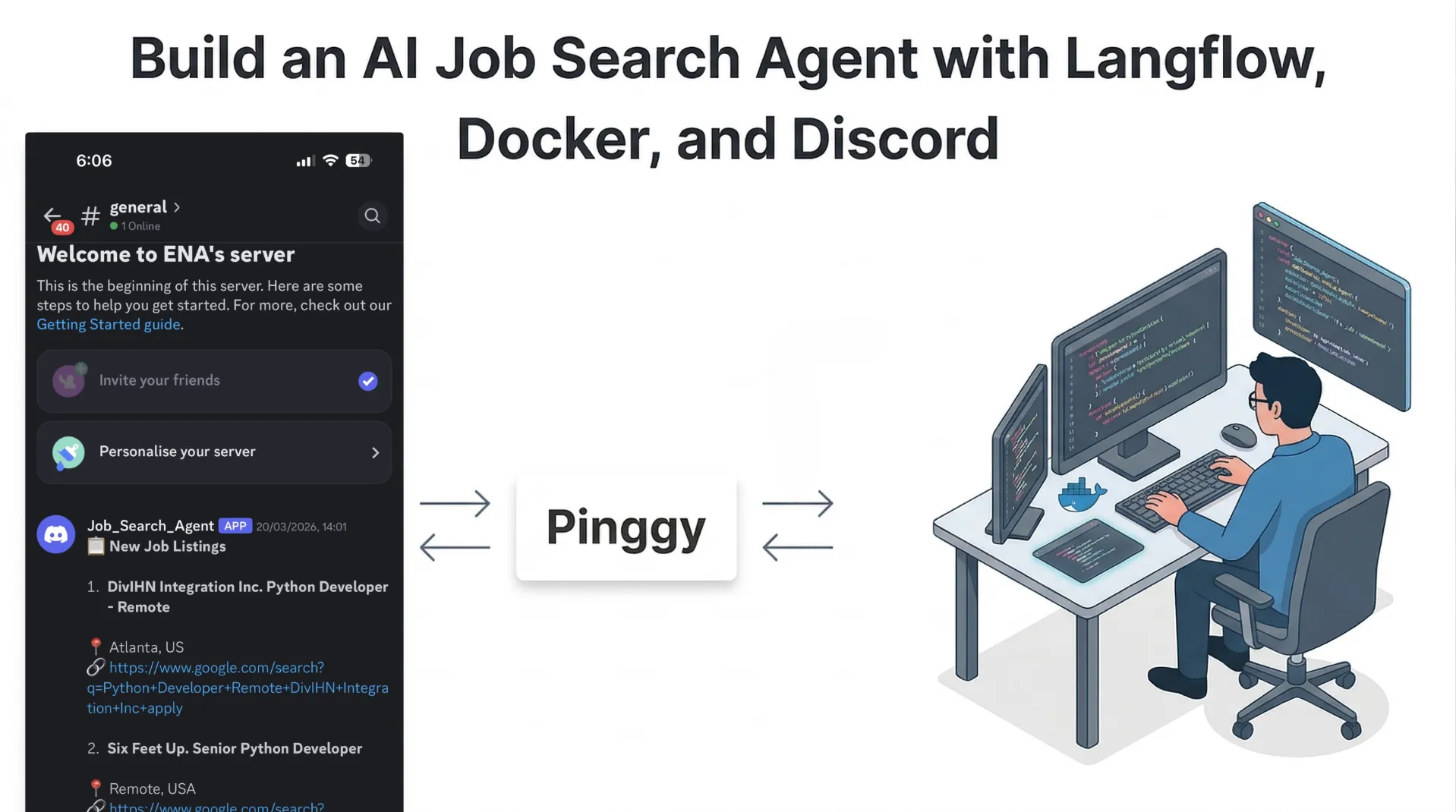
If you are applying to roles actively, the slowest part is usually not writing applications. It is searching, filtering, and checking job boards repeatedly. This flow solves that with a self-hosted AI agent: your resume is parsed once, jobs are collected from multiple sources, and only relevant openings are sent to Discord in real time.
This rewrite uses a cleaner production-style structure so you can build quickly and still keep the system maintainable. The architecture is modular, so each block can be replaced independently, and everything can run locally with Docker.
Summary
- Build a local AI job search pipeline in Langflow: resume parsing, job aggregation, AI matching, and Discord delivery.
- Run Langflow via Docker, then expose it remotely with Pinggy when you need mobile or shared access.
- Keep Discord alerts compact and machine-generated to avoid noisy notifications.
- Reuse the same architecture for content workflows using tools like Copy.ai Content Agents, Jasper, Surfer Content Editor, Frase, and Notion AI.
Notebook: Job_Search_Agent_in_Langflow.ipynb
Why This Workflow Works
Most job automation demos fail because they do only one of two things: either they scrape jobs without profile understanding, or they parse resumes without reliable delivery. This Langflow pipeline combines both and keeps output channel-first. Instead of giving you a noisy dashboard, it sends short, action-ready opportunities to Discord.
Flow Schema: End-to-End Design
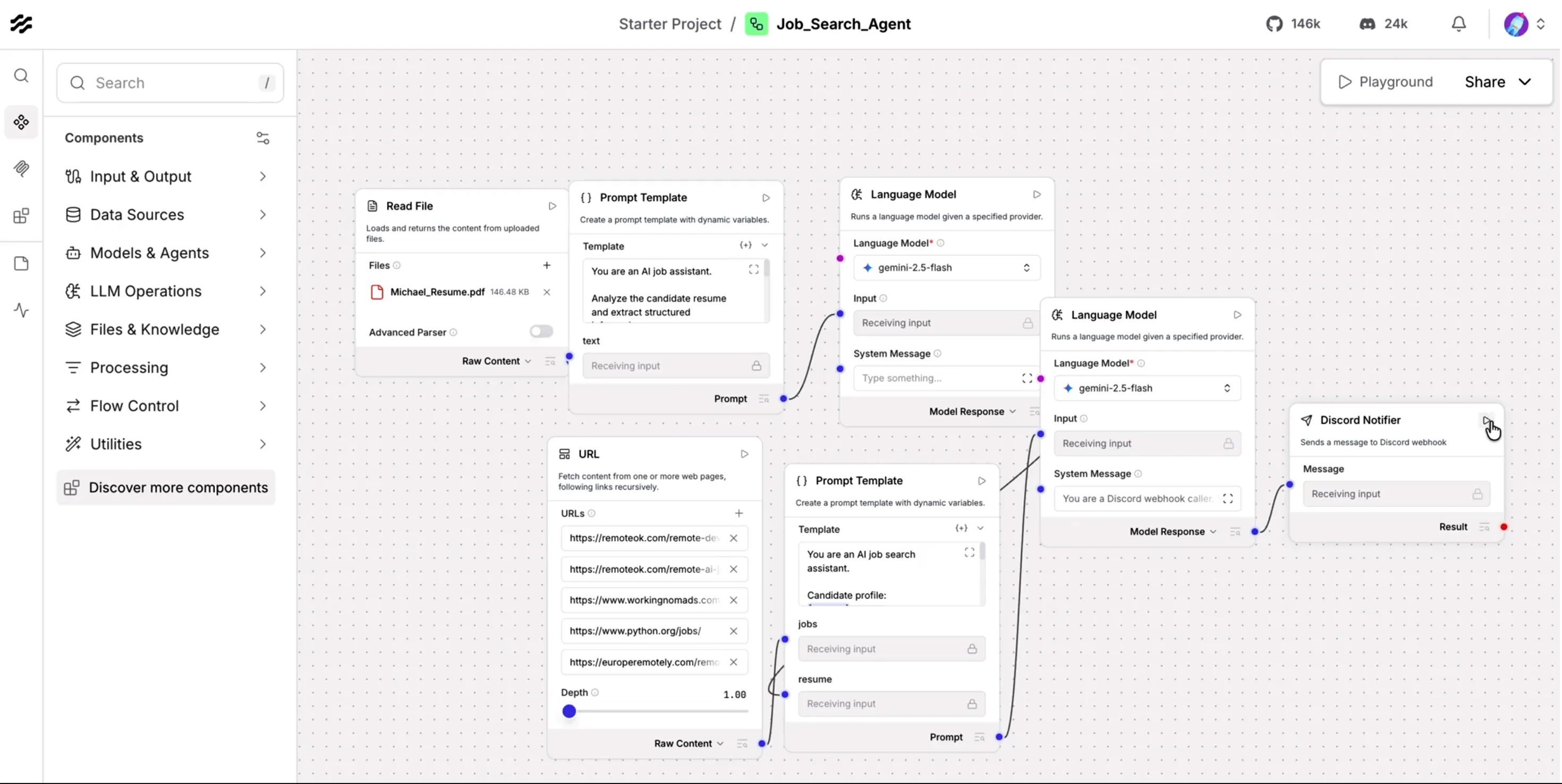
At a high level, the core workflow has seven blocks. First, the resume file is read and converted to raw text. Second, a prompt template structures the resume into profile JSON. Third, an LLM parses and normalizes that profile. Fourth, job feeds are fetched from multiple sources. Fifth, a matching prompt compares the candidate profile and job descriptions. Sixth, a final LLM pass converts selected matches into compact alert text. Seventh, the Discord notifier sends those alerts through a webhook. Pinggy is a separate deployment step for remote access, not part of the core matching flow.
This separation is useful in practice because each stage can be tuned independently. You can change the model provider without touching Discord delivery, or change job sources without rewriting resume parsing.
Step 1: Run Langflow with Docker
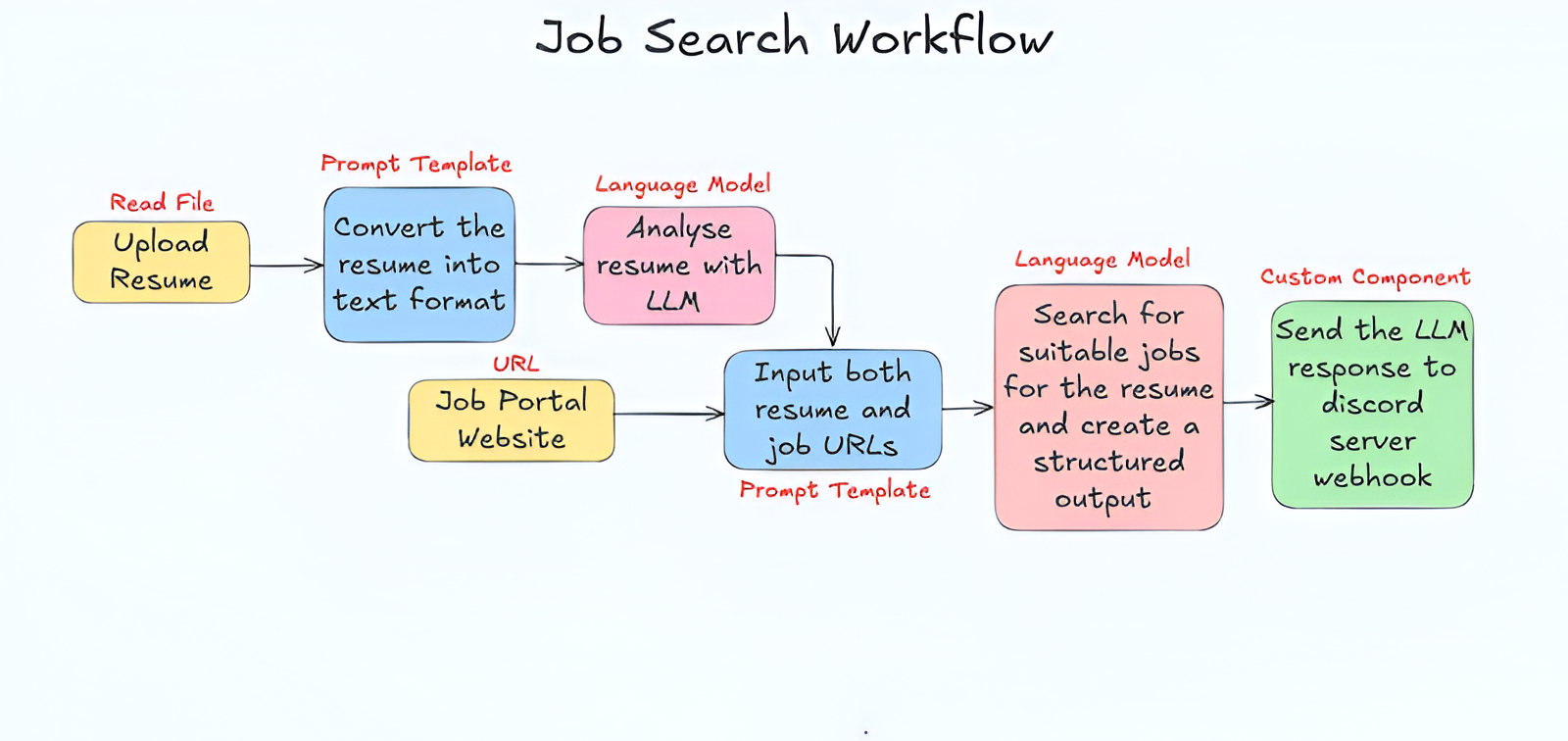
Use Docker for reproducible local setup:
mkdir langflow-project
cd langflow-project

docker run -d \
  --name langflow \
  -p 7860:7860 \
  --mount type=volume,src=langflow_data,dst=/app/langflow \
  langflowai/langflow:latest
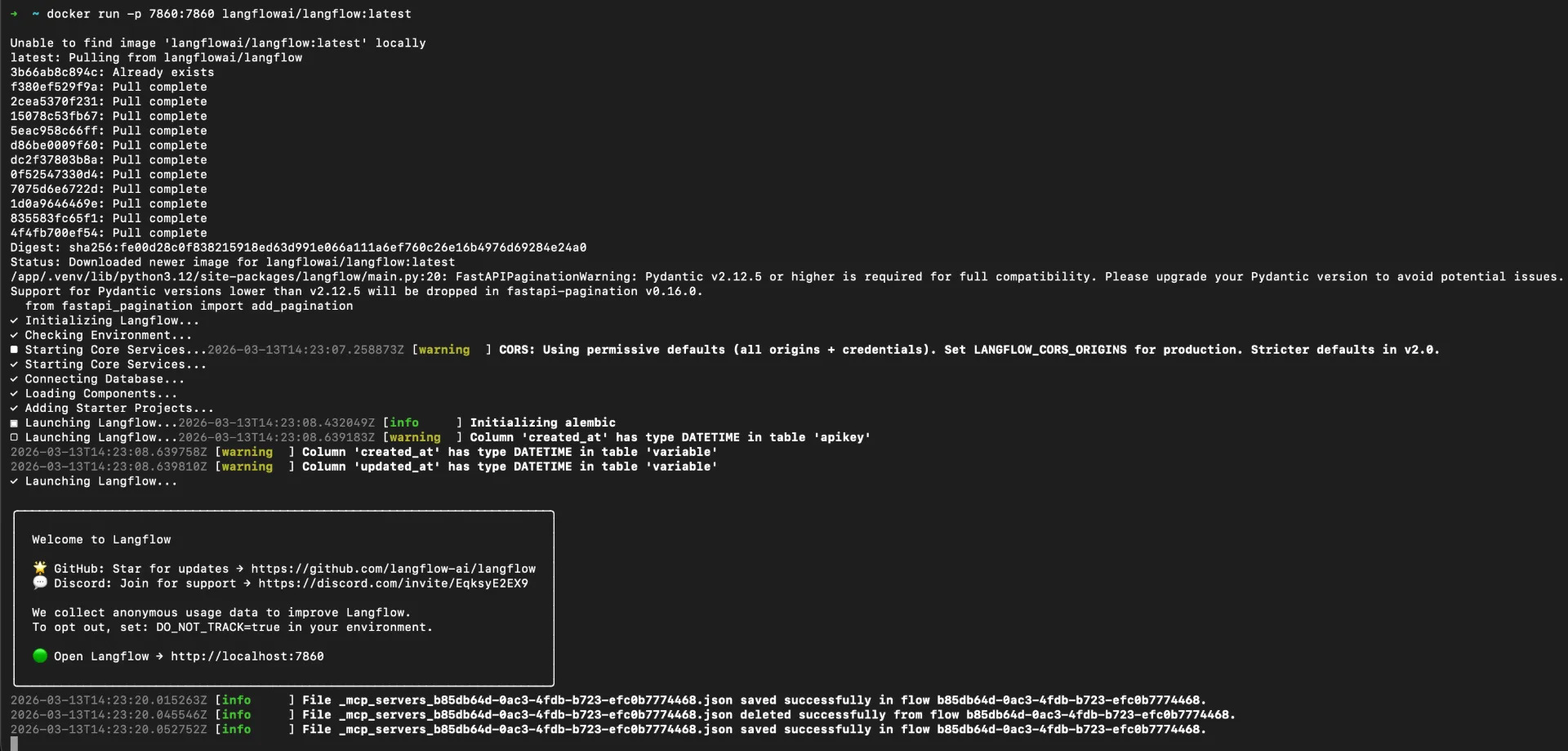
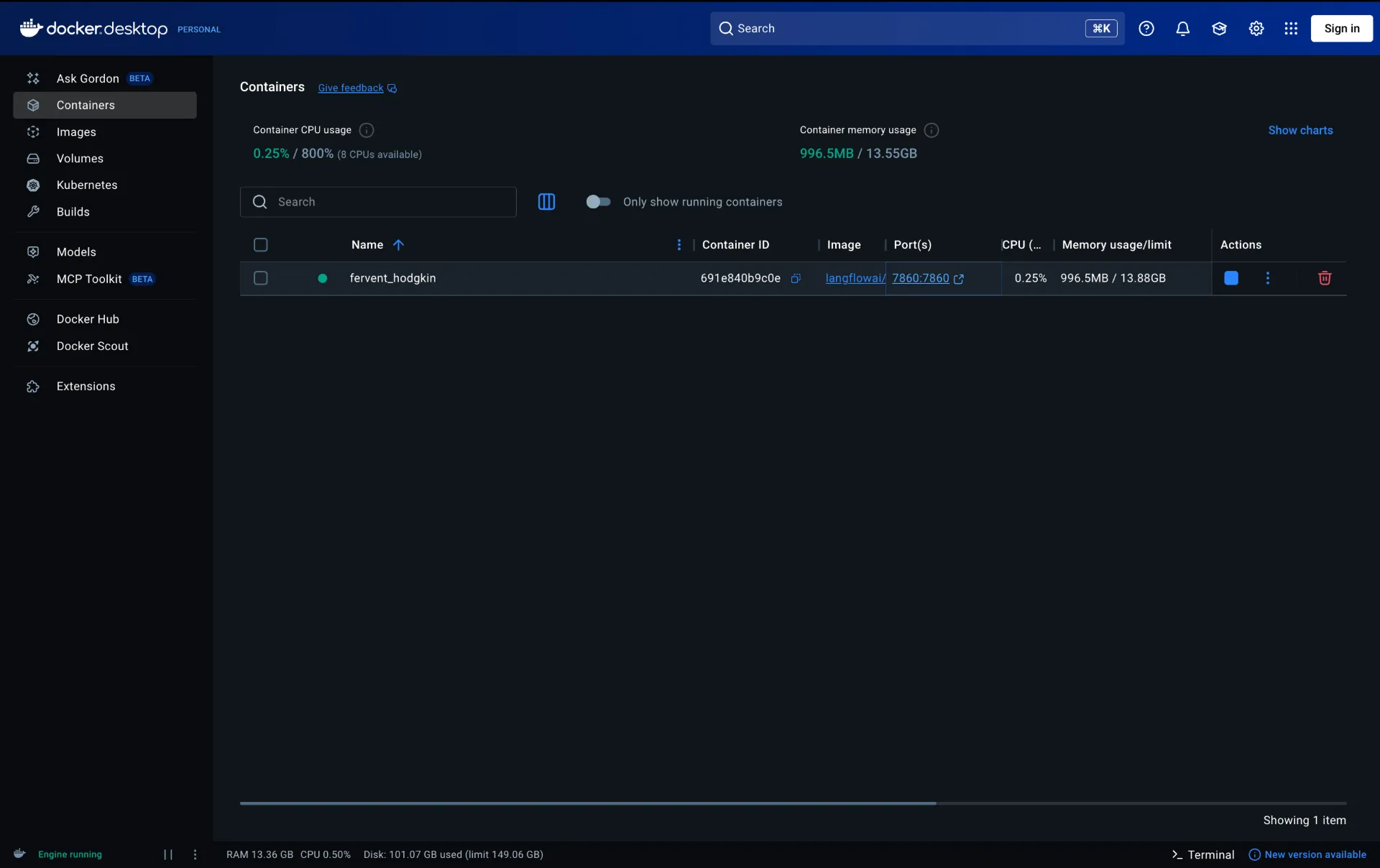
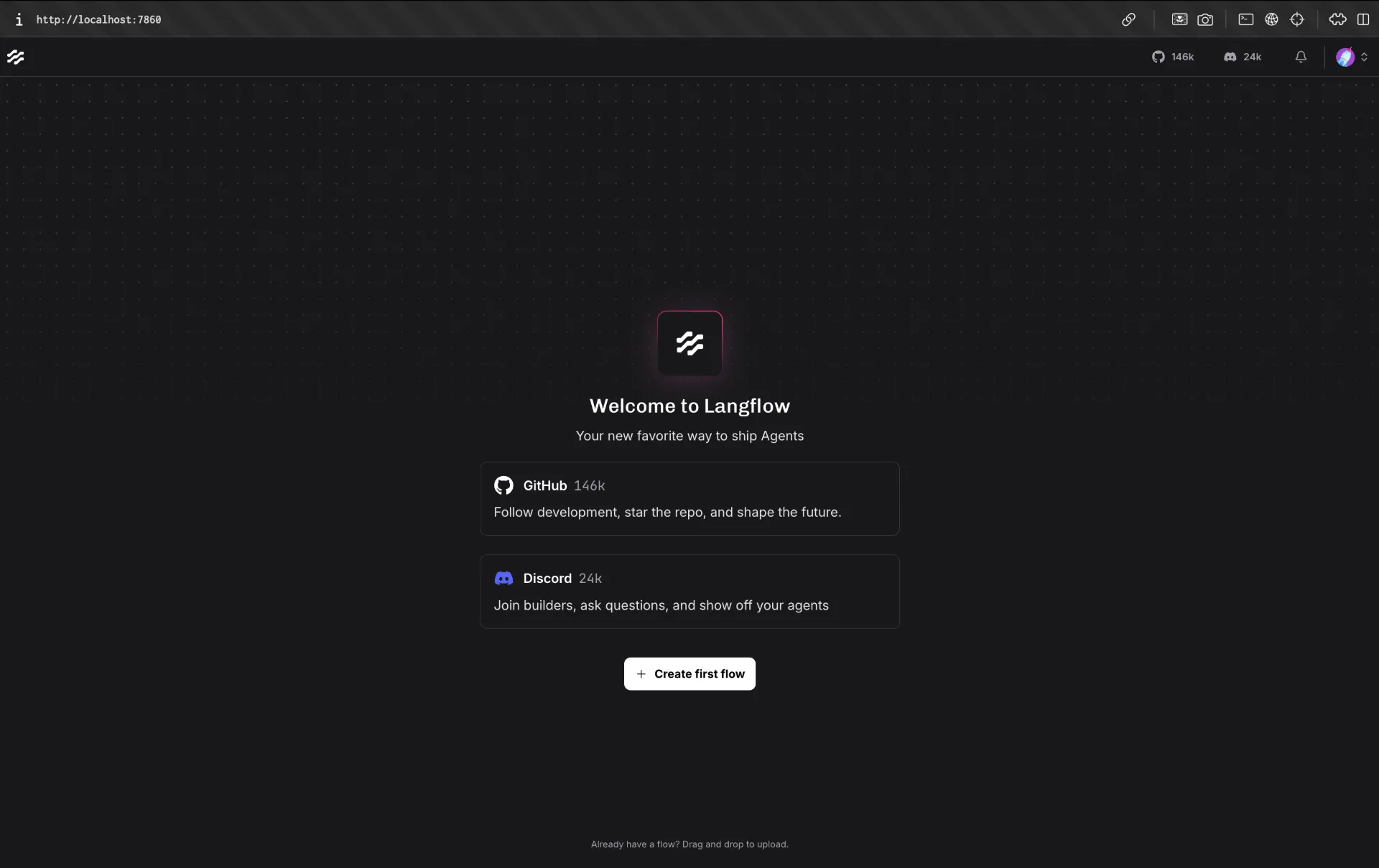
Open http://localhost:7860 and create a new flow.
Step 2: Parse Resume into Structured Candidate Data
Start with Read File, then pass extracted text into a prompt template that forces strict JSON output:
You are an AI job search assistant.

Candidate profile:
{resume}

Job board content:
{jobs}

Your task:
1. Extract jobs that match the candidate profile.
2. For each job, ALWAYS extract the application link if present.
3. The application link may appear as:
   - "Apply"
   - "Apply here"
   - "Read more"
   - "View job"
   - a URL (http/https)

Rules:
- If a URL is found near a job, use it as the application_link.
- If multiple links exist, choose the most relevant job application link.

IMPORTANT:
- If no application link is found, DO NOT return "Not available".
- Instead, generate a fallback Google search link using:
  job title + company name.

Format:
https://www.google.com/search?q=JOB_TITLE+COMPANY+apply

Return ONLY valid JSON.

Return format:

{{
 "jobs":[
  {{
   "company":"",
   "job_title":"",
   "location":"",
   "experience":"",
   "job_post_date":"",
   "application_deadline":"",
   "job_description_summary":"",
   "application_link":""
  }}
 ]
}}
This step is the foundation of match quality. If your JSON is inconsistent, downstream filtering quality drops immediately.
Step 3: Aggregate Jobs from Multiple Sources
Use URL/data fetcher nodes to pull jobs from multiple sources such as RemoteOK, Working Nomads, and Python-focused boards. Combining sources reduces platform bias and improves recall.
Then feed merged job text and parsed resume JSON to a matching prompt.
Step 4: Match Jobs with AI and Preserve Application Links
Use a deterministic extraction prompt that always tries to keep a usable apply URL:
You are an AI job search assistant.

Candidate profile:
{resume}

Job board content:
{jobs}

Your task:
1. Extract jobs that match the candidate profile.
2. For each job, extract the application link if present.
3. If no direct application link exists, generate a fallback Google search URL using job title + company + apply.

Return ONLY valid JSON in this format:
{
  "jobs": [
    {
      "company": "",
      "job_title": "",
      "location": "",
      "experience": "",
      "job_post_date": "",
      "application_deadline": "",
      "job_description_summary": "",
      "application_link": ""
    }
  ]
}
This avoids the common failure where a good match is returned but no actionable link is included.
Step 5: Send Real-Time Discord Alerts
Before calling webhook delivery, shape the final LLM output as compact JSON:
You are a Discord webhook caller.
Output only valid JSON, no markdown.
Use exactly this schema:
{"content":""}

Keep content under 1900 characters.
Format each job in one line:
1. Company | Title | Location | Application_link
Then use this custom Langflow component:
from lfx.custom.custom_component.component import Component
from lfx.io import MessageTextInput, Output
from lfx.schema import Data
import urllib.request
import json

class DiscordNotifier(Component):
    display_name = "Discord Notifier"
    description = "Sends a message to Discord webhook"
    icon = "send"

    inputs = [
        MessageTextInput(
            name="message",
            display_name="Message",
            tool_mode=True,
        ),
    ]

    outputs = [
        Output(display_name="Result", name="result", method="send_to_discord")
    ]

    def send_to_discord(self) -> Data:
        webhook_url = "Discord_Server_Webhook_URL" #Use your server's URL

        raw = str(self.message)

        # Extract the content value from {"content": "..."}
        try:
            parsed = json.loads(raw)
            text = parsed.get("content", raw)
        except Exception:
            text = raw

        # Format each line nicely with emojis
        lines = ["📋 **New Job Listings**\n"]
        for line in text.strip().split("\n"):
            if not line.strip():
                continue
            parts = line.split("|")
            if len(parts) >= 4:
                number_company = parts[0].strip()  # "1. DivIHN Integration Inc"
                title          = parts[1].strip()
                location       = parts[2].strip()
                link           = parts[3].strip()

                lines.append(
                    f"**{number_company}. {title}**\n"
                    f"📍 {location}\n"
                    f"🔗 {link}\n"
                )
            else:
                lines.append(line)

        msg = "\n".join(lines)[:1990]

        payload = json.dumps({"content": msg}).encode()
        req = urllib.request.Request(
            webhook_url,
            data=payload,
            headers={
                "Content-Type": "application/json",
                "User-Agent": "DiscordBot (https://github.com, 1.0)"
            },
            method="POST"
        )
        urllib.request.urlopen(req)
        self.status = "Sent!"
        return Data(data={"status": "success"})
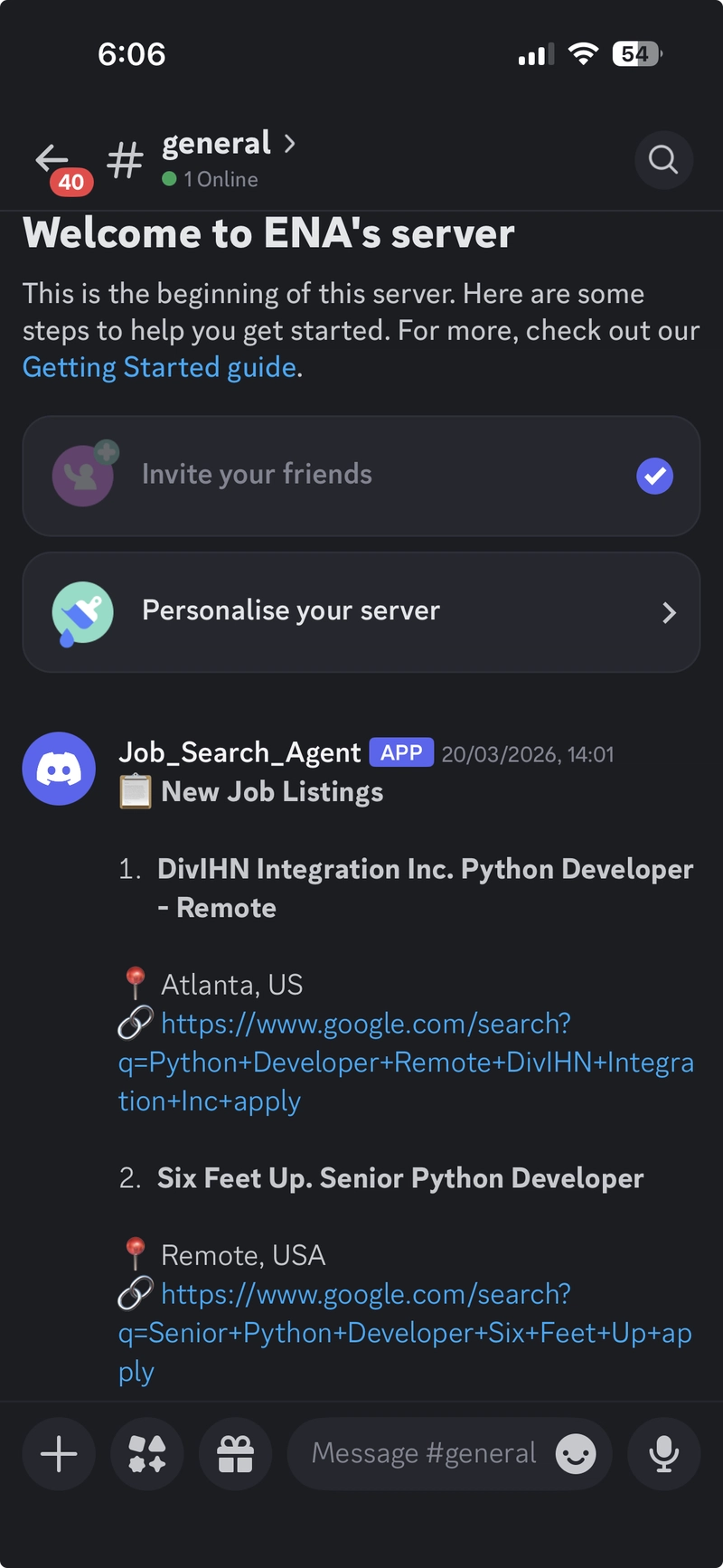
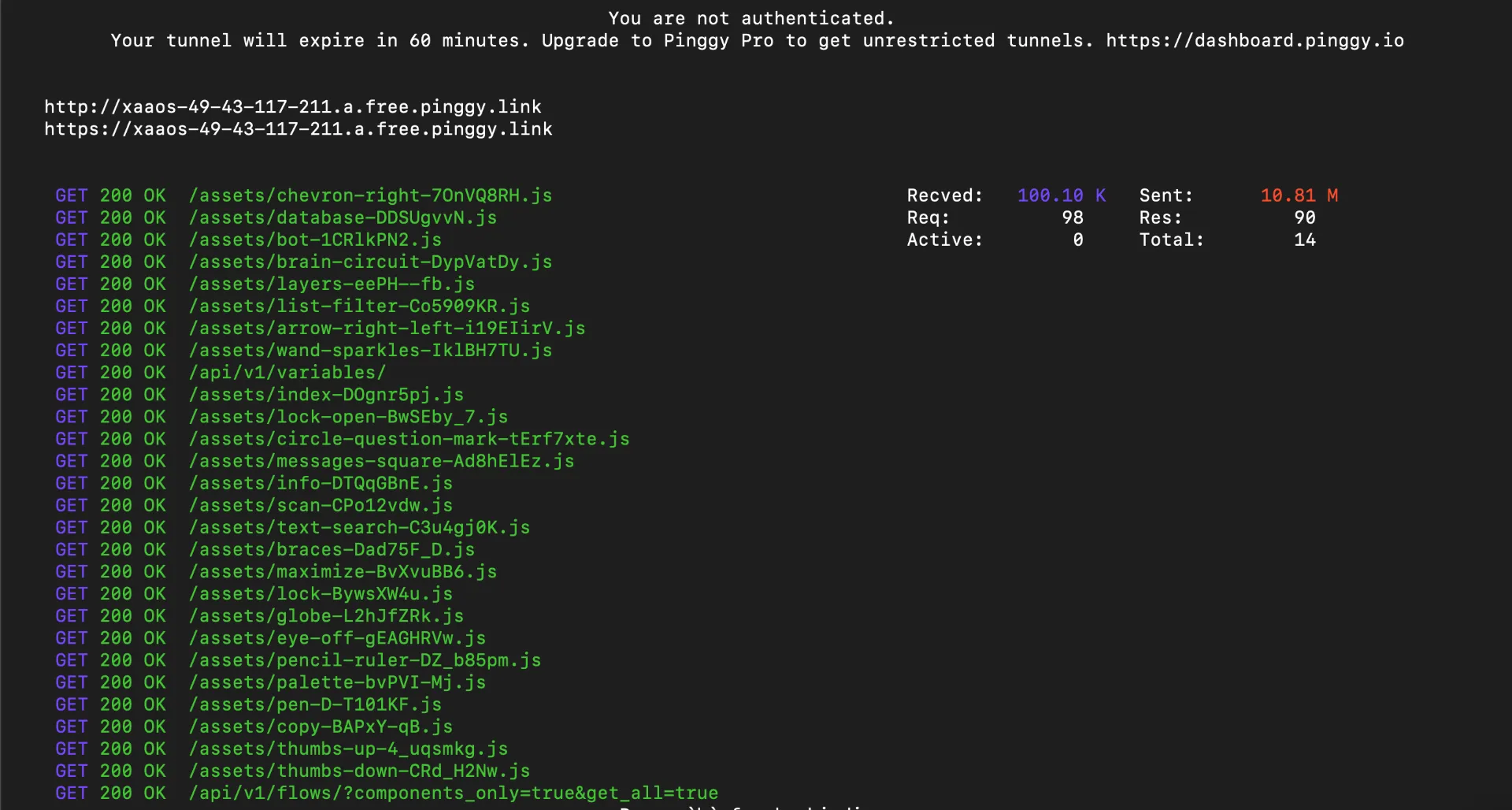
Step 6: Expose Langflow Online with Pinggy
If you want to monitor or trigger flows from outside your local network:
Once connected, Pinggy gives you a public URL that forwards traffic to your local Langflow app.
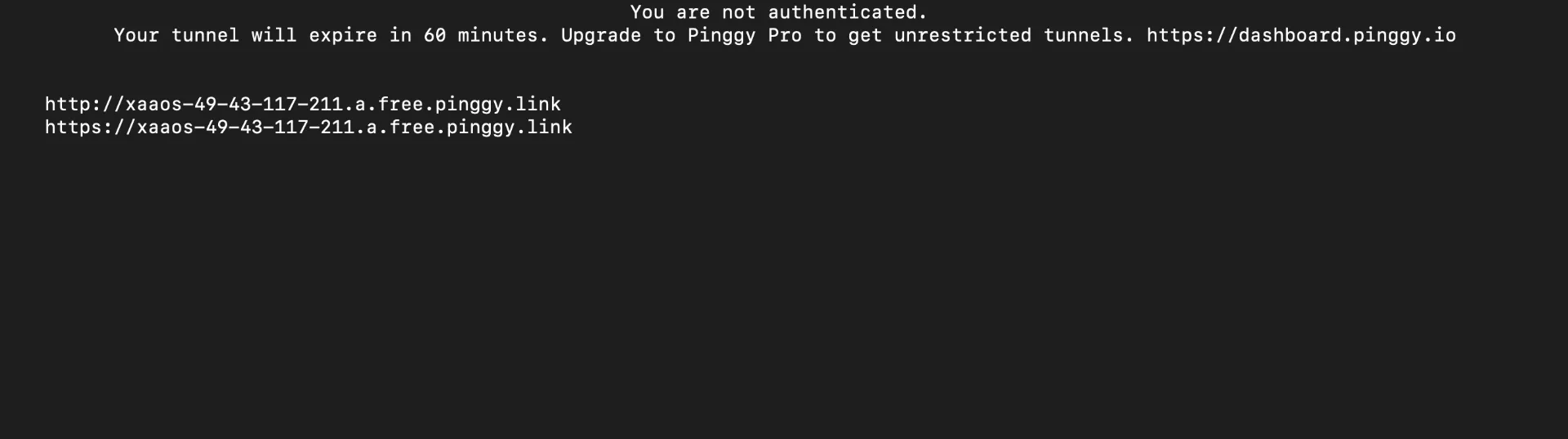
How To Validate the Flow Quickly
Run a dry test with one resume and 5 to 10 sample job records first. Confirm the resume parser returns valid JSON, then verify matching output contains links, and finally check Discord formatting under the 2000-character message limit. Keeping this test loop short helps you tune prompts faster.
Notebook Source Code
You can access the full implementation here:
Job_Search_Agent_in_Langflow.ipynb
Conclusion
This flow is a practical example of AI automation done right. It is small enough to build in one session, but useful enough to save hours every week. Once the pipeline is stable, you can add ranking logic, salary filters, duplicate suppression, or publish the same results to email, Slack, and Telegram in parallel.