Most articles about prompt libraries lump together completely different products: documentation pages, prompt ops platforms, AI app builders, community prompt galleries, and marketplaces. That creates a category problem. If your actual goal is simple - open a site, find a useful prompt or pattern, copy it, and paste it into ChatGPT, Claude, Gemini, or another AI tool - then the list should be much tighter.
In this guide, I am focusing on the best prompt library websites for AI-assisted software development in 2026. That includes public prompt libraries, prompt marketplaces, prompt collections, and UI-pattern libraries that work as strong prompt anchors for frontend generation. It does not include pure documentation pages or backend prompt-management tools with no real discovery layer.
Comparison Table for Prompt Library Websites
| Tool | Best For | How You Access Prompts | Developer Coverage | Why It Made the List |
|---|
| UI Prompt Anchors |
| 21st.dev | UI prompt anchors and copy-paste frontend patterns | Component pages and reusable UI patterns | Strong | Not a classic prompt site, but excellent when users want concrete frontend patterns to paste into AI workflows |
| Public Prompt Discovery Libraries |
| PromptDen | Free prompt discovery for developers | Direct web prompt pages | Strong | Clear developer categories such as software engineering, full stack, frontend, and DevOps |
| Snack Prompt | Prompt discovery by topic | Topic pages and public prompt pages | Medium | Development, DevOps, TechSupport, and UI/UX topics make it practical for software work |
| Installed and Team Prompt Libraries |
| AIPRM | Installable prompts inside ChatGPT | Prompt pages plus browser extension | Strong | Large catalog with SoftwareEngineering and DevOps categories plus direct in-product usage |
| PromptHub | Public prompt discovery plus team reuse | Community prompt pages and prompt collections | Medium to strong | Useful hybrid of browseable public prompts and prompt management for teams |
| Marketplaces and Multimodal Prompt Libraries |
| PromptBase | Paid specialist coding prompts | Marketplace listings with free and paid prompts | Medium to strong | Dedicated coding category with free, trending, and specialized prompts for deeper tasks |
| PromptHero | Image and video prompts for product visuals | Direct prompt pages with copy buttons | Medium | Best fit when software teams need prompts for screenshots, launch art, demos, thumbnails, and visual assets |
Summary
UI Prompt Anchors:
- 21st.dev: Best when you need concrete React and Next.js UI patterns that can be copied directly or turned into much stronger frontend prompts
Public Prompt Discovery Libraries:
- PromptDen: Cleanest developer-focused prompt library for free browse-and-copy usage
- Snack Prompt: Useful topic-based discovery across development, DevOps, TechSupport, and UI/UX
Installed and Team Prompt Libraries:
- AIPRM: Best if you want prompts you can browse, then use directly inside ChatGPT
- PromptHub: Public prompt discovery plus a path into structured team prompt reuse
Marketplaces and Specialist Libraries:
- PromptBase: Best paid marketplace for specialized coding prompts
Multimodal Prompt Libraries:
- PromptHero: Best when software work also includes banners, launch creatives, thumbnails, or other visual assets
The best prompt library depends on what you are trying to do. Some tools are better for frontend inspiration, some are better for plain copy-paste developer prompts, some work best inside ChatGPT, and some are more useful for visuals and launch assets than for code itself. The tools below are the ones that are actually worth opening when you need a prompt you can use right away.
Best Prompt Library Websites for AI-Assisted Software Development
UI Prompt Anchors
These are not always classic text-prompt libraries, but they are extremely effective when the fastest path to a good prompt is starting from a concrete visual or structural pattern.
1. 21st.dev - Best for UI Prompt Anchors
21st.dev is not a classic text-prompt library, but it still belongs in this article if the goal is practical copy-paste reuse. It gives users concrete React, Next.js, and Tailwind UI patterns they can copy directly or use as prompt anchors when asking AI tools to build similar interfaces.
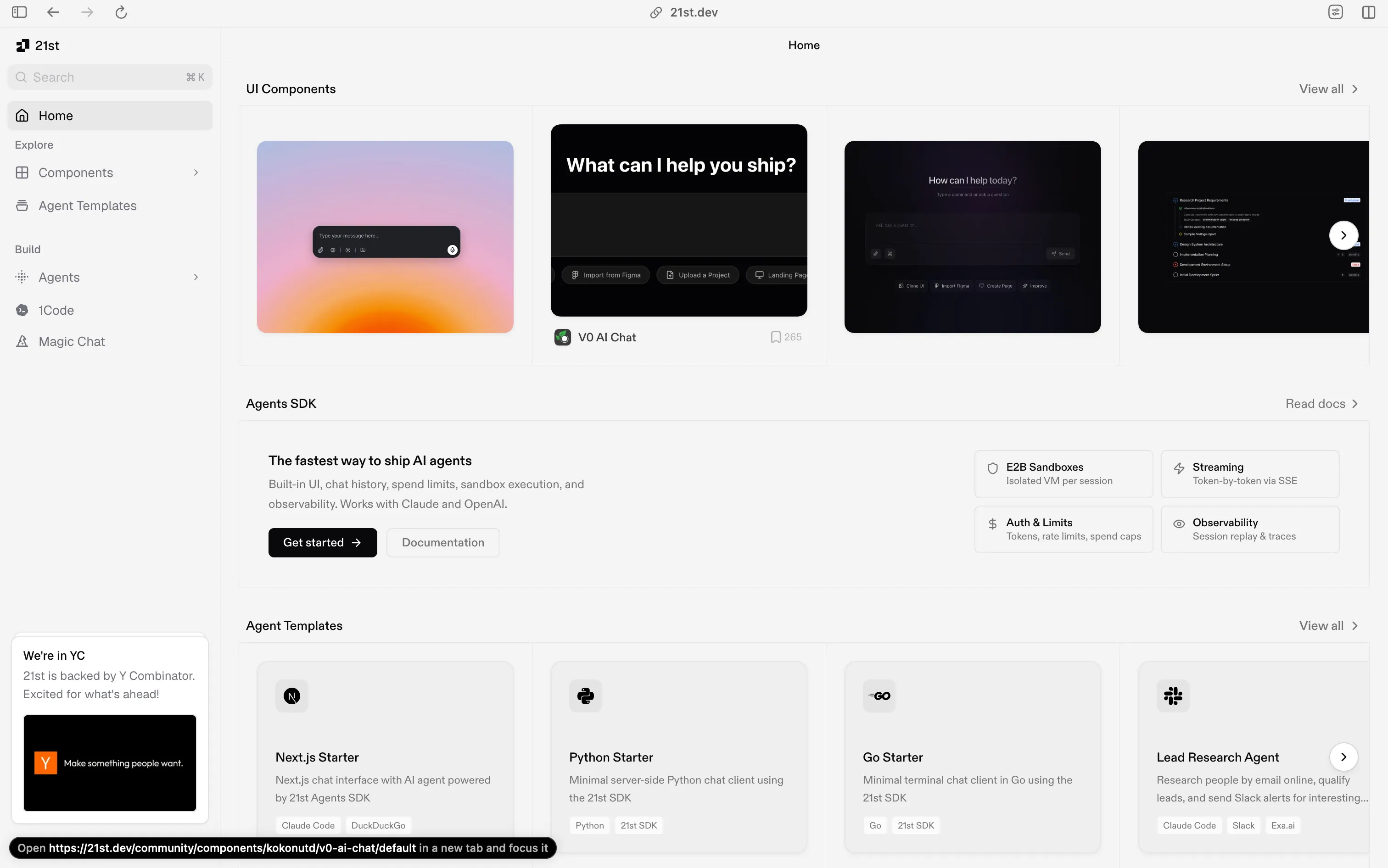
That matters because frontend prompting works better when the model has a concrete target. Instead of saying “make a polished client-logo section” or “generate a modern pricing block,” you can point to a specific pattern and ask for a variation that matches your stack.
Key Features of 21st.dev:
- Concrete React and Next.js patterns - Browse real UI sections instead of prompting from a blank page
- Tailwind-heavy component library - Useful when your target stack already uses Tailwind and component-driven UI building
- Prompt-anchor workflow - Turn visual references into far more specific AI instructions
- Category coverage - Components span client logos, testimonials, hero sections, features, CTAs, pricing, and more
Best For: Frontend teams, landing-page work, dashboards, component generation, and any workflow where visual specificity matters more than abstract text prompting.
2. PromptDen - Best Free Prompt Library for Developers
PromptDen is the cleanest match for this article’s topic because it behaves like a real prompt library website, not like a documentation portal or prompt-management backend. Its public prompt catalog exposes developer-friendly categories such as software engineering, full stack, programming, coding, frontend, React, Docker, and developer workflows.
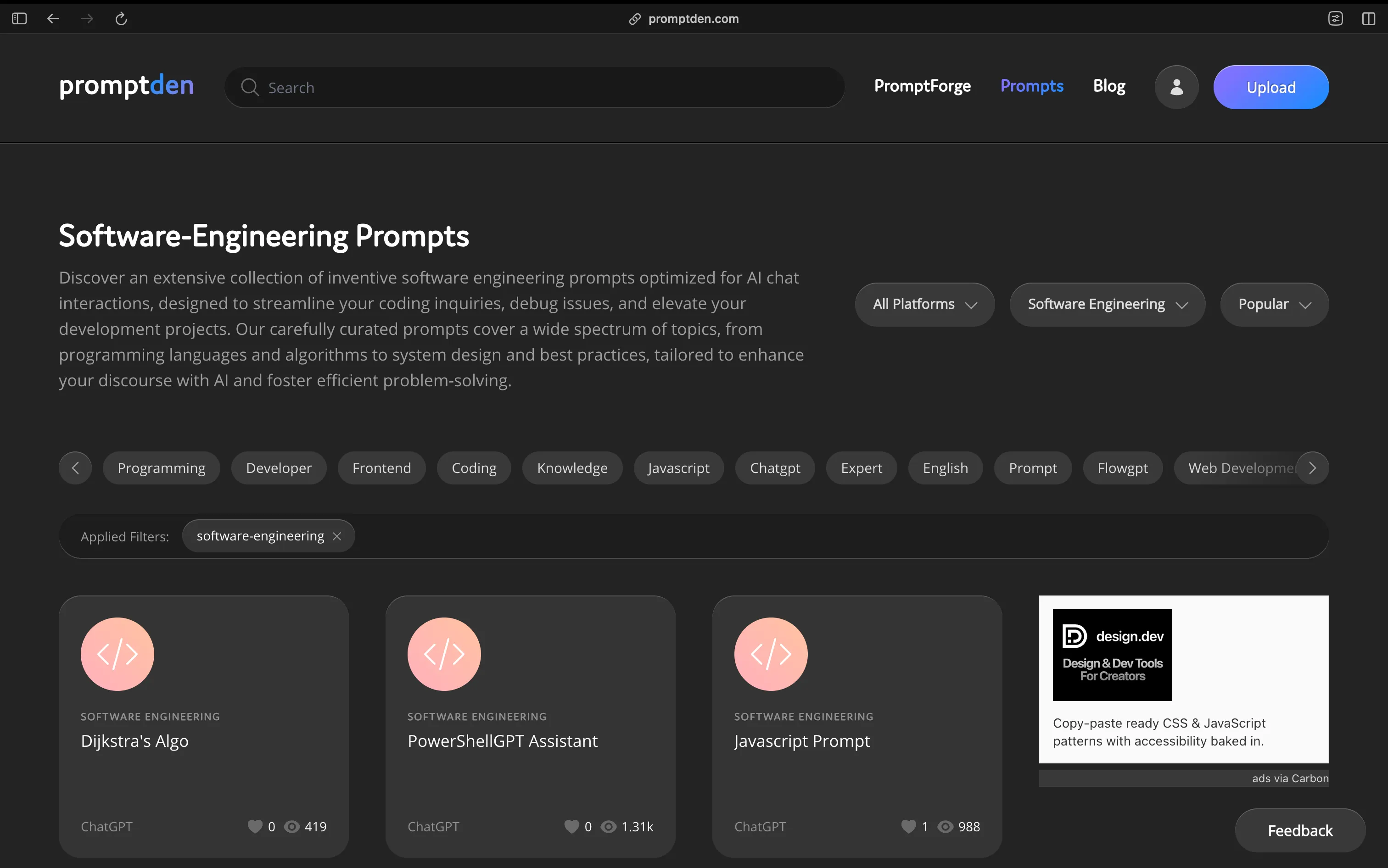
That is what most people actually mean when they say “prompt library.” You go to a page, find a prompt that already looks close to your use case, and copy or adapt it for your own workflow.
Key Features of PromptDen:
- Developer-friendly categories - Software engineering, programming, full stack, frontend, and related tags are easy to find
- Straightforward browse-and-copy experience - Minimal friction between discovery and reuse
- Community breadth - Good for discovering many variants of similar developer tasks
- Low barrier to entry - Works well when you want a free place to start testing prompts
Best For: Developers who want a free, direct prompt library for coding, architecture, troubleshooting, and development workflows.
3. Snack Prompt - Best for Topic-Based Discovery
Snack Prompt is a good fit when you prefer browsing prompts through topics instead of digging through a narrow software-only taxonomy. Its visible topic coverage includes development, DevOps, TechSupport, and UI/UX, which keeps it relevant to software work.
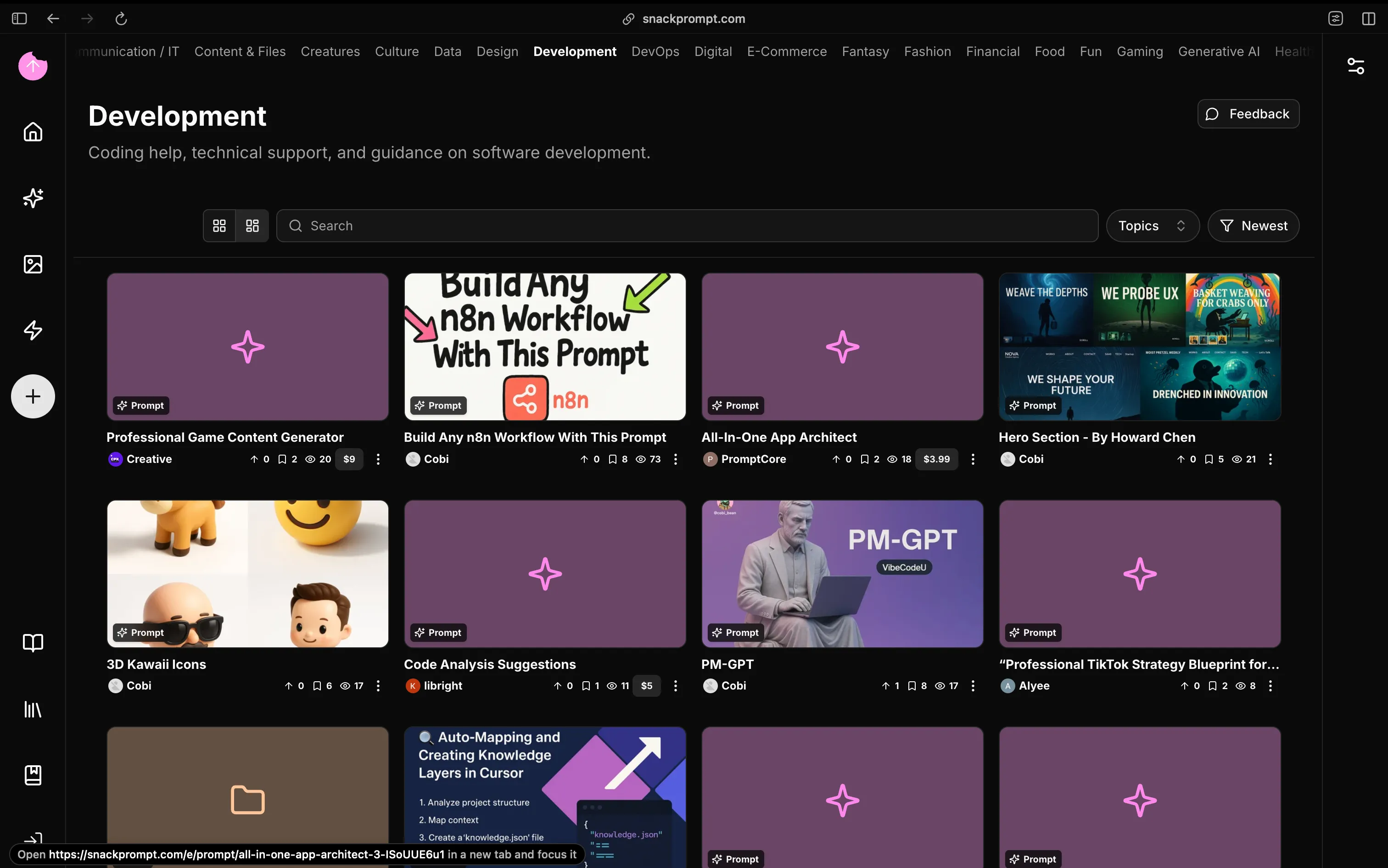
That gives Snack Prompt a different role from PromptDen. It is less of a pure developer library and more of a topic-driven discovery layer that still works well for software-adjacent prompting.
Key Features of Snack Prompt:
- Topic-based browsing - Helpful when your work crosses development, support, UX, and adjacent technical functions
- Public prompt discovery - Browse and adapt prompts without needing a backend prompt-management workflow
- Broader technical coverage - Useful for teams whose AI work is not limited to pure coding
- Lighter discovery workflow - Easier for casual browsing than a heavy prompt-ops product
Best For: Technical teams doing development, DevOps, support, and UI/UX work across the same workflow.
4. AIPRM - Best if You Already Work Inside ChatGPT
AIPRM combines a very large public prompt catalog with an extension workflow that lets users apply prompts directly inside ChatGPT. Its prompt pages span hundreds of pages of categories, including SoftwareEngineering and DevOps, which makes it much more relevant to developers than a generic writing-prompt site.
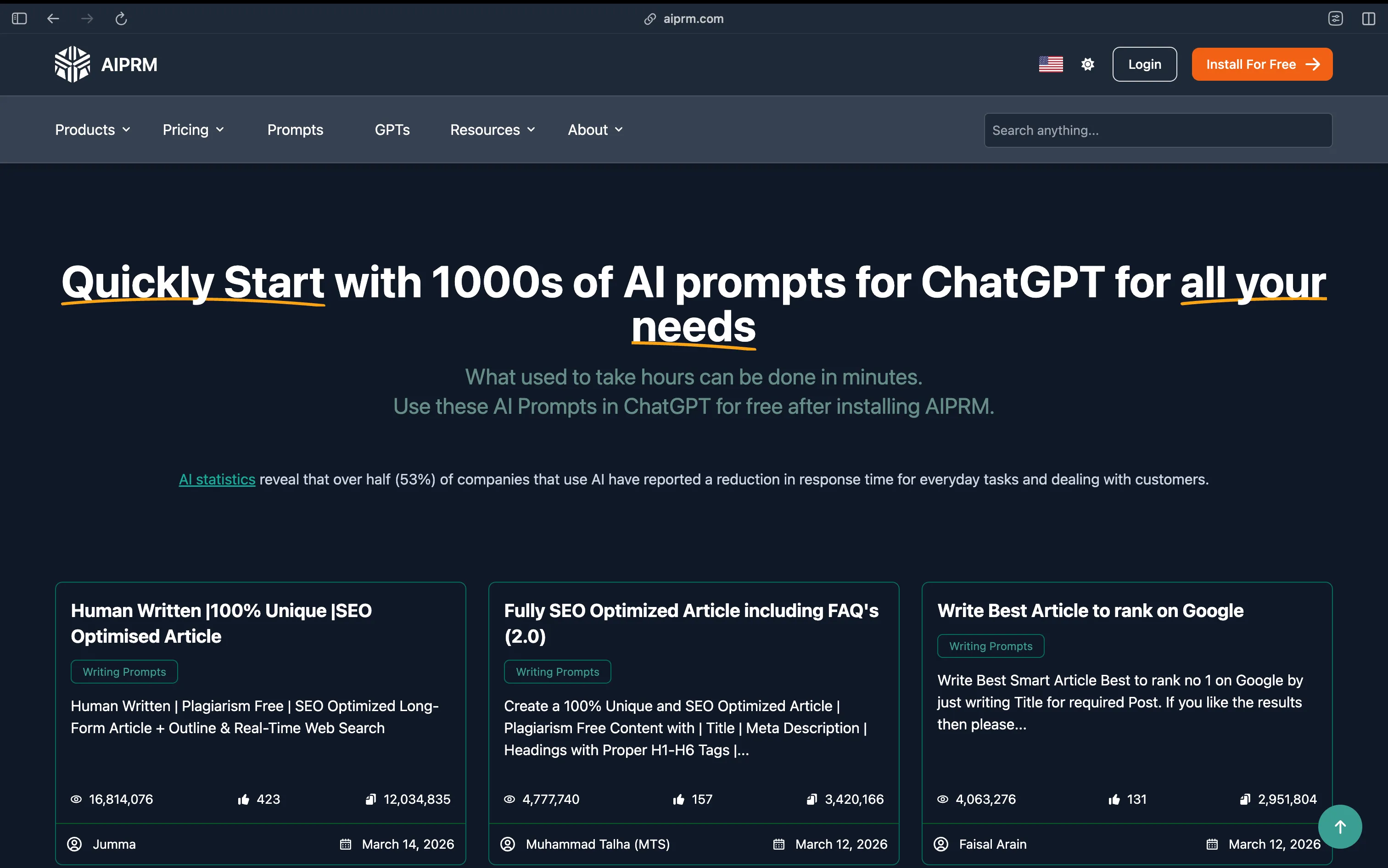
The advantage of AIPRM is speed. If you already spend most of your time inside ChatGPT, installable prompts are often more useful than copying text from a separate prompt website every time.
Key Features of AIPRM:
- Large prompt catalog - Thousands of prompts across many pages and categories
- Developer categories - Includes SoftwareEngineering and DevOps categories on the prompt site
- In-product usage - Prompts are not just discoverable; they can also be used directly within ChatGPT
- Cross-model positioning - Prompts are presented for ChatGPT and related AI workflows, not just static reference reading
Best For: Users who want prompt-library discovery plus direct usage inside ChatGPT.
5. PromptHub - Best Hybrid of Public Discovery and Team Reuse
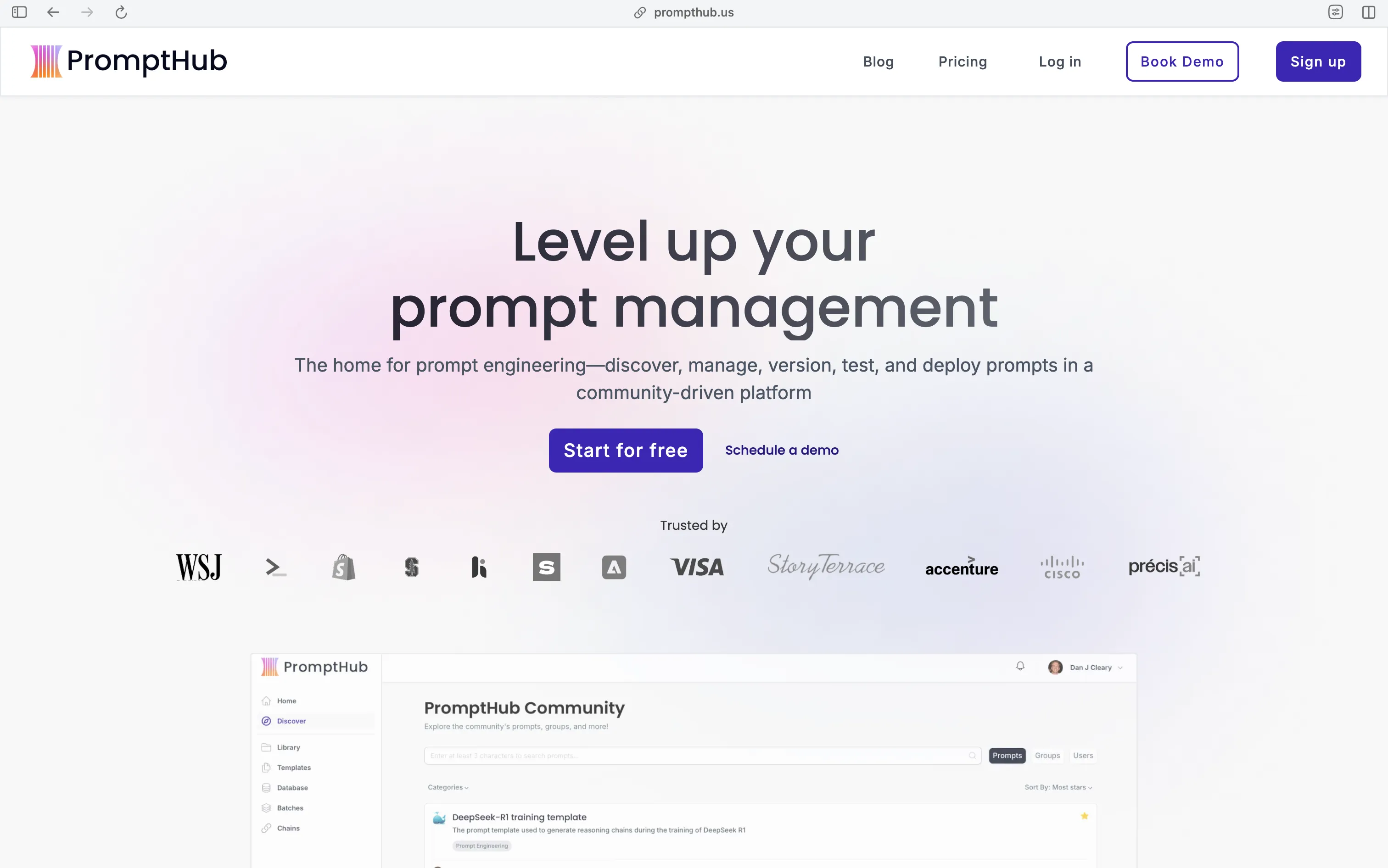
PromptHub is stronger than a basic prompt manager because it also exposes a real public community discovery surface. The community page includes prompts, groups, categories, and development-oriented public templates, including coding and development coverage.
PromptHub is useful when you want more than a barebones gallery. It gives you public prompt discovery now, while also making sense for teams that eventually want structured collaboration around prompts.
Key Features of PromptHub:
- Public community discovery - Browse prompts, groups, and templates on a dedicated discovery surface
- Development category depth - Coding and development are explicit public categories
- Prompt collections - Better for organized discovery than isolated single prompt pages alone
- Bridge to team workflows - More suitable than basic community sites when prompt reuse becomes collaborative
Best For: Teams that want public prompt discovery now and structured prompt collaboration later.
6. PromptBase - Best Paid Marketplace for Coding Prompts
PromptBase is the strongest marketplace-style option in this category. Its coding section includes featured prompts, free prompts, trending prompts, and specialist listings around coding, architecture, workflow design, Tailwind components, app generation, SQL, automation, and code review.
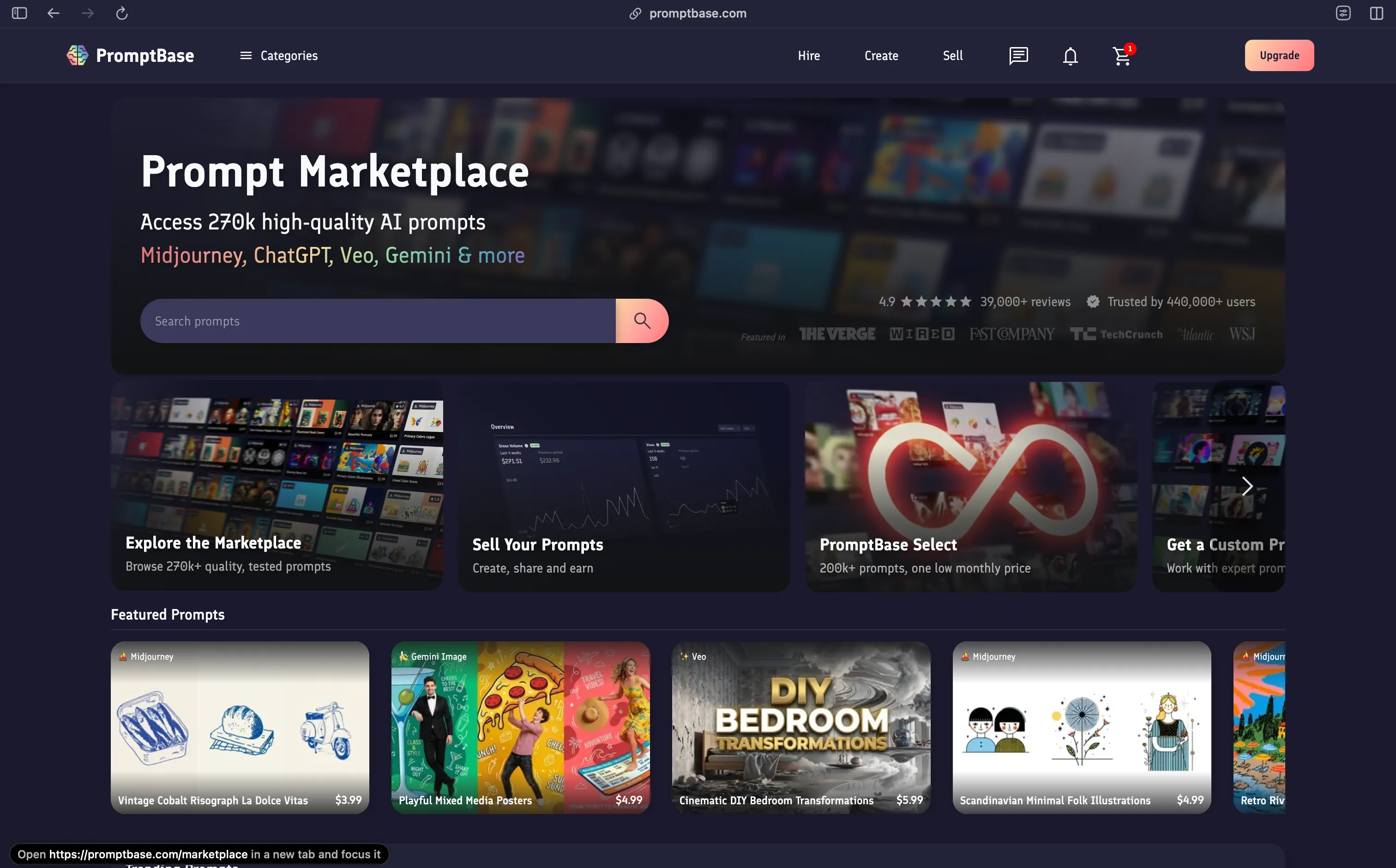
That makes PromptBase useful when you do not just want more prompts. You want prompts that are packaged, specialized, and sometimes worth paying for because they save meaningful time.
Key Features of PromptBase:
- Dedicated coding category - Easier to browse than a general marketplace mixed with unrelated prompt types
- Free and paid prompts - Lets you test before deciding whether specialist prompts are worth paying for
- Trending and featured views - Useful for finding what other users are actively using
- Specialist engineering prompts - Covers architecture, code review, workflow design, and other higher-value developer tasks
Best For: Developers willing to pay for specialist prompts that save real engineering time.
7. PromptHero - Best for Visual Prompts Around Software Projects
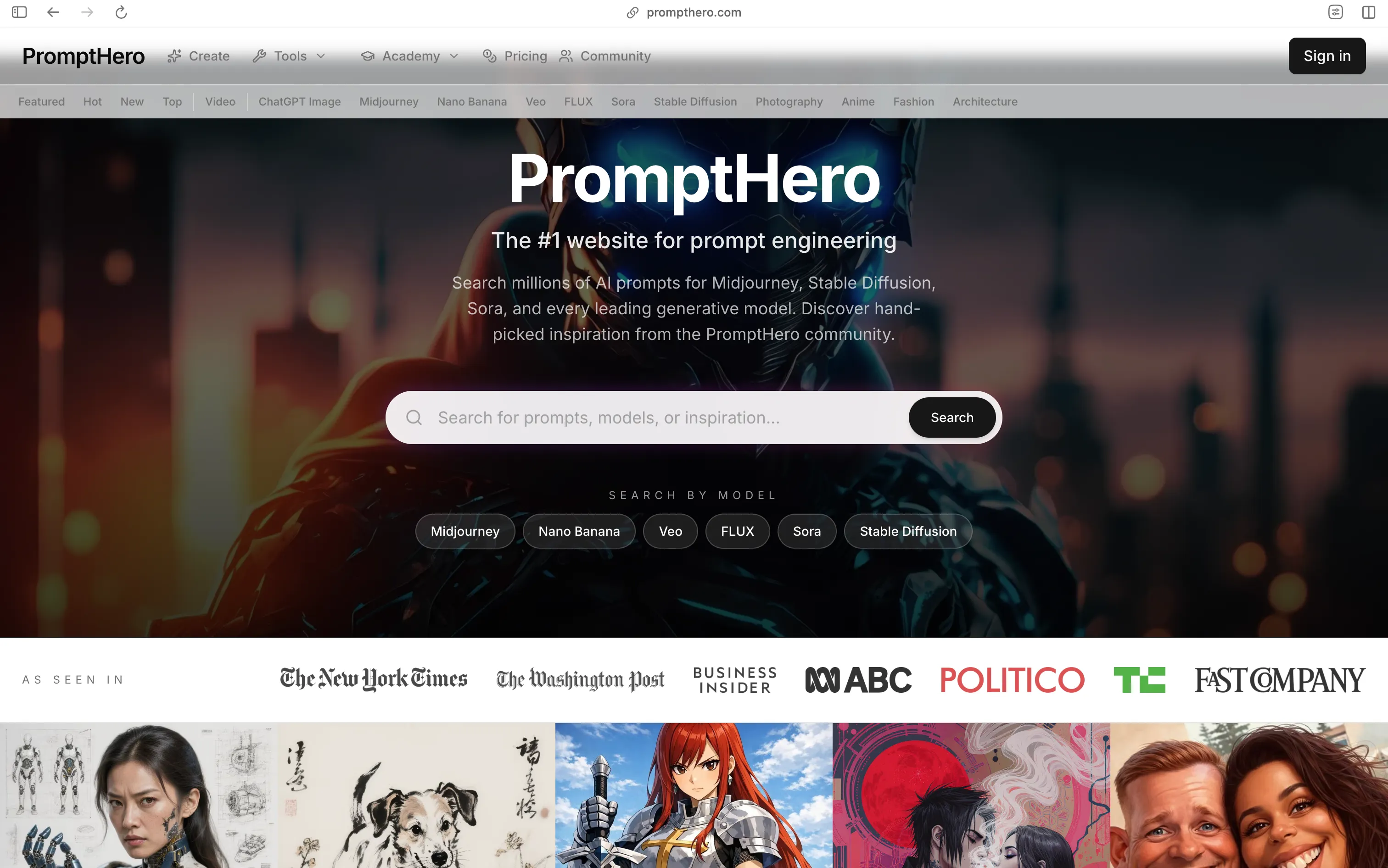
PromptHero is not a developer-text-prompt library, but it is still highly relevant to software teams. Its public prompt pages expose direct copy-ready prompts for image and video generation across models such as ChatGPT Image, Midjourney, Veo, FLUX, Sora, and others.
That matters because product launches, blog posts, changelog pages, thumbnails, app-store graphics, and social assets are now part of many software workflows. PromptHero is often the fastest place to find a visual prompt pattern that already works.
Key Features of PromptHero:
- Direct prompt pages with visible prompt text - Good fit for actual copy-paste usage
- Model-based browsing - Explore prompts by Midjourney, Veo, Sora, ChatGPT Image, and other tools
- High prompt volume - Useful when you need working examples quickly
- Strong visual coverage - Better than general prompt libraries for images, videos, and launch assets
Best For: Software teams that need prompts for blog art, launch visuals, app screenshots, thumbnails, and demo creatives.
Best Prompt Libraries by Use Case
| Use Case | Best Tool | Why It Fits |
|---|
| UI prompt anchors | 21st.dev | Best when you want concrete frontend patterns that can be copied directly or turned into stronger UI prompts |
| Free copy-paste developer prompts | PromptDen | Closest thing to a straightforward developer prompt library with simple browse-and-copy workflow |
| ChatGPT-centered workflows | AIPRM | Best when you want prompt discovery plus direct use inside ChatGPT instead of constant copy-paste between tabs |
| Community discovery plus team reuse | PromptHub | Best when you want public prompt discovery now and a more structured home for collaboration later |
| Topic-based discovery | Snack Prompt | Works well when your workflow spans development, DevOps, support, and UI/UX instead of pure coding only |
| Paid specialist prompts | PromptBase | Best when a specialized coding prompt is worth paying for because it saves meaningful time |
| Visual prompts around software work | PromptHero | Best for banners, launch art, thumbnails, screenshots, and demo visuals that support software products |
Start with
21st.dev if your main need is frontend generation and you want concrete visual anchors instead of generic prompt text.
Start with
PromptDen or
Snack Prompt if you want free public prompt discovery for developer workflows.
Move to
AIPRM if you already work inside ChatGPT and want faster prompt reuse.
Use
PromptHub if you want public discovery now and a cleaner path into team collaboration later.
Use
PromptBase only when a specialized prompt has a clear return on time or money.
Use
PromptHero when the workflow includes images, banners, thumbnails, screenshots, or demo visuals in addition to code.
Once a prompt proves useful, move it into your own repo, internal wiki, or prompt manager instead of depending forever on a third-party discovery site.
Keep a high bar. A prompt library is only valuable if the prompts are specific enough to survive real engineering work.
Conclusion
If the goal is to find actual prompt-library tools or copy-paste prompt-like resources for software development, the best options right now are
21st.dev,
PromptDen,
AIPRM,
PromptHub,
Snack Prompt,
PromptBase, and
PromptHero.
That is a cleaner list than mixing in docs pages, prompt registries, or unrelated AI tools. If you want prompts, prompt templates, or prompt anchors you can actually browse, copy, adapt, install, or buy for development work, start there.