ChatGPT changed how we interact with AI, but it comes with trade-offs – your data goes to OpenAI’s servers, usage is capped behind paid plans, you cannot customize the model’s behavior, and you are locked into one provider’s ecosystem. Open-source alternatives have closed the gap dramatically. In 2026, self-hosted AI chat platforms offer polished interfaces that rival ChatGPT, support dozens of state-of-the-art models, and keep your data entirely under your control.
The open-source AI chat ecosystem has matured from rough developer tools into production-ready platforms used by enterprises, universities, and millions of individual users. Open WebUI has surpassed 282 million downloads. LobeChat has evolved into a multi-agent collaboration workspace. AnythingLLM lets you chat with your documents using any LLM. And the models powering these platforms – Llama 4, DeepSeek V3.2, Qwen3.5, Mistral Large 3, GLM-4.7, GPT-OSS – now match or exceed ChatGPT’s performance on major benchmarks. As our
global AI model comparison shows, open-weight models like Qwen3.5 (Arena score 1450) and Mistral Large 3 (1413) are actively contending with proprietary models from OpenAI and Google.
In this guide, we compare the best open-source alternatives to ChatGPT in 2026, covering their features, supported models, system requirements, and ideal use cases to help you pick the right one.
Comparison Table for Open-Source ChatGPT Alternatives
| Platform | Best For | GitHub Stars | Key Strength |
|---|
| Full-Featured Chat Platforms |
| Open WebUI | Most complete ChatGPT replacement | 124K+ | Enterprise-ready, RAG, Pipelines |
| LobeChat | Multi-agent collaboration | 72K+ | Agent Groups, 10K+ MCP skills |
| LibreChat | Multi-provider unification | 34K+ | All providers in one UI, code interpreter |
| Desktop & Offline-First Apps |
| Jan | Cleanest offline desktop experience | 40K+ | 100% offline, MCP support |
| GPT4All | Simplest local-first experience | 77K+ | No GPU needed, LocalDocs |
| Document & Knowledge Platforms |
| AnythingLLM | Document chat & RAG | 53K+ | Best RAG, no-code agent builder |
| Khoj | Personal AI second brain | 32K+ | Deep research, scheduled automations |
| Developer & Power User Tools |
| text-generation-webui | Power user customization | 46K+ | Multiple backends, extensions |
| LocalAI | API-first local inference | 35K+ | OpenAI drop-in replacement, no GPU |
| Lightweight & Cross-Platform |
| NextChat | Lightest cross-platform client | 87K+ | ~5MB client, one-click Vercel deploy |
| HuggingChat | Smart model routing | 10K+ | Omni routing, Hugging Face ecosystem |
Summary
Why Use Open-Source ChatGPT Alternatives?
- Complete data privacy – your prompts and conversations never leave your machine
- No subscription fees, usage caps, or rate limits
- Full customization – choose your model, fine-tune behavior, and build custom workflows
- Run 100% offline without internet connectivity
- Support for dozens of state-of-the-art models (Qwen3.5, GLM-4.7, DeepSeek V3.2, Mistral Large 3) that match or exceed ChatGPT’s performance
Full-Featured Chat Platforms:
- Open WebUI: Most popular self-hosted AI chat (124K+ stars), enterprise-ready with RAG, Pipelines, and SSO
- LobeChat: Multi-agent collaboration workspace with Agent Groups and 10,000+ MCP skills
- LibreChat: Unifies all major AI providers in one privacy-focused interface with code interpreter
Desktop & Offline-First Apps:
- Jan: Cleanest offline desktop experience with MCP support and local API server
- GPT4All: Simplest local-first experience, no GPU required, with LocalDocs for document chat
Document & Knowledge Platforms:
- AnythingLLM: Best RAG capabilities with no-code agent builder and workspace-based document management
- Khoj: Personal AI second brain with deep research mode and scheduled automations
Developer & Power User Tools:
- text-generation-webui: Multiple backends with rich extension ecosystem for power users
- LocalAI: Drop-in OpenAI API replacement for local multimodal inference without GPU
Lightweight & Cross-Platform:
- NextChat: ~5MB cross-platform client with one-click Vercel deployment
- HuggingChat: Smart model routing with Omni and deep Hugging Face ecosystem integration
Why Use Open-Source Alternatives to ChatGPT?
ChatGPT is a great product, but its closed nature creates real limitations for users who care about privacy, cost, and control. Every prompt you send goes to OpenAI’s servers, gets stored, and can be used for training. Usage is capped behind paid tiers. You cannot choose which model runs under the hood, customize its behavior beyond system prompts, or integrate it deeply into your own infrastructure.
Open-source alternatives solve all of these problems. Complete data privacy means your conversations never leave your machine – this is critical for developers working with proprietary code, businesses handling sensitive data, and anyone who values digital privacy. Zero subscription costs let you use AI as much as you want without worrying about usage limits or monthly bills. Full customization means you pick the exact model, adjust parameters, build custom agents, and integrate with your own tools. Offline operation works without internet, making these tools usable on flights, in remote areas, or in air-gapped environments.
The quality gap has closed dramatically. Models like Qwen3.5 (Arena score 1450), GLM-4.7 (1443), DeepSeek V3.2 (1423), Llama 4, and GPT-OSS now match or exceed GPT-4o on major benchmarks. China’s “efficiency revolution” in particular has produced models that rival the best from Silicon Valley at a fraction of the compute cost – DeepSeek V3 was trained for just $5.6 million. Combined with polished interfaces like Open WebUI and LobeChat, the self-hosted experience in 2026 is genuinely comparable to ChatGPT.
These platforms provide the most complete ChatGPT-like experience with polished UIs, multi-model support, RAG capabilities, and enterprise features.
1. Open WebUI – The Most Popular Self-Hosted AI Chat
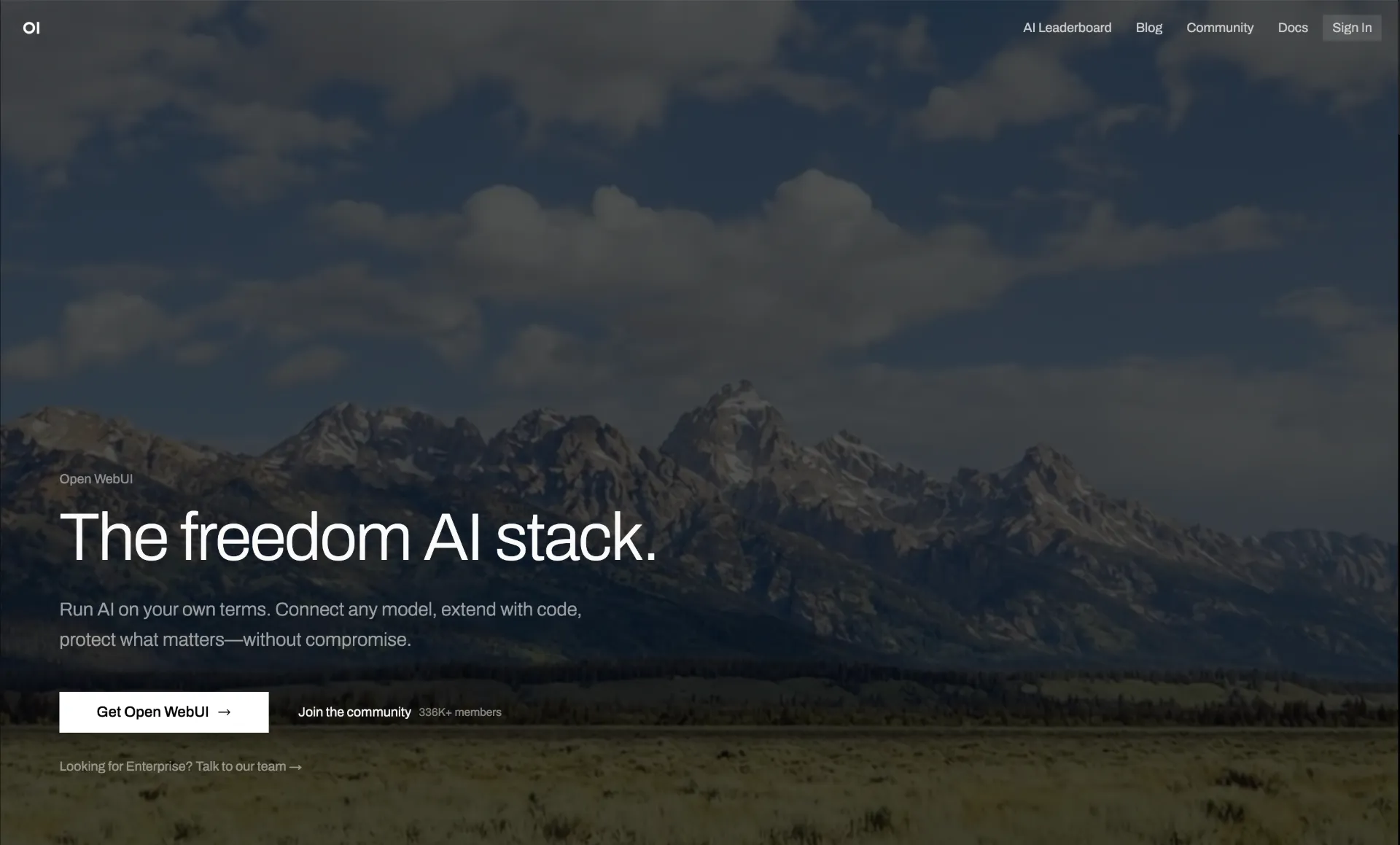
Open WebUI is the most popular self-hosted AI chat platform in the world, with over 124,000 GitHub stars and 282 million downloads. Formerly known as Ollama WebUI, it provides a polished, ChatGPT-like interface that connects to local models via Ollama and cloud providers via OpenAI-compatible APIs.
What makes Open WebUI the default choice for most users is its combination of ease of setup and depth of features. A single Docker command gets you running, and then you have access to a feature set that rivals ChatGPT Plus. Built-in RAG supports 9 vector databases and multiple extraction engines (Tika, Docling, Mistral OCR), letting you chat with your documents without any additional setup. Native Python function calling with a built-in code editor enables custom tool creation directly in the browser.
The Pipelines Plugin Framework is where Open WebUI truly differentiates itself. Pipelines let you inject custom logic into the conversation flow – rate limiting, usage monitoring via Langfuse, live translation, toxic message filtering, and custom pre/post-processing. For enterprises, Open WebUI offers SSO, role-based access control (RBAC), audit logs, federated authentication, and chat sharing.
Key Features of Open WebUI:
- One-Command Docker Setup - Get running with a single
docker run command; supports :ollama and :cuda tagged images for GPU acceleration - Multi-Model Support - Connect to Ollama, OpenAI, Anthropic, or any OpenAI-compatible API from a single unified interface
- Built-in RAG - Chat with your documents using 9 vector databases and multiple extraction engines including Tika, Docling, and Mistral OCR
- Pipelines Plugin Framework - Inject custom logic into conversation flows for rate limiting, monitoring, translation, and filtering
- Native Python Function Calling - Built-in code editor in the tools workspace for creating custom functions and integrations
- Enterprise Features - SSO, RBAC, audit logs, federated authentication, chat sharing, and multi-user management
System Requirements: Docker-based deployment on any machine. For local models via Ollama: 8GB+ RAM minimum, GPU recommended for larger models. Minimal hardware when using cloud APIs only.
License: MIT | GitHub Stars: 124K+ |
GitHub
2. LobeChat – Multi-Agent Collaboration Workspace
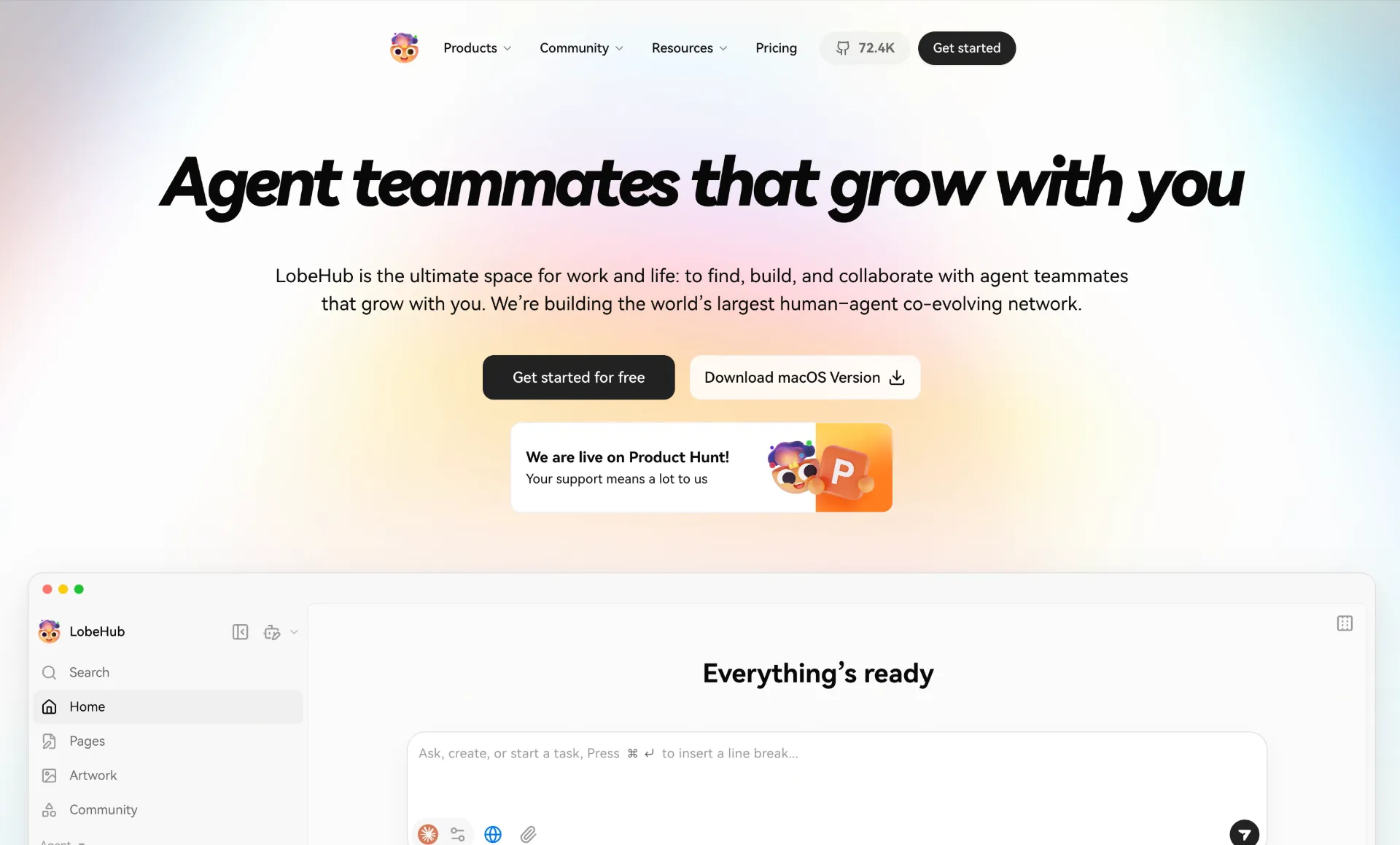
LobeChat has evolved from a simple chat interface into a full multi-agent collaboration platform with 72,000+ GitHub stars. Its modern design and “agent teammates that grow with you” philosophy make it stand out from traditional chat UIs.
The standout feature is Agent Groups – multiple AI agents that work together on tasks in parallel. Instead of a single chat thread, you orchestrate teams of specialized agents that collaborate, each with its own knowledge base, persona, and tool access. The Agent Builder lets you describe what you need in natural language, and an agent is auto-configured instantly.
LobeChat connects to over 10,000 skills via MCP (Model Context Protocol), enabling agents to interact with external tools, databases, and services. The Knowledge Base supports file upload and RAG for document-grounded conversations. Pages provides collaborative writing, Schedule enables automated agent runs on a timer, and Projects organizes everything into structured workspaces.
Key Features of LobeChat:
- Agent Groups - Multiple AI agents working together on tasks in parallel, each with specialized knowledge and tools
- Agent Builder - Describe what you need and an agent is auto-configured instantly with appropriate persona, tools, and knowledge
- 10,000+ MCP Skills - Connect agents to external tools and services via Model Context Protocol compatibility
- Knowledge Base with RAG - Upload files and create document-grounded conversations with retrieval augmented generation
- Multi-Provider Support - OpenAI, Claude, Gemini, Ollama, Qwen, DeepSeek, Bedrock, Azure, Mistral, Perplexity, and more
- One-Click Deployment - Deploy on Vercel in one click or self-host via Docker
System Requirements: Web-based (Next.js). One-click Vercel deployment or Docker self-hosting. For local models via Ollama: 8GB+ RAM, GPU optional.
License: LobeHub Community License (free for personal and non-commercial use) | GitHub Stars: 72K+ |
GitHub
3. LibreChat – All Providers in One Privacy-Focused UI
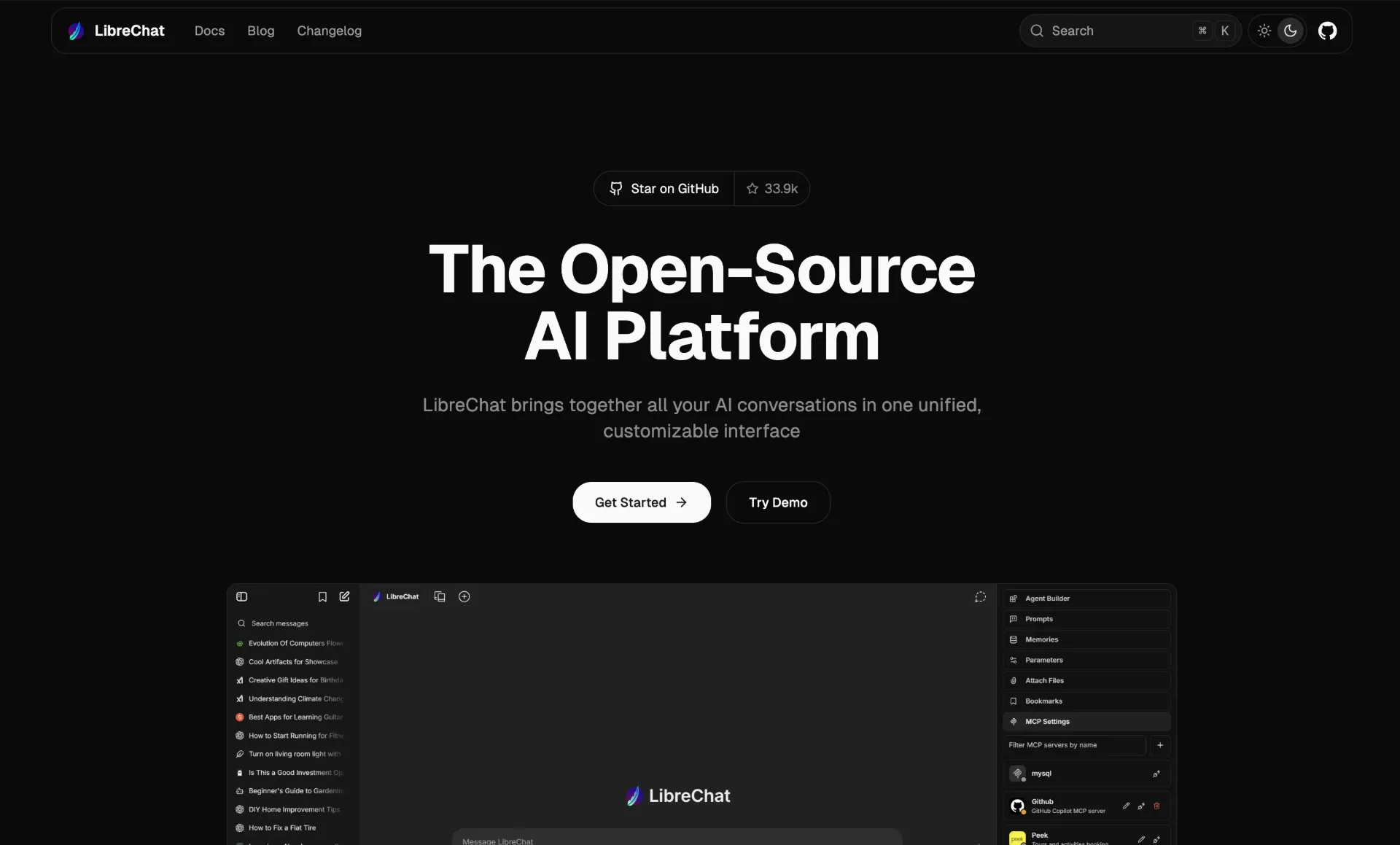
LibreChat is a self-hosted AI chat platform that unifies all major AI providers in a single, privacy-focused interface. Recognized as the top-rated AI App for Digital Accessibility through a partnership with Harvard University, LibreChat has become the leading open-source AI Chat UI for organizations and higher education.
LibreChat supports every major provider – OpenAI, Anthropic, AWS Bedrock, Azure, Google Vertex AI, Groq, Mistral, OpenRouter, and any OpenAI-compatible API including Ollama. You can switch between providers mid-conversation or compare responses side by side. Advanced AI Agents handle file operations, code interpretation, and API actions. The built-in Code Interpreter supports Python, JavaScript, TypeScript, and Go with zero setup.
Artifacts let you create React components, HTML pages, and Mermaid diagrams directly in chat. MCP support with dynamic server infrastructure and access control extends agent capabilities. For teams, LibreChat provides multi-user authentication, SSO, conversation forking, and message search.
Key Features of LibreChat:
- Multi-Provider Unification - OpenAI, Anthropic, AWS, Azure, Google, Groq, Mistral, OpenRouter, Vertex AI, and Ollama in one interface
- Advanced AI Agents - File handling, code interpretation, and API actions with autonomous execution
- Built-in Code Interpreter - Python, JavaScript, TypeScript, and Go with zero setup required
- Artifacts - Create React, HTML, and Mermaid diagrams directly in chat
- MCP Support - Dynamic server infrastructure with access control for extending agent capabilities
- Enterprise-Ready - Multi-user auth, SSO, conversation forking, message search, and RBAC
System Requirements: Docker-based deployment with MongoDB backend. Minimal hardware when using cloud APIs. For local models via Ollama, hardware scales with model size.
License: MIT | GitHub Stars: 34K+ |
GitHub
Desktop & Offline-First Apps
These applications are designed to run directly on your computer without requiring Docker, servers, or internet connectivity.
4. Jan – The Cleanest Offline Desktop Experience
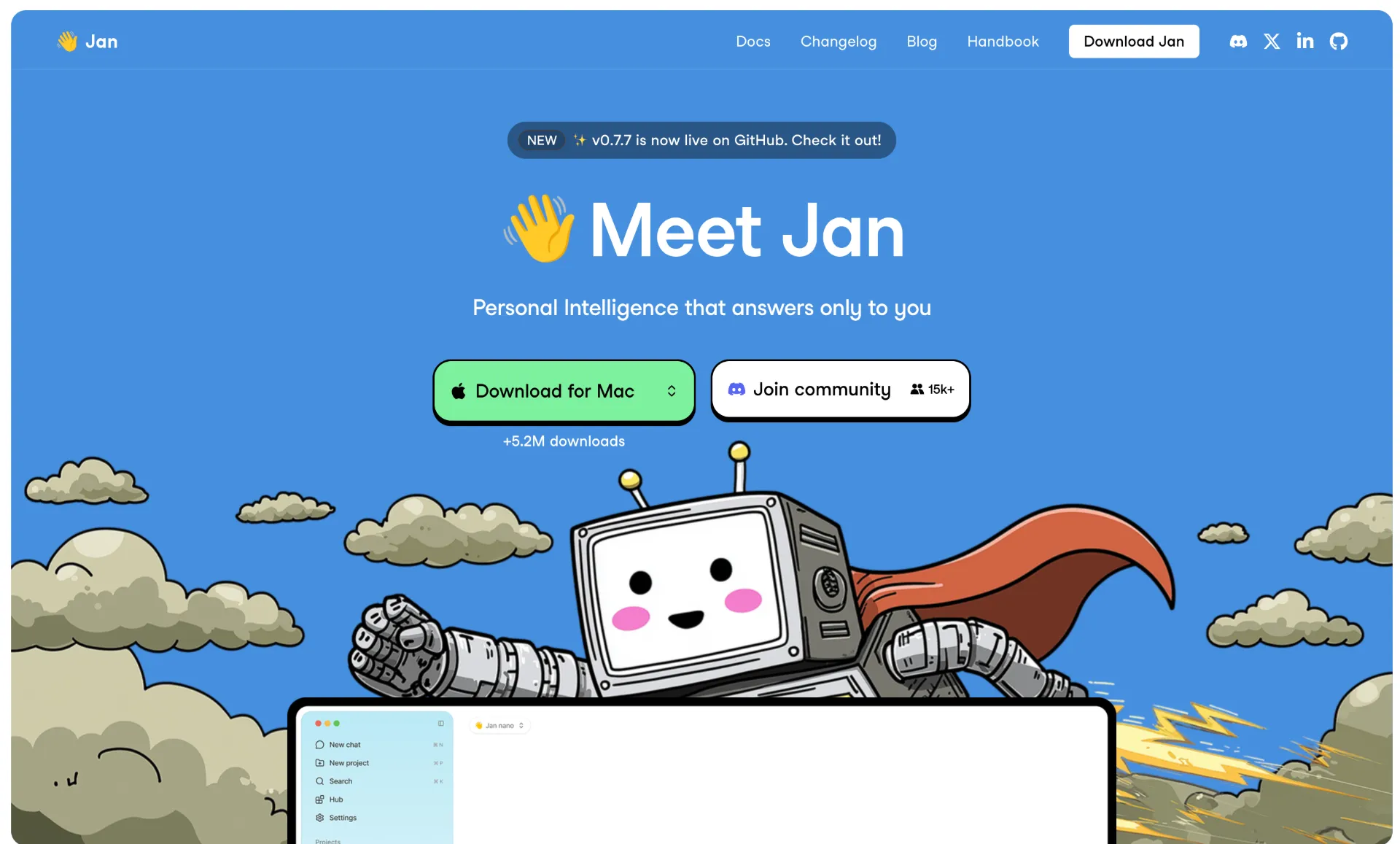
Jan is a desktop application built for running AI 100% offline on your computer. With 40,000+ GitHub stars, it positions itself as the easiest way to download and run open-source LLMs locally while maintaining complete privacy and control.
Jan’s strength is its clean, intuitive interface that makes local AI accessible to non-technical users. Download models directly from Hugging Face with one click, and start chatting immediately. The app also supports cloud connections to OpenAI, Anthropic, Mistral, and Groq for users who want the best of both worlds. A built-in OpenAI-compatible local API server runs at localhost:1337, making Jan a drop-in replacement for any tool that integrates with the OpenAI API.
MCP (Model Context Protocol) integration enables agentic capabilities, letting Jan’s AI interact with external tools and services. Custom AI assistants with persistent context carry over knowledge across conversations. You can connect your email, files, notes, and calendar for contextual AI assistance that understands your personal workflow.
Key Features of Jan:
- 100% Offline Operation - Download and run local LLMs directly from Hugging Face with complete privacy
- Cloud Integration - Connect to OpenAI, Anthropic, Mistral, Groq, and more when online
- OpenAI-Compatible Local API - Built-in API server at localhost:1337 for tool integration
- MCP Integration - Model Context Protocol support for agentic capabilities with external tools
- Custom AI Assistants - Create assistants with persistent context that carries across conversations
- Cross-Platform - Available on Windows, macOS, and Linux with CPU and GPU inference
System Requirements: 8GB+ RAM minimum, 16GB+ recommended. CPU or GPU inference via llama.cpp and TensorRT-LLM. Available on Windows, macOS, and Linux.
License: AGPL-3.0 | GitHub Stars: 40K+ |
GitHub
5. GPT4All – The Simplest Local-First Experience
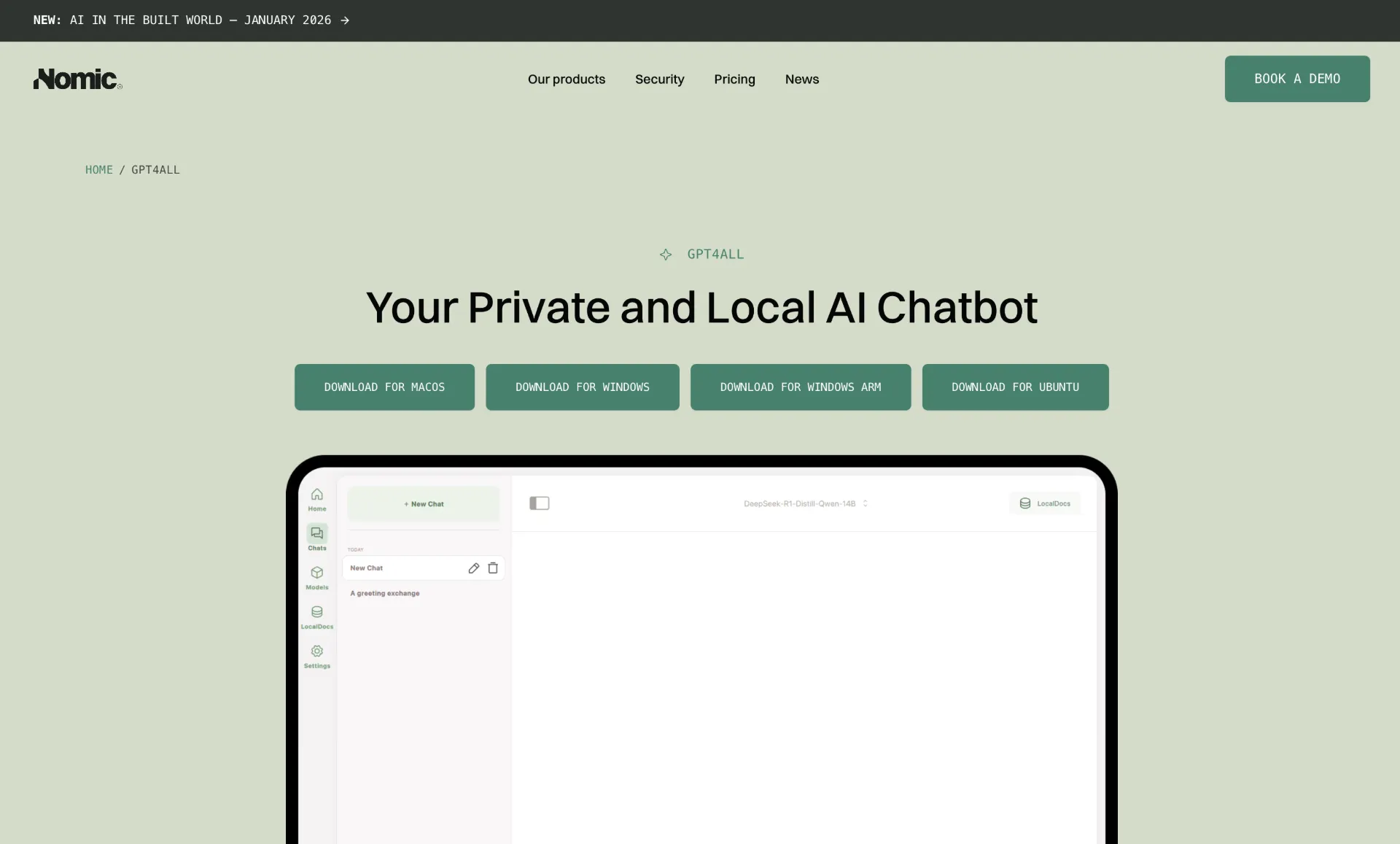
GPT4All by Nomic AI is designed for everyday desktop and laptop use without requiring an internet connection or GPU. With 77,000+ GitHub stars, it is the go-to tool for users who want a “just works” experience for local AI.
GPT4All’s standout feature is LocalDocs – a built-in document chat system that lets you privately and locally chat with your files. Point it at a folder of documents, and the AI can answer questions based on their content without any cloud processing. GPU acceleration is available via Nomic Vulkan, which supports both NVIDIA and AMD GPUs, but the app runs perfectly fine on CPU alone.
The platform includes a Docker-based API server with an OpenAI-compatible HTTP endpoint for developers who want to integrate local inference into their applications. Recent updates added robust DeepSeek-R1 distillation support and Windows ARM platform support for Qualcomm Snapdragon and Microsoft SQ-series processors.
Key Features of GPT4All:
- No GPU Required - Runs efficiently on CPU alone, making it accessible on virtually any modern computer
- LocalDocs - Privately chat with your documents by pointing the app at a local folder
- Nomic Vulkan GPU Acceleration - Optional GPU support for NVIDIA and AMD GPUs via Vulkan
- Built-in Model Downloader - Browse and download thousands of GGUF models directly from the app
- OpenAI-Compatible API - Docker-based API server for integrating local inference into applications
- Windows ARM Support - Runs on Qualcomm Snapdragon and Microsoft SQ-series processors
System Requirements: Intel Core i3 2nd Gen or AMD Bulldozer minimum (AVX/AVX2 required). 8GB RAM minimum, 16GB+ recommended. 2GB storage for app plus 4-8GB per model. GPU optional. macOS Monterey 12.6+ (best on Apple Silicon).
License: MIT | GitHub Stars: 77K+ |
GitHub
These platforms specialize in combining AI chat with document intelligence, making them ideal for knowledge workers who need AI that understands their files and data.
6. AnythingLLM – Best RAG and Document Chat
AnythingLLM by Mintplex Labs turns any document, resource, or piece of content into context for LLM conversations. With 53,000+ GitHub stars, it stands out for its workspace-based document management and no-code agent builder.
The platform’s built-in RAG handles PDFs, Word documents, Excel spreadsheets, images, and more. Documents are organized into workspaces – isolated containers that keep different projects’ data separate. This workspace architecture also enables team collaboration with RBAC, so different team members can access different document collections.
AI agents with web browsing, SQL querying, and file operations extend AnythingLLM beyond simple document chat. The no-code agent flow builder with MCP compatibility lets non-developers create complex agent workflows. The platform supports 30+ LLM providers including OpenAI, Anthropic, Google, and local models via Ollama and LM Studio. An Android mobile app with device-to-device sync over local networks makes your AI assistant portable.
Key Features of AnythingLLM:
- Built-in RAG - Chat with PDFs, Word, Excel, images, and more with automatic document processing
- Workspace-Based Organization - Isolated document containers for different projects with team collaboration and RBAC
- AI Agents - Web browsing, SQL querying, and file operations with autonomous execution
- No-Code Agent Flow Builder - Create complex agent workflows with MCP compatibility, no programming required
- 30+ LLM Providers - OpenAI, Anthropic, Google, Azure, Ollama, LM Studio, LocalAI, and more
- Mobile App - Android app with device-to-device sync over local networks
System Requirements: Desktop app (Windows, macOS, Linux) or Docker server. Minimal hardware with cloud APIs. For local models: 8GB+ RAM, GPU optional but recommended.
License: MIT | GitHub Stars: 53K+ |
GitHub
7. Khoj – Your AI Second Brain
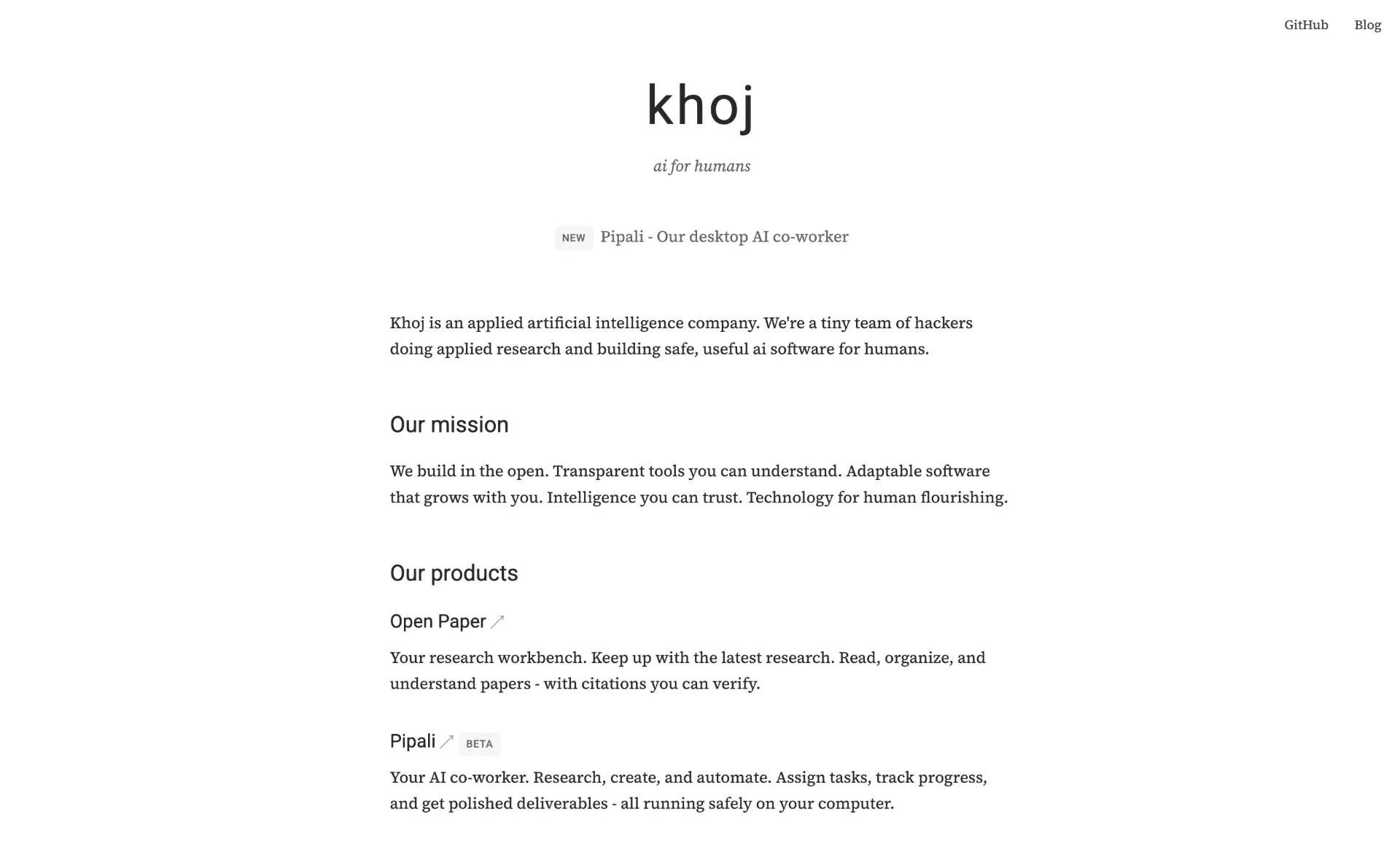
Khoj differentiates itself from pure chat interfaces by being a personal AI assistant that integrates deeply with your documents, notes, and workflows. With 32,500+ GitHub stars, it positions itself as “Your AI second brain” – an always-available assistant that knows your personal context.
Khoj supports chat with any LLM (local or cloud) and can get answers from both the internet and your documents – PDFs, Markdown, Notion pages, GitHub repos, Word files, and images. The /research mode performs deep multi-step research with automated follow-ups, making it more than a simple Q&A tool. Scheduled automations with personalized newsletters and smart notifications let Khoj work for you in the background.
What makes Khoj uniquely accessible is its multi-platform availability. Use it from a web browser, Obsidian, Emacs, desktop app, phone, or even WhatsApp. You can create custom agents with specific knowledge bases, personas, and tool access. Self-hosting via Docker Compose keeps everything private, while the platform scales from a personal device to enterprise cloud deployment.
Key Features of Khoj:
- Multi-Source Knowledge - Chat with PDFs, Markdown, Notion, GitHub, Word, and images alongside internet search
- Deep Research Mode -
/research command for multi-step research with automated follow-ups - Scheduled Automations - Personalized newsletters and smart notifications running in the background
- Multi-Platform Access - Browser, Obsidian, Emacs, Desktop, Phone, and WhatsApp
- Custom Agents - Create agents with specific knowledge, persona, and tool access
- Any LLM Support - Local models via Ollama, vLLM, or LM Studio, plus cloud models via API
System Requirements: Self-host via Docker Compose. Works offline when self-hosted. Minimal hardware when using cloud APIs. Scales from personal device to enterprise deployment.
License: AGPL-3.0 | GitHub Stars: 32K+ |
GitHub
These platforms are designed for users who want maximum control over model loading, inference parameters, and extension systems.
8. text-generation-webui (oobabooga) – The Power User’s Choice

text-generation-webui is billed as “the definitive Web UI for local AI” and is extremely popular among power users and the AI tinkering community. With 46,000+ GitHub stars, it offers the deepest model customization and widest backend support of any open-source chat interface.
The platform supports multiple inference backends – llama.cpp for GGUF models, ExLlamaV3 for EXL2 quantizations, and Hugging Face Transformers for full-precision models. This flexibility means you can run virtually any open-source model regardless of its format. One-click installers for Windows, Linux, and macOS eliminate setup complexity despite the advanced feature set.
The extension ecosystem is where text-generation-webui shines. Community extensions add TTS (text-to-speech), voice input, real-time translation, web search, web-based RAG, dynamic prompting, and memoir/persona features. You can download models directly from Hugging Face via the UI. Docker support is available for both NVIDIA and AMD GPUs, with ROCm portable builds for AMD users on Linux.
Key Features of text-generation-webui:
- Multiple Backends - llama.cpp (GGUF), ExLlamaV3 (EXL2), and Hugging Face Transformers in one platform
- Rich Extension Ecosystem - TTS, voice input, translation, web search, web RAG, dynamic prompting, and persona extensions
- One-Click Installers - Start scripts for Windows, Linux, and macOS requiring no manual installation
- Direct Hugging Face Downloads - Browse and download models directly from the UI
- Docker Support - NVIDIA CUDA and AMD ROCm support with portable builds
- Deep Customization - Full control over generation parameters, sampling methods, and model loading options
System Requirements: 8GB+ RAM minimum, model-dependent. NVIDIA CUDA 12.4, AMD/Intel Vulkan, CPU-only, or Apple Silicon ARM64 supported. 4GB+ GPU VRAM for small models, 24GB+ for large models.
License: AGPL-3.0 | GitHub Stars: 46K+ |
GitHub
9. LocalAI – Drop-in OpenAI API Replacement
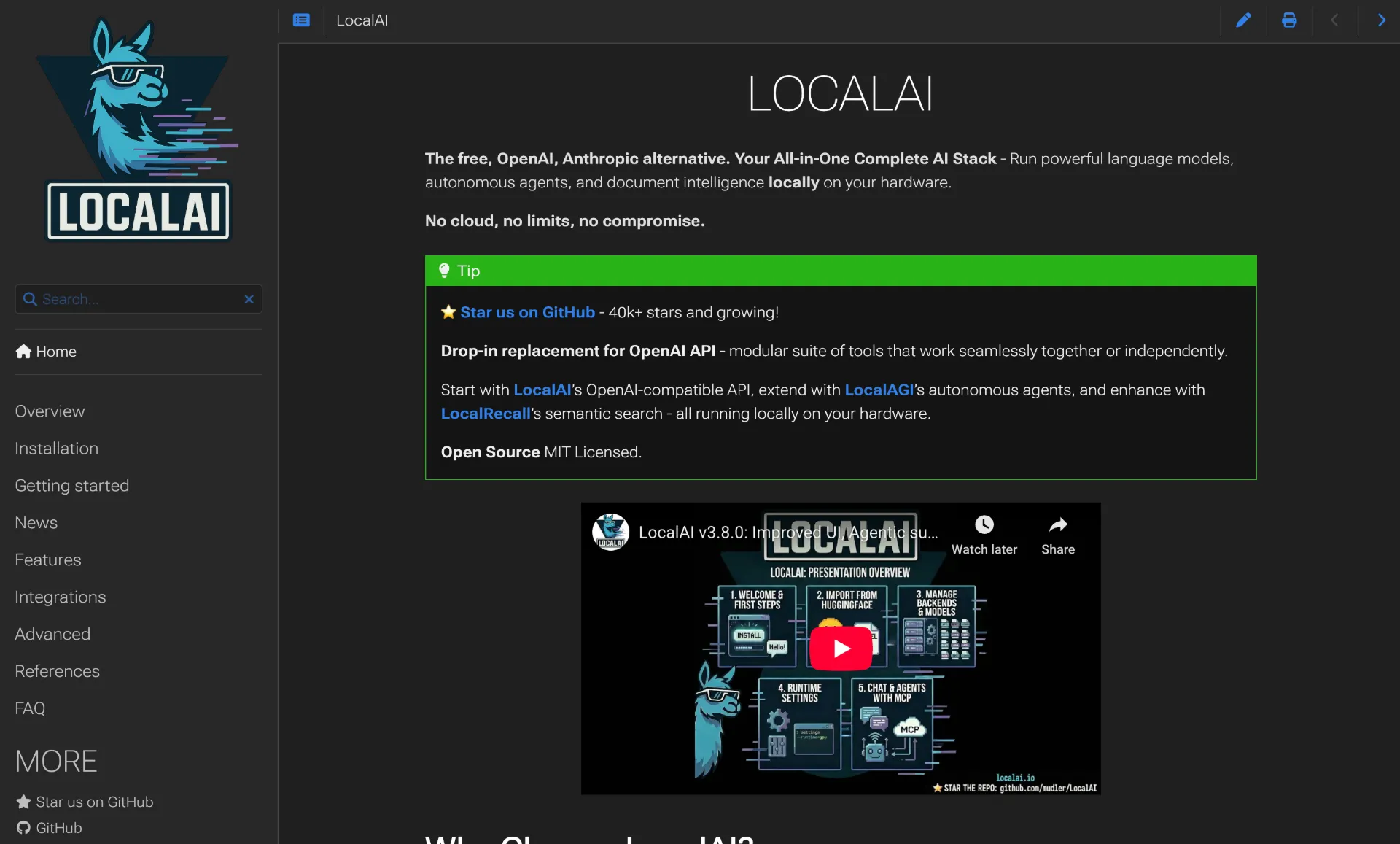
LocalAI is not just a chat interface – it is a full local AI inference server that provides a drop-in replacement REST API compatible with OpenAI, Elevenlabs, and Anthropic specifications. With 35,000+ GitHub stars, it handles text generation, audio, video, images, voice cloning, and transcription all in one platform.
The key differentiator is that LocalAI does not require a GPU. It runs on consumer-grade hardware using CPU inference, making it accessible to users without expensive graphics cards. When a GPU is available (NVIDIA, AMD, or Intel), LocalAI automatically detects it and enables acceleration. The Memory Reclaimer monitors system resources and auto-evicts least recently used models, preventing out-of-memory crashes.
The Agent Jobs panel lets you create, run, and schedule agentic tasks with cron syntax. The Realtime API supports audio-to-audio with tool calling. LocalAI is part of a broader ecosystem including LocalAGI for agent orchestration and LocalRecall for knowledge base management.
Key Features of LocalAI:
- OpenAI-Compatible REST API - Drop-in replacement for OpenAI, Elevenlabs, and Anthropic APIs on consumer hardware
- No GPU Required - Full CPU inference support with automatic GPU detection when available (NVIDIA, AMD, Intel)
- Multimodal - Text generation, audio, video, images, voice cloning, and transcription in one platform
- Agent Jobs Panel - Create, run, and schedule agentic tasks with cron syntax
- Memory Reclaimer - Auto-evicts least recently used models to prevent memory issues
- Ecosystem - Part of LocalAGI (agent orchestration) and LocalRecall (knowledge base) ecosystem
System Requirements: Runs on consumer-grade hardware without GPU. Docker-based deployment recommended. GPU acceleration available for NVIDIA, AMD, and Intel when present.
License: MIT | GitHub Stars: 35K+ |
GitHub
These platforms prioritize minimal footprint, fast deployment, and cross-platform availability.
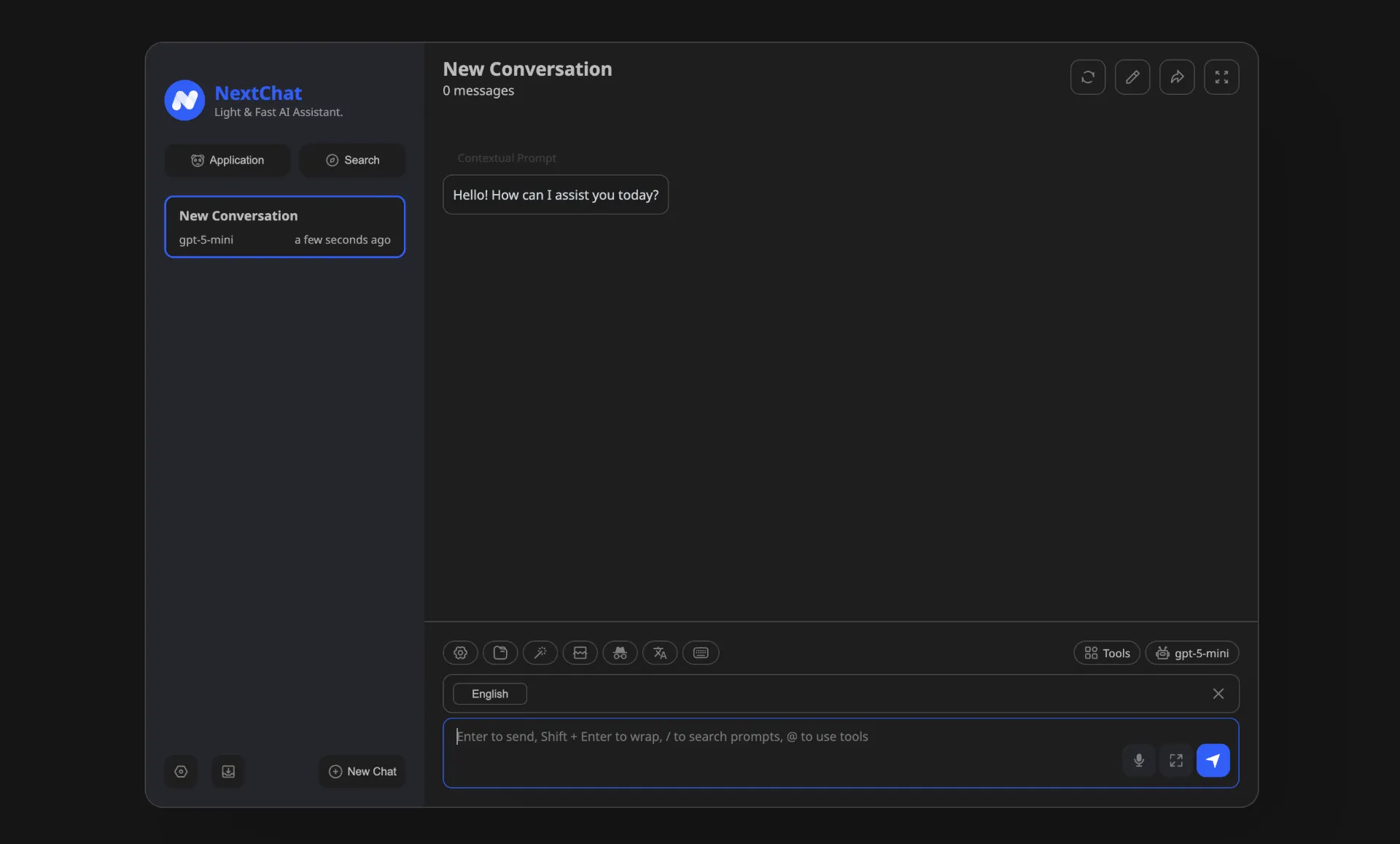
NextChat is a lightweight, fast, cross-platform AI assistant with 87,000+ GitHub stars and 60,000+ forks – making it one of the most forked AI projects on GitHub. Available on Web, iOS, macOS, Android, Linux, and Windows, its compact ~5MB client size makes it the most portable option.
One-click deployment on Vercel takes under a minute and costs nothing, giving you a private ChatGPT-like interface accessible from any device. The platform supports multi-model chat with GPT-4o, Claude, Gemini, Mistral, and more in a single interface. MCP support via Docker extends agent capabilities. Markdown rendering with LaTeX, Mermaid diagrams, and code highlighting makes it suitable for technical conversations.
For enterprises, NextChat provides brand customization, resource integration, and permission control via an Admin Panel. Despite its lightweight footprint, it does not sacrifice features – message export, conversation sharing, and prompt templates are all included.
Key Features of NextChat:
- One-Click Vercel Deployment - Free deployment in under one minute with zero configuration
- ~5MB Client Size - Available across Web, iOS, macOS, Android, Linux, and Windows
- Multi-Model Chat - GPT-4o, Claude, Gemini, Mistral, and self-hosted models in one interface
- MCP Support - Model Context Protocol integration via Docker for agent capabilities
- Rich Markdown - LaTeX, Mermaid diagrams, and code highlighting with syntax support
- Enterprise Admin Panel - Brand customization, resource integration, and permission control
System Requirements: Web-based (Next.js). Runs in any modern browser or as native app. One-click Vercel deployment or Docker. Self-hosted model inference requires a separate backend (Ollama, LocalAI, etc.).
License: MIT | GitHub Stars: 87K+ |
GitHub
11. HuggingChat – Smart Model Routing from Hugging Face
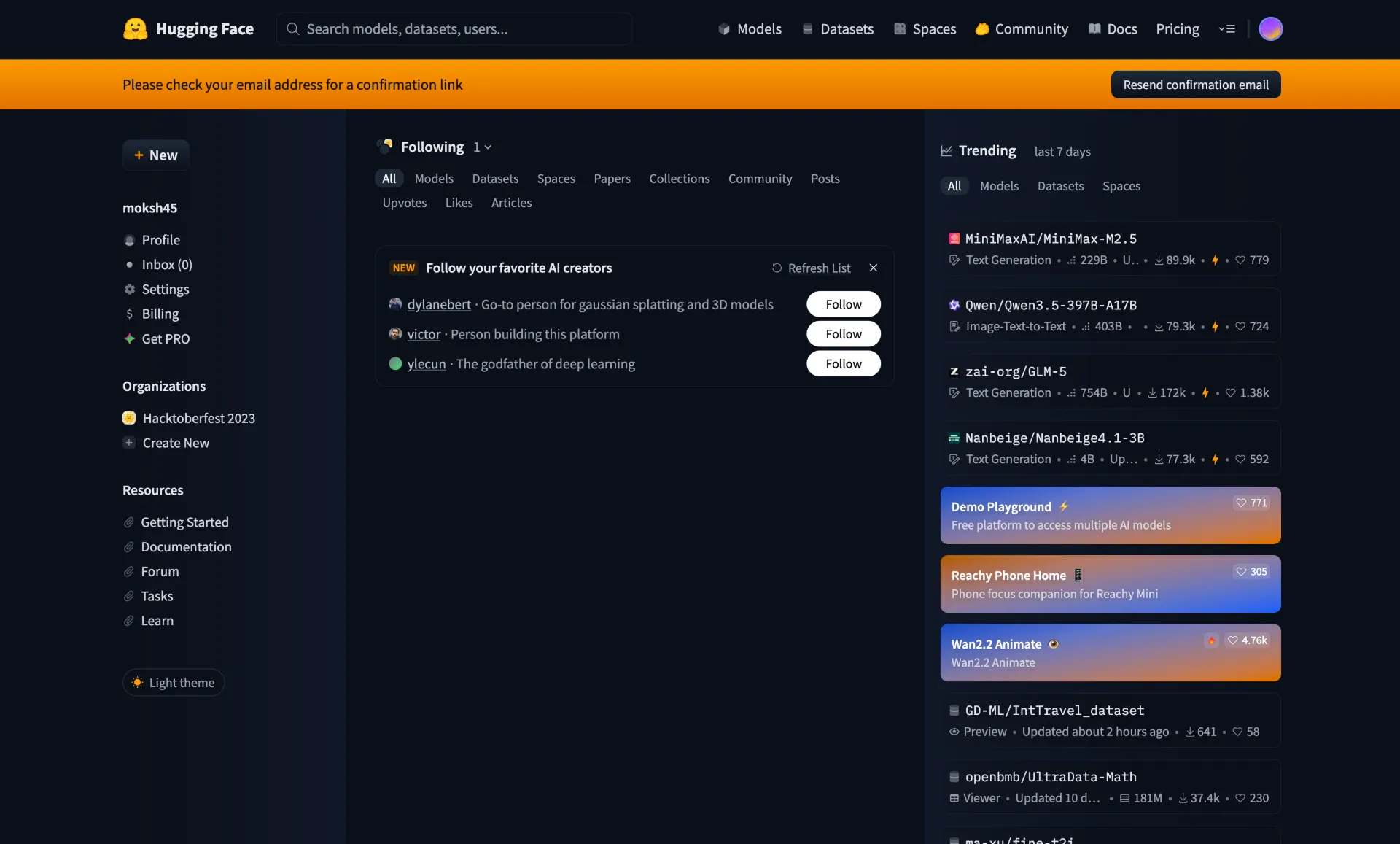
HuggingChat is the open-source codebase powering Hugging Face’s official chat application. With a major 2026 architectural overhaul, it now supports exclusively OpenAI-compatible APIs, making it universally connectable to any backend that speaks the OpenAI protocol.
The standout feature is Smart Routing (“Omni”) – a server-side intelligent model routing system that automatically chooses the best model for each message. Instead of manually selecting whether to use a small fast model or a large reasoning model, Omni analyzes your query and routes it to the optimal model automatically. MCP server support with health checks, tool toggling, and configurable services extends the platform’s capabilities.
Multimodal input supports images, audio, and video alongside text. One-click deployment on Hugging Face Spaces makes self-hosting trivial for users already in the Hugging Face ecosystem. The platform works natively with Ollama, llama.cpp server, OpenRouter, and any OpenAI-compatible endpoint.
Key Features of HuggingChat:
- Smart Routing (Omni) - Server-side AI that automatically routes each message to the best model for optimal results
- MCP Server Support - Health checks, tool toggling, and configurable services for extending capabilities
- Multimodal Input - Images, audio, and video alongside text conversations
- OpenAI-Compatible API - Works natively with Ollama, llama.cpp, OpenRouter, and any compatible endpoint
- One-Click Spaces Deployment - Trivial self-hosting via Hugging Face Spaces
- Tool Calling - OpenAI-compatible function calling for agent-like capabilities
System Requirements: SvelteKit-based web app. Self-host with Node.js or deploy on Hugging Face Spaces. Backend model hardware varies by provider.
License: Apache-2.0 | GitHub Stars: 10K+ |
GitHub
Honorable Mentions
Several other open-source projects deserve recognition for their specialized capabilities:
big-AGI – A personal AI suite for experts with a unique Beam & Merge feature that runs queries across multiple models simultaneously and merges results for de-hallucination. MIT licensed, 6,900+ GitHub stars.
Chatbot UI – A clean, hackable ChatGPT UI by McKay Wrigley using Supabase as its backend. MIT licensed, 32,700+ GitHub stars. Great starting point for developers building custom chat interfaces.
h2oGPT – Enterprise-focused document chat with voice control and a bake-off UI for comparing models. Apache 2.0 licensed, 12,000+ GitHub stars. Supports oLLaMa, Mixtral, llama.cpp, and many inference servers.
The interfaces above are only as good as the models running behind them. Here are the best open-source and open-weight models available in 2026, ranked by LMArena score where available. For a deeper dive into how these models compare across regions, see our
USA vs Europe vs China AI model comparison.
| Model | Organization | Parameters | Arena Score | Key Strength |
|---|
| Qwen3.5 | Alibaba | 17B active / 397B total | 1450 | 201 languages, hybrid reasoning, 1M context |
| GLM-4.7 | Zhipu AI | Open-weight | 1443 | Academic research, strong open model |
| DeepSeek-V3.2 | DeepSeek | 37B active / 671B+ total | 1423 | Reasoning efficiency, hybrid thinking mode |
| Qwen3-235B | Alibaba | 22B active / 235B total | 1422 | Coding & hard logic |
| Mistral Large 3 | Mistral AI | 41B active / 675B total | 1413 | Strongest European open model, GDPR-compliant |
| DeepSeek-R1 | DeepSeek | 37B active / 671B total | 1398 | Chain-of-thought reasoning, distilled 1.5B-70B |
| Gemma 3 27B | Google | 27B (dense) | 1365 | Runs on consumer RTX 3090, 128K context |
| GPT-OSS-120B | OpenAI | 5.1B active / 117B total | 1353 | Matches o4-mini on single 80GB GPU |
| Llama 4 Maverick | Meta | 17B active / 400B total | 1328 | Multimodal MoE, 1M token context |
| Command R+ | Cohere | 104B (dense) | 1262 | Best RAG with built-in citations |
| Phi-4 | Microsoft | 14B (dense) | 1256 | Reasoning rivaling 5x larger models, MIT license |
All models are ranked by their LMArena score. Qwen3.5 (1450) now leads the open-weight leaderboard, closely trailing proprietary models like GPT-5.1 (1457) and Gemini 3 Pro (1490). GLM-4.7, DeepSeek-V3.2, and Qwen3-235B follow closely behind, all scoring above 1420.
Quick Model Recommendations by Hardware
8GB RAM (no GPU): Start with Phi-4-mini (3.8B) or Qwen3-0.6B. These models run smoothly on CPU-only machines and provide surprisingly capable chat for their size.
16GB RAM: Run Gemma 3 12B, Phi-4 (14B), or Llama 4 Scout (17B active parameters). These models offer a significant quality jump and handle most general-purpose tasks well.
32GB+ RAM or dedicated GPU: Run DeepSeek-R1 distilled variants (7B-70B), Qwen3.5, Mistral Large 3, or GPT-OSS-120B. For the absolute best open-source performance, Qwen3.5 (Arena score 1450), GLM-4.7 (1443), and DeepSeek-V3.2 (1423) compete directly with proprietary models like GPT-5.1 – though these require server-grade hardware or cloud GPU instances.
Share Your Local AI Chat Online with Pinggy
Once you have a self-hosted AI chat running locally, you might want to access it from your phone, share it with teammates, or use it from a different network.
Pinggy makes this simple with a single SSH command – no port forwarding, firewall configuration, or domain setup required.
For example, if Open WebUI is running on localhost:3000:
This creates a secure tunnel and gives you a public URL that you can access from any device. The tunnel stays active as long as the SSH session is running. You can add password protection for security:
This works with any of the platforms in this guide – Open WebUI, LibreChat, LobeChat, Khoj, or any other web-based AI chat running on localhost.
Selecting the right open-source ChatGPT alternative depends on your specific needs, technical comfort level, and hardware.
For the best overall ChatGPT replacement: Open WebUI is the default choice. It has the largest community, most mature feature set, and handles everything from casual chat to enterprise deployment. If you only try one platform, make it this one.
For multi-agent workflows: LobeChat offers Agent Groups where multiple AI agents collaborate on tasks in parallel – something ChatGPT does not support at all.
For non-technical users who want local AI: GPT4All requires no Docker, no terminal commands, and no GPU. Download the app, pick a model, and start chatting. Jan offers a similarly clean experience with better cloud integration and MCP support.
For document-heavy workflows: AnythingLLM has the best RAG implementation with workspace-based document management. Khoj is better if you want a persistent AI assistant that integrates with Notion, Obsidian, and your personal files.
For developers who want maximum control: text-generation-webui supports the widest range of model formats and backends. LocalAI is the best choice if you need a drop-in OpenAI API replacement for building applications.
For the lightest deployment: NextChat at ~5MB with one-click Vercel deployment is unbeatable for minimal footprint. HuggingChat with its smart Omni routing is ideal if you are already in the Hugging Face ecosystem.
For using multiple AI providers: LibreChat unifies OpenAI, Anthropic, Google, AWS, Azure, Mistral, and more in a single interface, letting you switch providers without switching tools.
Conclusion
The open-source AI chat ecosystem in 2026 has matured to the point where self-hosted alternatives are not just viable – they are often better than ChatGPT for users who value privacy, customization, and control. Platforms like Open WebUI, LobeChat, and LibreChat provide polished interfaces that rival commercial products, while models like Qwen3.5 (Arena 1450), GLM-4.7 (1443), DeepSeek V3.2 (1423), Mistral Large 3 (1413), Llama 4, and GPT-OSS deliver performance that matches or exceeds GPT-4o. As our
global AI comparison demonstrates, the gap between open-source and proprietary models has nearly vanished.
The best part is that most of these platforms are MIT or Apache 2.0 licensed, completely free, and can be set up in minutes with Docker or a desktop installer. Start with Open WebUI if you want the most complete experience, GPT4All if you want the simplest setup, or Jan if you want the cleanest offline desktop app. Once running, use Pinggy to access your self-hosted AI from anywhere.
Your data stays yours. Your AI runs on your terms. And it costs nothing beyond the hardware you already own.