In this article
Calling OpenAI, Anthropic, or Google directly is fine when you have one app, one model, and no real platform concerns. The moment you want fallback behavior, provider switching, budget controls, observability, or a clean way to mix hosted and self-hosted models, direct integrations start to feel brittle.
That is where AI LLM routers come in. In practice, teams use the terms LLM router, AI gateway, and model gateway almost interchangeably. The good ones sit in front of your providers and give you one stable interface for routing, retries, logging, key management, and policy controls.
In this guide, we use OpenRouter as the baseline because it is usually the first tool developers try when they want one API for many models. Then we compare the strongest alternatives, including Portkey, TrueFoundry, LiteLLM, ngrok AI Gateway, Cloudflare AI Gateway, and Vercel AI Gateway.
Comparison Table for AI LLM Routers
Pricing details below are a snapshot from vendor documentation as of April 15, 2026 (TrueFoundry as of October 2026) and can change quickly.
| Router | Deployment | Best Fit | What Stands Out | Pricing Snapshot |
|---|---|---|---|---|
| OpenRouter | Managed | Fastest access to many hosted models | Auto Router, provider routing, BYOK, prompt caching, ZDR-aware routing | Free models plus pay-as-you-go; 5.5% platform fee on credits; Enterprise available |
| Portkey | Managed + self-hosted OSS | Production apps that need routing and observability | Fallbacks, load balancing, conditional routing, logs, tracing, guardrails, budgets | OSS self-hosting is free; managed plans start at $49/month; Enterprise custom |
| TrueFoundry AI Gateway | VPC / on-prem / SaaS | Teams moving from prototype to production | Virtual models, RBAC, budget limits, tracing, load balancing, multiple routing strategies, MCP and agent tool-call governance | Free Developer tier (3 users, 10k requests/user); Pro $25/user/month, unlimited users, 20k requests/user; Enterprise custom |
| LiteLLM | Self-hosted OSS + Enterprise | Platform teams that want full control | OpenAI-format proxy, router, budgets, virtual keys, caching, guardrails, logging | Open-source and free to self-host; Enterprise custom |
| ngrok AI Gateway | Managed | Teams mixing cloud models, local models, and gateway policy | Managed provider keys, BYOK, automatic failover, local Ollama/vLLM support, Traffic Inspector | Free $0 with $5 one-time usage credit; Hobbyist $8/month annually or $10 monthly; Pay-as-you-go $20/month plus usage |
| Cloudflare AI Gateway | Managed | Edge-heavy apps already using Cloudflare | OpenAI-compatible endpoint, caching, rate limiting, dynamic routing, DLP, guardrails | Available on all plans; BYOK or unified billing depending on setup |
| Vercel AI Gateway | Managed | Teams already shipping on Vercel | One key for many models, budgets, spend monitoring, fallbacks, AI SDK integration | Free tier: $5/month AI Gateway credits; paid tier: pay-as-you-go at provider list price with zero markup |
Summary
If you want the shortest answer, use OpenRouter when your top priority is getting access to the widest hosted-model catalog with the least setup. It is still the easiest place to start if you mainly care about model breadth and a familiar OpenAI-style API.
Use Portkey if you want a more production-oriented gateway with richer routing, logs, traces, guardrails, and budgets. Use TrueFoundry AI Gateway when you are moving from prototype to production and want governance from day one: virtual models, RBAC, budget limits, and MCP and agent tool-call governance, with a free Developer tier and Pro at $25/user/month. Use LiteLLM if you want the most practical open-source, self-hosted router that you can run inside your own infrastructure.
Use ngrok AI Gateway when you want managed provider access plus the option to route to local Ollama or vLLM endpoints from the same gateway. If your app already lives in a platform ecosystem, Cloudflare AI Gateway and Vercel AI Gateway are especially strong fits.
What Makes a Good AI LLM Router?
A useful router does more than swap one model for another. It should give you a stable, OpenAI-compatible interface, sensible retry and fallback behavior, clear observability, and cost controls that do not become an afterthought once usage grows. For larger teams, you usually also want key management, rate limits, access control, and some kind of policy or guardrail layer. Features like usage monitoring, model routing, and spending limits can also help teams manage AI development cost more effectively.
The important nuance is that not every product in this category optimizes for the same thing. OpenRouter is strongest as a fast managed entry point into many hosted models. Portkey and LiteLLM feel more like gateway control planes. TrueFoundry is closer to a full AI platform, with governance that covers MCP tools and agents as well as model calls. ngrok AI Gateway and Cloudflare AI Gateway are interesting when routing sits close to your networking and security layer. Vercel AI Gateway makes the most sense if you are already building in the Vercel ecosystem.
Best AI LLM Routers and OpenRouter Alternatives
1. OpenRouter
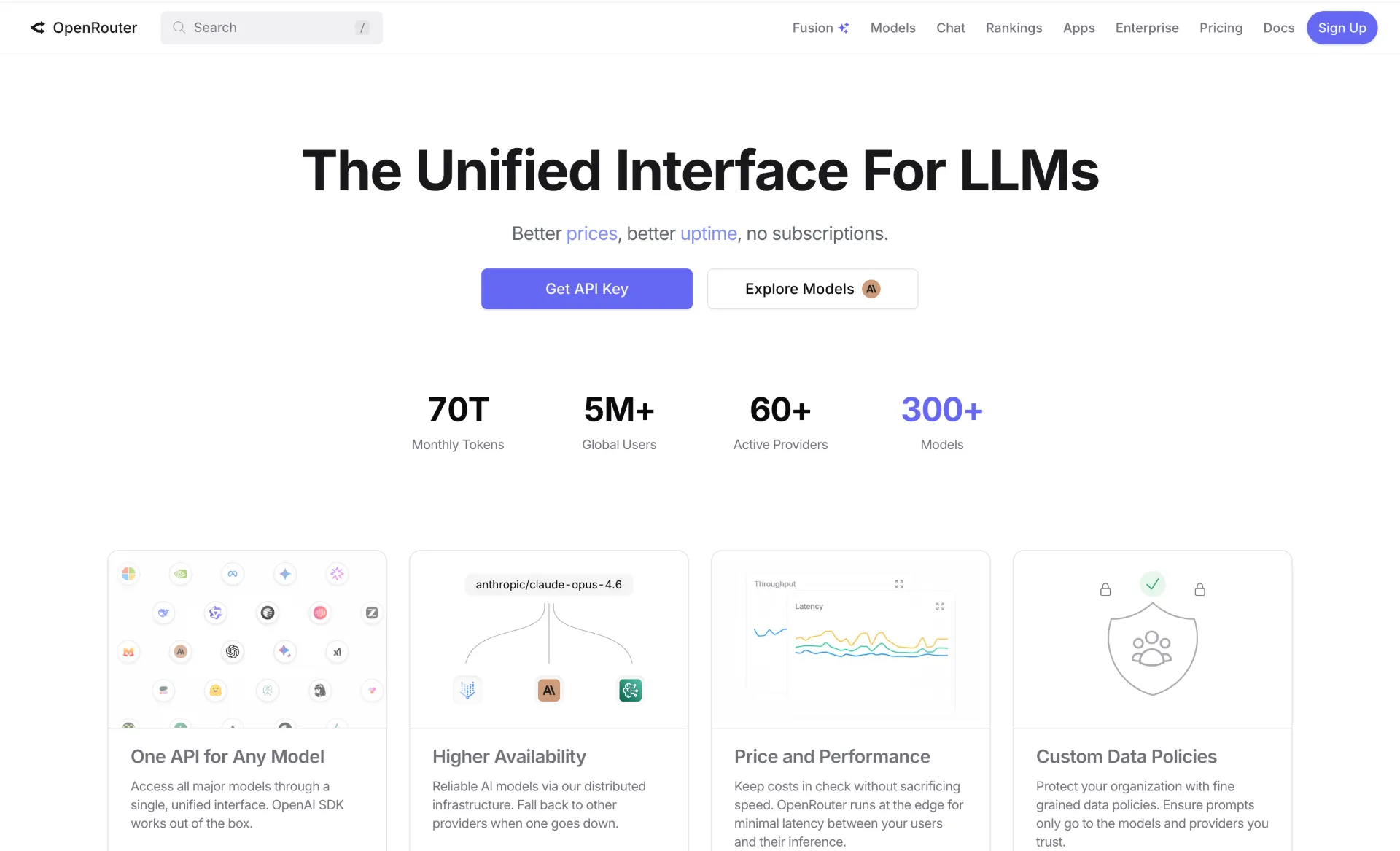
OpenRouter is still the easiest recommendation for developers who want one API key and fast access to a large catalog of hosted models. Its OpenAI-compatible API, provider routing, bring-your-own-key support, prompt caching, and openrouter/auto model selection make it a practical default when you do not want to build gateway logic yourself.
The reason OpenRouter remains popular is that it reduces friction more than it adds process. You can test providers quickly, switch models without rewriting your app, and add per-request controls like zero-data-retention-aware routing when needed. The pricing also stays easy to reason about: the free plan includes access to 25+ free models, pay-as-you-go charges provider pass-through rates, and OpenRouter mainly takes a 5.5% fee when you buy credits. For solo developers, startups, and product teams that care most about speed, that is often enough.
Where OpenRouter stops being the obvious answer is when you want your router to behave like a deeper platform layer. If you need self-hosting, heavier internal governance, or richer routing rules tied to your own infrastructure, the alternatives below give you more operational control.
2. Portkey
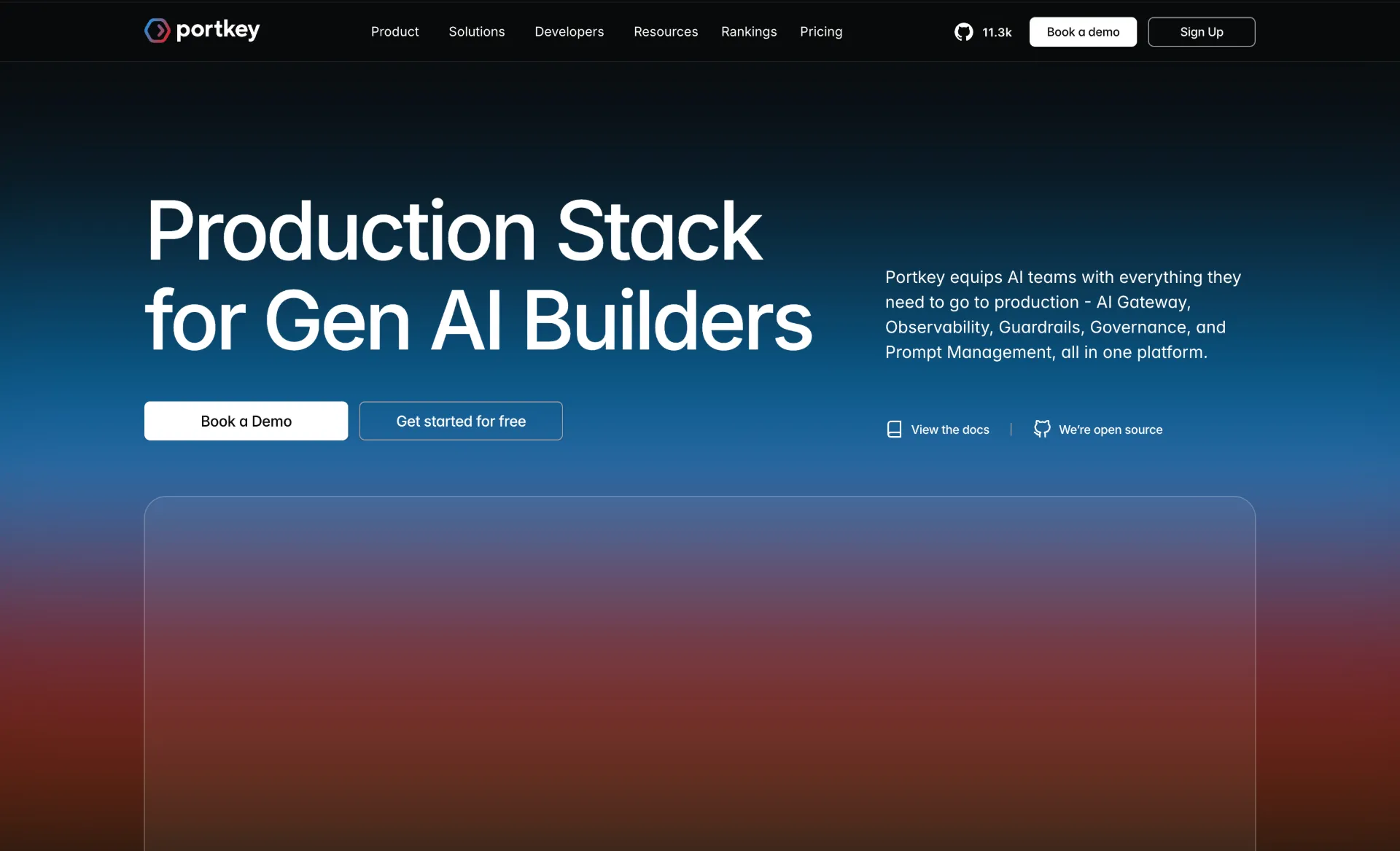
Portkey is one of the strongest OpenRouter alternatives if you think about routing as production infrastructure rather than simple model access. It exposes a universal API, supports fallbacks, retries, canary testing, load balancing, conditional routing, caching, and also gives you a much stronger observability surface with logs, traces, analytics, metadata, and budget limits.
That difference matters in real deployments. OpenRouter is excellent when you want to move quickly across providers. Portkey is stronger when you want to reason about reliability, spend, and policy in a structured way. The pricing model also makes the upgrade path fairly readable: there is a free developer tier for evaluation, the managed Production plan starts at $49/month, and the open-source gateway gives teams a $0 self-hosted option if they prefer to own the stack. It also helps that Portkey has an open-source gateway, so teams can start with a managed experience and still keep a path toward more control later.
If your application is already moving from prototype to production and you want to keep one consistent gateway design as traffic grows, Portkey is one of the first tools worth testing.
3. TrueFoundry AI Gateway
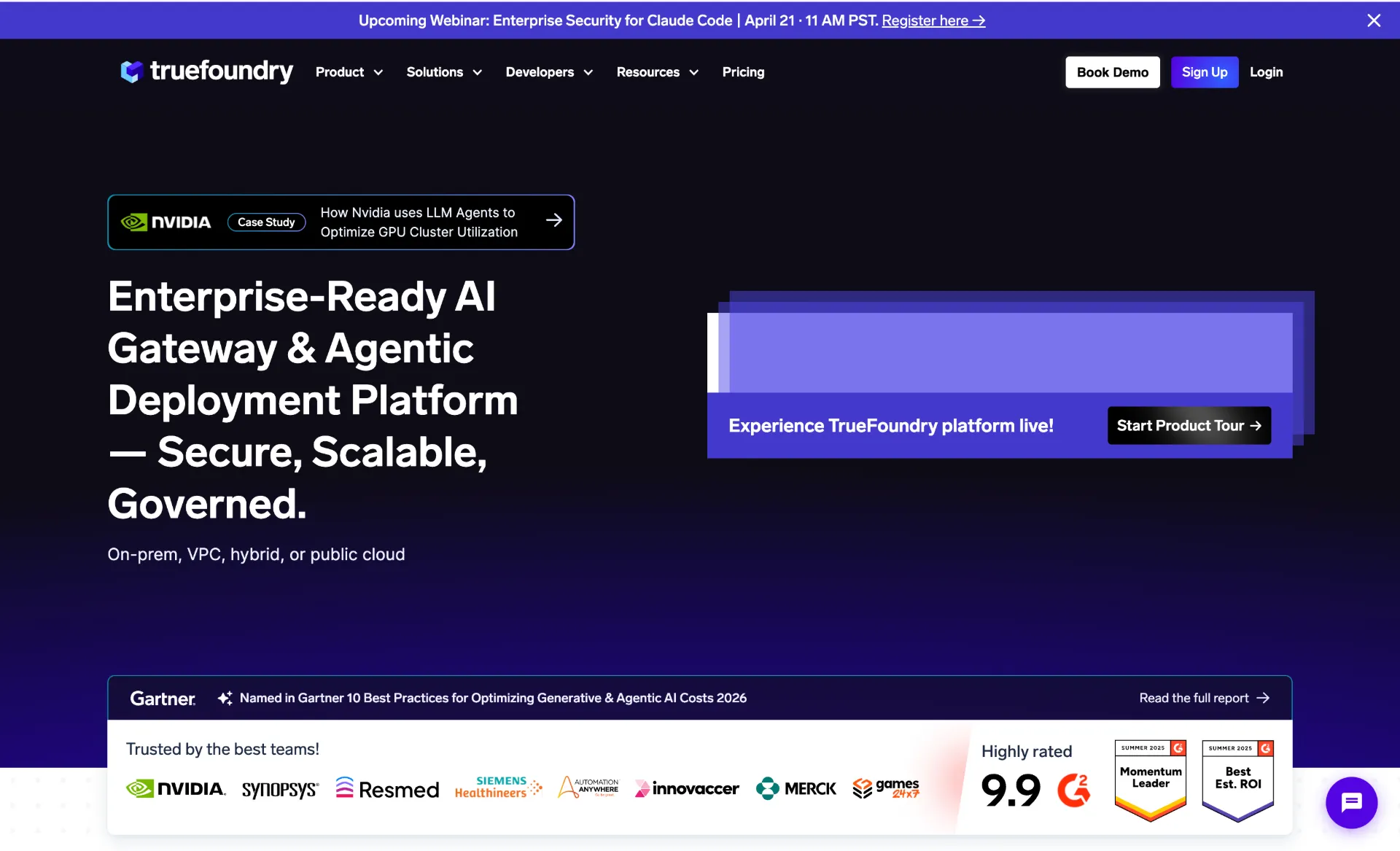
TrueFoundry AI Gateway is the option in this list that feels most like an enterprise control plane. It offers a unified gateway for large model catalogs, but the differentiator is not just access. It is the surrounding platform features: virtual models, API key management, rate limits, fine-grained access control, budget limits, tracing, and multiple routing strategies based on factors like priority, latency, and load. It also includes an MCP gateway, so the same layer can govern the tools your agents call, not just the models.
That is exactly the kind of feature set platform teams look for when several product teams are sharing the same AI infrastructure. Instead of asking every team to choose models, credentials, quotas, and fallback behavior independently, TrueFoundry lets the platform team publish controlled entry points and governance policies from the center. The entry price is lower than that pitch suggests: the free Developer tier covers up to 3 users with 10k requests per user each month, Pro is $25/user/month with unlimited users and 20k requests per user, and Enterprise is custom. That makes it practical to start on a prototype and keep the same gateway as the app moves to production.
If your organization is already thinking in terms of platform engineering, internal AI platforms, or private deployments in VPC/on-prem environments, TrueFoundry is one of the strongest products to evaluate.
4. LiteLLM
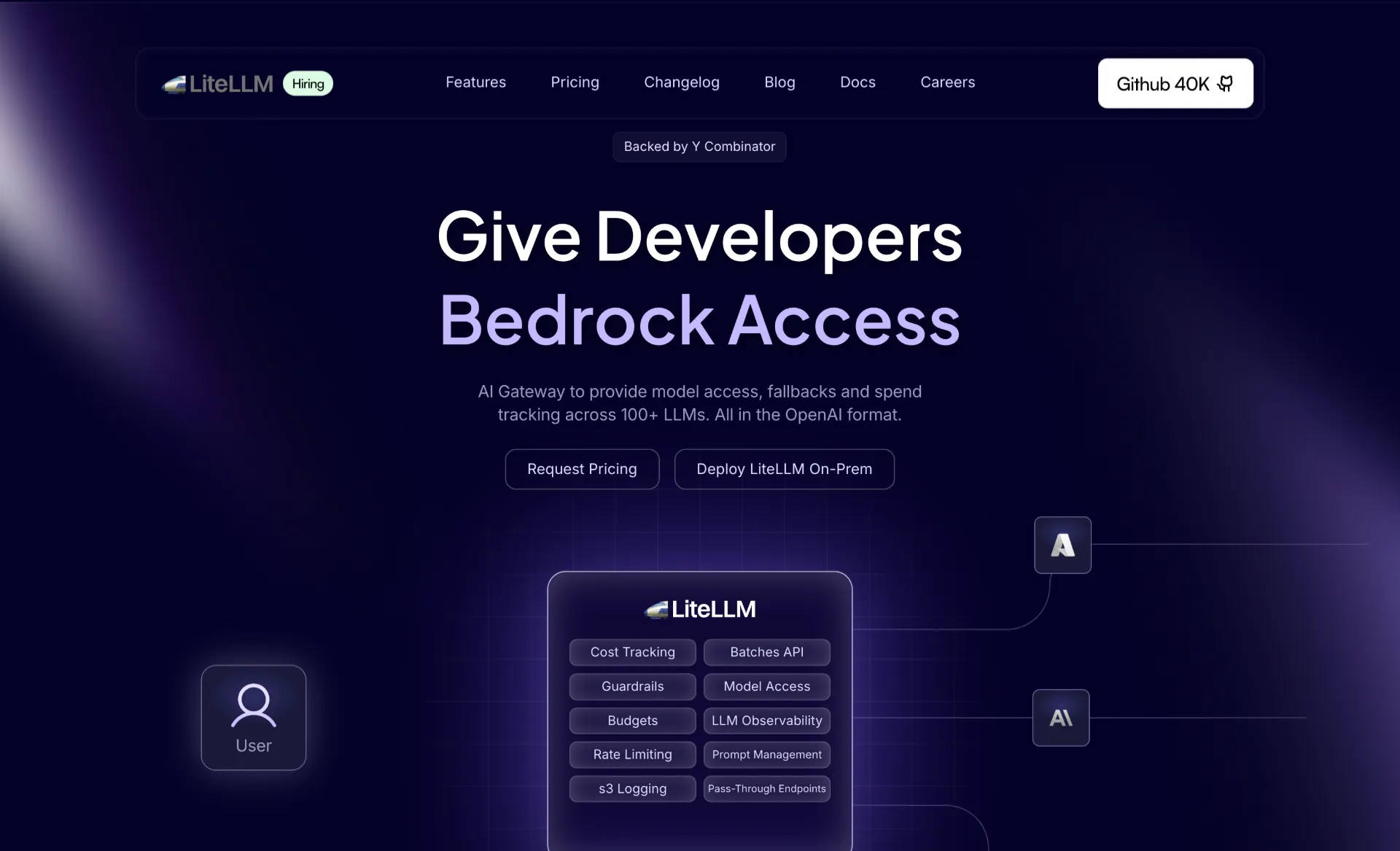
LiteLLM is the most practical choice for teams that want an open-source router they can actually own. Its proxy gives you a single OpenAI-style endpoint in front of 100+ providers, while adding router logic, project budgets, rate limits, virtual keys, guardrails, and logging hooks. It is simple enough to adopt quickly, but flexible enough to become part of a serious internal platform.
LiteLLM is particularly compelling when you want to keep the gateway inside your own environment. You can point it at OpenAI, Anthropic, Azure OpenAI, Ollama, OpenRouter, or even other gateways, and use it as the stable contract your internal apps depend on. Cost is a big part of the appeal: the open-source gateway is free, so your primary spend is your own infra plus upstream model usage, and Enterprise is there as a contact-sales upgrade once you need extras like SSO, SCIM, or dedicated support. That makes it a good bridge between hosted-model experimentation and a more controlled platform setup.
If you are planning to route to local or self-hosted models, our step-by-step self-hosting guide and best self-hosted LLMs for coding article are useful next reads.
5. ngrok AI Gateway
ngrok AI Gateway is one of the more interesting options in this category because it treats AI routing as part of a broader networking layer. You can use ngrok-managed keys for some providers, bring your own keys for others, apply gateway selection strategies, and configure failover without forcing every application team to manage provider credentials directly.
What makes ngrok especially useful is that it can also route to local models such as Ollama or vLLM. That means the same gateway can sit in front of fully managed model providers and infrastructure you run yourself. Pricing is also fairly straightforward by infrastructure standards: free accounts get $5 of one-time usage credit, Hobbyist starts at $8/month, and Pay-as-you-go starts at $20/month before usage-based overages. For teams already using ngrok to expose internal tools, test local services, or manage ingress, this is a natural extension rather than an entirely separate stack.
ngrok is not trying to be a giant model marketplace. Its advantage is that it connects model access, traffic policy, and operational networking in one place. If that sounds close to your actual deployment reality, it is a much stronger fit than people often assume.
6. Cloudflare AI Gateway
Cloudflare AI Gateway makes the most sense when AI traffic is already becoming part of your edge and security posture. Its OpenAI-compatible endpoint, caching, rate limiting, dynamic routing, DLP, and guardrails make it less of a pure model router and more of an AI-aware edge gateway.
That framing matters. If you are already on Cloudflare, AI Gateway can fit naturally beside the rest of your traffic controls. You get a consistent edge-facing layer where routing, observability, and protection live close to the network perimeter instead of being bolted on later in the app stack. The pricing is also attractive for existing Cloudflare users because the core AI Gateway features are available on all plans for free, and the paid costs only start to matter when you move into features like Workers Paid and Logpush-heavy usage.
If you are not already in Cloudflare’s ecosystem, it can feel heavier than OpenRouter or LiteLLM. But for teams that already trust Cloudflare with performance and security, AI Gateway is a very logical extension.
7. Vercel AI Gateway
Vercel AI Gateway is the most natural choice for teams shipping AI features on Vercel, especially if they are already using the AI SDK. You get one key for many models, usage monitoring, budgets, load balancing, and fallback behavior without needing to glue together a separate gateway layer.
The big advantage here is developer ergonomics. If your frontend, deployment workflow, and AI stack are already centered on Vercel, AI Gateway removes a lot of unnecessary abstraction. The pricing matches that simplicity: teams get $5/month in AI Gateway credits to start, and after that the service shifts to pay-as-you-go with zero markup, including when you use your own provider keys. It also fits neatly into the rest of the Vercel dashboard.
For teams outside that ecosystem, Vercel AI Gateway is still useful, but it is less neutral than Portkey or LiteLLM. Its strongest argument is not that it is universally best. It is that it is best when Vercel is already your home base.
How to Choose the Right Router
- Start with the bottleneck you actually have. If the problem is simply “we want one API for many models,” OpenRouter is often enough. If the problem is “we need routing, logs, policy, and budgets across many apps,” you are in Portkey, TrueFoundry, or LiteLLM territory.
- Decide whether the router should be managed or owned. Managed products reduce setup and maintenance. Self-hosted options like LiteLLM, and partially self-hostable or VPC-deployable options like Portkey and TrueFoundry, are better when compliance, internal networking, or platform standardization matter more than convenience.
- Prefer OpenAI-compatible interfaces where possible. That keeps your migration cost low and makes it easier to run the same clients, SDKs, and smoke tests across multiple gateways.
- Test failure behavior, not just happy paths. A router only proves its value when a provider times out, pricing changes, a model degrades, or a team hits a quota. Compare fallback behavior, dashboards, and budget controls before you commit.
OpenRouter vs the Alternatives
OpenRouter is still the best starting point for many developers because it optimizes for the shortest path to value. You sign up, pick a model, and start shipping. That is a real advantage, and it is why OpenRouter continues to show up in so many developer stacks.
The alternatives matter when your problem changes. Portkey is better when you want a richer production gateway. TrueFoundry is better when a team heading to production needs governance over models, MCP tools, and agents, with VPC, on-prem, or SaaS deployment. LiteLLM is better when you want the router inside your own infrastructure. ngrok AI Gateway is better when local model access and networking policy belong in the same control plane. Cloudflare AI Gateway and Vercel AI Gateway are strongest when you are already committed to those ecosystems and want the AI layer to match the rest of your stack.
There is no single winner for everyone. There is only the router that matches the level of control, simplicity, and operational ownership your team actually needs.
If you are also evaluating the model side of the stack, our local LLM tools guide and self-hosted coding LLM comparison are good follow-ups after you choose the router layer.
Conclusion
If you want the simplest path to broad hosted-model access, OpenRouter is still the easiest place to start. If you need stronger production routing, observability, and policy controls, Portkey, TrueFoundry AI Gateway, and LiteLLM are usually the next tools worth testing first, with TrueFoundry the pick when governance has to cover MCP tools and agents too.
The rest of the field is more about fit than about a universal winner. ngrok AI Gateway works well when gateway routing overlaps with networking and local-model access, and Cloudflare AI Gateway plus Vercel AI Gateway make the most sense when you already live inside those ecosystems. Pick the router that matches your deployment model, control requirements, and operational maturity, not just the one with the biggest model list.