Top 5 Best Self-Hosted VPNs in 2026
Updated on Mar 26, 2026 · 12 mins read
 Self-hosted VPNs have steadily become a practical option for anyone who wants more control over their network. Instead of depending on commercial VPN providers - with their opaque logging policies and unpredictable performance - running your own setup gives you full ownership of your data and traffic.
Whether you’re connecting back to your home network while traveling, accessing personal servers, managing smart devices securely, or just preferring infrastructure you control end-to-end, a self-hosted VPN removes a lot of the guesswork. The right tool can make the difference between a clean, reliable setup and hours of troubleshooting.
Here’s a straightforward look at the top 5 self-hosted VPNs in 2026, focusing on real-world usability, stability, and how manageable they are to run long-term.
Summary
Top 5 Open-Source Self-Hosted VPNs in 2026:
- WireGuard - Modern, blazing-fast open-source VPN protocol with ~4K lines of code
- AmneziaVPN - The ultimate anti-censorship solution that deploys containers for you
- Headscale - Zero-config mesh VPN which is an open-source self-hosted alternative of Tailscale.
- NetBird - Open-source zero-trust networking with full self-hosting (BSD-3 license)
- WG-Easy - The simplest way to run a WireGuard server with a web UI
Honorable Mentions:
Why Self-Host Your VPN?
Here’s the deal: commercial VPN providers are basically asking you to trust them instead of your ISP. Sure, they promise “no logs” and “military-grade encryption,” but you’re still routing all your traffic through someone else’s servers. With self-hosting, you cut out the middleman and own the entire stack.
The benefits are pretty straightforward. You control the logs (or don’t log at all-your choice), you pick the exact server location, you avoid the “shared IP with 10,000 other users” performance hit, and you’re not paying monthly fees that scale with your team size. For developers, it’s also a great learning experience-you’ll understand networking at a deeper level when you’re the one configuring the routes and firewall rules.
Plus, let’s be real: when you’re SSHing into production servers or accessing internal APIs, do you really want that traffic going through a commercial VPN that might be logging everything? Self-hosting means you’re the only one who can see your traffic, and if you’re paranoid enough (we all are), you can verify it yourself.
1. WireGuard - The Modern VPN Protocol
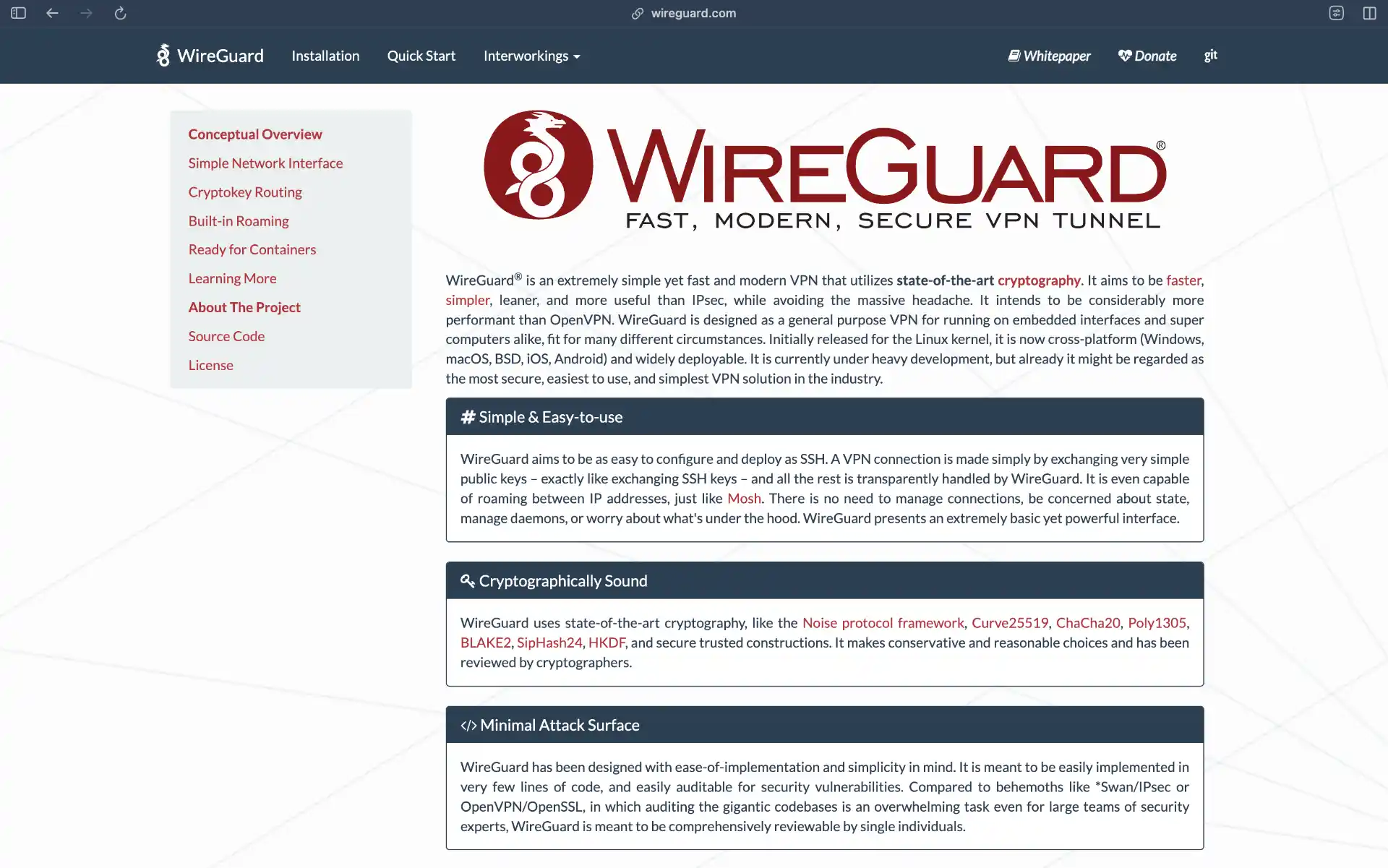
If you haven’t tried WireGuard yet, you’re missing out. This thing is stupid fast and ridiculously simple. We’re talking about ~4,000 lines of code versus OpenVPN’s bloated hundreds of thousands. Less code = fewer bugs = easier security audits. It’s the kind of elegant engineering that makes you wonder why we put up with the old stuff for so long.
WireGuard runs in kernel space on Linux, which means it’s blazing fast we’re talking 3-5x faster than OpenVPN with way less CPU overhead. Your laptop battery will thank you. The crypto is modern (Curve25519, ChaCha20, Poly1305, BLAKE2) with no legacy cruft to worry about. No cipher negotiation, no handshake complexity just solid, modern cryptography that actually makes sense.
Setup is refreshingly simple. Generate a key pair, add a peer, done. No certificate authority to manage, no complex PKI infrastructure, no wondering if you configured TLS correctly. The config files are so simple you can actually read them without a manual. Here’s what a basic WireGuard config looks like notice how you can actually understand what’s happening:
[Interface]
PrivateKey = <your-private-key>
Address = 10.0.0.1/24
ListenPort = 51820

[Peer]
PublicKey = <peer-public-key>
AllowedIPs = 10.0.0.2/32
The main gotcha? WireGuard doesn’t do user management or dynamic IP assignment out of the box. It’s designed to be simple, not feature complete. For static setups or small teams, this is perfect. For larger deployments, you’ll want to pair it with something like wg-easy or Subspace for a web UI.
Key Features of WireGuard
- Exceptional performance - 3-5x faster than OpenVPN with minimal CPU overhead
- Modern cryptography - Uses Curve25519, ChaCha20, Poly1305, and BLAKE2
- Simple configuration - Public-private key pairs instead of complex certificates
- Cross-platform support - Available for Linux, Windows, macOS, iOS, and Android
- Minimal codebase - Only ~4,000 lines of code for easier security auditing
- Kernel-level operation - Runs in kernel space for maximum efficiency
Best Use Cases for WireGuard
Perfect for: Home lab access, point-to-point tunnels, mobile devices, Kubernetes clusters, or anywhere you need raw speed without the configuration headache. Not ideal for: Large teams needing user management or dynamic IP allocation (unless you add tooling on top).
2. AmneziaVPN - The Anti-Censorship & Privacy Hub

AmneziaVPN has surged in popularity for one specific reason: it makes hosting your own VPN incredibly easy, even if your goal is to bypass heavy censorship. Unlike traditional server-side setups, Amnezia is a client-first solution to self-hosting. You download the app on your computer, provide it with your VPS credentials (SSH), and it installs the VPN server for you.
But it’s not just an installer. Amnezia specializes in obfuscation. It supports its own AmneziaWG (a fork of WireGuard designed to fool Deep Packet Inspection), OpenVPN with Cloak, Shadowsocks, and XRay. If you are in a location with restrictive internet or just want maximum privacy that doesn’t look like VPN traffic, this is your tool.
It effectively democratizes the “stealth VPN”. You don’t need to know how to configure obfs4proxy or patch WireGuard headers manually. You just click a button in the UI, and Amnezia sets it up on your server. You can even share connection configs with friends and family easily via QR codes or text strings.
Key Features of AmneziaVPN
- Client-driven deployment - The desktop app installs the server software for you via SSH
- Advanced obfuscation - AmneziaWG, OpenVPN+Cloak, and XRay to bypass DPI
- Multi-protocol support - Run multiple protocols on the same server simultaneously
- Access sharing - Easily generate connection strings for other users
- Zero logging - You control the server, you control the data
- Cross-platform - Clients for Windows, macOS, Linux, iOS, and Android
Best Use Cases for AmneziaVPN
Perfect for: Users in restrictive network environments (China, Russia, corporate firewalls), people who want a “one-click” self-hosted server setup, and privacy enthusiasts who need advanced obfuscation without the manual configuration headache. Not ideal for: Complex enterprise routing or managing hundreds of users (it’s more personal/small-group focused).
For those who prefer a CLI-based setup without the desktop app, amneziawg-installer deploys AmneziaWG 2.0 on Ubuntu and Debian with one command — server hardening and client management included.
3. Headscale - Zero-Config Mesh VPN
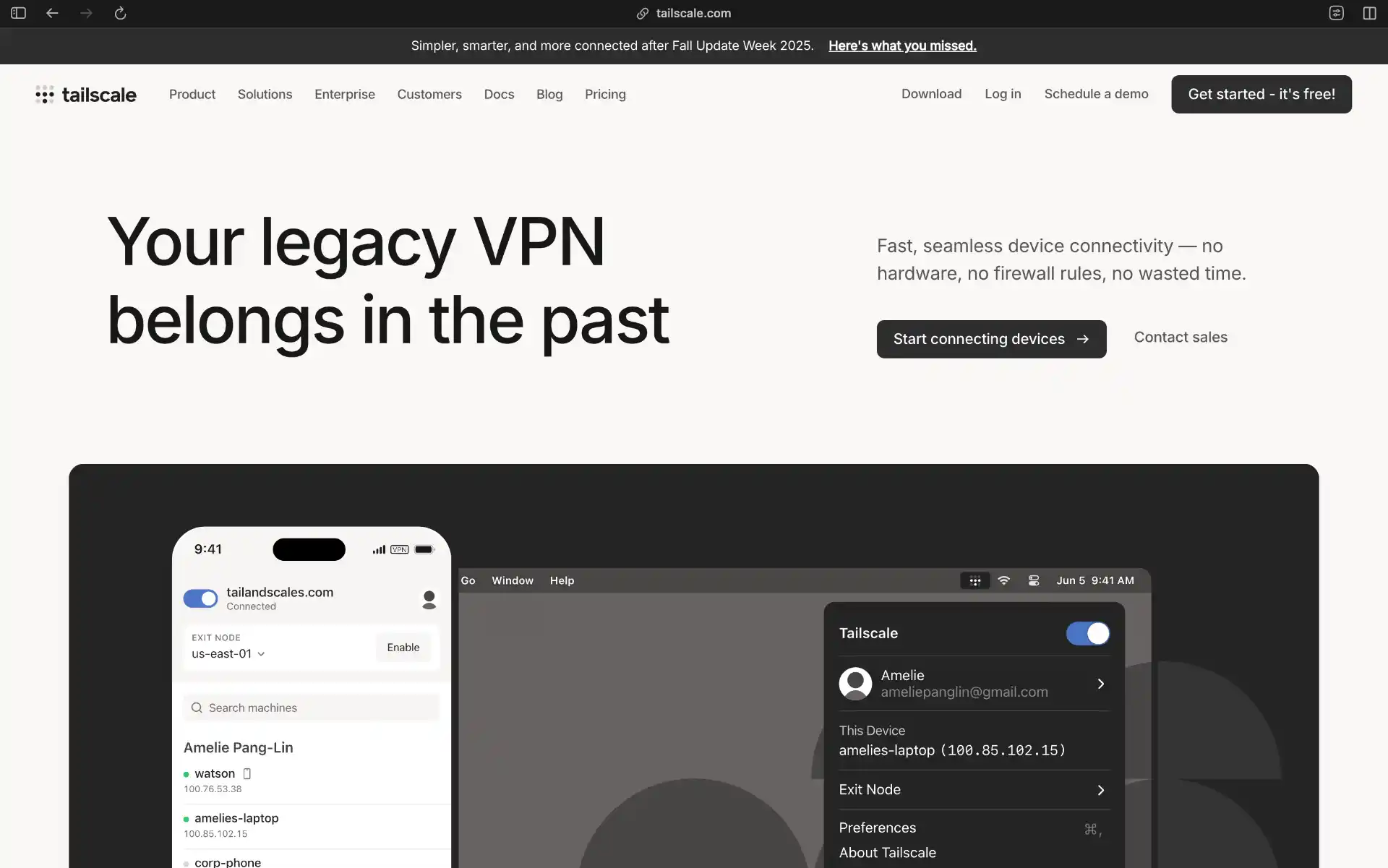
Tailscale is what happens when someone takes WireGuard and asks “what if we made this so easy that even your non-technical friends could use it?” It’s a mesh VPN, meaning your devices connect directly to each other instead of routing through a central server. The result? Lower latency, better performance, and NAT traversal that just works.
The magic is in the coordination server. Tailscale’s cloud service handles all the complex networking stuff STUN, TURN, NAT hole-punching, key exchange so you don’t have to think about it. Install the client, log in, and boom, all your devices can talk to each other. No port forwarding, no static IPs, no messing with router configs. It’s almost suspiciously easy.
But here’s the catch: Tailscale’s coordination server is in the cloud, which means you’re trusting them with your network topology (though not your actual traffic). Enter Headscale, an open-source reimplementation of the Tailscale control plane that you can self-host. You get all the convenience of Tailscale with complete control over your infrastructure. The Tailscale clients work with Headscale out of the box, so you’re not giving up the great UX.
Setup is literally: install client → authenticate → done. No config files to edit, no keys to manually exchange, no IP addressing to plan. The web UI lets you manage access controls with actual human-readable policies instead of iptables rules. It’s the kind of UX that makes you wonder why all VPNs aren’t this simple.
The free tier supports up to 100 devices and 3 users, which is plenty for personal use. For larger teams or if you want complete control, spin up Headscale on your own server. Either way, you’re getting WireGuard performance with zero configuration headaches.
Key Features of Headscale
- Zero configuration - Automatic NAT traversal and peer discovery
- Mesh networking - Direct peer-to-peer connections for optimal performance
- Built on WireGuard - Inherits WireGuard’s speed and security
- Easy access control - Simple web interface for managing permissions
- Cross-platform - Clients for all major operating systems and mobile devices
- Self-hosting option - Headscale provides complete control over coordination server
Best Use Cases for Headscale
Perfect for: Distributed teams, home lab access, IoT networks, Kubernetes clusters across clouds, or literally any scenario where you want devices to talk to each other without the networking headache. Use Headscale if you want full self-hosting. Not ideal for: Situations where you need on-premise coordination servers with SLA guarantees (though Headscale solves this).
4. NetBird - Open-Source Zero-Trust Networking
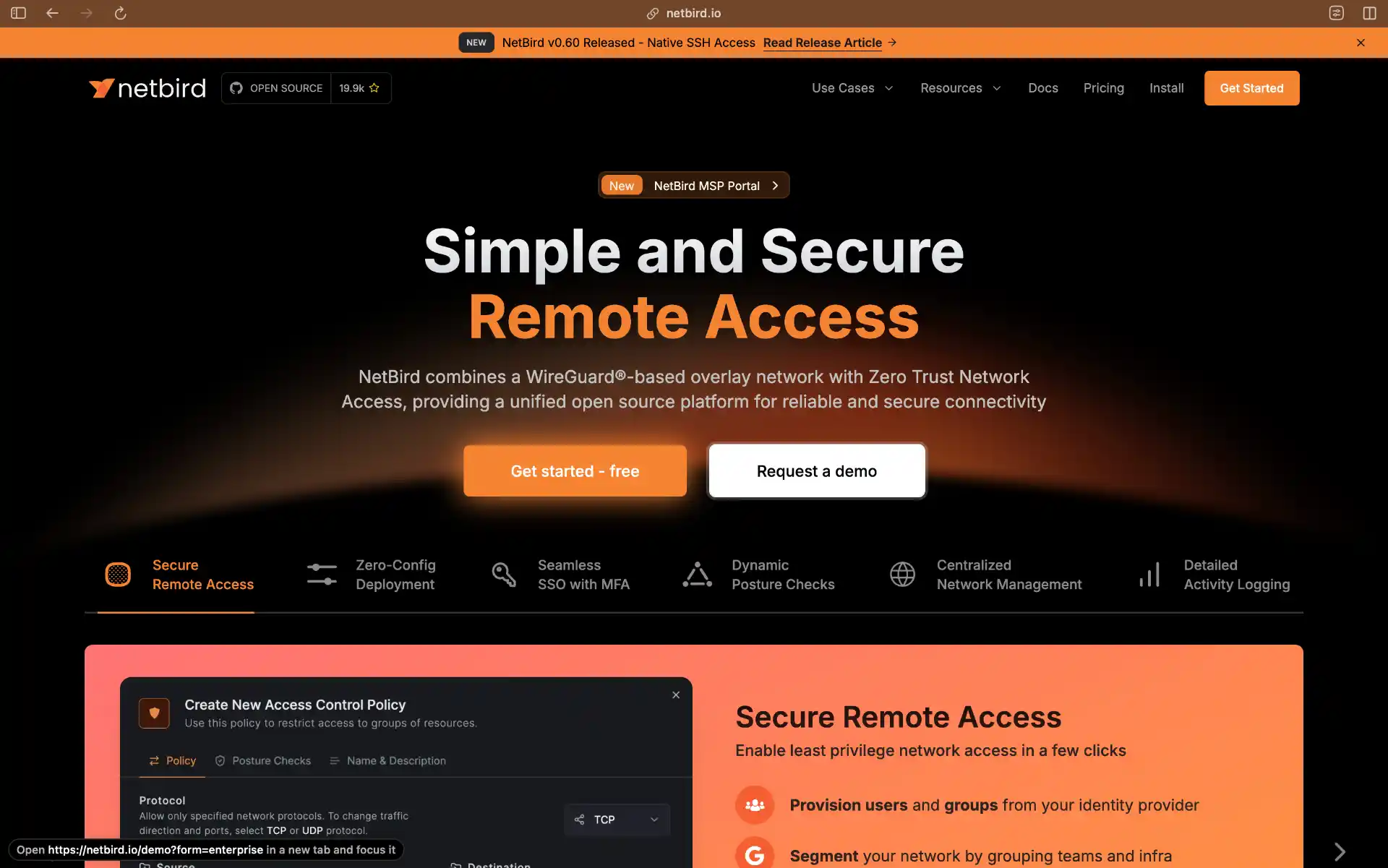
NetBird is like Tailscale’s fully self-hosted cousin with enterprise features baked in. It’s a mesh VPN built on WireGuard, but unlike Tailscale, every single component can run on your own infrastructure. No cloud dependencies, no vendor lock-in, just pure self-hosted goodness under a BSD-3 license.
The zero-trust architecture is the real differentiator here. NetBird lets you define granular access policies, segment your network into groups, and integrate with your existing identity providers (Authentik, Keycloak, Azure AD, etc.). This is huge for businesses that need to manage access for multiple users with different permission levels. You’re not just connecting devices you’re building a proper zero-trust network.
The management dashboard is actually usable (shocking, I know). You can see your network topology, monitor connection status, define access rules, and troubleshoot issues without diving into config files. It uses STUN and TURN servers for NAT traversal, so it works even in challenging network environments. The whole thing is designed to scale from a few devices to enterprise deployments.
What’s impressive is how active the development is. The NetBird team is constantly shipping new features, the documentation is solid, and the community is growing fast. Since it’s BSD-3 licensed, you know it’ll stay open-source and you can fork it if you need to. Plus, the deployment guides cover everything from Docker Compose to Kubernetes, so you can run it however you want.
If you need Tailscale-like ease of use but with complete self-hosting and enterprise features, NetBird is your answer. It’s the sweet spot between “simple mesh VPN” and “enterprise zero-trust platform.”
Key Features of NetBird
- Fully self-hosted - All components can run on your infrastructure
- Zero-trust architecture - Granular access controls and network segmentation
- Identity provider integration - Works with Authentik, Keycloak, Azure AD, and more
- Management dashboard - Web-based interface for network administration
- WireGuard-based - Fast, secure, and efficient networking
- Open-source - BSD-3 license with active community development
Best Use Cases for NetBird
Perfect for: Startups and enterprises needing zero-trust networking, teams with compliance/data sovereignty requirements, organizations with existing SSO infrastructure, or anyone who wants Tailscale features without the cloud dependency. Not ideal for: Super simple personal use cases (Tailscale or WireGuard are easier for that).
5. WG-Easy - The Simplest WireGuard UI
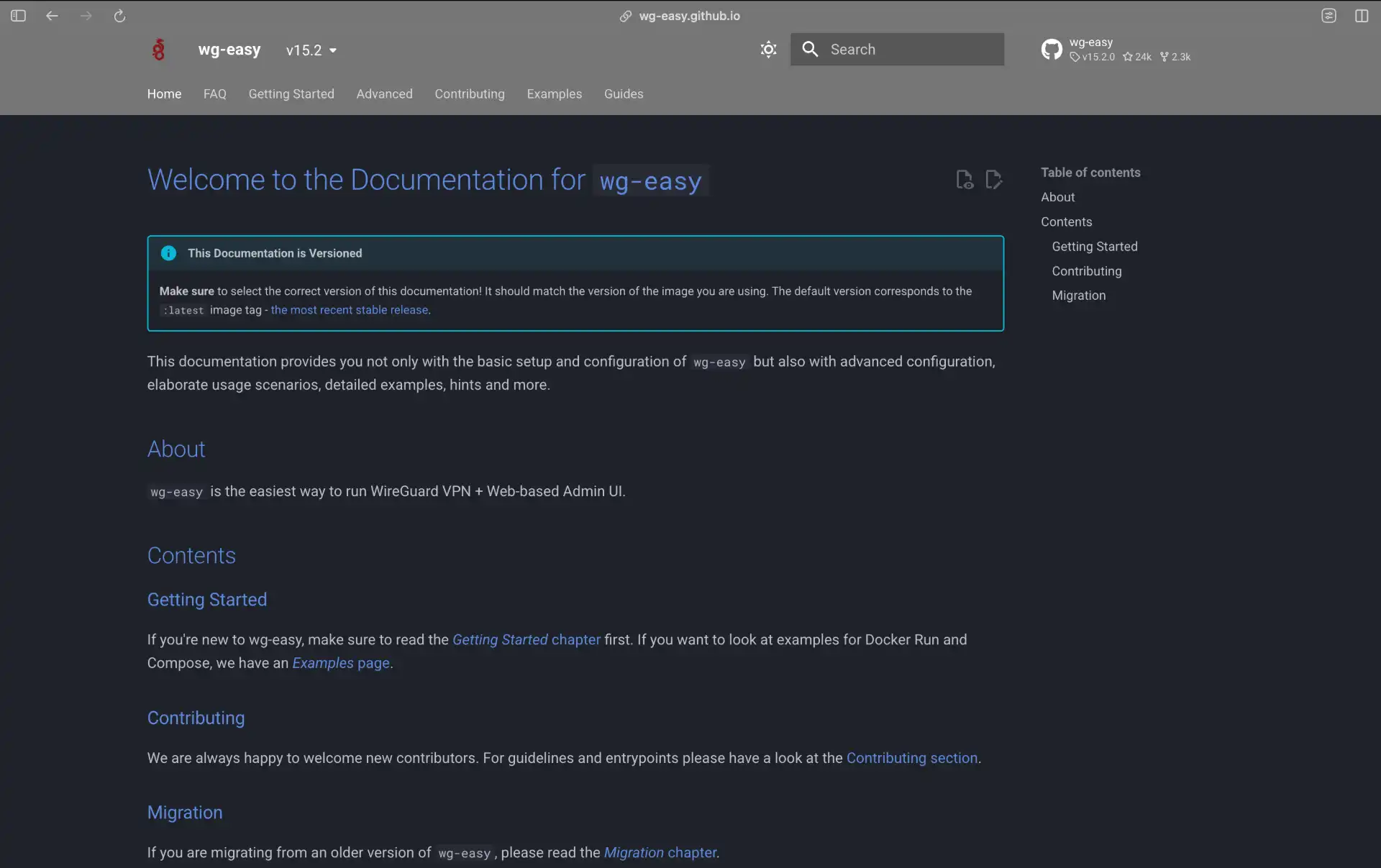
WG-Easy is exactly what the name implies: the easiest way to get a WireGuard server up and running. If you’ve ever keyed in wg-quick up commands or manually edited config files and thought “why can’t this just be a docker container with a UI?”, this is the answer.
It bundles the WireGuard protocol and a clean, responsive web interface into a single Docker image. You run one command (or use one docker-compose file), and suddenly you have a fully functional VPN server. The UI lets you create new clients, toggle their access, and fast-forward the setup process by generating QR codes for mobile devices.
Unlike Headscale or NetBird, WG-Easy doesn’t try to overlap with mesh networking or enterprise SSO. It respects the KISS principle (Keep It Simple, Stupid). It gives you a standard WireGuard server, handles the IP routing rules for you, and gives you a dashboard. That’s it. And for 99% of homelab users, that’s all they need.
Key Features of WG-Easy
- One-command setup - Deploys via Docker in seconds
- Built-in Web UI - Manage clients and connections visually
- QR Code support - Scan to connect mobile devices instantly
- Client stats - See transfer usage and connection status
- Standard WireGuard - Compatible with official WireGuard clients
- Ad-blocking option - Can integrate with Pi-hole or AdGuard Home DNS
Best Use Cases for WG-Easy
Perfect for: Home lab enthusiasts, personal VPNs, getting a VPN up in 5 minutes, and users who want a graphical interface for WireGuard without any extra complexity. Not ideal for: Complex corporate networks, mesh requirements, or multi-server management.
Honorable Mentions
A couple more options worth knowing about:
OpenVPN
OpenVPN remains the compatibility king. While it’s heavier and slower than WireGuard, its ability to run over CP/443 makes it indispensable for bypassing strict corporate firewalls that might block UDP traffic. If you need a reliable fallback that works everywhere, OpenVPN is it.
Defguard
 Defguard is a newer entrant focusing on enterprise security. It combines a WireGuard VPN with a built-in OpenID Connect (OIDC) provider, making it a two-in-one solution for secure remote access and identity management. It’s written in Rust and offers features like Multi-Factor Authentication (MFA) and real-time device stats.
Algo VPN

Algo VPN is deploy-and-forget automation for cloud VPNs. It sets up WireGuard or IPsec on DigitalOcean, AWS, or GCP with strong security defaults and minimal attack surface. Perfect for “I just want a VPN in the cloud and don’t want to think about it” scenarios. Not great for complex networking needs, but excellent for simplicity.
Conclusion
Self-hosted VPNs give you complete control over your network infrastructure without trusting third-party providers. In 2026, you’ve got excellent options: WireGuard for speed, AmneziaVPN for privacy and stealth, Tailscale/ Headscale for zero-config mesh networking, NetBird for enterprise zero-trust, and WG-Easy for absolute simplicity.
Pick the one that matches your needs and technical comfort level. Most of these can be spun up in a test environment in under an hour, so don’t be afraid to experiment. The best way to learn is to actually deploy one and see how it works.
Whether you’re securing your home lab, building a startup’s network infrastructure, or just want to SSH into your servers without exposing them to the internet, self-hosting your VPN means you’re in control. No logs you didn’t create, no privacy policies to parse, no wondering if your VPN provider is selling your data. Just you, your servers, and encrypted tunnels you actually understand.
Now go spin up that WireGuard server you’ve been thinking about. Your future self will thank you.