Best Open Source CLI Coding Agents in 2026
Updated on Aug 28, 2026 · 26 min read
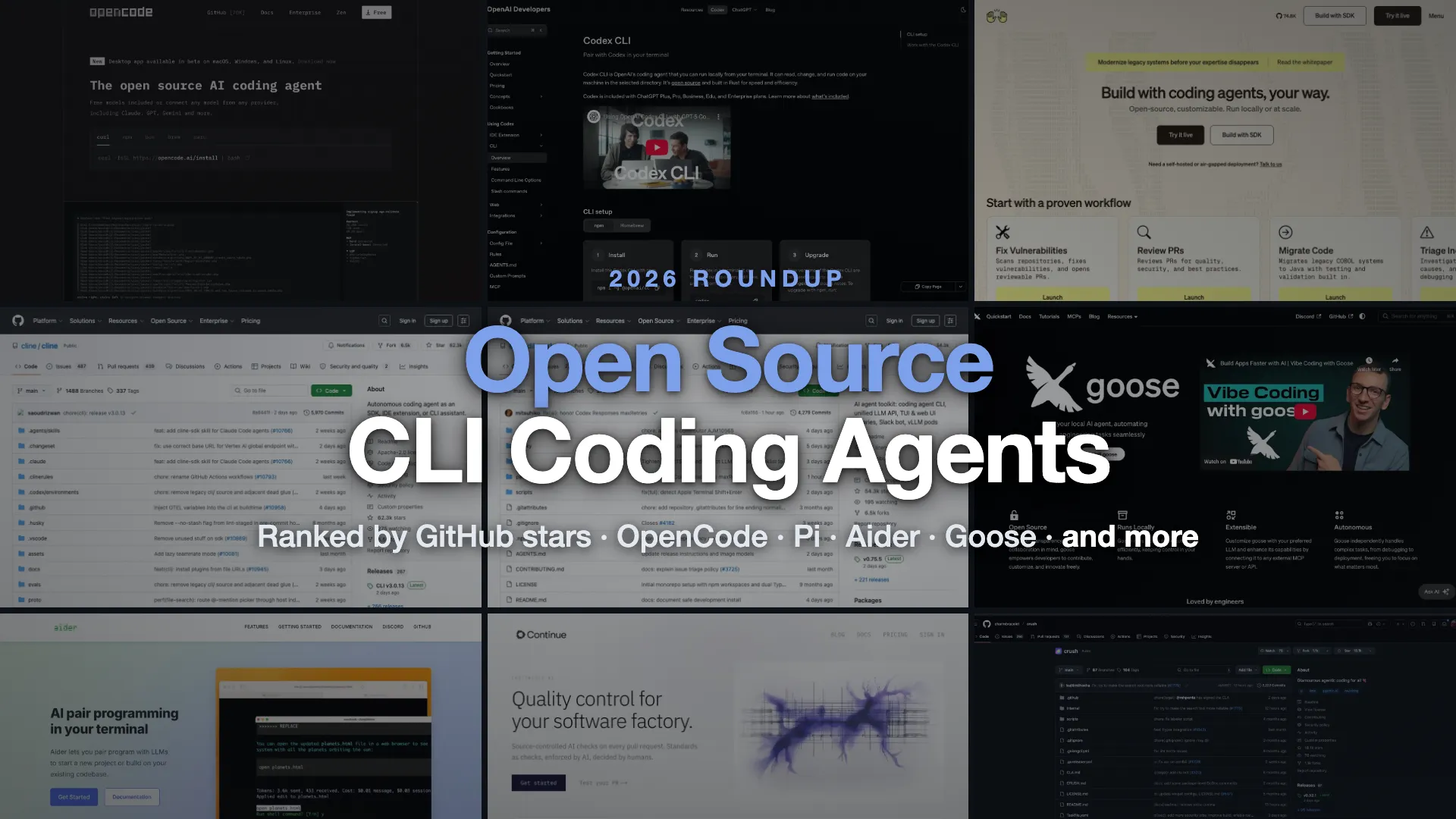
Open source coding agents had a wild first half of 2026, and the second half has been busier. The headline is that DeepSeek shipped its own harness on August 13 and it went from zero to ~203k GitHub stars in two weeks, edging past OpenCode for the top spot. Google went through with retiring the 104k-star Gemini CLI on June 18 and replaced it with a closed-source successor. Pi, the sub-1,000-token harness from Armin Ronacher and Mario Zechner, went from 54k to 98k stars in three months. And the rest of the model labs stopped leaving the terminal to third parties too: xAI open-sourced Grok Build, Z.AI shipped ZCode (proprietary, and a desktop app rather than a CLI), and two independent DeepSeek-focused harnesses - CodeWhale and Reasonix - grew into the top ten on their own.
If you want an AI coding agent that lives in your terminal, drives your shell directly, and ships under a license you can actually read, this is the field. Below are the open source CLI coding agents worth your time in 2026, ranked by GitHub stars (all pulled live from the GitHub API on August 29, 2026), with honest notes on licenses, local-model support, and which projects are quietly dying.
Comparison Table for Top Open Source CLI Coding Agents
| CLI Agent | GitHub Stars | License | Local Models | Best For |
|---|---|---|---|---|
| OpenCode | ~202k | MIT | Yes (Ollama) | The default open-source pick; provider-agnostic |
| DeepSeek Harness | ~203k | MIT | Yes (custom provider) | Swapping out the agent loop itself; web UI + headless |
| OpenAI Codex CLI | ~119k | Apache-2.0 | Yes (--oss) | OpenAI users wanting a sandboxed agent |
| Pi | ~98k | MIT | Yes | A lean, hackable, token-efficient harness |
| OpenHands | ~85k | MIT | Yes | Autonomous, sandboxed runs and CI/CD |
| Cline | ~67k | Apache-2.0 | Yes | One agent across IDE, CLI, and SDK |
| Goose | ~54k | Apache-2.0 | Yes | MCP-driven general automation (not just code) |
| Aider | ~48k | Apache-2.0 | Yes | Git-native edits, but no commits since May 2026 |
| CodeWhale | ~41k | MIT | Yes (Ollama, vLLM, SGLang) | Rust TUI born from DeepSeek-TUI, now multi-provider |
| Continue | ~36k | Apache-2.0 | Yes | Open-source agent wired into CI as PR checks |
| Reasonix | ~35k | MIT | Yes (any OpenAI-compatible) | DeepSeek-native agent for long unattended runs |
| Crush | ~28k | FSL-1.1-MIT | Yes | The best-looking terminal UI; mid-session model swaps |
| Qwen Code | ~27k | Apache-2.0 | Yes | Open fork of Gemini CLI + open-weight models |
| Kilo Code | ~27k | MIT | Yes | The migration target for ex-Roo Code users |
| Grok Build | ~26k | Apache-2.0 | Yes (custom base_url) | xAI's official harness; plan mode and worktree subagents |
Summary
The open-source leader: OpenCode (~202k stars, MIT) is still the de facto open-source alternative to Claude Code: provider-agnostic, local models, polished TUI.
The new arrival: DeepSeek Harness (
dsh, ~203k stars, MIT) landed on August 13, 2026 and took the raw star lead in two weeks. Everything in it is a plugin, including the agent loop itself. It is also a developer preview that promises breaking changes, and it is web-UI-first rather than a TUI.Top open source CLI agents in 2026 (by GitHub stars, Aug 29):
- DeepSeek Harness (~203k) - fully pluggable, multi-provider, developer preview
- OpenCode (~202k) - the default provider-agnostic harness
- OpenAI Codex CLI (~119k) - Apache-2.0, tuned for OpenAI models, sandboxed
- Pi (~98k) - lean, token-efficient, hackable; nearly doubled since May
- OpenHands (~85k) - autonomous, sandboxed, runs headless in CI
- Cline (~67k) - model-agnostic across IDE, CLI, and SDK
- Goose (~54k) - general MCP agent, now under the Linux Foundation
- Aider (~48k) - Git-native pair programming, but stalled since May
- CodeWhale (~41k) - the Rust harness that started life as DeepSeek-TUI
The model labs all shipped their own harnesses. DeepSeek Harness is the big one. Grok Build (~26k, Apache-2.0) is xAI’s official Rust harness, open-sourced in July. DeepSeek users also have two strong independent options in CodeWhale and Reasonix (~35k, MIT). Z.AI’s ZCode is the odd one out: a proprietary desktop app on a paid plan, not an open-source CLI.
What changed since May: DeepSeek Harness went from nothing to the top of the star chart; Gemini CLI stopped serving free, Pro, and Ultra users on June 18, 2026; Roo Code (~24k) is archived; Aider has had no commits since May 22, 2026; ByteDance’s Trae Agent has been idle since February; and claw-code sits at 195k stars while its own README calls it a museum exhibit rather than a working tool.
How to pick: read the license (not all “free” tools are open source), confirm local-model support if privacy matters, and check the last commit date so you don’t adopt something stalled.
What an open source CLI coding agent actually is
A coding “harness” is the scaffolding around a model: the loop that reads your files, calls tools, runs shell commands, and feeds the results back so the model can take the next step. The model does the thinking; the harness does the driving. The interesting consequence is that the harness and the model are separable, so an open source harness lets you swap GPT-5.6 for Claude Opus 5 for a local Qwen3.8-27B without changing your workflow.
That separation is the whole pitch for open source here, and there are three concrete reasons to care:
- You can run local models. Provider-agnostic harnesses talk to Ollama, LM Studio, vLLM, or any OpenAI-compatible endpoint, so your code never leaves your machine. That’s the deciding factor for teams with data-residency rules.
- No vendor can switch it off. When a closed CLI changes pricing, retires (see Gemini CLI below), or blocks a login method, you’re stuck. An MIT or Apache repo can be forked.
- You can read and change the prompt. The system prompt, the tool definitions, the permission model: all in the repo. If the agent does something dumb, you can see why and fix it.
The tradeoff is real: most of these expect you to bring your own API key and to understand their permission model before you let a model run rm in your repo. None of that is hard, but it’s not the one-click experience of a paid product.
How to choose an open source CLI coding agent
- Check the license, not the price. “Free” and “open source” aren’t the same. DeepSeek Harness, OpenCode, Pi, OpenHands, Kilo Code, CodeWhale, and Reasonix are MIT. Aider, Goose, Cline, Continue, Codex, Qwen Code, and Grok Build are Apache-2.0. Crush ships under FSL (it reverts to MIT two years after each release). Warp is AGPL-3.0. Z.AI’s ZCode is not open source at all despite the “harness” framing. If you want to embed or resell, that distinction matters.
- Decide if you need local models. If yes, stay with the provider-agnostic harnesses: DeepSeek Harness, OpenCode, Pi, Goose, Aider, CodeWhale, Reasonix, Crush, or Continue. The vendor CLIs mostly accept a custom
base_url, but they are tuned for their own models. - Match the tool to the work. Surgical Git edits point to Aider. Autonomous, unattended runs point to OpenHands. Long-horizon runs where token cost matters point to Reasonix. General automation beyond code points to Goose. A hackable base to build on points to Pi, or to DeepSeek Harness if you want to replace the agent loop rather than wrap it.
- Check the pulse. Stars show popularity; the last commit date shows momentum. A 40k-star project with no commits in three months is a worse bet than a 5k-star one shipping weekly. This year that is not a hypothetical: two projects in this guide are in exactly that position.
The best open source CLI coding agents in 2026
The eleven below are the high-star core, ordered by GitHub stars. The two sections after them group the vendor CLIs and the narrower niche tools, which is why a couple of higher-starred projects appear further down.
1. OpenCode
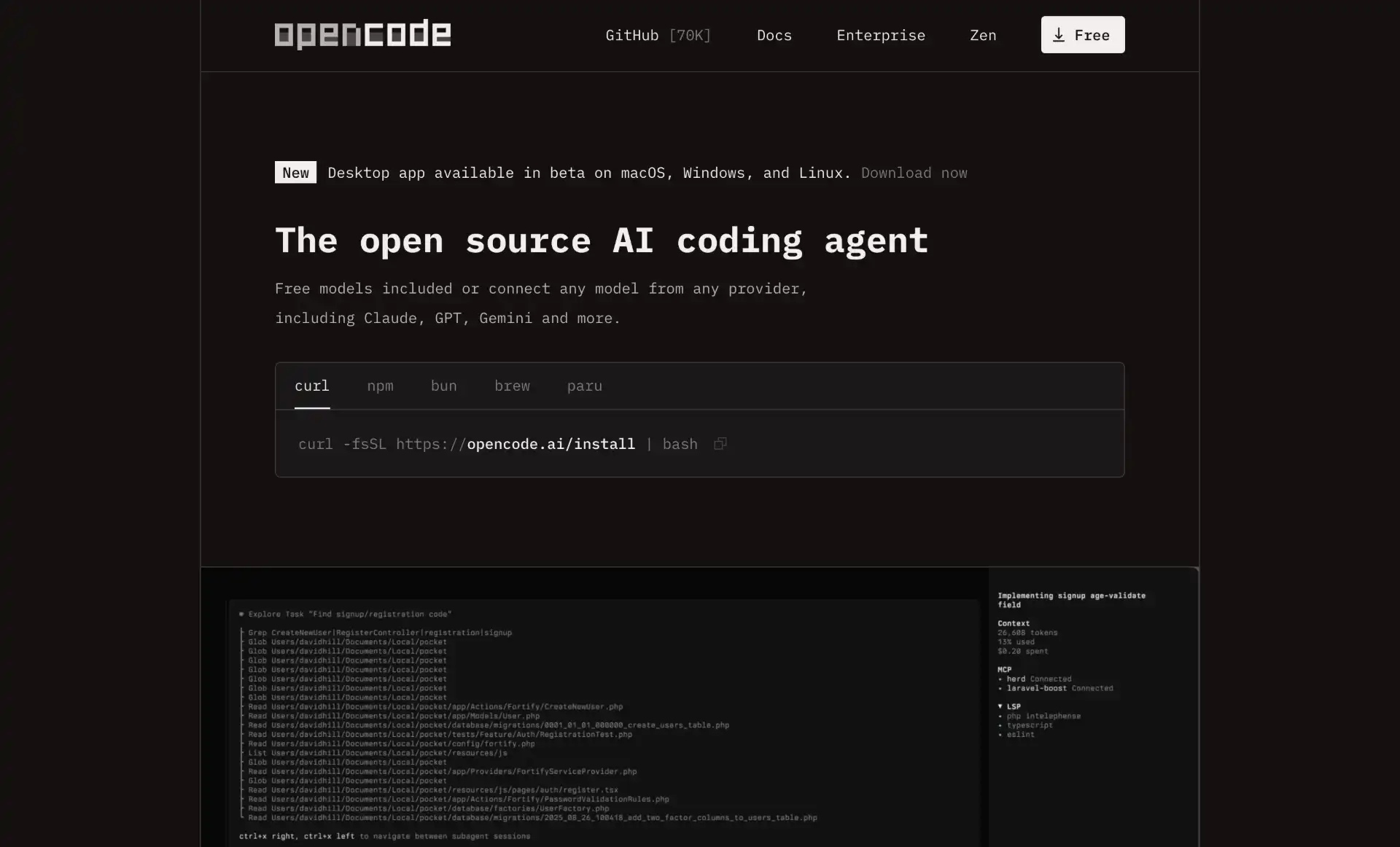
OpenCode is the open-source breakout of the era and the most-starred coding agent on GitHub that people actually run. It’s a terminal-first TUI with two built-in agents (build with full access, plan read-only), LSP integration for 20+ languages, and MCP support. Install with curl -fsSL https://opencode.ai/install | bash or npm i -g opencode-ai.
The core selling point is provider neutrality: it works with OpenAI, Google, OpenRouter, dozens of others, and local models through Ollama and any OpenAI-compatible endpoint. It ships through npm, Homebrew, the AUR, Nix, and more, and it’s under genuine MIT.
Two things to know before you adopt it. First, the project moved from sst/opencode to anomalyco/opencode (the team rebranded to Anomaly), so old Docker image references break. Second, after a January 2026 dispute, Anthropic forced OpenCode to remove Claude Pro/Max subscription login; you can still use Claude with a raw API key, and OpenAI now partners with the project so ChatGPT subscriptions work natively.
Strengths
- Largest open-source community by far; very active releases
- Truly provider-agnostic, including local models
build/planagent split, LSP, and MCP out of the box
Tradeoffs
- Ollama auto-discovery is reportedly flaky in some configs
- Claude Pro/Max subscription login was removed (API key still works)
- Huge, fast-moving project means lots of open issues
Repo: anomalyco/opencode (was sst/opencode) - ~202k stars - MIT
2. DeepSeek Harness
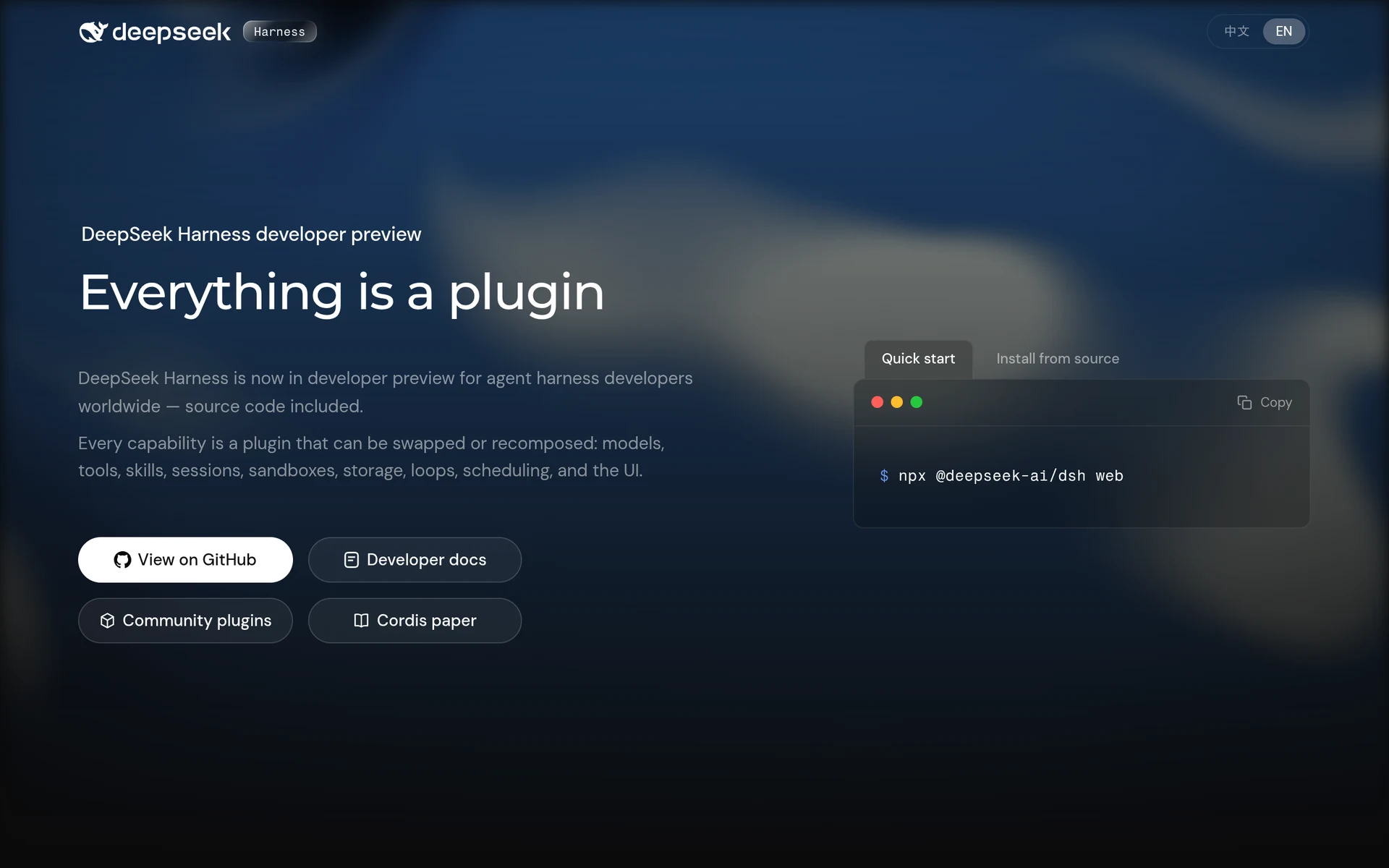
DeepSeek Harness (dsh) is the biggest story in this space since we last updated, and it did not exist when the May version of this guide was written. DeepSeek published it on August 13, 2026 under MIT, and it crossed 100k GitHub stars in roughly two days. At the time of writing it sits at ~202.7k stars against OpenCode’s ~202.3k - which technically makes it the most-starred coding agent on GitHub, by about 400 stars.
Treat that ranking as a coin flip rather than a verdict. The gap is under 0.2%, the two projects trade places day to day, and a fifteen-day-old repo riding launch attention is not the same signal as OpenCode’s sustained climb. It is listed second here for that reason.
The design idea is in the tagline: everything is a plugin. DeepSeek’s own list of what can be swapped or recomposed is models, tools, skills, sessions, sandboxes, storage, loops, scheduling, and the UI - so not just the tools, but the agent loop and the interface too. Configuration is layered through bundle patches, a profile patch, a machine-level patch, and command-line overlays. You can print the config your setup actually resolves to with npx @deepseek-ai/dsh web --dump-config. The plugin system runs on Cordis.
Despite the name it is not DeepSeek-only. The built-in provider catalog covers Anthropic, OpenAI, Bedrock, Azure, and Vertex, and you can register custom providers pointing at self-hosted or gateway endpoints, which is how you attach Ollama or vLLM. It defaults to deepseek-v4-pro and deepseek-v4-flash. It reads both AGENTS.md and CLAUDE.md, acts as an MCP client, keeps an append-only session log of everything the model sees, and ships compatibility hooks that can delegate to the Claude Code and Codex binaries. There are Python and JSON-RPC SDKs plus an ACP server.
One honest note on shape: dsh is web-first, not a TUI. The default npx @deepseek-ai/dsh web opens a local browser UI on http://127.0.0.1:3080, and terminal-only use means the headless path, npx @deepseek-ai/dsh --profile headless "fix the failing tests". If what you want is a full-screen terminal interface like Crush or Grok Build, this is not that. The other caveat is loud in DeepSeek’s own README: it is a developer preview and there will be compatibility-breaking changes. Pin your version.
Strengths
- Genuinely modular: swap the agent loop, sandbox, or tool registry without forking
- Multi-provider out of the box, including custom and self-hosted endpoints
- Reads
AGENTS.md/CLAUDE.md, MCP client, and can delegate to Claude Code or Codex - Append-only session log makes runs auditable
Tradeoffs
- Web UI first; headless is the terminal path and there is no real TUI
- Developer preview with explicitly promised breaking changes
- Two weeks old, so the ecosystem and docs are still thin next to OpenCode
Repo: deepseek-ai/deepseek-harness - ~202.7k stars - MIT
3. OpenAI Codex CLI
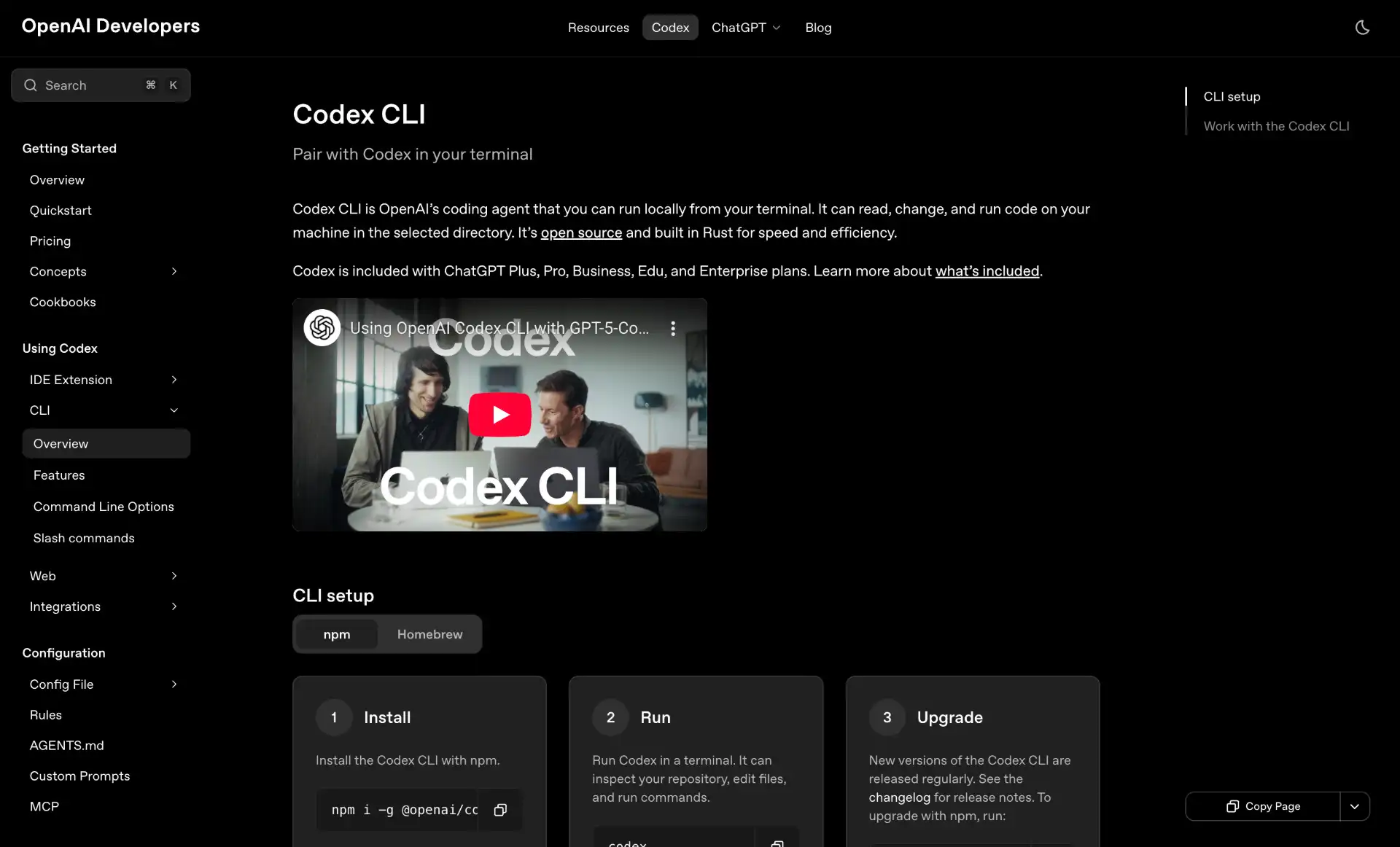
Codex CLI is worth including precisely because people forget it’s open source: it’s Apache-2.0, rewritten in Rust, and the repo is openai/codex. Install with npm i -g @openai/codex or brew install --cask codex. It added roughly 34k stars in three months, the largest absolute gain of anything here except OpenCode.
The differentiator is sandboxing: shell commands run in a containerized environment by default and can’t touch the rest of your machine without explicit approval or --full-auto. That makes it the safest of the big agents to point at a repo unattended. And while it’s clearly built around OpenAI’s models, it isn’t hard-locked: the --oss flag runs against a local Ollama model (gpt-oss:20b by default), and you can wire up any OpenAI-compatible endpoint in config.toml.
Strengths
- Sandboxed shell by default; safe for unattended runs
- Genuinely open source (Apache-2.0), local OSS models via
--oss - Native subagents and tight ChatGPT integration for cloud handoff
Tradeoffs
- Tuned for OpenAI models; local/other providers are clearly the B-path
- Sandbox adds a small latency tax on file-heavy work
- Thinner skill/plugin ecosystem than OpenCode
Repo: openai/codex - ~119k stars - Apache-2.0
4. Pi
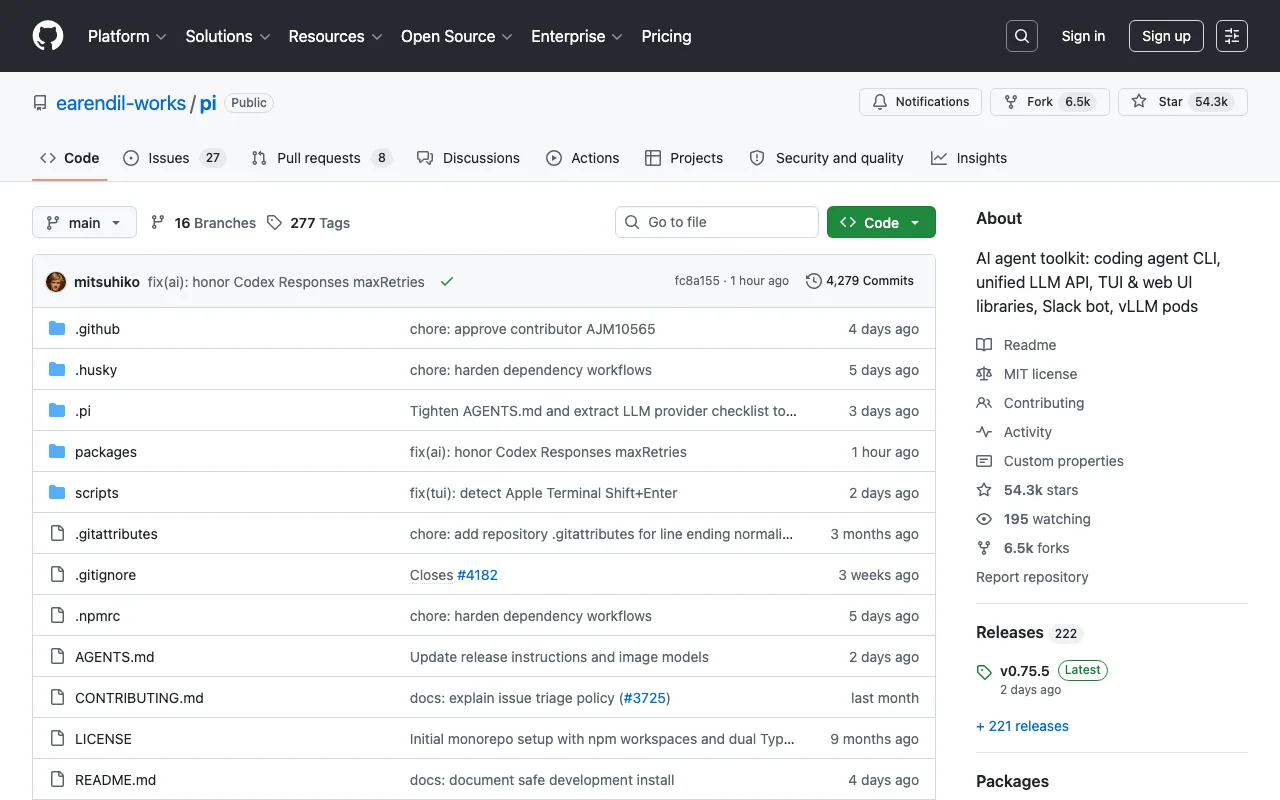
Pi is the biggest mover in this guide: 54k stars in May, ~98k in August. It’s a minimal terminal coding harness from Mario Zechner and Armin Ronacher (yes, the Flask and Jinja2 author), and its headline trick is a system prompt under 1,000 tokens, against roughly 7,000 to 10,000 for Cline, OpenCode, and Claude Code. It pulls that off with “lazy skills”: every capability keeps only a one-line description in context, and the full instructions and tool schemas load only when the skill is actually invoked.
The pitch isn’t “most features,” it’s “smallest, clearest harness you can adapt without forking internals.” It ships a coding agent CLI, a unified LLM API, TUI and web UI libraries, and MCP support, all MIT and TypeScript. It’s on npm as @mariozechner/pi-coding-agent. If you want to understand exactly what your agent sends to the model, or build your own tool on a clean base, this is the one to read.
Strengths
- Sub-1K-token system prompt via lazy skills; cheaper and faster turns
- Small, readable, designed to be adapted and embedded
- Unified LLM API plus TUI/web libraries in one toolkit
Tradeoffs
- Younger and less battle-tested than OpenCode or Aider
- Minimalism means fewer batteries-included features
- Several near-identical forks/mirrors exist; start from the canonical repo
Repo: earendil-works/pi (formerly badlogic/pi-mono) - ~98k stars - MIT
5. OpenHands
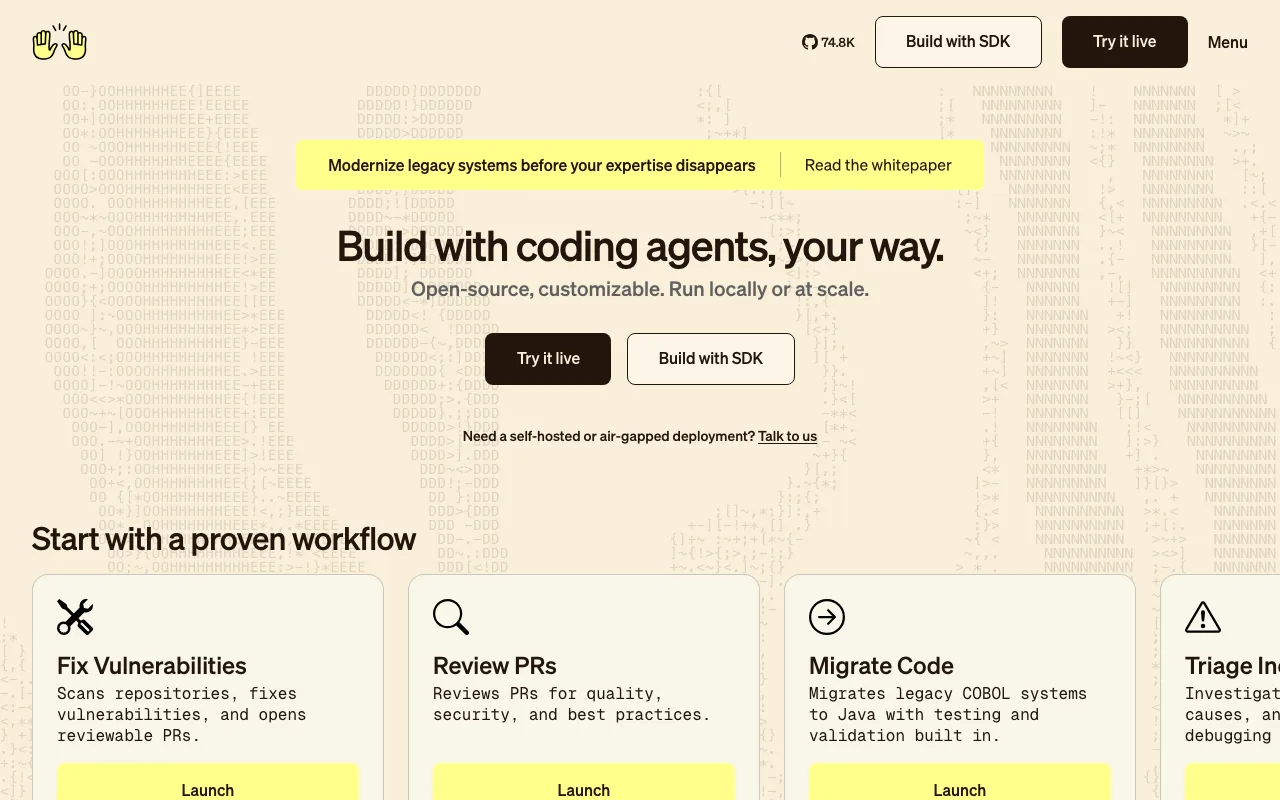
OpenHands (formerly OpenDevin) is the most autonomous option here. It runs the agent inside a sandboxed runtime that can browse the web, execute code, and edit files end to end, and it has the strongest headless story of the bunch: openhands -t "fix the failing tests" for one-shot tasks, --headless for CI/CD, and --resume to pick a conversation back up. It rebuilt on a new Software Agent SDK for the 1.0 release in 2026.
Under the hood it uses LiteLLM, so 100+ providers work without code changes, including local Ollama, llama.cpp, vLLM, and MLX. Install needs Python 3.12 and uv: uvx openhands or pip install openhands.
Strengths
- Genuinely autonomous, sandboxed multi-step runs
- True headless mode for CI/CD pipelines
- 100+ providers via LiteLLM, including local models
Tradeoffs
- Python 3.12-only install is strict
- Open-weight local model results are mixed in practice
- More moving parts than a simple edit-and-commit agent
Repo: OpenHands/OpenHands (was All-Hands-AI/OpenHands) - ~85k stars - MIT (core)
6. Cline
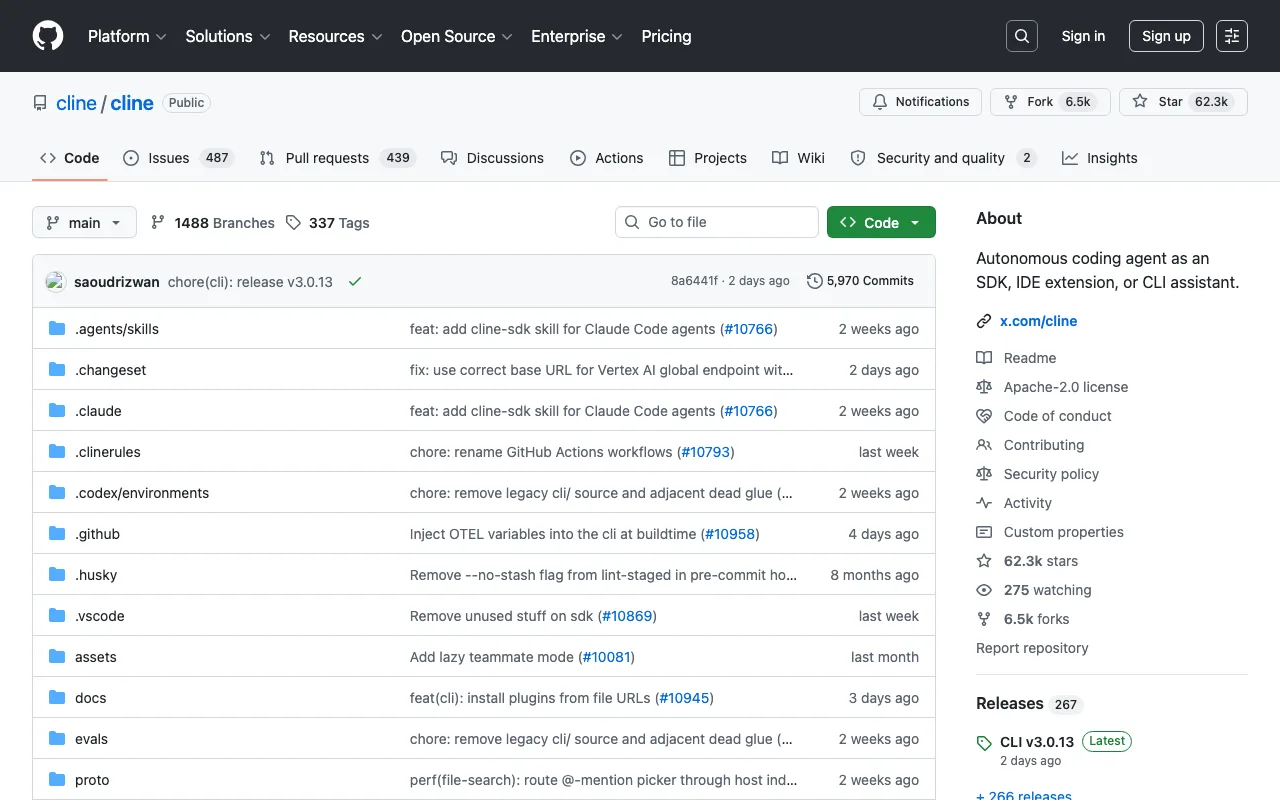
Cline started as the VS Code extension that Roo Code and Kilo Code later forked from, and in the 3.x line it grew a real standalone CLI and SDK. The repo now bills itself as “an autonomous coding agent as an SDK, IDE extension, or CLI assistant.” Install with npm i -g cline; it ships prebuilt platform binaries so you don’t need a separate runtime.
It’s model-agnostic by design (30+ providers in 2026, plus local via Ollama and LM Studio), and the 2026 additions lean into teams: parallel agent execution with Kanban task boards, plus Slack and Linear integrations. The catch is that the CLI is newer than the long-established extension, so it’s less battle-tested as a pure terminal tool than OpenHands’ CLI.
Strengths
- One model-agnostic agent across IDE, CLI, and SDK
- Parallel agents with Kanban task boards
- Prebuilt binaries, no runtime juggling
Tradeoffs
- The standalone CLI is relatively new
- No bundled free model tier without an account or your own key
Repo: cline/cline - ~67k stars - Apache-2.0
7. Goose
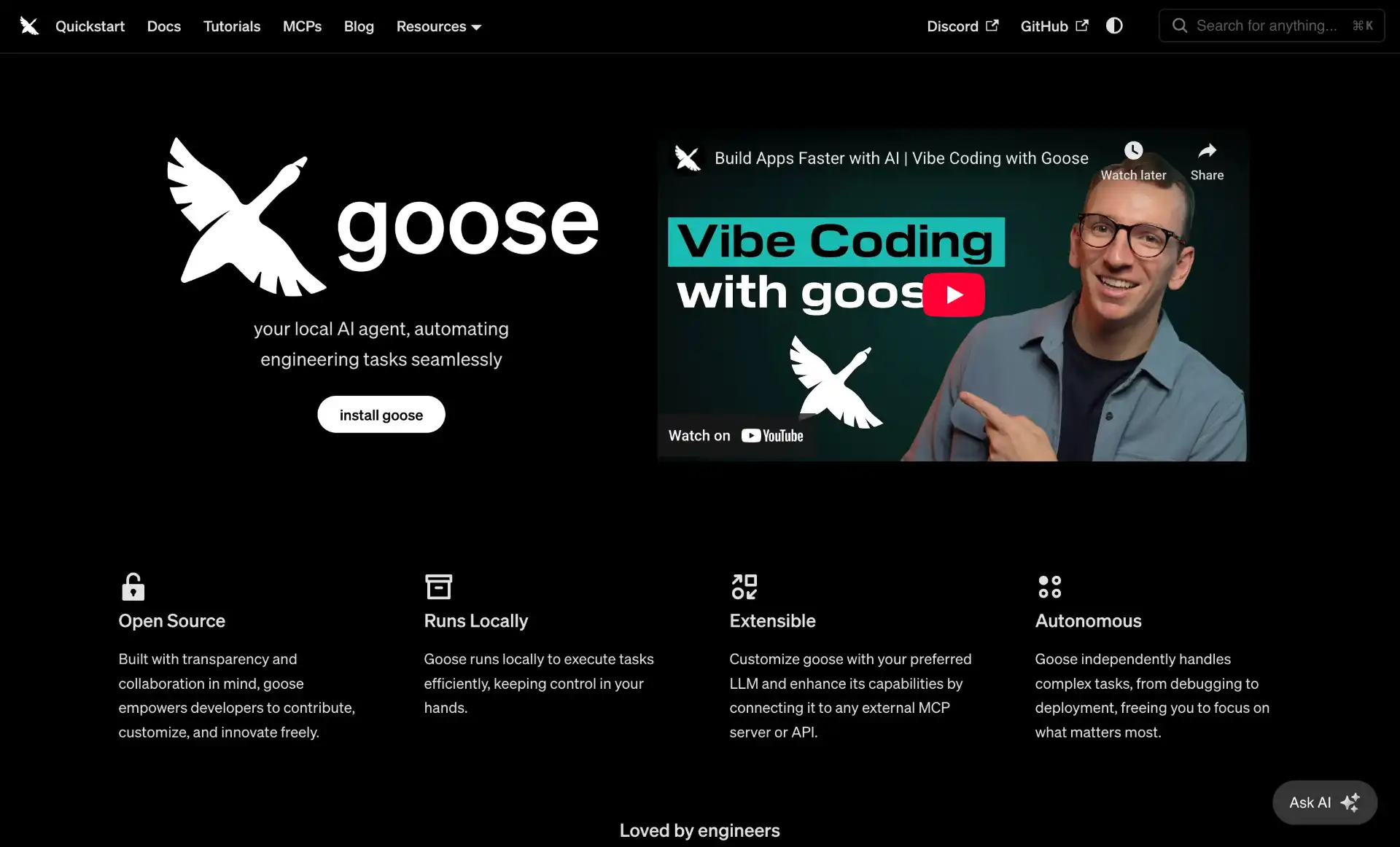
Goose is a general-purpose agent, not strictly a coding tool, which is its strength and its caveat. Built in Rust with a single-binary CLI plus a desktop app, it handles research, automation, and data tasks alongside code, and it leans hard on MCP with 70+ extensions. It supports 15+ providers including local Ollama.
The 2026 story is governance: Block donated Goose to the Linux Foundation’s new Agentic AI Foundation in April, so it’s now vendor-neutral and foundation-governed (and the repo moved from block/goose to aaif-goose/goose). Install via the script at goose-docs.ai.
Strengths
- General agent: code, research, automation, system glue
- 70+ MCP extensions; Rust single binary
- Foundation-governed, vendor-neutral
Tradeoffs
- Broader scope means less coding specialization than Aider or Crush
- The org move left a trail of stale
block/gooselinks
Repo: aaif-goose/goose (was block/goose) - ~54k stars - Apache-2.0
8. Aider
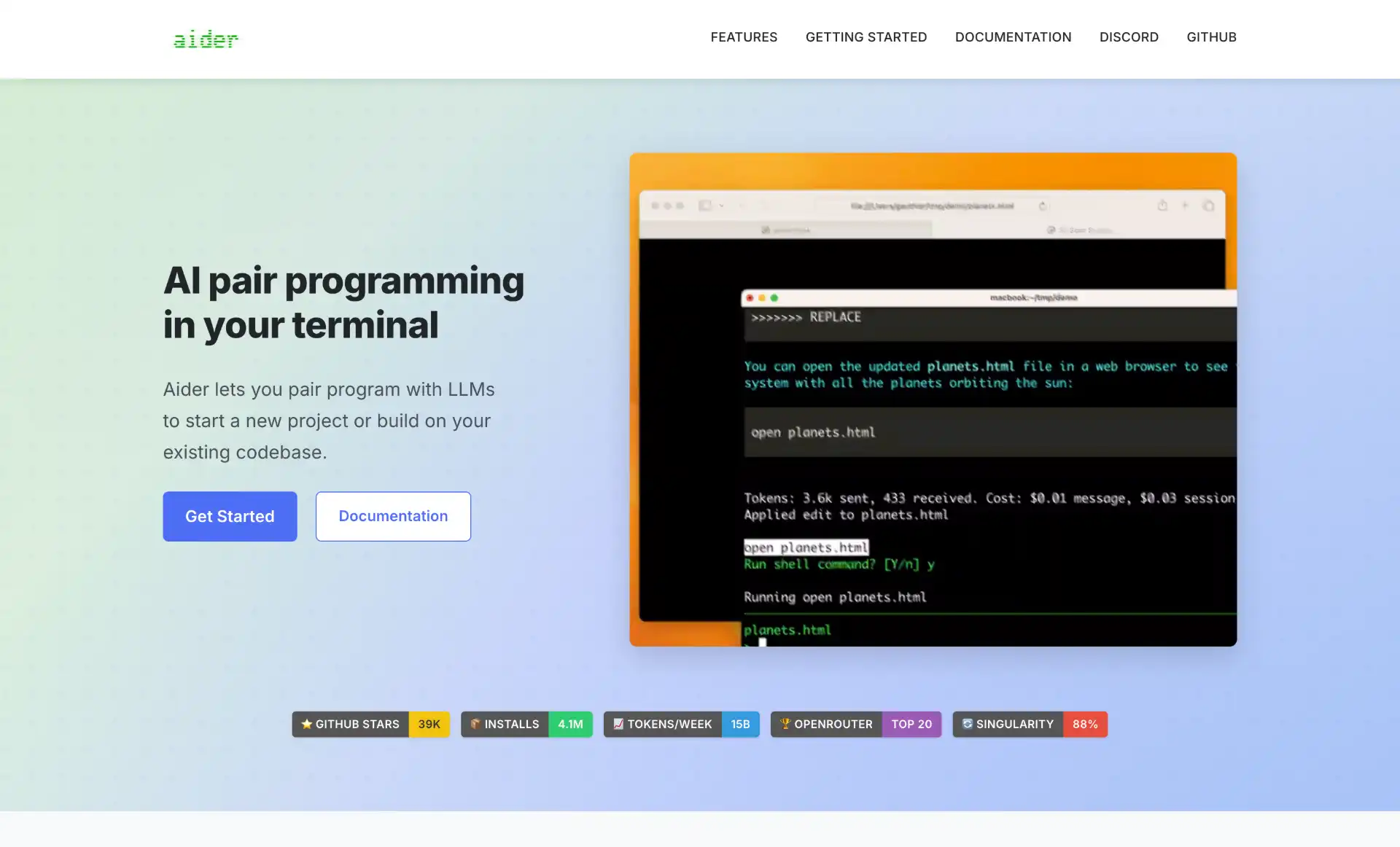
Aider is the original “AI pair programming in your terminal,” and it’s still the best at one specific thing: disciplined, Git-native editing. It builds a tree-sitter repomap for context across 100+ languages, applies coordinated multi-file edits, and auto-commits each change with a sensible message so your history stays clean and reversible. Install with pipx install aider-chat.
The momentum note has gotten worse since our last update. In May we flagged that Aider had shipped no tagged release since August 2025 but was still getting commits on the default branch. As of August 28, 2026, the last push to the repo was May 22, 2026 - a bit over three months of silence, on a project that is largely single-maintainer driven. The tool still works and the star count is still climbing, but if you are choosing a harness to standardise a team on today, that gap deserves weight. Its closest replacement for the Git-native workflow is Reasonix or CodeWhale, both of which are shipping weekly.
Strengths
- Tree-sitter repomap; excellent on large existing codebases
- Git-native: auto-commits, easy diff and undo
- Works with Claude, GPT, DeepSeek, and local models
Tradeoffs
- No commits since May 22, 2026, and no tagged release since Aug 2025
- Largely single-maintainer driven
Repo: Aider-AI/aider - ~48k stars - Apache-2.0
9. CodeWhale
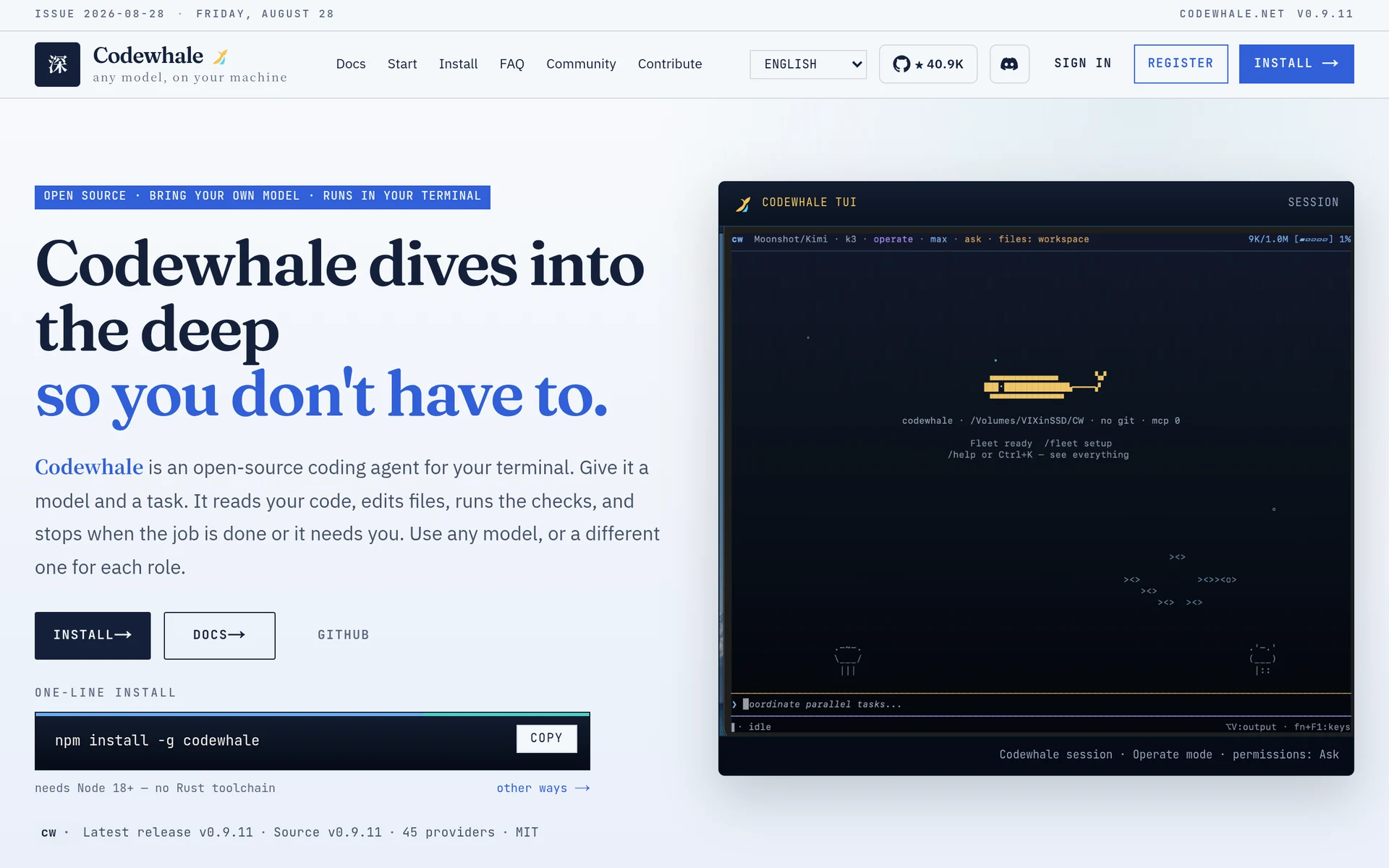
CodeWhale is the most interesting project you probably haven’t heard of: ~41k stars, MIT, written in Rust, and shipping commits daily. It started in January 2026 as DeepSeek-TUI, a harness built specifically around DeepSeek workflows, and picked up a large contributor base in China. As multi-provider support landed, maintainer Hunter Bown renamed the project to match what it had become - the binaries went from deepseek and deepseek-tui to codewhale and codewhale-tui, though it still reads the old config and session format.
It now supports 30+ providers, and the design treats open-weight models served through Ollama, vLLM, or SGLang as first-class peers rather than a fallback path, which is unusual: most harnesses bolt local support onto a cloud-first design. Install with npm install -g codewhale, then run codewhale.
Feature-wise it is closer to Codex than to Aider: three approval modes (Ask, Auto-Review, Full Access) plus a read-only planning mode, optional OS-level sandboxing, workspace snapshots with undo/restore, session persistence, MCP servers, skills, and shell completions for bash, zsh, fish, PowerShell, and Elvish.
Strengths
- Local-first by design; Ollama, vLLM, and SGLang are first-class
- Rust single binary with a genuinely good TUI
- Snapshot/undo and three approval modes make it safe to run loose
Tradeoffs
- Rebrand means a trail of stale
DeepSeek-TUIlinks and forks - Younger than Aider or OpenCode, with a smaller English-language issue base
- Docs and community discussion are heavily bilingual
Repo: Hmbown/CodeWhale (was DeepSeek-TUI) - ~41k stars - MIT
10. Continue
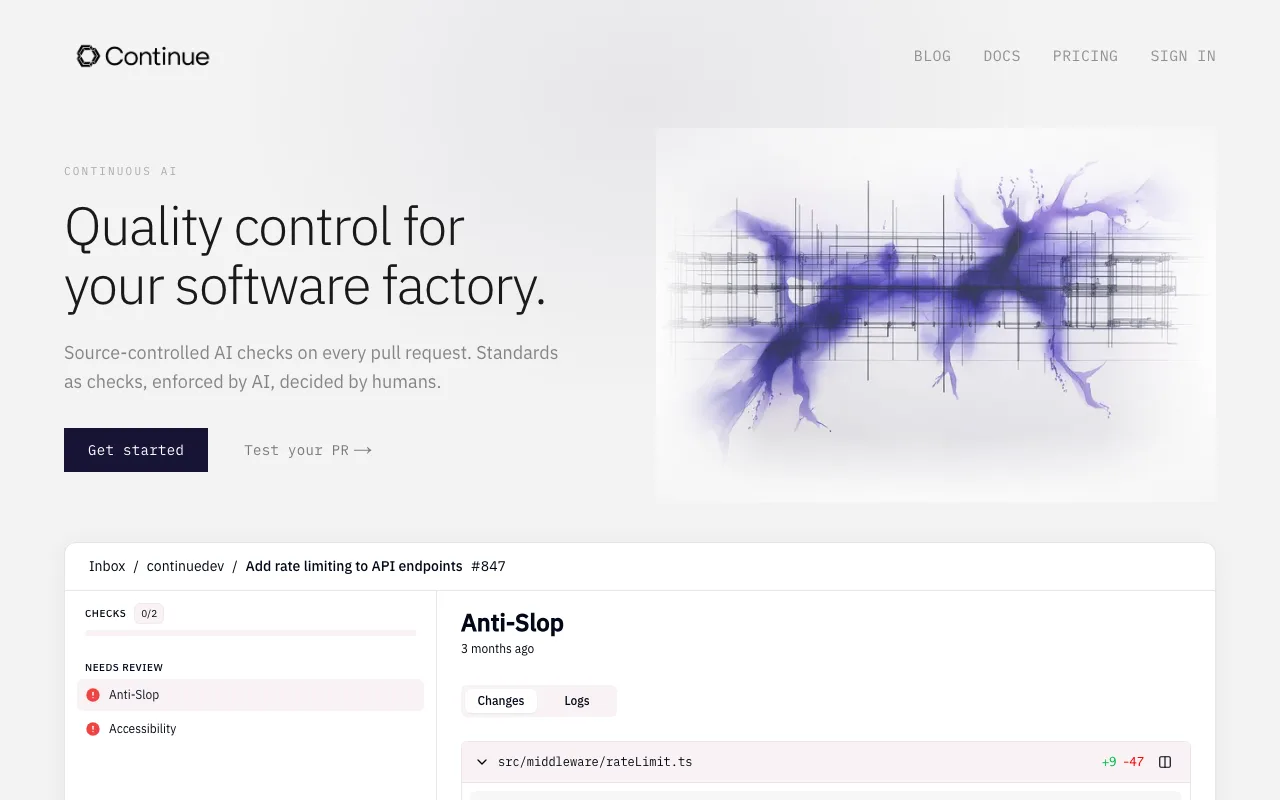
Continue ships an open-source terminal agent called cn (install npm i -g @continuedev/cli, then run cn), the same engine that powers its IDE extensions. It runs as a TUI or fully headless (cn -p "prompt") for scripts and git hooks, with a permission policy file at ~/.continue/permissions.yaml and first-class Ollama support including autodetect.
What’s different is the 2026 positioning: Continue pivoted toward “Continuous AI,” running agents on every pull request as enforceable CI status checks defined as markdown in .continue/checks/. The interactive terminal agent still exists, but the project’s center of gravity is now CI. Note the naming: the command is cn, the package is @continuedev/cli, and a separate @continuedev/cn engine package also exists, so don’t mix them up.
Strengths
cnCLI plus an unusual CI-checks workflow- Strong local-model and autocomplete support
- Per-role model config (chat, edit, embed, and so on)
Tradeoffs
- Headline focus shifted to CI; the terminal agent is no longer the pitch
- Package/command naming is genuinely confusing
Repo: continuedev/continue - ~36k stars - Apache-2.0
11. Reasonix
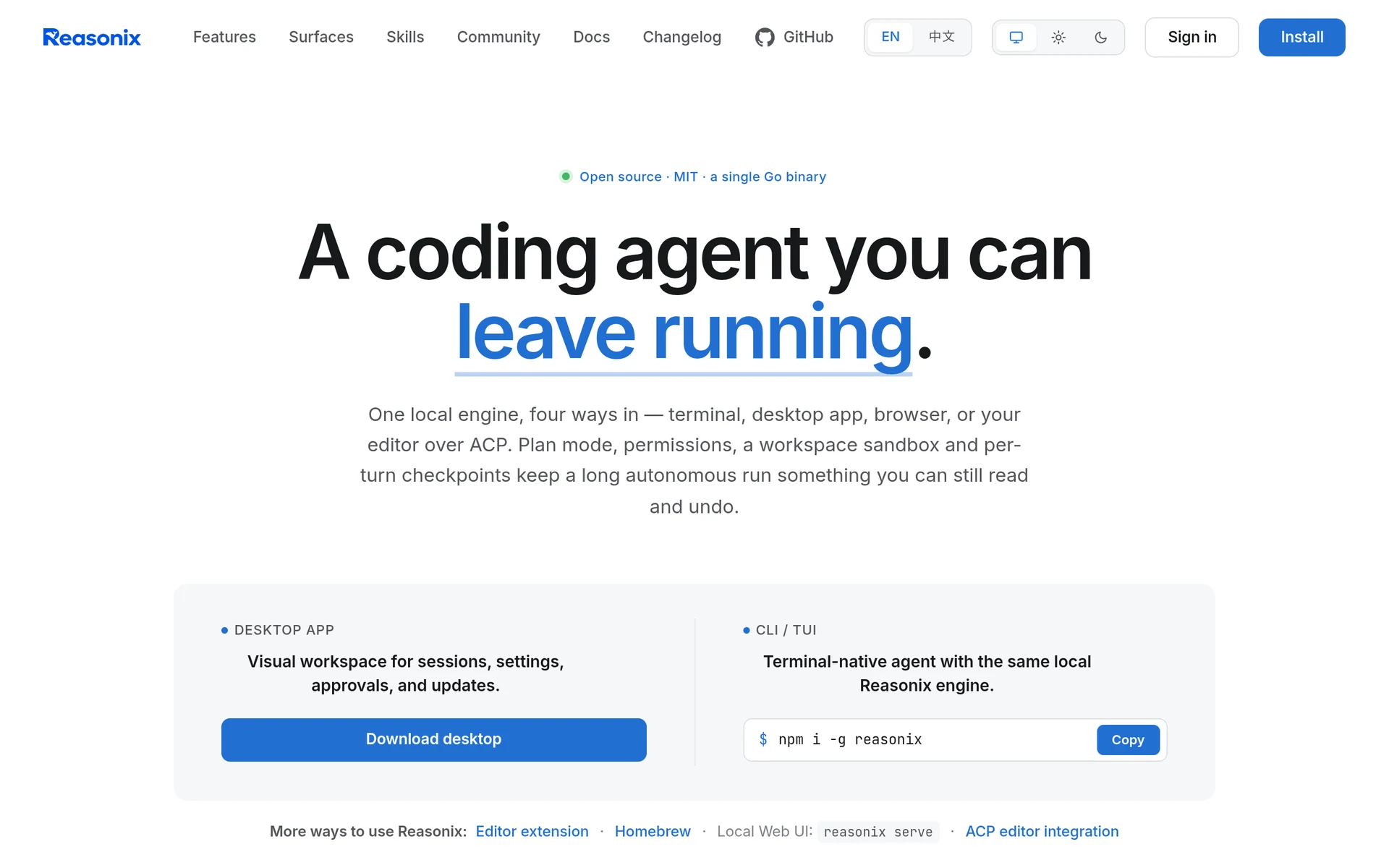
Reasonix is the other DeepSeek-born agent that grew into the top ten, at ~35k stars since April 2026. It’s a single Go binary, MIT-licensed, and its tagline is the whole design brief: “a coding agent you can leave running.”
The engineering angle is unusual and worth understanding, because it is the one thing here aimed squarely at cost. Reasonix is built around prefix-cache stability: it injects a small, stable environment summary at startup, prunes stale tool outputs before compaction rather than after, and documents its built-in tool schemas so summarisation doesn’t quietly rewrite them. The payoff is that long sessions keep hitting the provider’s prefix cache instead of re-paying full input price every turn, which is exactly where multi-hour agent runs normally bleed money. DeepSeek’s own API charges roughly a tenth as much on a cache hit, so this is not a rounding error.
Despite the repo name, it isn’t DeepSeek-only. Providers, tools, and plugins are declared in a reasonix.toml, it speaks to any OpenAI-compatible endpoint, and it can run a split executor/planner pair as separate models in separate sessions. It also supports MCP servers, an Extension Protocol v1, plan mode, workspace sandboxing, and per-turn checkpoints, and it can be driven from the terminal, a desktop app, the browser, or an editor over ACP. Install with npm i -g reasonix or brew install esengine/reasonix/reasonix.
Strengths
- Prefix-cache-aware context handling; cheapest option for long unattended runs
- Single Go binary, trivial to drop on a build machine
- Config-driven providers plus split executor/planner models
Tradeoffs
- Repo name still says DeepSeek, which undersells the provider support
- Newer and less documented than the top of this list
- Optimised for long runs, so it is heavier than needed for quick one-off edits
Repo: esengine/DeepSeek-Reasonix - ~35k stars - MIT
CLIs from the model labs
The other big change since May is that the model vendors stopped ceding the terminal to third parties. DeepSeek’s entry is big enough to have its own slot at #2 above; the rest are here. The first two are open source and tuned for their own models first. The third is the cautionary one.
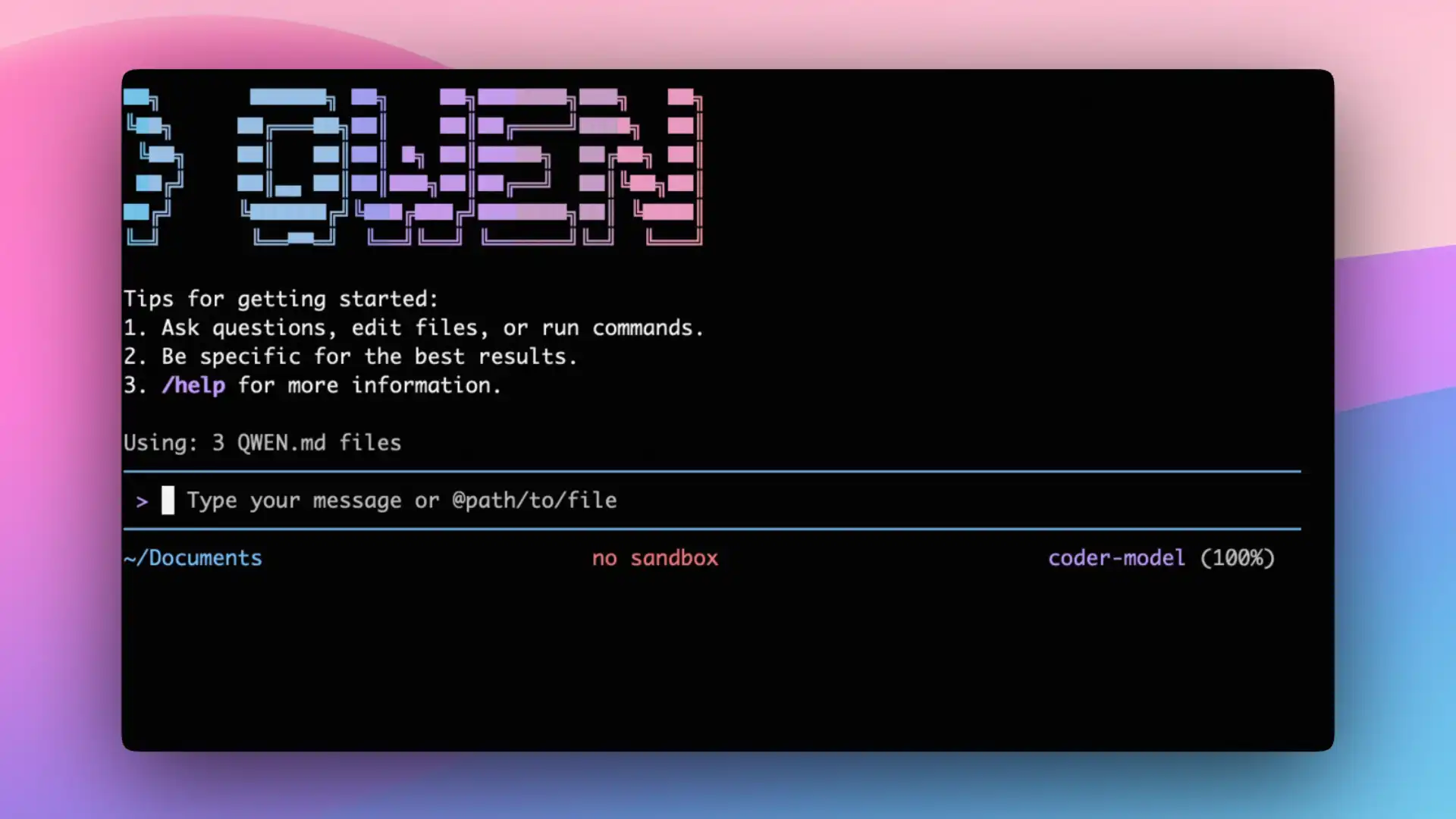
Qwen Code (~27k stars, Apache-2.0) - Alibaba’s terminal agent, a fork of Google’s Gemini CLI tuned for Qwen-Coder models. With the Gemini CLI sunset now complete, it is effectively the open fork of that codebase that lives on, and it pairs well with Alibaba’s own open-weight models. Install npm i -g @qwen-code/qwen-code@latest.
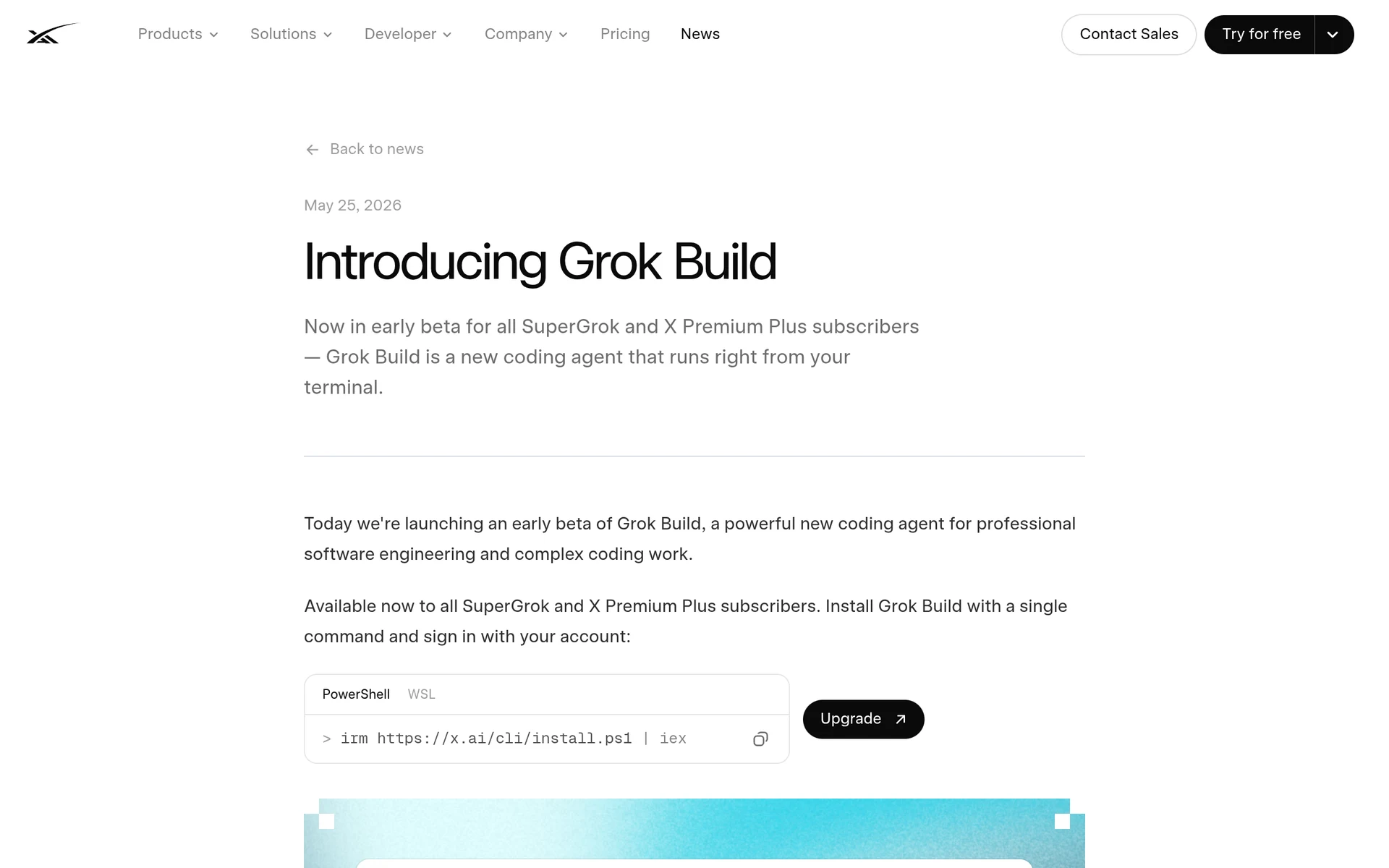
Grok Build (~26k stars, Apache-2.0) - xAI’s official coding agent, and the entry most people asked about this year. It launched as a closed beta on May 25, 2026 for SuperGrok and X Premium Plus subscribers, was open-sourced under Apache-2.0 in mid-July, and reached v1.0 on August 7, 2026. It’s a Rust, fullscreen, mouse-interactive TUI, and the open-sourced release covers the whole harness: the agent loop, the tool layer, the TUI, and the extension system for skills, plugins, hooks, and MCP servers.
The features worth knowing are plan mode (review the task before it runs), parallel subagents with git worktree support, headless mode via -p for scripts and CI, and ACP so you can drive it from an editor. Install with curl -fsSL https://x.ai/cli/install.sh | bash on macOS/Linux or irm https://x.ai/cli/install.ps1 | iex on Windows.
On the question of lock-in: it authenticates through the browser by default, but it also accepts a plain XAI_API_KEY, and you can add any custom model to ~/.grok/config.toml with your own base_url and env_key. So despite the subscription-first framing at launch, it is usable against Ollama or any OpenAI-compatible endpoint. It defaults to Grok 4.6.
ZCode (Z.AI) - included because people keep asking where it fits, and the answer is that it does not fit this list. ZCode is Z.AI’s official harness for GLM-5.3, with GLM-5.3-Flash handling multimodal work like screenshot understanding, plus long-running “Goals”, multi-agent collaboration, 20+ agent tools, and remote control over WeChat, Feishu or Telegram. It is genuinely capable. It is also a desktop application rather than a CLI, and it is not open source: the core harness source has never been published, only the Apache-2.0 zai-org/zcode-plugins marketplace repo, and running it needs a paid GLM Coding Plan (Lite $12.60/month, Pro $56/month, Max $117.60/month).
Be careful with what you read about it. Several write-ups describe ZCode as “the open-source coding agent harness” because the model it drives, GLM-5.3, ships MIT open weights. The harness is not the model. If you want ZCode in a terminal, the closest option is the unofficial zcode-cli, which extracts the runtime out of ZCode Desktop and wraps it in a TUI built on Pi’s pi-tui - clever, but it is a community wrapper around a proprietary binary, not a supported product.
On the other labs: Moonshot (Kimi Code) and Mistral (Vibe) also ship their own open-source CLIs, both much smaller by star count than anything above; check their repos directly if you’re on those models. And note that DeepSeek now has three options in this guide - the official Harness at #2, plus the community-built CodeWhale and Reasonix - which is more first-class terminal tooling than any other model vendor currently offers.
Honorable mentions
These each own a narrower niche worth knowing:
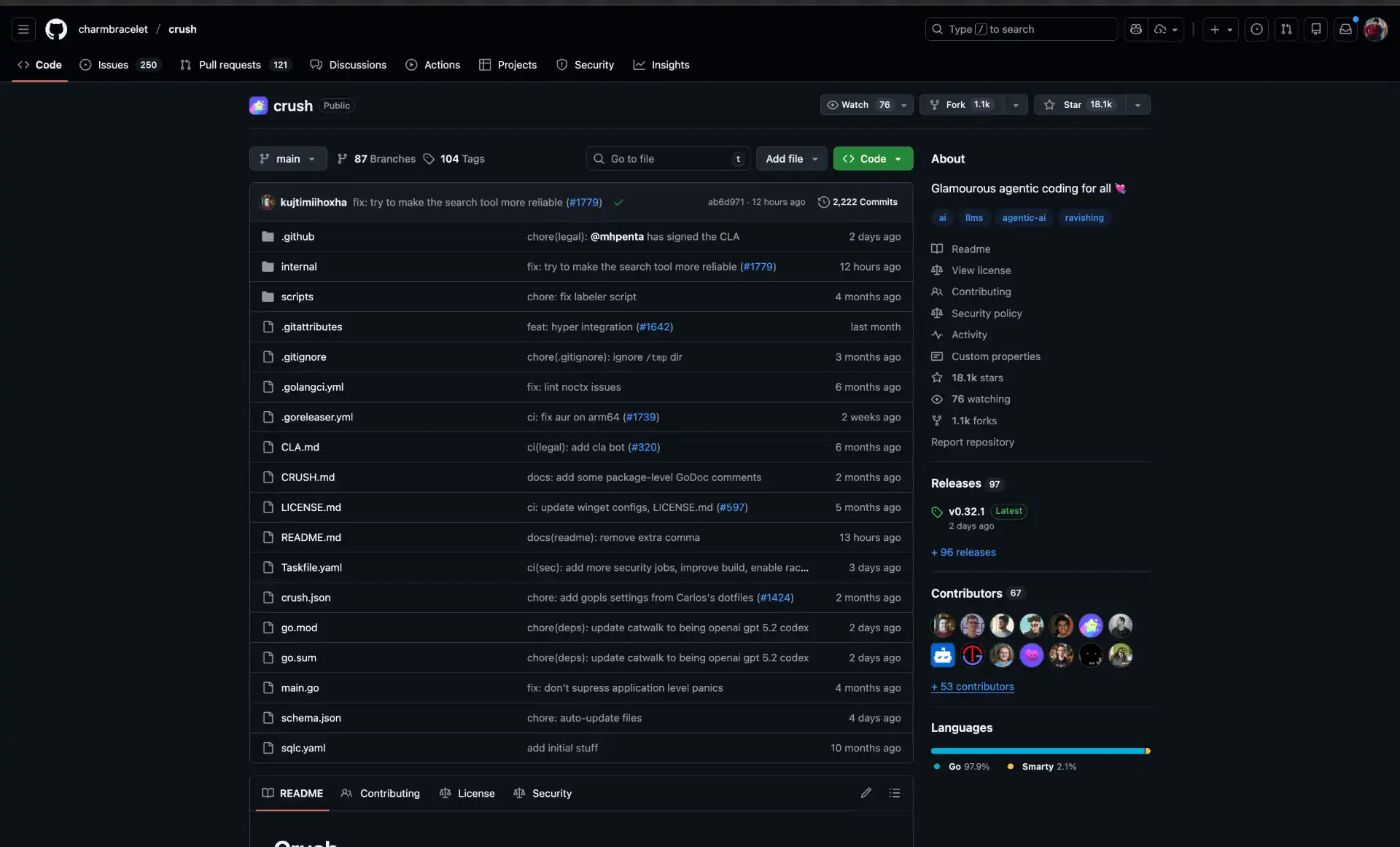
Crush (~28k stars, FSL) - Charm’s gorgeous Go TUI, from the team behind Bubble Tea. Multi-model with mid-session switching, LSP and MCP support. The pick if terminal aesthetics and snappiness matter. Note the license is FSL, not MIT (it converts to MIT after two years), and it’s still pre-1.0. Install brew install charmbracelet/tap/crush.
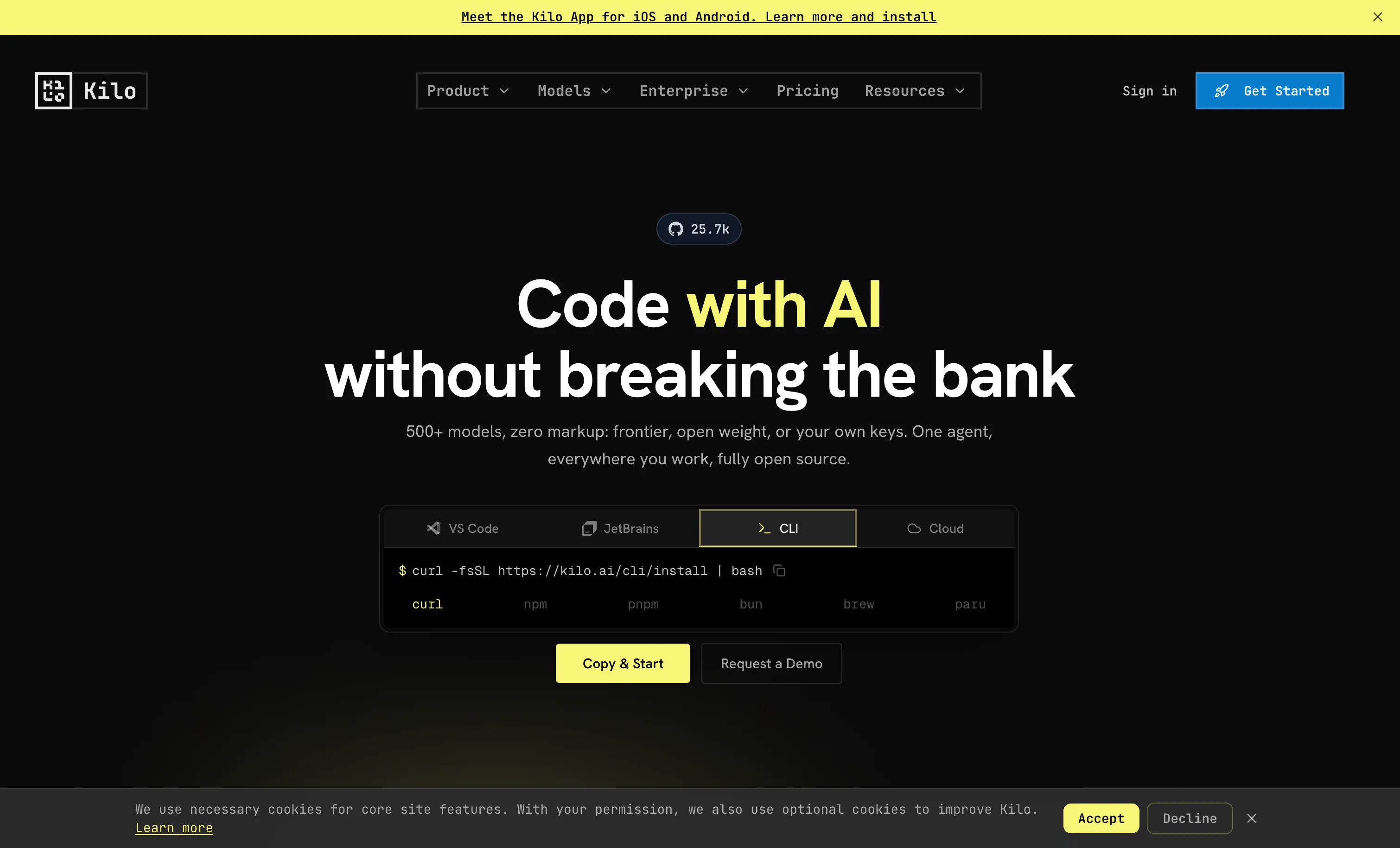
Kilo Code (~27k stars, MIT) - a Roo Code fork (and Roo forked from Cline) whose CLI is itself built on OpenCode. It gained roughly 7k stars since May, largely absorbing the archived Roo Code’s user base, and it’s the main recommended migration target for ex-Roo users. Heavily derivative, but polished and active. Install npm i -g @kilocode/cli.
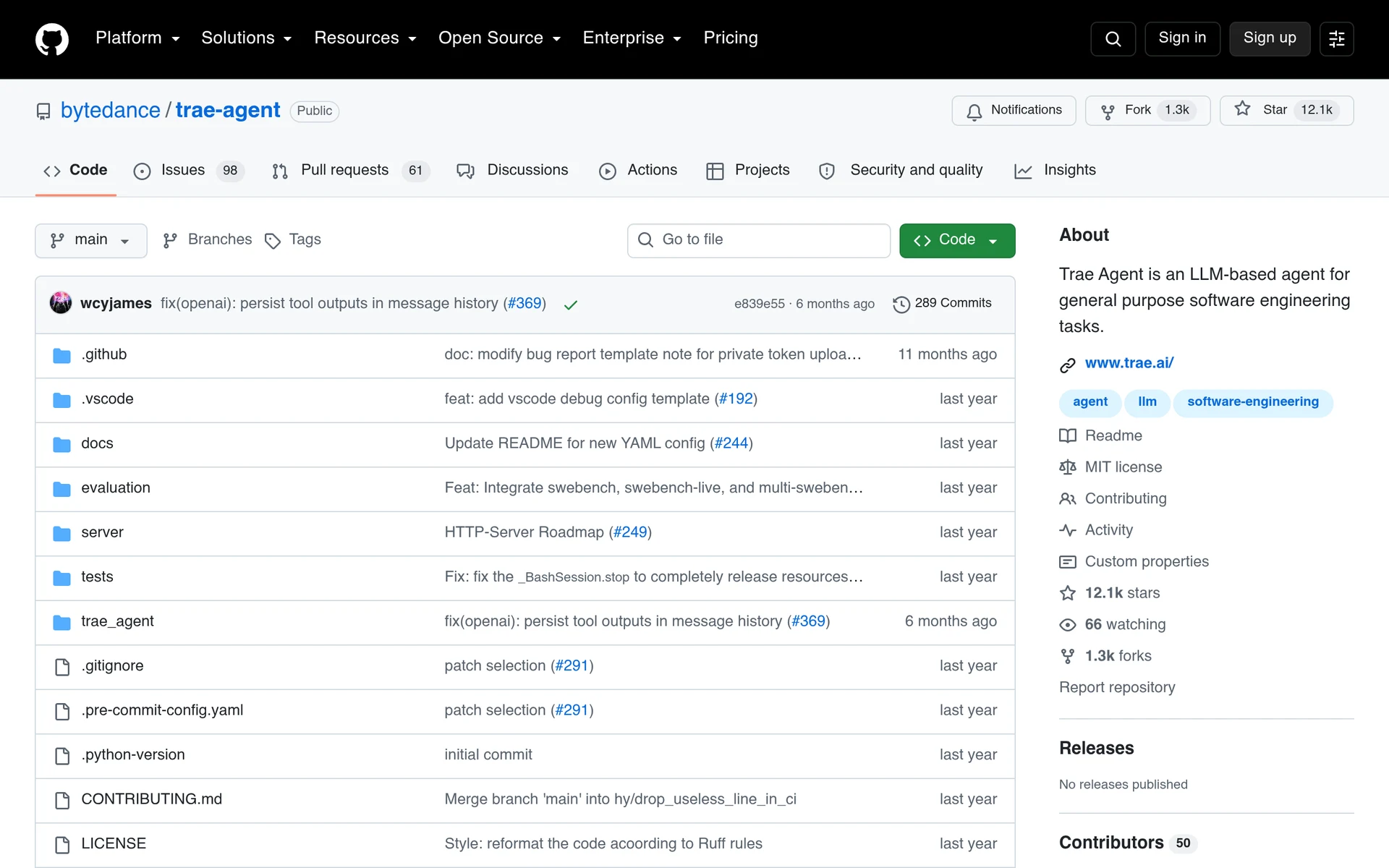
Trae Agent (~12k stars, MIT) - ByteDance’s research-friendly Python agent for general software-engineering tasks. Include it in your evaluation only with eyes open: the last push was February 5, 2026, so it has been idle for around seven months.
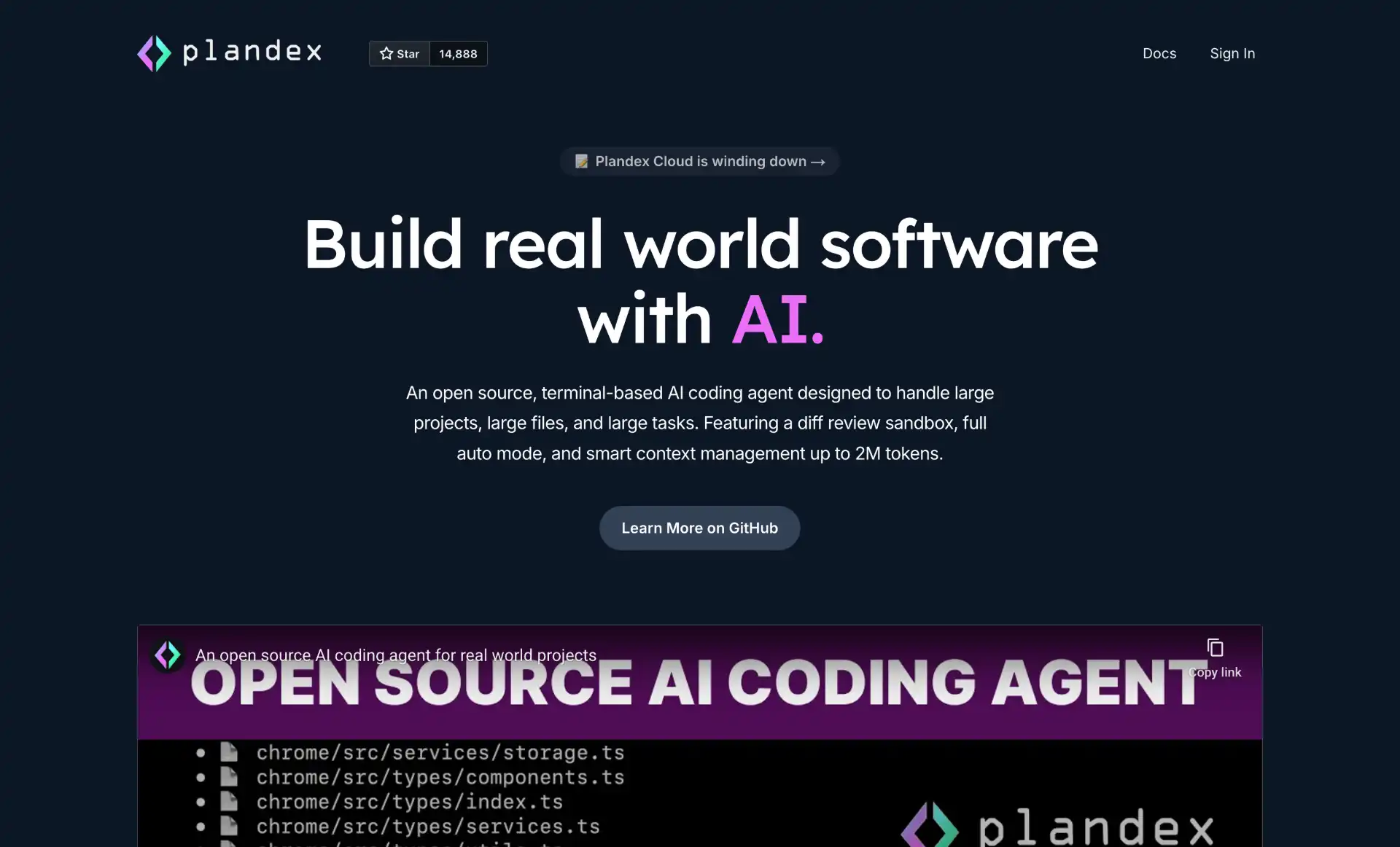
Plandex (~16k stars, MIT) - built for very large, multi-step tasks with up to 2M tokens of context and a diff-review sandbox. Caveat: the repo has had no commits since October 2025 and Plandex Cloud is winding down, so treat it as effectively abandoned and self-host it if you use it at all.
Notable 2026 changes (and what to avoid)
The open-source field reshuffled hard this year. A few storylines are worth tracking before you commit:
- DeepSeek took the star crown in two weeks. DeepSeek Harness went public on August 13, 2026 and passed 100k stars in about two days, reaching ~203k by the end of the month and nosing ahead of OpenCode. Two caveats worth keeping together with that number: the current release tag is
0.1.2-alpha.1and the README promises breaking changes, so an alpha is sitting at the top of a popularity chart. Star velocity at launch and sustained adoption are not the same measurement. - Z.AI shipped a harness that is not open source. ZCode is a proprietary desktop app on a paid GLM Coding Plan, despite a lot of coverage calling it open source because GLM-5.3’s weights are MIT. Only its plugin marketplace repo is actually published. It is a good example of why the license check at the top of this guide is the first step and not a formality.
- Gemini CLI is gone for most users, and the shutdown was clean. Google announced the consolidation at I/O on May 19 and pulled the plug on June 18, 2026: the
geminicommand stopped working for free, Pro, and Ultra accounts with no grace period, breaking CI pipelines that morning. The replacement, Antigravity CLI (binaryagy), is closed-source Go and moved from Gemini CLI’s 1,000 requests/day to a weekly compute-based cap. Organizations on Gemini Code Assist Standard or Enterprise, or paid Gemini API keys, kept access, which is whygoogle-gemini/gemini-clistill shows commits. If you want the Gemini-CLI experience to stay open, Qwen Code is the living fork. - A 195k-star repo that is not a coding agent. claw-code crossed 100k stars faster than any project in GitHub history and now sits near 195k, which would rank it third in this entire guide. Read its README before you install it: the project describes itself as “closer to a museum exhibit than a product pitch,” says it is maintained by agents with no human intervention, and explicitly tells you to use something else if you want to get work done. It is a fascinating artifact and a useful reminder that a star count measures attention, not utility.
- Aider went quiet. No commits since May 22, 2026. Still the best Git-native editing model in the field, but plan around the risk.
- Roo Code is archived. The VS Code extension (~24k stars) shipped its final release on May 15, 2026 and the repo is read-only. The team pivoted to a cloud product, “Roomote.” Don’t start new work on it; migrate to Kilo Code or Cline.
- xAI open-sourced its harness. Grok Build went from closed beta in May to Apache-2.0 in July to v1.0 on August 7. That’s the first time a major US lab has open-sourced a full agent harness including the TUI and extension system, and it puts real pressure on Anthropic and Google to explain why theirs are closed.
- OpenCode dropped Claude subscription login. After Anthropic’s January 2026 enforcement, OpenCode removed Claude Pro/Max OAuth. Claude still works via a raw API key, and OpenAI now partners with the project.
- Goose joined the Linux Foundation. A net positive for neutrality, but expect stale
block/gooselinks for a while. - Warp open-sourced its client. Warp (~65k stars) released its client under AGPL-3.0 (UI crates are MIT) in April 2026. It’s a full agentic terminal rather than a single CLI agent, and AGPL is more restrictive than the Apache/MIT licenses most tools here use, so weigh that before building on it.
How to get the most out of a CLI coding agent
A few habits that pay off with any of these after a couple of weeks:
- Bring your own key and pin a model. Most of these are free; you pay only for API usage. Start with one strong model rather than letting auto-routing decide, then adjust.
- Read the permission model before you let it run. Codex sandboxes the shell by default; OpenHands has approval modes; CodeWhale has three, plus snapshots you can roll back; Aider stays in an edit-and-commit lane; others trust the model more. Know which one you’re using before pointing it at production code.
- Branch first, agent second. Run
git checkout -b agent/<task>before any long edit so you cangit diff main...afterward. Aider does per-change commits for you. - Cap the context. Scope the agent to specific files or directories; smaller context is cheaper and usually gives better results. Reach for Plandex only when you genuinely need 1M+ tokens.
- Mind the prefix cache on long runs. If you leave an agent working for hours, most of your bill is re-sent input tokens. Harnesses that keep the prompt prefix stable (Reasonix is explicitly built for this) can cut that dramatically, since providers charge roughly a tenth as much on a cache hit.
- Wire in tests and lints. The fastest way to validate AI changes is a test suite the agent runs after each edit. Let it iterate until tests pass instead of eyeballing diffs.
- Use MCP for integrations. Before writing custom glue to reach GitHub, Linear, or your database, check for an MCP server. Most of these support MCP first-class now.
Conclusion
For most people, OpenCode is still the lowest-risk default - DeepSeek Harness has the stars and the most interesting architecture, but it is a two-week-old alpha and should be treated as one. Take Pi if you want something lean to build on, OpenHands for unattended CI runs, and CodeWhale or Reasonix if you’re on DeepSeek and want a real TUI today. Whatever you pick, check the license and the last commit date first: Aider’s three-month silence, Roo Code’s archival, the Gemini CLI shutdown, ZCode being sold as open source when only its model is, and a 195k-star repo that tells you not to use it are all reminders that stars don’t mean a project is alive, or even open. Stay open source and you can always fork it or swap the model underneath.