Which AI Design Tool Should You Pick in 2026?
Updated on Apr 25, 2026 · 9 mins read

Most people comparing AI design tools are actually comparing two different categories at once. Some tools are best for visual exploration. Others are best when your team already has a design system and a mature review workflow.
That is why “Claude Design vs Google Sketch vs others” is harder than it looks. In this article, I am treating “Google Sketch” as Google’s current AI design product, Stitch. If your real goal is faster ideation, Claude Design and Stitch are both worth attention. If your real goal is staying inside a team design workflow, Figma Make or Sketch are usually better. This version of the article stays focused on design-first tools rather than design-to-code or app-builder products.
Comparison Table for AI Design Tools
| Tool | Best For | What You Actually Get | Current Access | Main Tradeoff |
|---|---|---|---|---|
| Claude Design | Fast visual exploration | Polished concepts, prototypes, slides, one-pagers, and Claude Code handoff | Research preview | Less natural as a long-term design-file source of truth |
| Google Stitch | Prompt-to-UI design exploration | High-fidelity UI canvas, voice-driven iteration, and developer-tool exports | Google Labs | Still emerging compared with entrenched design ecosystems |
| Figma Make | Product teams already in Figma | Interactive prototypes, existing design-system reuse, live data, and handoff | Figma AI plans and seats | Best only if your workflow already lives in Figma |
| Sketch MCP | Mac-based design teams that want local AI control | Native Sketch files manipulated by your own MCP-compatible AI client | Sketch Mac app | Mac-only and less frictionless for non-designers |
Summary
Best for fast visual concepting: Claude Design is the best pick if you want polished visual directions, prototypes, slides, and one-pagers with minimal setup.
Best Google option: Google Stitch is the tool to compare against Claude Design if you mean Google’s current AI UI product. It is strongest for prompt-to-UI exploration.
Best for existing product teams: Figma Make is the safest choice if your team already works in Figma and cares about design-system continuity.
Best for Sketch users: Sketch MCP is the right pick if you want AI connected to a native Mac design tool with local control.
Claude Design vs Google Stitch: The Short Answer
If you are only choosing between Claude Design and Google’s current UI tool, the cleanest way to think about it is this: Claude Design is broader, while Stitch is more UI-canvas-specific.
Claude Design is the better option when the output might be a prototype today, a one-pager tomorrow, and a pitch deck the day after that. It is a strong pick for founders, PMs, marketers, and developers who want polished visual work quickly and do not want to start by setting up a full design file workflow. It also makes sense when you want a direct path into Claude Code afterward.
Google Stitch is the better option when you are specifically exploring software UI. Google is positioning Stitch as an AI-native software design canvas, with voice-driven iteration, design-agent behavior, and a bridge into developer tools. If the question in your head is “Which tool helps me try five product UI directions in an afternoon?”, Stitch is a better fit than a more general visual-work tool.
Neither one is automatically the best choice for an established product design team. If your company already reviews design work in Figma or Sketch, the smartest move is often to use Claude Design or Stitch for early exploration and then move into the system your team already trusts for iteration, sign-off, and handoff.
Best AI Design Tools in 2026
1. Claude Design
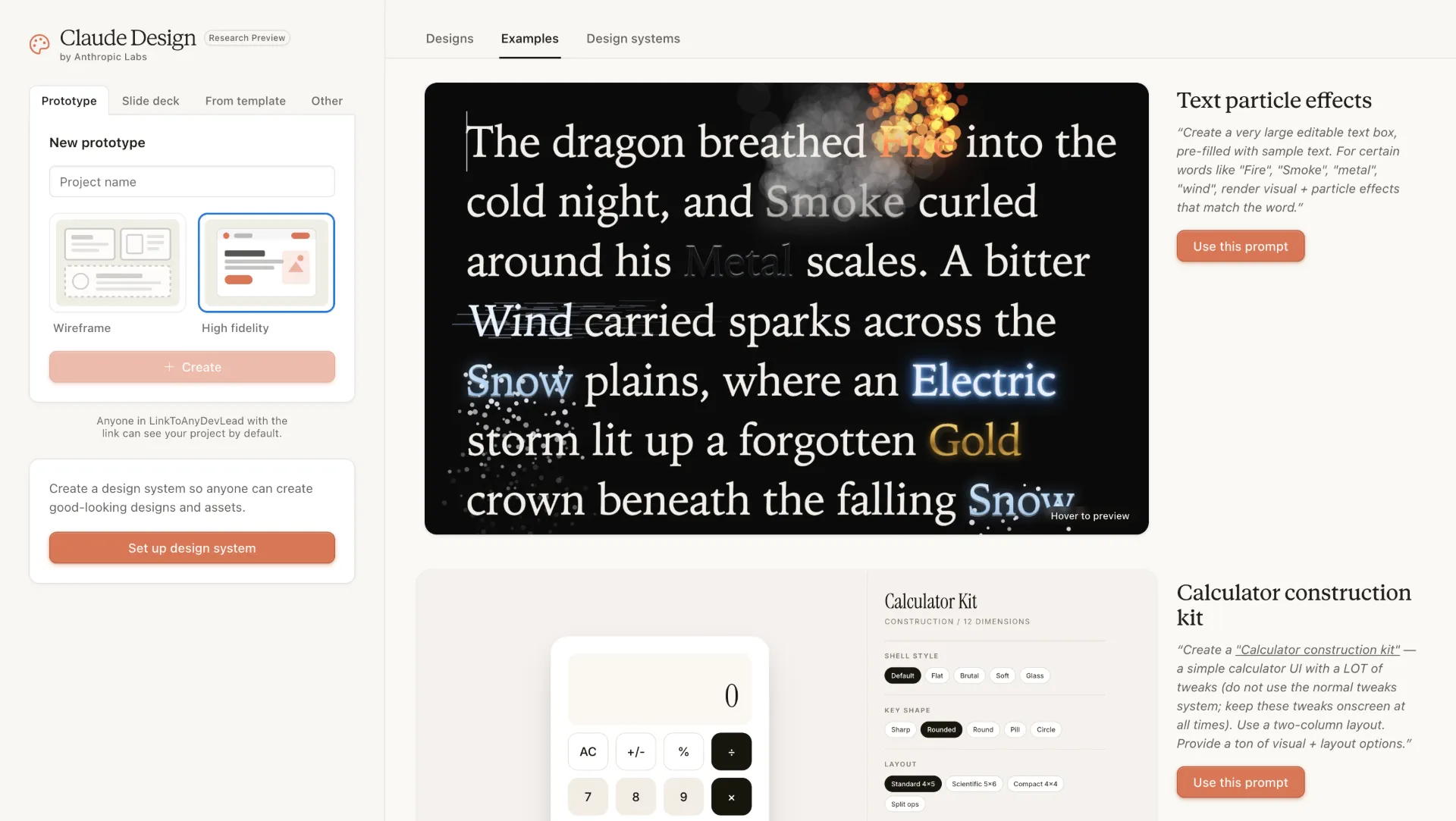
Claude Design is one of the most interesting new products in this category because it does not limit itself to one narrow design surface. Anthropic positions it as a way to create polished visual work such as designs, prototypes, slides, one-pagers, and more. In practice, that makes it feel less like a classic design app and more like a high-end visual collaborator that happens to work especially well for product and brand work.
Its biggest advantage is exploration speed. Claude Design is well suited to the messy early phase where the brief is still changing and the team is still deciding what the artifact should even be. It can also pull in your codebase and design files to build a team design system, which makes it more useful than a pure blank-page generator. For developer-friendly workflows, the most compelling part is the handoff path into Claude Code once the direction is clear.
The limitation is equally important: Claude Design is still not the most obvious long-term home for teams that need heavily managed component libraries, established reviewer habits, and a canonical design file that lives for months. It is strongest as a high-leverage exploration and handoff layer.
2. Google Stitch
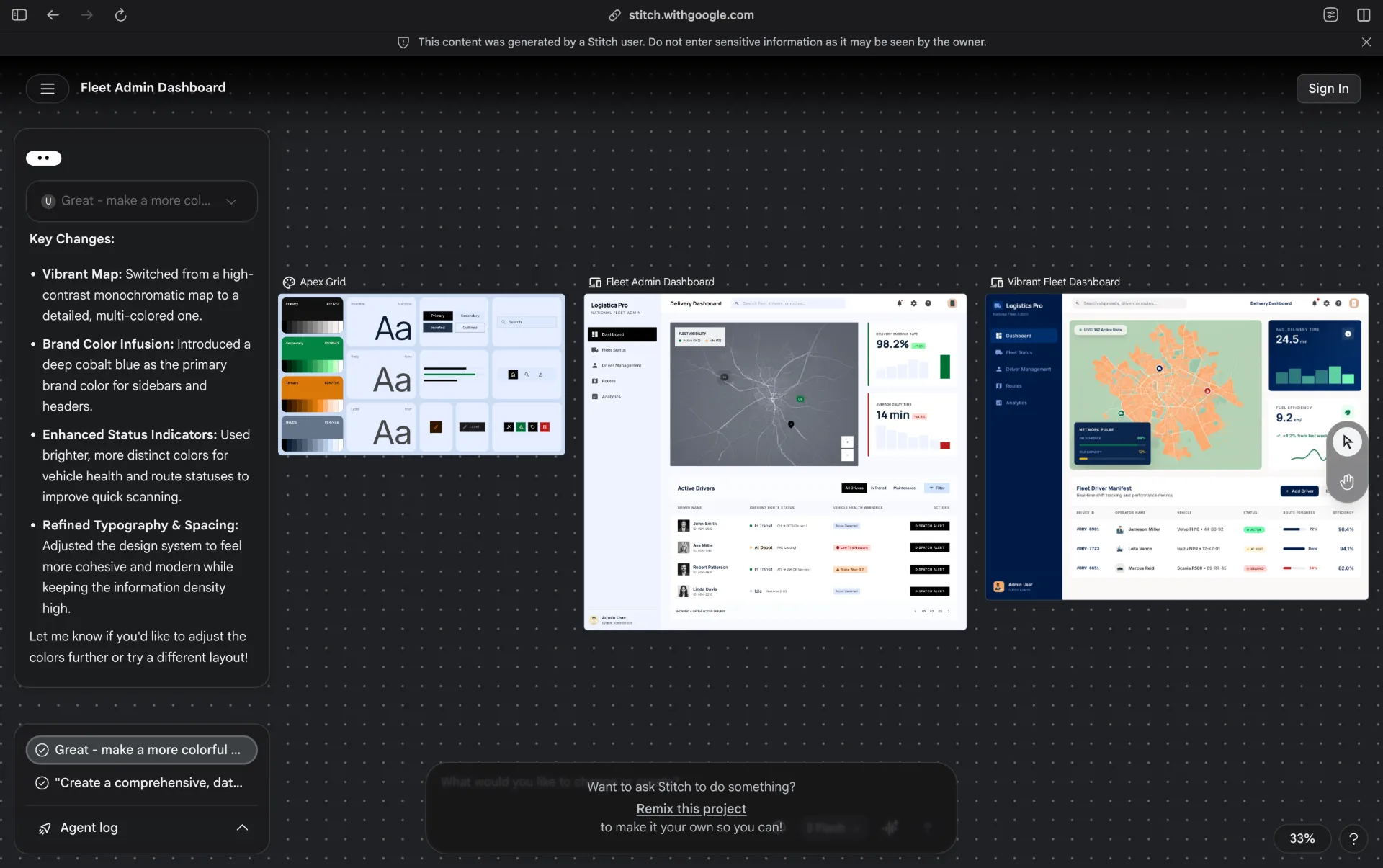
Google Stitch is Google’s current serious entry in AI-assisted software design. The reason it matters is not just that it turns natural language into UI. Plenty of tools attempt that. Stitch is more interesting because Google is shaping it as an AI-native canvas for iterative software design rather than a single-shot mockup generator.
That matters for developers and product teams. Stitch is designed for creating and refining high-fidelity UI from prompts, images, text, and code, then using voice or a design agent to push the design further without constantly switching context. It also connects outward through exports and tooling, which makes it a better bridge between design exploration and implementation than many lighter prompt-to-mockup tools.
The tradeoff is maturity. Stitch is promising, but most companies still do not run their core design review process there. If you want Google’s freshest AI design workflow, use it. If you want the safest choice for a team that already has process, use it as a front-end exploration layer rather than your only design tool.
3. Figma Make and Figma AI
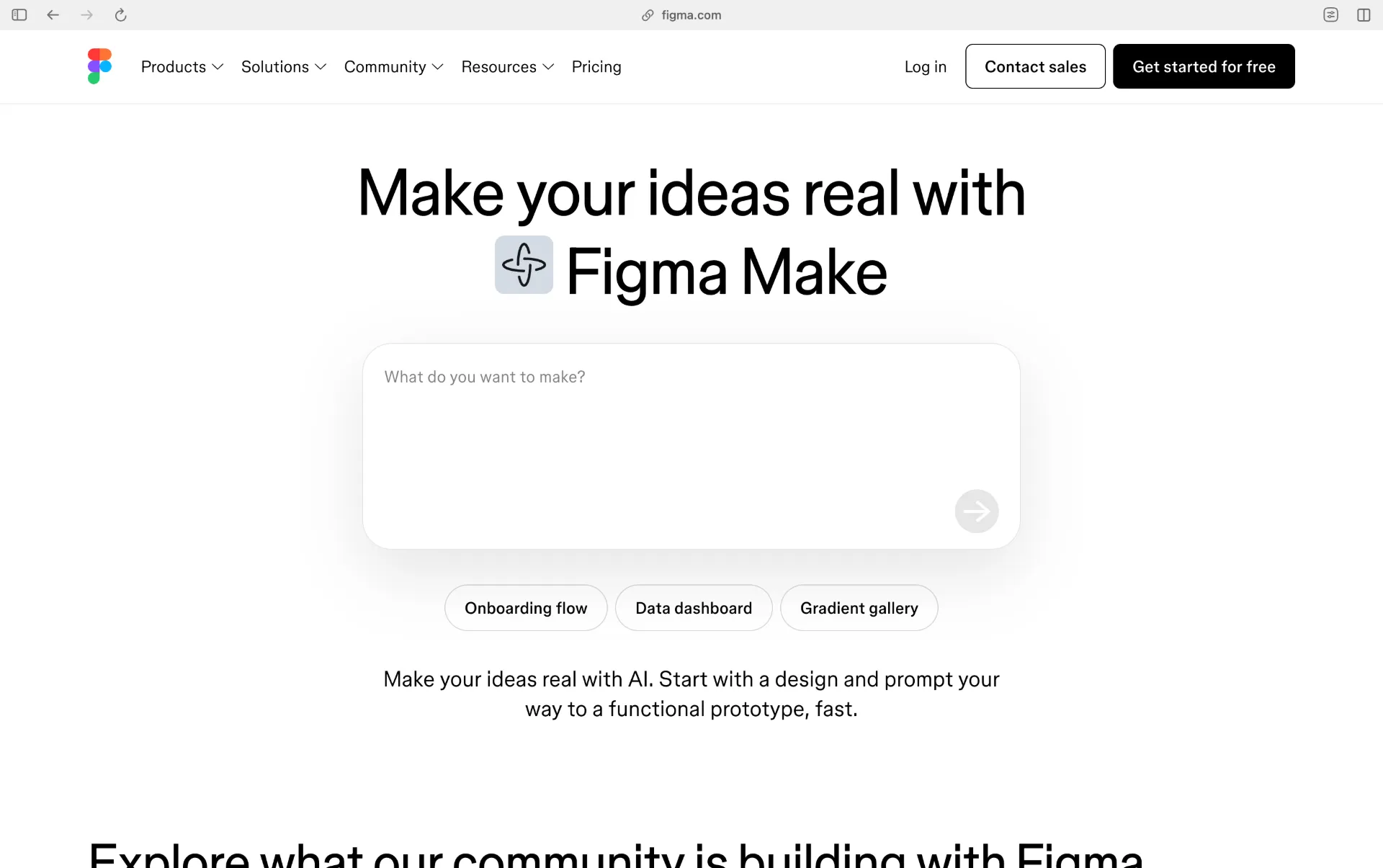
Figma Make is the easiest recommendation for teams that already live inside Figma. That is the real story here. Figma is not merely adding AI decoration around the edges. It is building prompt-based generation into the place where many product teams already keep their design systems, reviews, and handoff rituals.
Figma Make is especially strong because it can work from existing Figma design systems, create interactive prototypes, connect to APIs or databases for more realistic behavior, and move toward handoff without forcing the team to abandon the rest of its workflow. If your designers, PMs, and developers are already in Figma every day, this is usually the least disruptive place to add AI.
That does not make it universally best. If you are a solo founder with no existing Figma practice, the weight of a full product-design platform may feel like overhead. But for established product teams, Figma Make is often the most practical answer because it keeps the system, the files, and the AI in one ecosystem.
4. Sketch with MCP
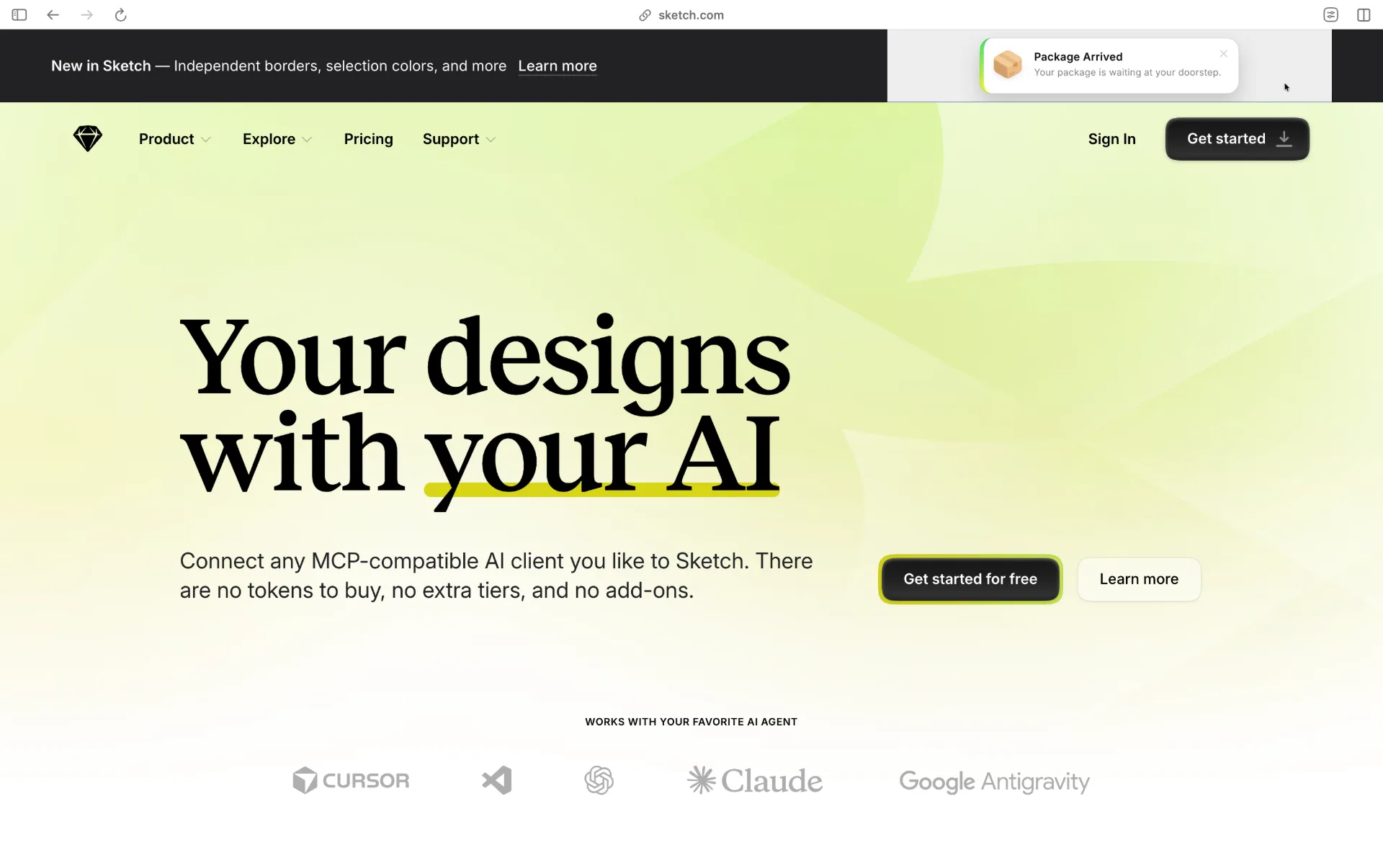
Sketch's AI workflow is different from most other products in this article. Sketch is not trying to be a giant AI-native canvas or a code-first builder. Instead, it exposes a built-in MCP server so tools like Claude, ChatGPT, Cursor, and other MCP-compatible clients can interact directly with Sketch documents.
That makes Sketch appealing if you care about local control, native design files, and the freedom to choose your AI client. The server runs locally on your Mac, which is a fundamentally different posture from fully hosted AI design products. It also means Sketch fits well for teams that already know exactly how they want to work and simply want AI connected to their existing tool, rather than replacing it outright. If you are new to MCP, our guide to MCP-powered AI workflows covers the broader pattern.
The downside is that Sketch is a better fit for design teams than for casual users. It also depends on the Mac app experience and a bit more setup. If you want the most direct “type prompt, get concept” experience, Claude Design or Stitch will feel simpler. If you want AI operating on real design files in a native tool, Sketch is one of the strongest options.
Which One Should You Actually Pick?
- Choose Claude Design if your first bottleneck is blank-page visual exploration and you want polished concepts fast.
- Choose Google Stitch if you want Google’s current AI UI workflow and you care specifically about software-interface iteration.
- Choose Figma Make if your team already has a design system and shared review process inside Figma.
- Choose Sketch if your team is Mac-based and wants AI working directly on native design files through MCP.
The practical truth is that many teams will still use two tools, not one. A common pattern is concept in Claude Design or Stitch, then refine and hand off in Figma or Sketch. That is often a better workflow than forcing one product to do everything.
How to Evaluate These Tools in One Hour
- Start with the same prompt in every tool. If your prompt is weak, the comparison will be weak, so it helps to begin with a solid brief or one of the patterns from our prompt-library guide.
- Judge the first pass on structure, not just surface polish. A glossy screen that misunderstands your flow is less useful than a rougher screen with the right product logic.
- Add one real-world constraint. Use an existing design system, a screenshot, a Figma frame, or a product requirement with awkward edge cases.
- Test handoff immediately. Share the result with a teammate, export it, or see how easily it moves into your design review and engineering process.
- Pick the tool that removes the next bottleneck in your workflow. That is usually more valuable than choosing the tool with the flashiest demo.
There is no single best AI design tool for everyone in 2026. The right choice depends on whether you need concepting, system continuity, prototypes, or smoother handoff. If you optimize for that decision instead of for hype, the right tool usually becomes obvious very quickly.
Conclusion
If you want the fastest path from a rough idea to a polished visual direction, Claude Design and Google Stitch are the most direct options. If your team already lives inside a structured product design workflow, Figma Make and Sketch MCP are usually the safer long-term choices because they keep design systems, iteration, and handoff in familiar tools.
In practice, the best workflow is often hybrid: explore quickly in Claude Design or Stitch, then refine and sign off in Figma or Sketch. Pick the tool that removes your current bottleneck, run the one-hour evaluation once, and you will have a clear winner for your team.